
Finding the top rated to do list app is less about collecting the longest feature list and more about matching the planning style to the person doing the work. We compared 97 tools across task capture, visual planning, calendar scheduling, collaboration, automation, and focus support. The 10 featured here are the strongest candidates for different workflows, while the larger field gives you useful alternatives when your needs do not fit a conventional checklist app.
Start here
The fastest way to narrow this list is to decide what your tasks need to connect to. Want notes and tasks in one place? Start with Craft. Need a shared AI workspace? Taskade is the more natural fit. For executive-function support, Tiimo deserves an early look. If your real problem is an overloaded calendar rather than an empty task list, compare Morgen, FlowSavvy, and SkedPal.
| Your priority | Start with | Why it stands out |
|---|---|---|
| Notes, tasks, and offline work | Craft | Combines documents, tasks, research, and on-device AI |
| Team projects and automation | Taskade | Adds AI agents and workflow automation to a unified workspace |
| ADHD-friendly visual planning | Tiimo | Uses visual schedules, color-coding, and AI task breakdown |
| Calendar-led planning | Morgen | Brings calendars, tasks, apps, and team scheduling together |
| Automatic time blocking | FlowSavvy | Schedules and reschedules tasks around connected calendars |
The important distinction: a good task app stores commitments, while a good planning system helps you decide when and how to complete them. This guide includes both.
Segment comparison
The 97-tool field breaks into several practical segments. These are not interchangeable. A voice-first capture tool and an executive time-blocking system may both manage tasks, but they solve different moments in the workflow.
| Segment | Best match | Strength | Main trade-off |
|---|---|---|---|
| Workspace task hubs | Craft, Taskade | Keeps notes, projects, and tasks together | More setup than a simple checklist |
| Executive-function planners | Tiimo | Makes tasks visible and easier to sequence | Some useful features sit behind Pro |
| Calendar schedulers | Morgen, SkedPal | Turns intentions into time blocks | Calendar integrations and setup matter |
| Automatic time blocking | FlowSavvy | Reschedules work as plans change | Requires preferences and connected calendars |
| Ambient task capture | Hoop, Flowtica | Captures work from conversations or voice | AI output may need review |
A useful buying rule follows from this table: do not pay for calendar automation if you only need a grocery list, and do not expect a basic checklist to resolve a week packed with meetings.
Shortlist paths
Use these paths when several tools look plausible. Each one starts with the recurring pain, not the software category.
| If your problem is... | Shortlist | Test first |
|---|---|---|
| Notes and action items are scattered | Craft, Routine | Create a note, convert ideas into tasks, and find them again |
| Your team loses tasks in meetings and chat | Taskade, Hoop | Capture an action item and assign a clear next step |
| You know what to do but cannot start | Tiimo, Flowtica | Break one vague task into a sequence you can act on |
| Your calendar never reflects reality | Morgen, FlowSavvy, SkedPal | Add a deadline, interrupt the schedule, and inspect the reschedule |
| You want to build a playful mobile tool | Whacka | See whether a phone-built app meets your sharing needs |
Whacka is the outlier here. It is a broader mobile creation studio rather than a conventional to-do list, but it is an interesting adjacent alternative for casual creators who want to turn an idea into a small app instead of merely writing it down.
Ranking snapshot
All 10 featured tools landed on the same displayed score, so the ranking order should not be mistaken for a dramatic quality gap. The practical differences are audience fit, workflow depth, and the kind of friction each product removes.
| Rank | Tool | Score | Best for | Starting price |
|---|---|---|---|---|
| #1 | Craft | 92/100 | Students | Craft Free: $0/month |
| #2 | Taskade | 92/100 | Project managers | Free: $0 |
| #3 | Tiimo | 92/100 | Individuals with ADHD | Free |
| #4 | Morgen | 92/100 | Project managers | Monthly: USD 30 per month |
| #5 | FlowSavvy | 92/100 | Entrepreneurs | Basic: Free |
| Rank | Tool | Score | Best for | Starting price |
|---|---|---|---|---|
| #6 | SkedPal | 92/100 | Executives | Monthly: $14.95 per month |
| #7 | Whacka | 92/100 | Casual creators | Check vendor pricing |
| #8 | Routine | 92/100 | Entrepreneurs | Free |
| #9 | Hoop | 92/100 | Product managers | Subscription: $39 |
| #10 | Flowtica | 92/100 | Busy professionals | Check vendor pricing |
How we grouped and ranked the list
We treated a to-do list as part of a wider work system, not as an isolated list of checkboxes. First, we grouped tools by their dominant job: workspace organization, executive-function support, calendar planning, automatic scheduling, task capture, or mobile creation. That prevents a focused planner from being judged by the same standard as a team workspace.
Next, we looked for evidence of a distinct workflow advantage. Craft stood out for native performance, offline-first functionality, and on-device AI assistance. Taskade earned its position through AI agents, AI automation, and project management. Tiimo brought visual planning and AI task breakdown to a category that often assumes every user organizes work the same way.
We also considered the cost of adoption. A tool that can automate scheduling but takes time to configure may still be worthwhile for a deadline-heavy professional; it is a poor recommendation for someone who needs a two-minute personal list. Market signals, represented here by monthly visits and usage signals, helped us understand reach, but they did not replace workflow fit.
Finally, we checked where the products can disappoint. Free-plan limits, paid-only advanced features, third-party dependencies, setup requirements, and the need to manually correct AI output all affect the real buying decision. That is why the notes below include both the compelling use case and the reason to hesitate.
Ranked field notes
1. Craft

- Students
- 10 documents + 2 weekly, 50 AI requests/month
- Starts at Craft Free: $0/month
- Usage signal: 700.1K
Why it matters
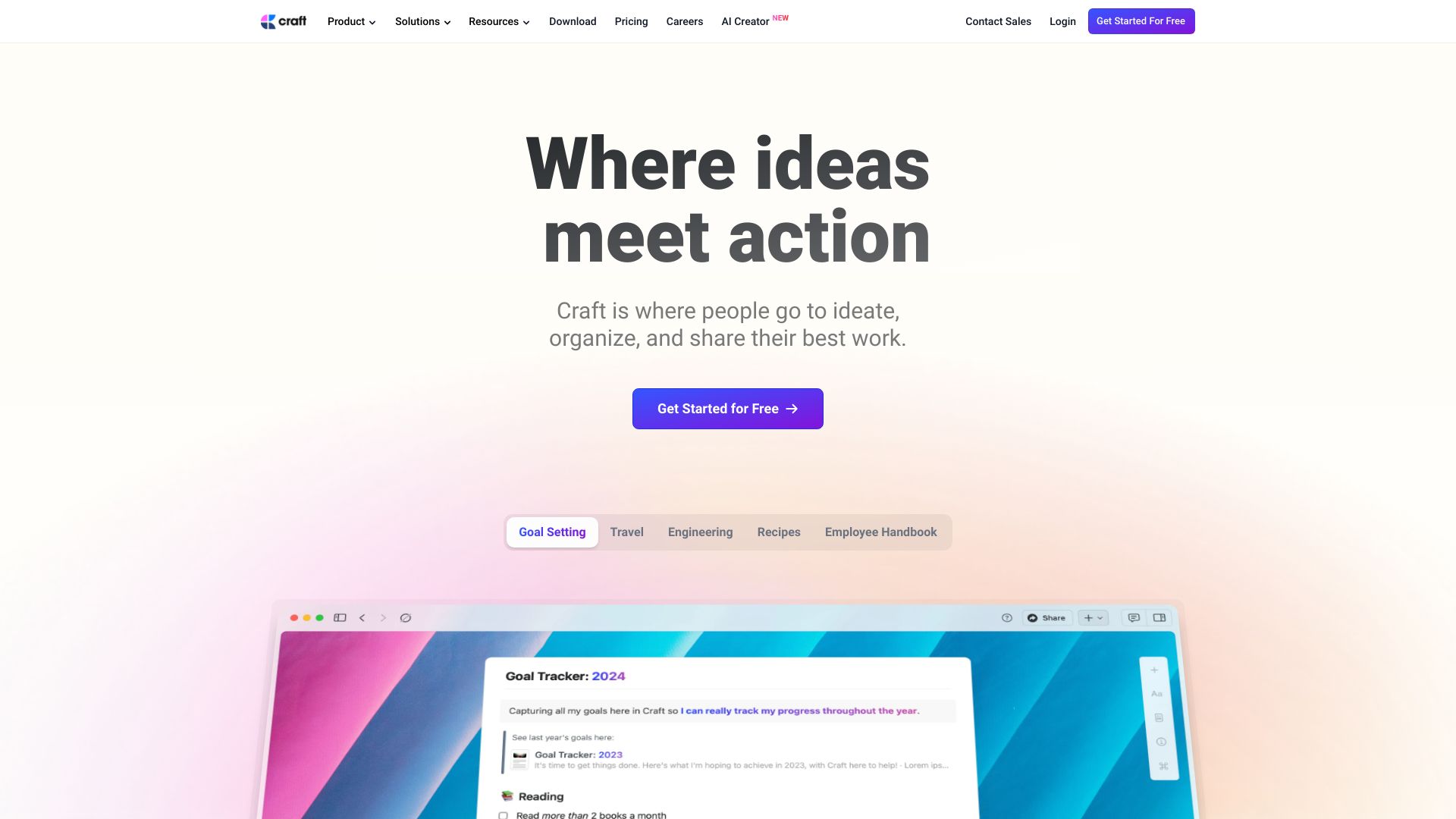
Craft takes the strongest overall position because it handles the messy space between notes, research, planning, and actual tasks. Its native and fast performance and offline-first approach are especially useful for students moving between classrooms, libraries, and unreliable connections. On-device AI assistance adds help without making the product feel like a separate chatbot bolted onto a checklist. The catch is that the free plan limits documents and storage, while some features require a paid subscription.
Best for
Students combining class notes, research, and action items
People who need offline access while working on the go
Individuals who prefer one workspace for notes, tasks, and big ideas
Limitations
The free plan has limitations on documents and storage
Some features require a paid subscription
It may be more workspace than users need for a very simple list
Shortlist signal: Add Craft first when your to-do list is inseparable from notes, research, and offline work.
2. Taskade

- Project managers
- Free 150 tasks/month
- Starts at Free: $0
- Usage signal: 577.8K
Why it matters
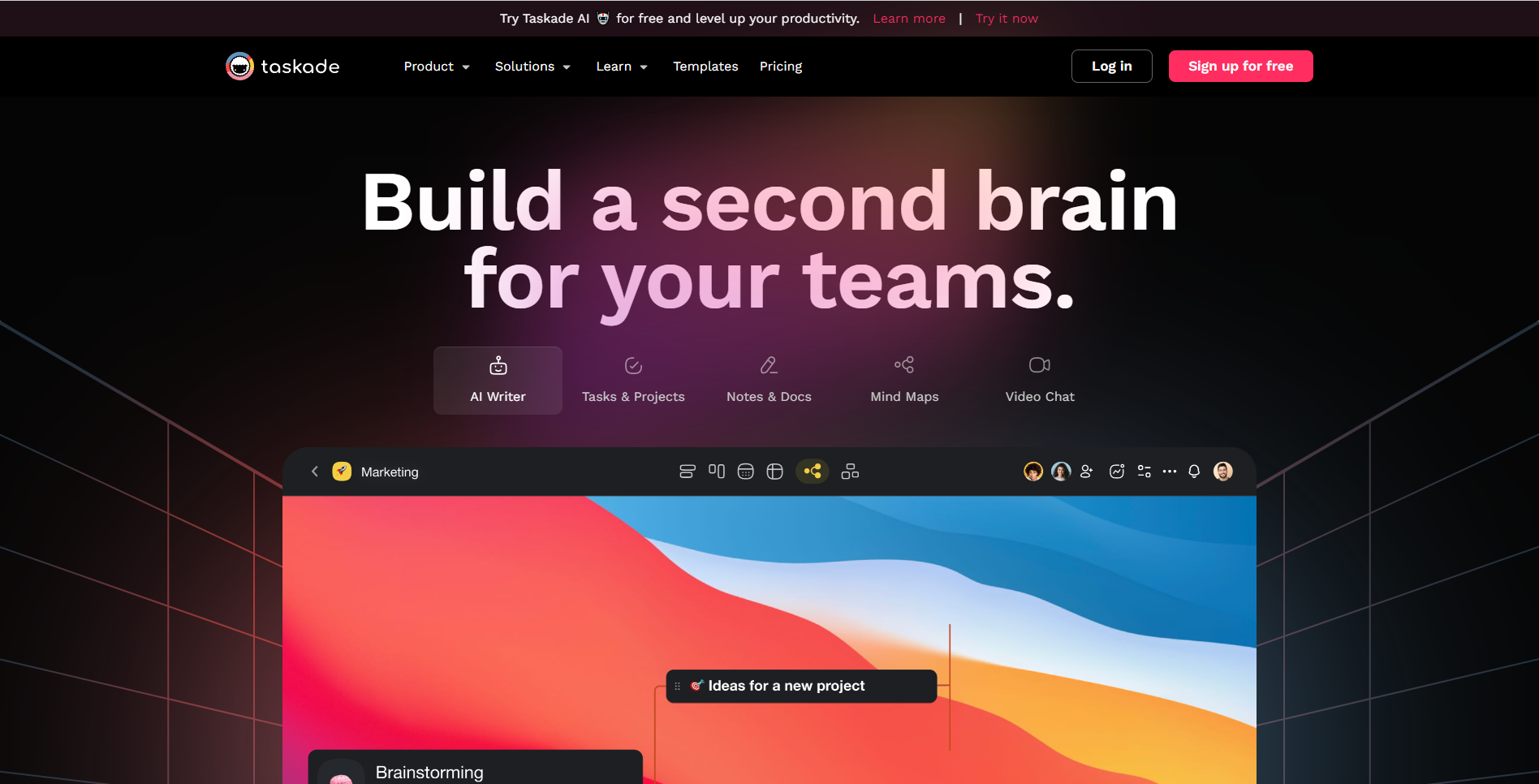
Taskade is built for teams that want tasks, notes, collaboration, and automation in the same workspace. Its AI agents and workflow automation are the differentiators: instead of only recording what needs to happen, the platform can assist with repeatable project work. That makes it a stronger candidate for project managers than for someone who simply wants a short personal checklist. The trade-off is predictable: free-plan restrictions can matter, and the broad workspace may feel overwhelming for simple task management.
Best for
Project managers coordinating shared work
Teams that want AI agents tied to project workflows
Users who want notes and tasks in one collaborative space
Limitations
Some features are limited in the free plan
The breadth of the workspace can overwhelm simple use cases
Teams should test whether its automation matches their actual process
Shortlist signal: Choose Taskade when shared projects and AI-assisted workflows matter more than minimalism.
3. Tiimo

- Individuals with ADHD
- 7-day free trial
- Starts at Free
- Usage signal: 435.6K
Why it matters
Tiimo earns its rank by designing around executive-function support instead of asking every user to translate life into rows and labels. Visual planning, customizable views, and color-coding make the day easier to scan, while AI task breakdown can turn an intimidating project into smaller steps. That focus makes it one of the most purposeful top task list apps for individuals with ADHD or related planning needs. Some features are only available in Pro, and the initial customization may take time before the system feels personal.
Best for
Individuals with ADHD, Autism, or executive-function challenges
Users who respond better to visual schedules than dense lists
Anyone who needs help breaking vague tasks into steps
Limitations
Some features are only available in the Pro version
Initial setup and customization require patience
Users who prefer a plain text list may find the visual approach unnecessary
Shortlist signal: Put Tiimo near the top when starting, sequencing, and visually interpreting tasks are the real obstacles.
4. Morgen

- Project managers
- Free trial
- Starts at Monthly: USD 30 per month
- Usage signal: 292.6K
Why it matters
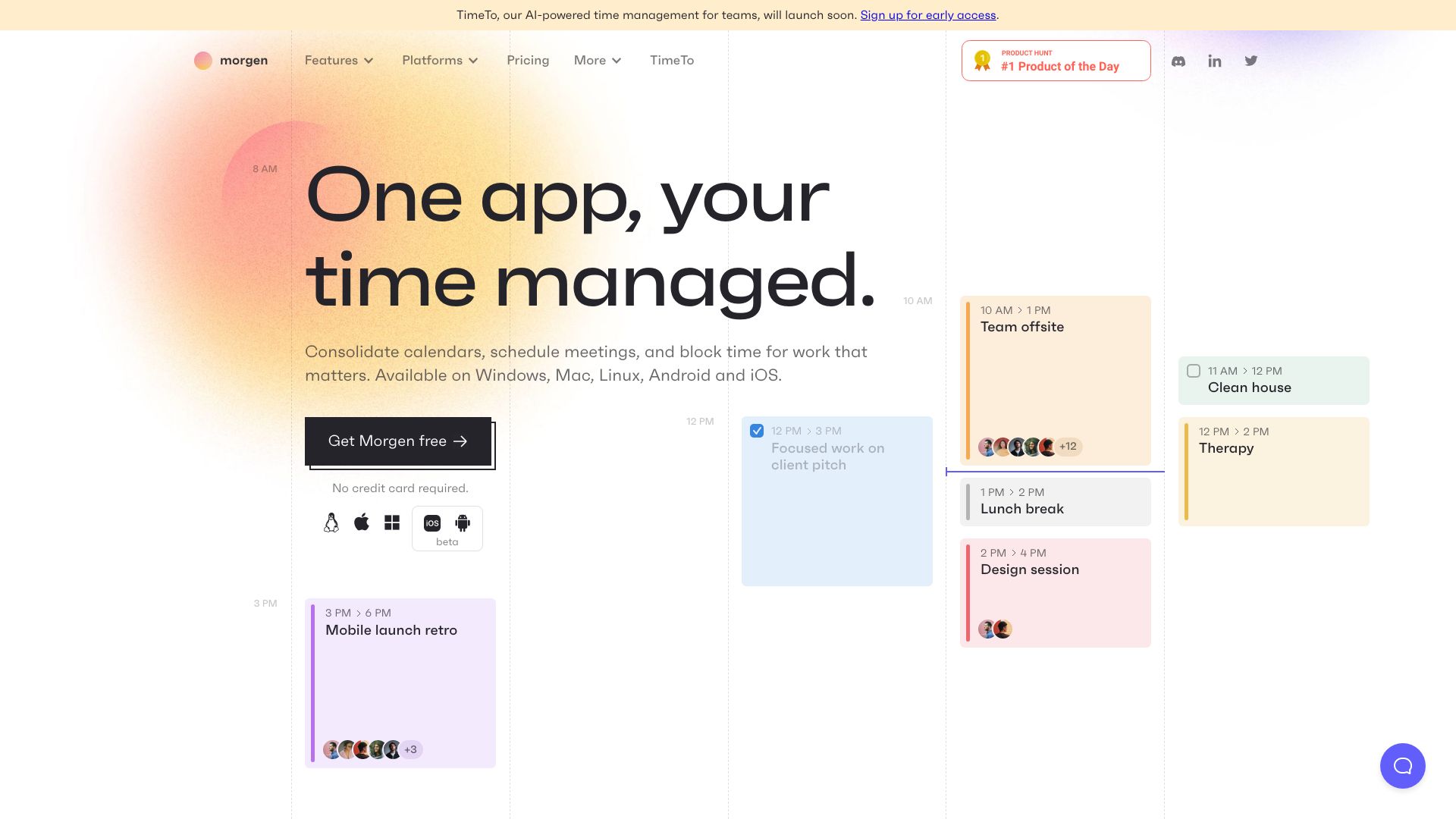
Morgen is for people whose task list fails because it is disconnected from time. It combines calendars, tasks, and apps, then adds AI-powered daily planning and team scheduling. That centralized approach is valuable for project managers who need to see commitments before promising more work. It also means the product depends on integrations and has a learning curve; if your calendars are messy or incomplete, the planning experience will be less convincing. Pricing should be checked carefully because the displayed monthly figures differ across the product information.
Best for
Project managers balancing tasks with multiple calendars
Professionals who need team scheduling alongside personal planning
Users who want AI assistance deciding how a day should unfold
Limitations
It may take time to learn and configure fully
Functionality depends partly on third-party integrations
Calendar cleanup may be necessary before planning feels reliable
Shortlist signal: Choose Morgen when the question is not what to do, but where the work can realistically fit.
5. FlowSavvy

- Entrepreneurs
- Free (2-week auto-scheduling, 2 calendar syncs)
- Starts at Basic: Free
- Usage signal: 80.2K
Why it matters
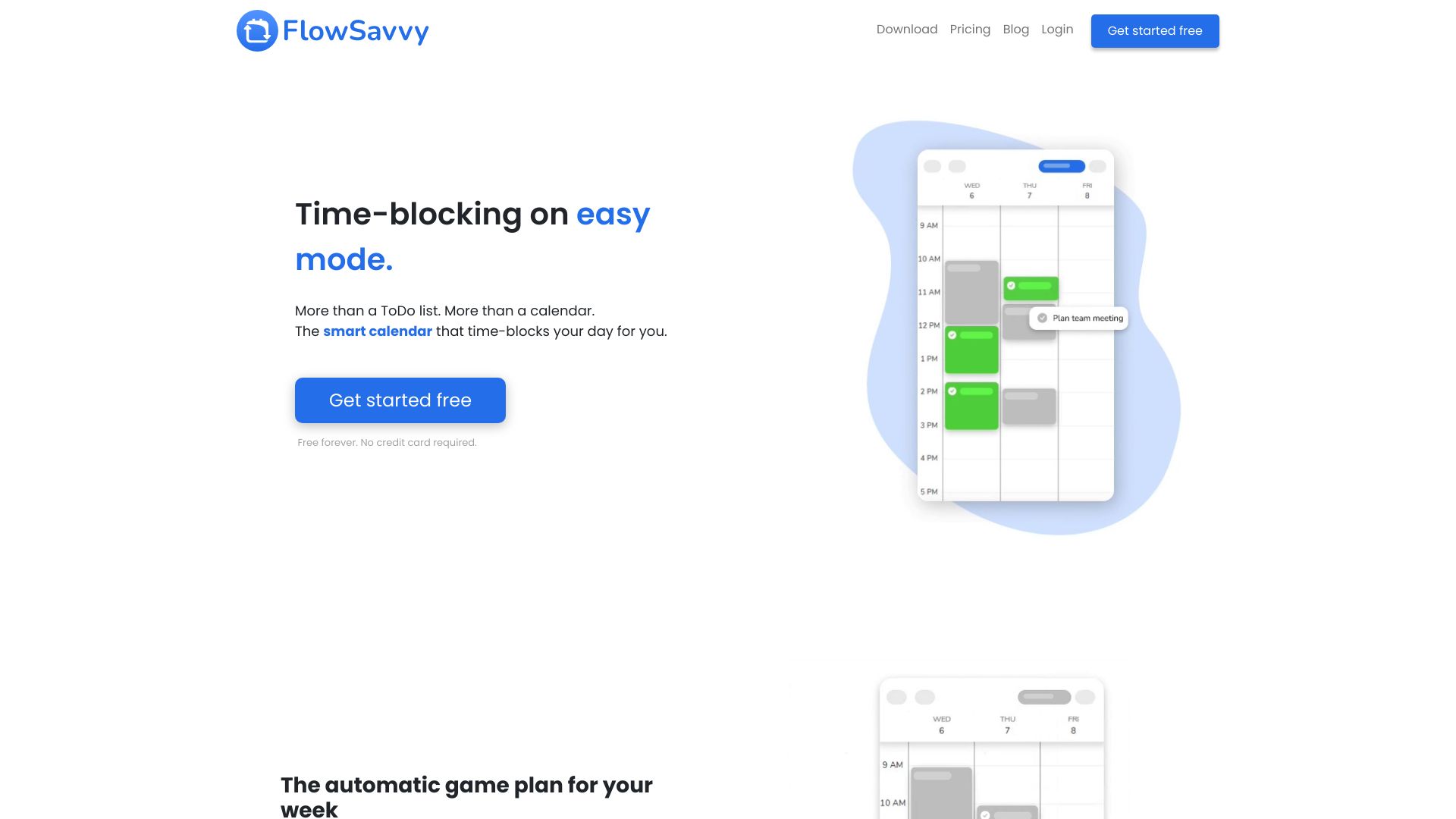
FlowSavvy addresses one of the most common planning failures: a task list says everything is important, but the calendar has nowhere to put it. Automatic task scheduling, connections to Google Calendar, iCloud, and Outlook, and automatic rescheduling give the list a living timetable. That is a strong proposition for entrepreneurs whose days change frequently. The setup is not completely hands-off, though. You may need to tune scheduling preferences, and advanced features require a Pro subscription.
Best for
Entrepreneurs managing shifting priorities
People who already rely on Google Calendar, iCloud, or Outlook
Users who want tasks to move automatically when the day changes
Limitations
Scheduling preferences may require initial configuration
Advanced features require a Pro subscription
It is unnecessary overhead for tasks that do not need time blocks
Shortlist signal: Add FlowSavvy when automatic time blocking and rescheduling will save more effort than setup consumes.
6. SkedPal

- Executives
- 14-day free trial
- Starts at Monthly: $14.95 per month
- Usage signal: 52.9K
Why it matters
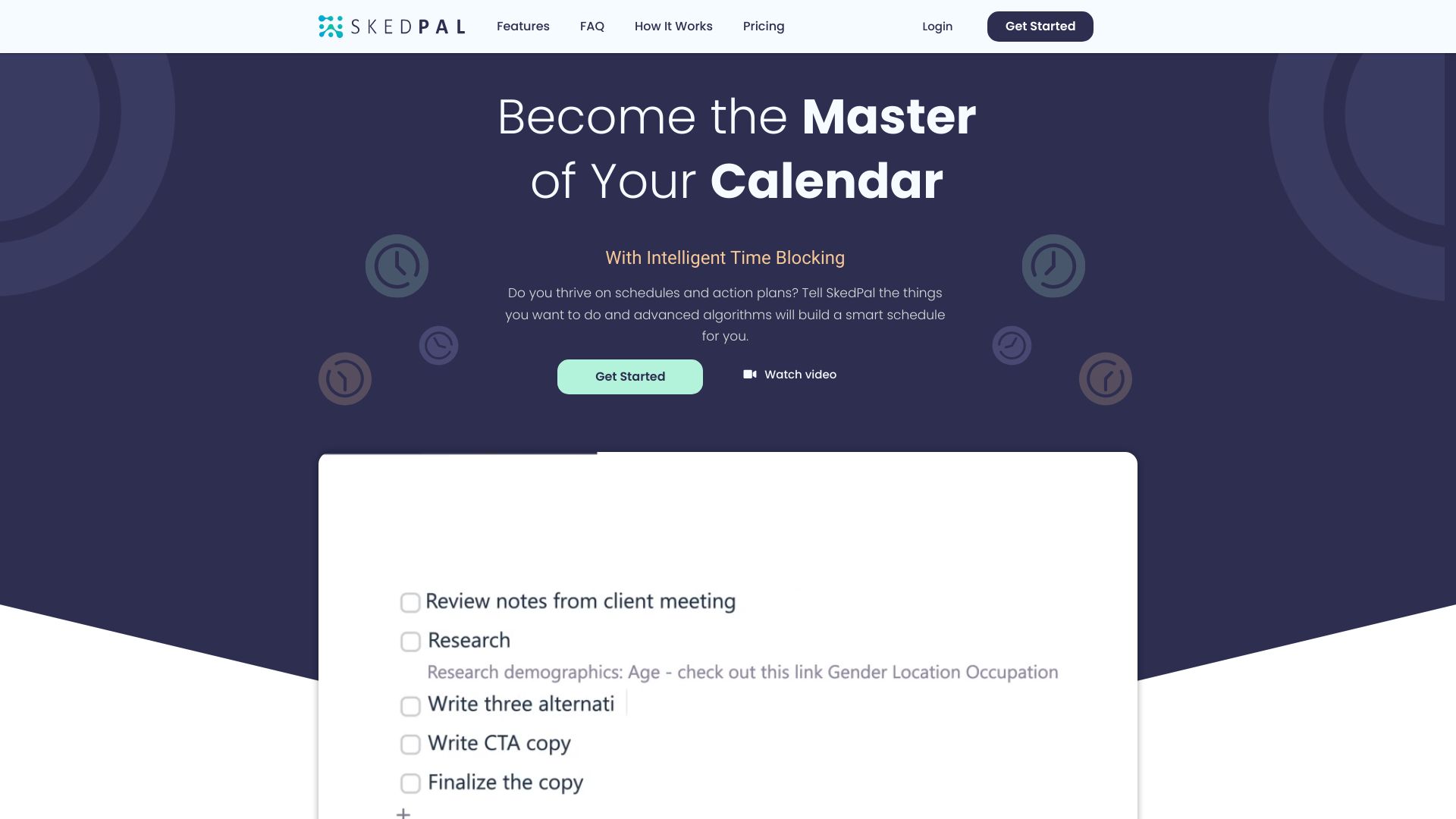
SkedPal treats the to-do list as a set of priorities that need protected time. Intelligent time blocking, task prioritization, and automated scheduling are a good combination for executives who are constantly renegotiating deadlines and availability. The benefit is less daily rearranging and less anxiety about whether important work will fit. The system does ask for meaningful input about intentions and preferences, and the initial setup can be time-consuming. It rewards users who are willing to teach it how they work.
Best for
Executives with complex, deadline-driven schedules
Users who want priorities translated into calendar blocks
People who are comfortable configuring planning preferences
Limitations
Initial setup can be time-consuming
It requires user input about intentions and preferences
A simple list user may not benefit from automated scheduling
Shortlist signal: Pick SkedPal when protecting high-priority work on a crowded calendar is the central job.
7. Whacka

- Casual creators
- Turn ideas into real apps; mobile-first building
- Starts at Check vendor pricing
- Usage signal: 103.1K
Why it matters
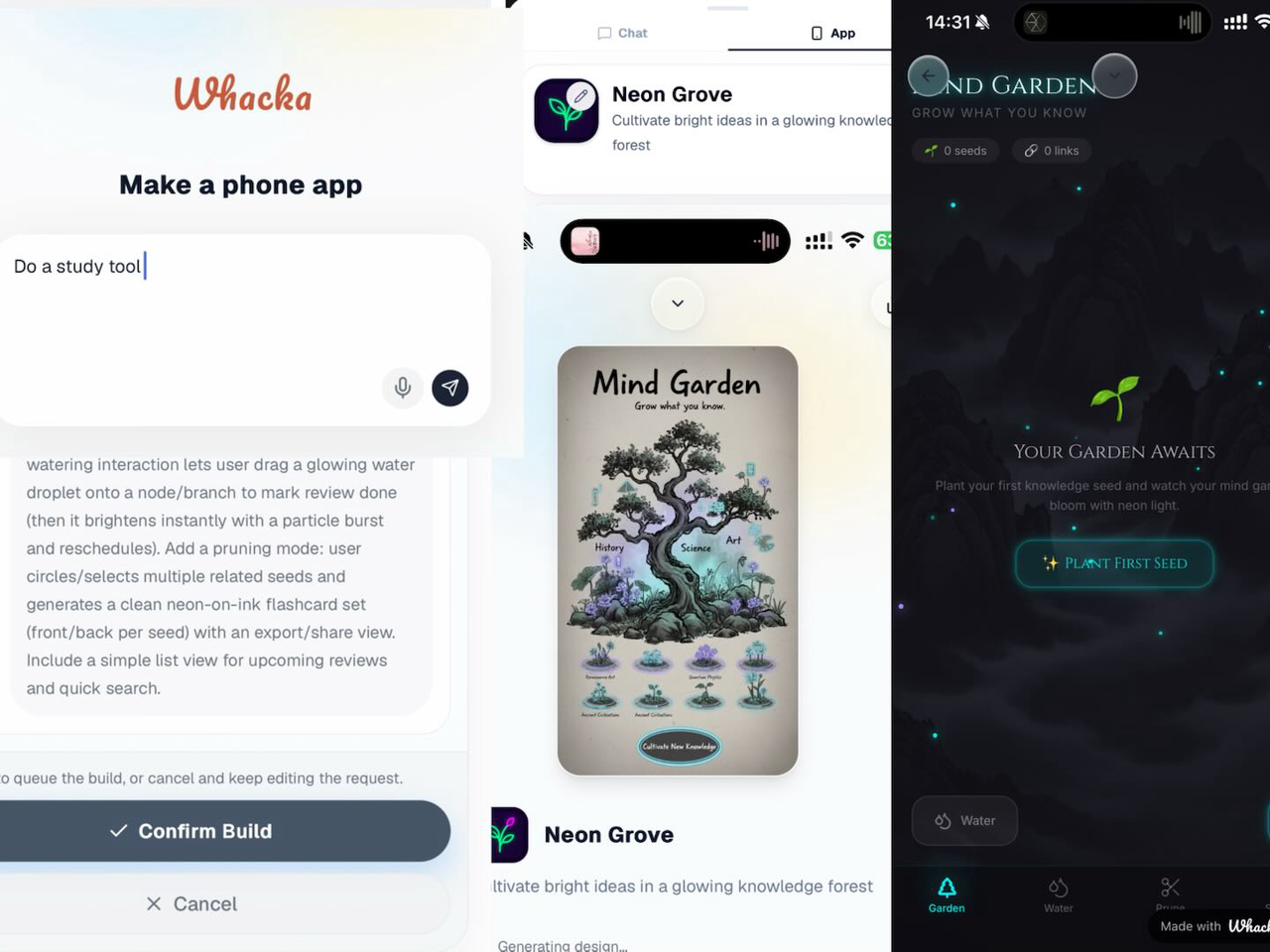
Whacka is the unusual entry in this field guide: rather than organizing a conventional list, it lets you turn an idea into a small mobile app directly from your phone. You can share an app by link, poster, or teaser video, publish to Explore, and remix other Whacka apps. For casual creators, that makes captured ideas more tangible and shareable than a static task entry. It is not a replacement for a professional project manager or a sophisticated development environment. Its complexity is limited compared with professional IDEs, and sharing depends on its platform ecosystem.
Best for
Casual creators experimenting with mobile app ideas
People who want to build without a desktop
Users who value sharing, remixing, and community discovery
Limitations
It has limited complexity compared with professional IDEs
Sharing depends on a platform-specific ecosystem
Pricing is hidden behind a sales or vendor-information gap, so verify it directly
Shortlist signal: Consider Whacka as an adjacent alternative when your captured idea should become a playful mobile prototype.
8. Routine

- Entrepreneurs
- Free plan with 5 data connectors and 7-day history
- Starts at Free
- Usage signal: 96.3K
Why it matters
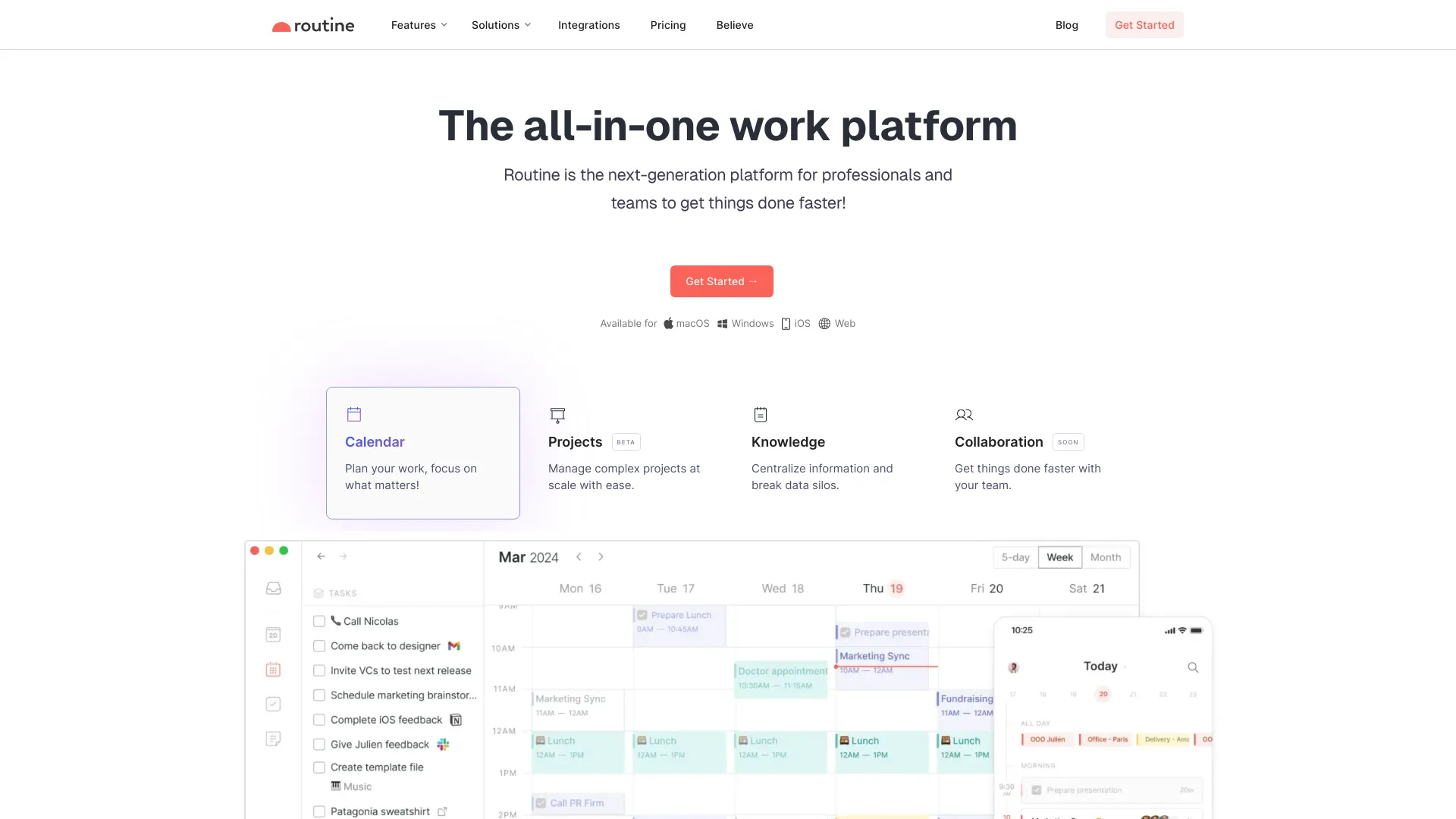
Routine aims to reduce the constant switching between calendars, projects, tasks, and reference material. Its calendar planning, project management, and knowledge management features make sense for entrepreneurs who need a broad personal operating system rather than a standalone list. The local-first approach is also notable for speed and data privacy. However, collaboration features are still in development, and some advanced capabilities belong to paid plans. This is currently a stronger individual work hub than a mature team collaboration suite.
Best for
Entrepreneurs organizing calendars, projects, and knowledge
Individuals who want an all-in-one work platform
Users who value a local-first approach for speed and privacy
Limitations
Collaboration features are still in development
Some advanced features are available only on paid plans
The free plan includes five data connectors and seven-day history
Shortlist signal: Shortlist Routine when reducing context switching is more important than deep team collaboration.
9. Hoop

- Product managers
- Free 7-day trial
- Starts at Subscription: $39
- Usage signal: 19.4K
Why it matters
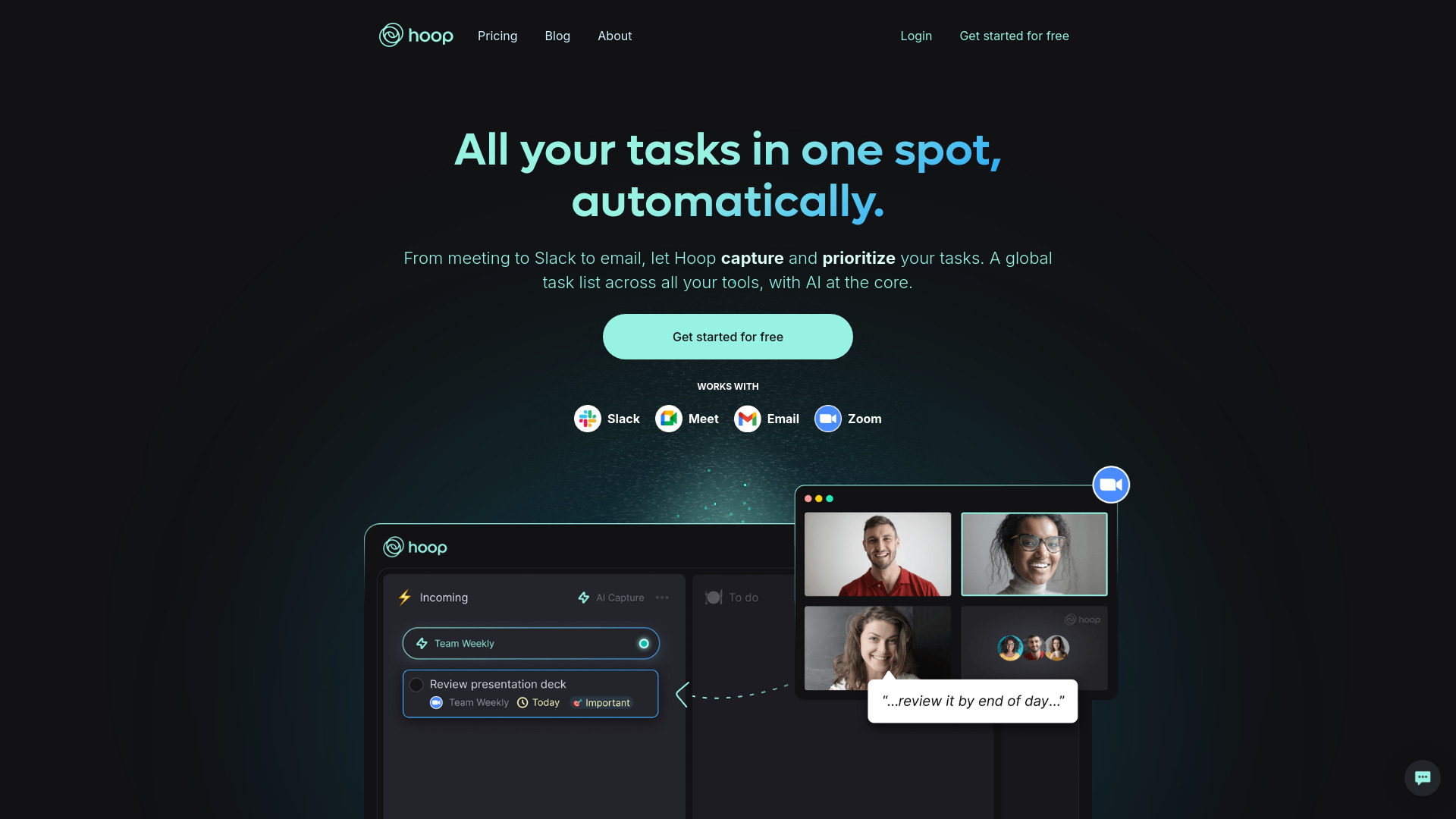
Hoop focuses on the point where many tasks are born: conversations. It captures tasks from Slack, meetings, and email, then supports meeting summaries, transcripts, AI labels, reminders, and prioritization. Product managers who spend much of the day in coordination work may get more value from automatic capture than from another manually maintained list. The clear drawback is price: the listed subscription is $39, which is a serious commitment for an individual. AI-captured tasks may also need manual adjustment before they are trustworthy.
Best for
Product managers whose work originates in meetings and Slack
Teams that need summaries and transcripts alongside action items
Users who regularly forget tasks created during conversations
Limitations
Pricing may be a barrier for some users
AI output may require occasional manual adjustments
It is less compelling if your work rarely happens in meetings or chat
Shortlist signal: Choose Hoop when missed conversational action items cost more than its subscription price.
10. Flowtica

- Busy professionals
- Free plan available
- Starts at Check vendor pricing
- Usage signal: 67.6K
Why it matters
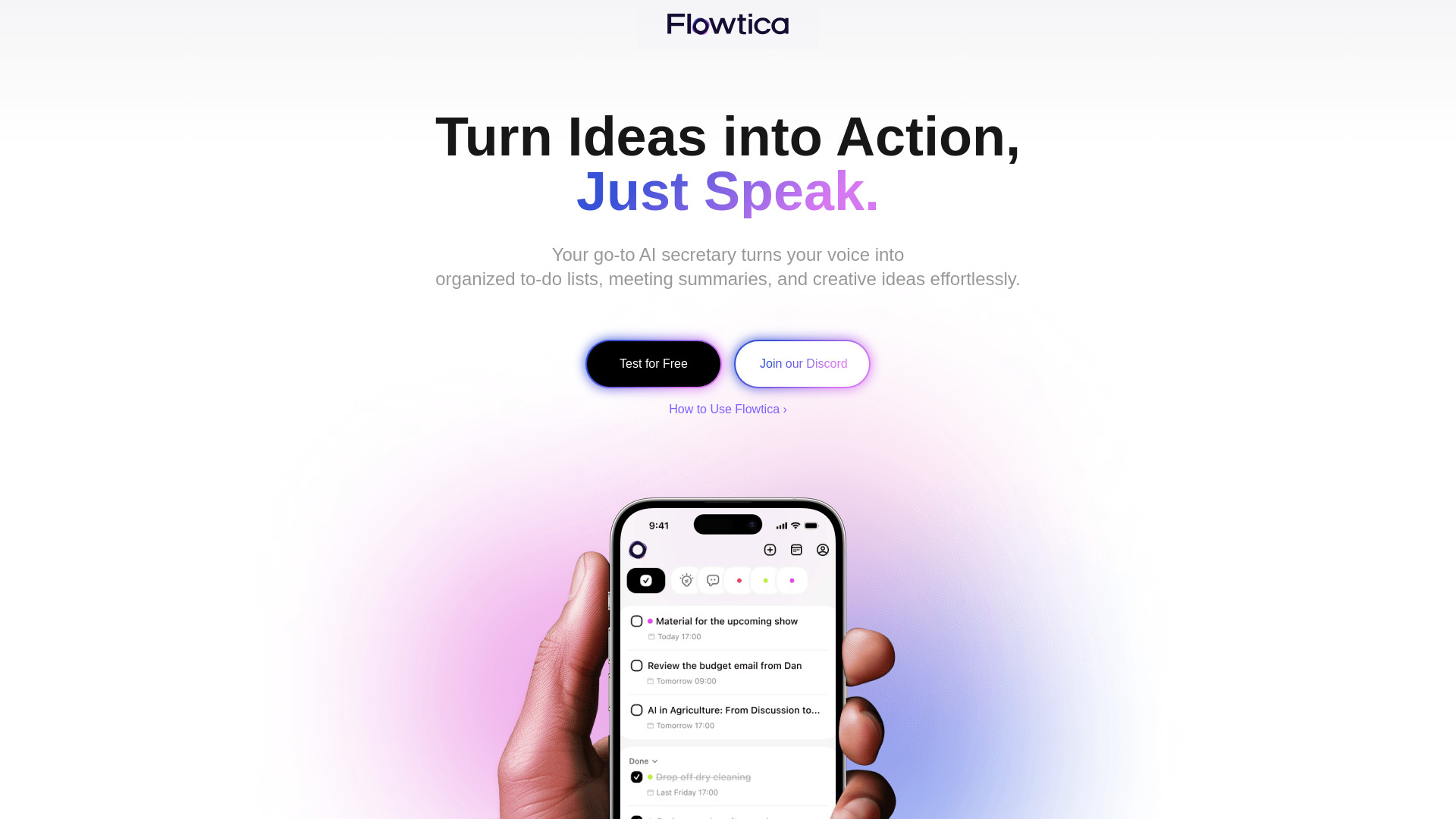
Flowtica makes capture the main event. Natural voice input lets busy professionals record a task without stopping to navigate a project hierarchy, while FlowTags handle automated organization and instant information retrieval. That is particularly useful when ideas arrive while commuting, moving between meetings, or working away from a keyboard. The voice-first workflow will not suit every environment, and learning FlowTags may take time. Pricing is also something to confirm directly before committing.
Best for
Busy professionals who capture tasks while moving between activities
Users who prefer speaking to typing
People who want automated organization rather than manual tagging
Limitations
Voice input is not suitable for every environment
FlowTags may require a learning curve
Pricing details should be verified with the vendor
Shortlist signal: Add Flowtica when the friction of opening and typing into a list is what makes you lose tasks.
More tools to compare

- Voice-to-actionable note taking
- 7-day free trial
- Starts at From $19.97/month
- Usage signal: 87.6K

- Privacy-focused task workspaces
- Free plan available
- Starts at Check vendor pricing
- Usage signal: 52.1K

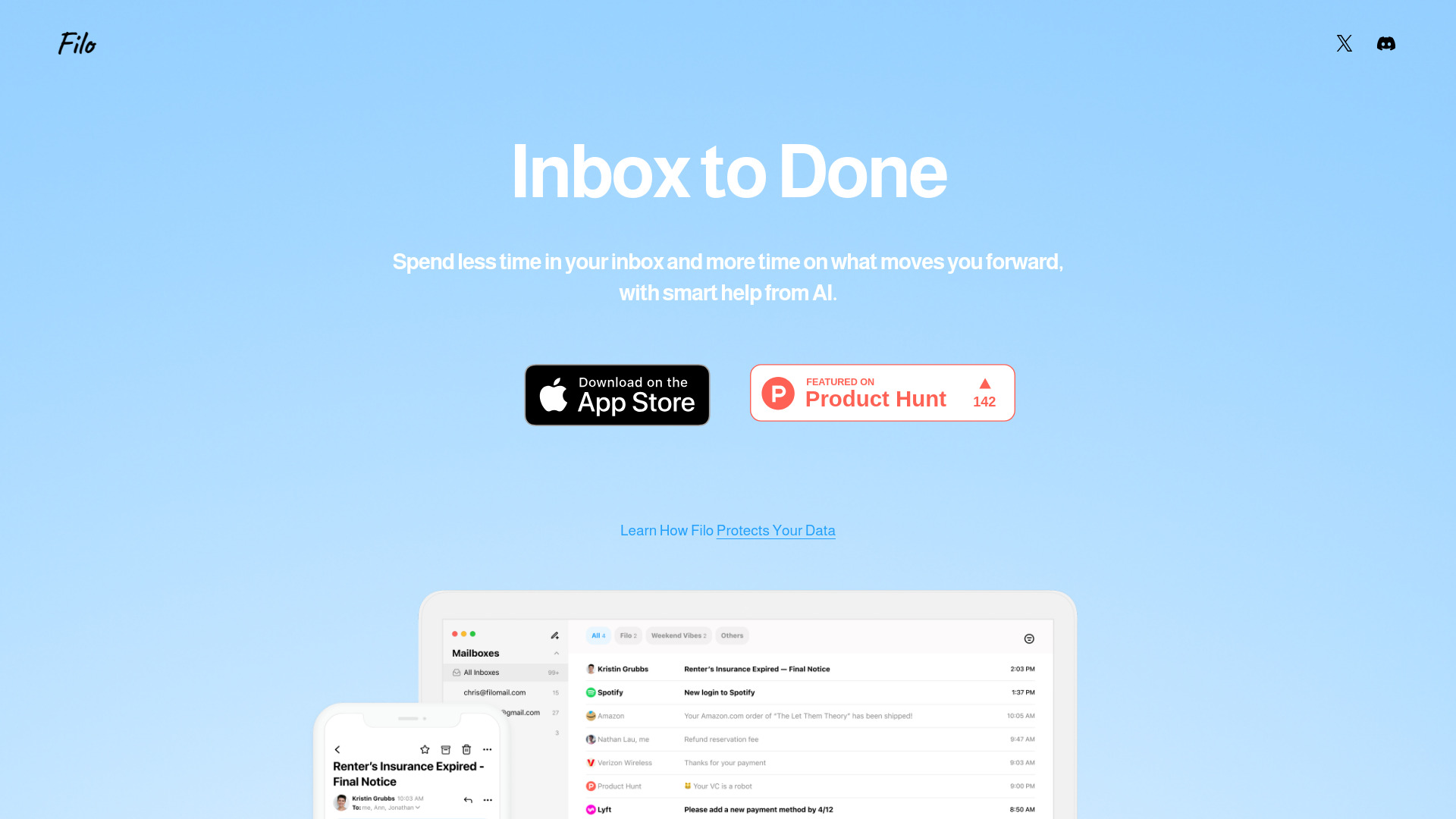
- Turning email into a focused to-do list
- Starts at Check vendor pricing
- Usage signal: 24.3K

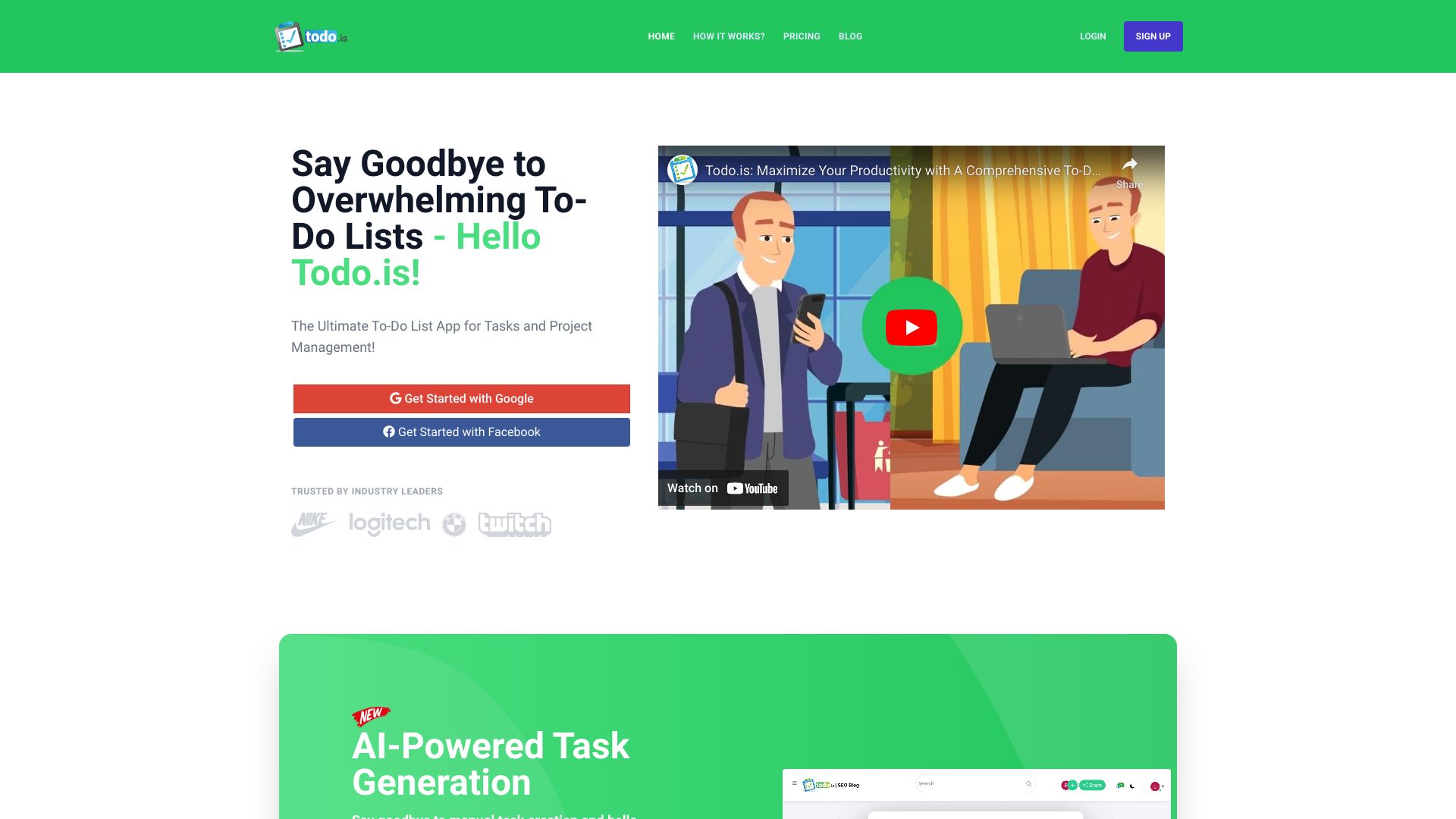
- AI-powered task planning
- Starts at Check vendor pricing
- Usage signal: 1.9K

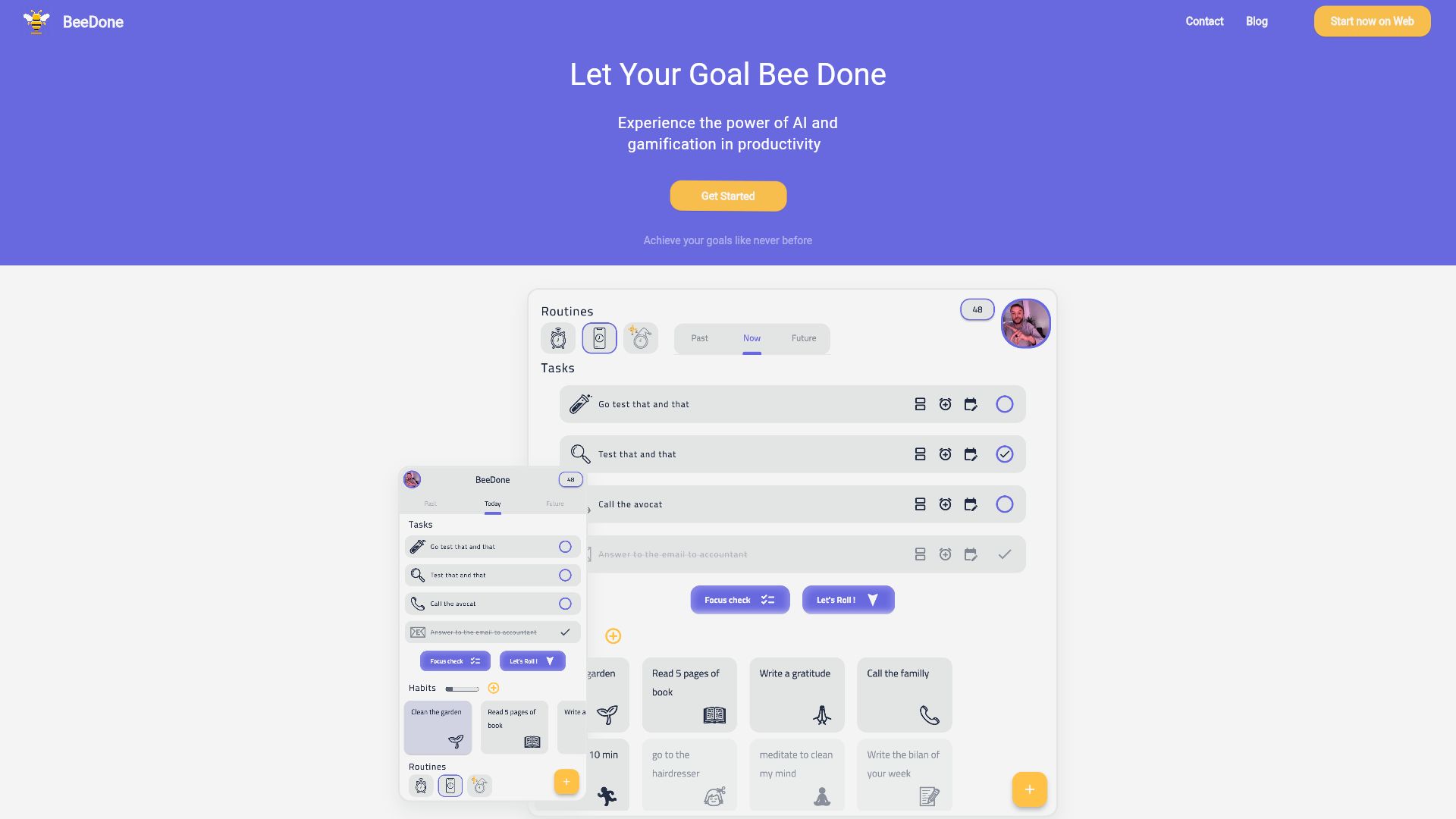
- Gamified daily planning and habit building
- Free plan available
- Starts at $0/month
- Usage signal: 9K

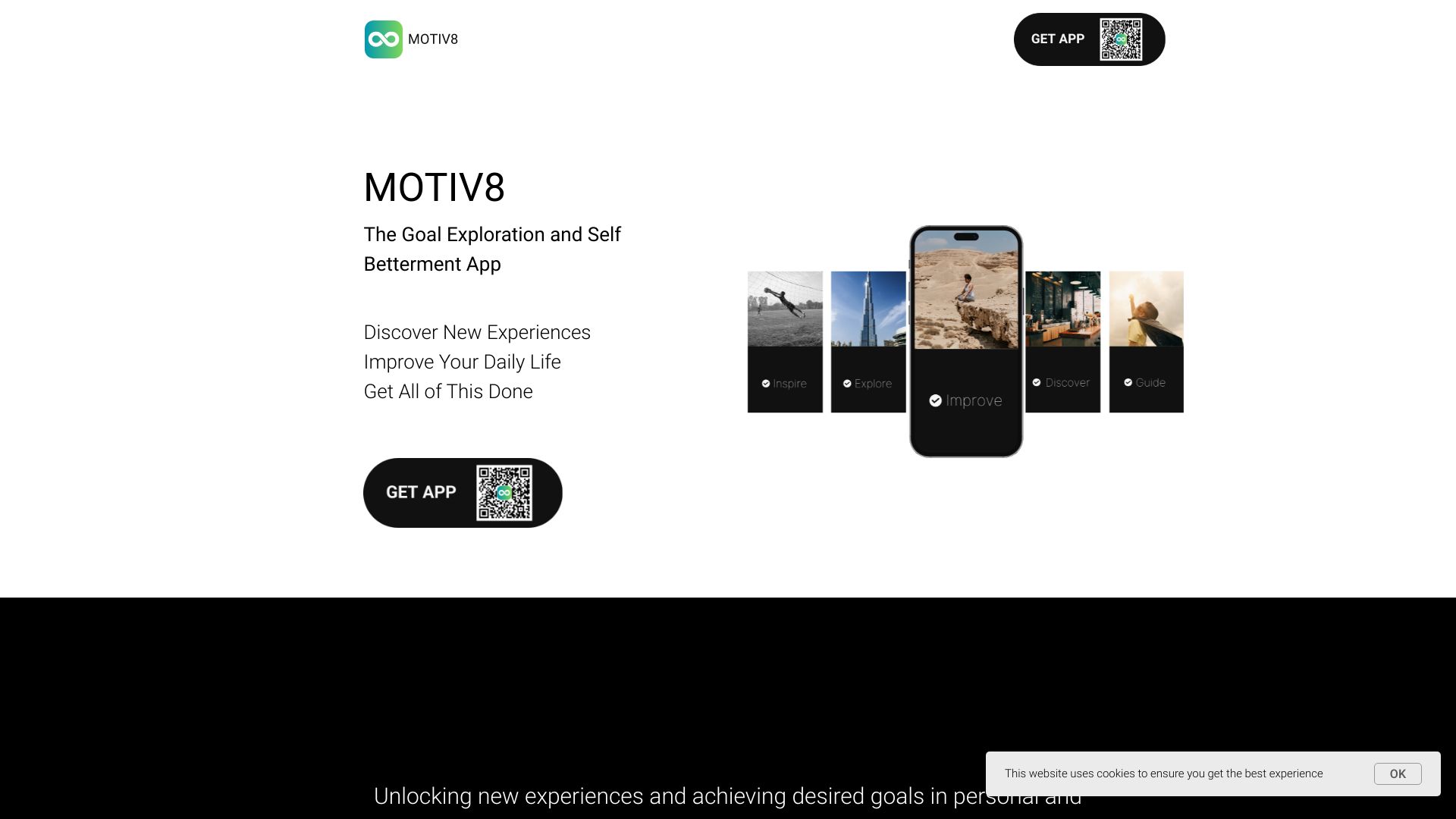
- AI-powered goal and task planning
- 7-day free trial
- Starts at Check vendor pricing
- Usage signal: 2.2K
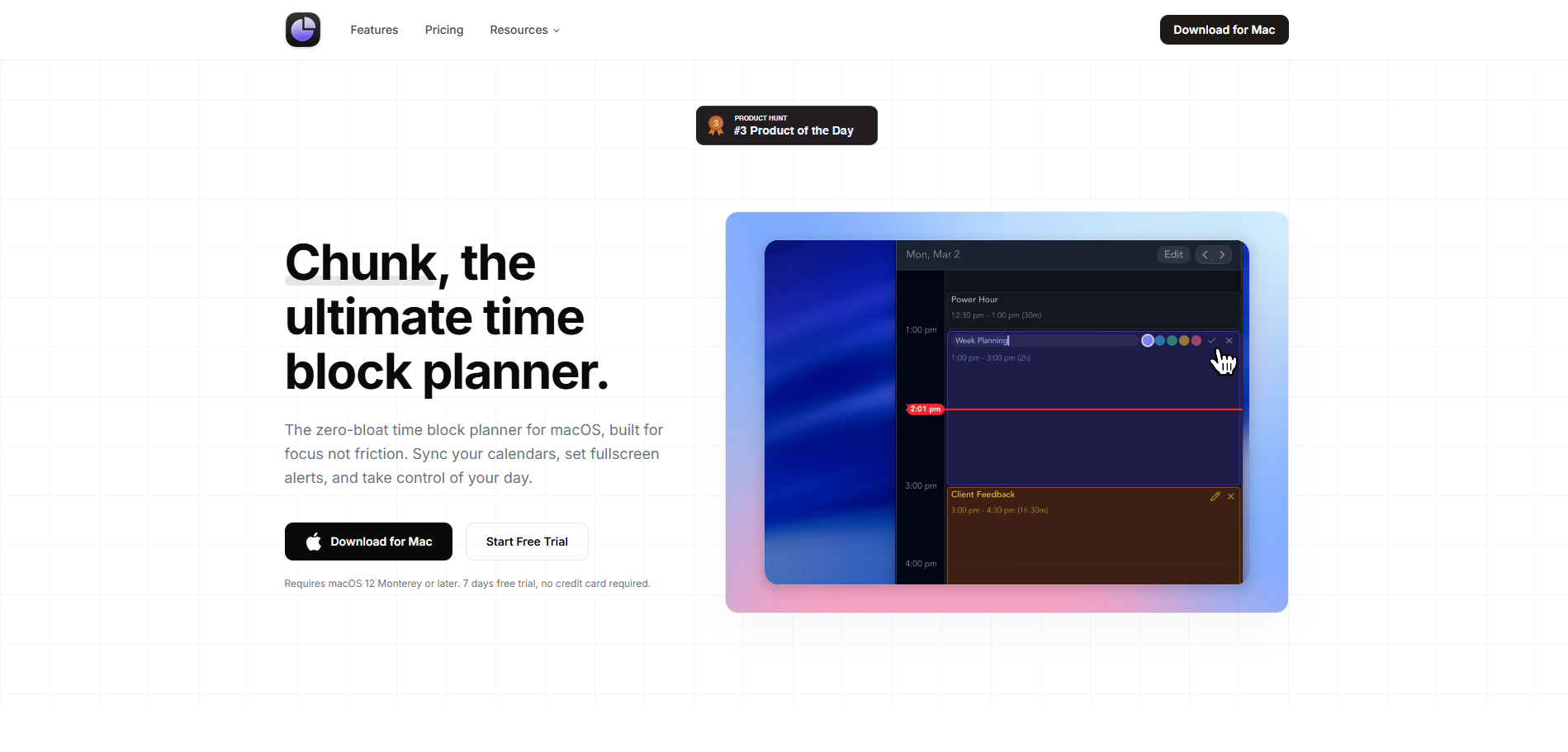
- Mac users who time-block their days
- 7-day free trial
- Starts at $19.99 lifetime license
- Usage signal: 5.3K

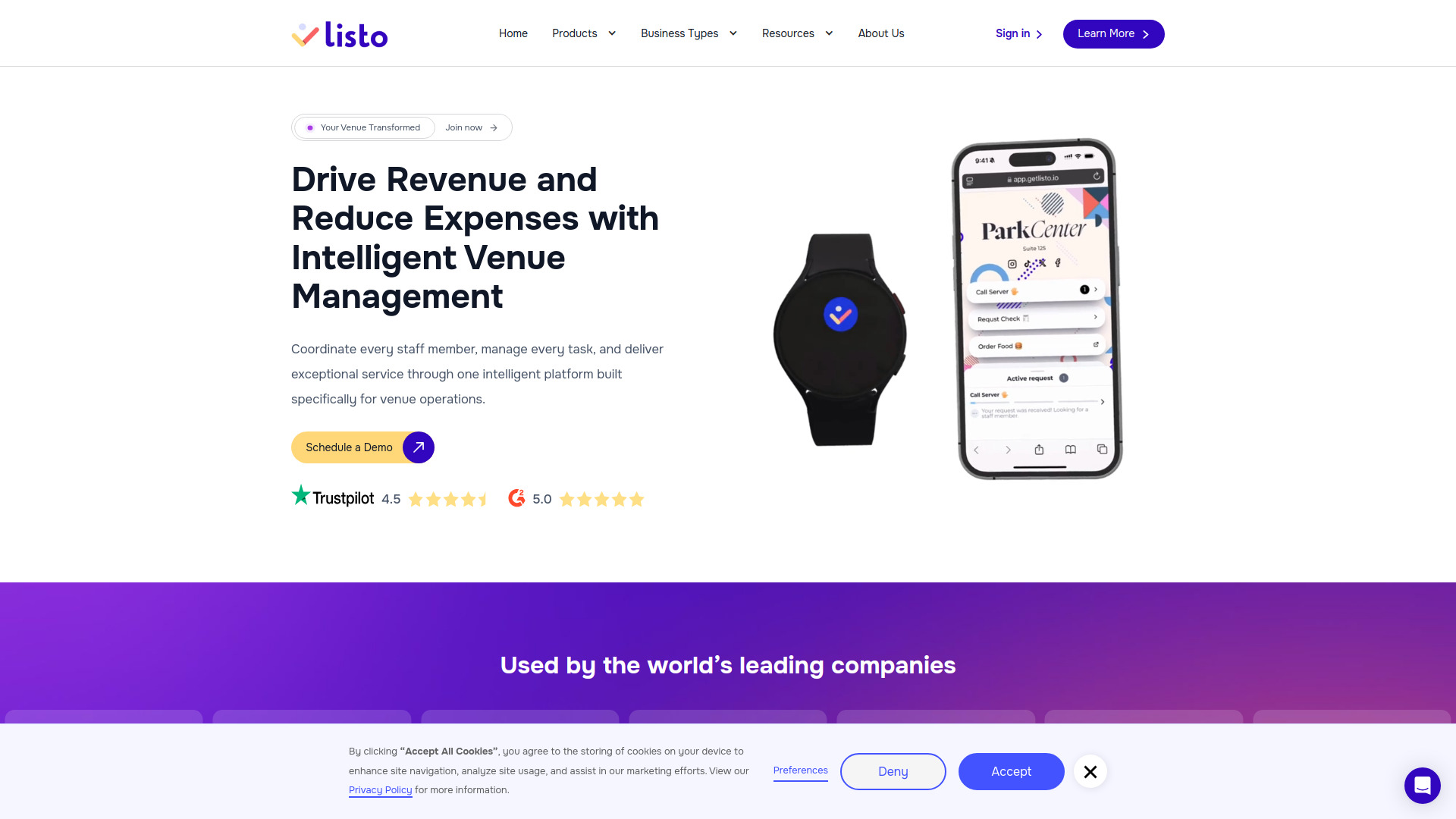
- Venue staff coordination
- Starts at Check vendor pricing
- Usage signal: 9.7K

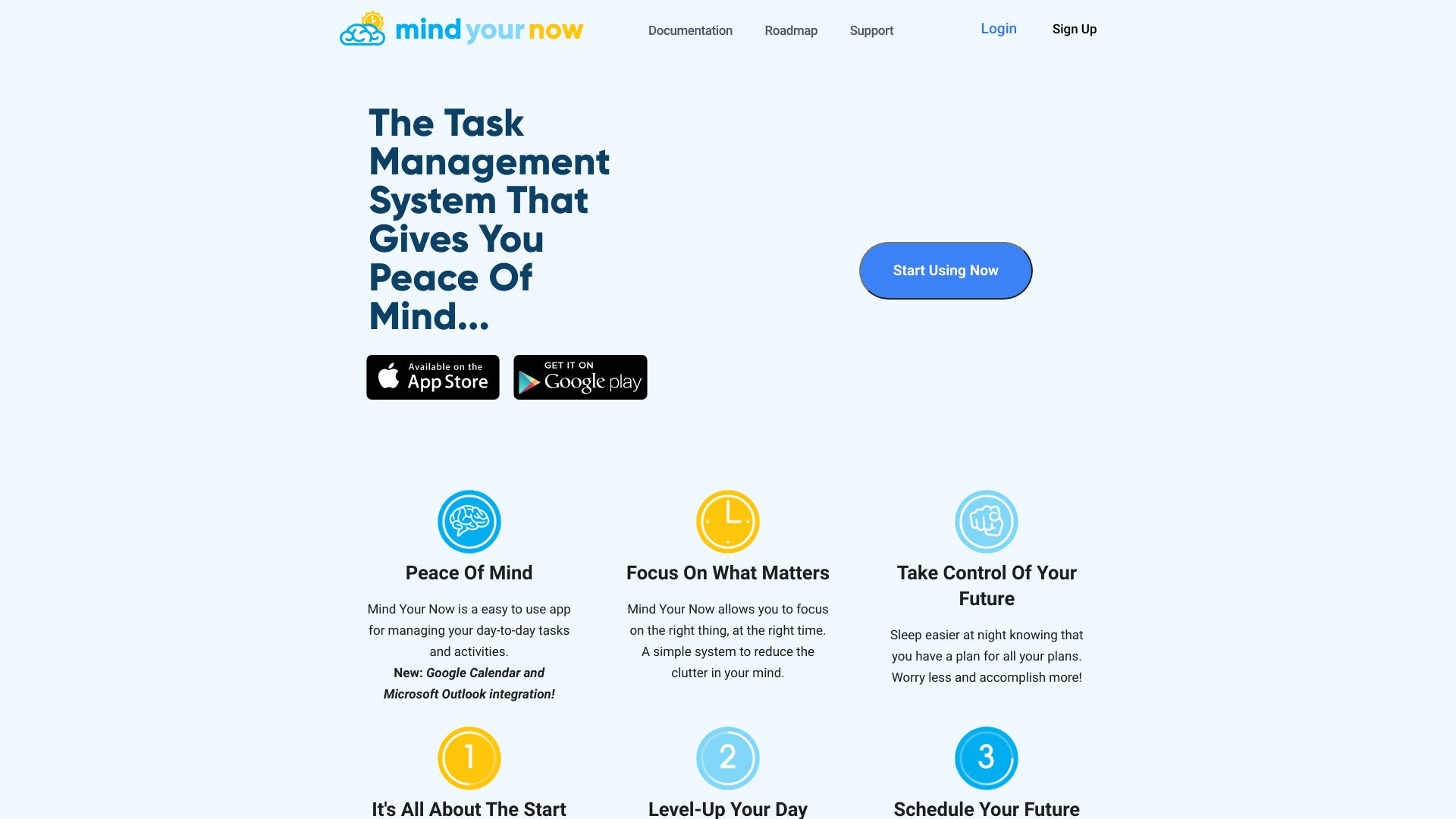
- AI-powered task scheduling
- Free plan available
- Starts at Check vendor pricing
- Usage signal: 2.1K

- AI checklists and SOPs for teams
- 10 checklist runs/month
- Starts at $8/member/month
- Usage signal: 11.0K

- Travel planning for digital nomads
- Free plan available
- Starts at Check vendor pricing
- Usage signal: 7.1K
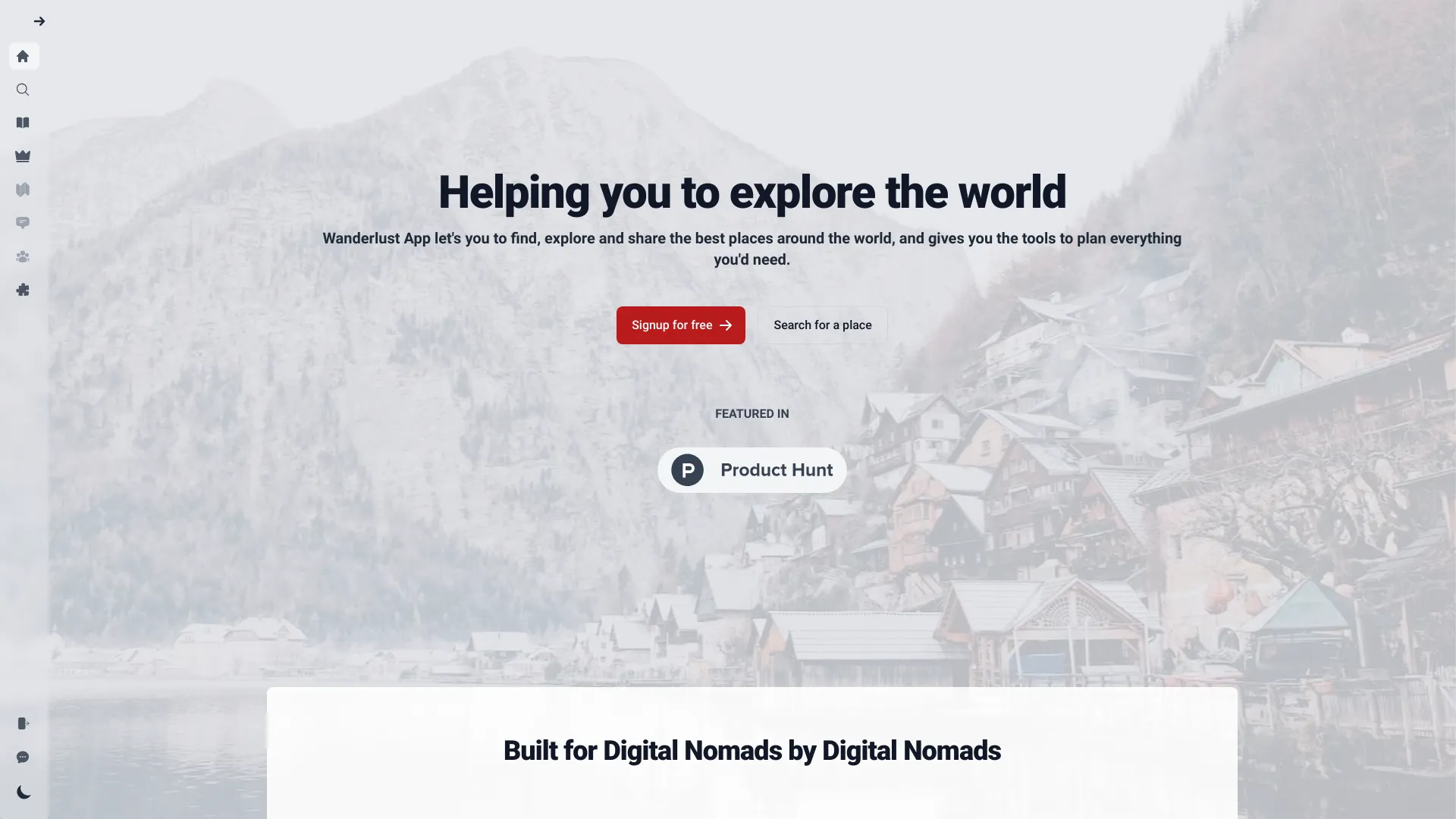

- Browser-based AI task capture
- 50 AI calls
- Starts at $5.99/month
- Usage signal: 1.7K
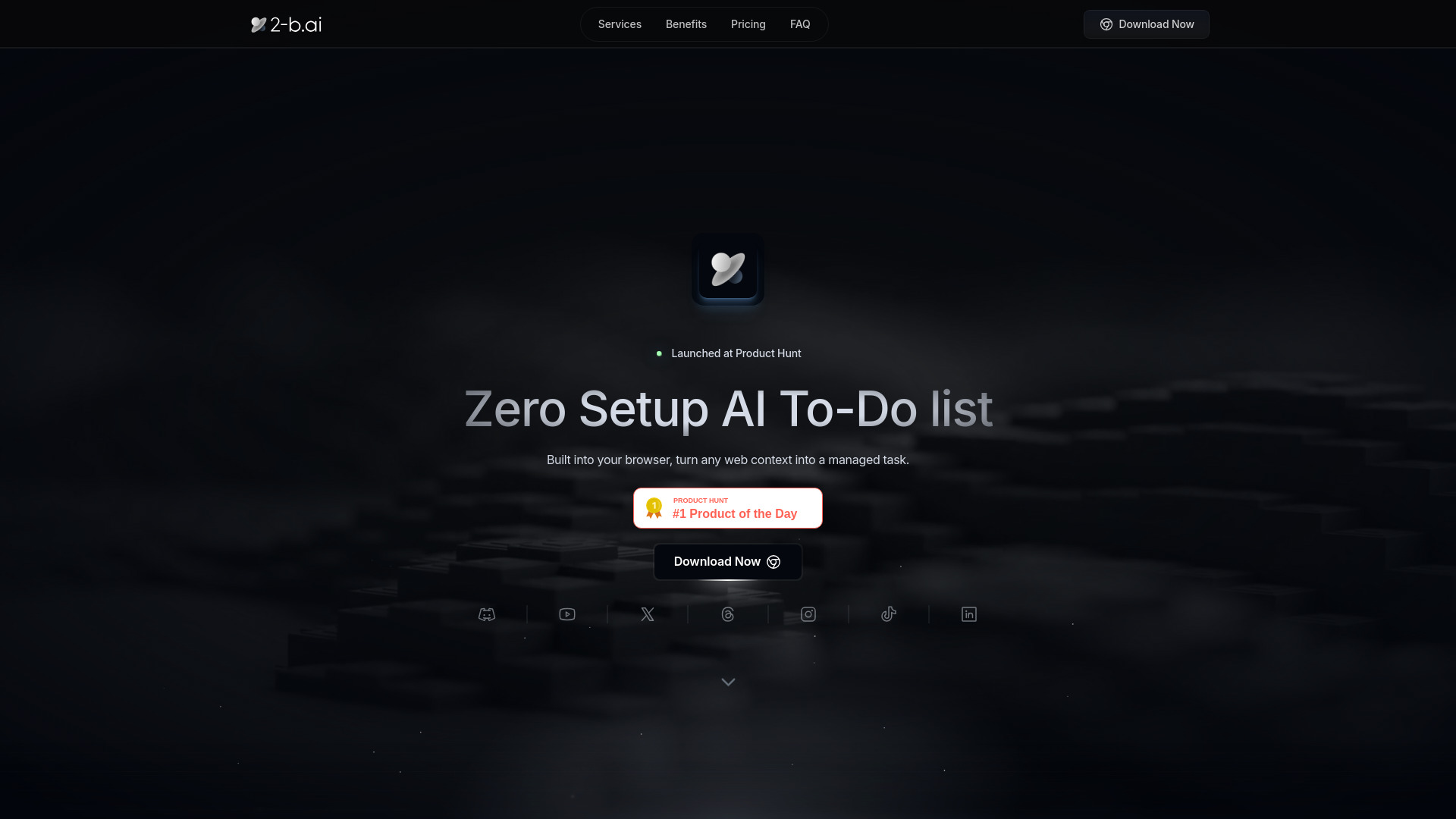
- AI call summaries and follow-ups
- Starts at Check vendor pricing
- Usage signal: 1.9K

- Apple-device clipboard shortcuts
- 2 shortcuts + 5 AI uses
- Starts at From $4.99/month
- Usage signal: 3.5K

- Coffee bean tracking and brewing notes
- Free plan available
- Starts at Check vendor pricing
- Usage signal: 6.3K

- AI-powered task planning
- 7-day free trial
- Starts at $5/user/month
- Usage signal: 6.8K

- Social media appointment booking
- 14-day free trial
- Starts at $10/month
- Usage signal: 2.6K

- AI-assisted focus and to-do list management
- Free plan available
- Starts at Check vendor pricing
- Usage signal: 2.5K

- Daily email productivity summaries
- Free trial available
- Starts at From $1/month
- Usage signal: 885

- AI-assisted task planning
- Free plan available
- Starts at Check vendor pricing
- Usage signal: 69

- Privacy-first time tracking
- Free plan with 1-week data retention
- Starts at From $7/month
- Usage signal: 2.4K

- Private, mindful task planning on Mac
- 3-day free trial
- Starts at $19 one-time
- Usage signal: 1.3K
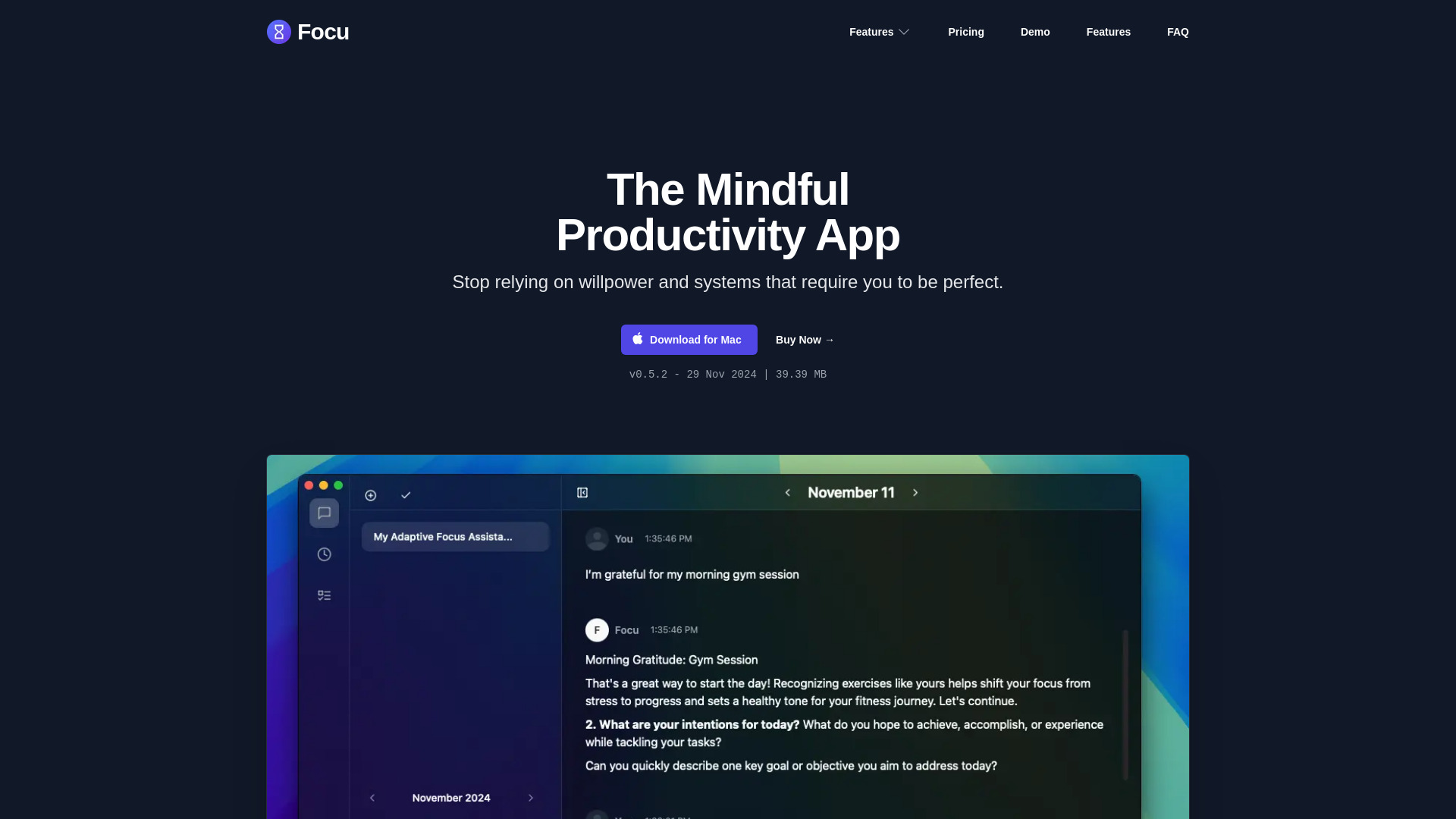

- Browser-native task and focus workspace
- Daily AI assistant
- Starts at $9/month
- Usage signal: 638
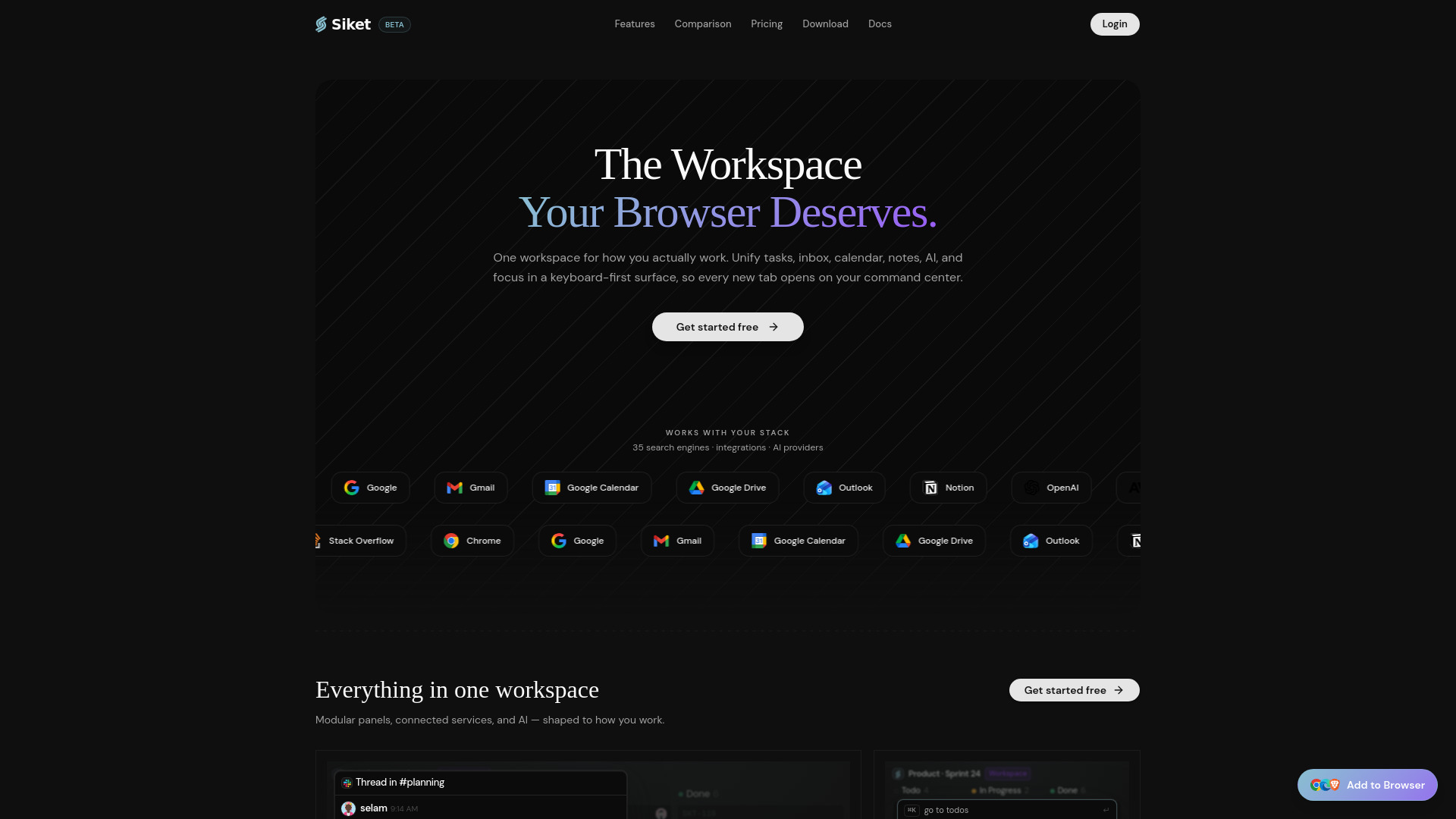

- Work task and career tracking
- Free plan available
- Starts at Check vendor pricing
- Usage signal: 232
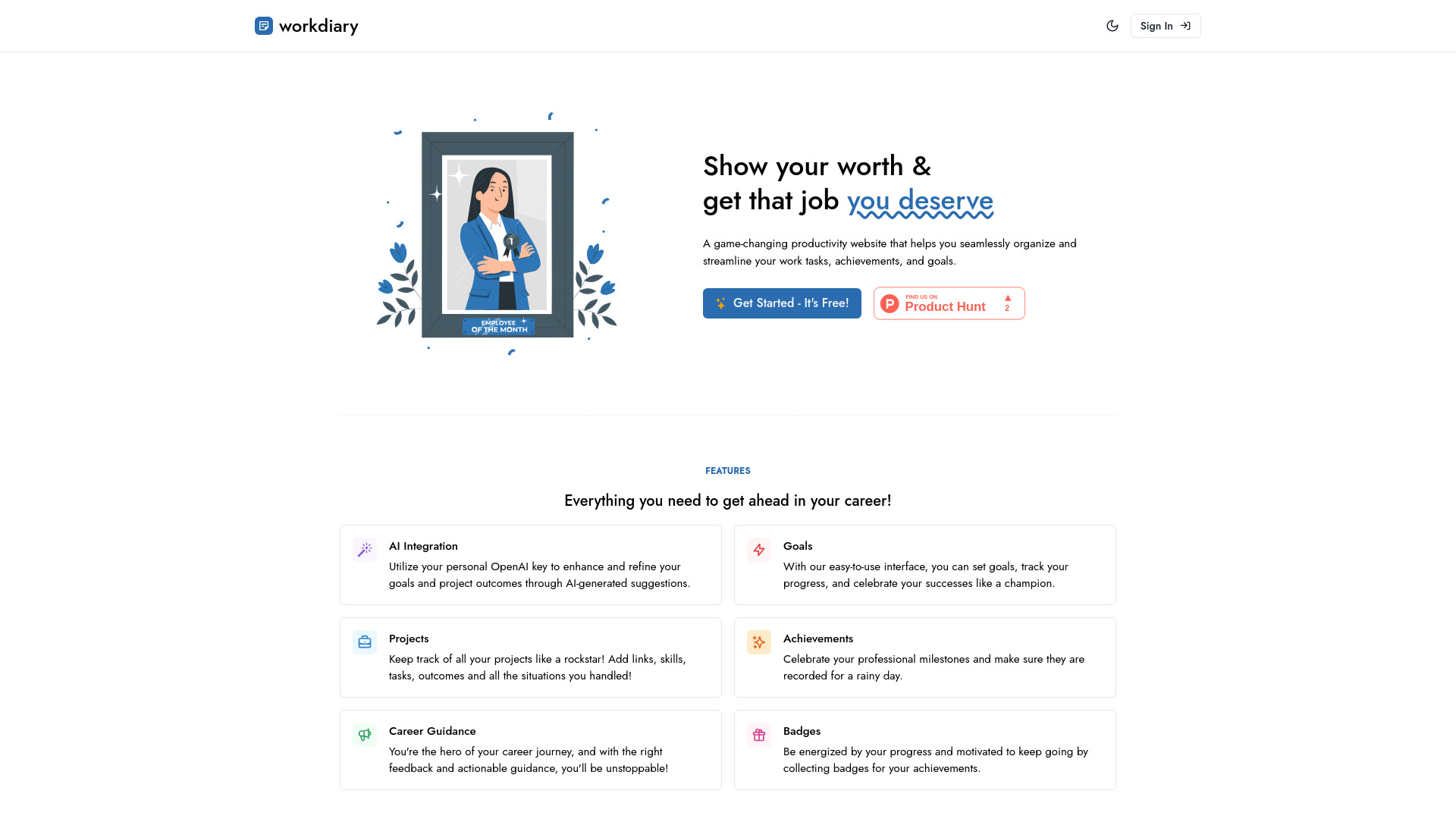

- Fast thought capture and organization
- Starts at Check vendor pricing
- Usage signal: 1.8K

- AI morning briefs for busy professionals
- 7-day free trial
- Starts at $6.58/user/month (annual)
- Usage signal: 1.1K
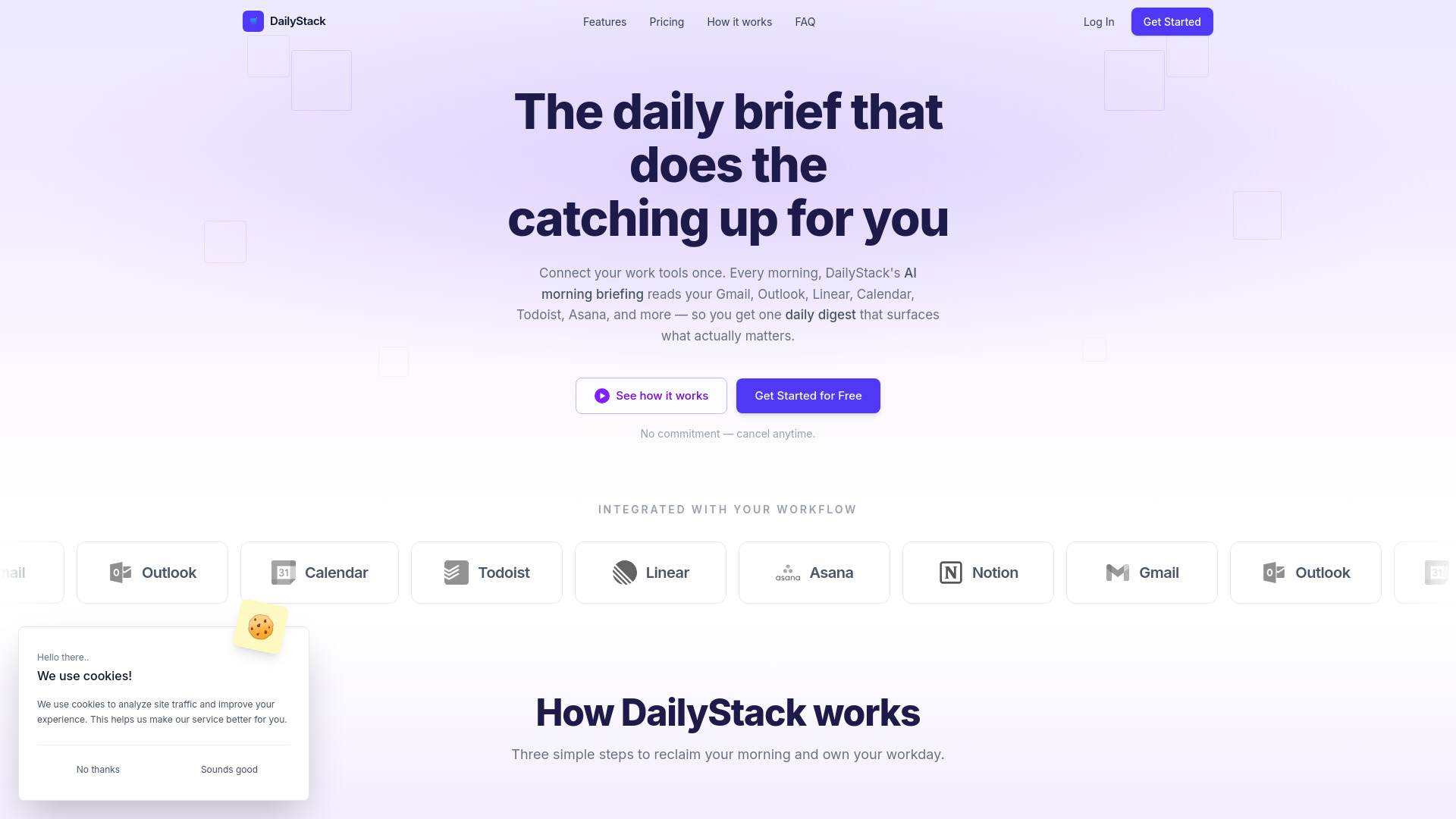

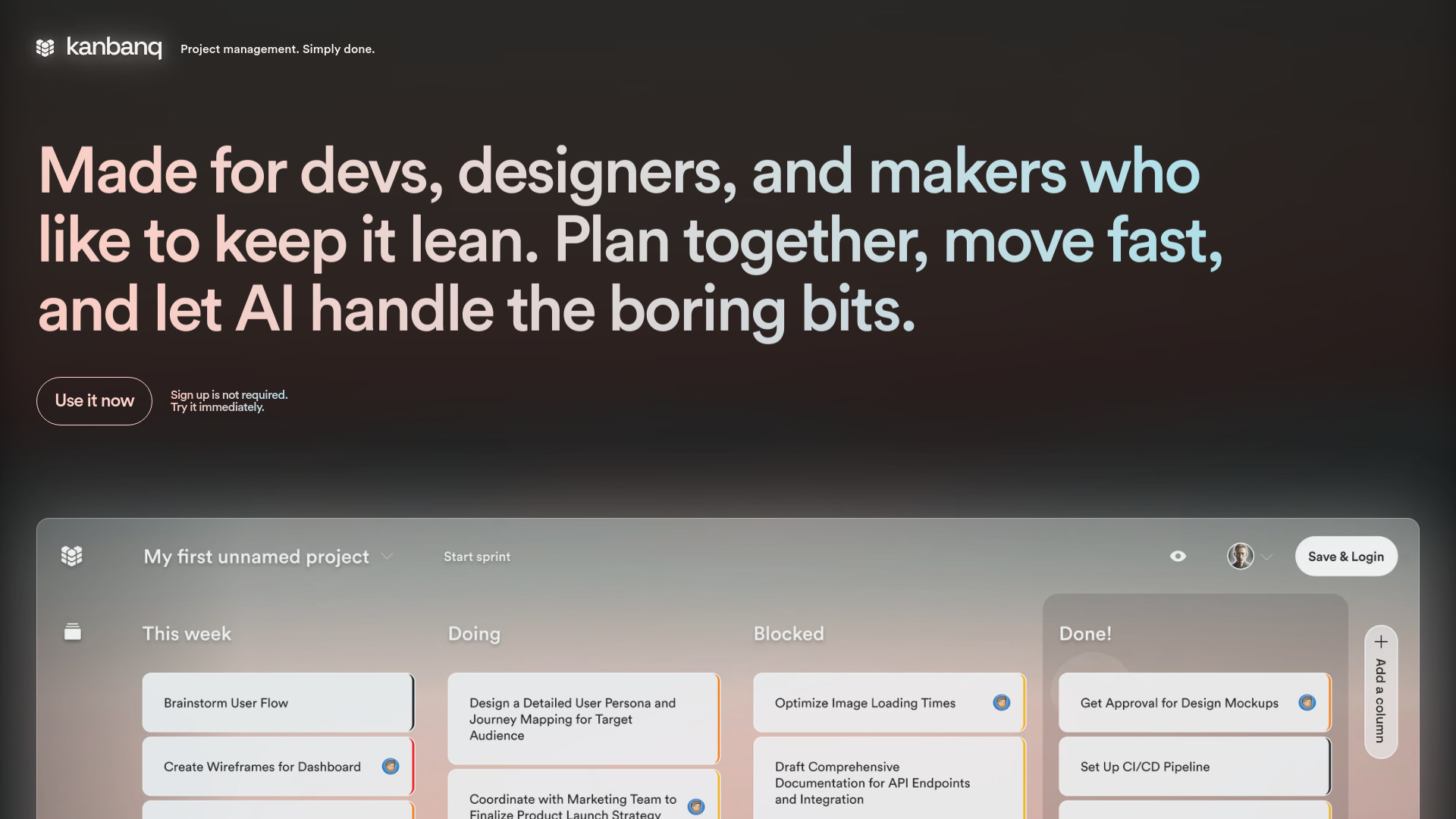
- Small teams needing lean Kanban planning
- Free plan available
- Starts at Check vendor pricing
- Usage signal: 1.2K

- AI-guided anti-procrastination
- Starts at Check vendor pricing
- Usage signal: 189

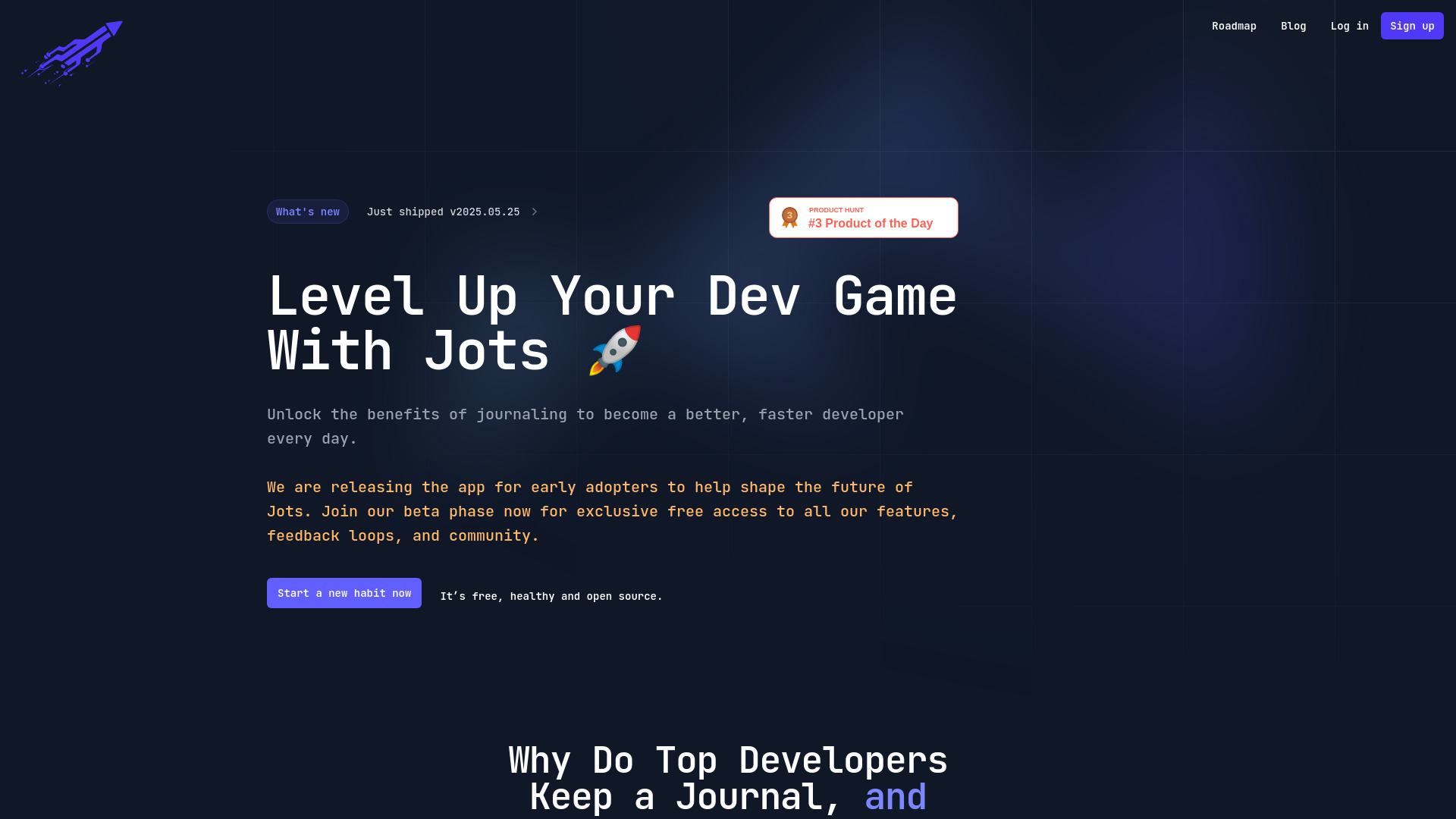
- Developer journaling and progress tracking
- Free plan available
- Starts at Check vendor pricing
- Usage signal: 498

- WhatsApp reminder assistant
- Starts at Check vendor pricing
- Usage signal: 429

- Capturing and prioritizing ideas
- Free plan available
- Starts at Check vendor pricing
- Usage signal: 670

- Shared tasks and habit building
- Starts at Check vendor pricing
- Usage signal: 367

- SaaS teams embedding AI operators
- Free plan available
- Starts at Check vendor pricing
- Usage signal: 216

- AI-assisted personal life management
- Free plan available
- Starts at Check vendor pricing
- Usage signal: 91

- Collaborative meeting notes
- Starts at Check vendor pricing
- Usage signal: 152

- Focused individual task management
- Free plan available
- Starts at Check vendor pricing
- Usage signal: 0


- Handwritten-to-digital task lists
- Free plan available
- Starts at Check vendor pricing
- Usage signal: 0
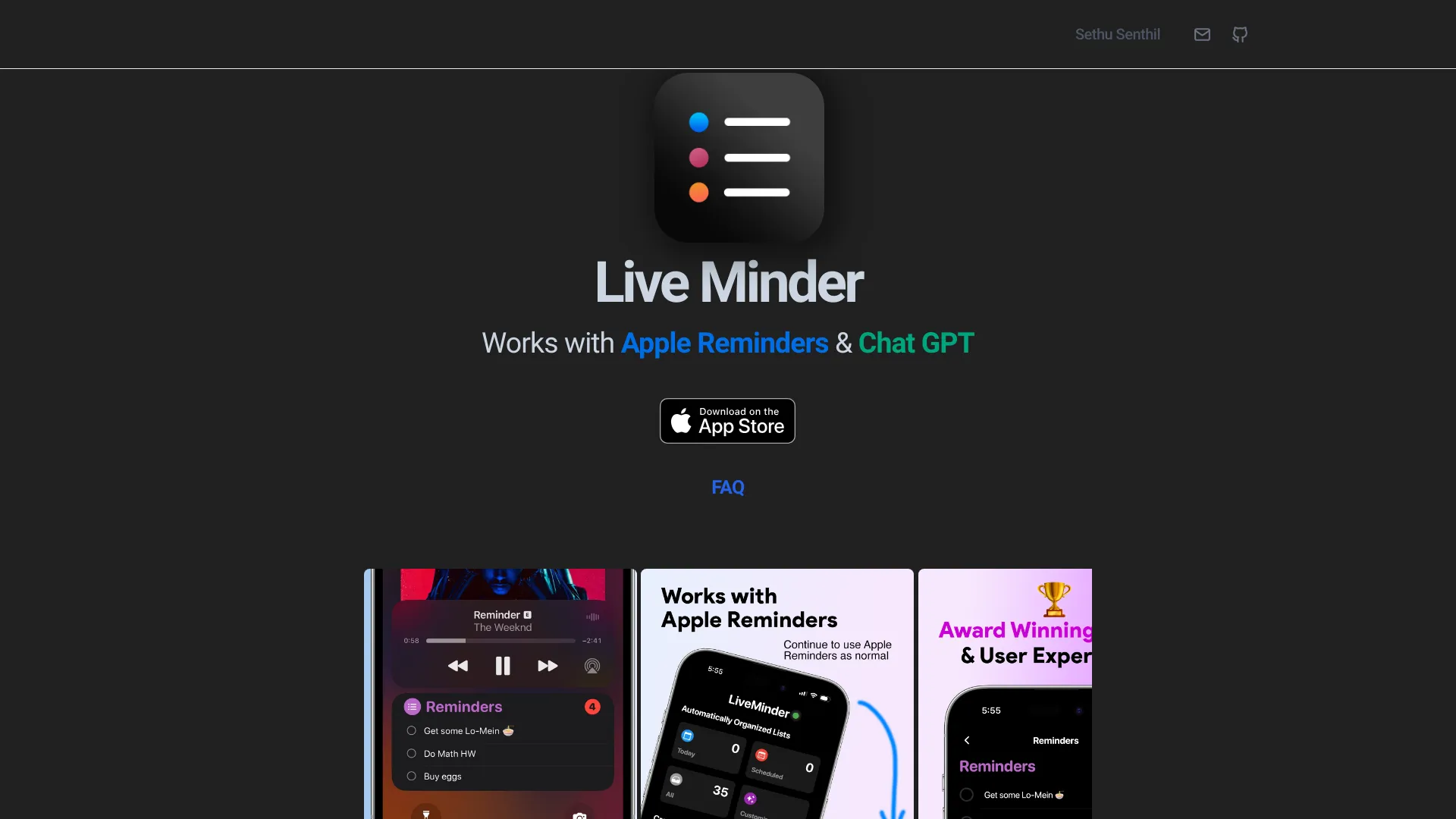
- Apple Reminders on the Lock Screen
- Free plan available
- Starts at Check vendor pricing
- Usage signal: 0

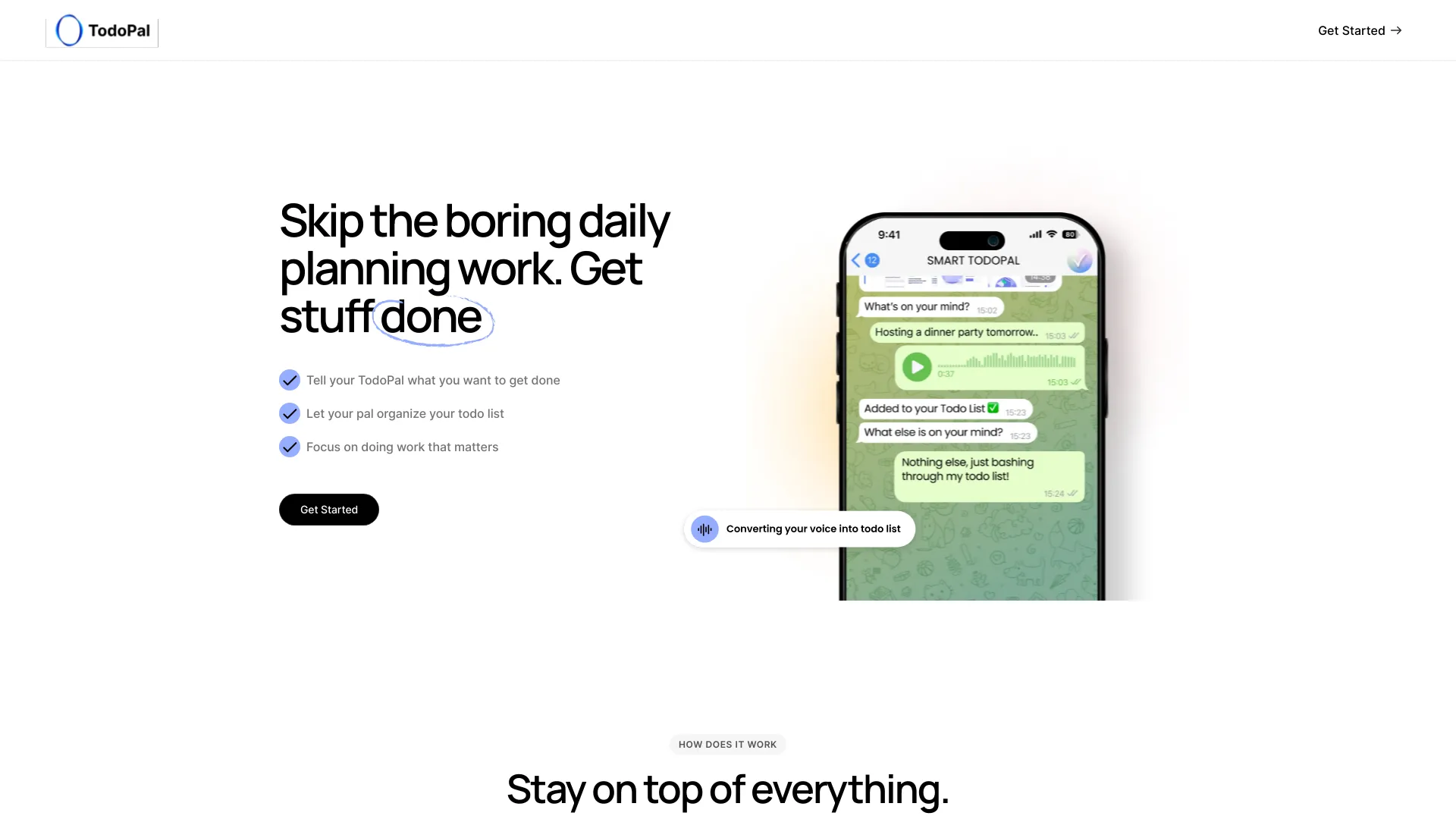
- AI-organized personal and work task lists
- Starts at Check vendor pricing
- Usage signal: 0
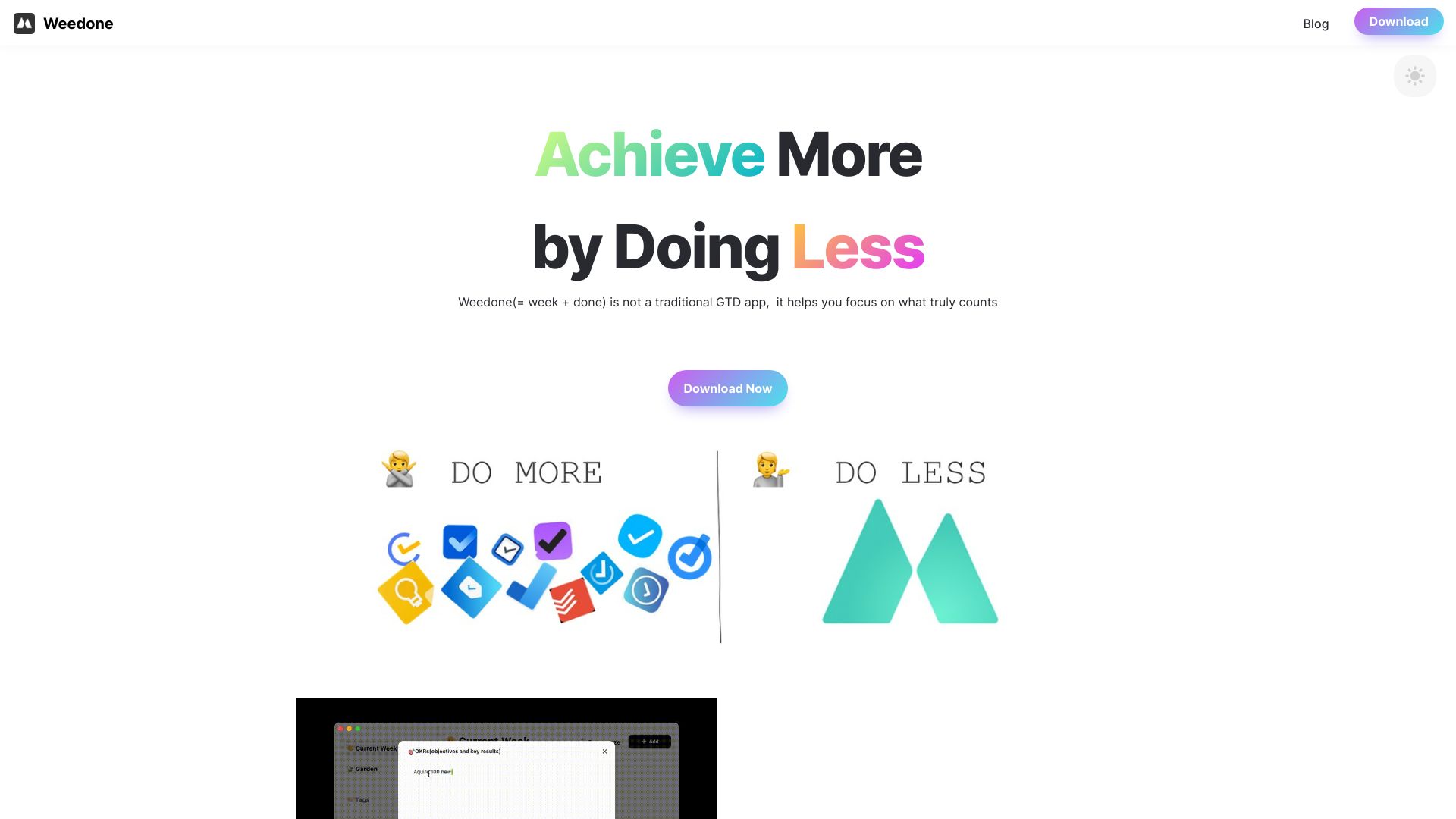
- Weekly OKR planning and task review
- Starts at Check vendor pricing
- Usage signal: 0

- Solos and small teams
- 7-day free trial
- Starts at $39/month
- Usage signal: 0
- AI-powered task scheduling
- Starts at $80 one-time fee
- Usage signal: 0
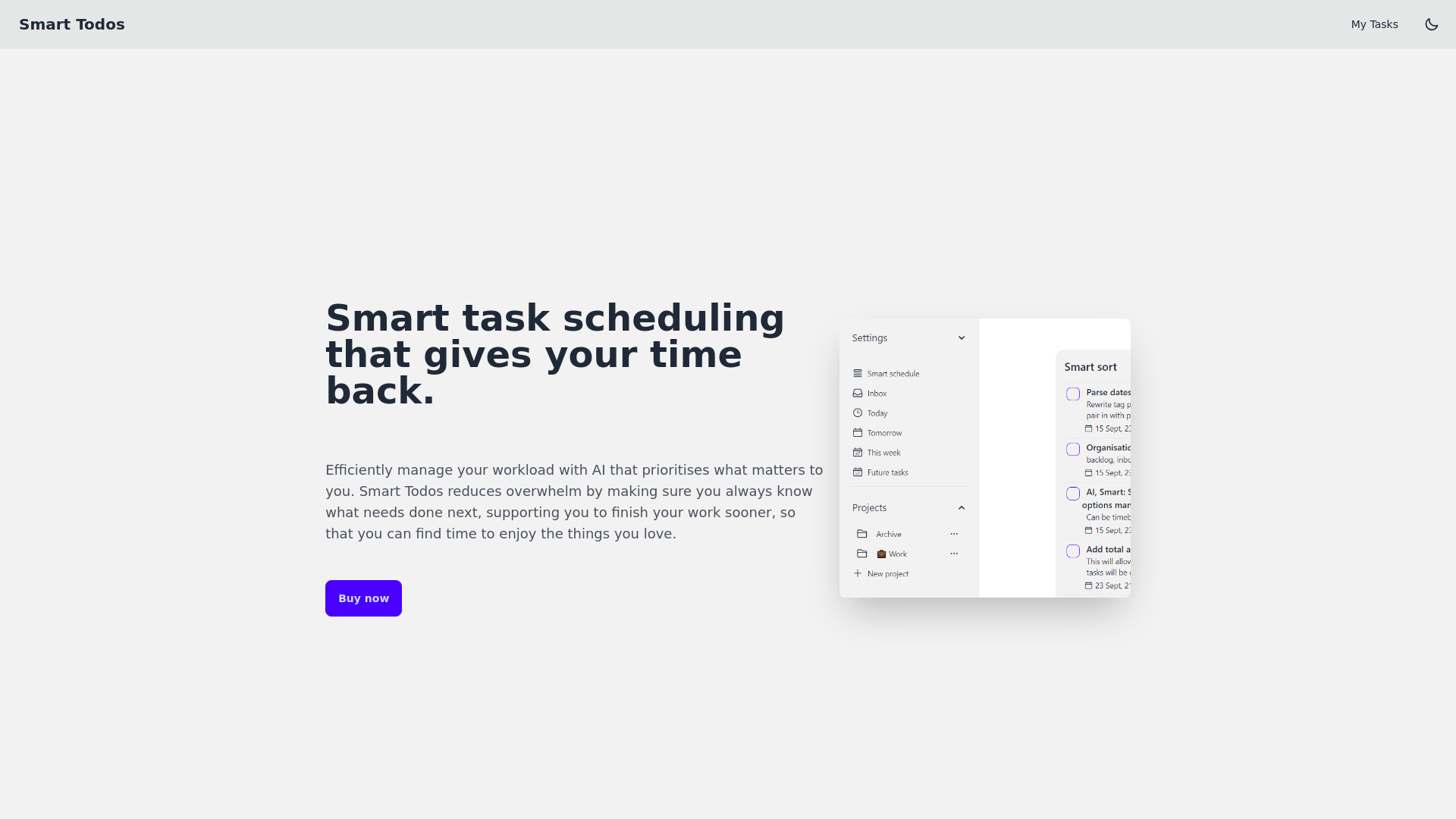

- Priority-based life roadmaps
- Free plan available
- Starts at From $4.99/month
- Usage signal: 0
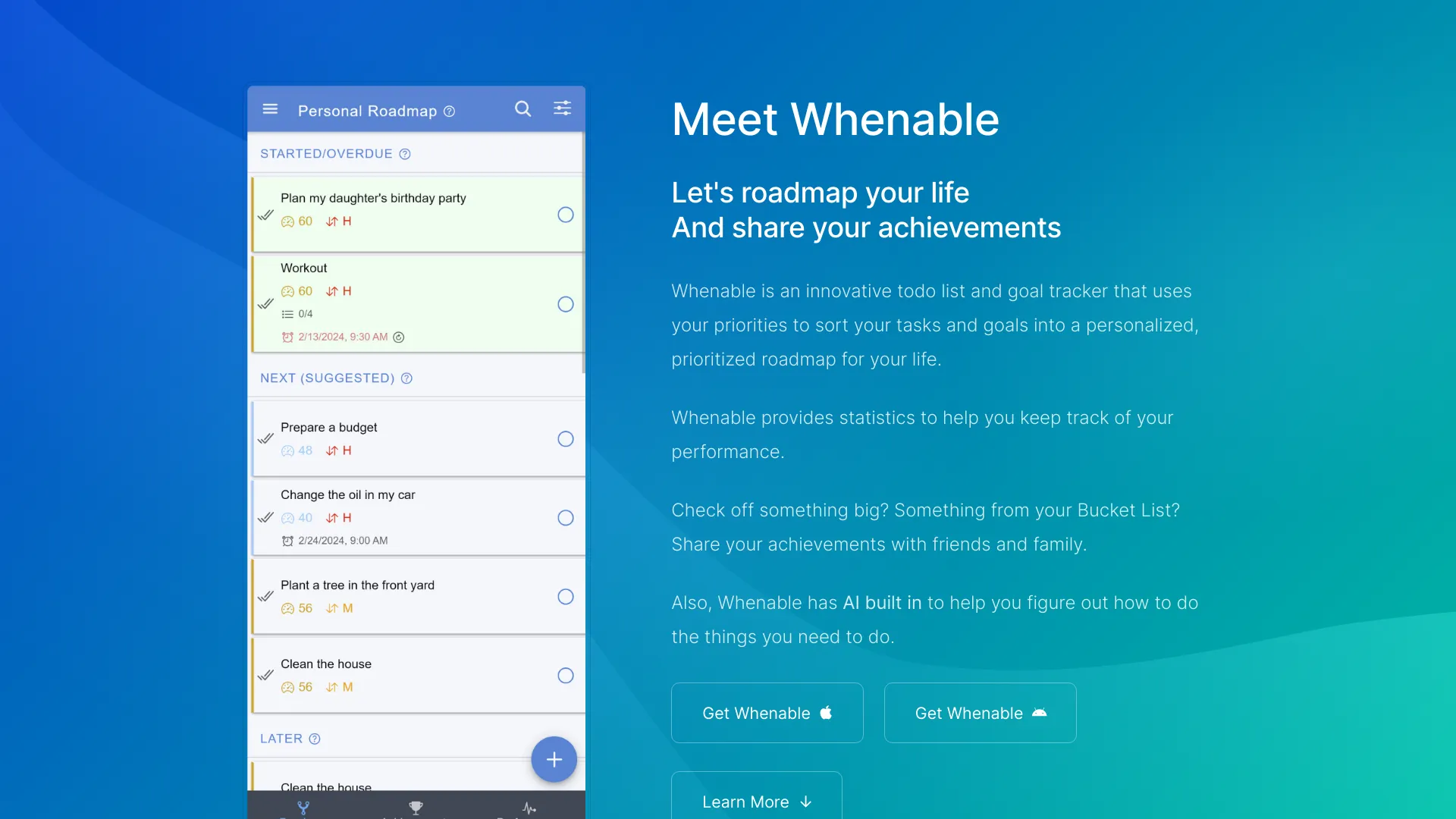

- AI-powered task and goal planning
- Free plan available
- Starts at From 1.99/mo
- Usage signal: 0
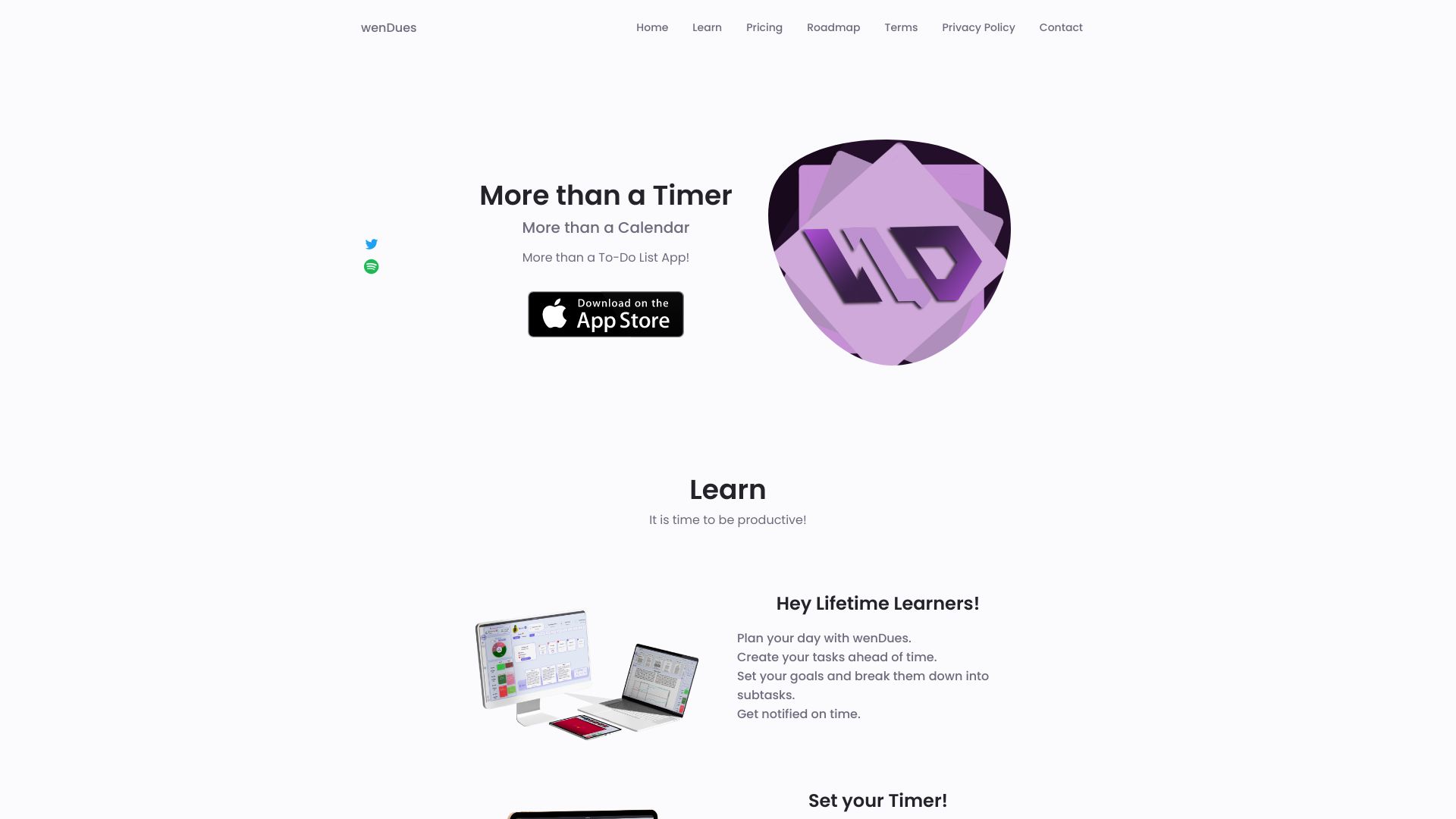

- AI-assisted task management
- Starts at Check vendor pricing
- Usage signal: 0
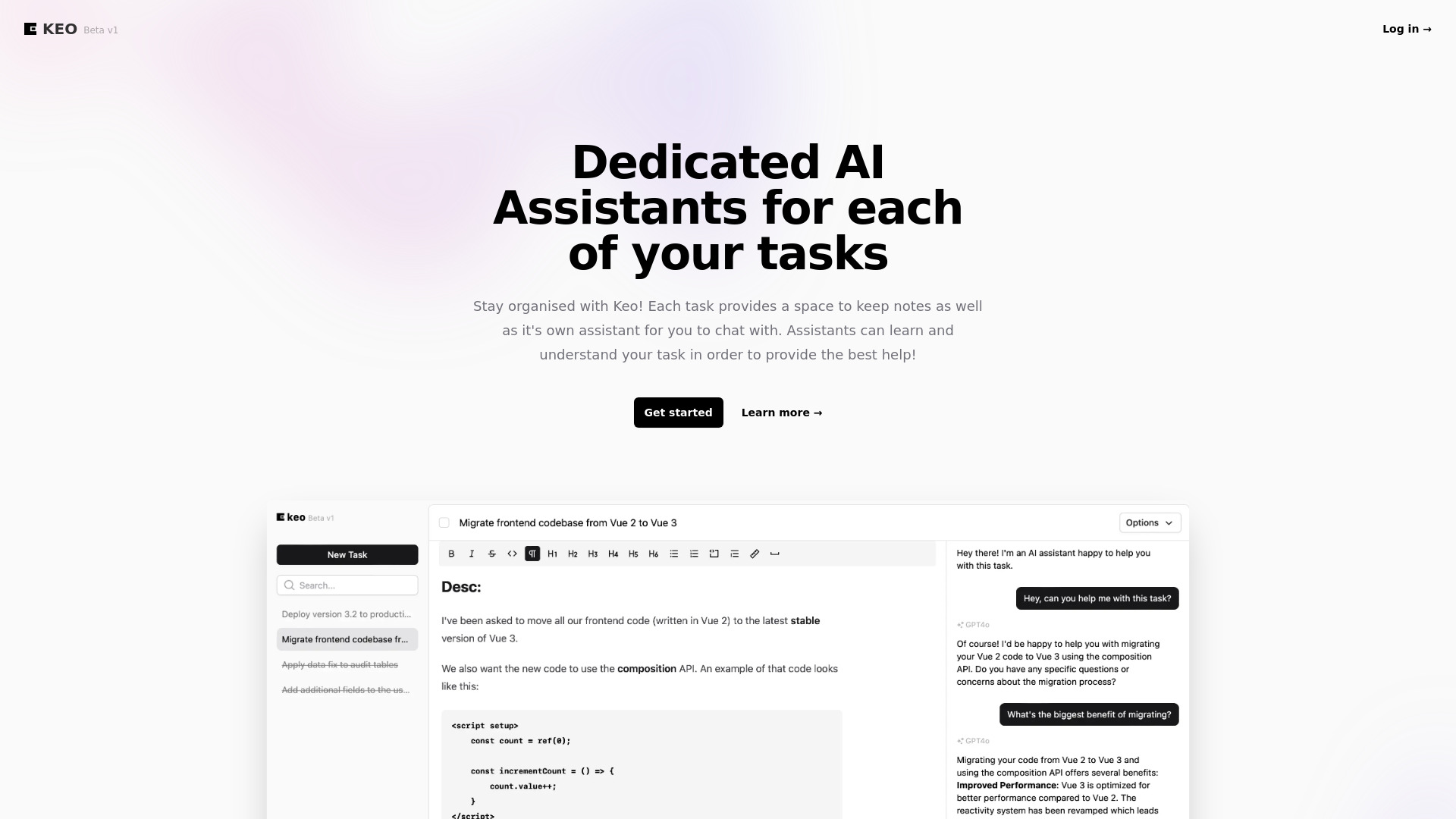

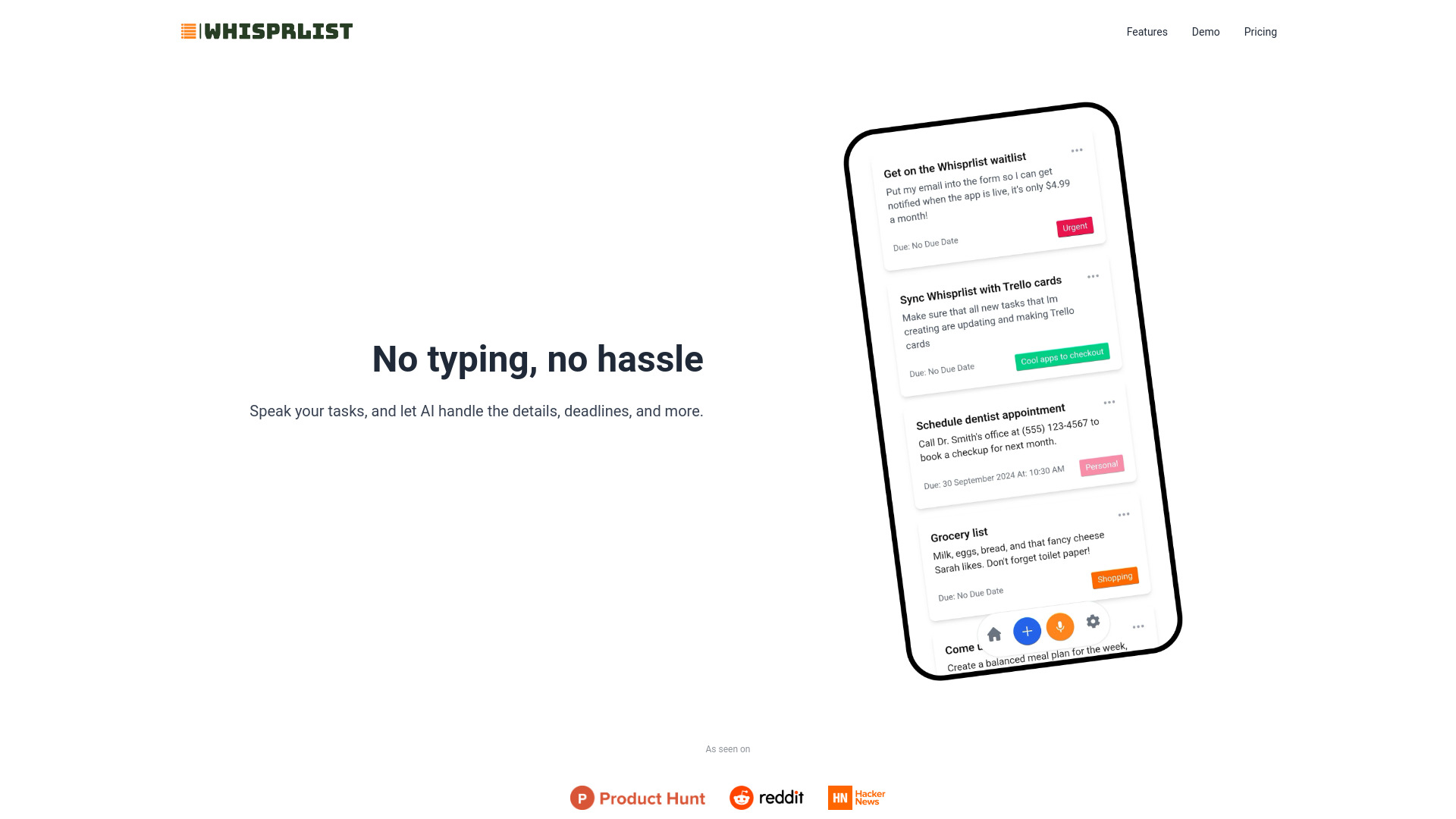
- Voice-first task management
- 20 free voice tasks
- Starts at $0/month
- Usage signal: 0
- Collaborative task management
- 300 free credits
- Starts at $5.00
- Usage signal: 0

- Mac users managing Apple Reminders
- Free plan available
- Starts at Check vendor pricing
- Usage signal: 0

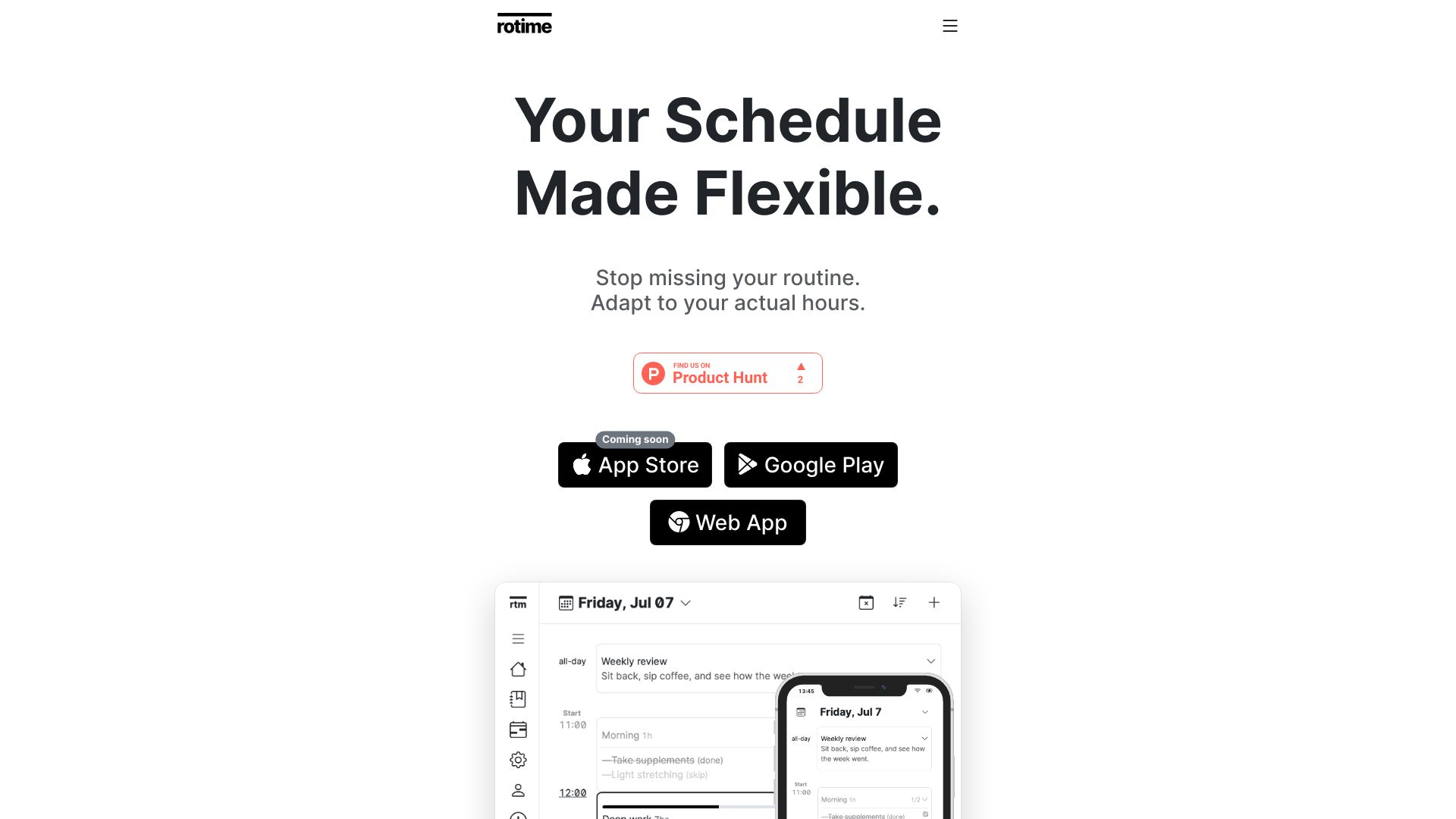
- Schedules that adapt to shifting wake times
- 1 day of free access
- Starts at From $15/year
- Usage signal: 0

- Open-source AI task planning
- Starts at Check vendor pricing
- Usage signal: 0
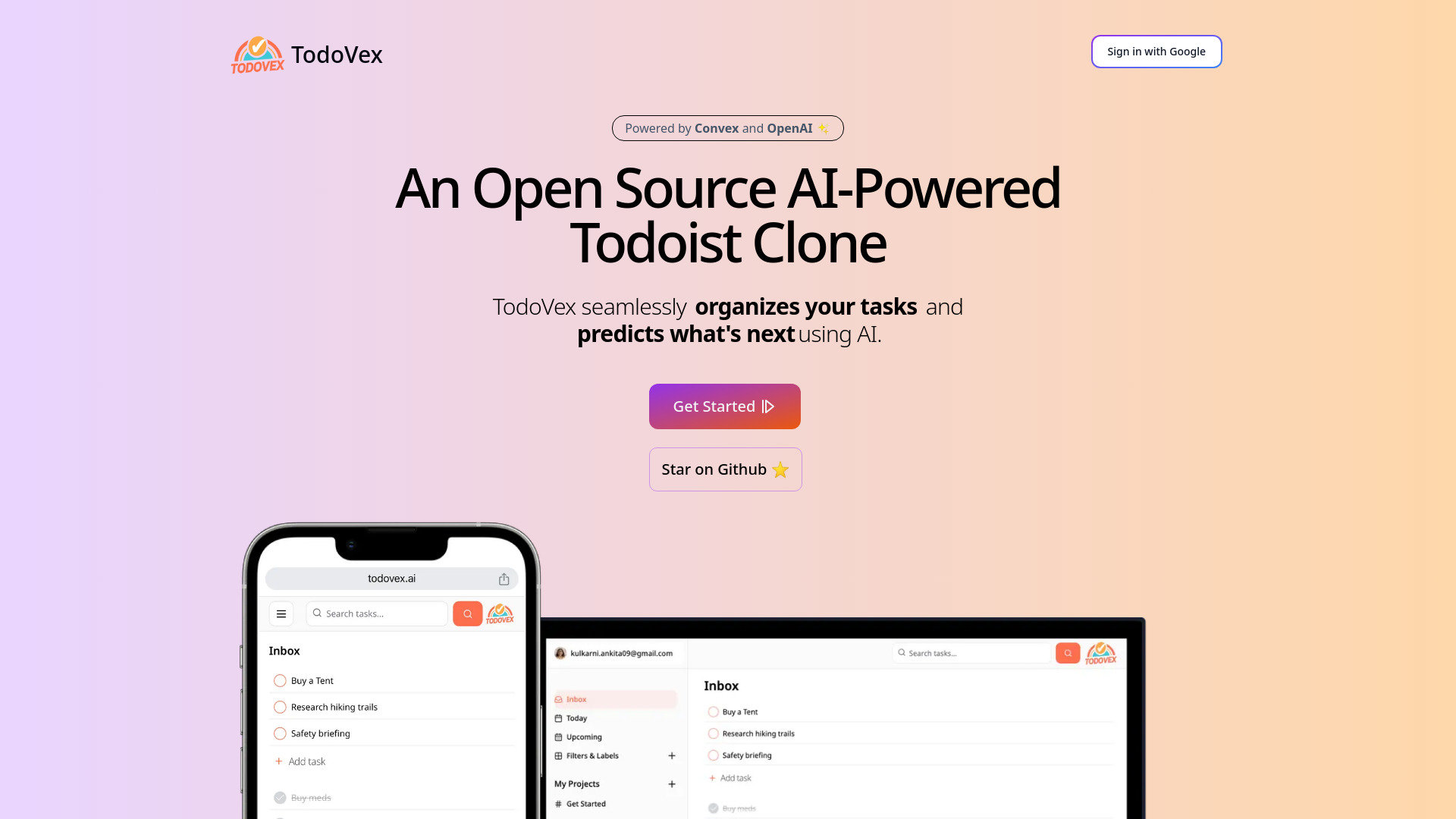

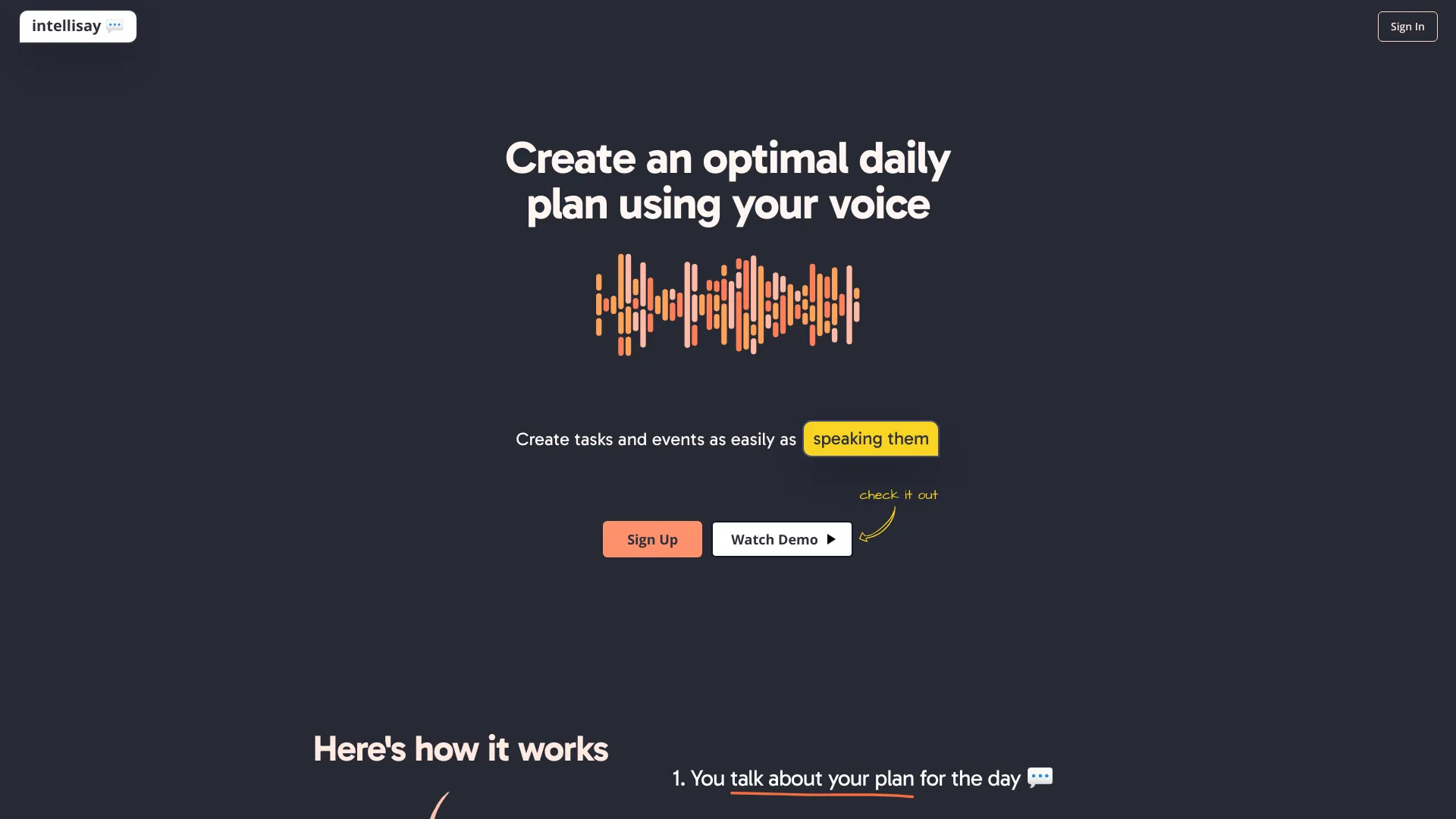
- Voice-powered daily planning
- Starts at $4/month
- Usage signal: 0
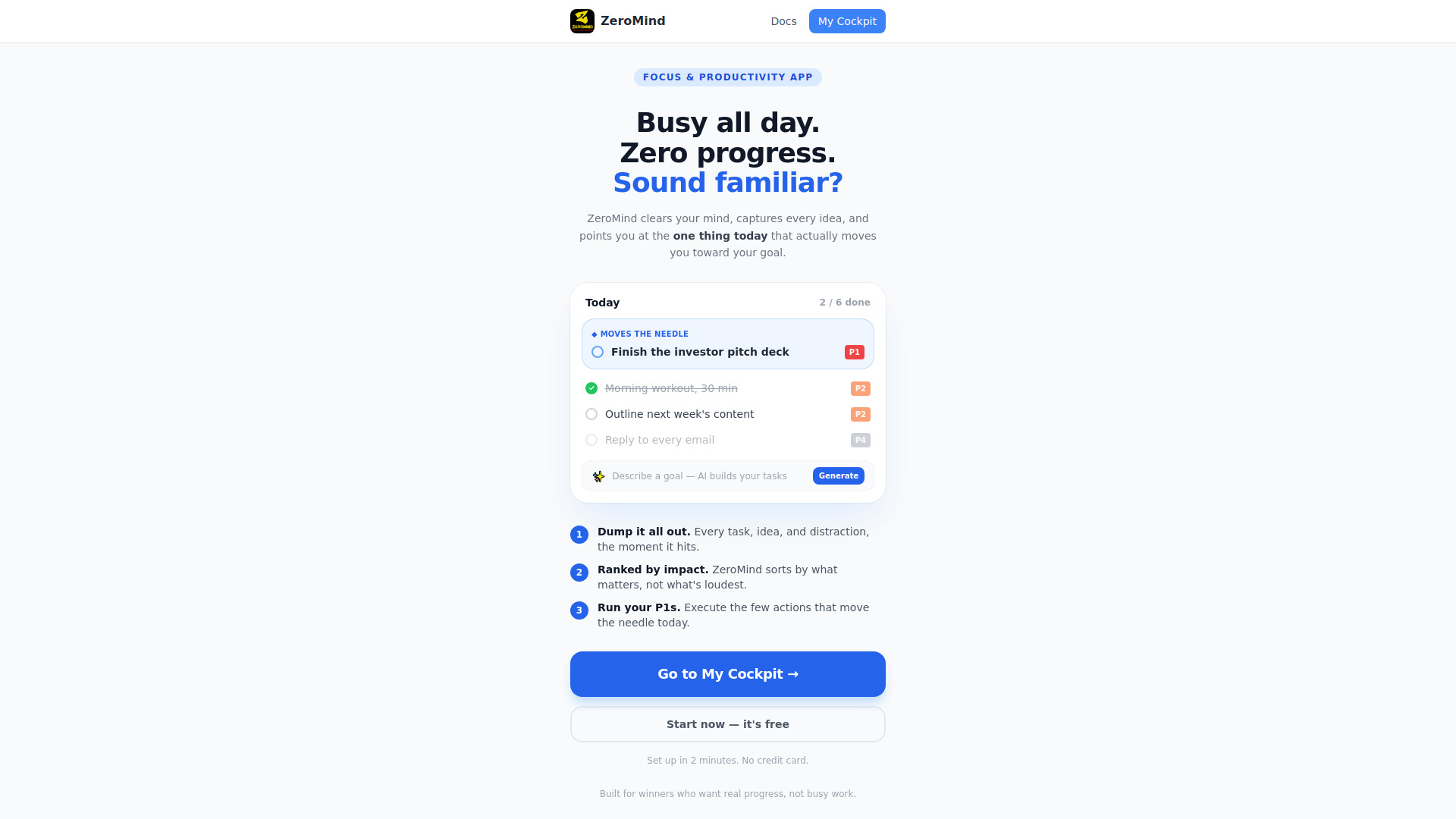
- AI-prioritized goal-focused tasks
- Free plan available
- Starts at Check vendor pricing
- Usage signal: 0

- Voice-based daily journaling
- 10 free notes
- Starts at From $9
- Usage signal: 0
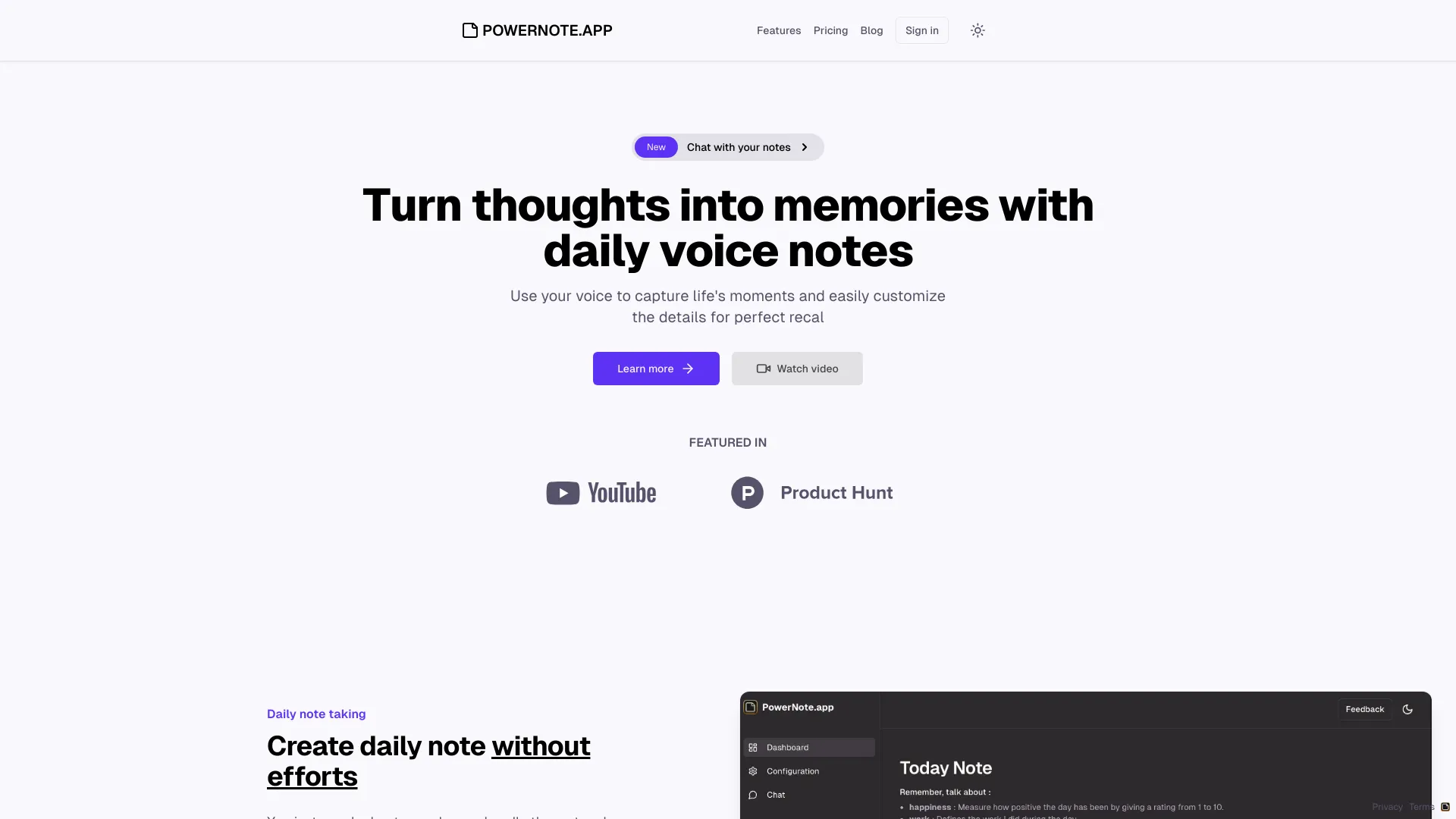

- Family organization and shared household planning
- Starts at Check vendor pricing
- Usage signal: 0
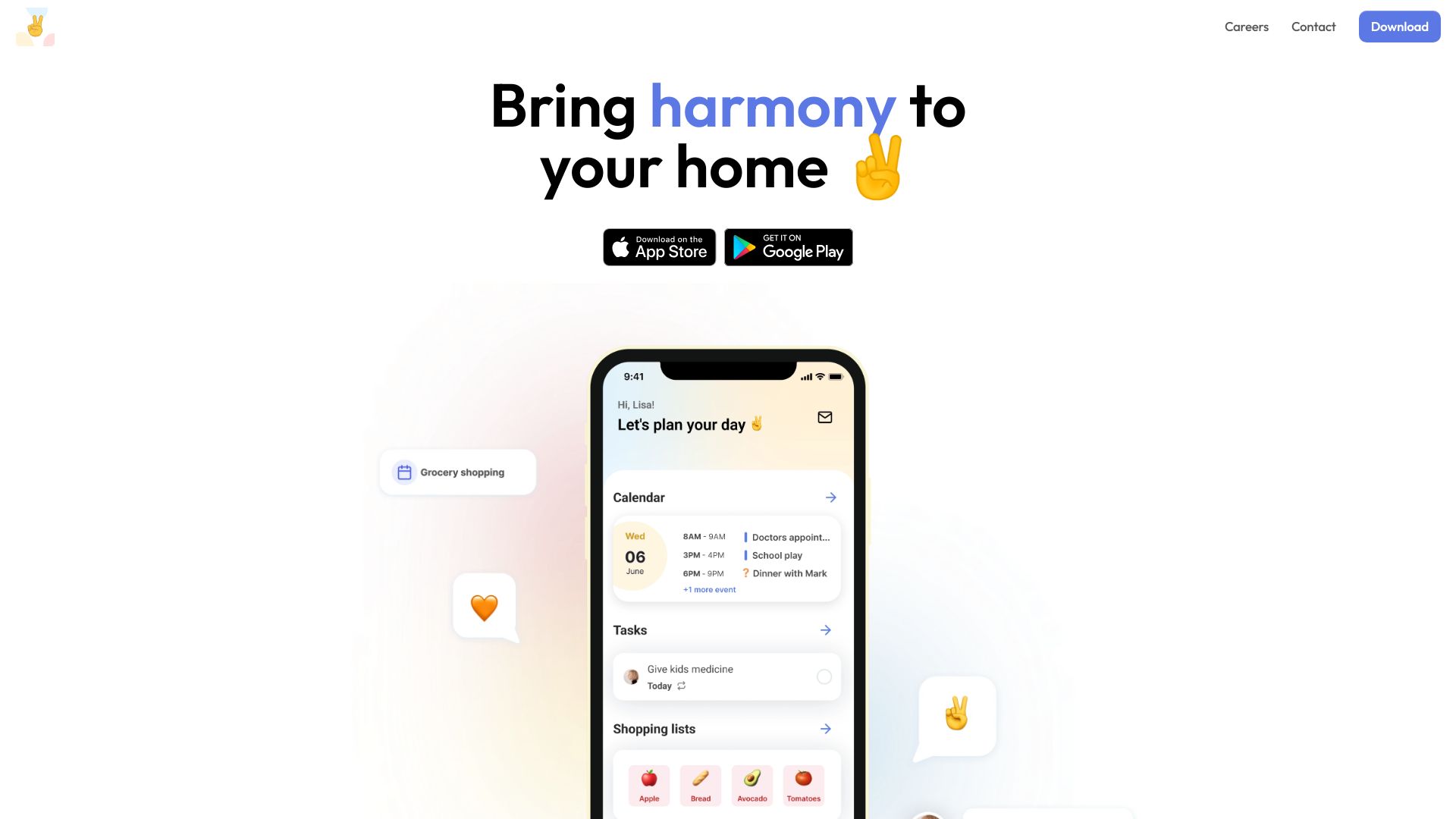

- Gamified daily productivity tracking
- Free plan available
- Starts at Check vendor pricing
- Usage signal: 0
- Indie developers managing ideas and side projects
- Starts at Check vendor pricing
- Usage signal: 0
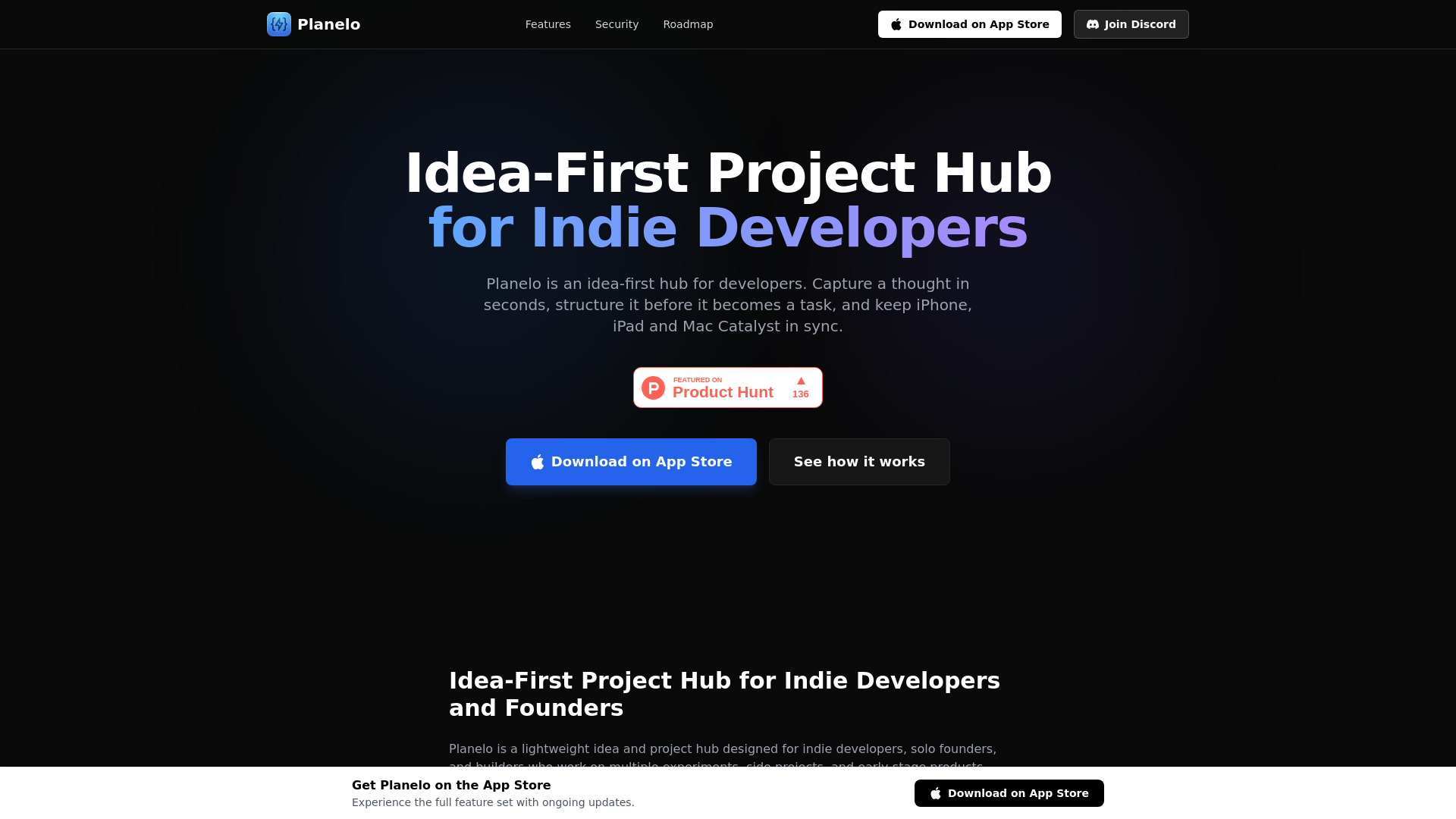

- Goal journaling and personal motivation
- 20 images, 3 SMART goals, 3 habits
- Starts at $0 free plan
- Usage signal: 0
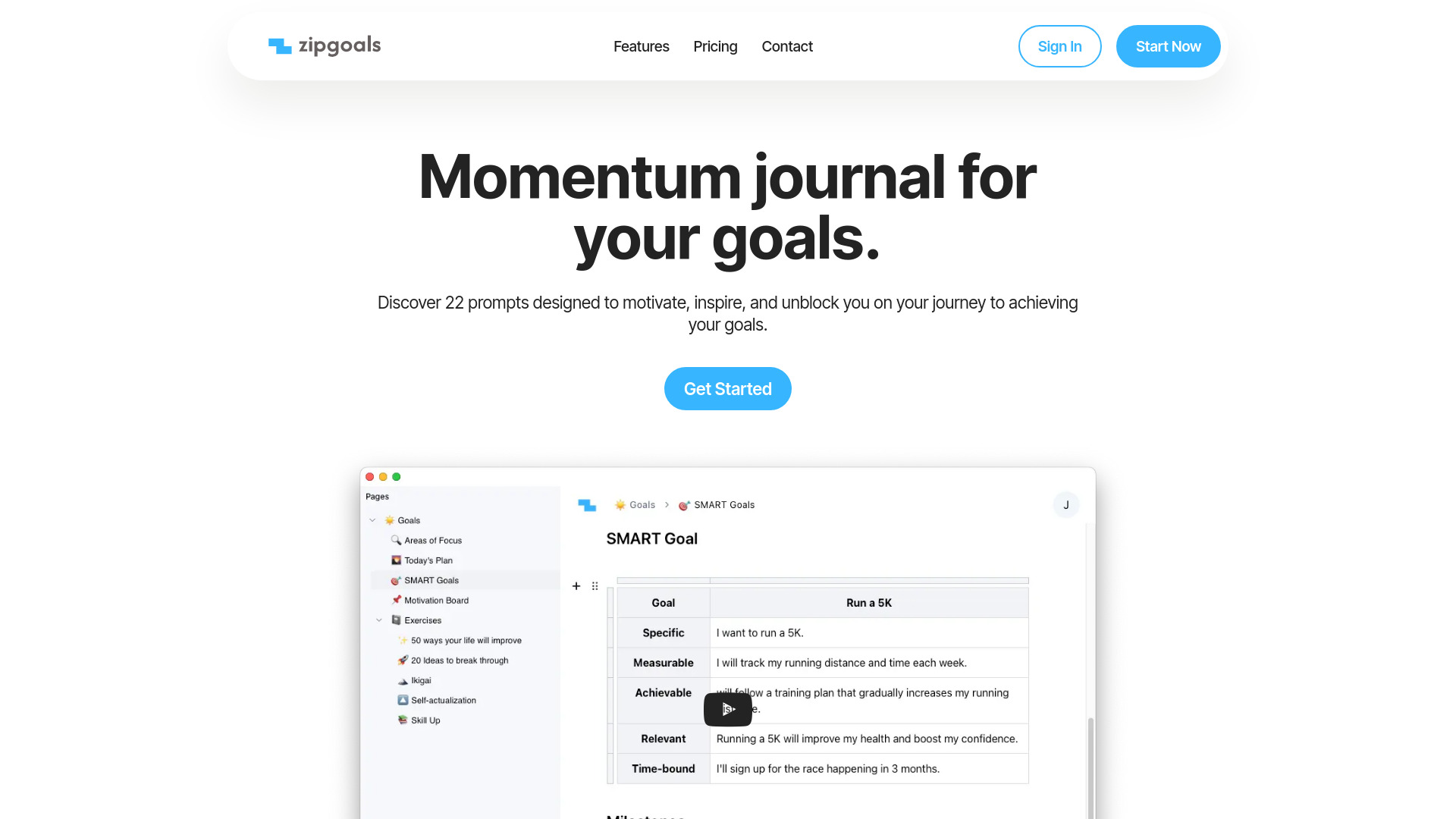

- ChatGPT-powered to-do lists
- Starts at $4/month
- Usage signal: 0
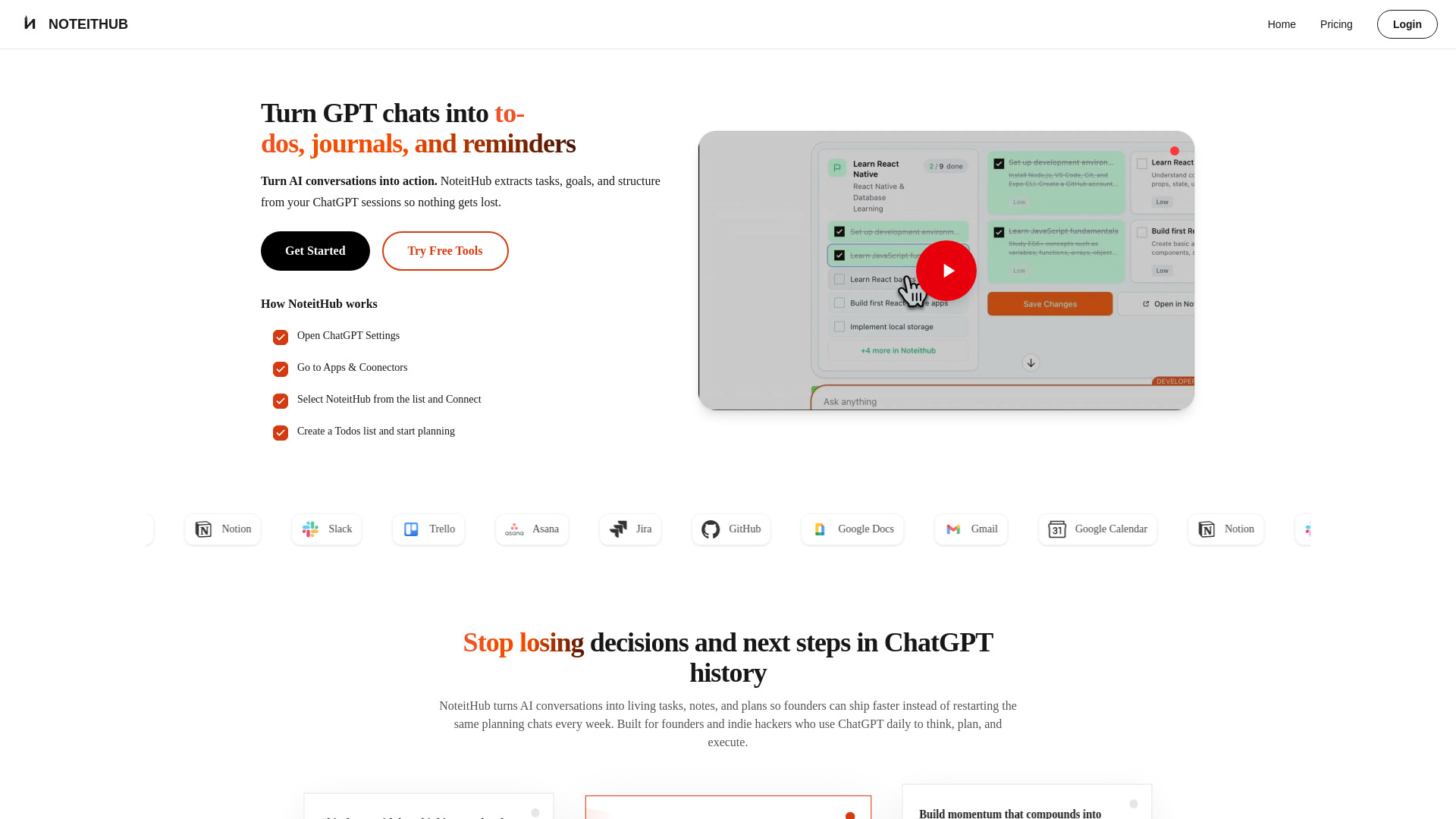
- Digital nomads and remote freelancers
- 14-day free trial
- Starts at Check vendor pricing
- Usage signal: 0

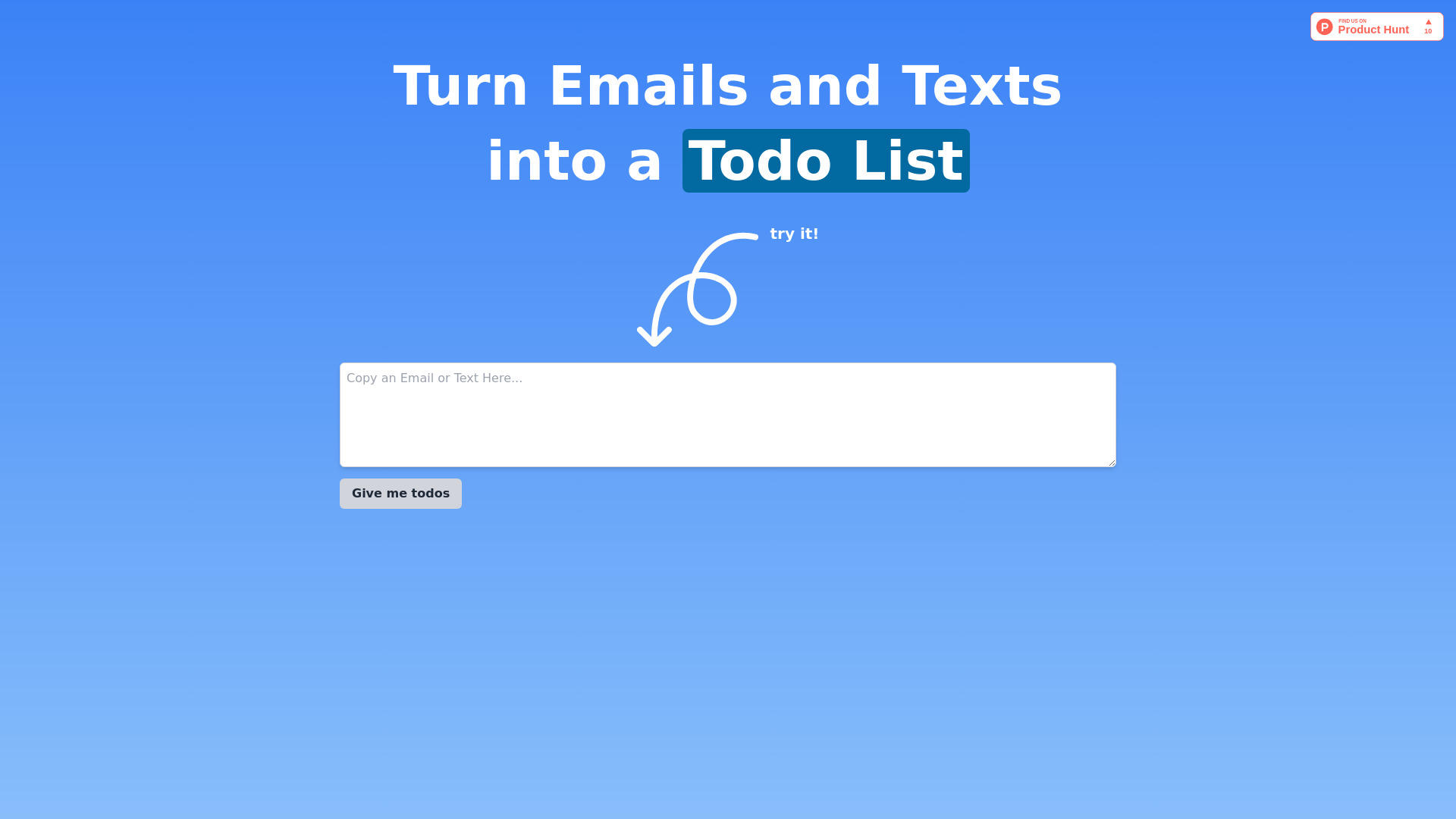
- Turning notes and emails into tasks
- Starts at Check vendor pricing
- Usage signal: 0

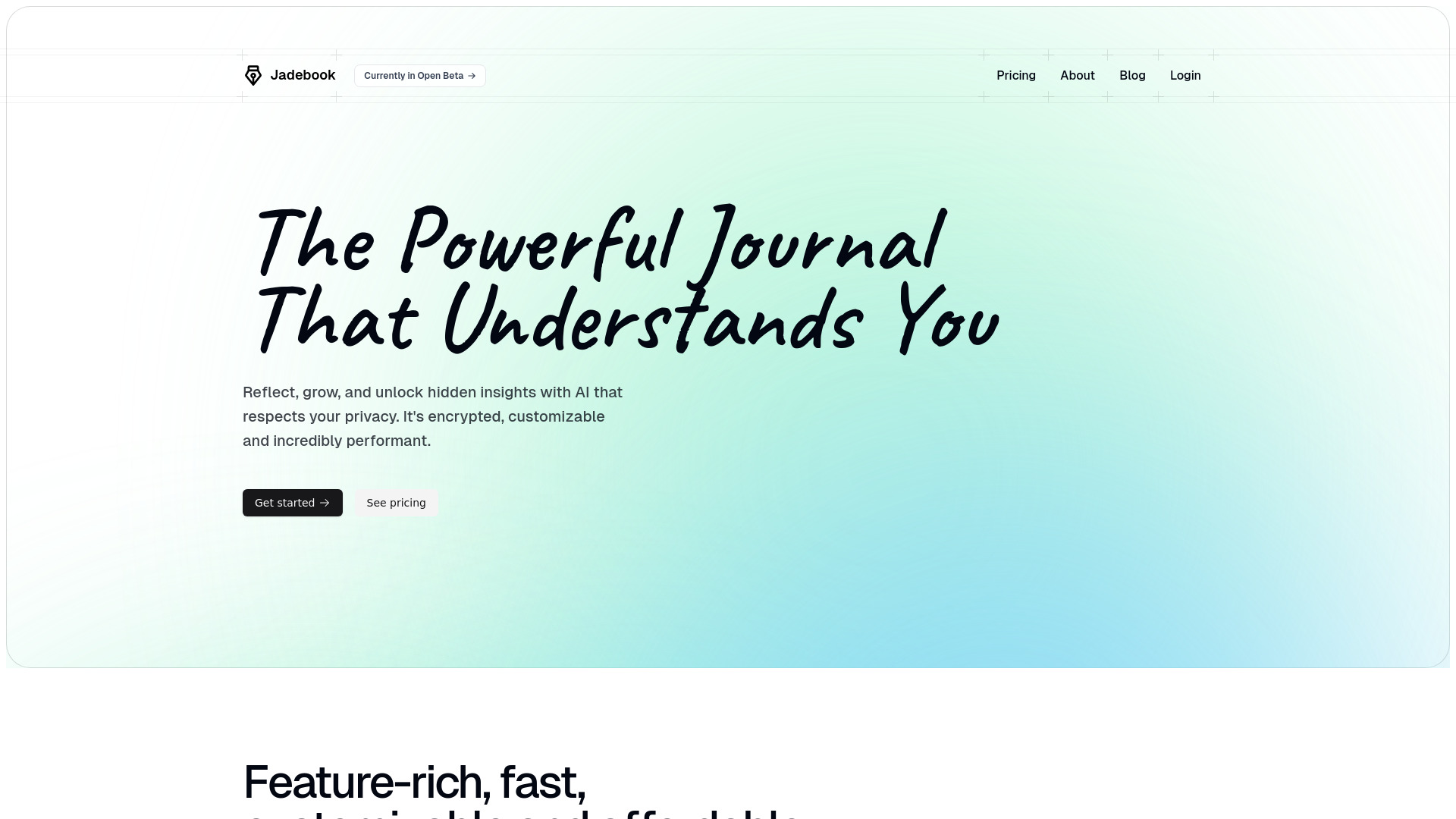
- Personal growth and mindfulness journaling
- Free plan available
- Starts at Free
- Usage signal: 0
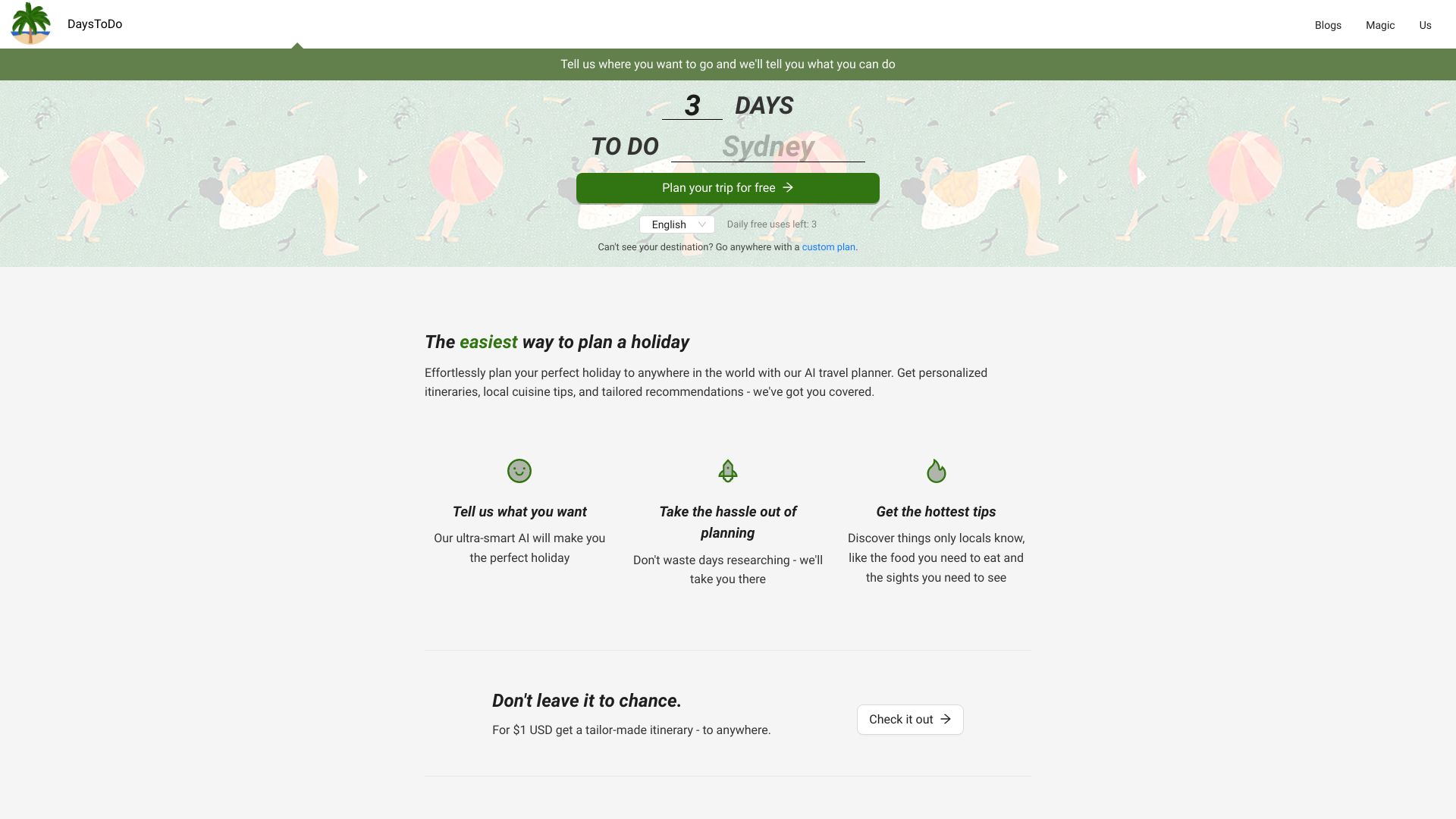
- AI-powered holiday planning
- 3 free uses/day
- Starts at $1 tailor-made itinerary
- Usage signal: 0

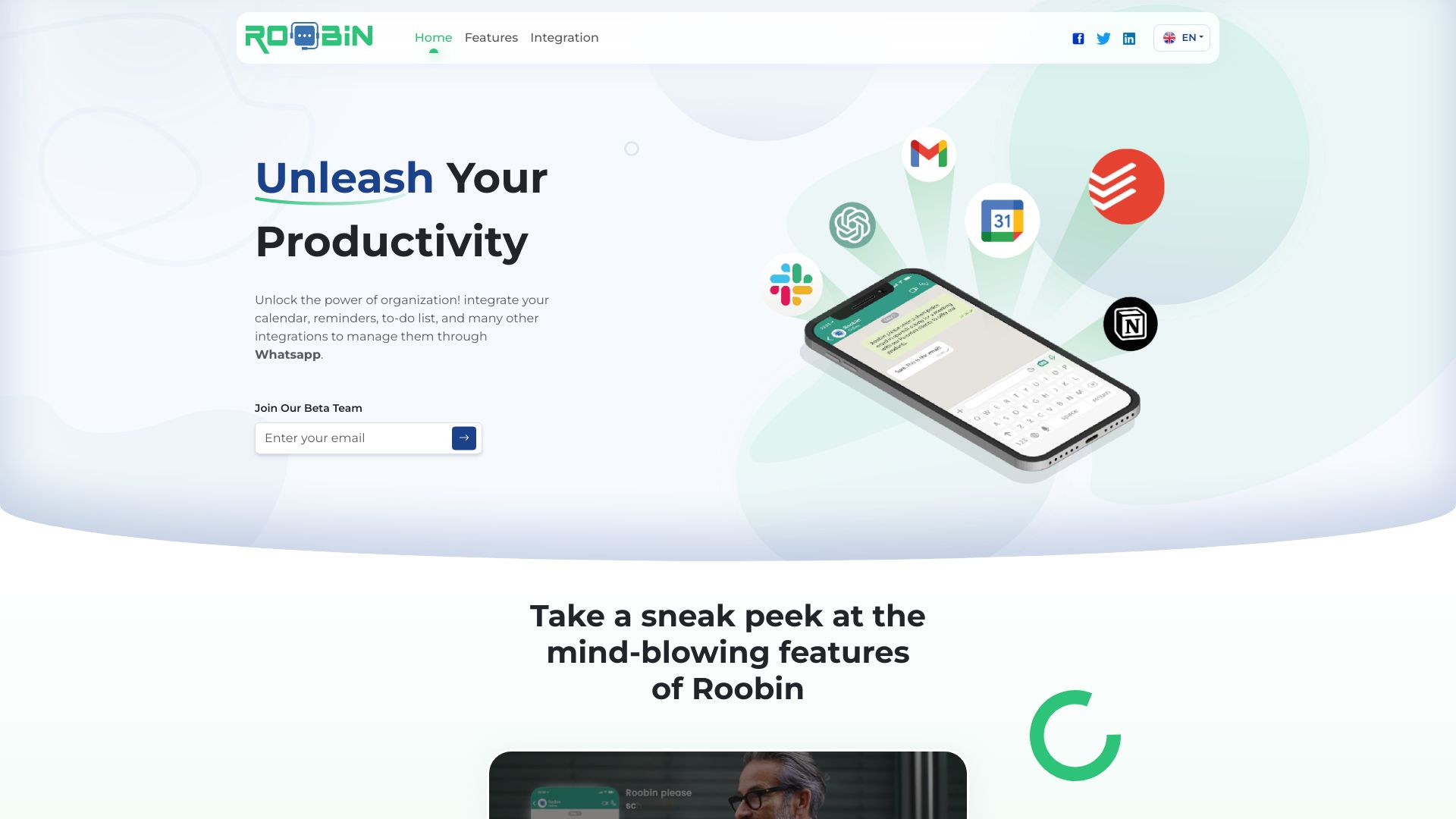
- WhatsApp-based task management
- Free plan available
- Starts at $0/month
- Usage signal: 0

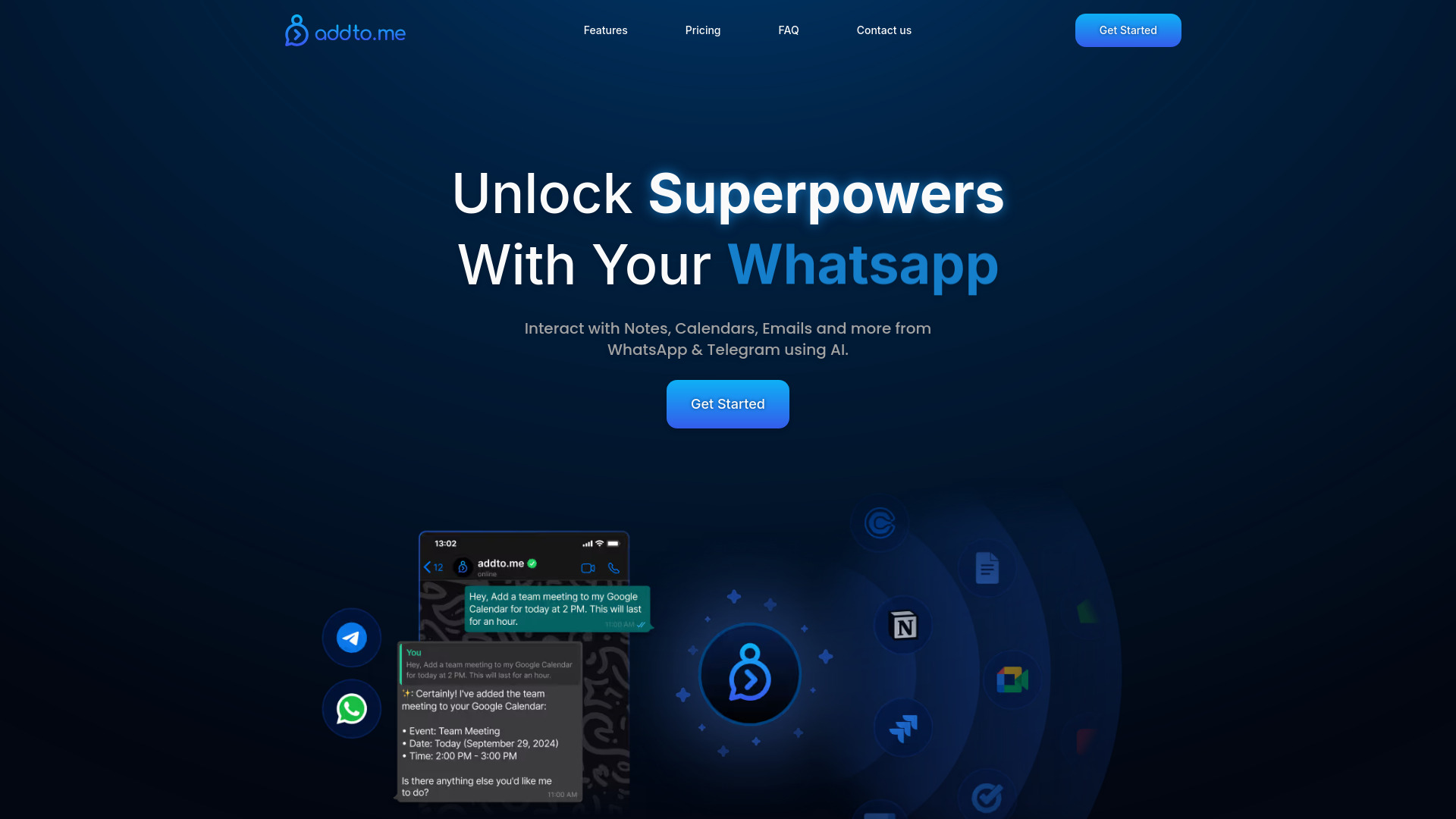
- Chat-based task and calendar management
- 14-day free trial
- Starts at $49/month
- Usage signal: 0

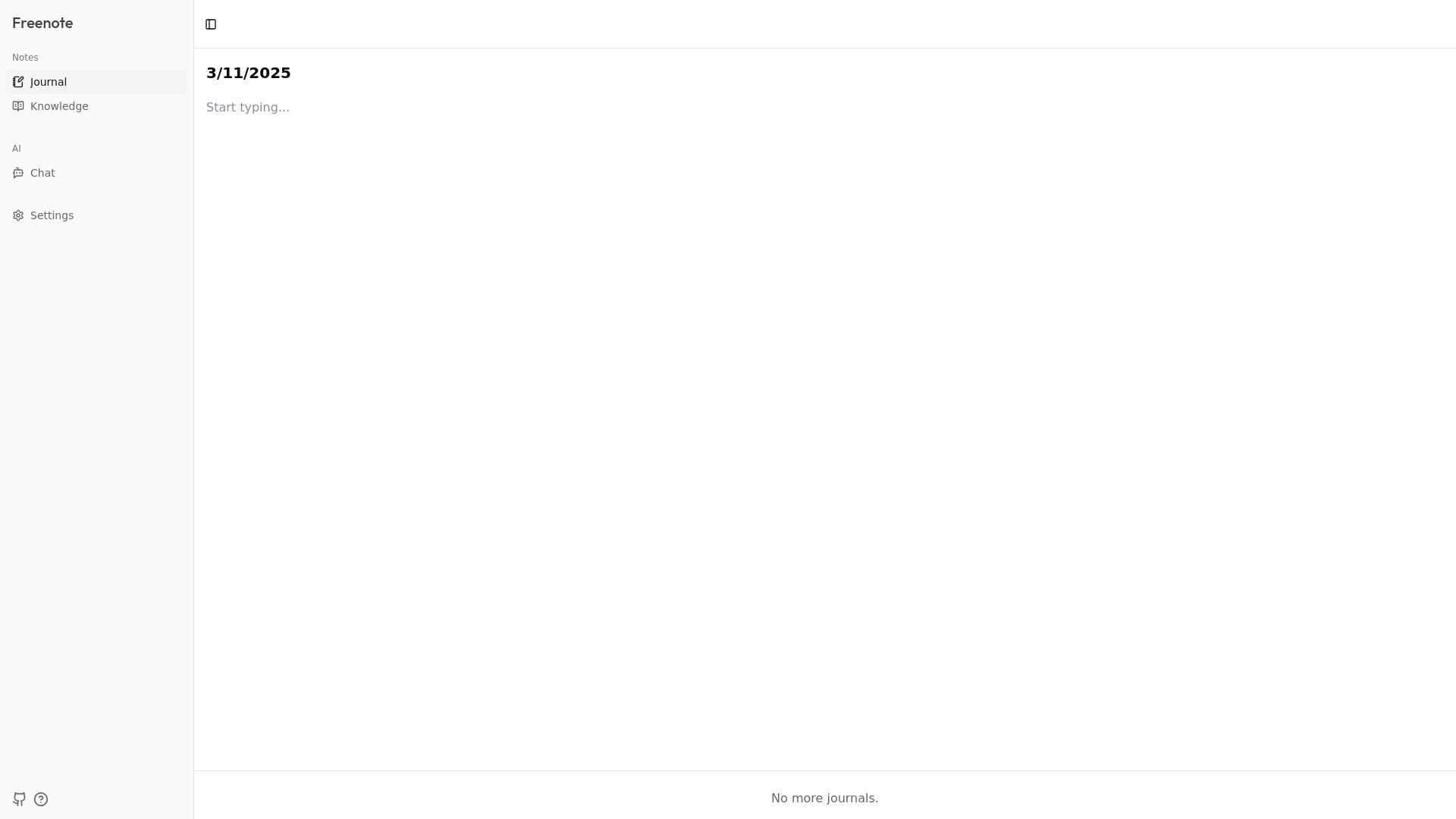
- Private AI-assisted journaling
- Starts at Check vendor pricing
- Usage signal: 0

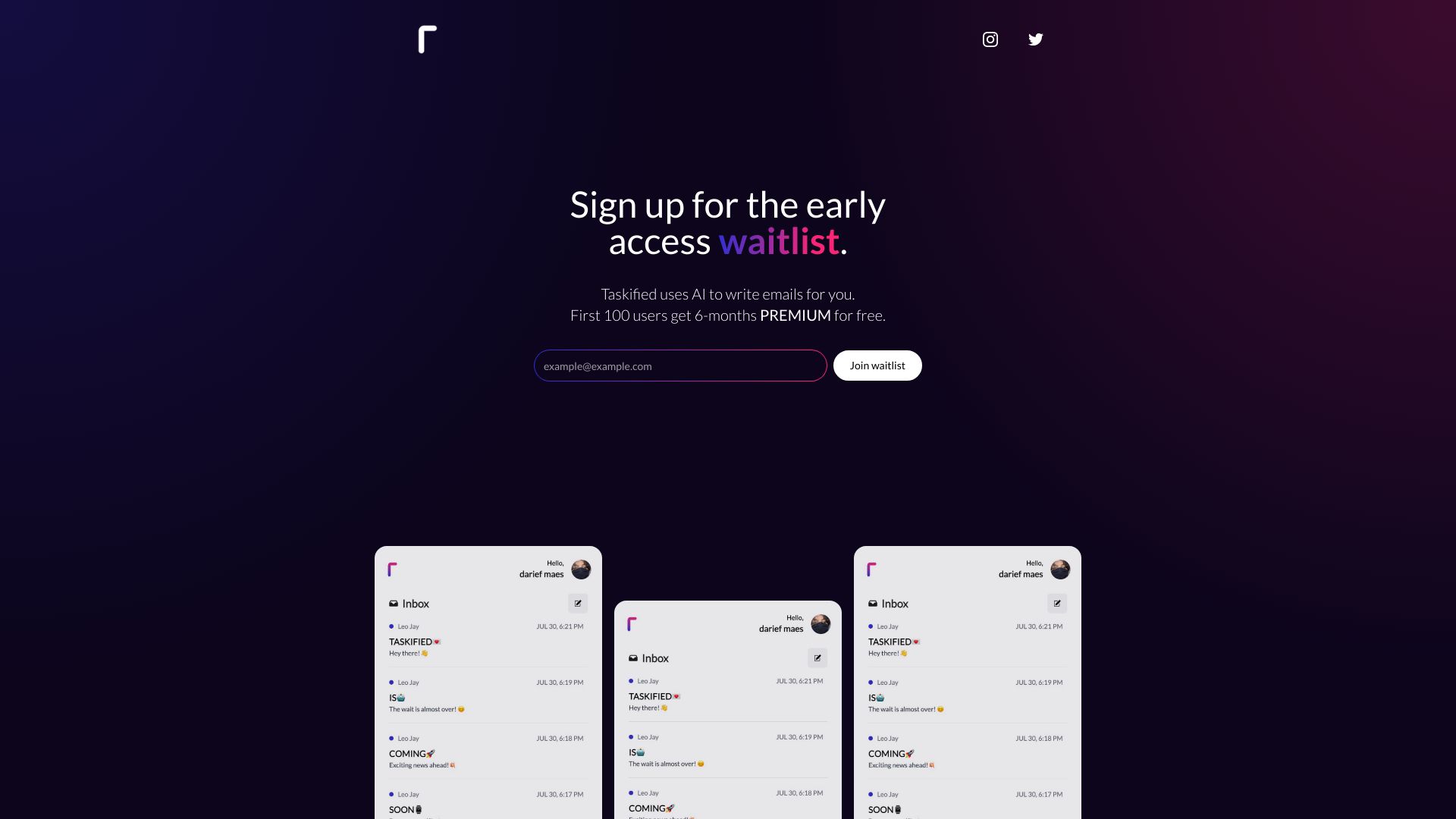
- AI-assisted email drafting and organization
- Starts at Check vendor pricing
- Usage signal: 0

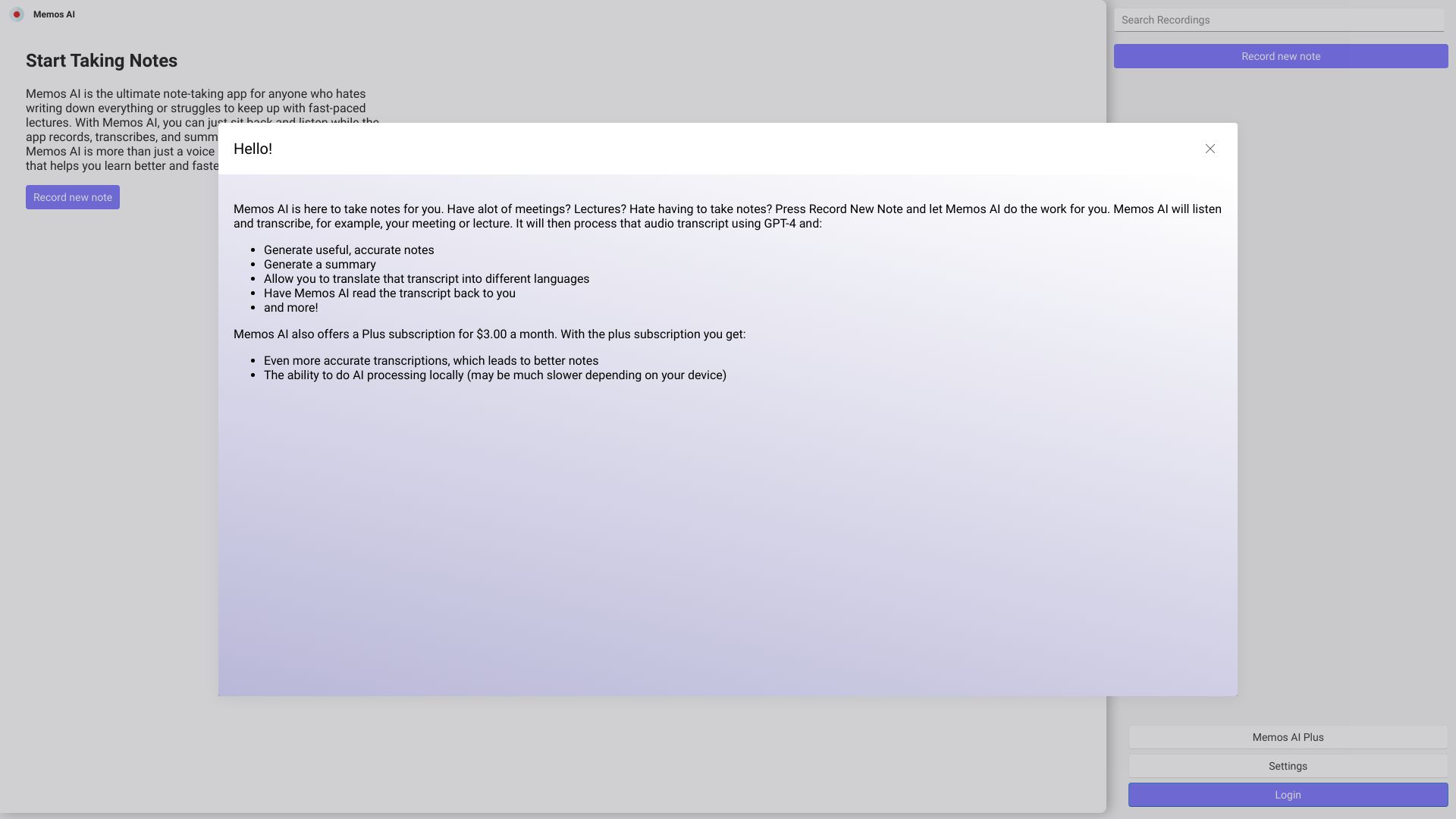
- Cross-device personal note-taking
- Starts at Check vendor pricing
- Usage signal: 0

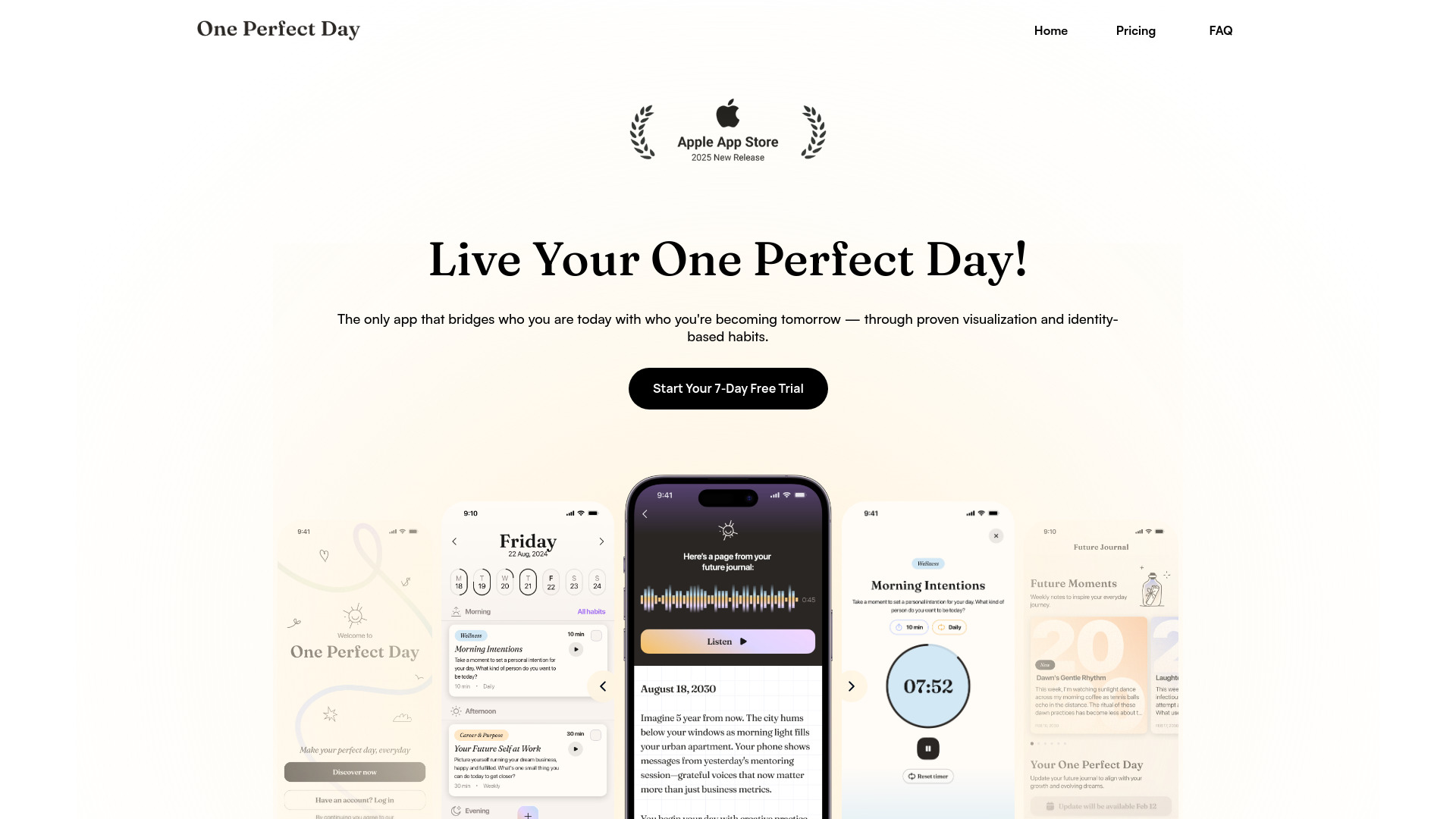
- AI-guided visualization and habit building
- 7-day free trial
- Starts at $12.99/month
- Usage signal: 0

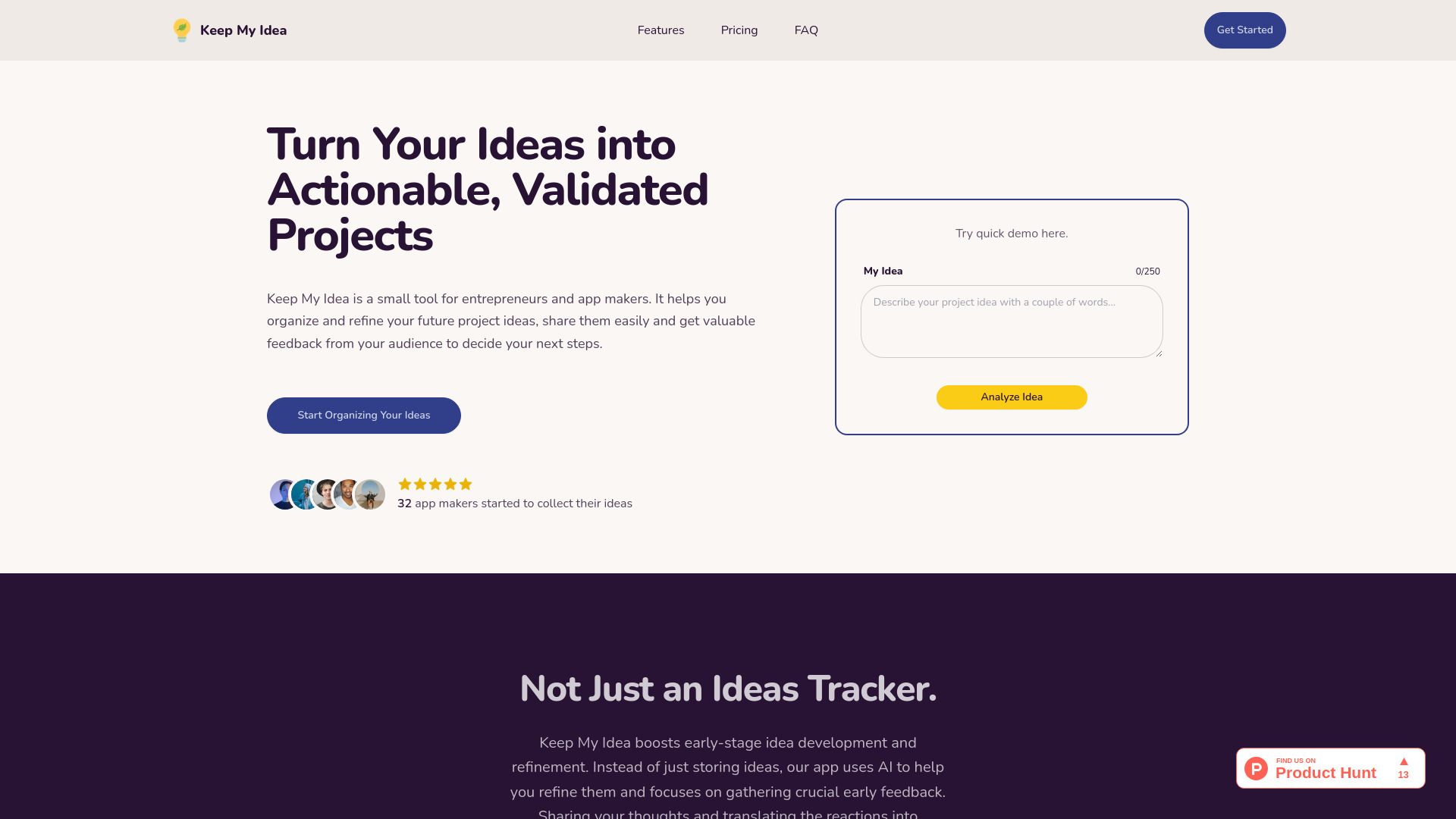
- Entrepreneurs validating project ideas
- Starts at $19/year
- Usage signal: 0

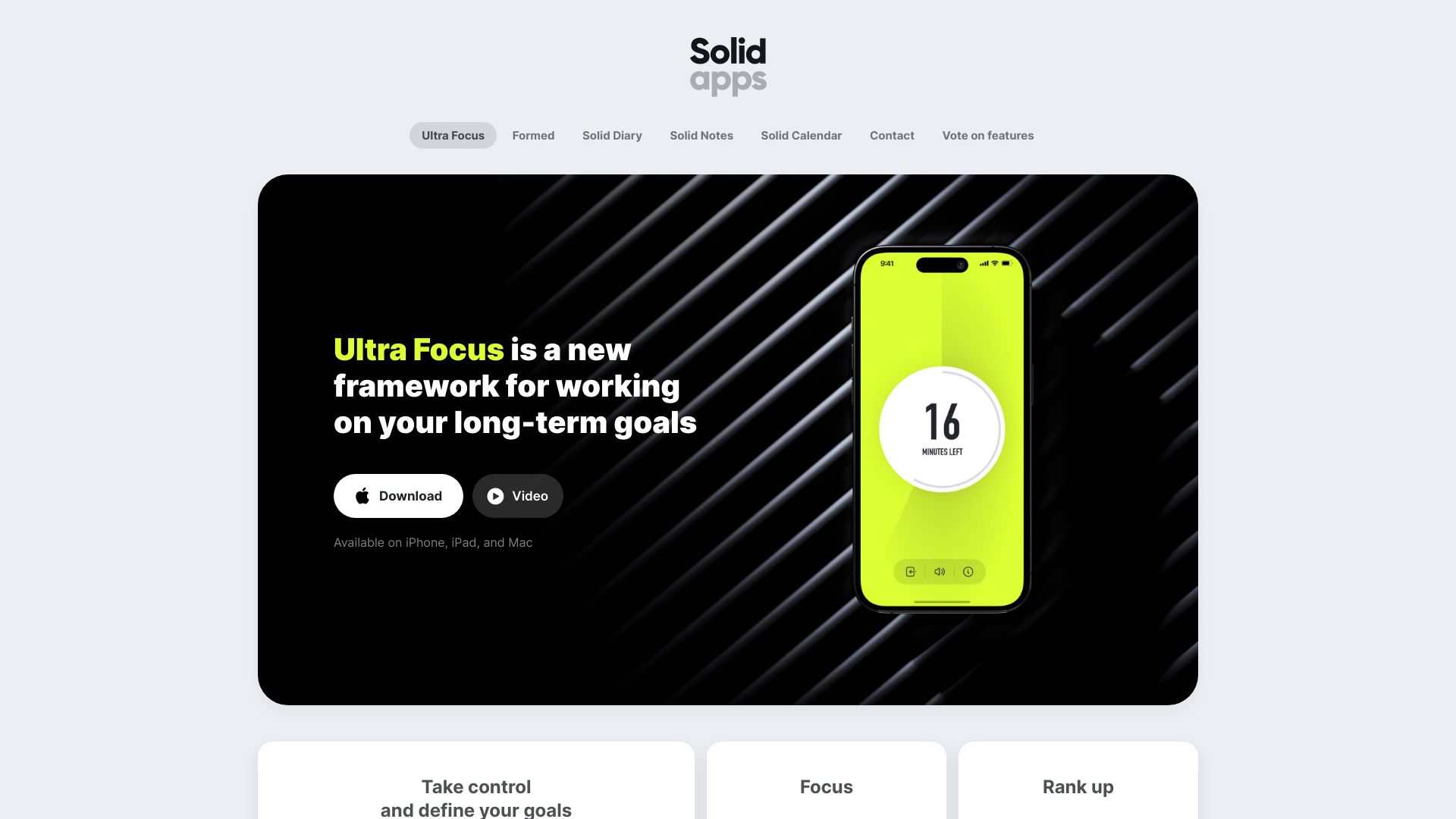
- Minimalist daily agenda planning
- 7-day free trial
- Starts at Check vendor pricing
- Usage signal: 0

- AI-powered scheduling and task reminders
- Free plan available
- Starts at Check vendor pricing
- Usage signal: 0
- AI-powered note and idea management
- Starts at Check vendor pricing
- Usage signal: 0
- Students managing syllabus deadlines
- Starts at $2/upload
- Usage signal: 0

- Eisenhower-matrix task organization
- Starts at Check vendor pricing
- Usage signal: 0

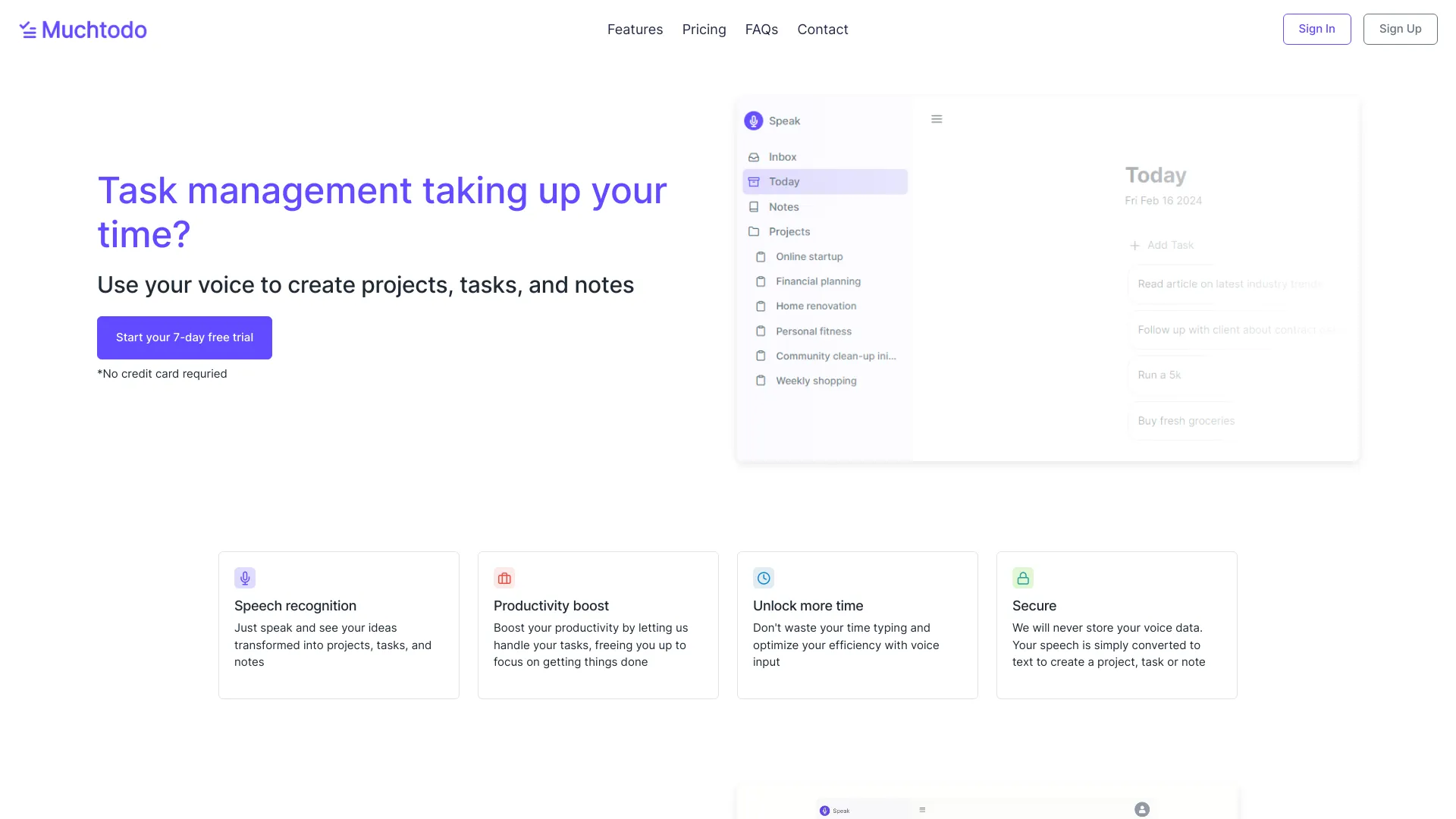
- Voice-first task and note management
- 7-day free trial
- Starts at From £2.99/month
- Usage signal: 0
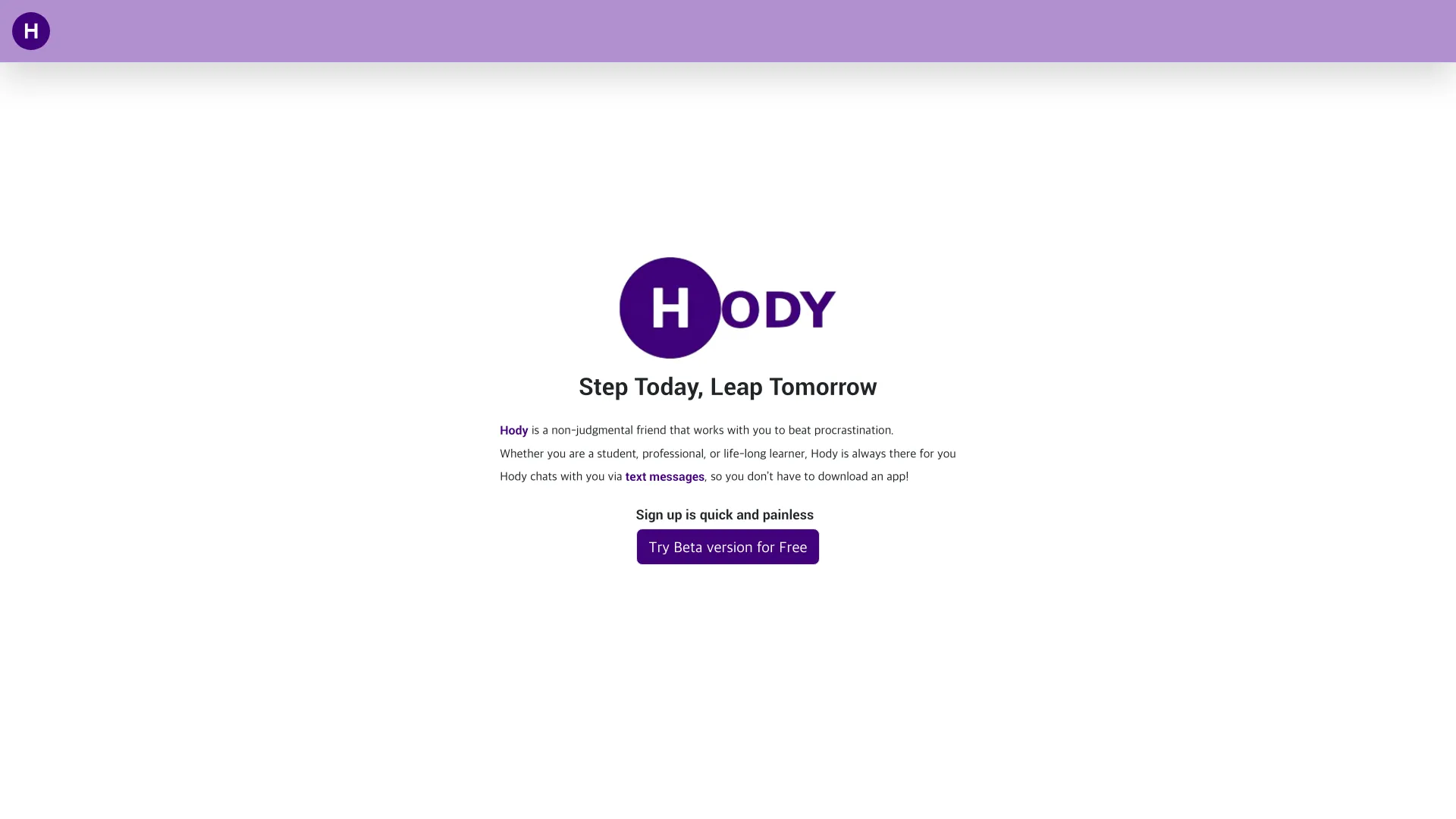
- SMS-based accountability coaching
- Free trial available
- Starts at Check vendor pricing
- Usage signal: 0

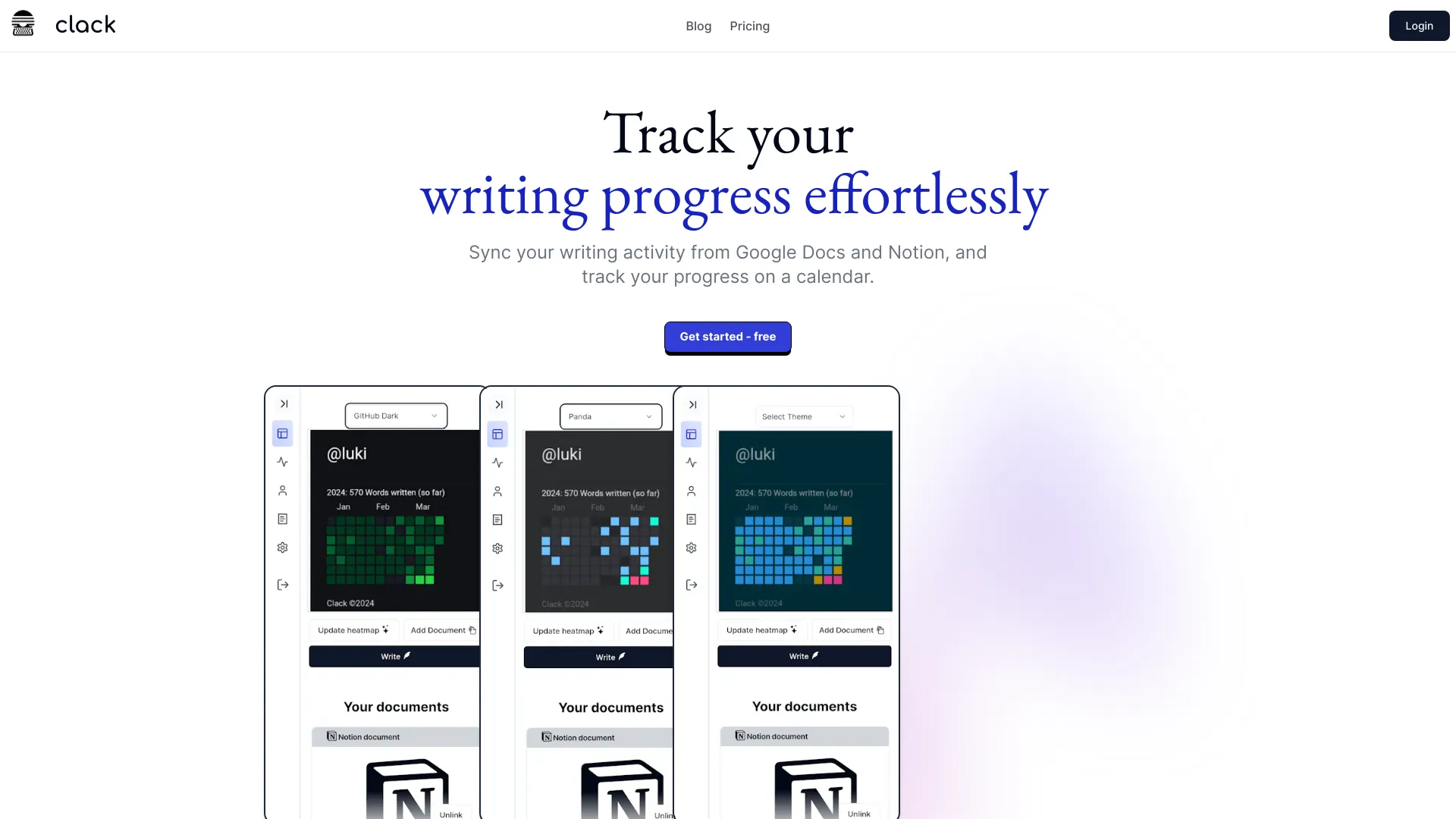
- Writing progress tracking
- Free plan available
- Starts at Check vendor pricing
- Usage signal: 0

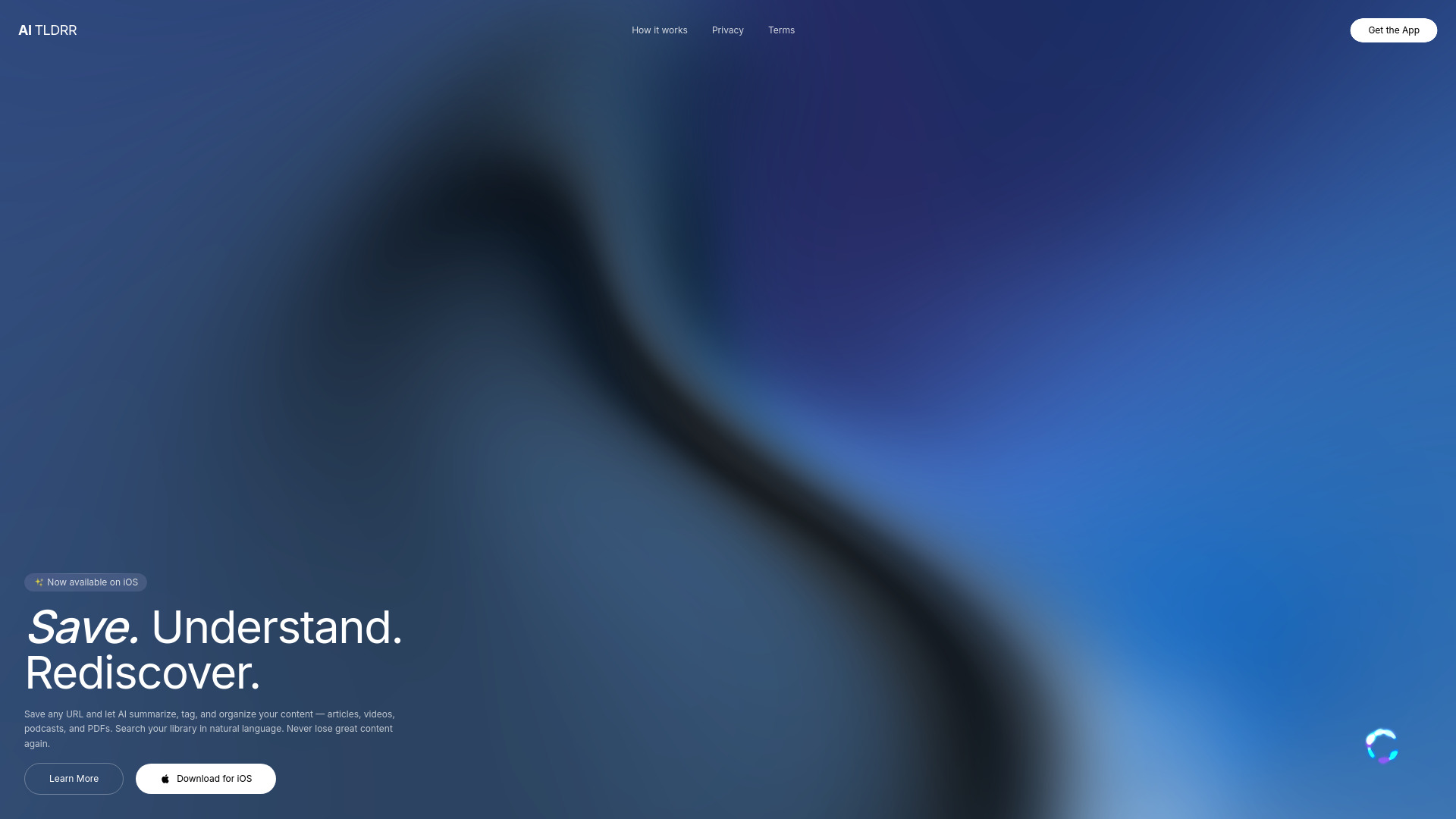
- Retaining and rediscovering saved content
- Starts at Check vendor pricing
- Usage signal: 0

- Automation consultants
- 1 computer
- Starts at $29/month/computer
- Usage signal: 0

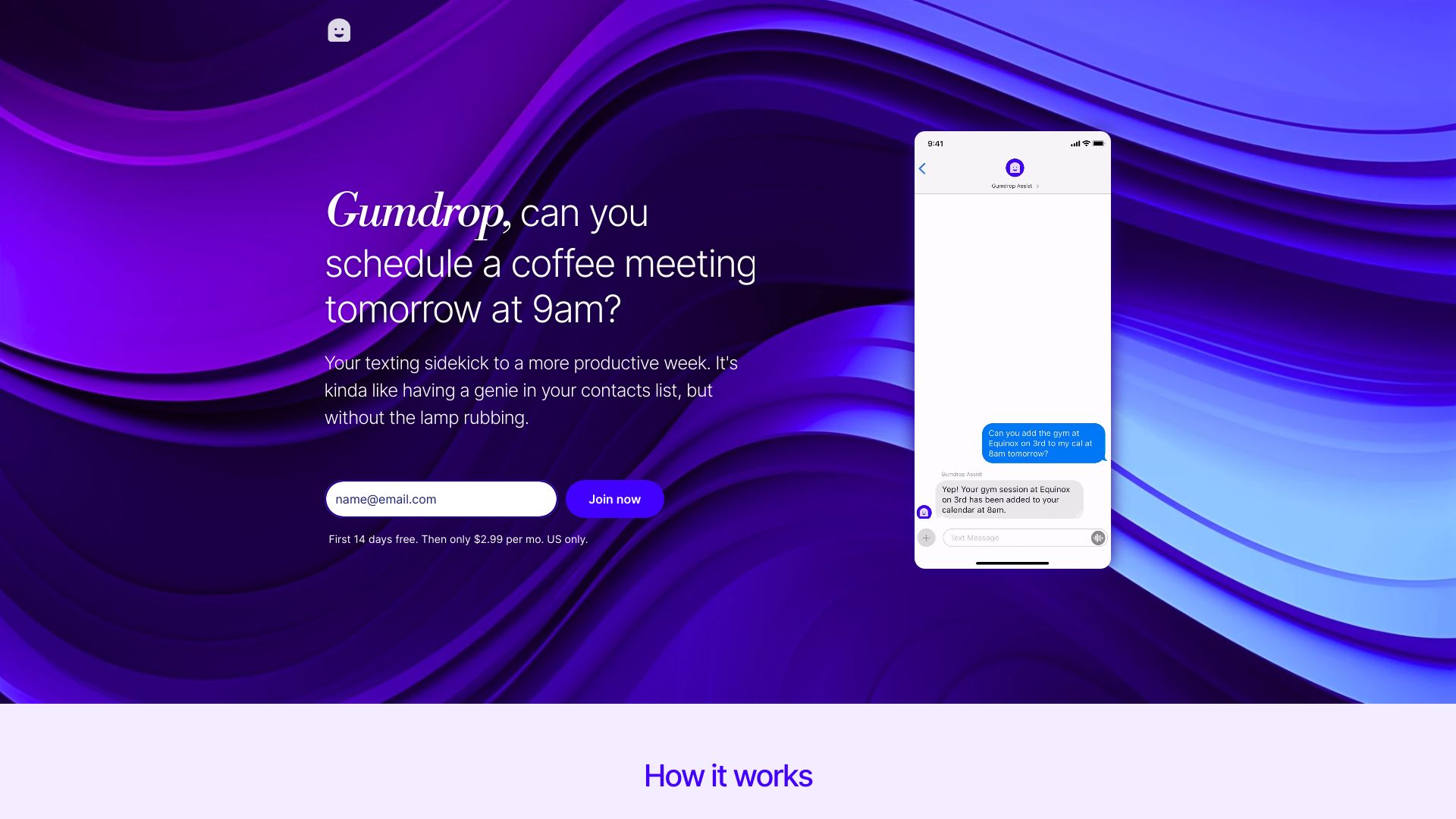
- SMS-based calendar and reminder management
- 14-day free trial
- Starts at $4.99/month
- Usage signal: 0

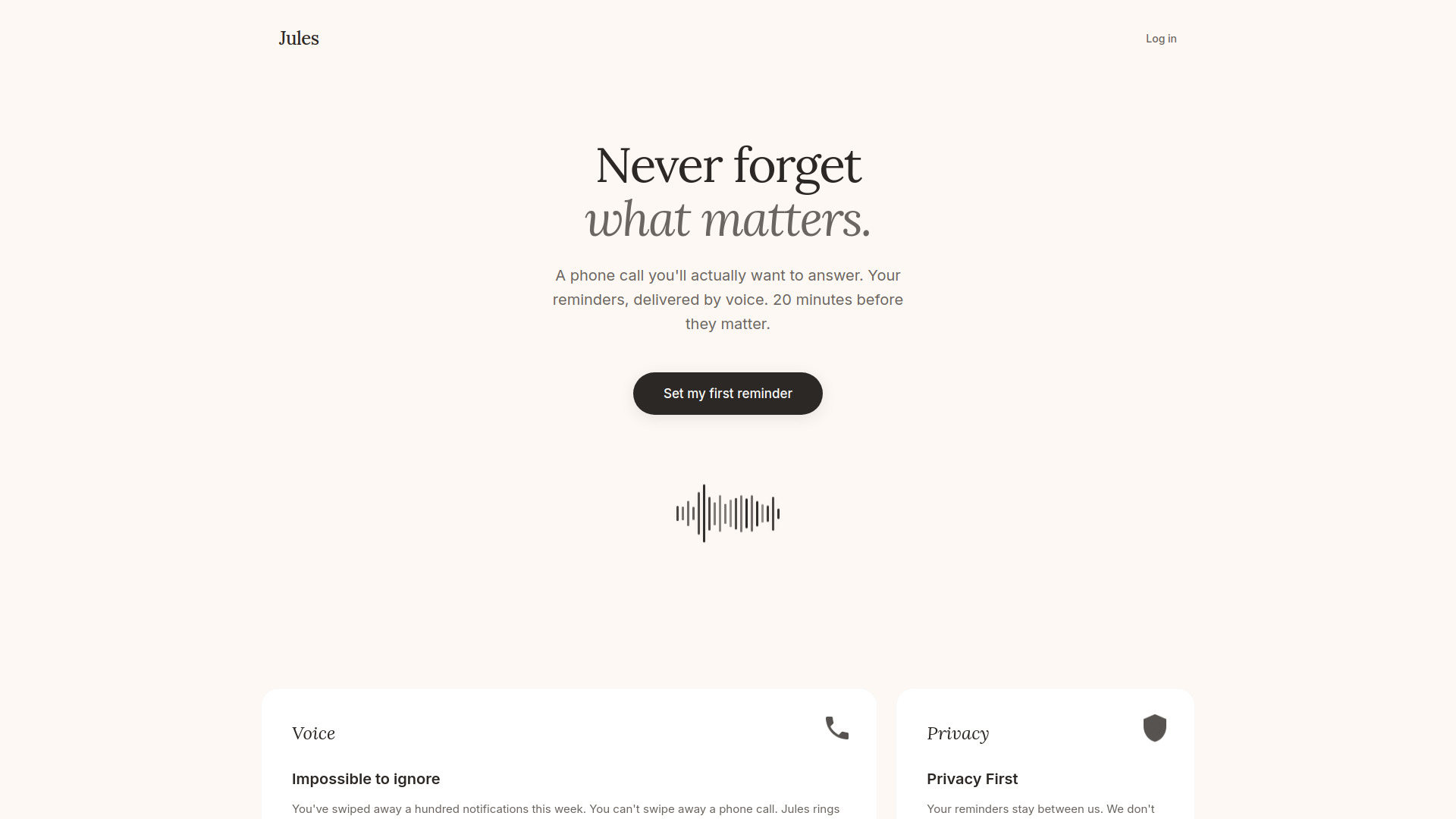
- Voice call task reminders
- Starts at Check vendor pricing
- Usage signal: 0
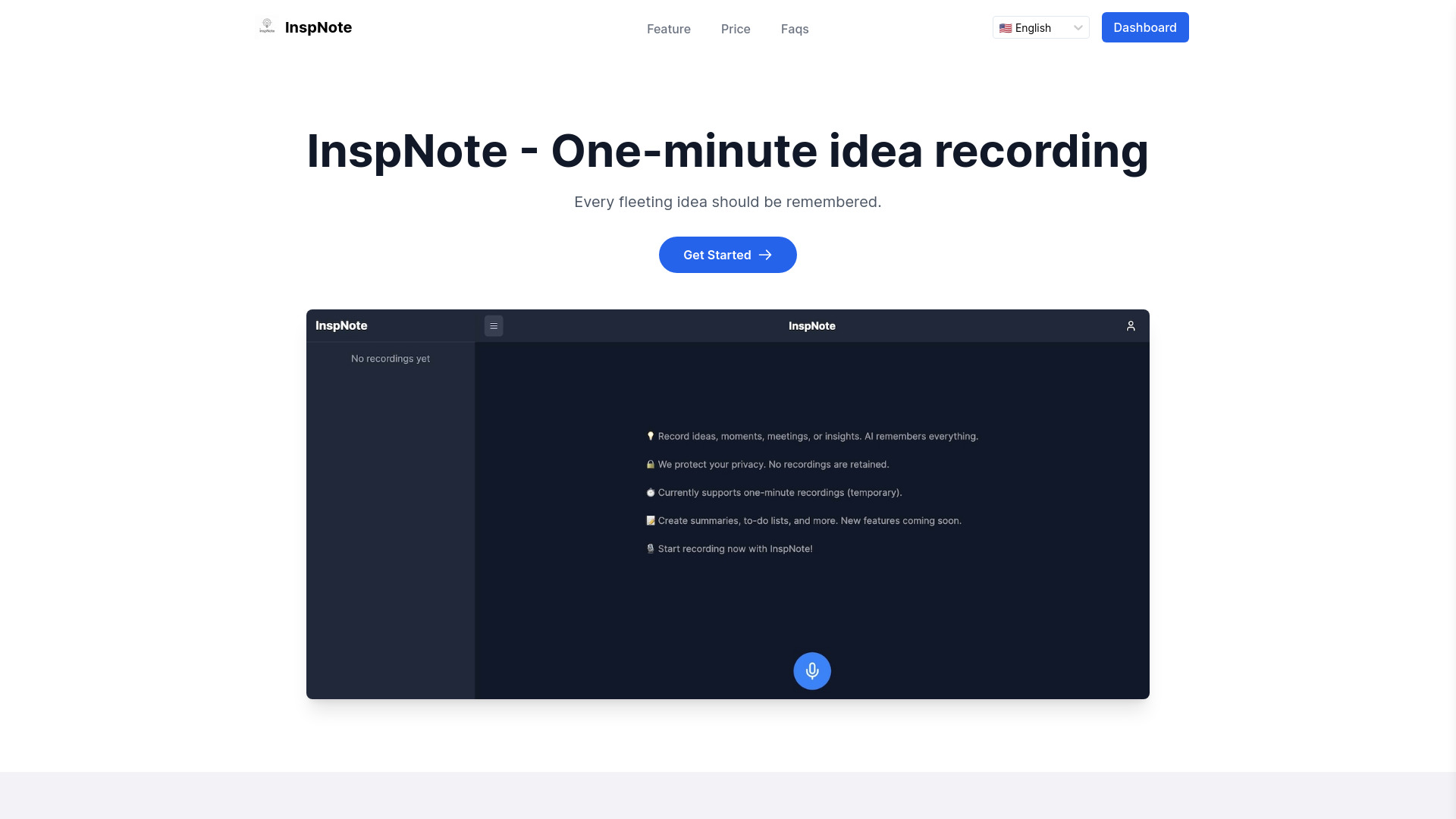
- Voice-to-todo and idea capture
- 15 GPT-4o uses
- Starts at $9.90/month
- Usage signal: 0
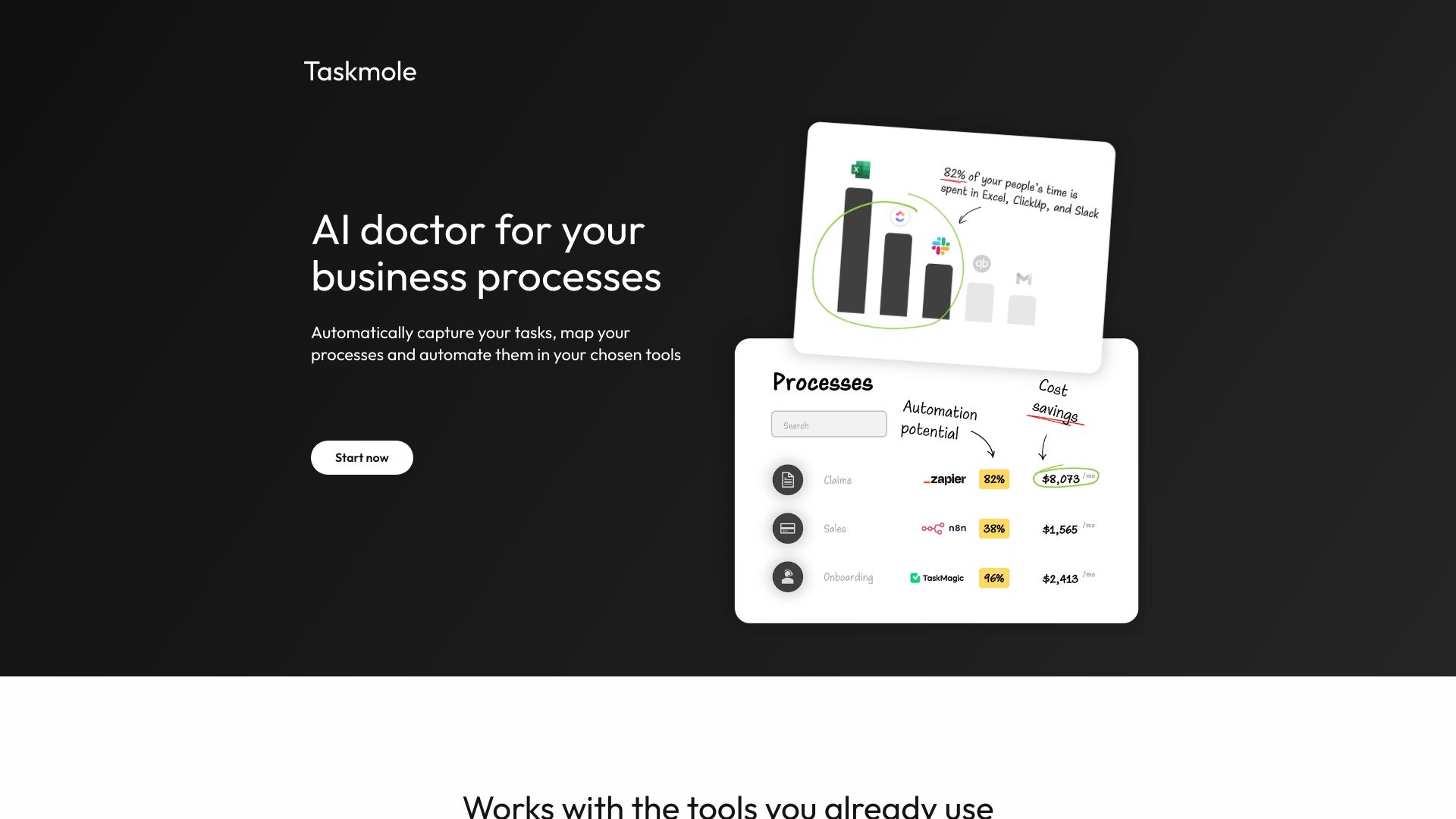
- AI-powered task management
- Free trial available
- Starts at Check vendor pricing
- Usage signal: 0

- AI-powered team task management
- Starts at Check vendor pricing
- Usage signal: 0
- Purpose-driven morning motivation
- Starts at Check vendor pricing
- Usage signal: 0

- WhatsApp-based calendars, reminders, and shared lists
- 50 voice notes + 5 images/month
- Starts at $4/month
- Usage signal: 0

- Focused knowledge workers
- 10,000 free AI token credits
- Starts at $7/month billed yearly
- Usage signal: 0
What to test before choosing
A polished demo can make nearly any task app look organized. Use a short, repeatable test instead. The goal is to see whether the tool survives a normal week, not whether it can produce an attractive sample board.
- 1
Capture a vague task. Enter something like prepare quarterly review rather than a perfectly formatted action. Check whether the product helps you clarify or break it down.
- 2
Add a deadline and a realistic duration. Calendar-led tools should show where the work goes, not simply mark it urgent. Watch how FlowSavvy, Morgen, or SkedPal responds to a crowded day.
- 3
Interrupt the plan. Add an unexpected meeting or move a deadline. Automatic schedulers should reschedule cleanly without creating duplicate work.
- 4
Find the task later. Search for an item from a note, meeting, voice capture, or project. Retrieval is more important than a long list of organizational features.
- 5
Test the free boundary. Add enough documents, tasks, connectors, or AI requests to understand the limit. A free tier that works for one day may not work for your normal volume.
- 6
Review the AI output. For agents, summaries, task breakdowns, and voice organization, check accuracy before trusting automation with a deadline.
- 7
Check the exit cost. Export a few notes or tasks and confirm what happens if you stop paying. Also verify current pricing directly, especially for tools with unclear or varying price displays.
What to do next
Start with two tools, not ten. Pick the product that matches your dominant failure mode and one nearby alternative. For example, compare Craft with Routine if context switching is the issue, Tiimo with Flowtica if task initiation is the issue, or FlowSavvy with SkedPal if your calendar is the bottleneck.
Run both through the same five-day test. Keep the same projects, deadlines, calendar connections, and capture habits. At the end, count how many tasks were captured correctly, how often you manually rearranged the plan, and whether you opened the app without forcing yourself. Those observations are more useful than a small score difference.
If you manage a team, include one colleague in the trial. A tool can feel excellent for personal planning while creating confusion around ownership, permissions, or shared workflows. If you work alone, do not pay for collaboration features you will never use simply because they look impressive in a comparison table.
Common mistakes when choosing from a complex top list
Treating the rank as universal. Craft is a strong overall match, but Tiimo may be the better choice for visual executive-function support, and FlowSavvy may be better for calendar automation.
Confusing task storage with task execution. A list can hold 100 tasks without helping you decide what belongs in today's schedule.
Ignoring setup time. Morgen, SkedPal, and FlowSavvy can reward configuration, but that configuration is part of the ownership cost.
Assuming AI removes review work. Hoop summaries, Flowtica organization, and Taskade automation still deserve a human check when the consequence of an error is high.
Comparing free plans by name alone. Document limits, task quotas, AI requests, connectors, history, trials, and paid-only features create very different experiences.
Overlooking the audience. A product designed for students, ADHD support, executives, or product managers may have a deliberate interface that feels wrong outside that context.
Using popularity as proof of fit. Monthly visits are a useful market signal, not evidence that a tool matches your workflow.
Forgetting adjacent tools. Whacka is not a normal checklist app, but a broader creative studio can be the right answer when the desired outcome is a small shared mobile app.
FAQ
Craft is the strongest overall match in this comparison because it combines notes, tasks, planning, research, offline functionality, and on-device AI assistance. Its free plan limits documents and storage, so users with larger workspaces should test the paid boundary before settling on it.