
Choosing a top free website maker is less about finding the tool with the flashiest AI demo and more about matching the editor to the site you actually need to ship. We compared 100 tools across no-code design, AI-generated pages, publishing, ecommerce, WordPress, and export workflows, then shortlisted the 10 most useful options for different kinds of builders. Framer leads for polished, code-free publishing, while Mobirise, Tilda, WeWeb, Solo, and the rest make stronger cases in narrower situations.
The important distinction is between a free tool that helps you prototype and a free tool that can support a live site. Custom domains, page limits, branding, CMS capacity, analytics, export, and transaction fees can matter more than the initial price. This guide separates those tradeoffs so you can choose a top website creator without discovering the catch after your site is already built.
Start here
If you do not want to read all 100 entries, start with the decision that matters most: are you publishing a polished marketing site, generating a basic business presence, building a web app, or exporting a design to another workflow?
Best overall match: Framer - The most balanced choice for freelancers who want AI design assistance, no-code publishing, and CMS support. Its free access includes 10 CMS collections, 1,000 pages, 5MB file uploads, and a free locale.
Best for simple small-business sites: Mobirise AI Website Builder - A straightforward AI generator with drag-and-drop editing, offline mode, and the ability to export and publish elsewhere.
Best block-based editor: Tilda - Its large library of 550+ pre-designed blocks makes it approachable for entrepreneurs who prefer assembling pages over designing from a blank canvas.
Best for app-like projects: WeWeb - AI-assisted building paired with visual editing, APIs, native integrations, and backend freedom gives startups more room to grow than a basic brochure-site builder.
Best for instant generation: Instant Website Generator - Generates sites from a keyword or voice command, making it a sensible starting point for beginners who value speed over deep customization.
The remaining picks cover video-led marketing, ecommerce, coaching sites, managed WordPress, and designer-friendly export. That range is intentional: the top website maker for a coach is not necessarily the right tool for a startup product site.
Segment comparison
| Segment | Best fit | What stands out | Main tradeoff |
|---|---|---|---|
| Visual marketing sites | Framer | AI design assistance, no-code publishing, and advanced CMS | Advanced features may require a subscription; the editor can take time to learn |
| Simple business websites | Mobirise AI Website Builder | AI generation, drag-and-drop editing, export, and offline mode | Free version has limited advanced features and template flexibility |
| Block-based business and content sites | Tilda | 550+ pre-designed blocks and AI-powered creation | Free plan limits blocks, custom domains, and branding; Personal supports one site |
| Web apps and startup products | WeWeb | Visual building with APIs, native integrations, and backend freedom | Editor and plan structure require more learning and careful cost checking |
| WordPress-led publishing | 10Web | AI website builder, managed WordPress hosting, and PageSpeed Booster | Higher-tier plans and add-ons may affect the final cost |
Shortlist paths
| Your priority | Start with | Why it belongs on the shortlist |
|---|---|---|
| Ship a refined freelance portfolio or landing page | Framer | Fast, no-code design and publishing with CMS depth when the site grows |
| Create a basic business site without coding | Mobirise AI Website Builder | AI generation and an intuitive drag-and-drop workflow reduce setup friction |
| Build a site from reusable visual sections | Tilda | A broad block library offers more structure than a blank editor |
| Build something connected to a backend or API | WeWeb | It combines no-code speed with developer-grade control and connectivity |
| Get online immediately from a short prompt | Instant Website Generator | Keyword- and voice-command generation favors speed and accessibility |
Ranking snapshot
| Rank | Tool | Score | Best for | Free-entry signal |
|---|---|---|---|---|
| #1 | Framer | 93/100 | Freelancers | 10 CMS collections, 1,000 pages, 5MB uploads, and one free locale |
| #2 | Mobirise AI Website Builder | 93/100 | Small business owners | AI generation, no-code building, and customizable templates |
| #3 | Tilda | 93/100 | Entrepreneurs | Free one-website plan with AI creation and no-code blocks |
| #4 | WeWeb | 92/100 | Startups | 1 million free AI tokens and visual drag-and-drop building |
| #5 | Instant Website Generator | 92/100 | Beginners | Keyword or voice-command generation |
The scores are close, but the products are not interchangeable. The top three all score 93, yet Framer is the stronger design-and-publish choice, Mobirise is friendlier for a basic small-business site, and Tilda is better for block-based page assembly. A numerical tie should not override the workflow fit.
How we grouped and ranked the list
This is a complex category because "website maker" can describe a landing-page generator, a visual web-app builder, a hosted publishing system, or a WordPress platform. We grouped the 100 candidates by the job they help complete rather than by whether they use the word AI in their homepage headline.
The ranking emphasizes five practical questions:
- 1
Can a real user get from idea to published page without code? AI generation matters, but only when the resulting page remains editable.
- 2
How much control survives the initial generation? Visual editing, blocks, CMS support, APIs, export, and responsive output all separate a useful builder from a disposable mockup.
- 3
Does the free access support a meaningful test? We looked for explicit quotas, free sites, trials, publishing access, and export options rather than treating every "free" claim equally.
- 4
Who is likely to be happy with the workflow? A designer, coach, startup, marketer, and first-time site owner need different levels of control.
- 5
What could create friction later? Branding, page limits, transaction fees, subscription gates, payment requirements, limited projects, and plan-dependent features all affect the shortlist.
Market signals such as monthly visits and usage signals help provide context, but they are not a substitute for product fit. They also should not be read as a quality guarantee. For pricing, check the vendor before committing: some tools expose a free plan clearly, while others make the final cost depend on plans, add-ons, or a sales conversation.
Ranked field notes
1. Framer

- Freelancers building polished no-code websites
- 10 CMS collections, 1,000 pages, 5MB uploads, free locale
- Starts at Check vendor pricing
- Usage signal: 5.5M
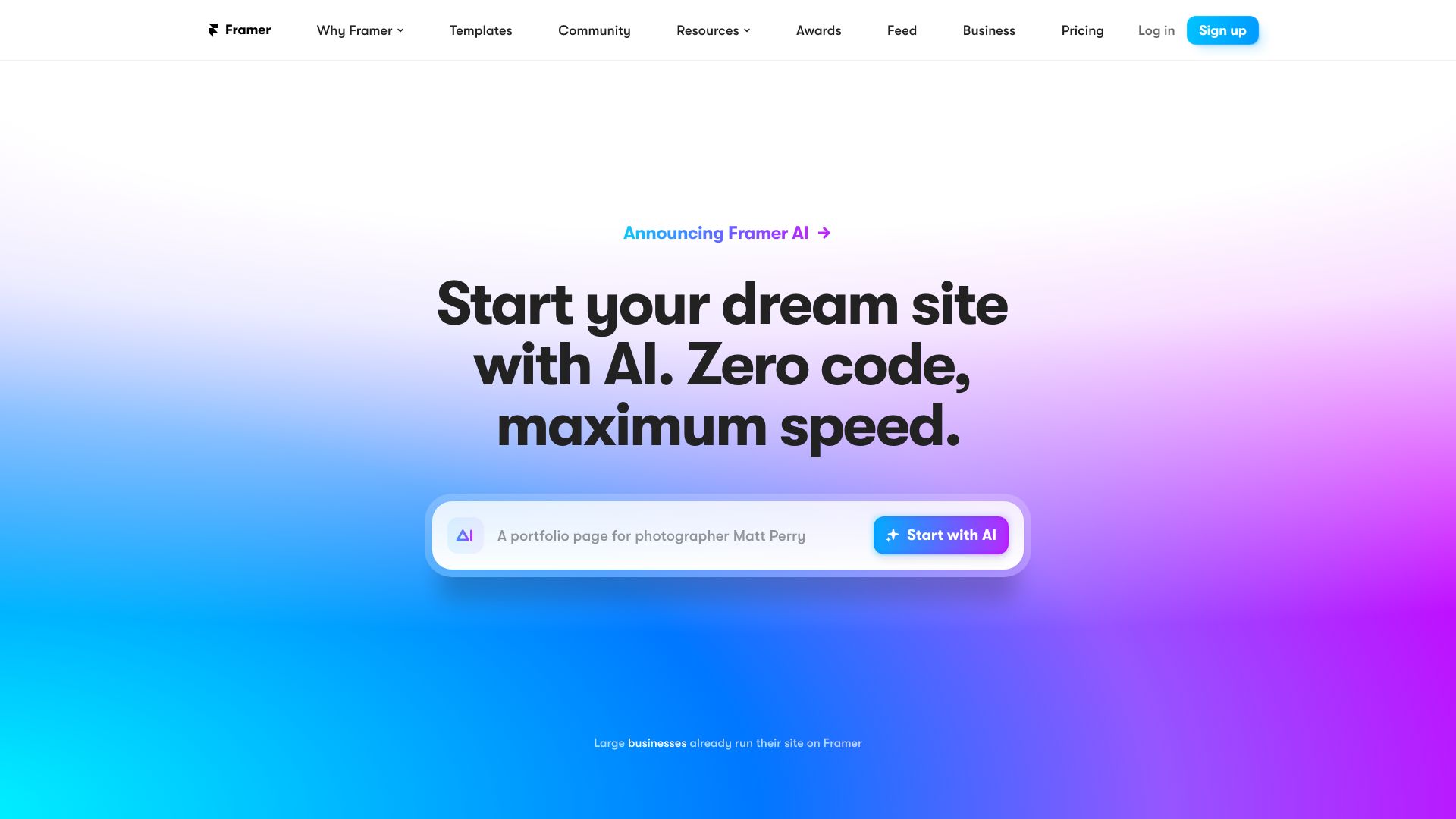
Why it matters Framer earns the top spot because it covers the widest range of needs without abandoning the speed that makes free website makers attractive. AI-powered design assistance gets a page moving, while no-code publishing keeps the workflow accessible to freelancers who do not want to maintain a codebase. The free allowance is unusually concrete: 10 CMS collections, 1,000 pages, 5MB file uploads, and a free locale give you room to test a real content structure rather than only a single mockup. The advanced CMS also makes it more credible for a site that may outgrow a handful of static pages.
Best for
Freelancers creating portfolios, service sites, or marketing pages
Users who want fast visual design without writing code
Small content-driven sites that need CMS collections
Limitations
Advanced features may require a subscription
People unfamiliar with design tools may face a learning curve
Check current vendor pricing before planning a long-term build
Shortlist signal: Add Framer first when visual polish, no-code publishing, and room for structured content matter more than the simplest possible editor.
2. Mobirise AI Website Builder

- Small business owners making simple sites
- AI generation, no-code building, and customizable templates
- Starts at KIT: $149
- Usage signal: 428.0K
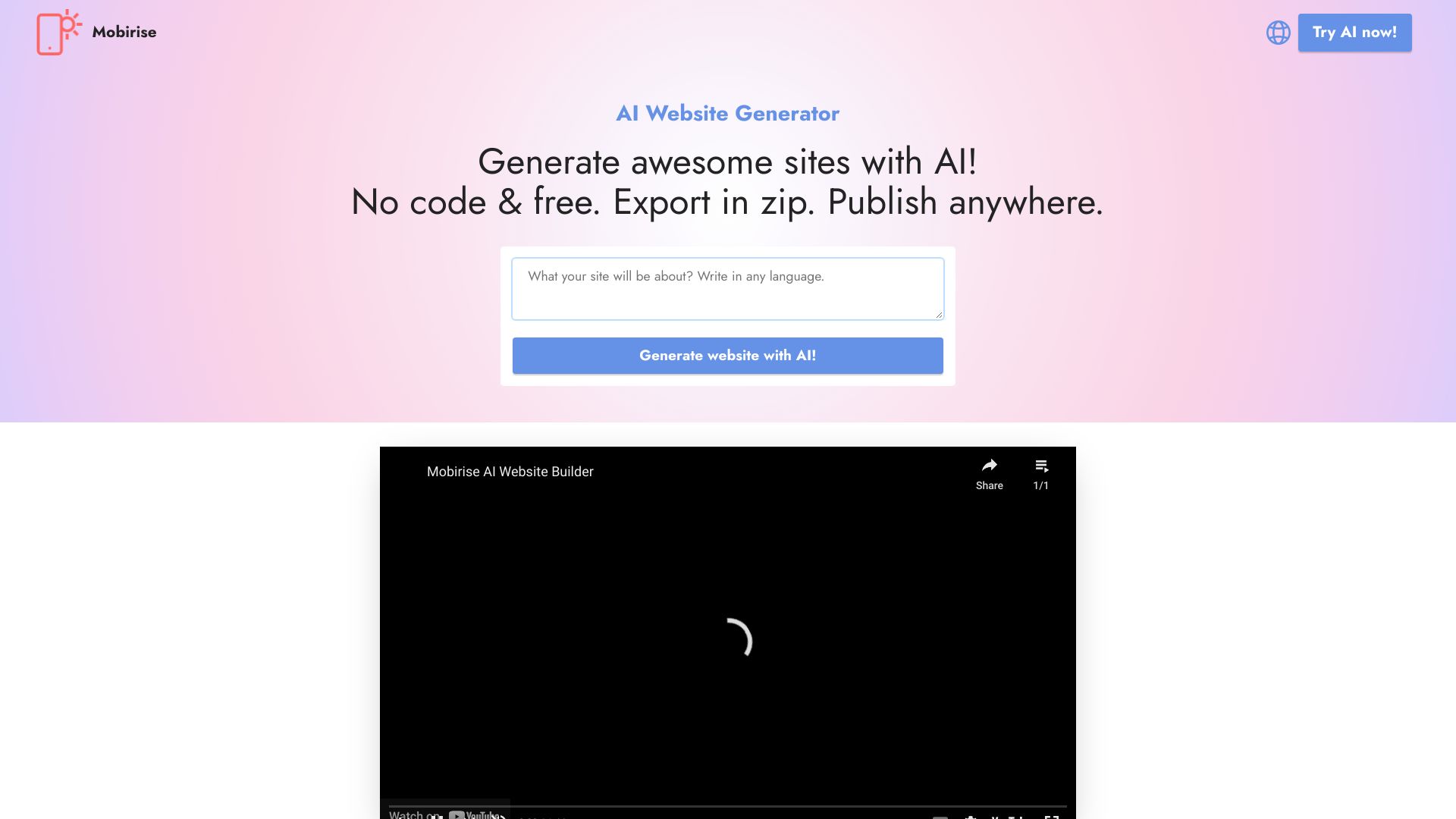
Why it matters Mobirise takes a practical route: generate a website with AI, then refine it in a drag-and-drop environment rather than learning a more abstract design system. Export and publish-anywhere support is the differentiator here. That makes it appealing to a small business owner who wants more control over where the output lives, and offline mode can be useful when a browser-only workflow is inconvenient. It is not the pick for deep customization, but it keeps the path from blank page to usable business site refreshingly direct.
Best for
Small business owners who want a no-code starting point
Beginners who prefer visual drag-and-drop editing
Users who value export and offline access
Limitations
The free version limits advanced features
Template options may feel restrictive for distinctive brands
The displayed KIT price is $149; verify what it includes before buying
Shortlist signal: Choose Mobirise when you need a straightforward AI-generated business site and want export flexibility more than advanced design control.
3. Tilda

- Entrepreneurs assembling content-rich pages
- Free 1 website with AI creation and no-code blocks
- Starts at Free
- Usage signal: 2.4M
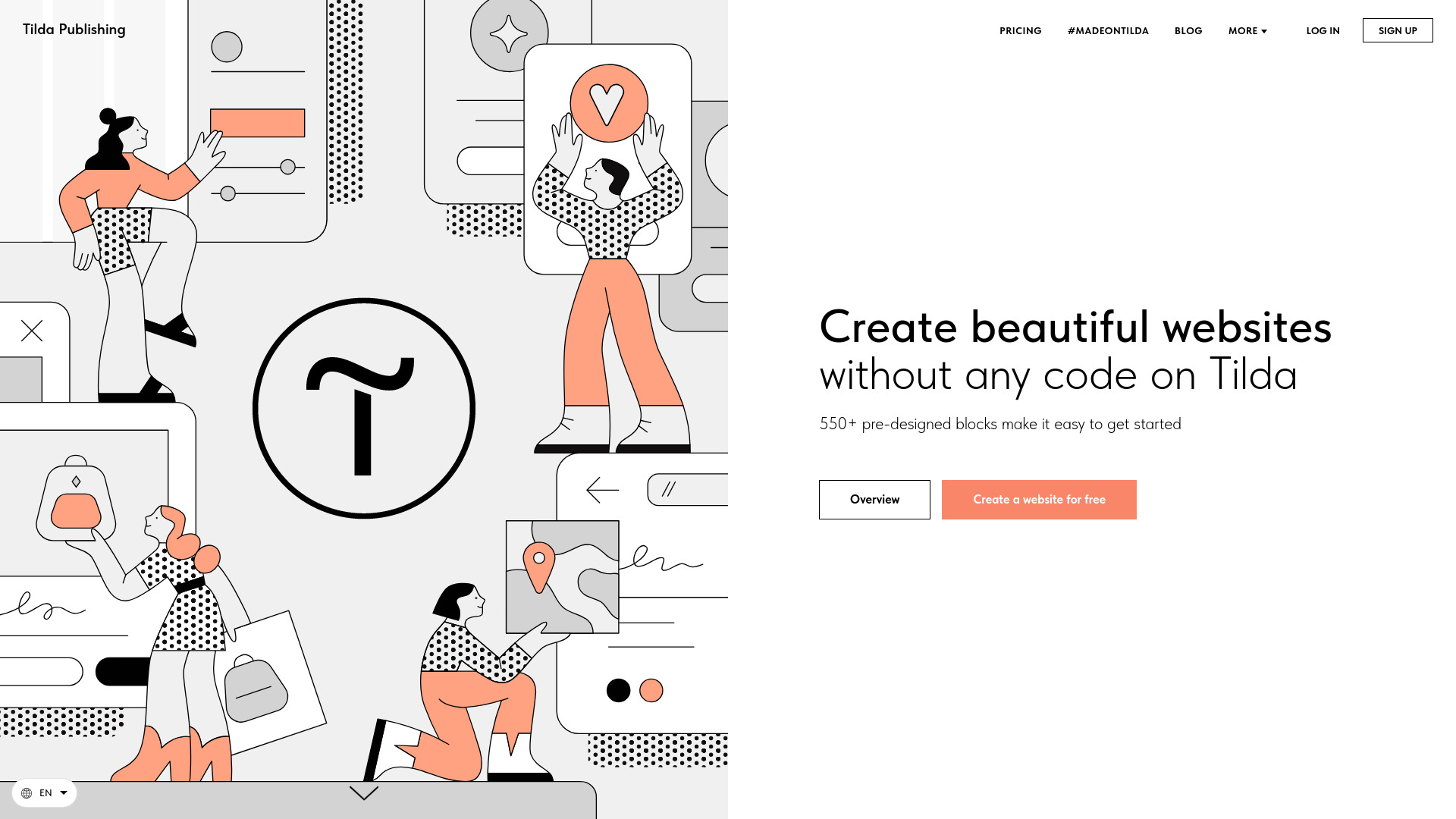
Why it matters The appeal of Tilda is its large, structured canvas of ready-made sections. With 550+ pre-designed blocks, you can assemble a landing page, blog, store, or business site without making every spacing and layout decision from scratch. AI-powered website creation adds speed, but the block library is what gives the product its practical identity. It is a strong top website maker for entrepreneurs who know what the page should say but do not want to become a visual designer to make it presentable.
Best for
Entrepreneurs building sites, stores, or blogs
Users who prefer a library of sections over a blank canvas
Teams that want no-code editing with a recognizable page structure
Limitations
The free plan is limited to 50 blocks and has no custom domain
Free sites carry a "Made on Tilda" label
The Personal plan is limited to one website per account
Shortlist signal: Put Tilda on your list when reusable blocks and a guided visual workflow are more valuable than unlimited free customization.
4. WeWeb

- Startups building connected web applications
- 1M AI tokens plus AI-assisted visual building
- Starts at Free: $0
- Usage signal: 335.3K
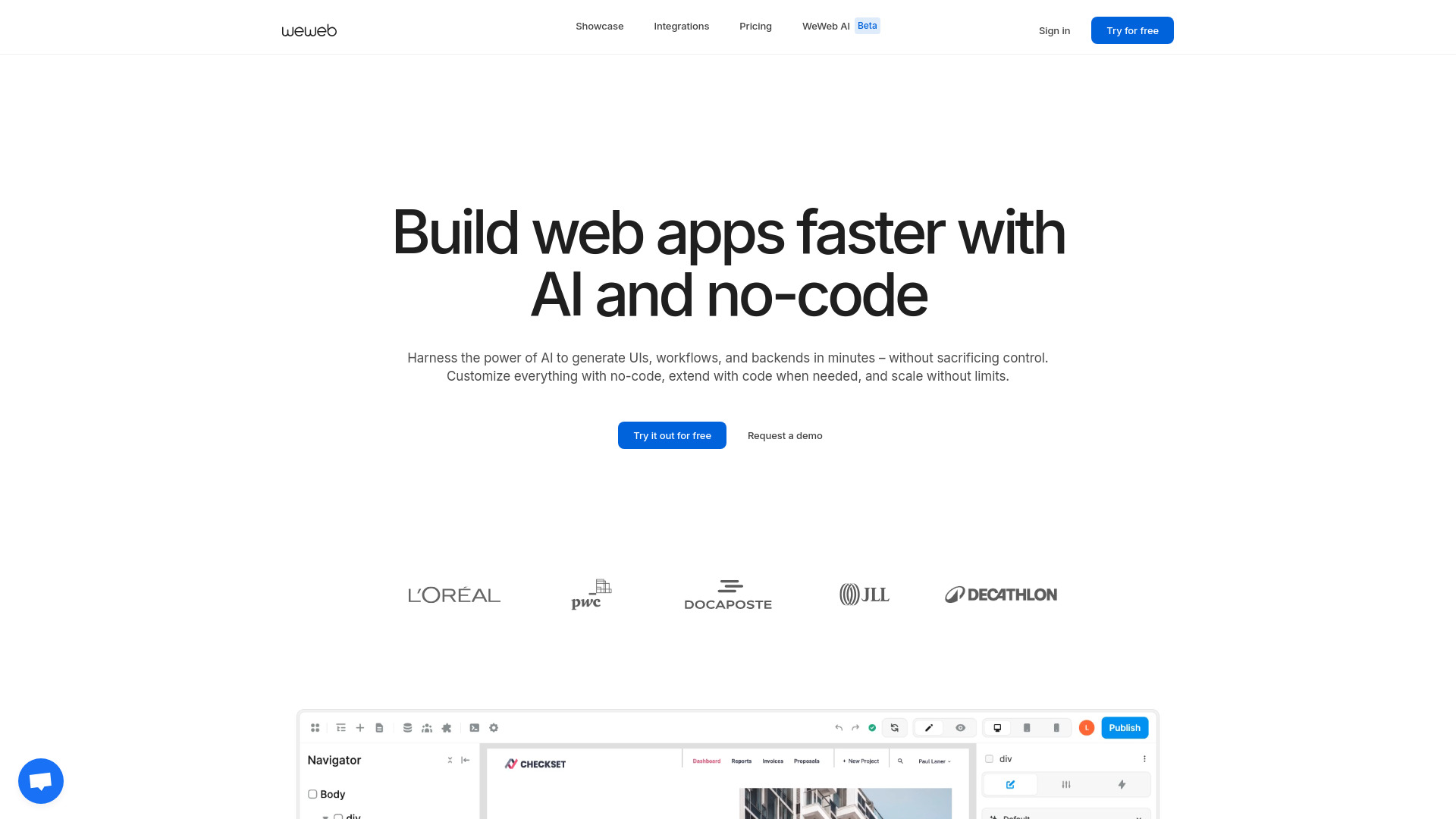
Why it matters WeWeb is the outlier to consider when "website" really means an interactive product, portal, or web application. AI-assisted building and drag-and-drop editing reduce the initial implementation burden, while API connectivity, native integrations, and backend freedom give a technical team more options once the prototype becomes serious. That combination is why it ranks above simpler generators for startup workflows. The tradeoff is obvious: this is a more capable environment, not necessarily the easiest first website editor.
Best for
Startups prototyping web applications
Teams connecting a visual frontend to APIs or native integrations
Builders who need more scalability and control than a brochure-site platform offers
Limitations
The editor and its features require a learning investment
Pricing can vary by plan and add-ons
It may be excessive for a basic portfolio or local business page
Shortlist signal: Choose WeWeb when your "website" needs application behavior, API connectivity, or backend flexibility from the beginning.
5. Instant Website Generator

- Beginners launching a first draft quickly
- Generate sites from a keyword or voice command
- Starts at Check vendor pricing
- Usage signal: 448.3K
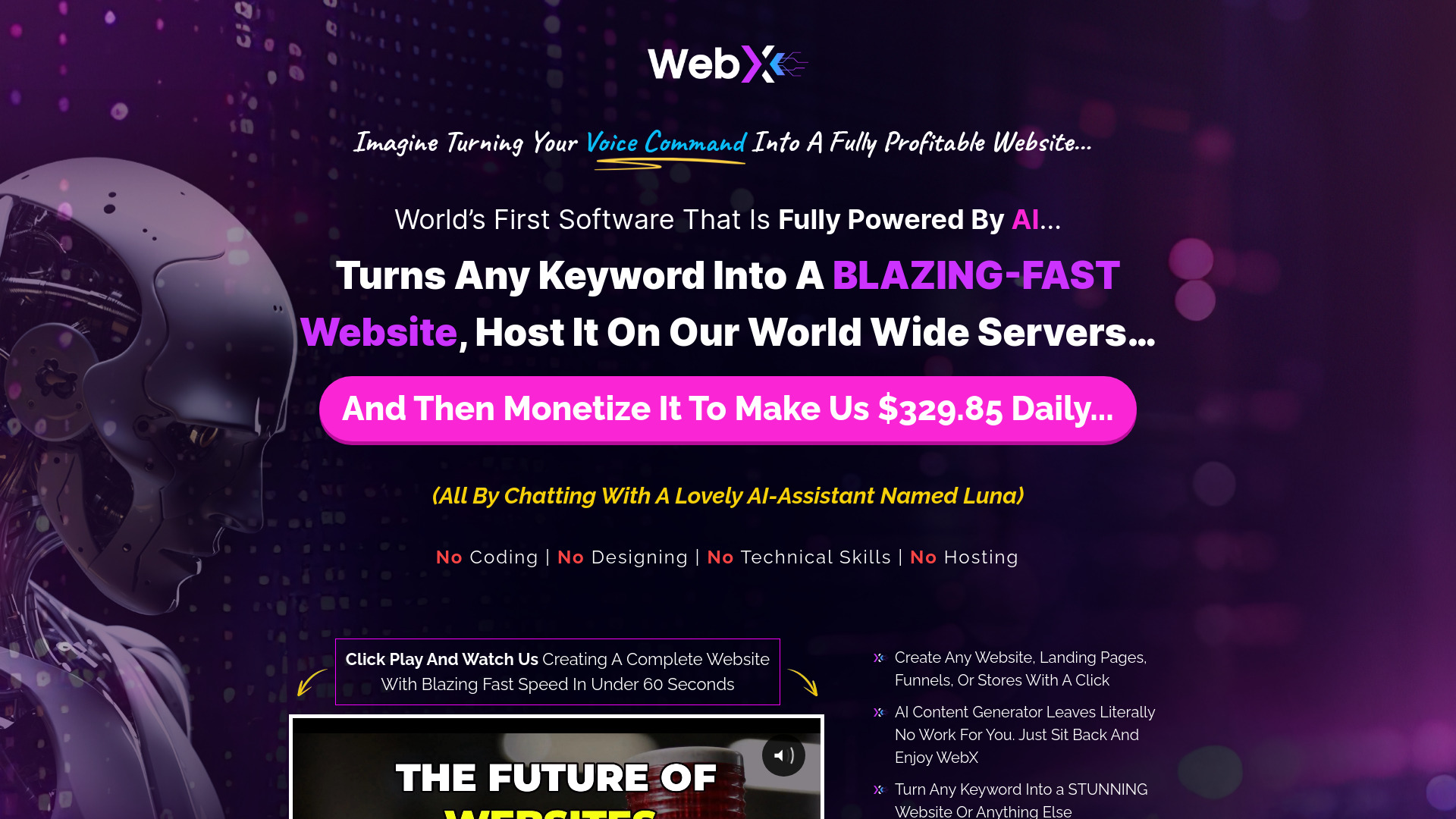
Why it matters Speed is the product's central argument. Instant Website Generator can create a site from a keyword or voice command, so a beginner can move from a vague idea to a concrete page without learning a complicated builder first. Its focus on speed, SEO, and user engagement makes it a useful first draft engine. Just keep your expectations in check: the same simplicity that gets a site started quickly may leave less room for unusual layouts or detailed brand direction.
Best for
Beginners who need a first site draft immediately
Users who prefer prompts or voice commands to manual setup
Quick experiments where speed matters more than fine-grained design
Limitations
Advanced customization may be limited
Design flexibility may not match a dedicated visual editor
Pricing is not presented as a simple starting plan, so confirm it directly
Shortlist signal: Start here when your biggest obstacle is getting a usable first version on screen, not perfect control over every component.
6. FlexClip

- Marketers adding video to website campaigns
- Up to 12 projects with AI video creation and templates
- Starts at Free: $0.00
- Usage signal: 1.7M
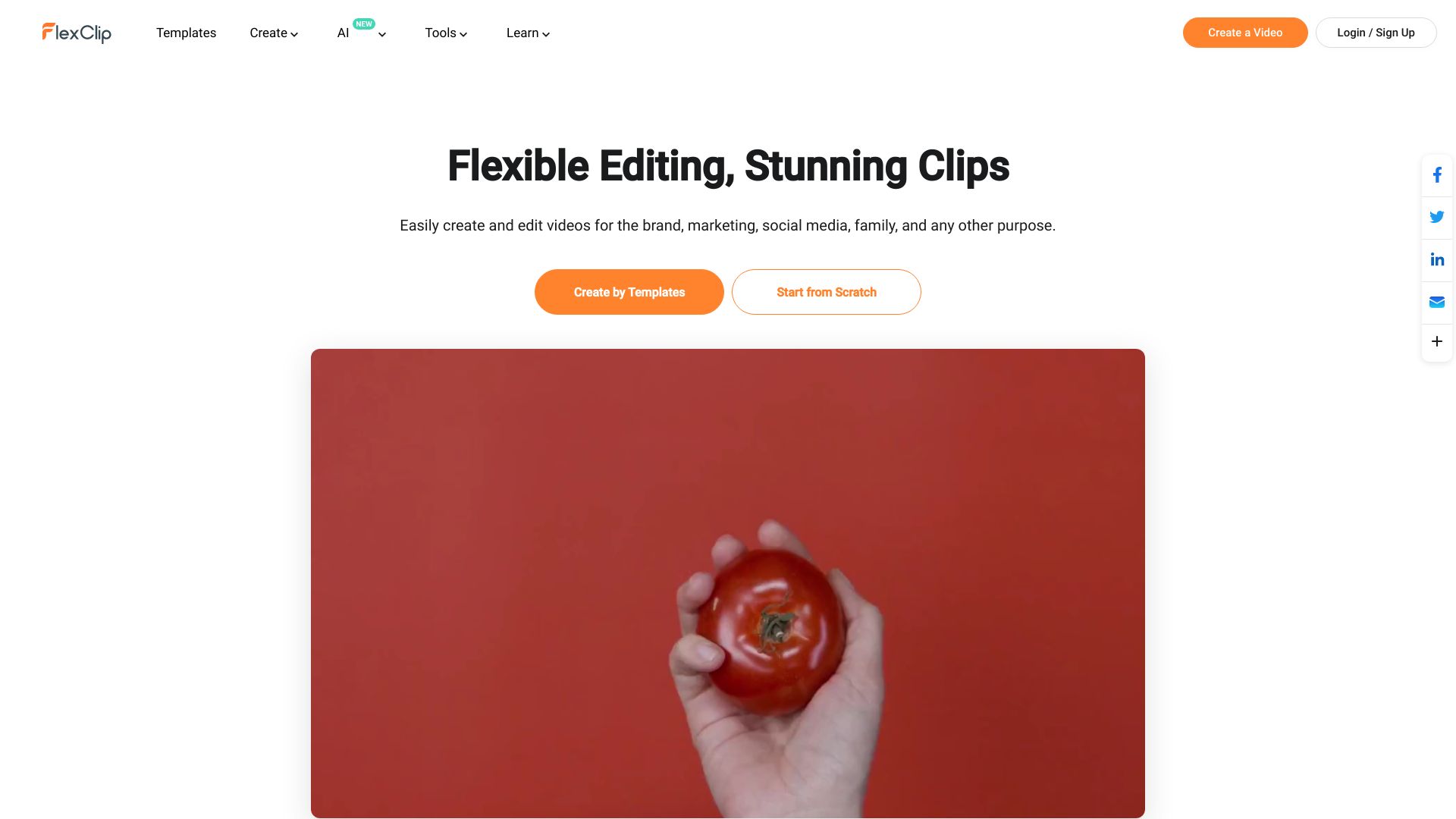
Why it matters FlexClip is an unexpected alternative in a website-maker comparison, but it earns its place for marketers whose site workflow depends heavily on video. It is an online video editor with AI auto-subtitle generation, AI text to speech, templates, and stock resources. That does not make it a general-purpose website publisher; it makes it a useful companion for producing the hero video, social clips, explainers, and campaign assets that a website needs. The free tier is enough to test the workflow, though its project count and output limits deserve attention.
Best for
Marketers creating video assets for website campaigns
Teams that need subtitles, text to speech, and templates
Users who want an accessible browser-based editor
Limitations
It is a visual-content tool rather than a conventional website builder
The free plan limits video resolution and features
Free access is limited to 12 projects
Shortlist signal: Add FlexClip as an adjacent tool when your website plan succeeds or fails on the quality and speed of its video content.
7. Universe Website Builder

- Entrepreneurs building simple online stores
- 5 image/text generations and no-code store building
- Starts at Free: $0.00
- Usage signal: 175.1K
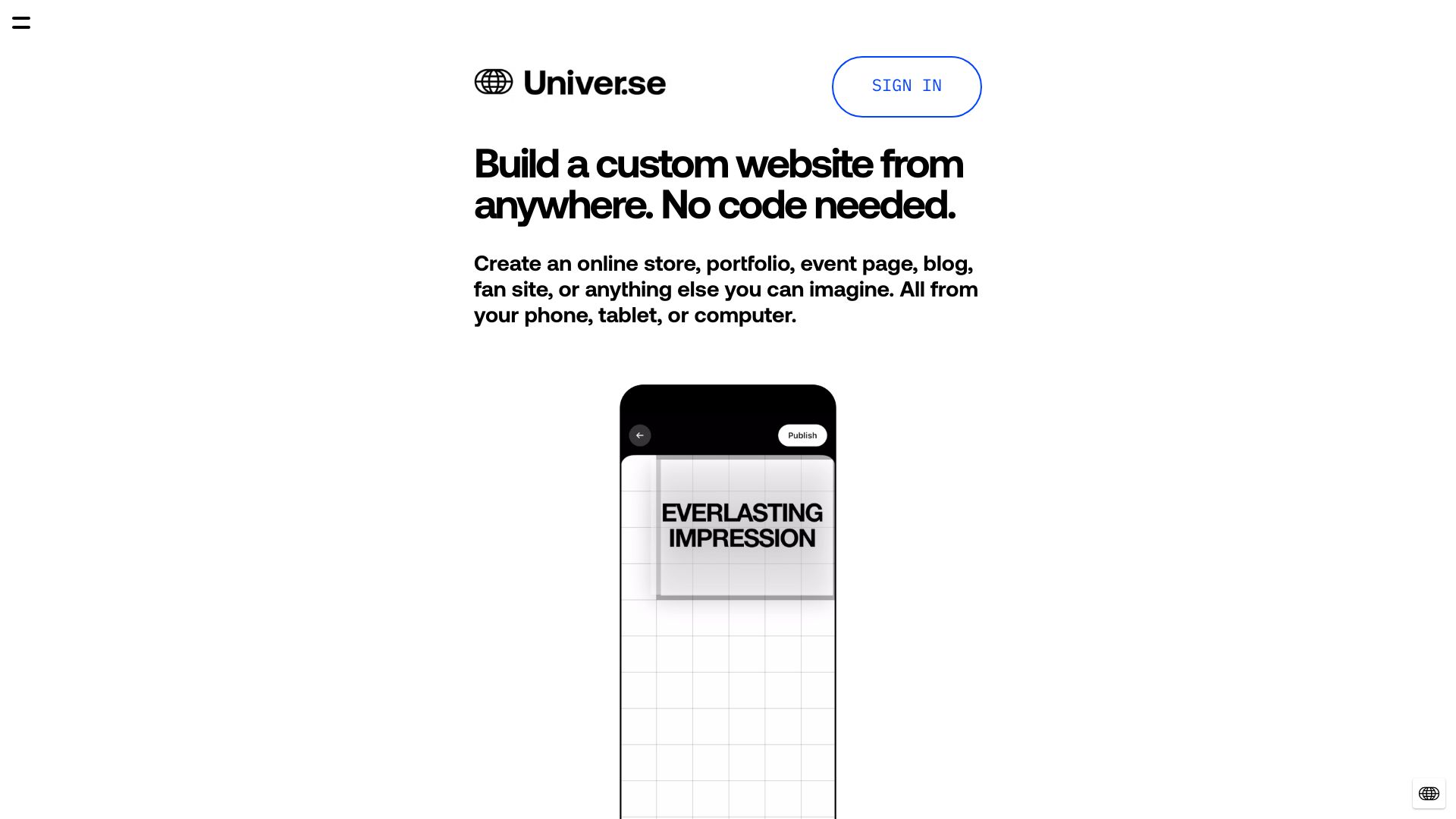
Why it matters Universe keeps the core workflow familiar: visual drag-and-drop editing, no coding, and ecommerce capabilities in one place. Entrepreneurs who want to test an online store without assembling several services will find the positioning straightforward. Its free access includes five image/text generations, which is useful for evaluating the AI-assisted starting point. The platform is best viewed as a lightweight commerce-oriented builder, not a replacement for fully custom development.
Best for
Entrepreneurs testing a small online store
Users who want visual editing without code
Projects that need ecommerce capabilities from the start
Limitations
Some plans include transaction fees
Customization is more limited than coding
Confirm which commerce features and fees apply to the plan you choose
Shortlist signal: Shortlist Universe when selling online is central and you prefer an easy visual editor over maximum technical flexibility.
8. Solo

- Coaches creating a focused service website
- Free website, hosting, and custom domain connection
- Starts at Check vendor pricing
- Usage signal: 130.7K
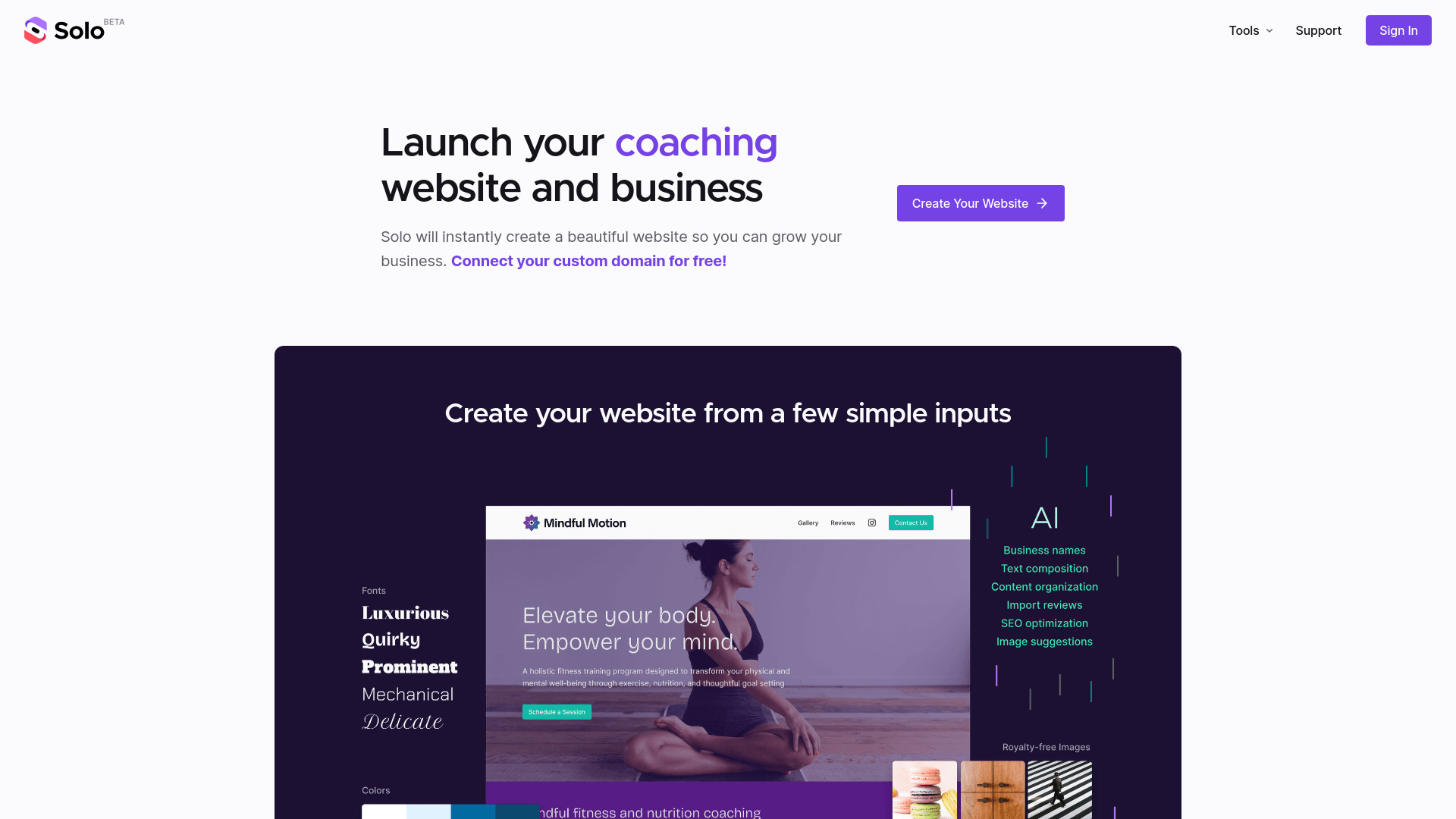
Why it matters Solo is built around the moment when a coach or service professional needs a credible web presence without spending days on page architecture. AI-powered website creation handles the initial structure, while free hosting and custom domain connection make the free offer more meaningful than a trial that stops before publishing. Automatic SEO keyword addition is another practical touch for owners who do not want to configure every basic optimization manually. The product's simplicity is its strength, but it also places a ceiling on advanced customization.
Best for
Coaches and solo service providers
Users who want an AI-created business site quickly
People who value free hosting and custom domain connection
Limitations
Detailed statistics may require a Google Analytics account
AI-led design can limit customization for advanced users
Pricing is not shown as a clean standard starting plan; verify current terms
Shortlist signal: Pick Solo when you need a focused service website, custom domain connection, and minimal setup more than a flexible design system.
9. 10Web

- SMBs moving to managed WordPress hosting
- One-week free trial of AI builder and managed WordPress hosting
- Starts at AI Starter: $10 /mo
- Usage signal: 340.2K
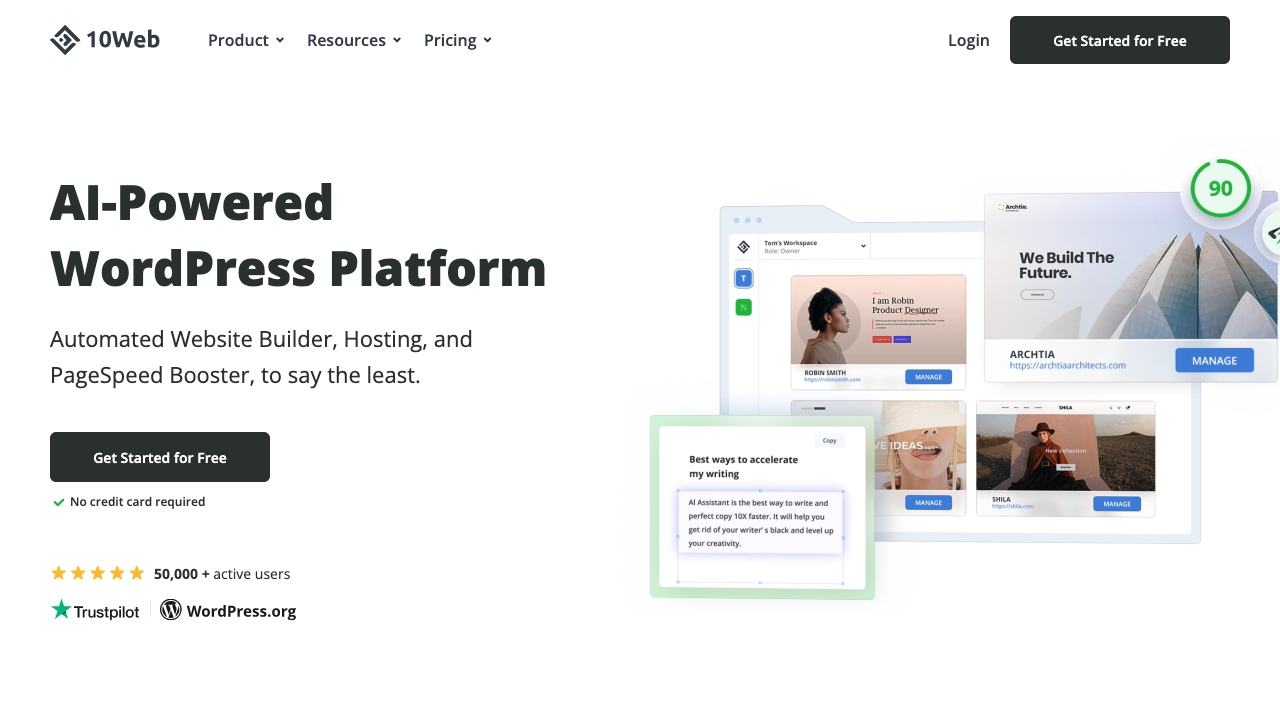
Why it matters 10Web makes sense for the buyer who does not just want a generated page; they want the website, hosting, and WordPress environment handled together. Its AI Website Builder is paired with managed WordPress hosting on Google Cloud and a PageSpeed Booster, giving SMBs a more operationally complete route than a standalone generator. The one-week free trial is short, but it can be enough to judge whether the AI-to-WordPress workflow fits your content and publishing habits.
Best for
SMBs that want an AI-assisted WordPress setup
Users who prefer managed hosting alongside website creation
Teams that care about site speed tooling as part of the platform
Limitations
The free access is a one-week trial rather than an open-ended free plan
Pricing can change with plan choice and add-ons
Some features may require higher-tier plans
Shortlist signal: Choose 10Web when WordPress hosting and performance tooling are as important as the initial AI-generated site.
10. Aura.build

- Web designers exporting responsive page work
- 3-day trial with 20 prompts, HTML and Figma export
- Starts at Free: $0
- Usage signal: 439.5K
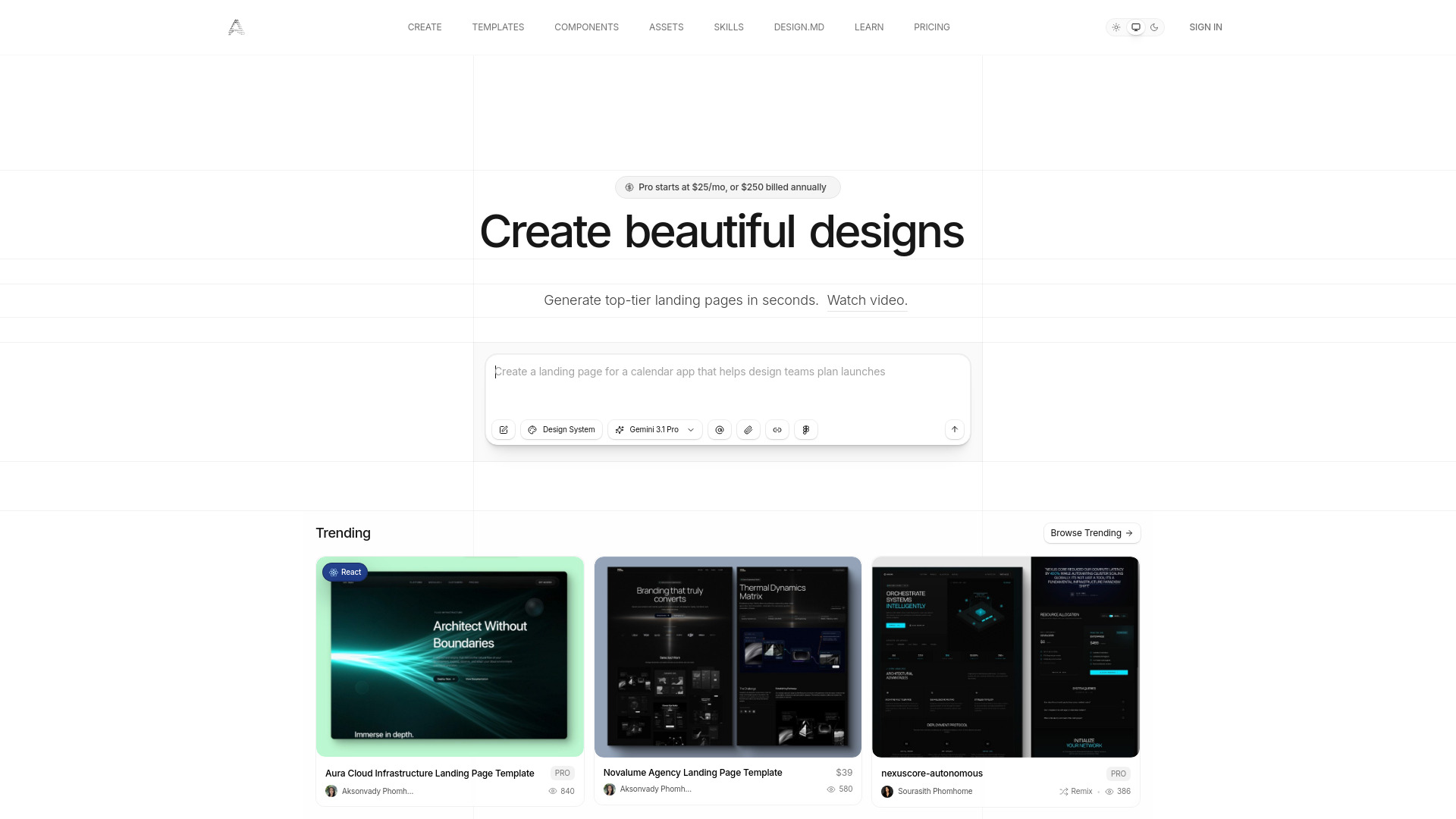
Why it matters Aura.build is the strongest pick for designers who do not want an AI builder to trap the result inside a proprietary editor. It generates AI landing pages and websites, converts screenshots to responsive HTML, and exports to standard HTML, Tailwind CSS, and Figma with organized layers. That export story changes the buying question: instead of asking whether Aura.build can host your final site, you can assess whether it accelerates the design and handoff stage. The free test is useful, but it is brief and prompt access comes with important conditions.
Best for
Web designers generating landing-page directions
Teams that need HTML, Tailwind CSS, or Figma handoff
Users working from screenshots or existing visual references
Limitations
The free tier does not include AI prompt usage
Starting the three-day Pro trial requires a payment method
Advanced users should test exported output before committing to the workflow
Shortlist signal: Add Aura.build when exportable HTML or organized Figma layers matter more than staying inside an all-in-one hosted builder.
More tools to compare

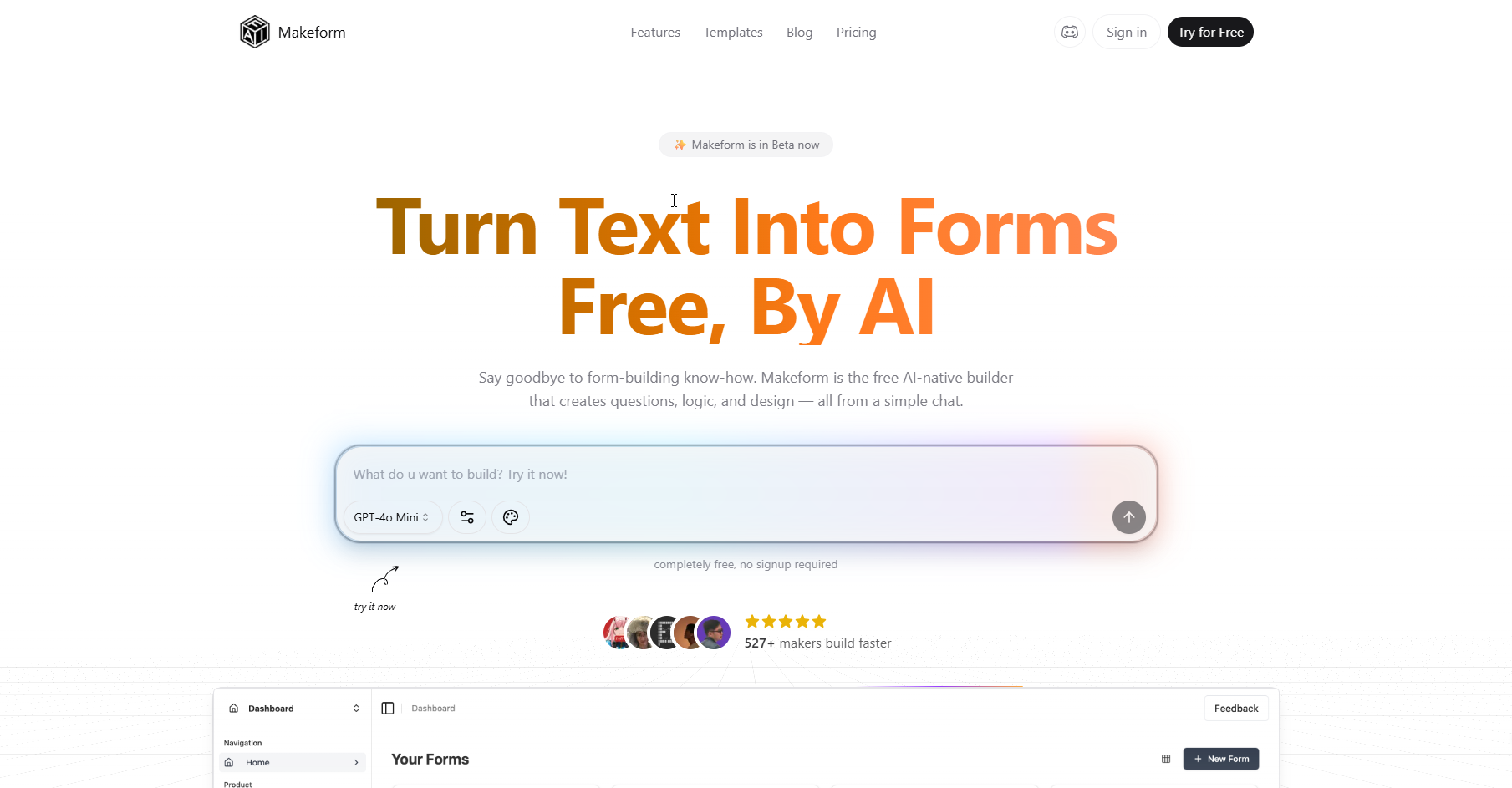
- AI-generated forms, surveys, and quizzes
- Unlimited forms and submissions
- Starts at $0/month
- Usage signal: 206.9K
- Prompt-based website building
- 3 free projects
- Starts at Check vendor pricing
- Usage signal: 200.8K
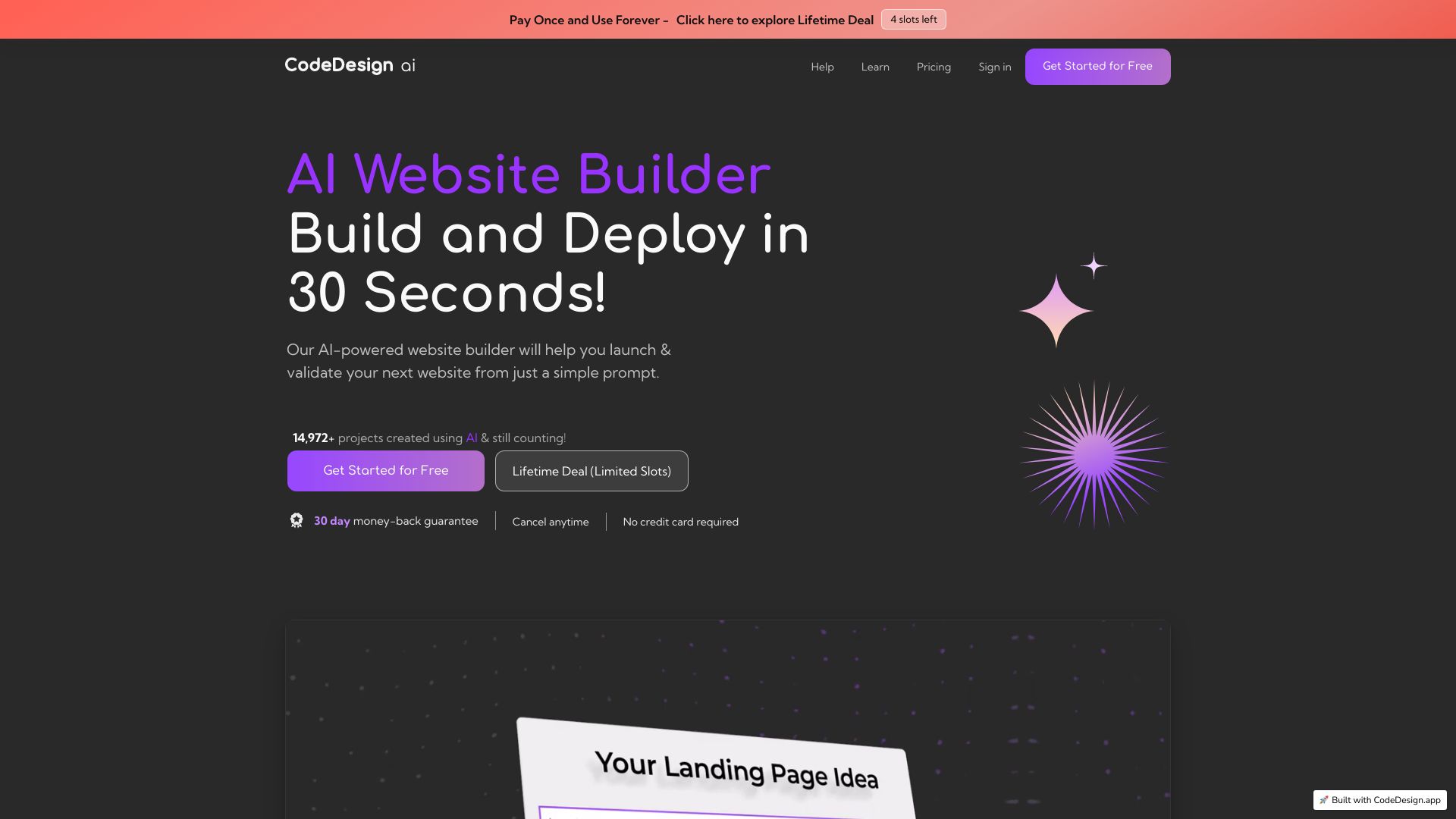

- AI no-code website and app creation
- Starts at Check vendor pricing
- Usage signal: 282.1K

- AI game asset creation
- Free plan available
- Starts at $15.99/month
- Usage signal: 201.8K

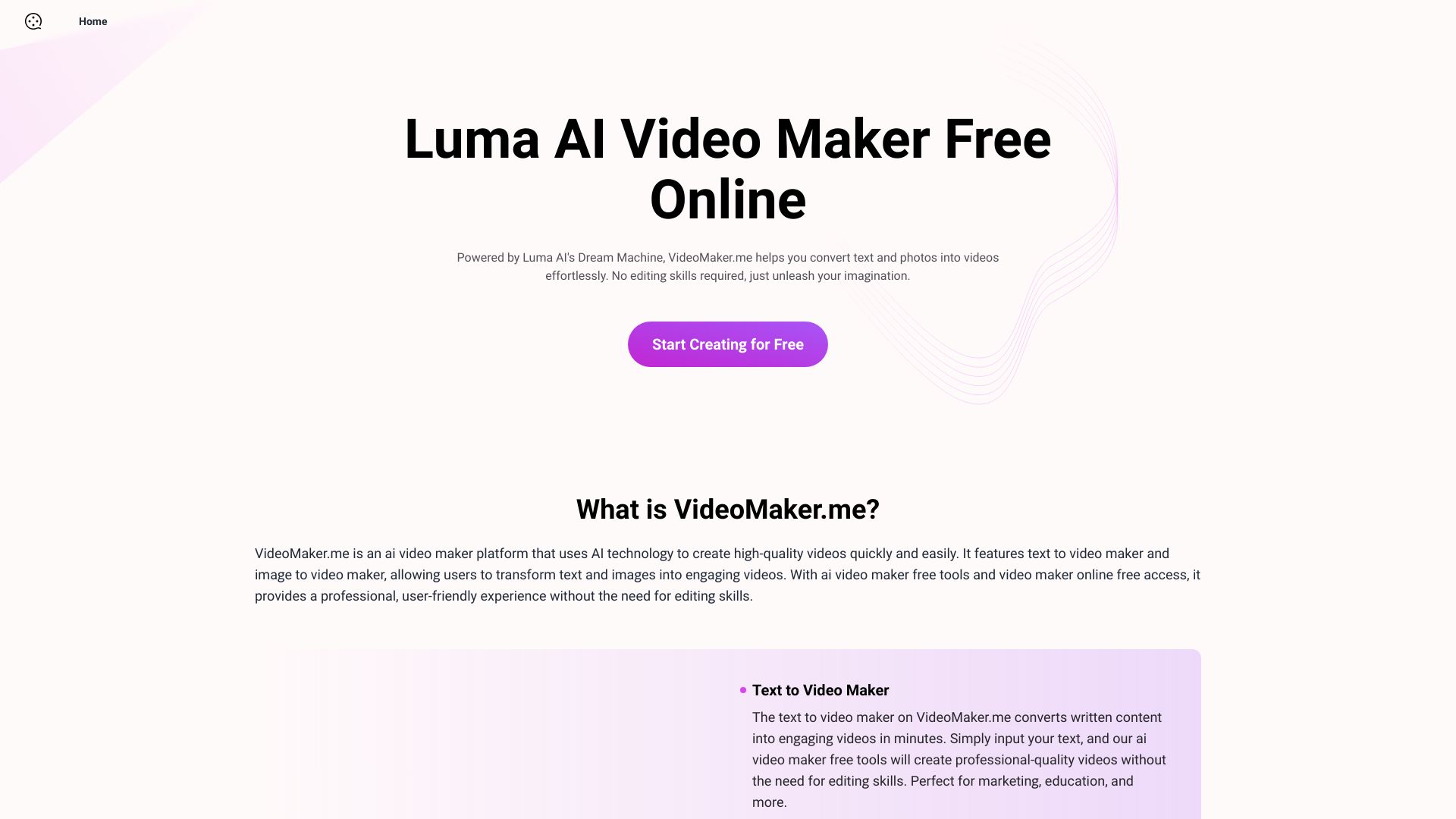
- Text-to-video and image-to-video creation
- Free plan available
- Starts at Check vendor pricing
- Usage signal: 134.2K

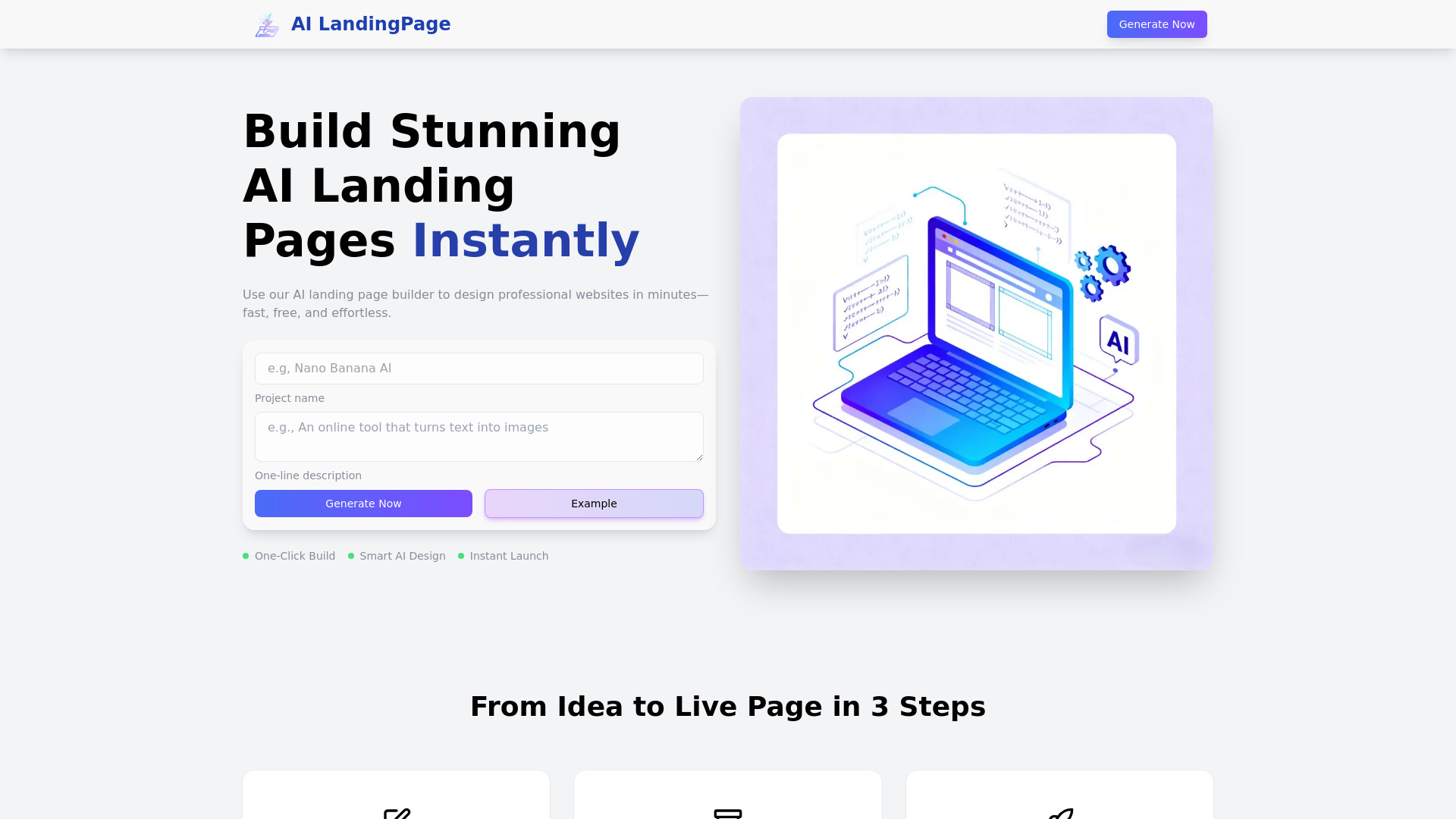
- Fast AI landing pages
- Free plan available
- Starts at Check vendor pricing
- Usage signal: 106.7K

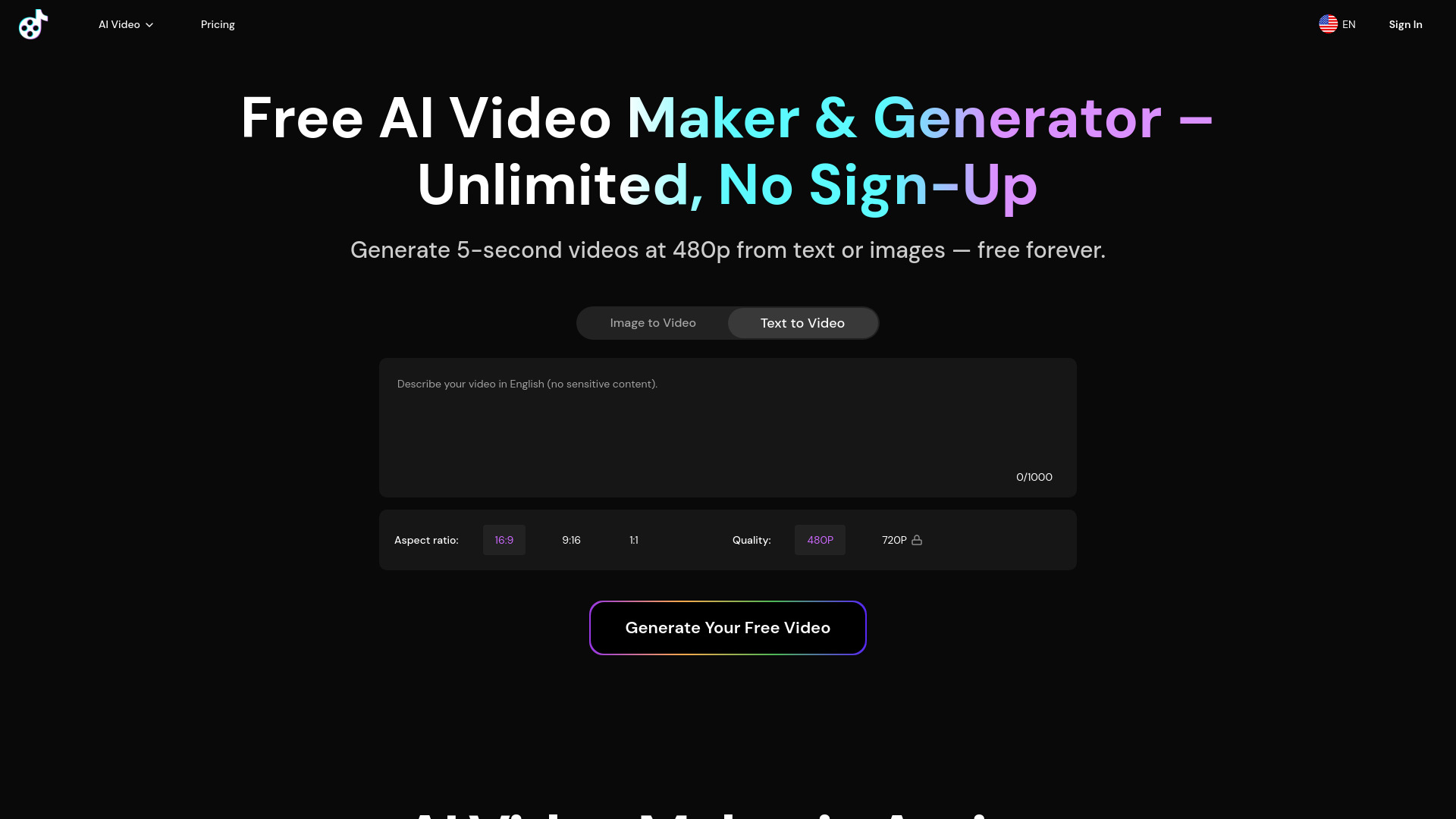
- Short text-to-video and image-to-video clips
- Unlimited 5-second videos at 480p
- Starts at From $10/mo
- Usage signal: 127.3K

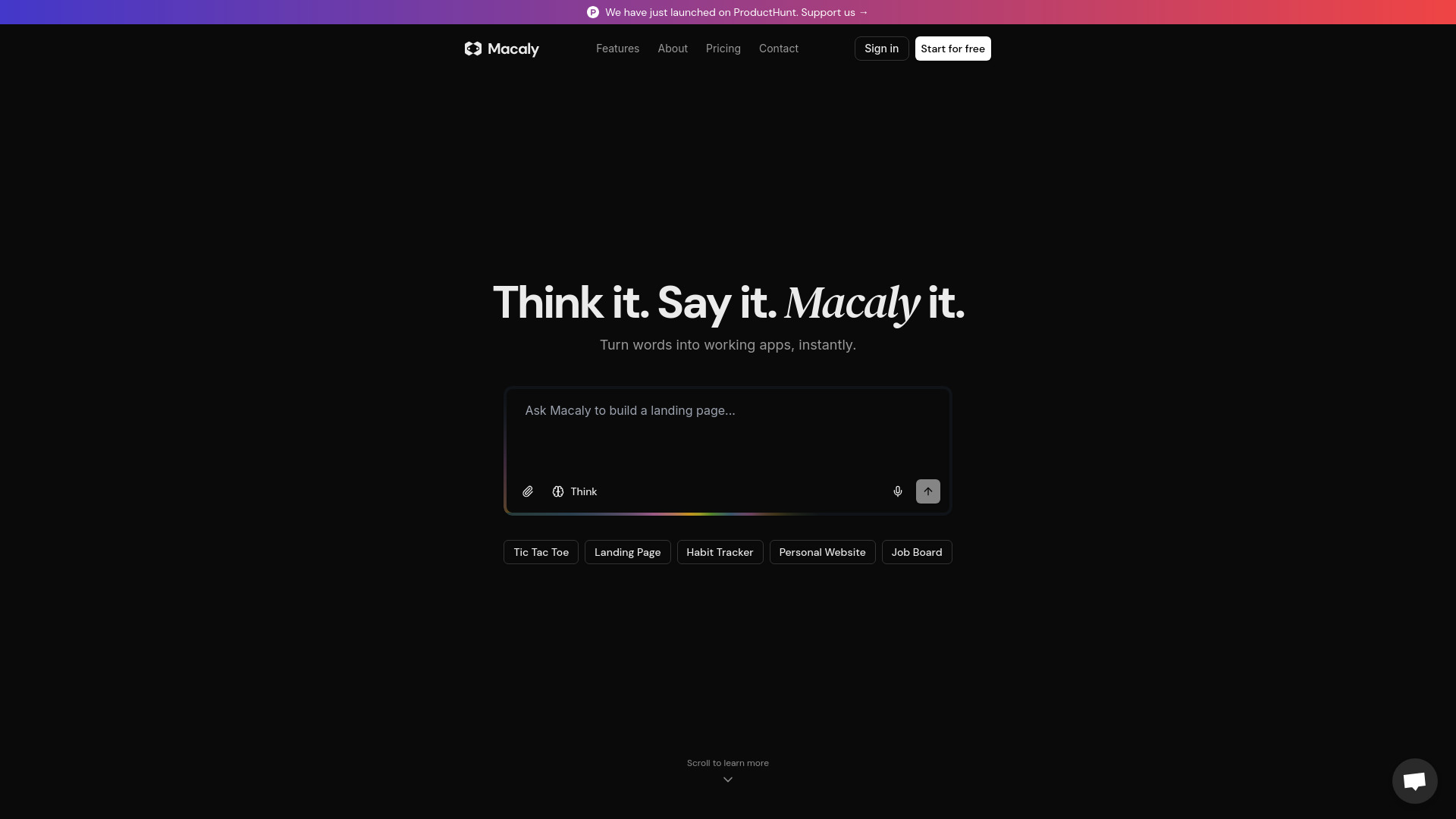
- AI websites for founders and small businesses
- Free plan available
- Starts at Check vendor pricing
- Usage signal: 76.7K

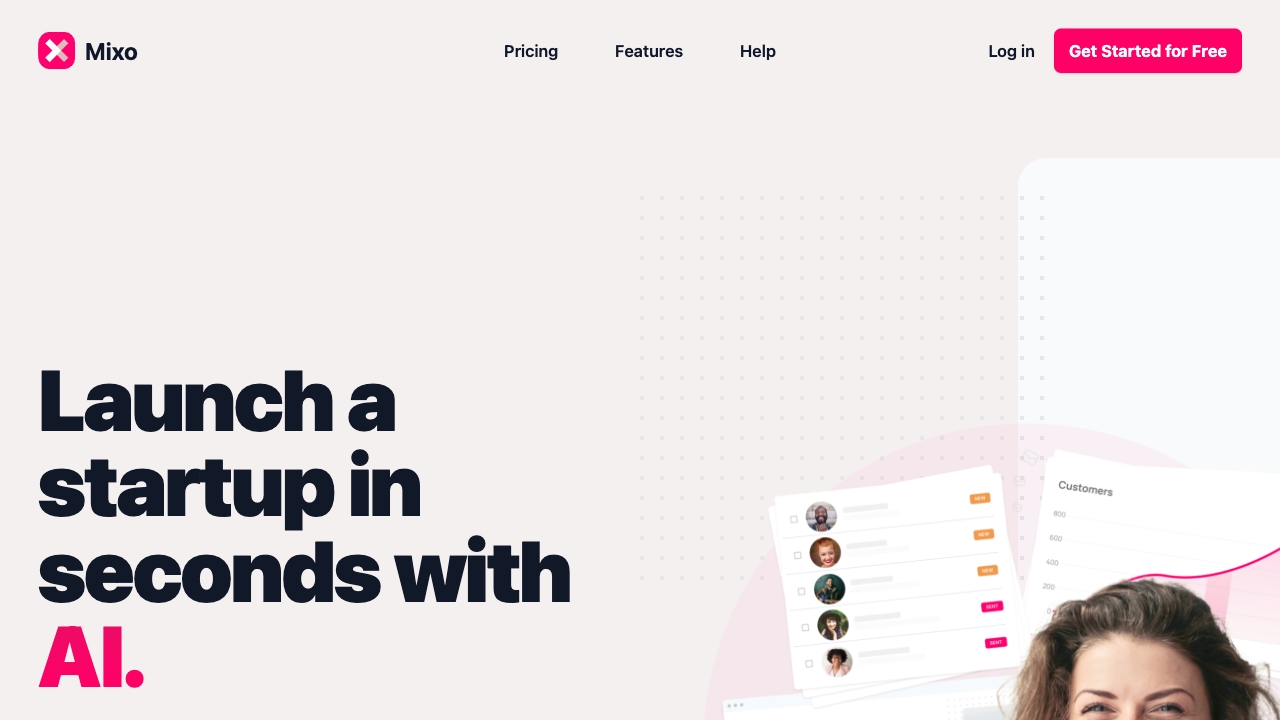
- Entrepreneur landing pages and idea validation
- Free trial available
- Starts at From $6/month
- Usage signal: 60.8K

- AI-generated landing pages
- Free plan available
- Starts at Check vendor pricing
- Usage signal: 11K

- Small-business websites
- Free trial available
- Starts at $15/month
- Usage signal: 42K

- Free small-business websites
- 1GB free storage
- Starts at Check vendor pricing
- Usage signal: 10.2K

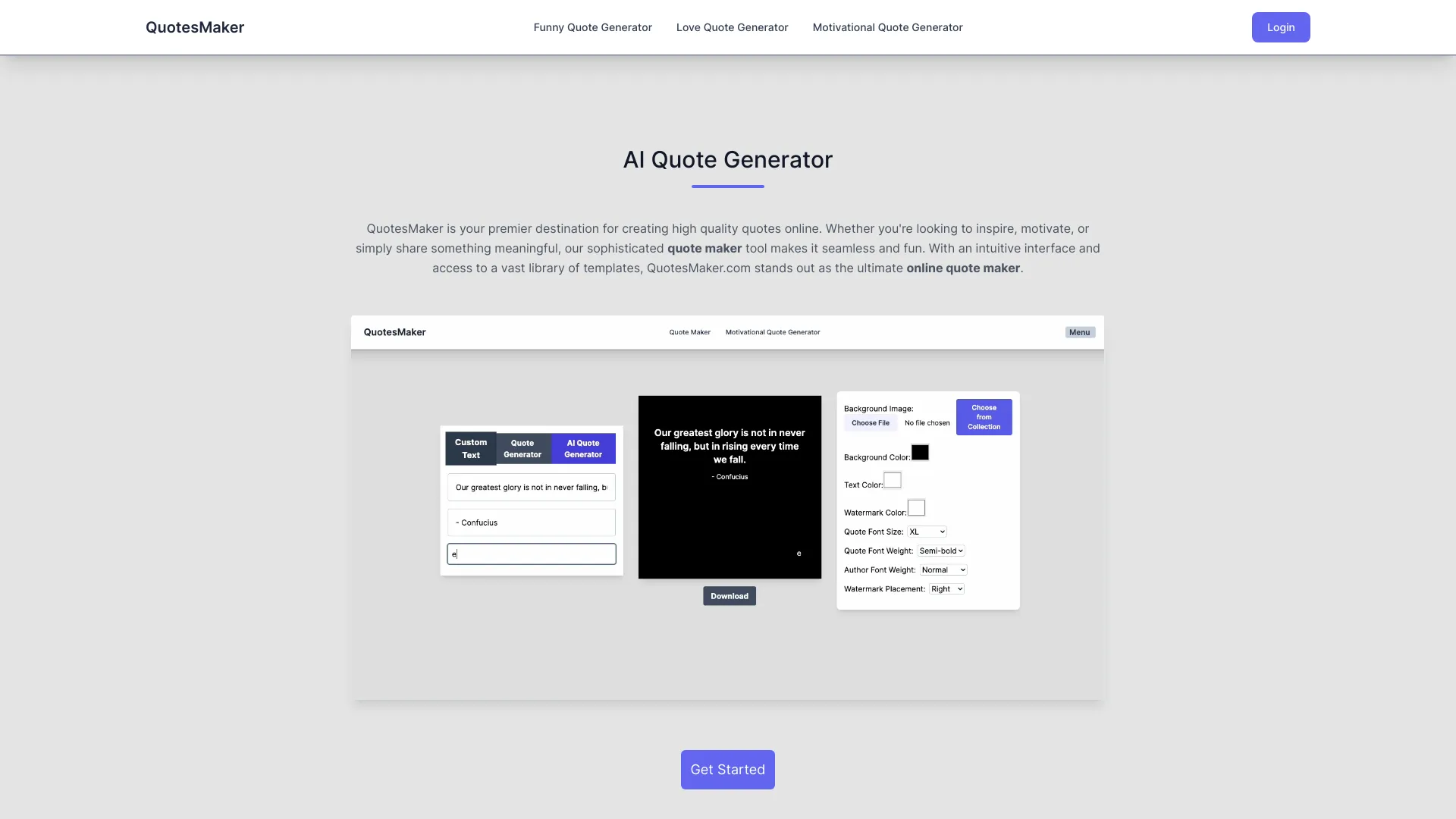
- Creating shareable quote images
- Free plan available
- Starts at Check vendor pricing
- Usage signal: 11.3K

- Rapid AI websites for small businesses
- Free plan available
- Starts at $20/month
- Usage signal: 27.1K

- Developers building SEO-ready landing pages
- Starts at $49 for 5 websites
- Usage signal: 20.6K

- Small-business websites
- 10 AI requests/day
- Starts at $12/month
- Usage signal: 7.2K

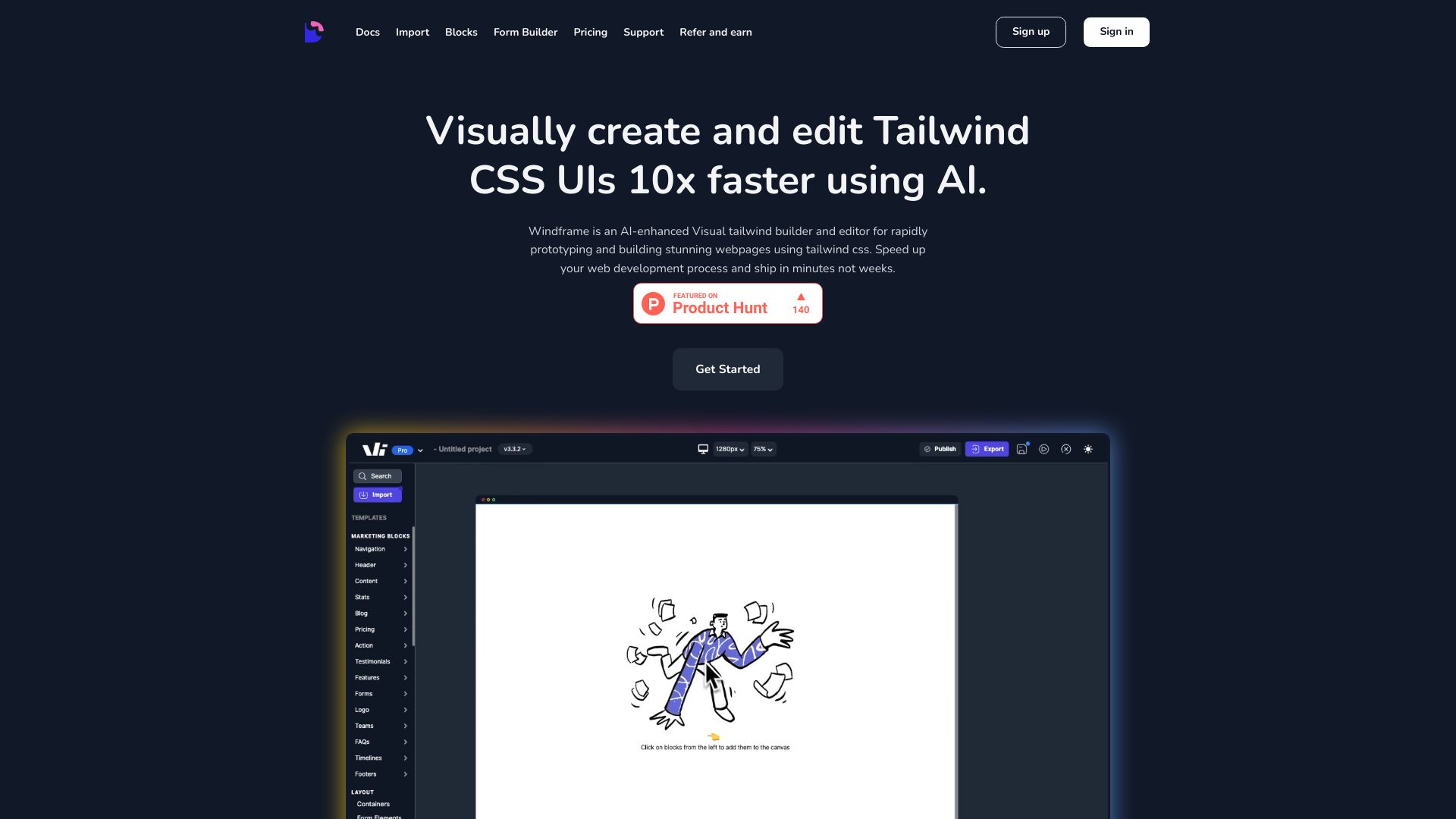
- Developers building Tailwind UIs visually
- Free trial available
- Starts at $25/month
- Usage signal: 8.3K

- AI-generated HTML publishing
- 5 free pages
- Starts at $10/month
- Usage signal: 13.0K

- AI-assisted small business websites
- Starts at US$2.99/mo
- Usage signal: 1.8K

- Small businesses needing fast AI-built websites
- Free plan available
- Starts at $19/month
- Usage signal: 6.9K
- Free AI image generation without signup
- 15 free credits/day
- Starts at From $4.99
- Usage signal: 3.5K
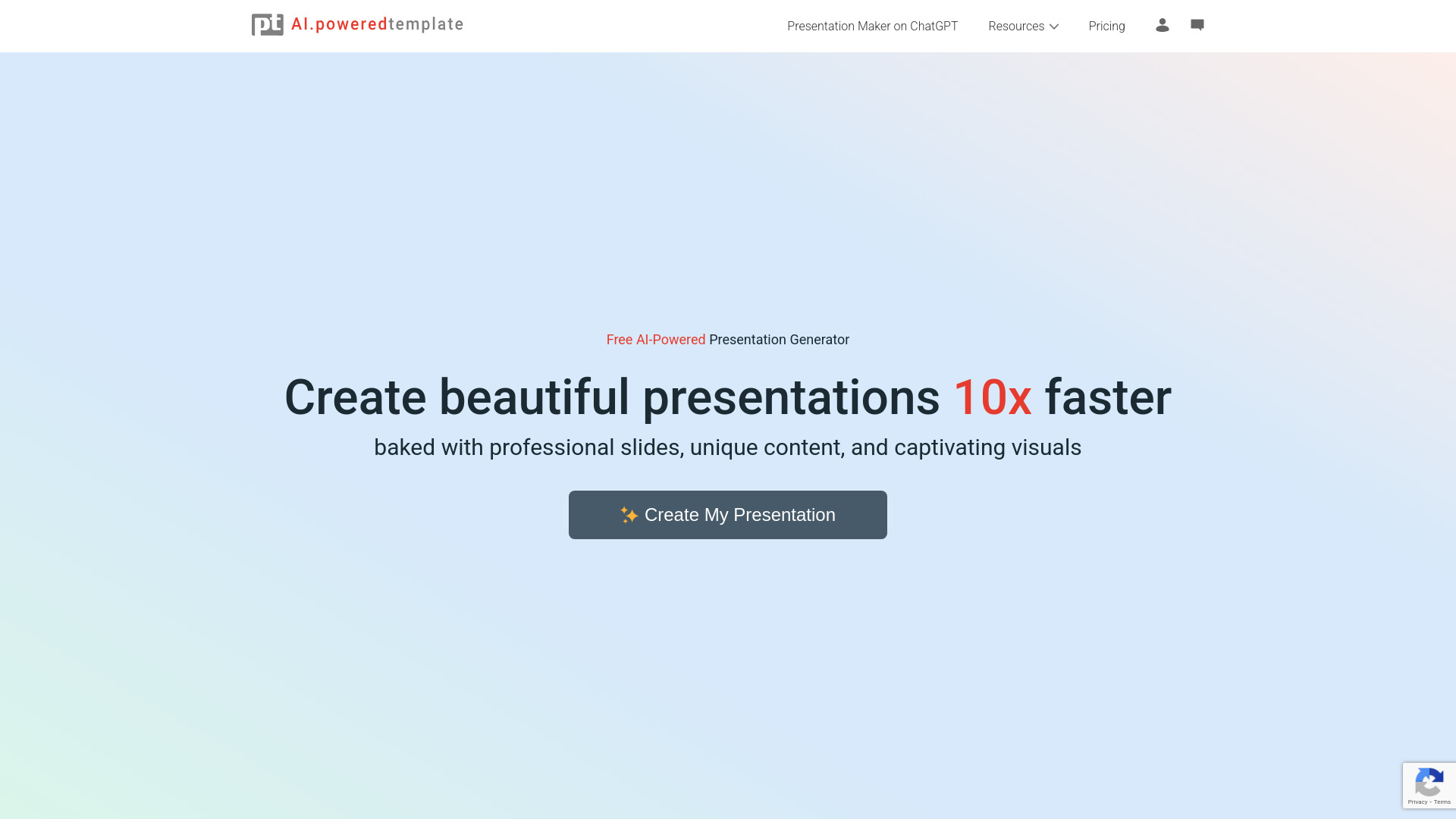
- Quick AI-generated presentations
- 400 free AI credits
- Starts at Check vendor pricing
- Usage signal: 10.9K

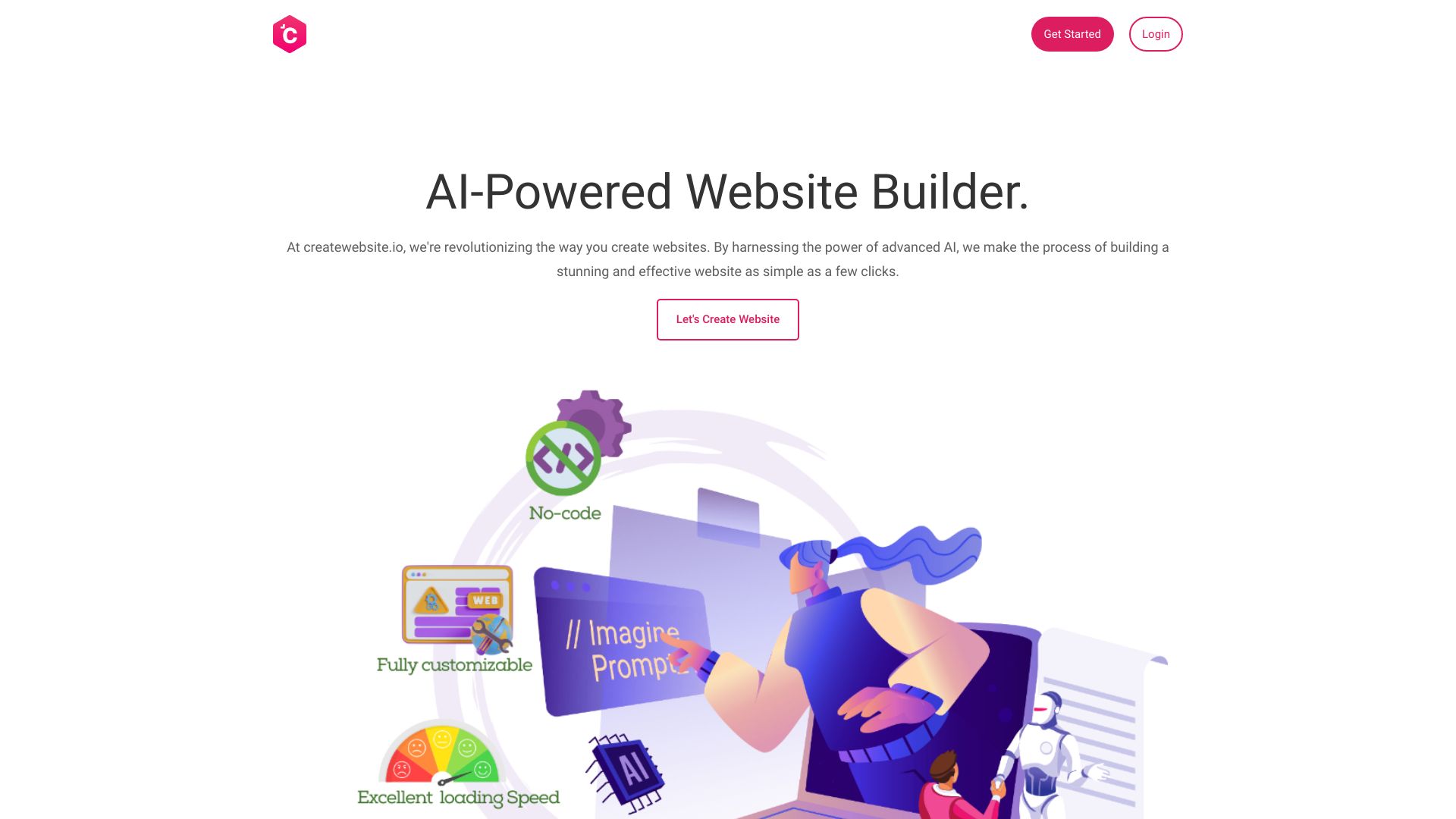
- AI website creation
- Up to 3 pages
- Starts at From $9.99/month
- Usage signal: 766

- AI websites for small businesses
- 14-day free trial
- Starts at Check vendor pricing
- Usage signal: 6.5K
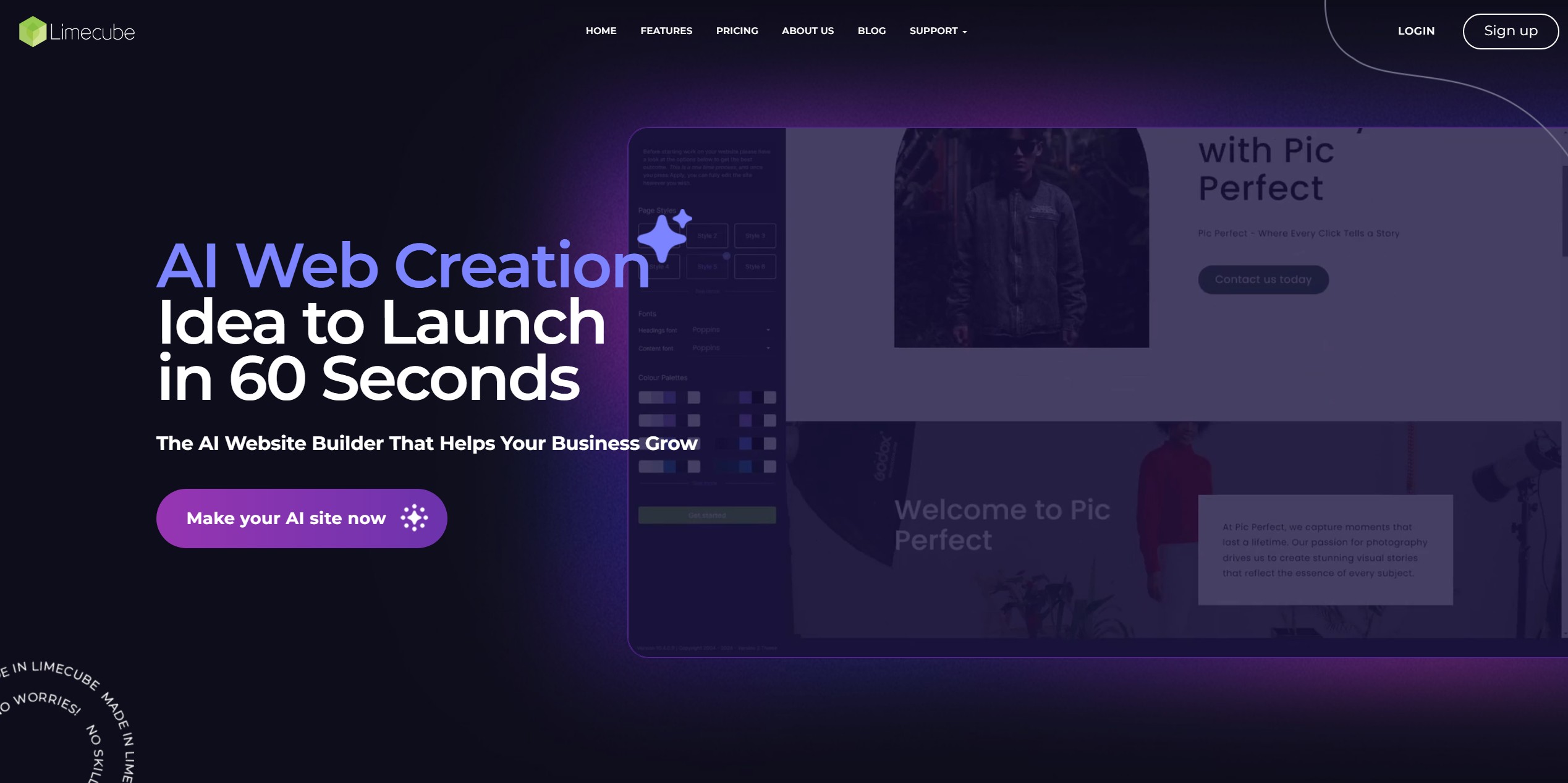

- AI-powered website creation
- Free plan available
- Starts at Check vendor pricing
- Usage signal: 3.0K
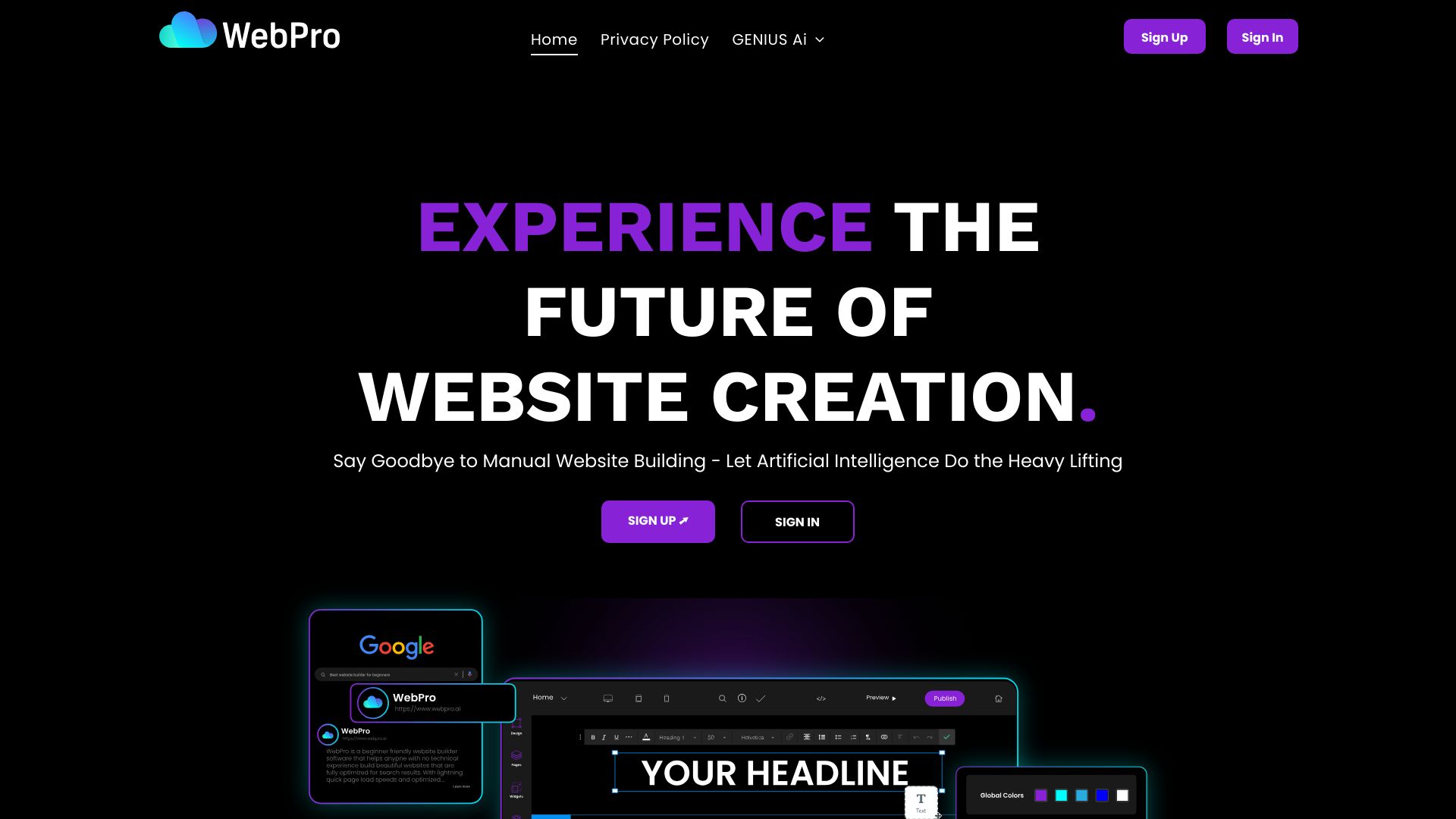
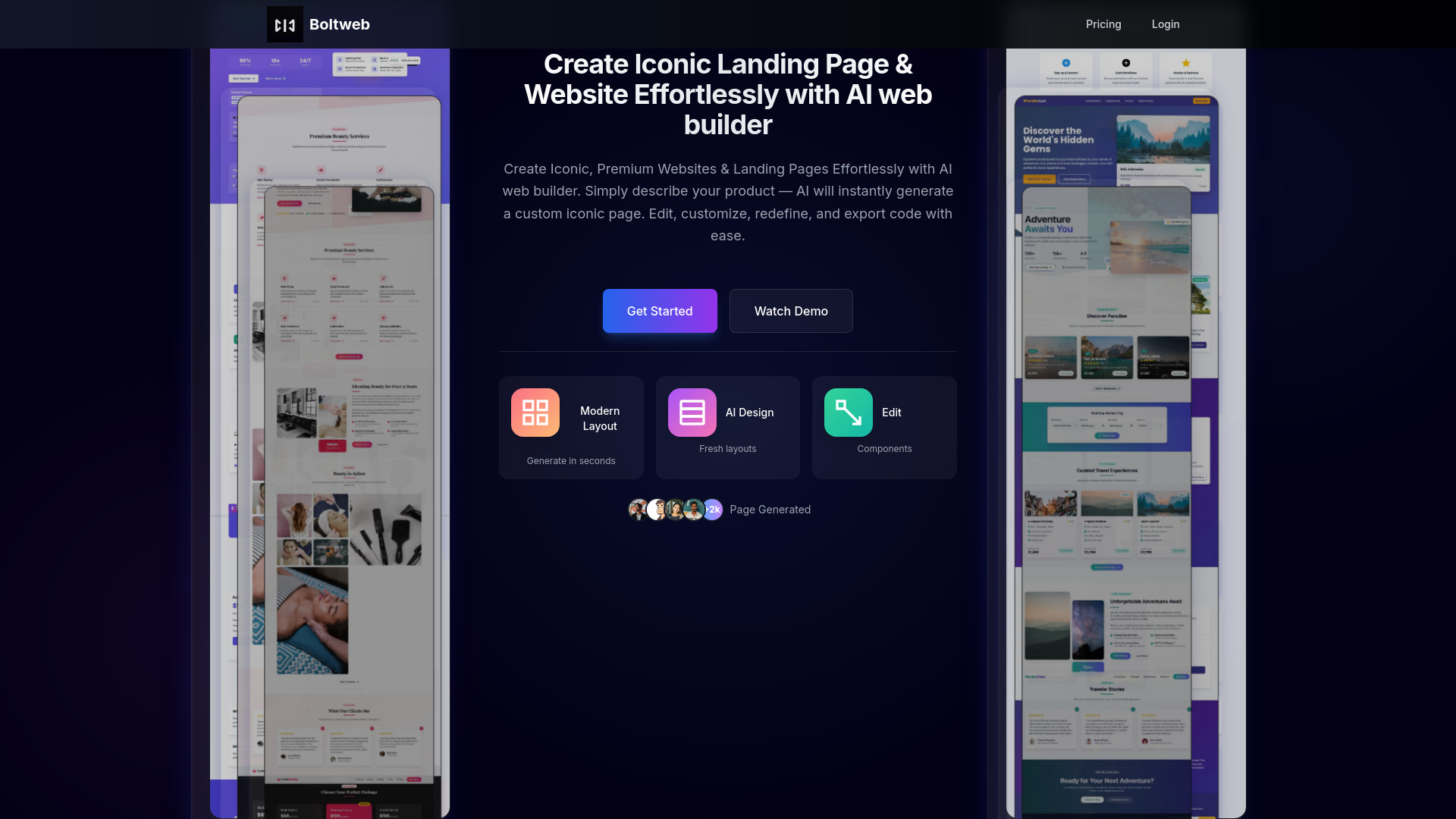
- AI landing pages and small websites
- Starts at $14/month
- Usage signal: 1.3K

- AI-built one-page business websites
- 15 credits at signup
- Starts at $10/month
- Usage signal: 2.4K
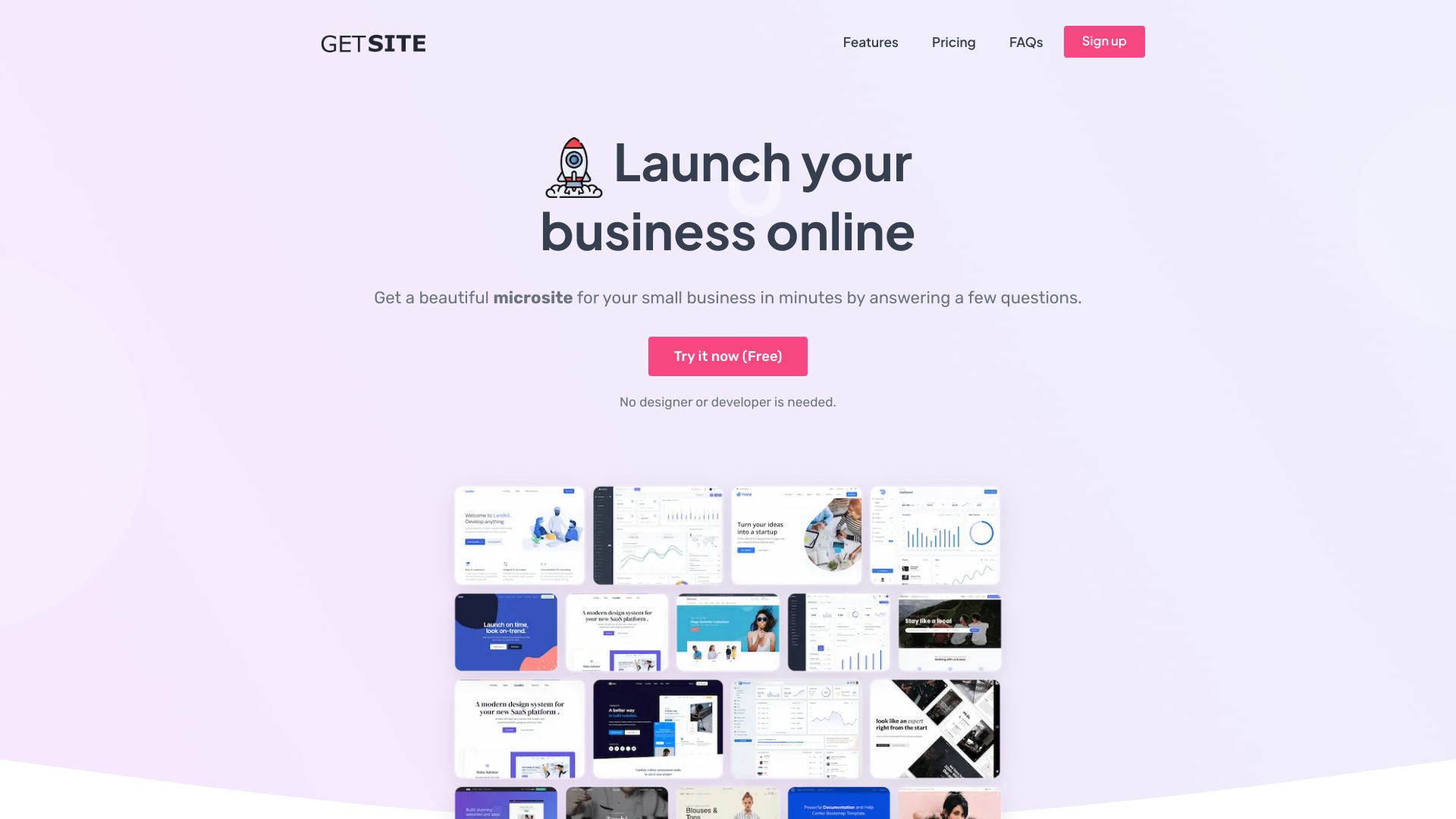

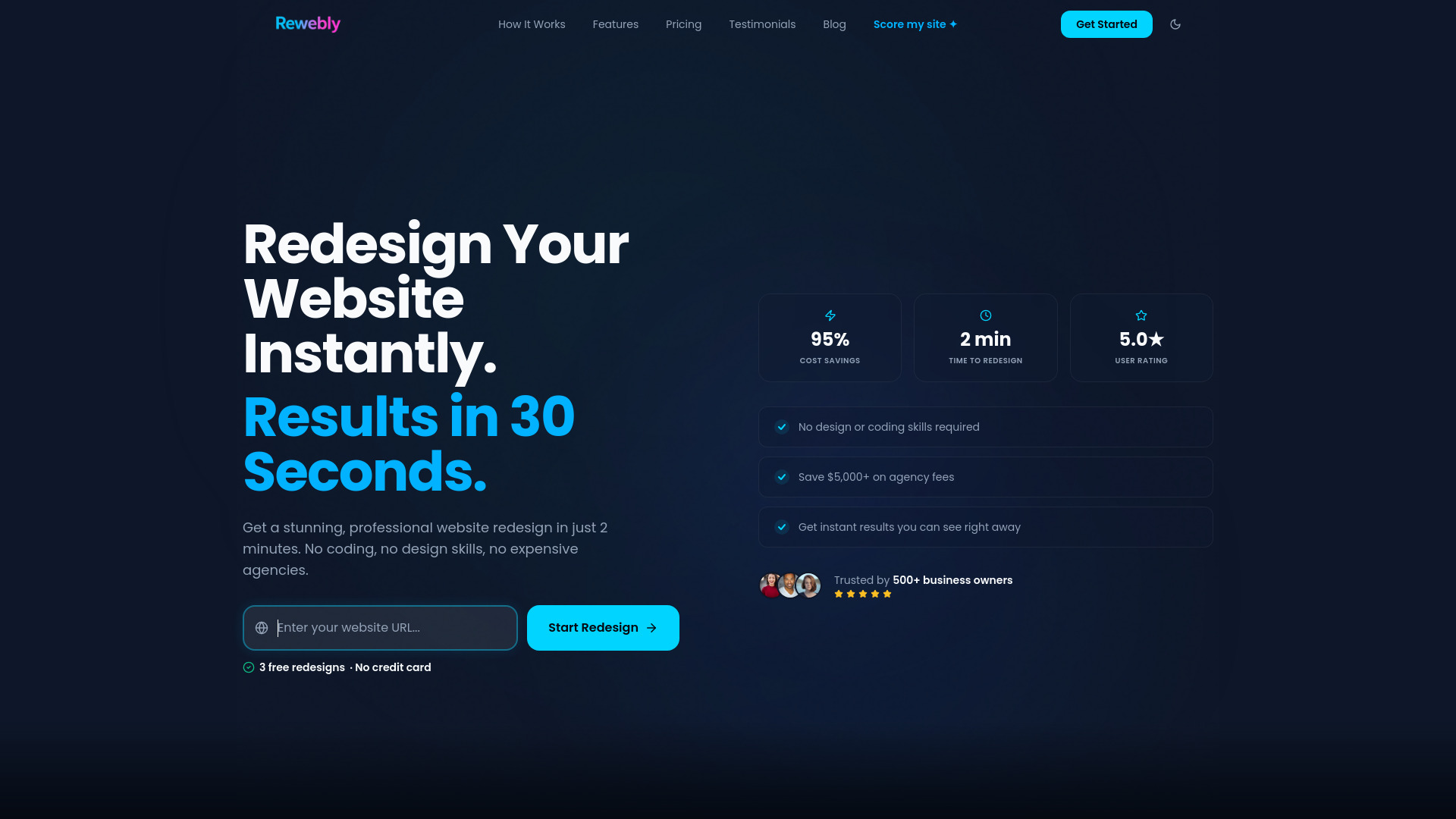
- AI website redesigns
- 3 free redesign previews
- Starts at $49.99 one-time
- Usage signal: 3.5K

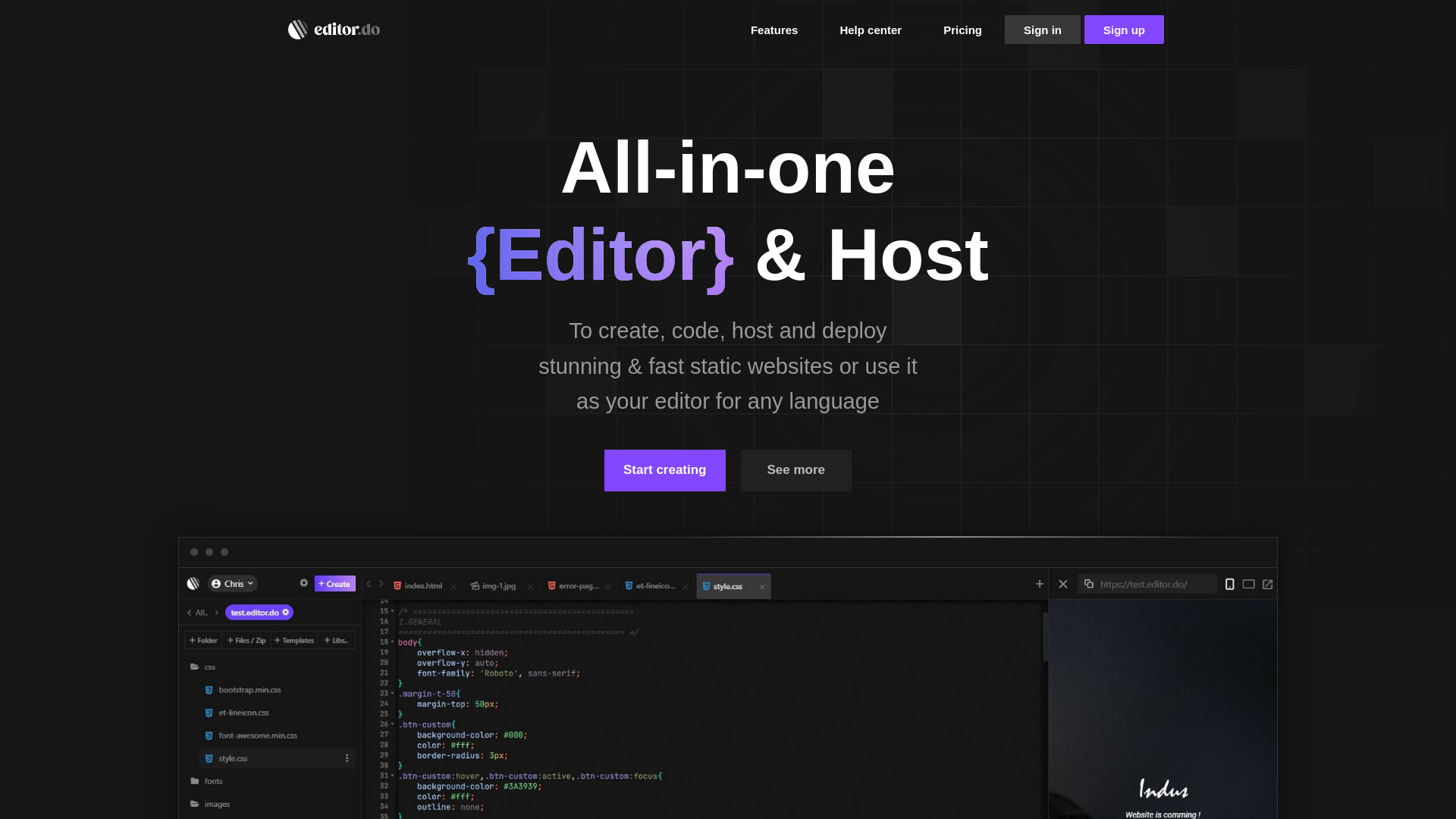
- Code-first static website creation
- 1 trial website
- Starts at $4/month
- Usage signal: 2.0K

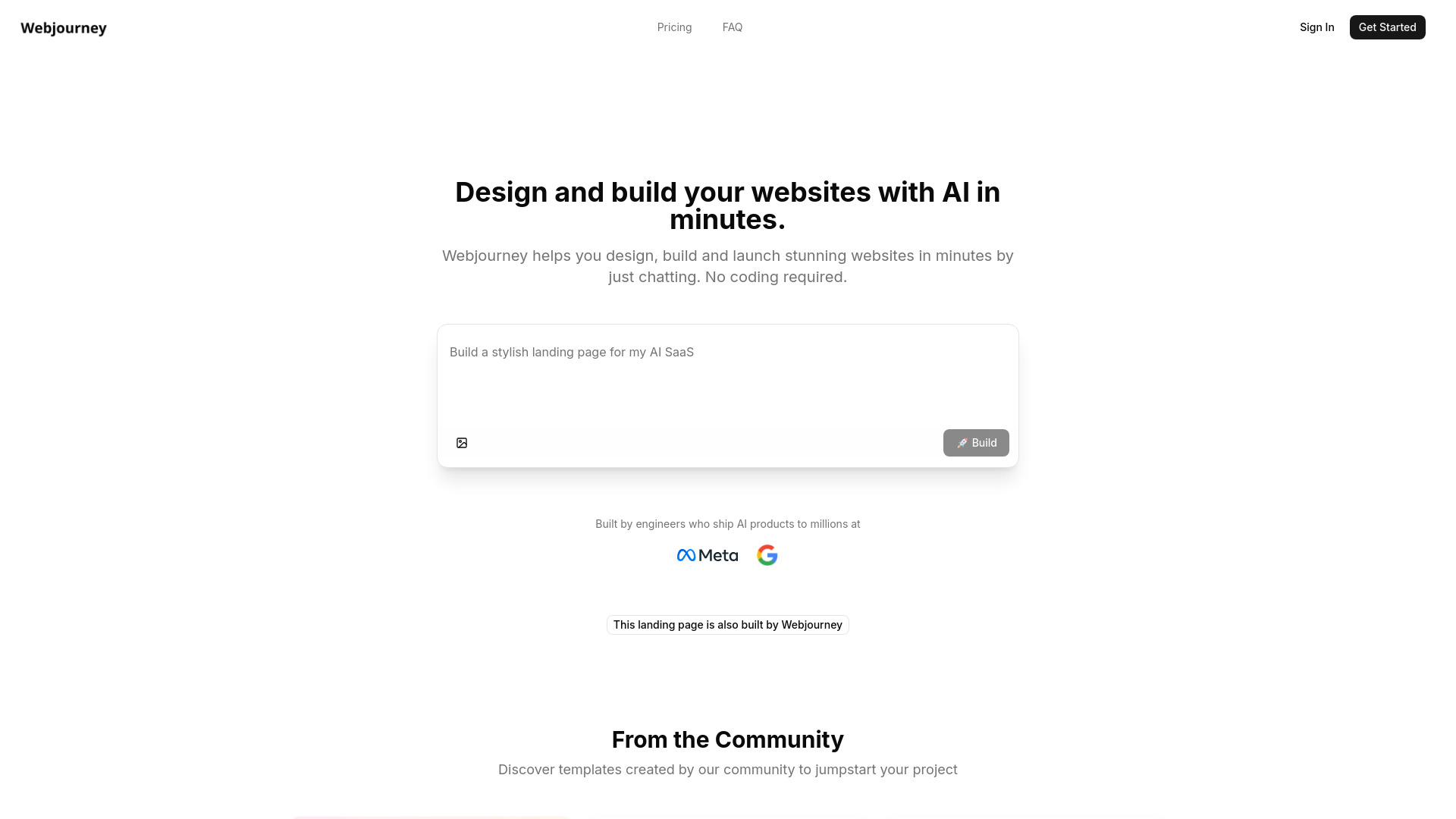
- AI landing pages for founders
- Free plan available
- Starts at Check vendor pricing
- Usage signal: 2.4K

- Personal websites and digital identity
- Free plan available
- Starts at Check vendor pricing
- Usage signal: 3.9K

- AI wireframes, sitemaps, and SEO content
- Free plan available
- Starts at Check vendor pricing
- Usage signal: 1.4K

- Prompt-based website creation
- Starts at Check vendor pricing
- Usage signal: 276

- Database-driven websites and apps
- Free plan available
- Starts at Check vendor pricing
- Usage signal: 453

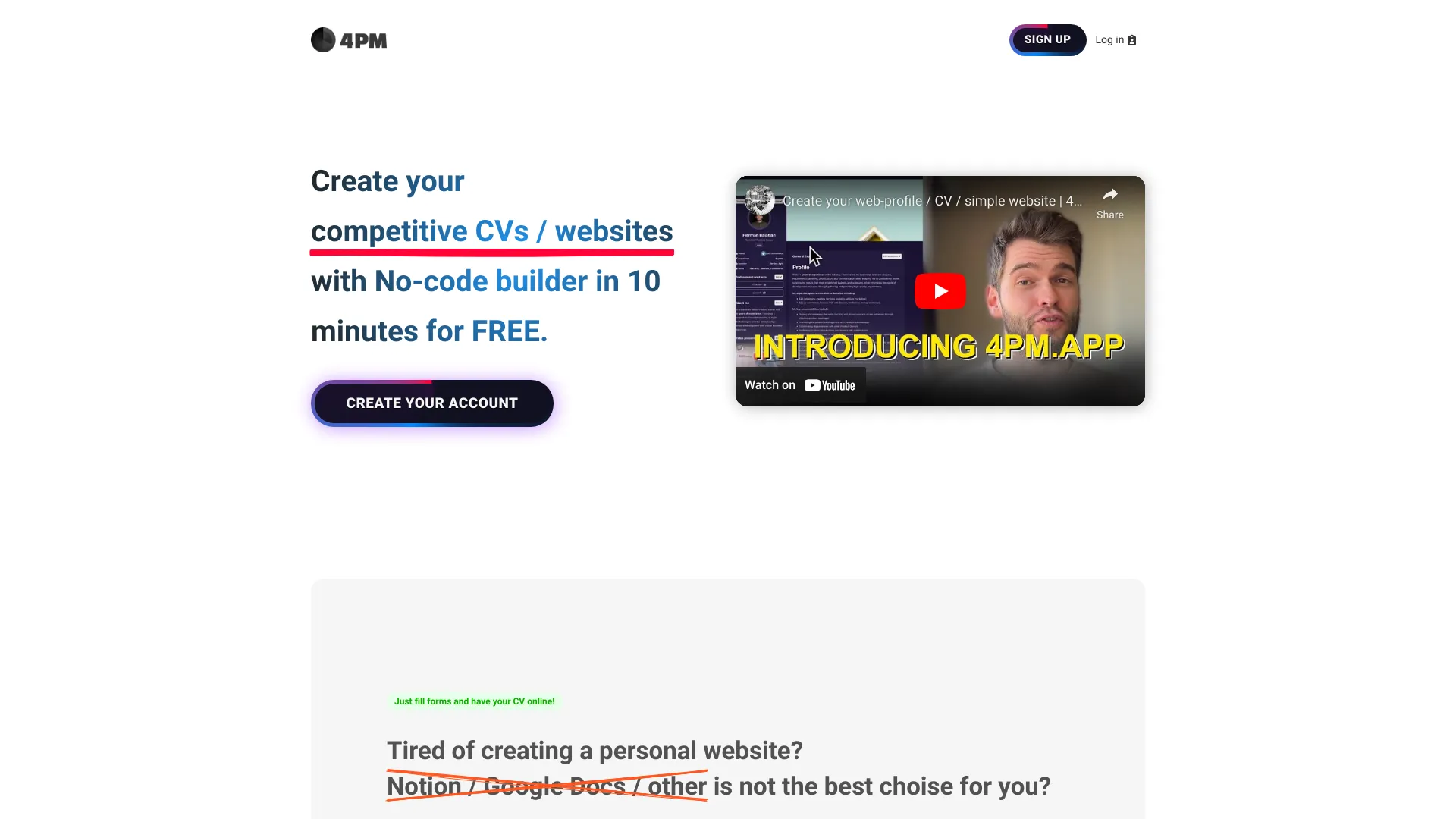
- Simple professional profiles and online CVs
- Starts at $14.99 one-time per profile
- Usage signal: 964

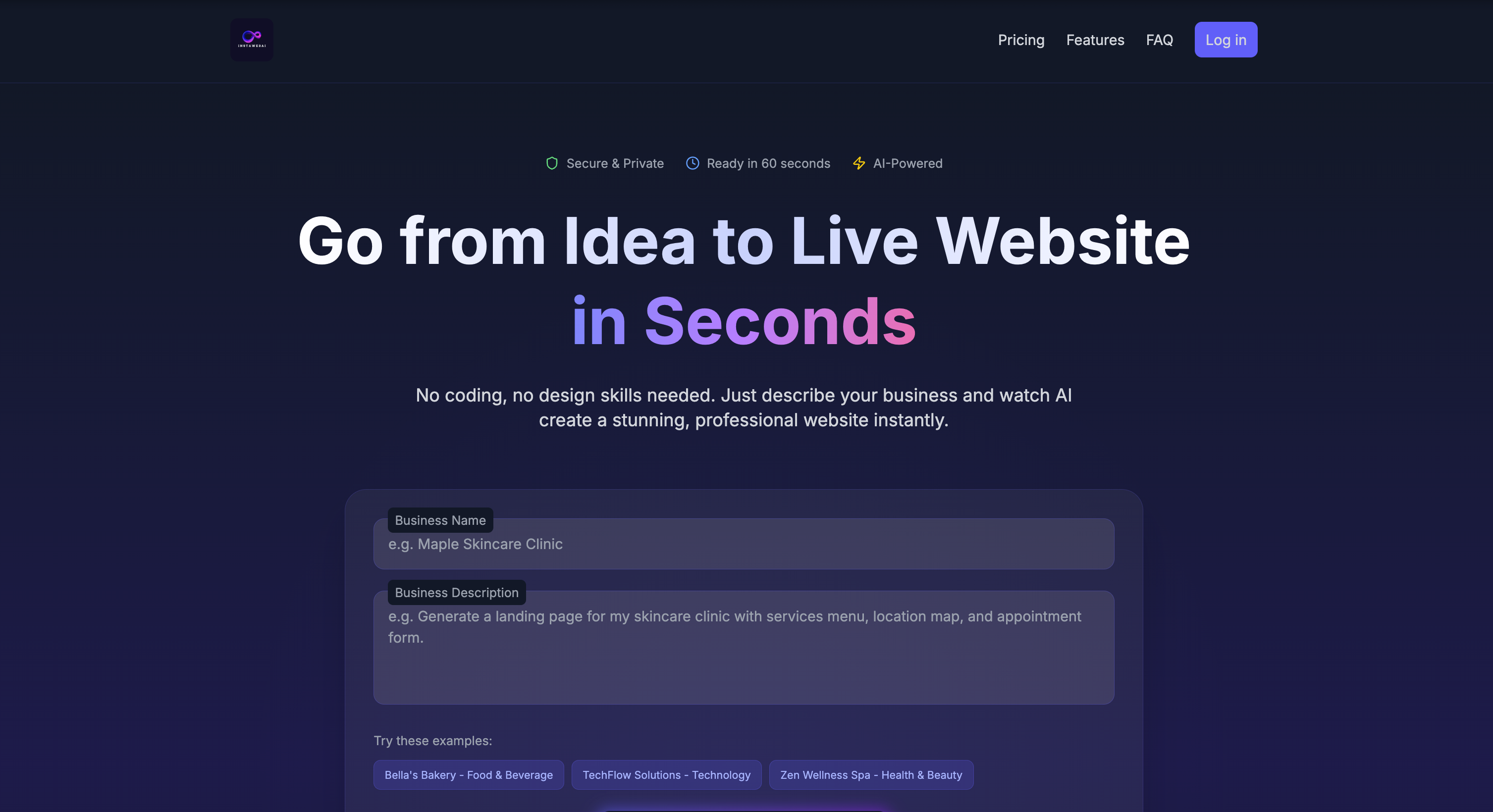
- AI-generated multipage business websites
- Starts at $15/month
- Usage signal: 91

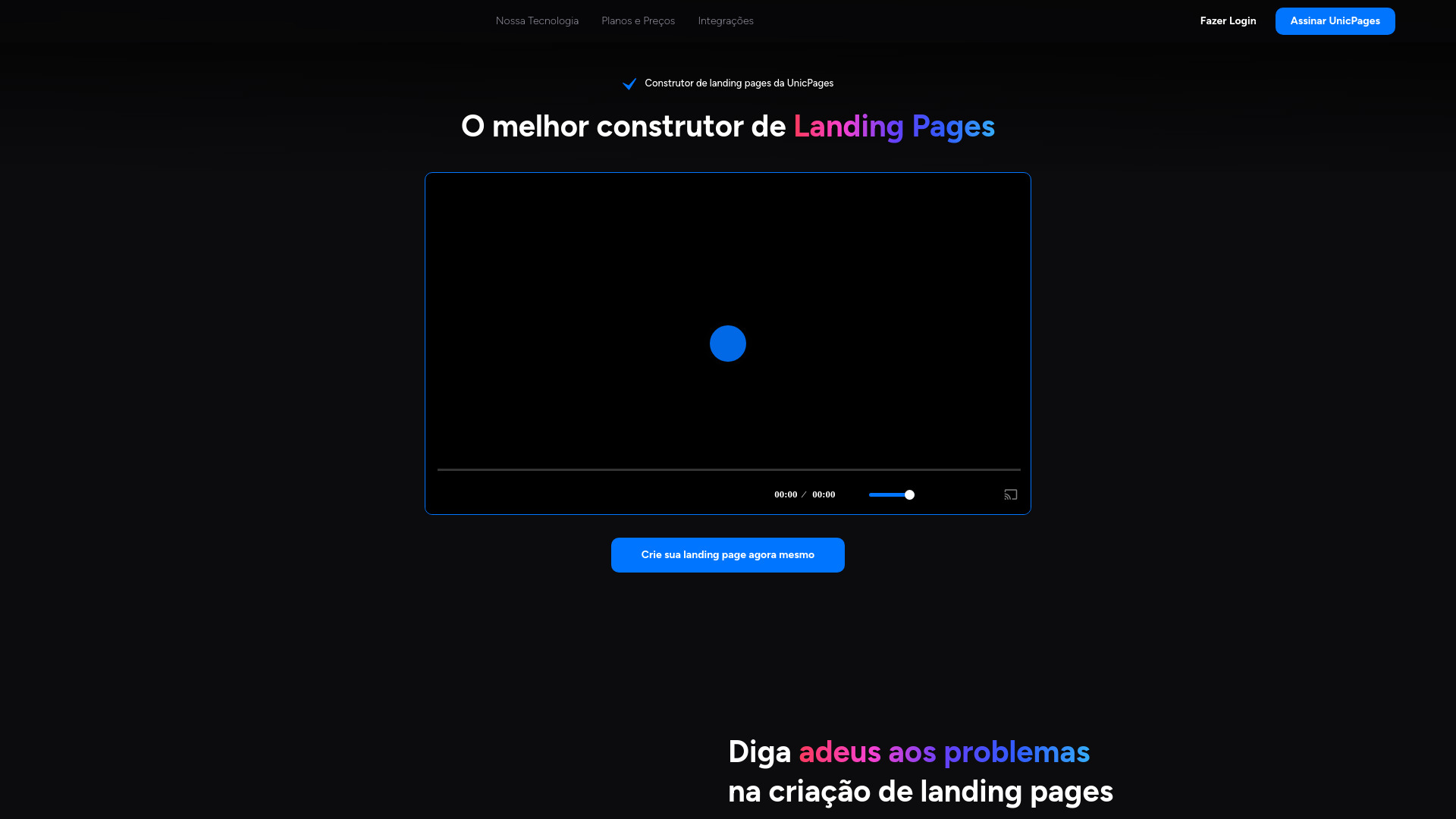
- Fast landing pages without coding
- 1 landing page free
- Starts at From R$ 46/month
- Usage signal: 374

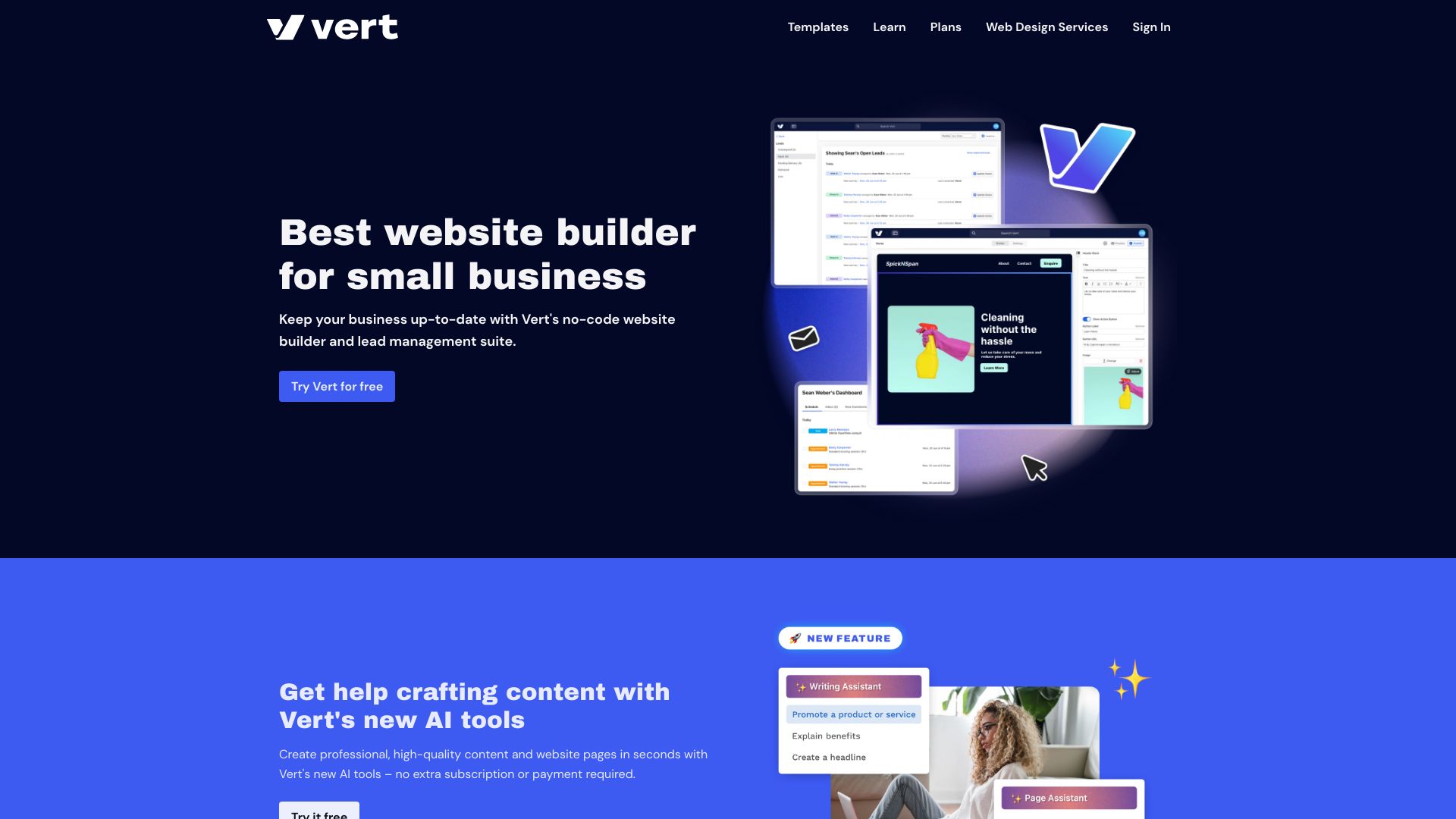
- Small-business websites with lead management
- Free trial available
- Starts at $4/month
- Usage signal: 406

- AI startup landing pages
- Starts at Check vendor pricing
- Usage signal: 178

- AI image creation and editing
- 30 free credits
- Starts at $4 one-time
- Usage signal: 159

- AI-powered no-code website building
- Starts at $14/month
- Usage signal: 0
- Freelancers and local businesses
- Free plan available
- Starts at $4.17/month, billed yearly
- Usage signal: 0
- AI-generated landing pages
- Free trial available
- Starts at Check vendor pricing
- Usage signal: 0
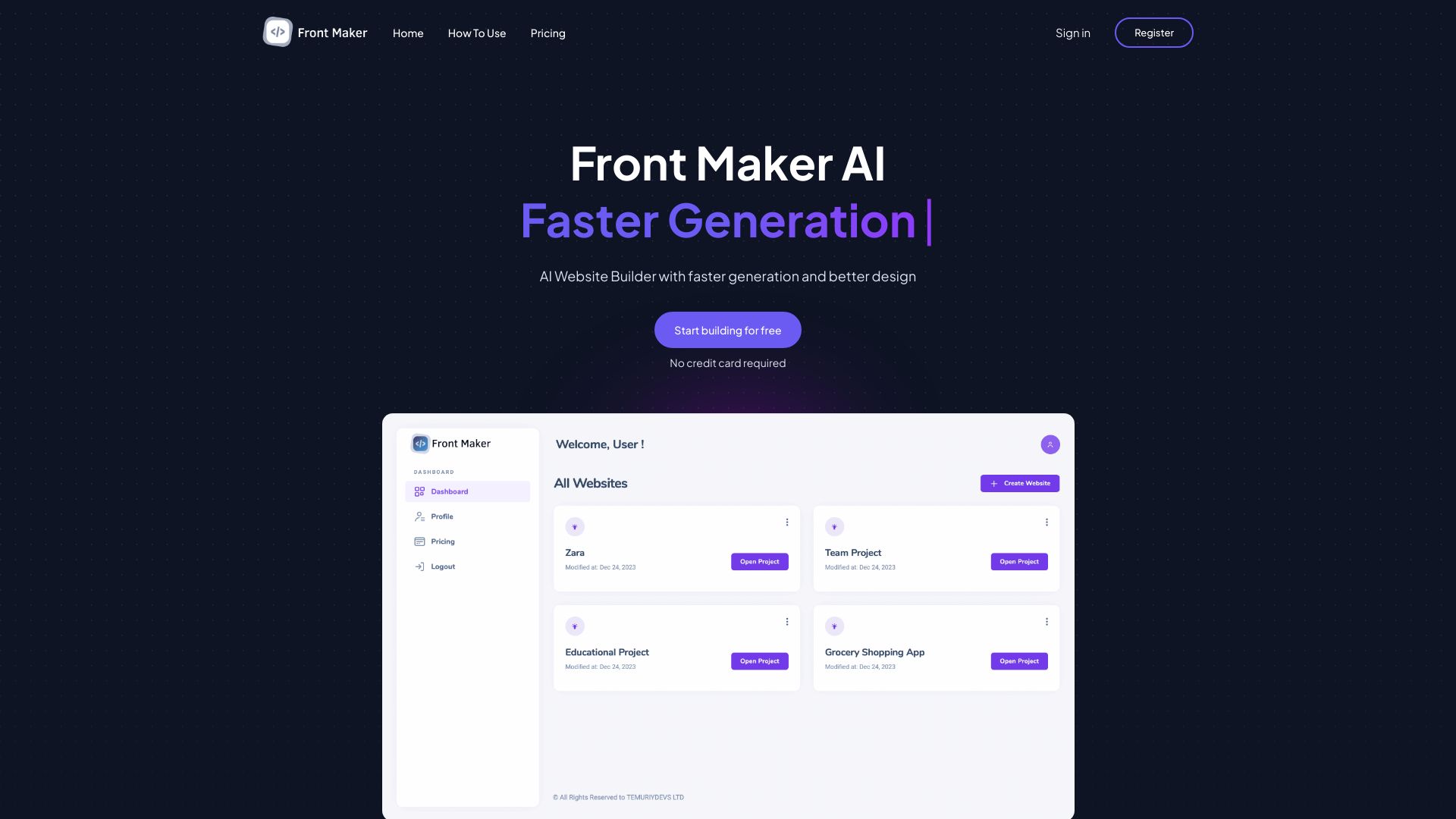

- AI website creation from one-word prompts
- Free plan available
- Starts at Check vendor pricing
- Usage signal: 0
- No-code AI website building
- 100 AI tokens and 2 AI images
- Starts at $10/month
- Usage signal: 0
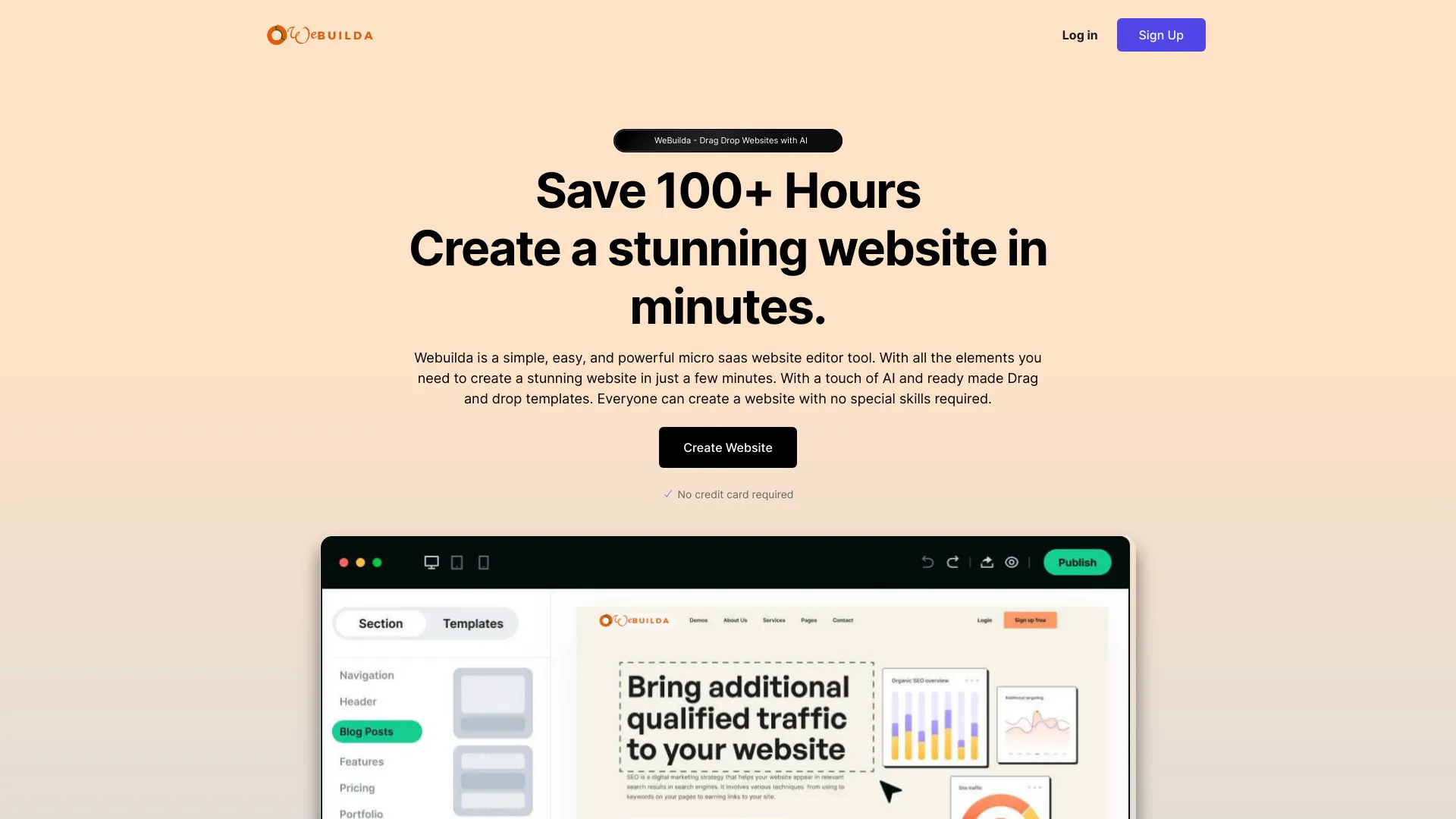

- Free website creation
- 500 MB free storage
- Starts at $0.00/mo
- Usage signal: 0
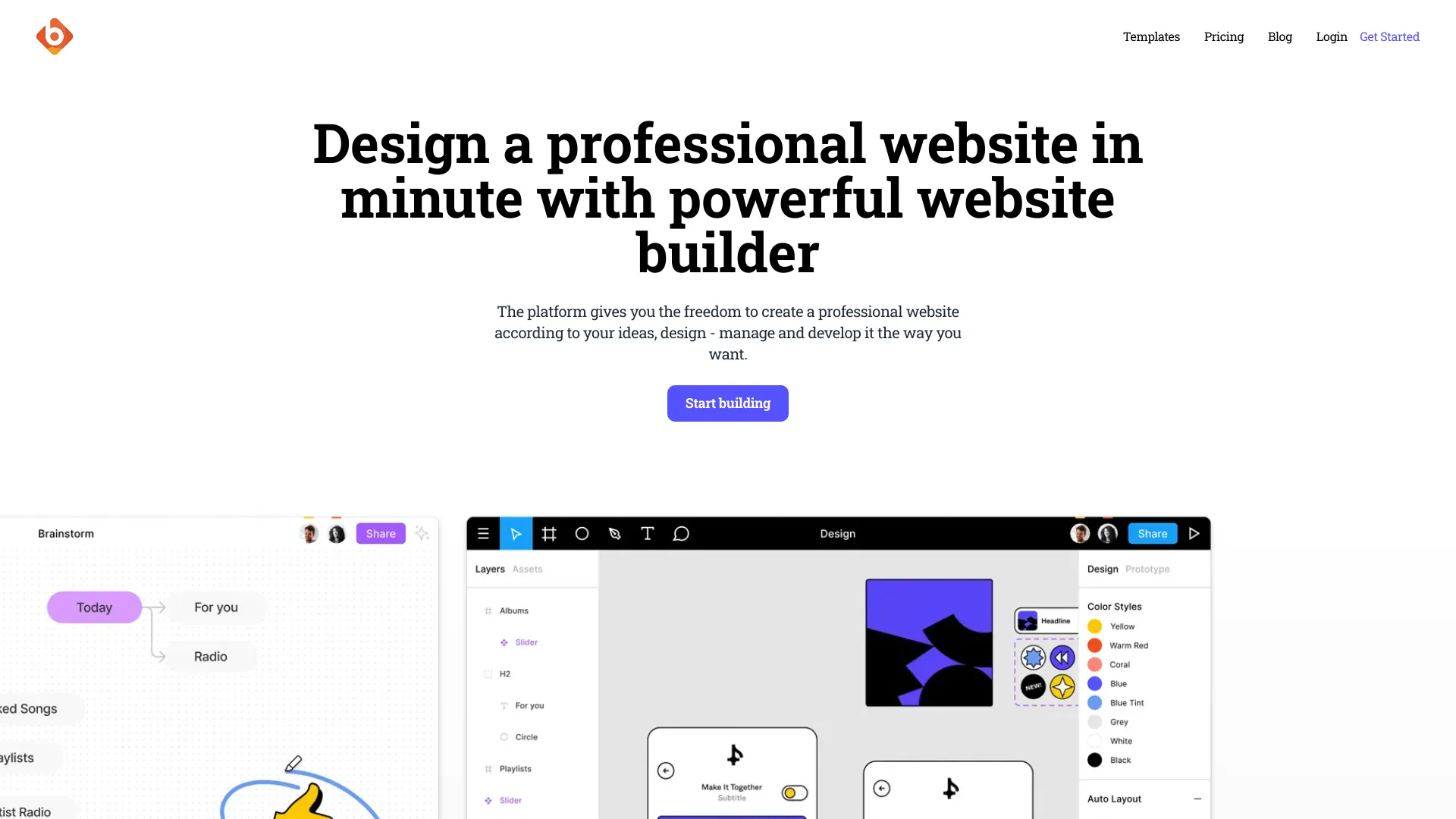
- Fast WordPress site creation
- 1-week free trial
- Starts at Check vendor pricing
- Usage signal: Not listed

- Free logo and banner creation
- Free plan available
- Starts at Check vendor pricing
- Usage signal: 0
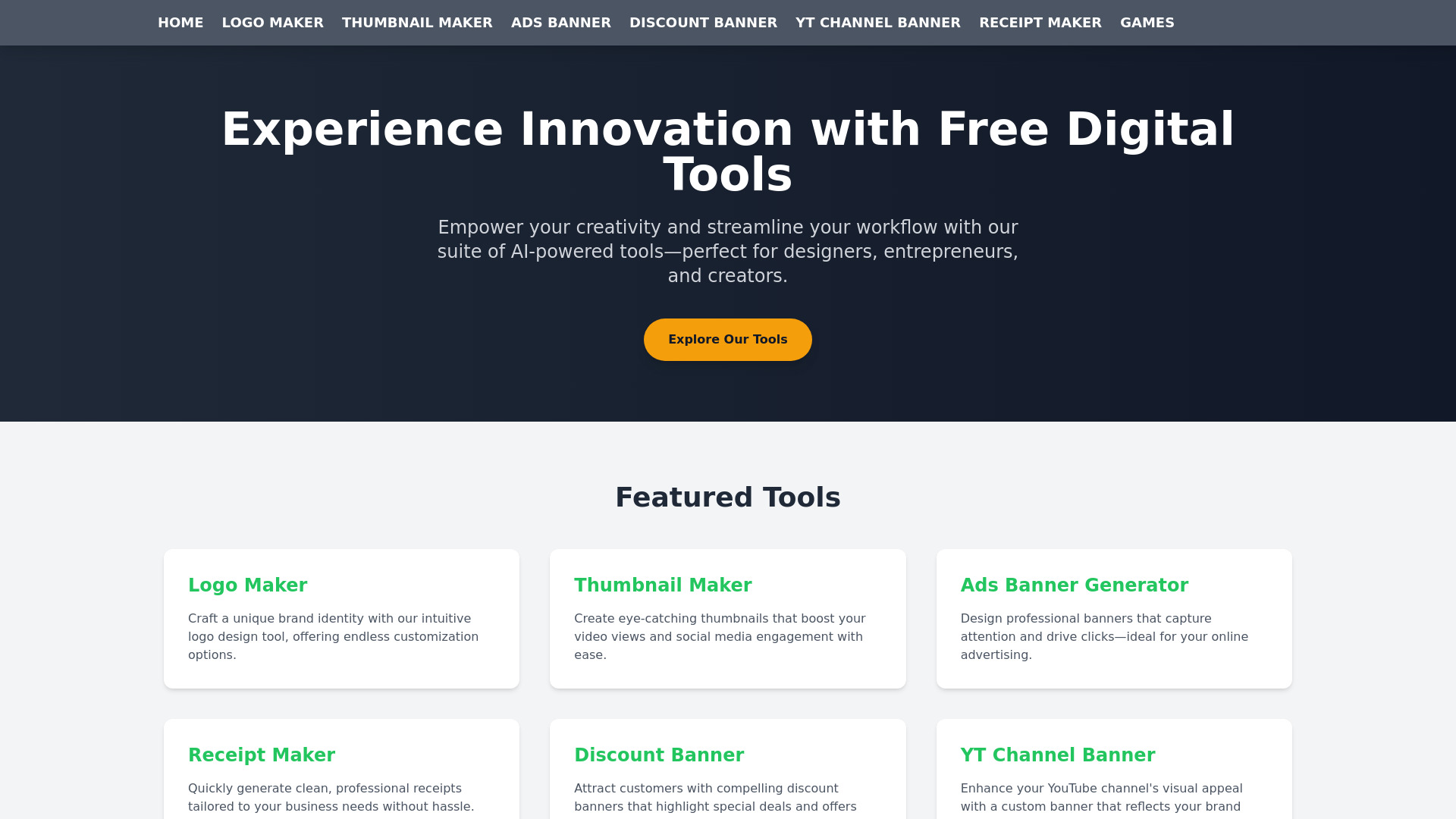

- Portable AI website building
- Starts at $15 lifetime
- Usage signal: 0

- Informational desktop and mobile wallpapers
- Free plan available
- Starts at Check vendor pricing
- Usage signal: 0

- One-page business websites
- Starts at Check vendor pricing
- Usage signal: 0
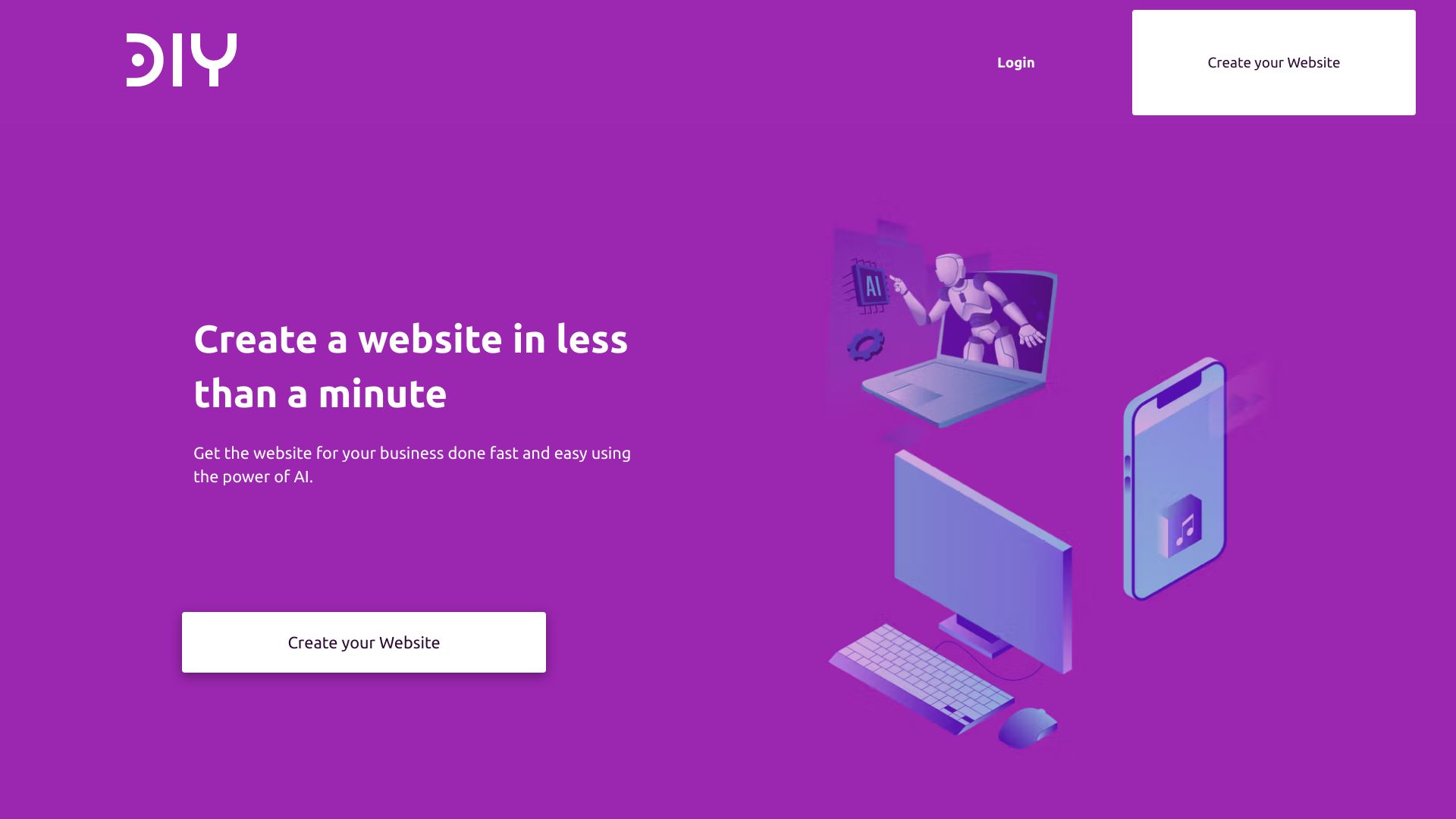

- AI website creation and redesign
- Free plan available
- Starts at $9/month
- Usage signal: 0
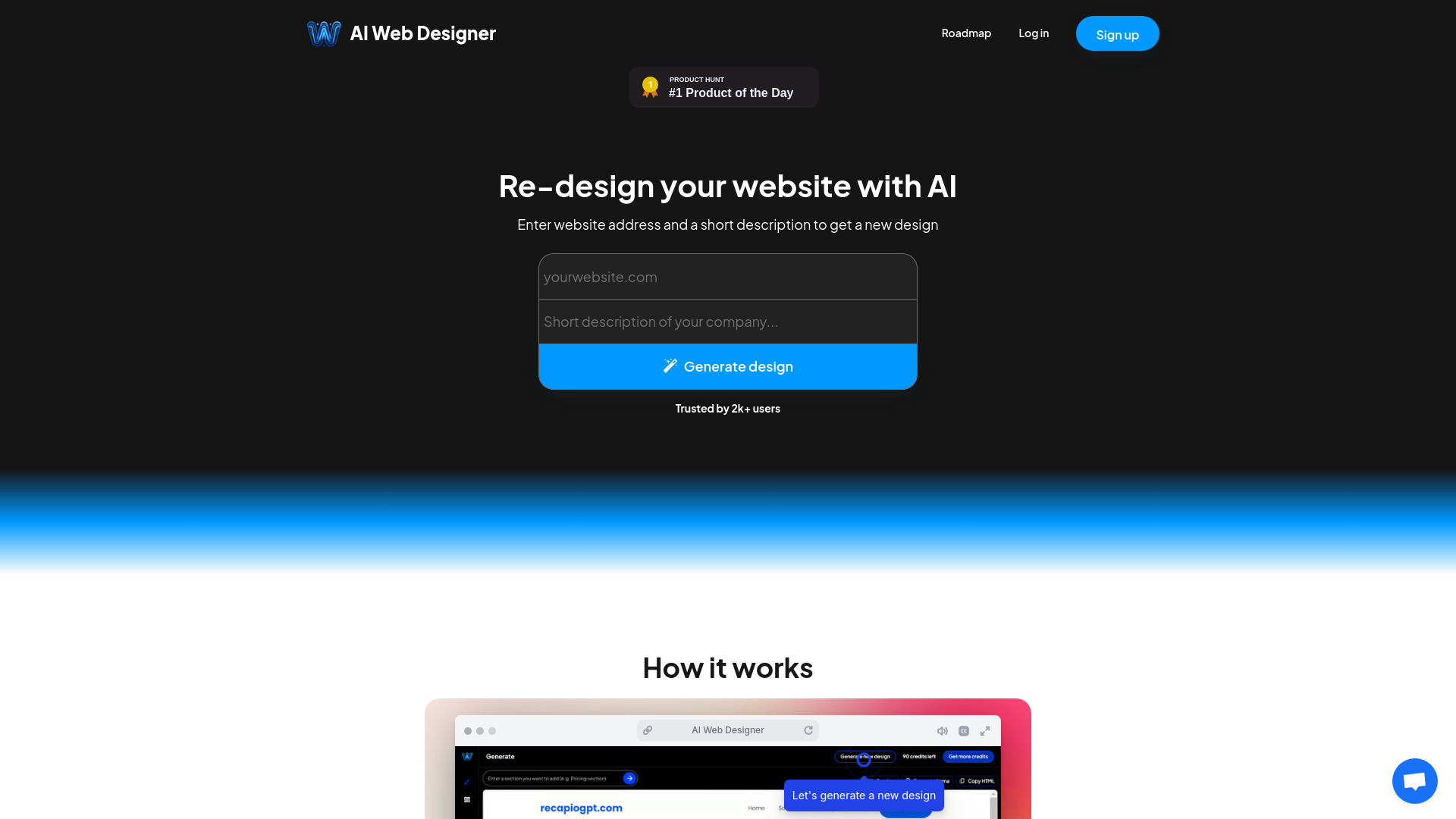

- AI website generation and export
- Free plan available
- Starts at Check vendor pricing
- Usage signal: 0

- Prompt-based one-page websites
- Free trial available
- Starts at $14.99 one-time
- Usage signal: 0

- AI-powered websites for solopreneurs and local businesses
- Free plan available
- Starts at Check vendor pricing
- Usage signal: 0

- AI-generated multi-page websites
- 3 AI website generations/month
- Starts at $10/month
- Usage signal: 0

- Prompt-based React landing pages
- Free plan available
- Starts at $19/month
- Usage signal: 0
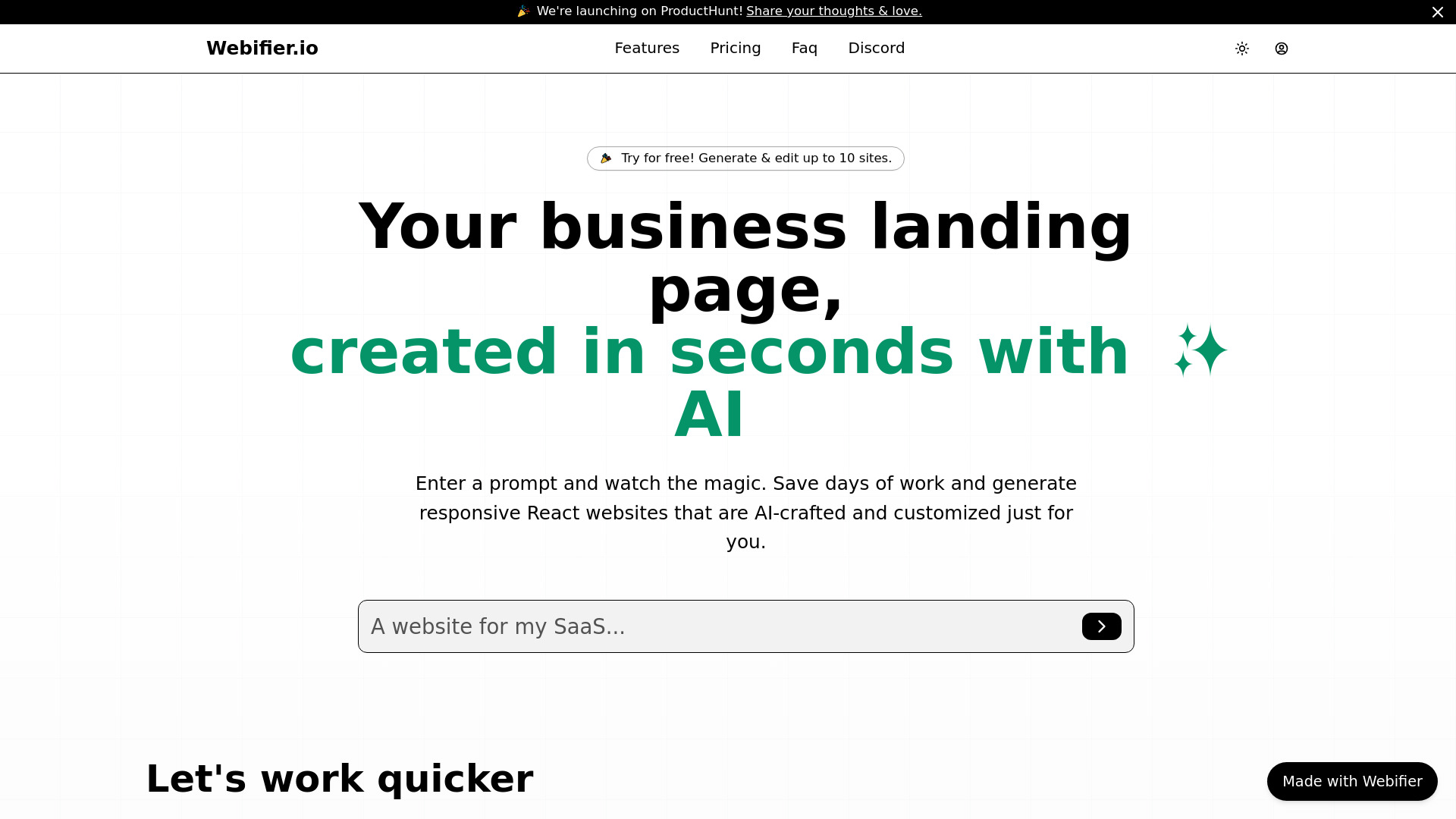

- AI landing pages for marketers and creators
- 1 free site
- Starts at $0/month
- Usage signal: 0
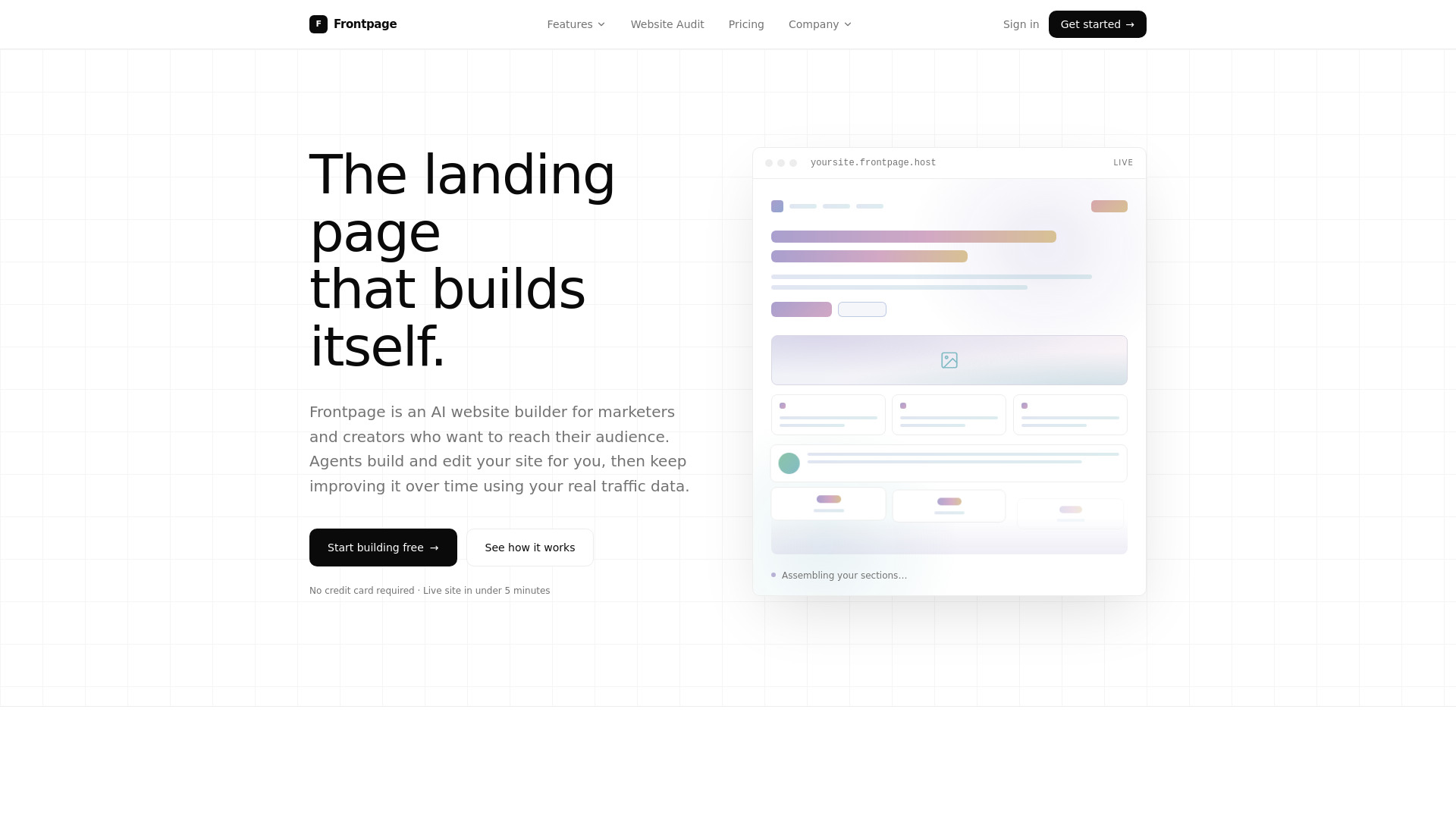

- AI-generated websites for small businesses
- Free plan available
- Starts at Check vendor pricing
- Usage signal: 0
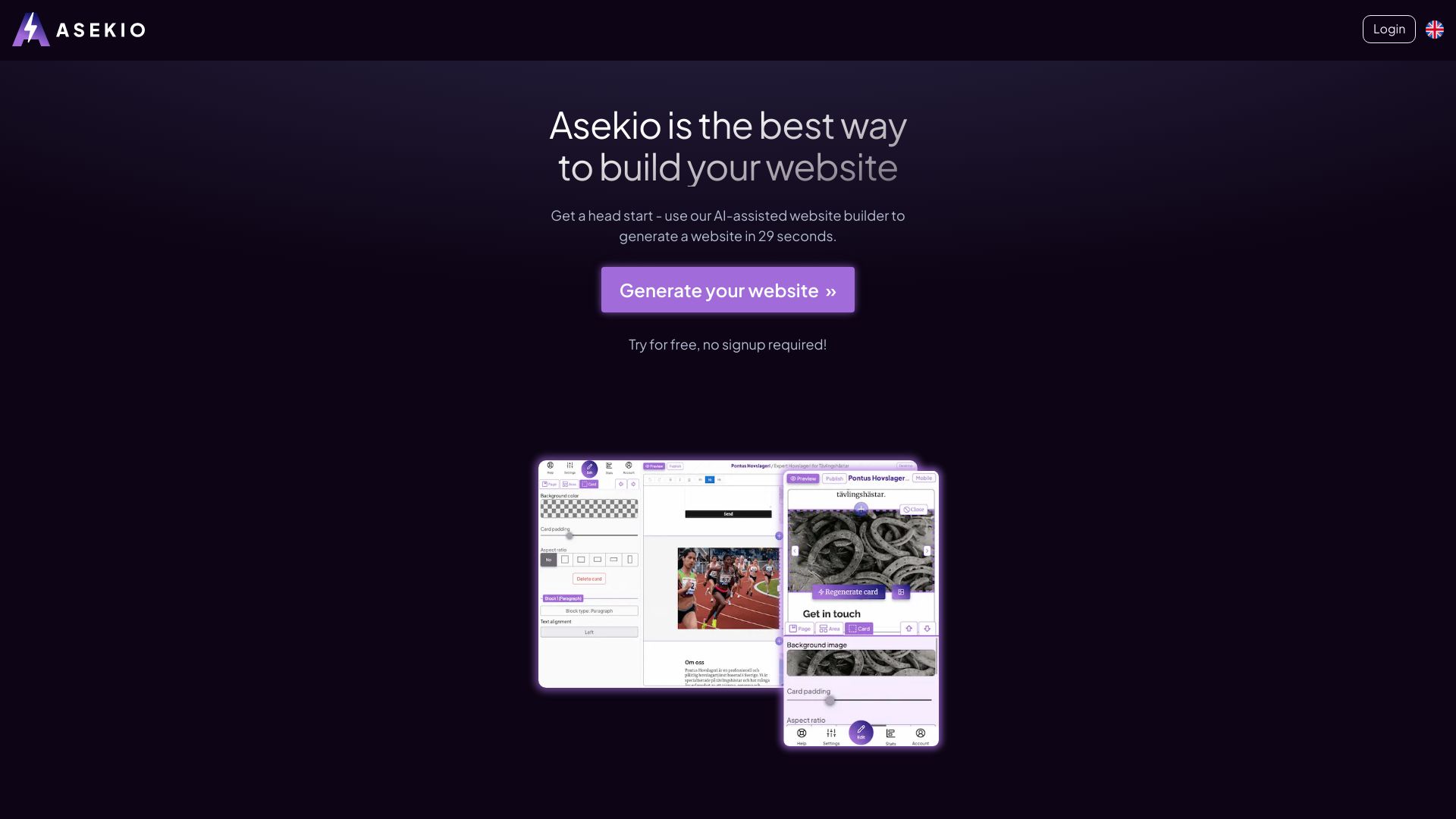

- Logo-led website creation
- Starts at Check vendor pricing
- Usage signal: 0
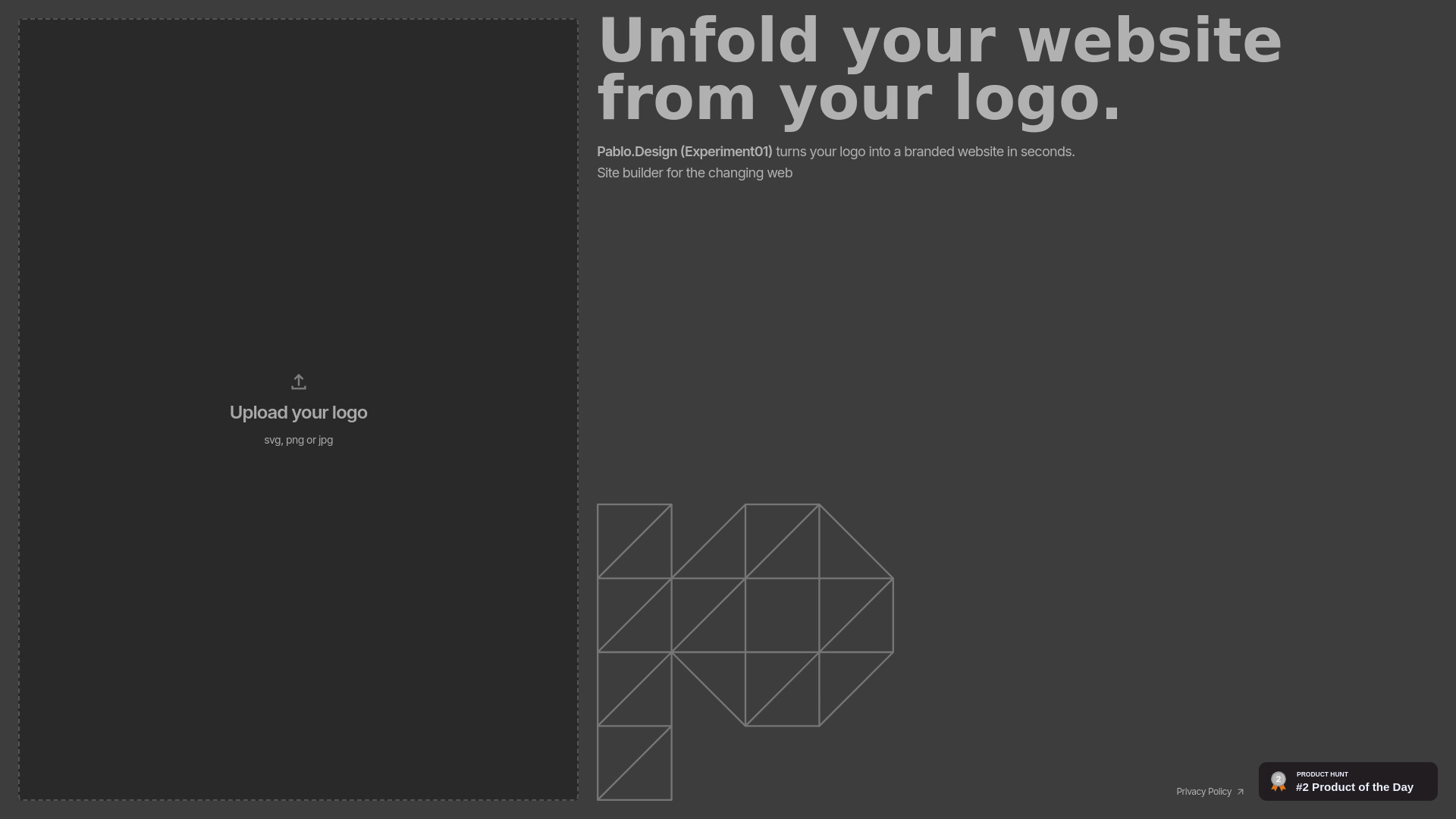

- Free AI website building
- Free plan available
- Starts at Check vendor pricing
- Usage signal: 0
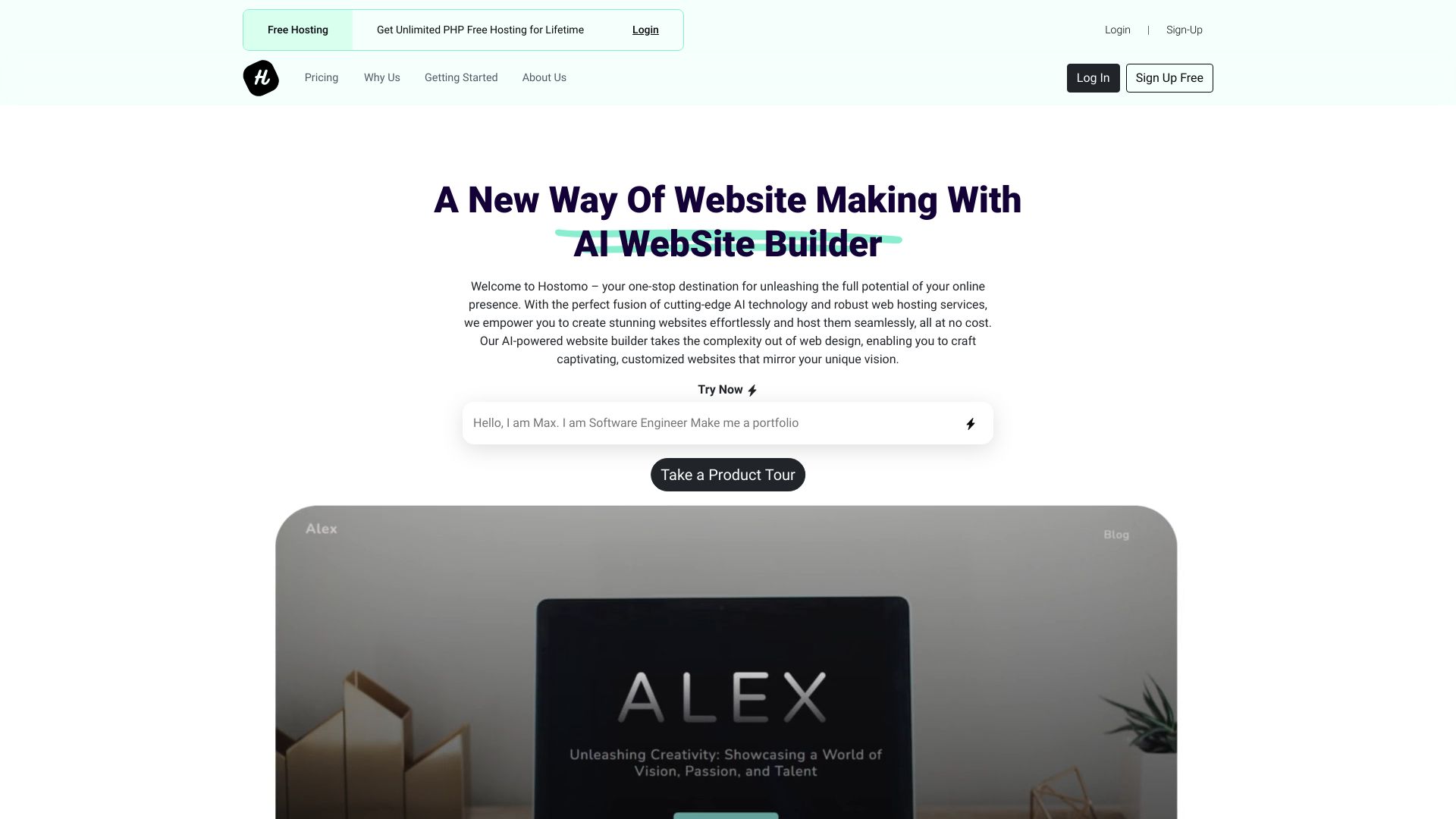

- AI-generated single-page landing pages
- Free plan available
- Starts at Check vendor pricing
- Usage signal: 0

- Landing pages for busy founders
- Starts at Check vendor pricing
- Usage signal: 0

- Fast AI-generated HTML websites
- Starts at Check vendor pricing
- Usage signal: 0
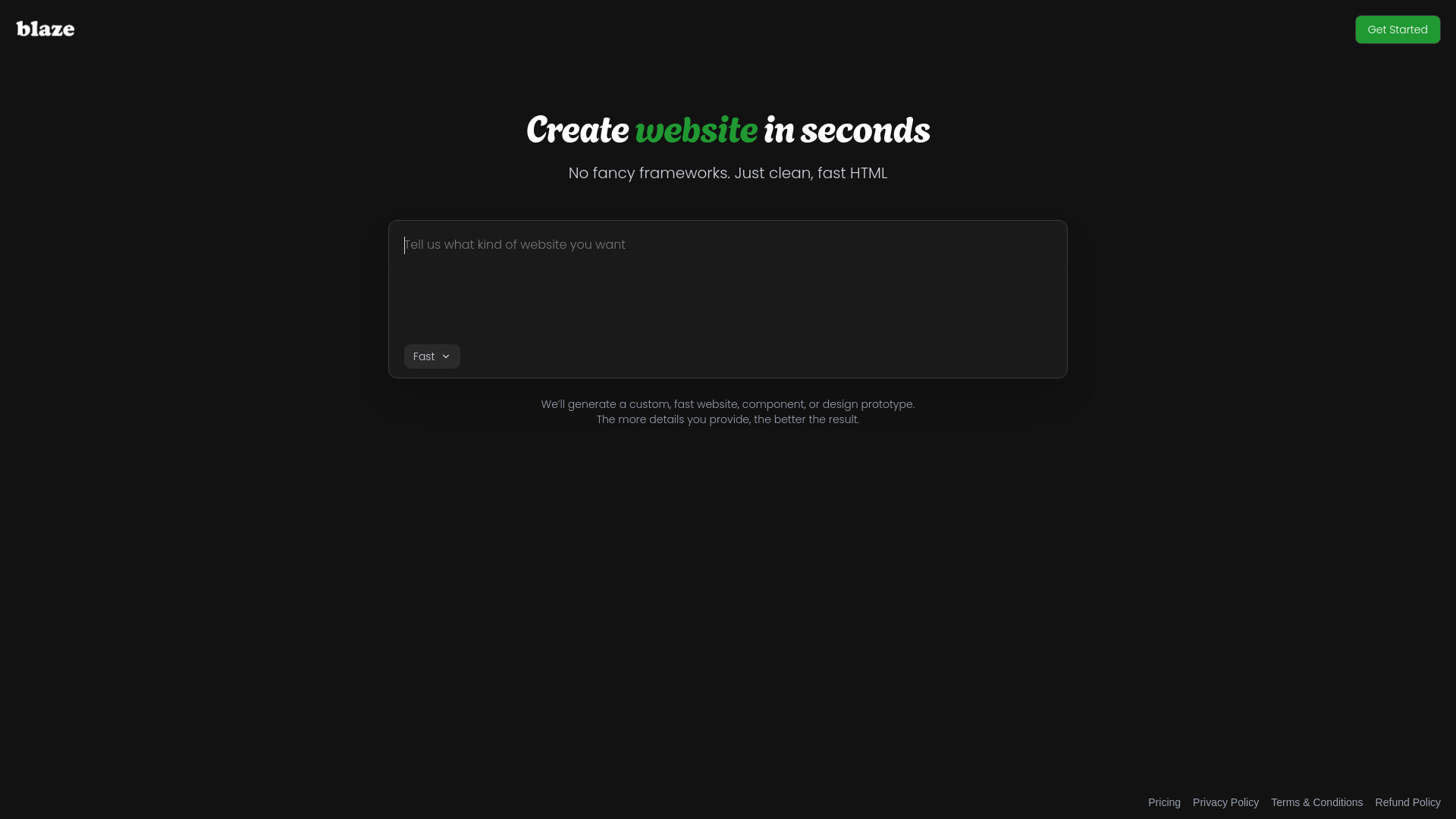
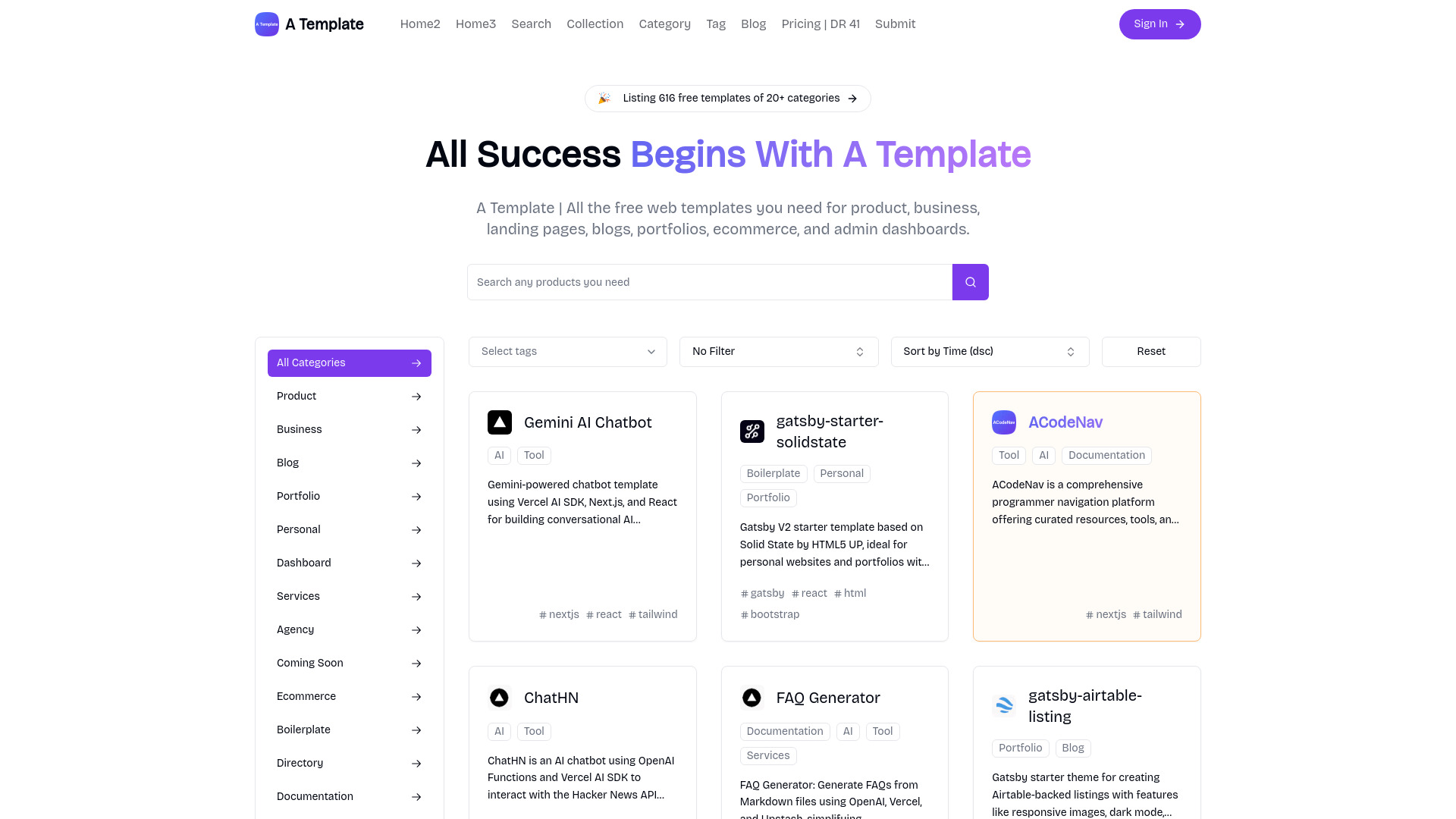
- Free website template discovery
- Free plan available
- Starts at Check vendor pricing
- Usage signal: 0

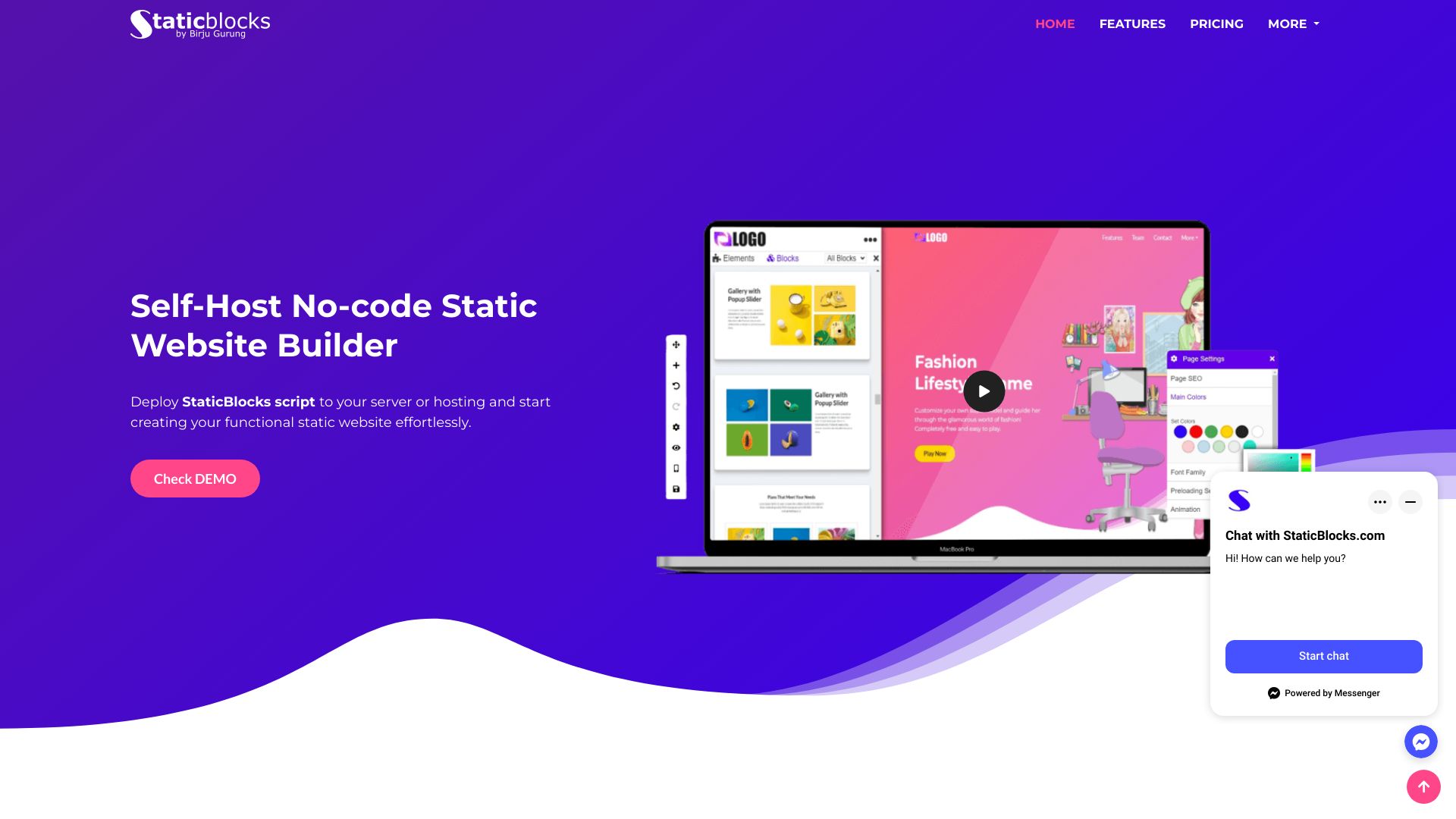
- Self-hosted static websites without coding
- Starts at $250 one-time fee per domain
- Usage signal: 0

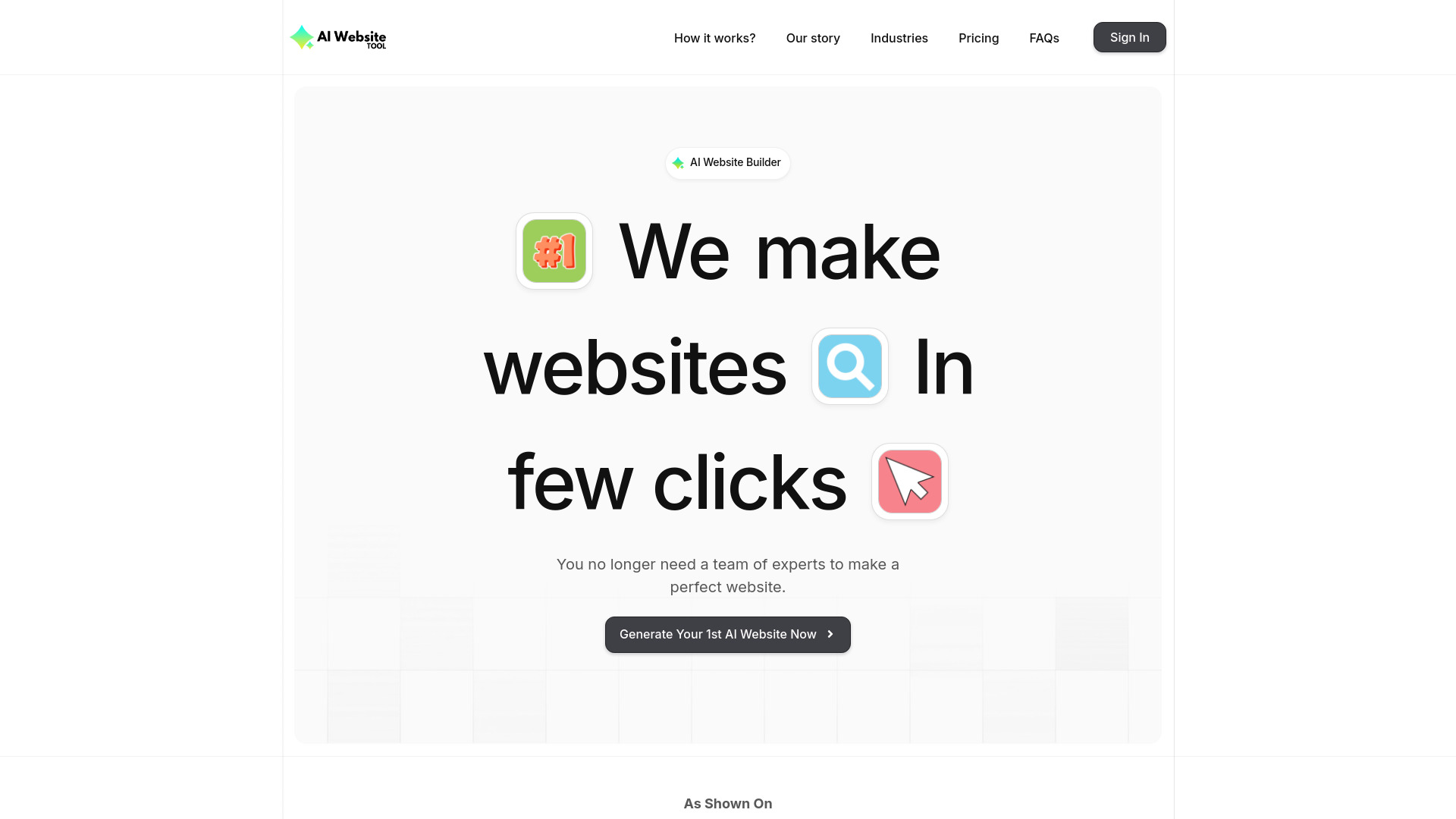
- Fast AI-generated websites for small businesses
- 1 free website
- Starts at $9/month
- Usage signal: 0

- AI-generated marketing email templates
- 5 free credits
- Starts at €0.99 for 3 credits
- Usage signal: 0

- AI-generated landing pages
- Starts at Check vendor pricing
- Usage signal: 0

- Messenger-style personal webpages
- Free plan available
- Starts at Check vendor pricing
- Usage signal: 0

- Rapid AI website creation
- Free plan available
- Starts at Check vendor pricing
- Usage signal: 0
- No-code websites and landing pages
- Free plan available
- Starts at Check vendor pricing
- Usage signal: 0

- AI landing pages for small businesses
- Starts at From $10/month
- Usage signal: 0
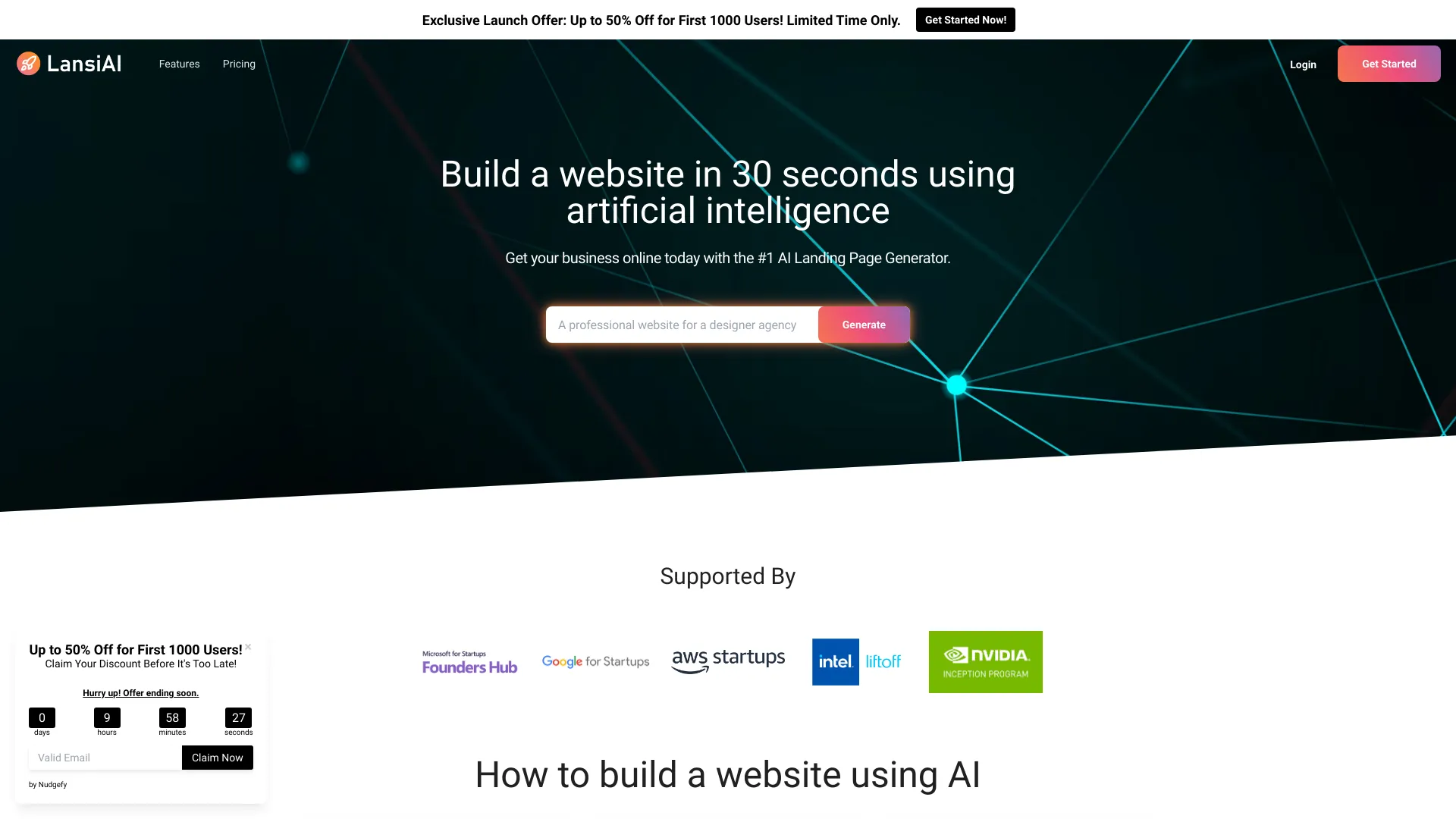

- Instant AI website generation
- Starts at Check vendor pricing
- Usage signal: 0
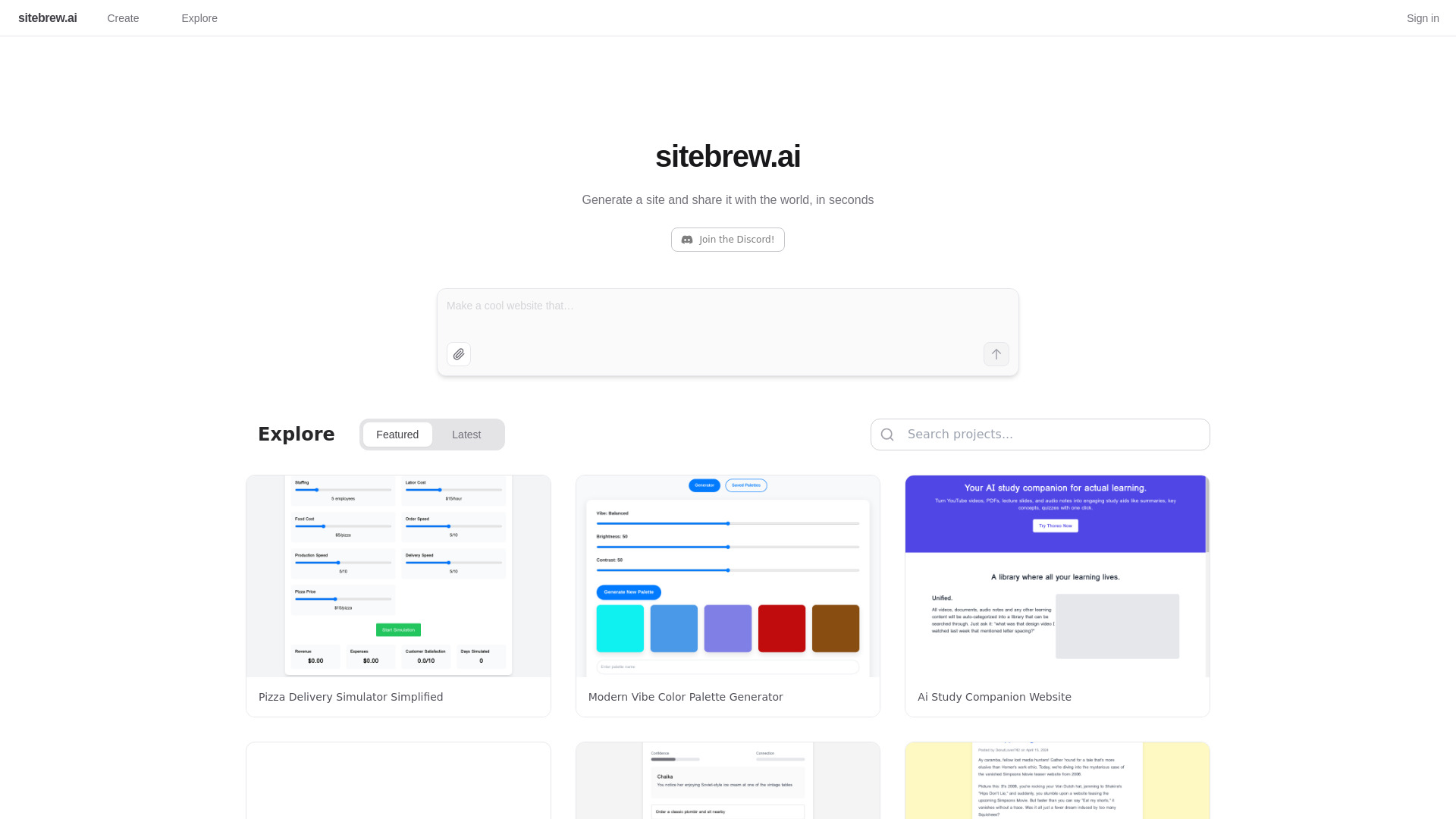
- Startup landing pages
- Free plan available
- Starts at Check vendor pricing
- Usage signal: 0
- Startup landing pages
- Free plan available
- Starts at Check vendor pricing
- Usage signal: 0
- No-code visual website design
- Free trial available
- Starts at $30/month
- Usage signal: 0
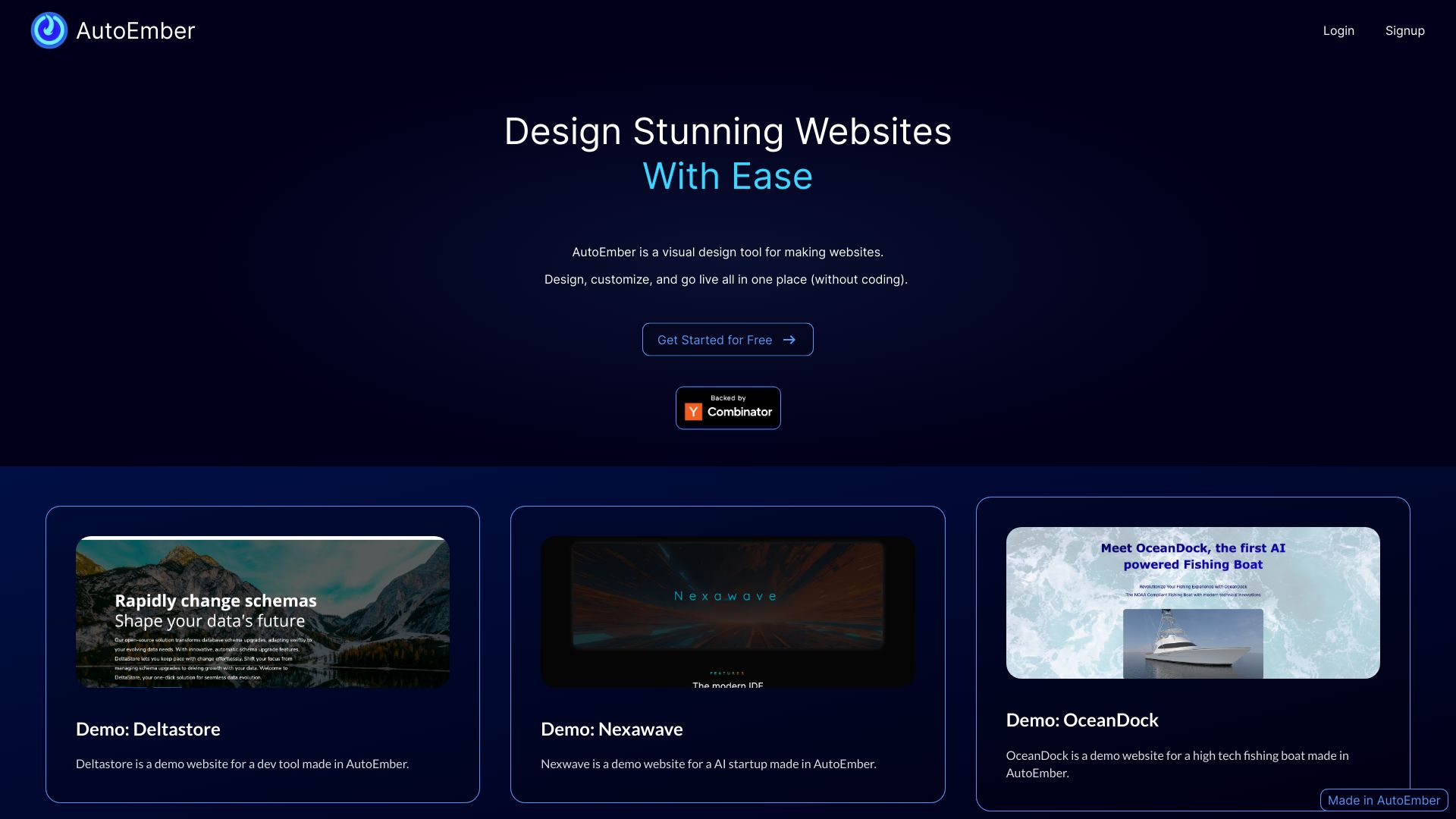

- AI landing page creation
- Free plan available
- Starts at Check vendor pricing
- Usage signal: 0
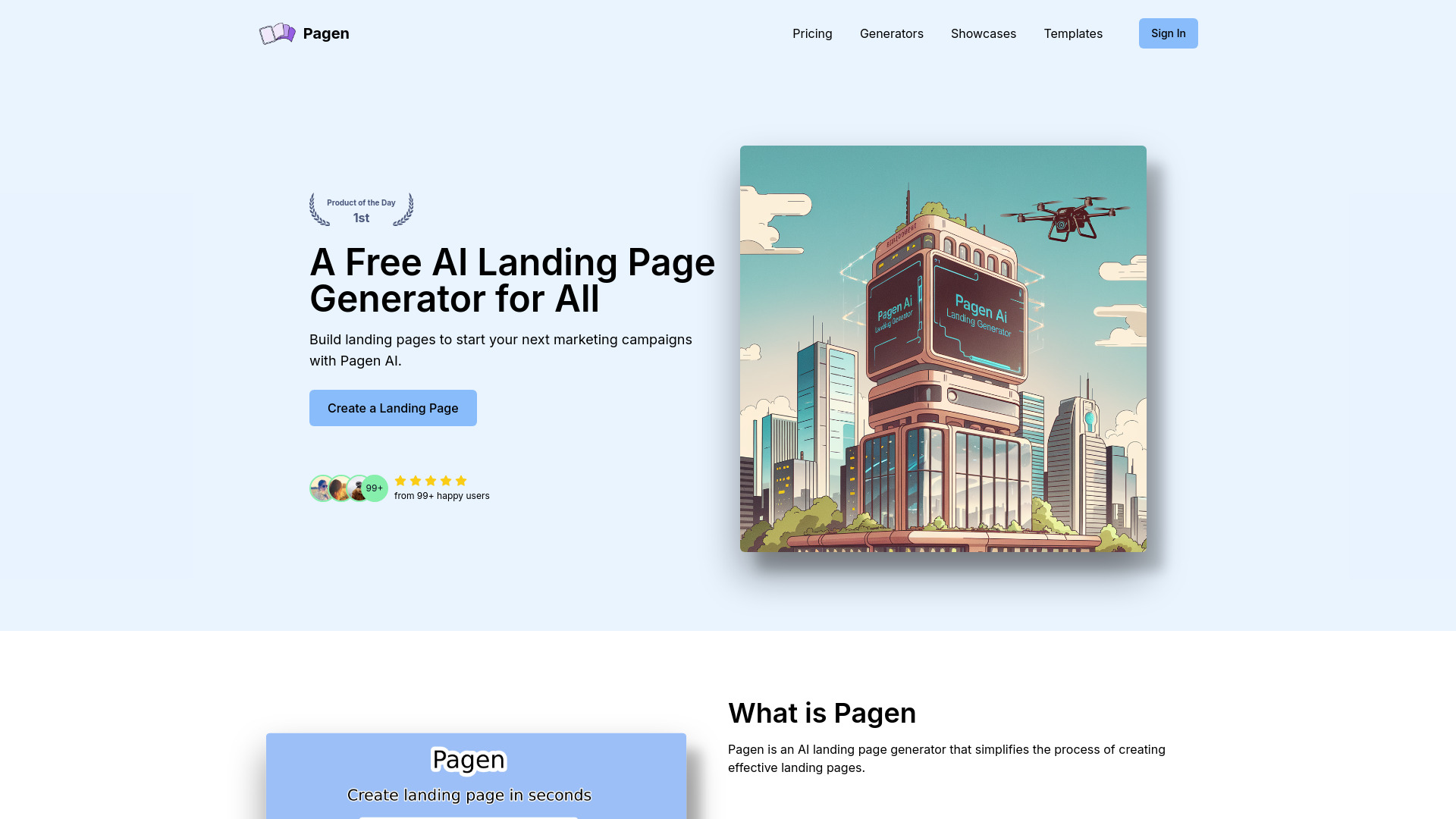
- No-code websites and funnels
- Free plan available
- Starts at $29/month
- Usage signal: 0
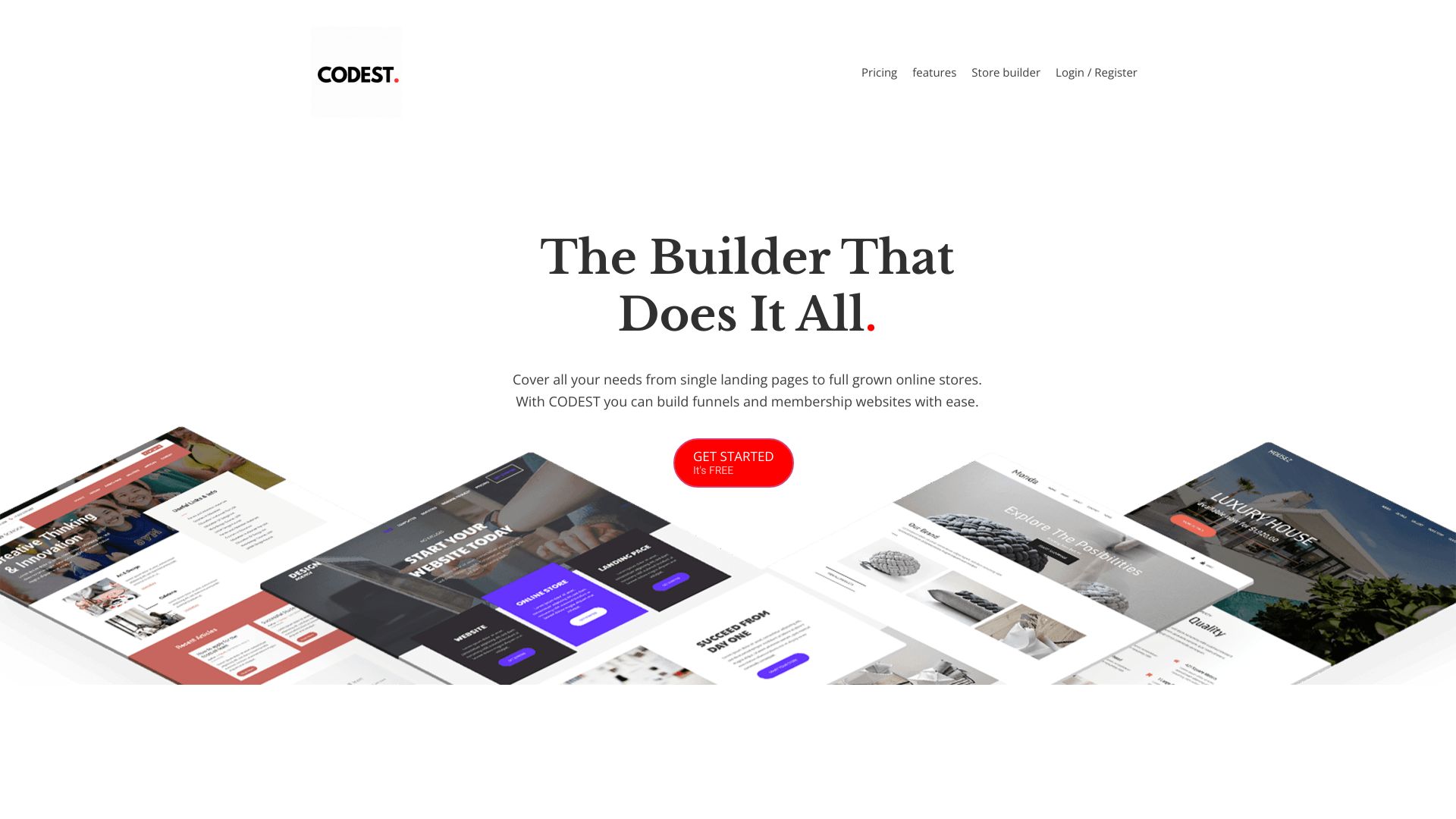
- No-code AI app building
- Free plan available
- Starts at Check vendor pricing
- Usage signal: 0
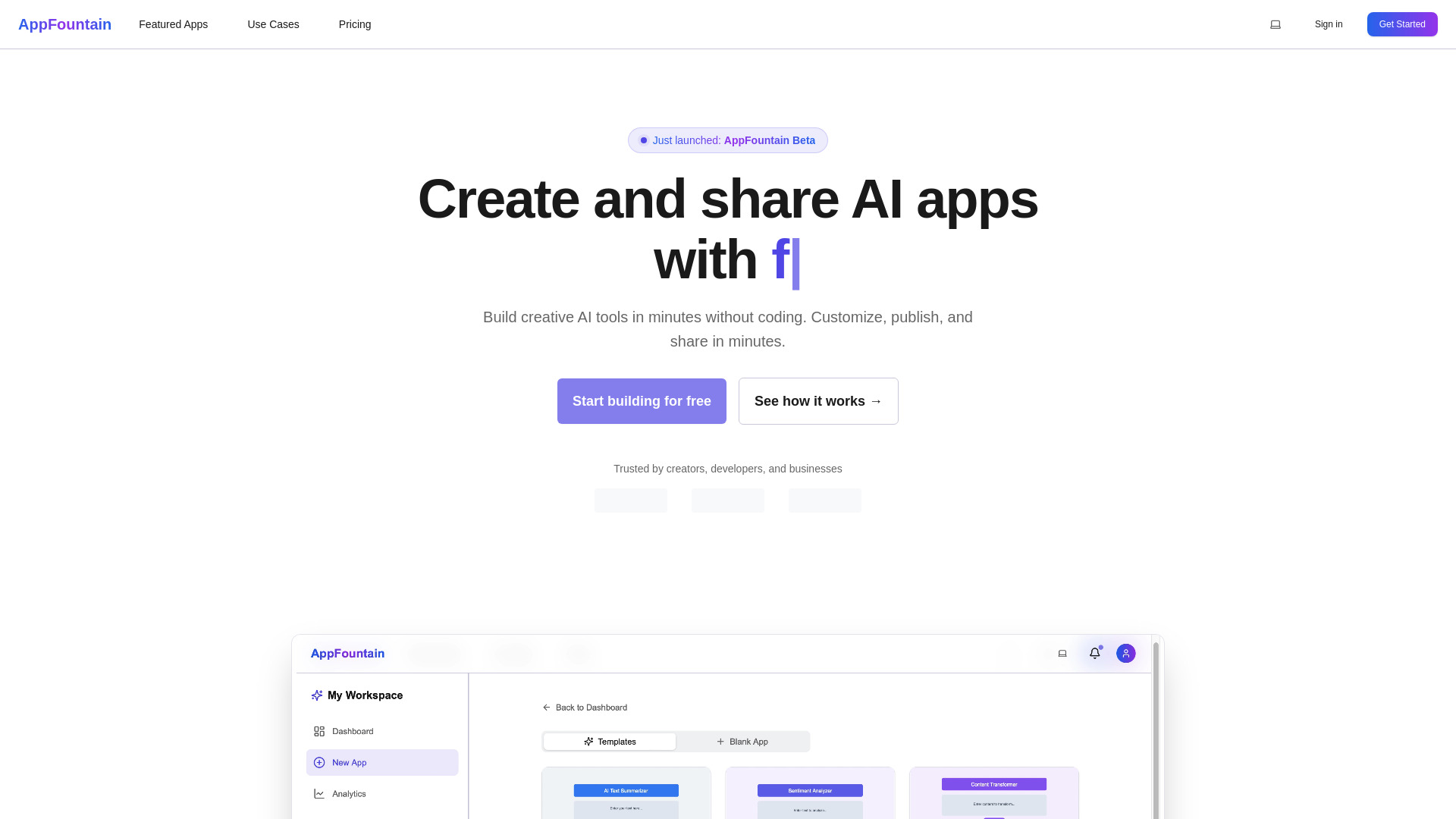

- AI website content generation
- Free trial available
- Starts at From $6
- Usage signal: 0


- AI-generated landing pages
- 1 free site
- Starts at $0
- Usage signal: 0
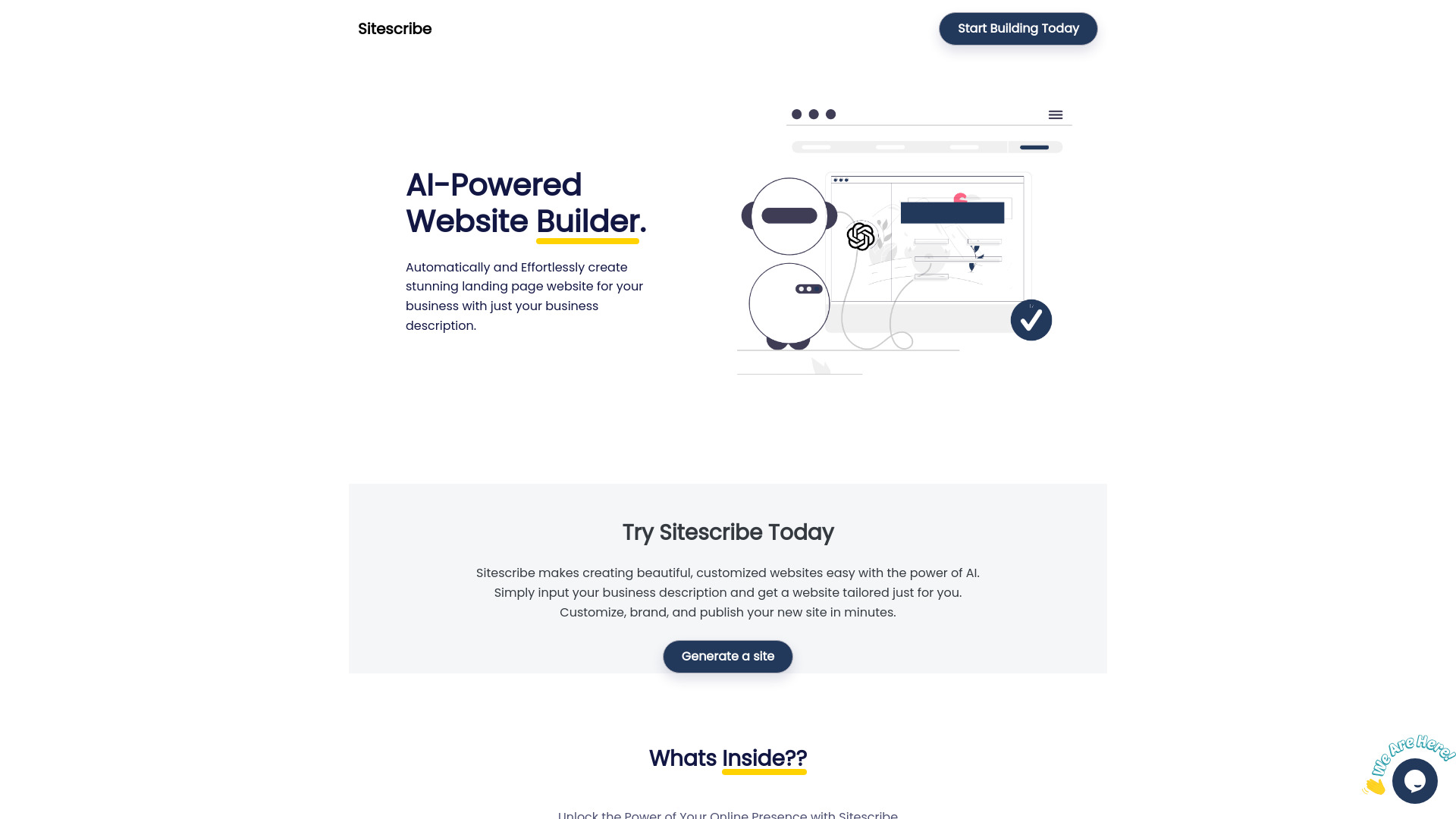
- AI-powered no-code websites
- 30-day free trial
- Starts at $9.98/mo
- Usage signal: 0
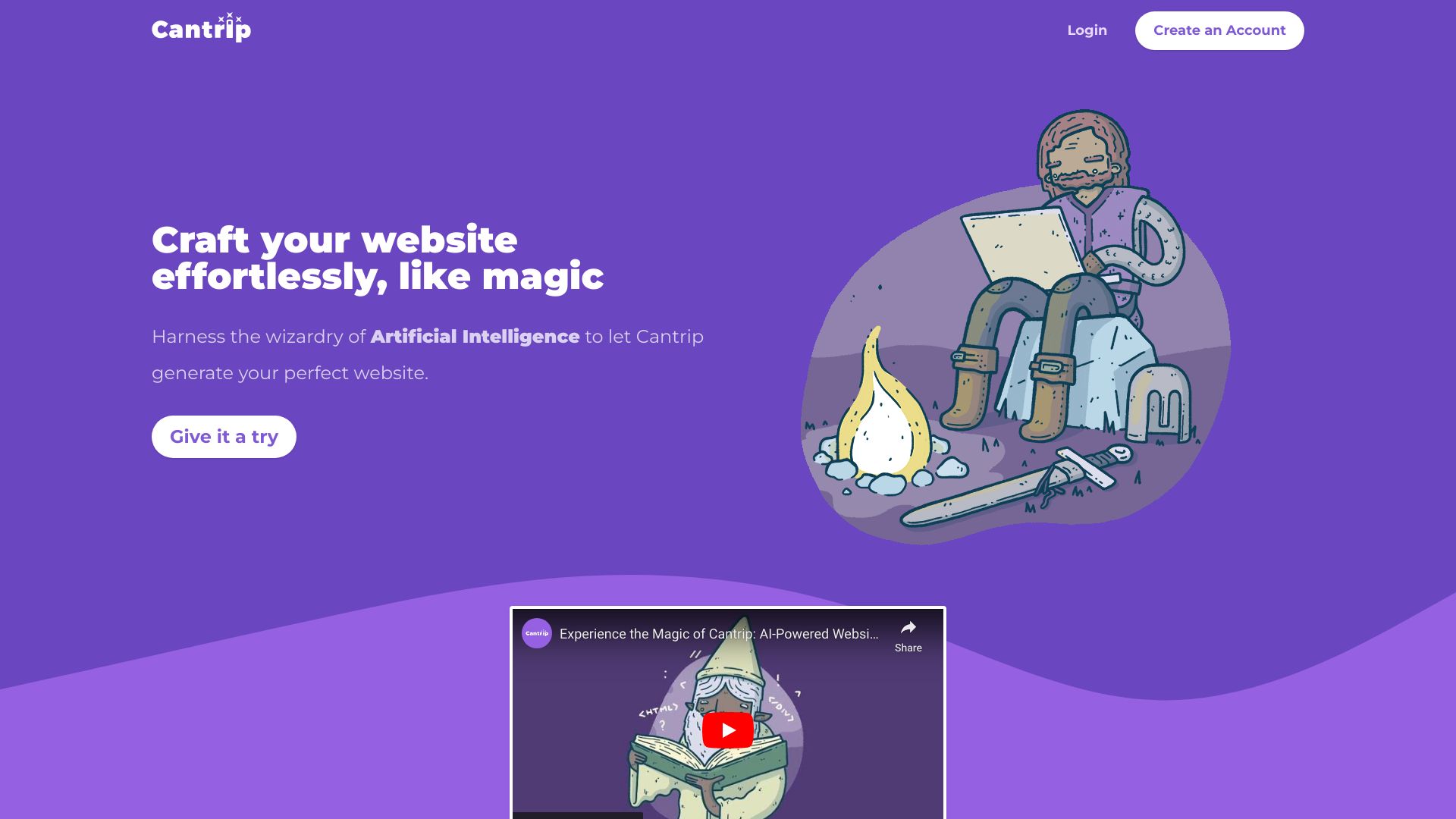
- Landing pages for busy founders
- Free plan available
- Starts at Check vendor pricing
- Usage signal: 0
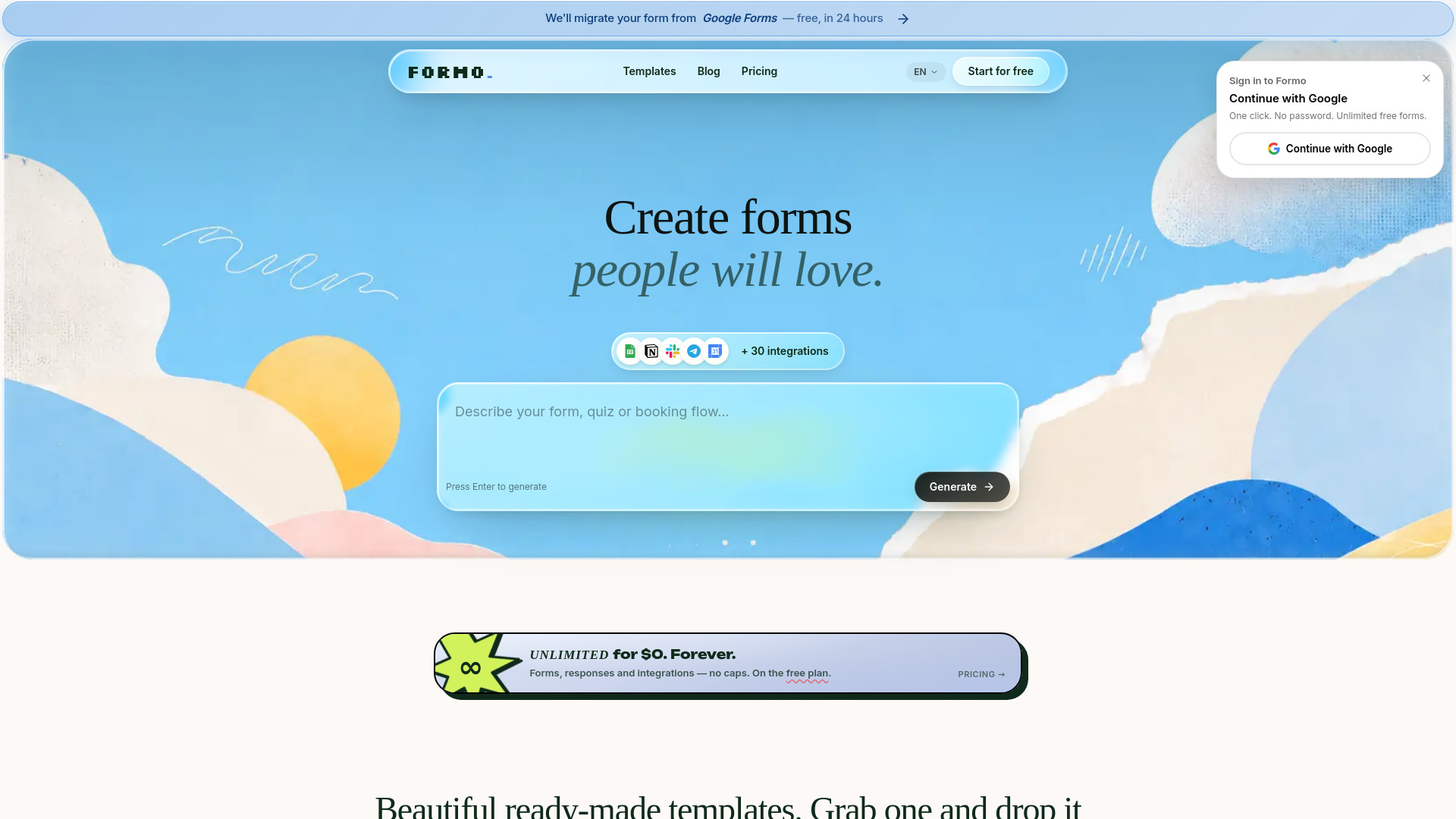
- AI-powered forms, quizzes, and surveys
- Unlimited forms and responses
- Starts at $0/mo
- Usage signal: 0
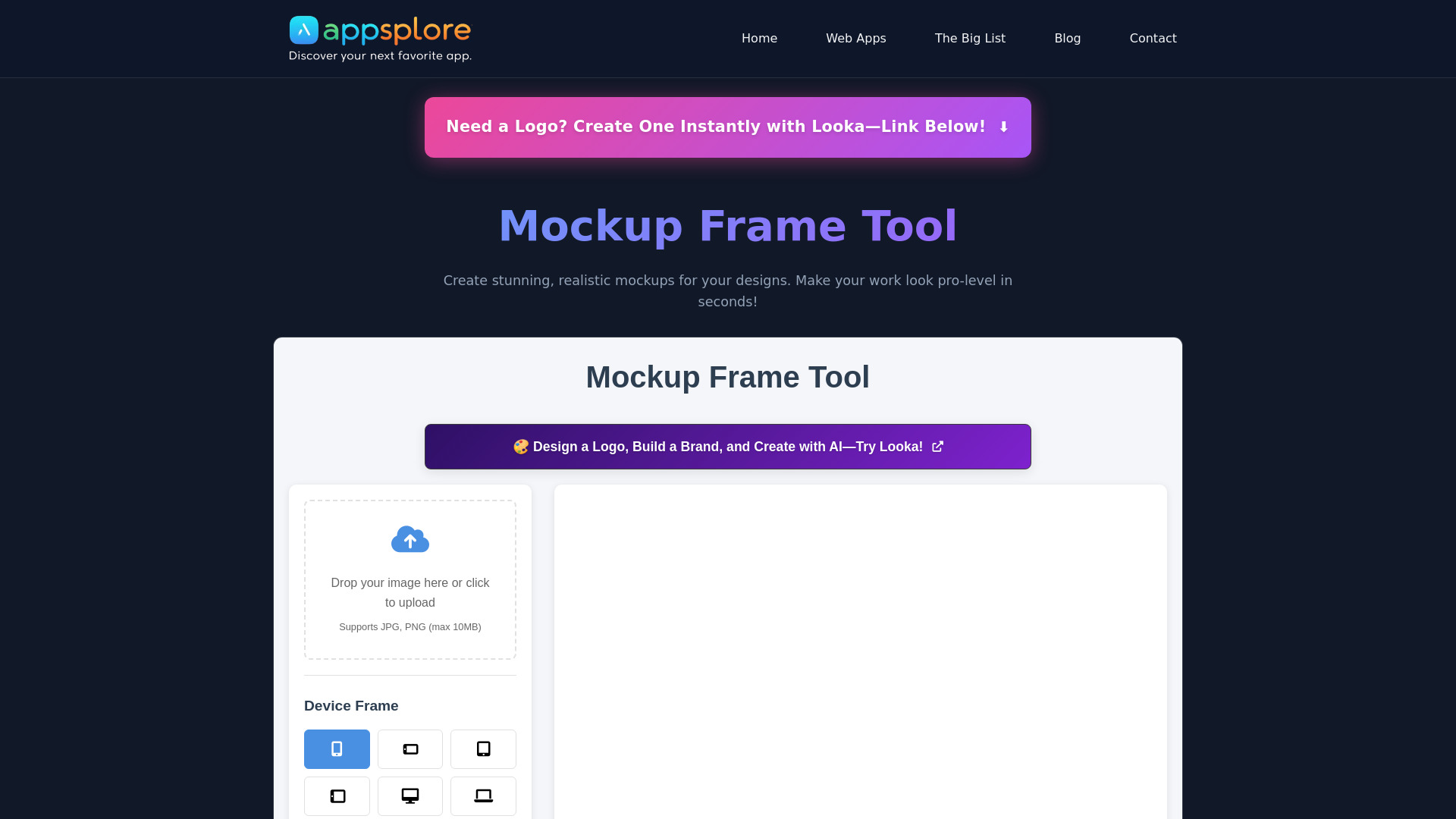
- Design mockup creation
- Free plan available
- Starts at Check vendor pricing
- Usage signal: 0

- Batch AI image generation
- 10 free credits daily
- Starts at $0/month
- Usage signal: 0
- No-code websites and landing pages
- Free plan available
- Starts at Check vendor pricing
- Usage signal: 0

- Mac users building websites without code
- Starts at Check vendor pricing
- Usage signal: 0

- Non-coders building websites and web apps
- Free plan available
- Starts at $16/month
- Usage signal: 0
What to test before choosing
A free plan is only useful if it survives your actual workflow. Run the same small test in each finalist instead of judging the homepage demo.
- 1
Create one representative page. Use the page type you will really publish: a service page, portfolio, store page, or app screen. Note how much editing is needed after generation.
- 2
Check the publishing boundary. Look for custom-domain availability, platform branding, page limits, hosting terms, and whether the free plan permits a live public site.
- 3
Stress-test your content. Add the longest headline, largest image, a short form, and any CMS entries you expect to use. This exposes quotas faster than a blank template.
- 4
Test portability. If you may move later, inspect export options. Mobirise supports export and publish-anywhere workflows, while Aura.build specifically offers HTML, Tailwind CSS, and Figma export.
- 5
Try the editor after AI generation. The first draft is not the product. The crucial question is whether you can revise layout, copy, sections, and assets without fighting the interface.
- 6
Price the next stage. Framer, Tilda, WeWeb, Universe, and 10Web each present different upgrade or plan considerations. Treat the free tier as a test environment until you confirm current limits with the vendor.
What to do next
Pick two tools, not ten, and build the same page in both. For a polished marketing site, compare Framer with Tilda. For a small-business launch, compare Mobirise with Solo. For a product or connected workflow, compare WeWeb with 10Web. If export and design handoff are central, put Aura.build in the test instead of forcing a conventional hosted builder to do a job it was not designed for.
Keep the evaluation narrow: time to first usable page, amount of manual cleanup, free publishing constraints, and the cost of the first feature you know you will need. That four-part test is more reliable than choosing the tool with the longest feature list. If the site is primarily a video campaign, use FlexClip as a companion rather than mistaking it for your main website platform.
Common mistakes when choosing from a complex top list
Treating every free offer as the same. A free website, a short trial, free AI tokens, and free content projects solve different problems.
Ranking by AI generation alone. A beautiful first draft is not enough if the editor cannot support your real copy, images, pages, or CMS structure.
Ignoring the domain and branding rules. Tilda's free plan includes a "Made on Tilda" label and no custom domain, while other tools use different publishing restrictions.
Choosing an app builder for a brochure site. WeWeb's backend freedom is valuable, but it can be unnecessary complexity for a simple service page.
Assuming export is universal. Aura.build and Mobirise make portability part of their appeal; many hosted builders should be evaluated on their own publishing model.
Overlooking transaction fees. Universe can support ecommerce, but transaction fees on some plans change the economics of a small store.
Confusing traffic with quality. Monthly visits are a market signal, not proof that a tool fits your team, brand, or technical requirements.
Failing to test the upgrade trigger. Identify the first feature that will force you to pay, then check its current price and plan conditions before building around it.
FAQ
Mobirise AI Website Builder is the clearest beginner-friendly starting point in this shortlist because it combines AI generation, no-code building, and drag-and-drop editing. Instant Website Generator is worth trying if the priority is producing a first draft from a keyword or voice command. The right choice depends on whether you want more editing structure or the fastest possible start.