
Start here
The right top ai for excel depends less on raw AI capability than on the work you need done. Formula assistants are ideal when a workbook is the problem; spreadsheet analysts are better when you need answers from a file; Excel-native agents make more sense when auditability and financial modeling matter.
After comparing 99 tools, these are the quickest starting points:
Best overall match: ExcelMaster.ai for complex formulas, VBA, Python, and real-world workbook structures.
Best for formula help: Ajelix or AI Excel Bot when you want an explanation as well as an answer.
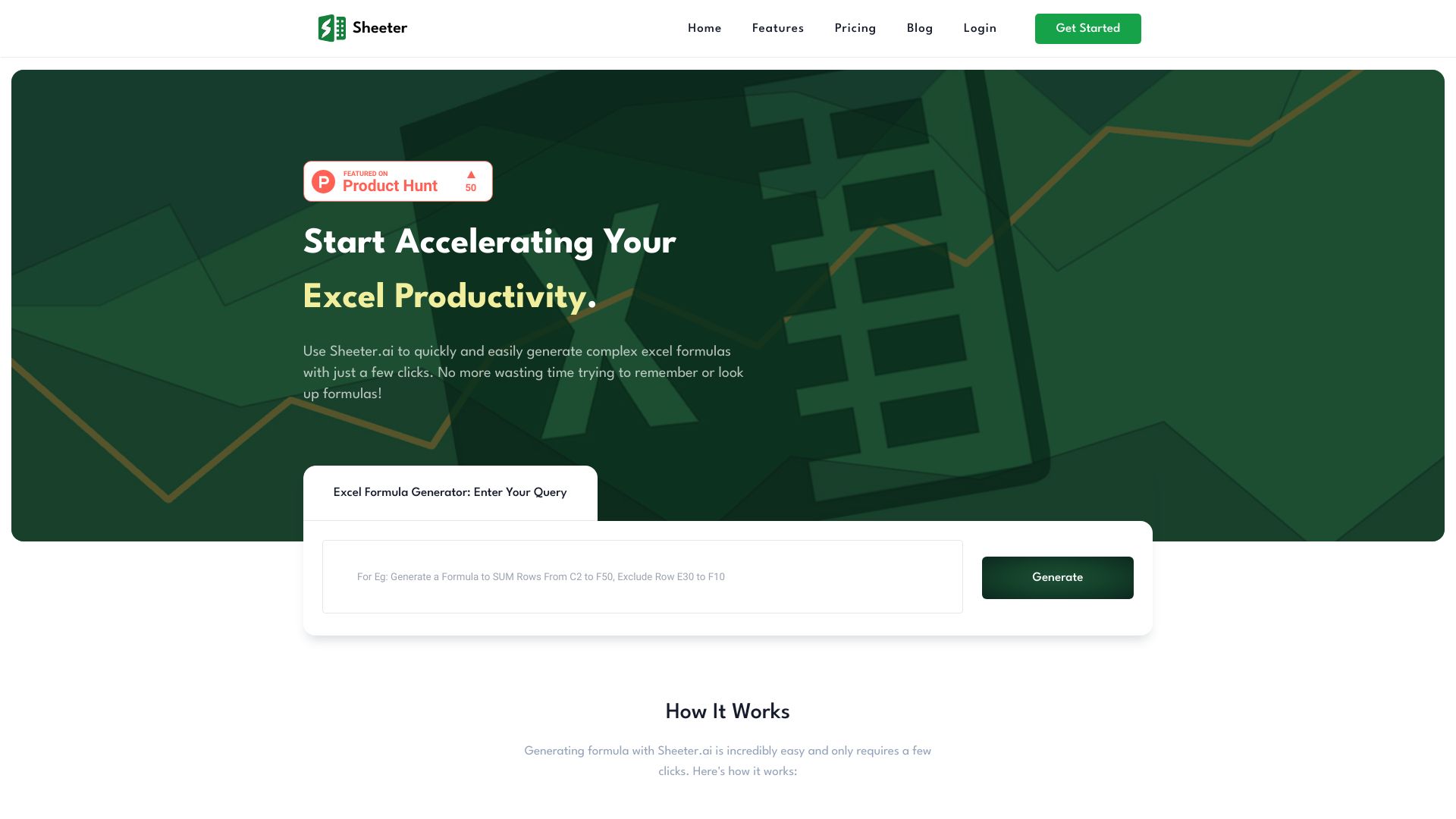
Best for broad data work: Formula Bot, Excelmatic, or Julius AI.
Best for chat-based spreadsheet work: ChatExcel AI, particularly for cleaning, reconciliation, and report generation.
Best for dashboards: ExcelDashboard Ai.
Best for finance teams: Endex AI Agent, an Excel-native option with integrated citations.
Best adjacent workflow platform: Airtable if the real need is a no-code data app rather than a smarter workbook.
The practical distinction is simple: do you want AI to write inside Excel, or do you want to upload spreadsheet data and interrogate it in a separate workspace? Both approaches can work, but they have very different review, sharing, and privacy implications.
Segment comparison
| Segment | Strongest fit | What it does well | Watch out for |
|---|---|---|---|
| Formula and code assistants | ExcelMaster.ai, AI Excel Bot | Generates formulas, explains logic, and creates VBA | AI-generated code still needs checking |
| Spreadsheet analysis | Formula Bot, Excelmatic | Turns natural-language questions into analysis and insights | File, message, or credit limits may apply |
| Chat-first table processing | ChatExcel AI | Cleans data, reconciles sheets, and creates reports | Credits reset by billing cycle |
| Dashboards and visual reporting | ExcelDashboard Ai | Converts Excel files into dashboards and reports | Interpretation remains your responsibility |
| Finance-native automation | Endex AI Agent | Automates modeling with auditable outputs | Pricing requires a direct conversation |
Shortlist paths
| Your situation | Start with | Why |
|---|---|---|
| You write nested formulas or VBA every week | ExcelMaster.ai | It covers formulas, VBA, and Python in one assistant |
| You need a low-friction formula explainer | Ajelix | Its formula and VBA tools are focused and immediate |
| You analyze recurring business reports | Formula Bot | Analysis, visualization, cleaning, and transformation sit together |
| You want answers without learning formulas | ChatExcel AI | Natural-language table processing is the central workflow |
| You need a finance audit trail | Endex AI Agent | It is Excel-native and provides integrated citations |
Ranking snapshot
| Rank | Tool | Score | Best for | Starting price |
|---|---|---|---|---|
| #1 | ExcelMaster.ai | 95/100 | Excel professionals | Starter: $1/month, then $6.9/month |
| #2 | Airtable | 93/100 | Project managers | Check vendor pricing |
| #3 | Ajelix | 93/100 | Business managers | Free: $0 |
| #4 | ChatExcel AI | 93/100 | Accountants | Free: ¥0 |
| #5 | AI Excel Bot | 93/100 | Data analysts | Free: $0/month |
| Rank | Tool | Score | Best for | Starting price |
|---|---|---|---|---|
| #6 | Formula Bot | 93/100 | Data analysts | Free forever: $0/month |
| #7 | Excelmatic | 92/100 | Data analysts | Free: $0 |
| #8 | Julius AI | 92/100 | Finance professionals | Check vendor pricing |
| #9 | ExcelDashboard Ai | 92/100 | Data analysts | Free: $0 |
| #10 | Endex AI Agent | 92/100 | Hedge fund portfolio managers | Check vendor pricing |
How we grouped and ranked the list
This is a mixed category, so a single feature checklist would produce a misleading winner. We grouped the 99 candidates by the job they help with: formula and VBA generation, conversational spreadsheet analysis, data cleaning and transformation, visualization, no-code app building, and finance-focused modeling.
We then weighed practical capability over feature count. Formula quality and workbook awareness matter more for a heavy Excel user than a long list of integrations. For an analyst, file handling, natural-language questions, charts, and useful explanations matter more. For a finance team, an Excel-native workflow and auditable outputs can outweigh a more polished general-purpose interface.
Scores also reflect audience fit, visible usage signals, free access, and purchasing friction. A free plan is useful for testing, but quotas can make it unsuitable for recurring work. Conversely, a specialized tool with unclear pricing may still belong on a shortlist when its workflow is unusually well matched.
The ranking is therefore a decision aid, not a claim that one chatbot can replace spreadsheet review. Always verify formulas against known results, inspect generated VBA before running it, and confirm how a vendor handles uploaded workbooks.
Ranked field notes
1. ExcelMaster.ai

- Excel professionals
- Free plan available
- Starts at Starter: $1/month, then $6.9/month
- Usage signal: 32.6K
Why it matters
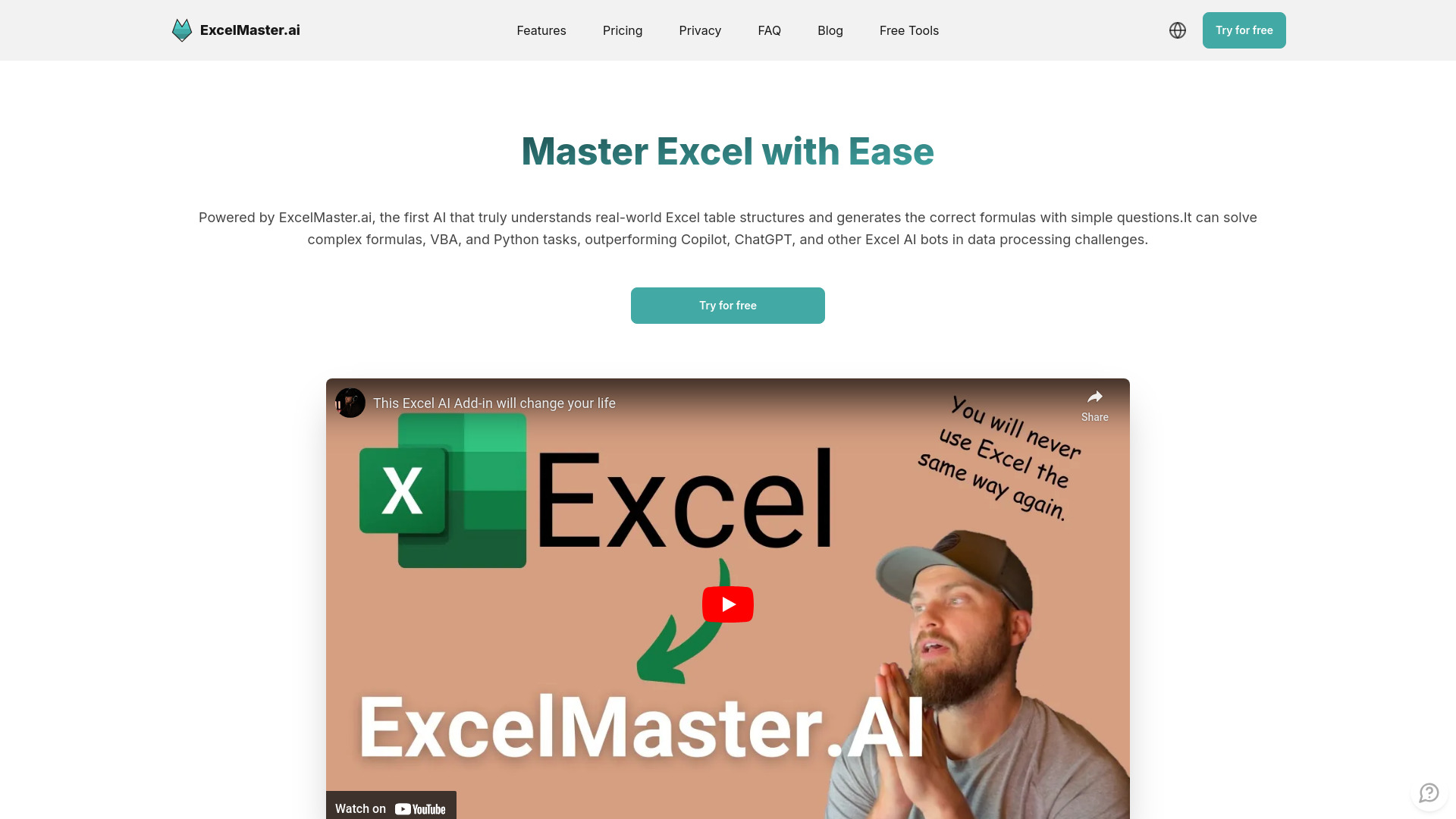
Complex workbooks are where generic AI assistants tend to become frustrating. ExcelMaster.ai earns the top position because its feature set is aimed at the full working environment: formula generation, VBA automation, and a Python assistant in Excel. Its strongest case is not a one-off SUMIFS prompt; it is helping an experienced Excel user translate a messy structure or repeated process into something more usable. The subscription is higher than some formula-focused alternatives, and generated code can occasionally be inaccurate, so review remains non-negotiable.
Best for
Excel professionals handling complex formulas and workbook relationships
Users who need both VBA automation and Python assistance
Teams looking to reduce repetitive data-processing work
Limitations
The subscription fee is higher than some formula bots
AI-generated code may occasionally be inaccurate
It is more tool than you need for simple formula lookups
Shortlist signal: Add ExcelMaster.ai first when your Excel workload includes complex structures, VBA, or repeatable automation.
2. Airtable

- Project managers
- Free plan with 250 AI credits/user
- Starts at Check vendor pricing
- Usage signal: 26.6M
Why it matters
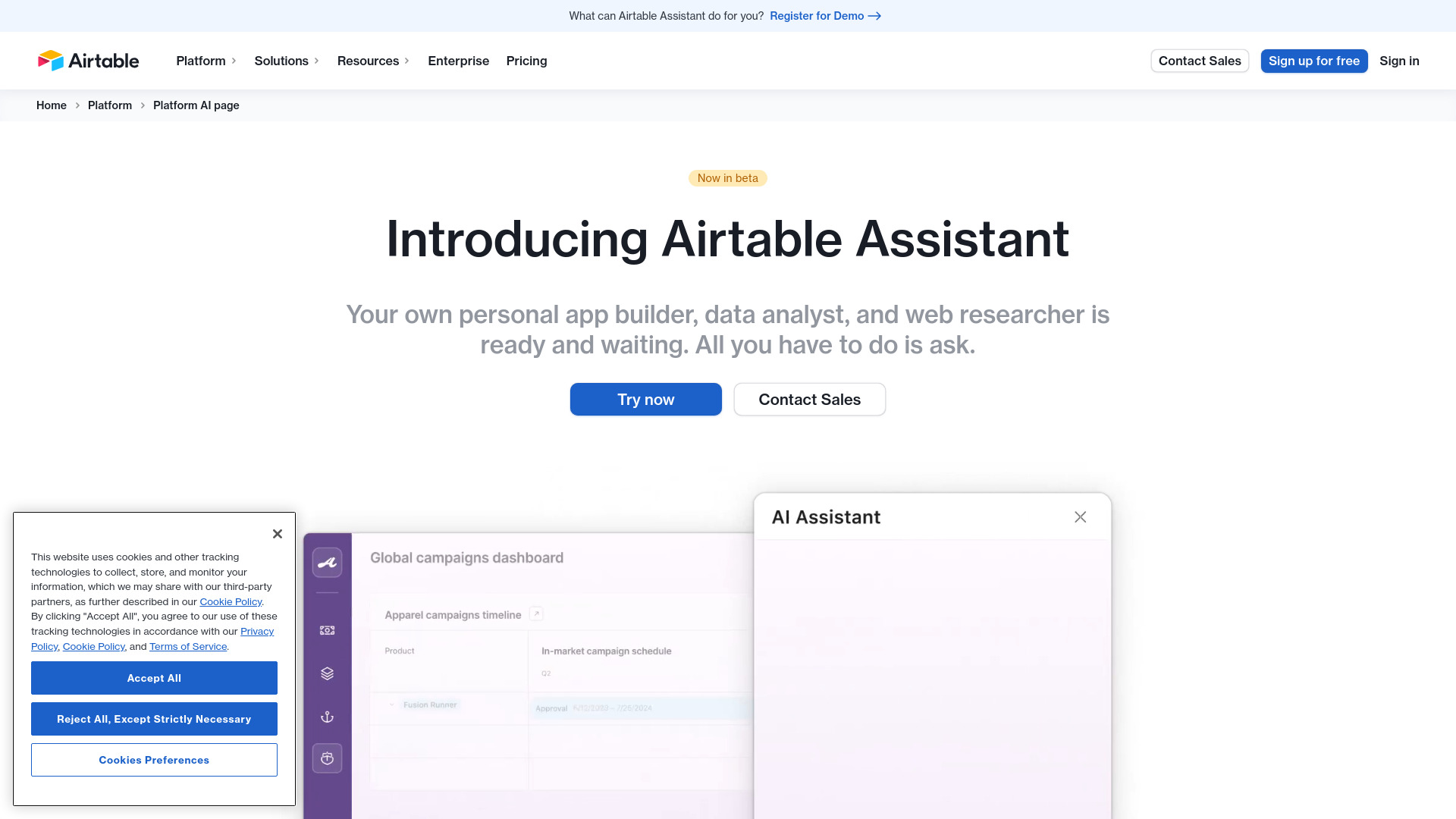
Airtable is the category's useful curveball. It does not simply make an existing Excel sheet more intelligent; it helps project managers build a no-code data app around structured information. AI-powered analysis, automation, and integrations make it a strong adjacent option when spreadsheets have become a fragile substitute for a shared workflow. The tradeoff is purchasing complexity: add-ons, user-based fees, and potentially separate AI costs deserve careful review before rollout.
Best for
Project managers building lightweight internal applications
Teams that need data management and workflow automation
Organizations that want integrations with popular tools
Limitations
Pricing can become complex with add-ons and user-based fees
AI features may require additional costs
It is a broader platform, not a focused Excel formula assistant
Shortlist signal: Choose Airtable when your spreadsheet problem is really a workflow, ownership, or no-code app problem.
3. Ajelix

- Business managers
- 5 AI tool requests free
- Starts at Free: $0
- Usage signal: 112.6K
Why it matters
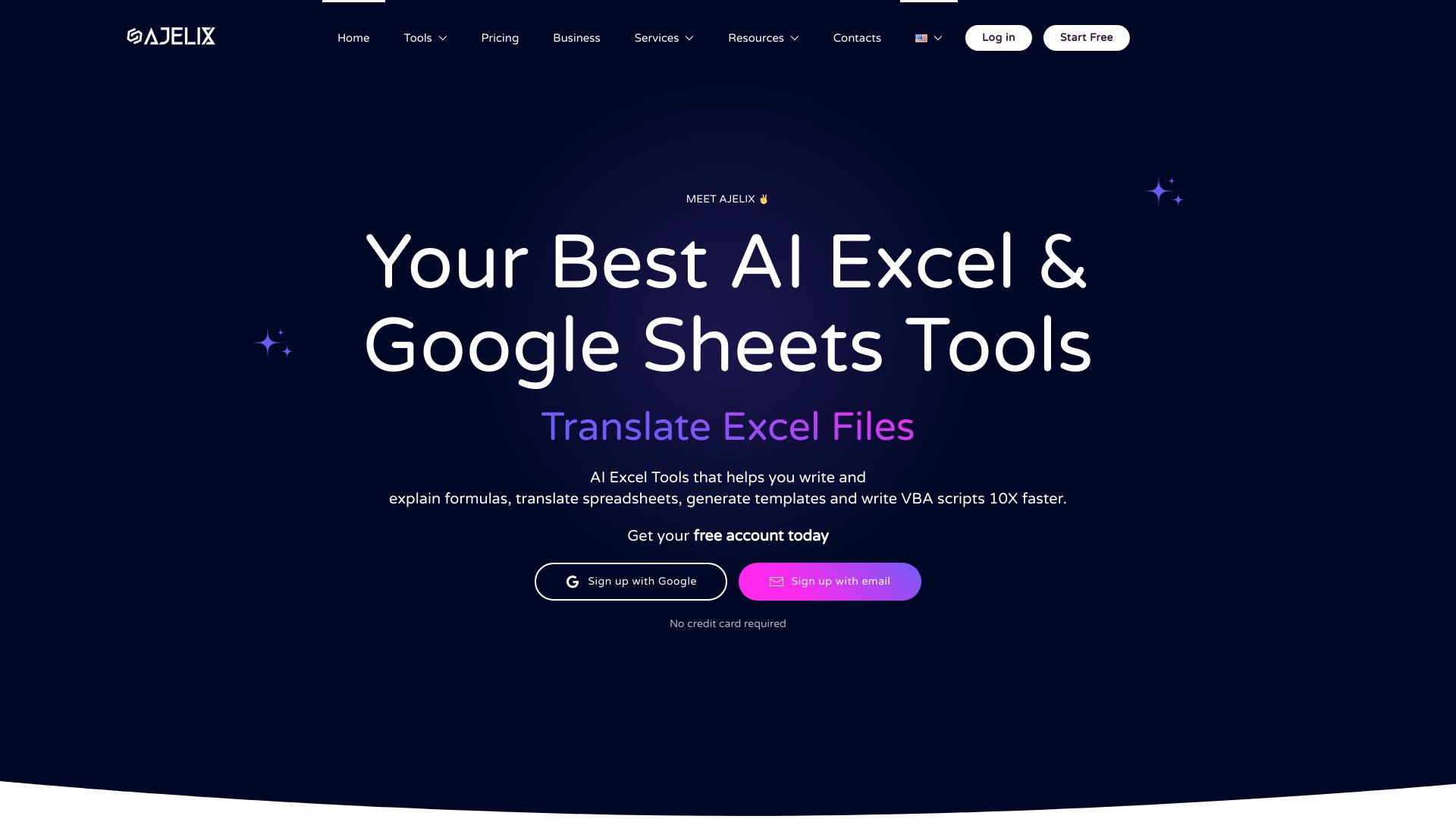
Ajelix keeps its value easy to understand: generate an Excel formula, explain a formula, or write a VBA script. That focused toolkit suits business managers who know the outcome they want but do not want to spend an afternoon debugging syntax. It also aims to reduce manual tasks and provide actionable insights from data. The free access is enough for an initial test, while recurring users should account for paid features and the fact that output quality depends on the input data and prompt.
Best for
Business managers who need immediate formula assistance
Users learning what an existing formula does
Teams automating routine spreadsheet tasks with VBA
Limitations
Some features require a paid subscription
Results depend on the quality and context of the input data
It is less suited to teams seeking a full shared analysis workspace
Shortlist signal: Put Ajelix on your list when formula explanation and quick VBA generation matter more than a large analytics environment.
4. ChatExcel AI

- Accountants
- Daily 1,000 credits
- Starts at Free: ¥0
- Usage signal: 306.3K

Why it matters
ChatExcel AI takes the most approachable route: describe what you want to do with a table instead of writing formulas or code. Its workflow covers analysis, cleaning, cross-sheet reconciliation, and output generation for PPT, Word, HTML reports, and dashboards. That combination is particularly practical for accountants who spend as much time preparing a deliverable as they do calculating it. Credits are limited and reset each billing cycle, and lower tiers have smaller cloud storage, so frequent report production deserves a usage estimate.
Best for
Accountants reconciling or cleaning spreadsheet data
Users who prefer chat instructions over formulas
Analysts who need reports or dashboards from processed tables
Limitations
Credits are limited and reset each billing cycle
Lower-tier plans have smaller cloud storage
Generated reports still need a financial and numerical review
Shortlist signal: Shortlist ChatExcel AI when reconciliation and report creation are part of the same spreadsheet job.
5. AI Excel Bot

- Data analysts
- 5 formula, code, or task generations/month
- Starts at Free: $0/month
- Usage signal: 42.2K
Why it matters
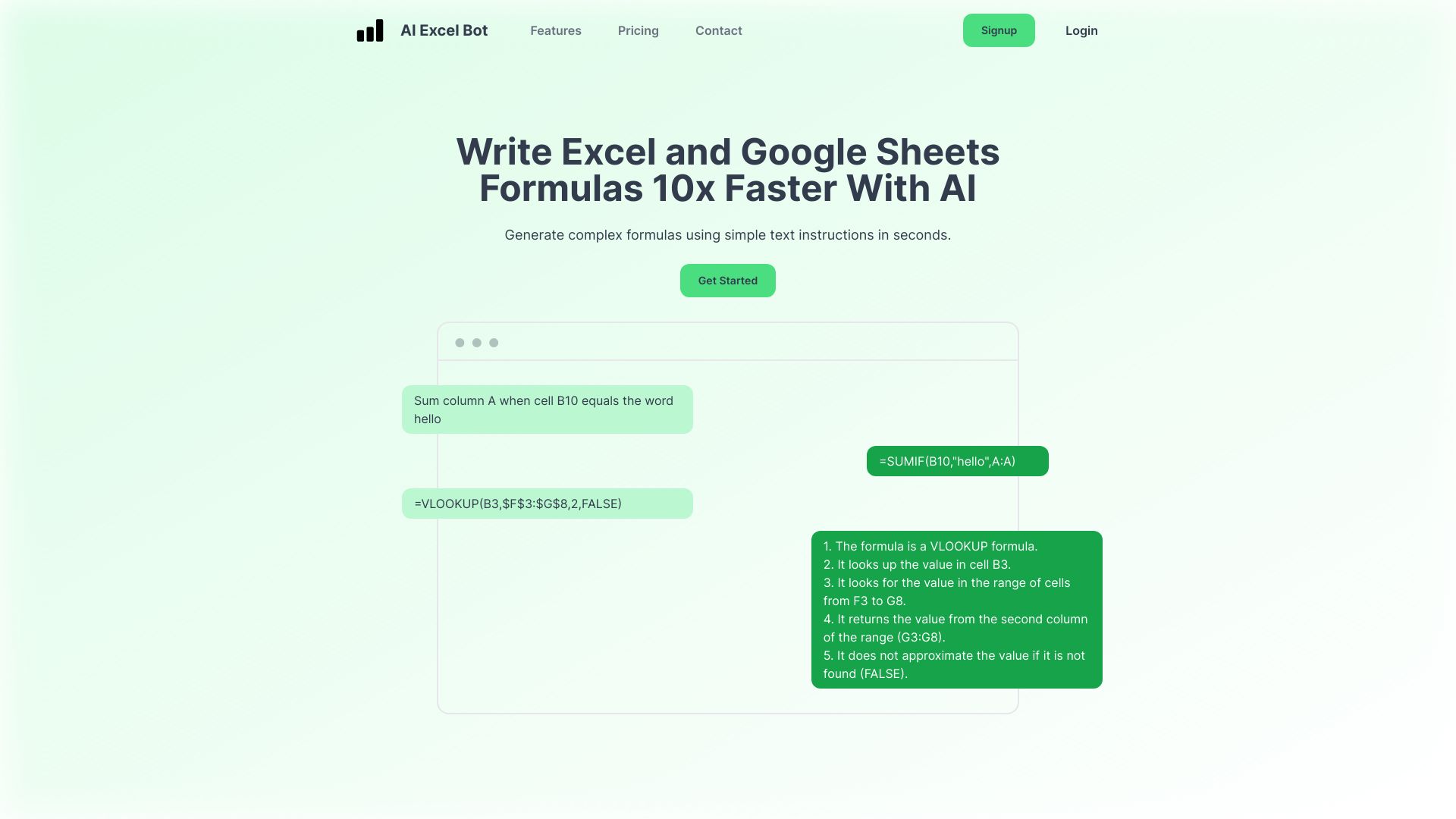
AI Excel Bot is built around a familiar analyst need: turn a plain-language request into an Excel or Google Sheets formula, then explain the result. VBA generation and explanation extend the usefulness beyond cell formulas. It is a sensible low-commitment place to test whether AI can speed up your daily spreadsheet work, though the free plan is limited and AI output can require manual adjustment. It rewards users who provide clear column names, examples, and desired results.
Best for
Data analysts creating or debugging formulas
Excel and Google Sheets users who want plain-language help
Users who need VBA code with an explanation
Limitations
The free plan has limited access
Generated formulas and code may need manual correction
It is not the strongest choice for dashboard-first workflows
Shortlist signal: Pick AI Excel Bot for a straightforward formula-and-explanation workflow with occasional VBA needs.
6. Formula Bot

- Data analysts
- 10 chat messages and 15 enrichments/month
- Starts at Free forever: $0/month
- Usage signal: 405.4K
Why it matters
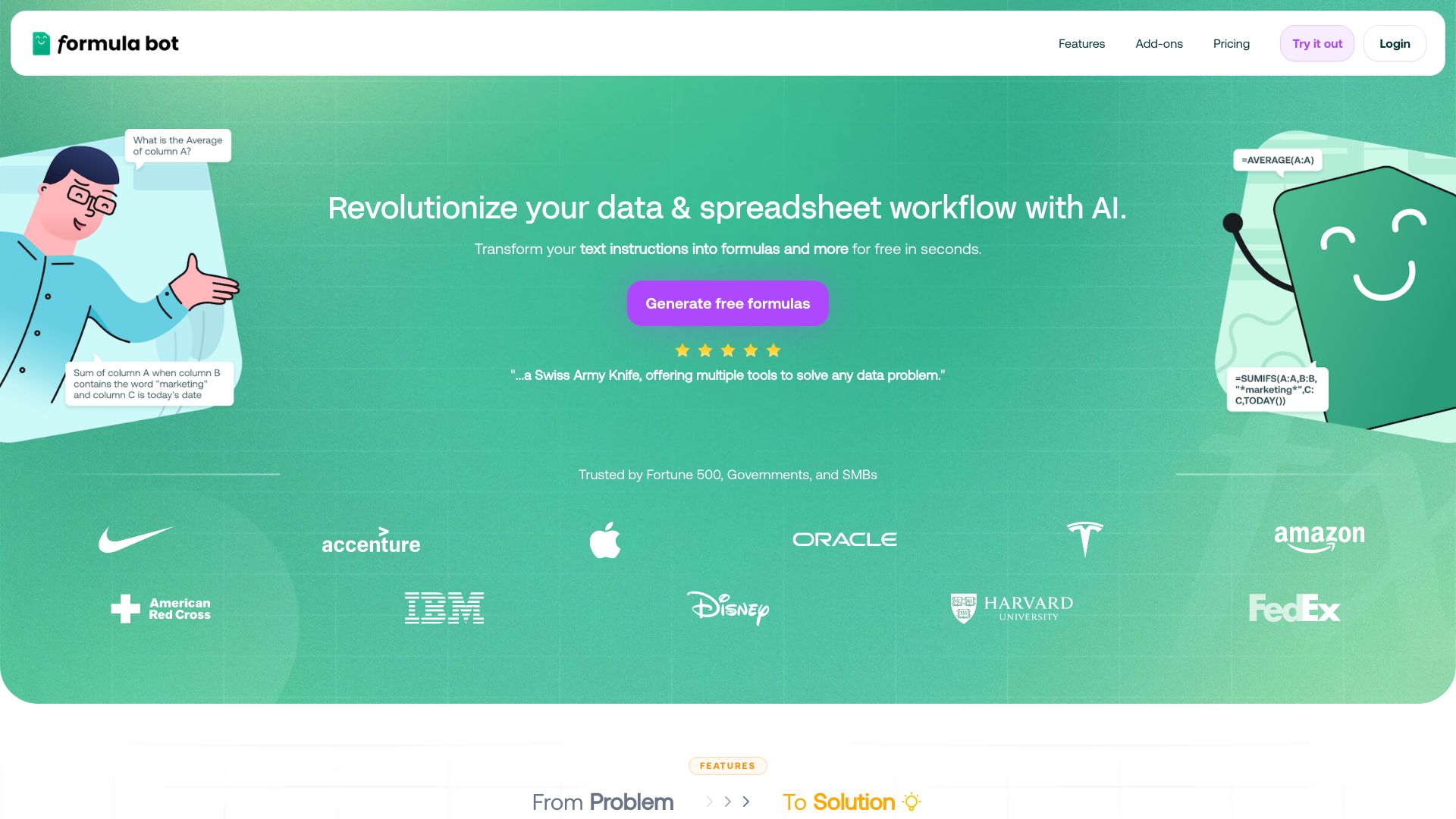
Formula Bot is the strongest broad-spectrum choice in this ranking. Formula generation is the entry point, but data analysis, visualization, cleaning, transformation, and SQL query generation make it more useful when the work moves beyond a single spreadsheet cell. That breadth is valuable for analysts who alternate between preparing data and explaining it. The free plan has usage and file-size limits, while advanced features require a paid subscription, so test a representative workbook rather than a toy example.
Best for
Data analysts handling cleaning and transformation as well as formulas
Users who need visualizations from spreadsheet data
Teams exploring spreadsheet-to-SQL workflows
Limitations
Free usage and file size are limited
Advanced features require a paid subscription
The broad feature set may be unnecessary for formula-only users
Shortlist signal: Choose Formula Bot when you want one tool for formulas, analysis, cleaning, and visualization.
7. Excelmatic

- Data analysts
- 10 chat messages and 20 image-to-Excel conversions/month
- Starts at Free: $0
- Usage signal: 84.4K
Why it matters
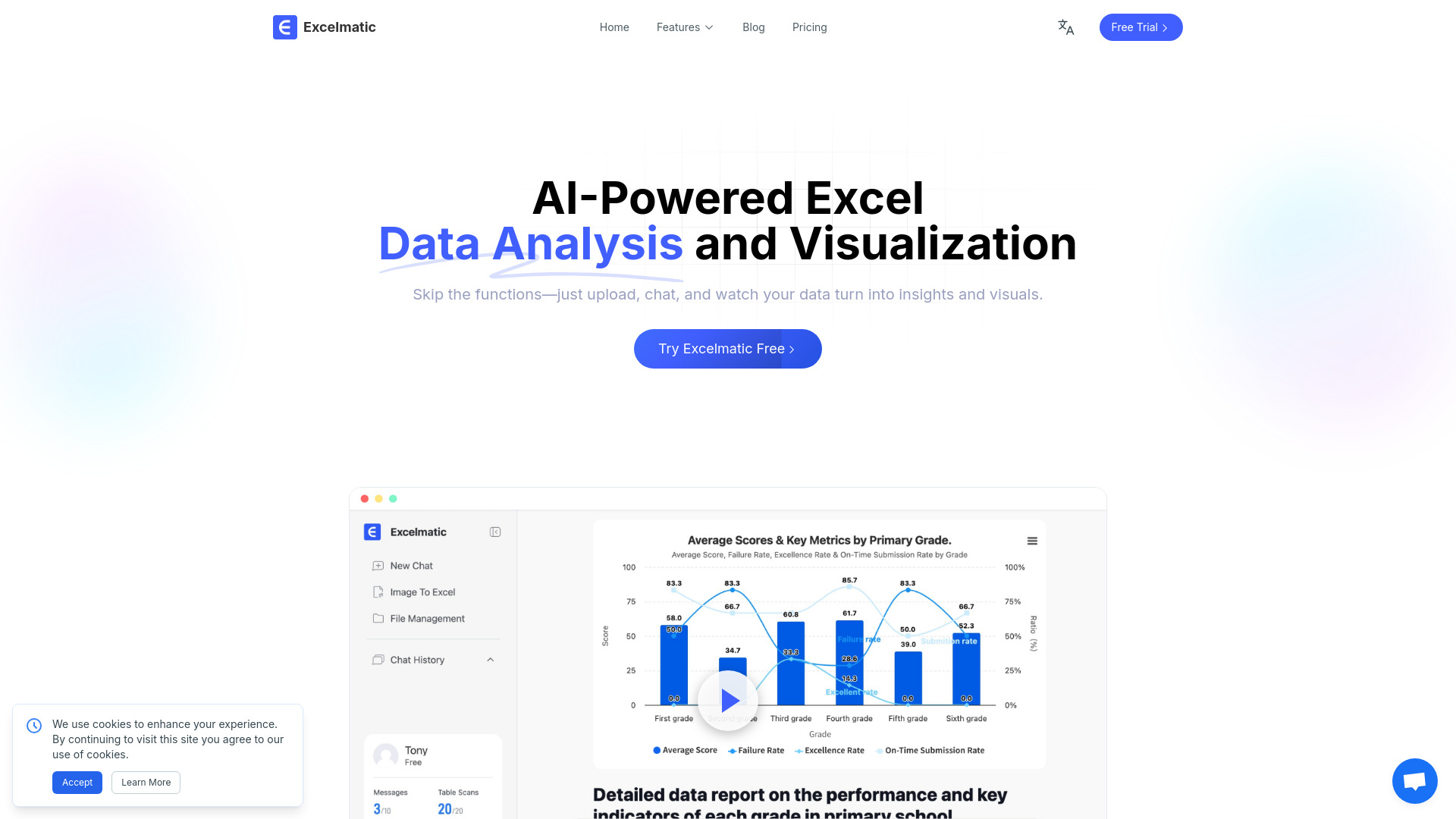
Excelmatic focuses on making analysis feel conversational. Its spreadsheet assistant handles natural-language operations, while separate analysis and visualization features produce insights, charts, and graphics. Image-to-Excel support is a useful differentiator for analysts starting with information that is not already in a clean workbook. The key caveat is collaboration: accounts are for individual use, and free or Essential plans limit messages, uploads, image conversions, and chat history.
Best for
Data analysts asking questions of Excel files in plain language
Users who need quick charts and AI-generated insights
Workflows that begin with tables or image-based data
Limitations
Accounts are for individual use, with no current team sharing support
Lower plans limit chats, uploads, conversions, and history
It may not fit organizations requiring shared workspace controls
Shortlist signal: Add Excelmatic when fast conversational analysis and visualization matter more than team collaboration.
8. Julius AI

- Finance professionals
- Free plan available
- Starts at Check vendor pricing
- Usage signal: 633.5K

Why it matters
Julius AI is a broader data-analysis workspace for finance professionals who want to move quickly from a dataset to charts, graphs, and manipulated data. Its user-friendly interface is a strong reason to consider it when you do not need to stay inside Excel for every step. The product is still an early-stage AI lab, so bugs or limitations are possible, and pricing needs to be confirmed directly. Treat it as a fast analysis environment, not an automatic substitute for financial judgment.
Best for
Finance professionals exploring and visualizing datasets
Users who want a friendly analysis interface
Workflows involving data manipulation and charts
Limitations
An early-stage AI lab may have bugs or product limitations
Pricing requires confirmation with the vendor
It is less Excel-native than the dedicated assistants in this list
Shortlist signal: Test Julius AI when your priority is quick data exploration and visualization outside a traditional workbook.
9. ExcelDashboard Ai

- Data analysts
- 250 AI credits and 1 file upload free
- Starts at Free: $0
- Usage signal: 8.2K
Why it matters
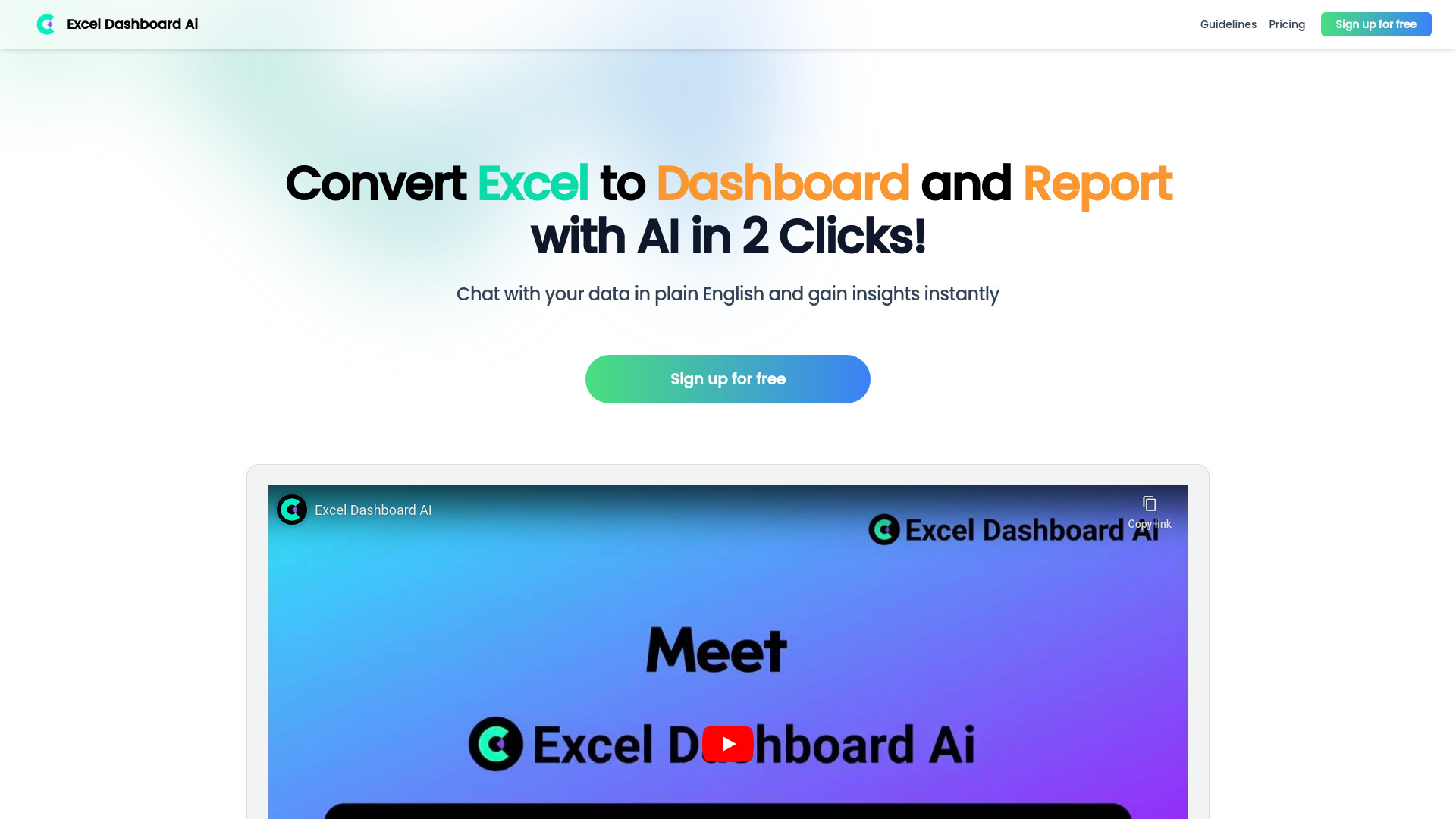
ExcelDashboard Ai targets the moment when a spreadsheet needs to become a report. Upload an Excel file, turn it into a dashboard, and chat with the data in plain English. That is a narrower proposition than Formula Bot or Julius AI, but it is precisely why it belongs on a dashboard shortlist: the intended output is clear. The free allowance gives you a practical starting point, while the main limitation is interpretive dependence. A polished dashboard does not guarantee a sound analysis.
Best for
Data analysts converting Excel files into dashboards
Users preparing reports from recurring spreadsheet data
Teams that want plain-English interaction with uploaded data
Limitations
Reliance on AI can limit the development of analytical skills
AI interpretations still require human validation
It is less useful if your main need is formula or VBA generation
Shortlist signal: Choose ExcelDashboard Ai when the deliverable is an interactive dashboard or report, not a better formula.
10. Endex AI Agent

- Hedge fund portfolio managers
- Free plan available
- Starts at Check vendor pricing
- Usage signal: 21.0K
Why it matters
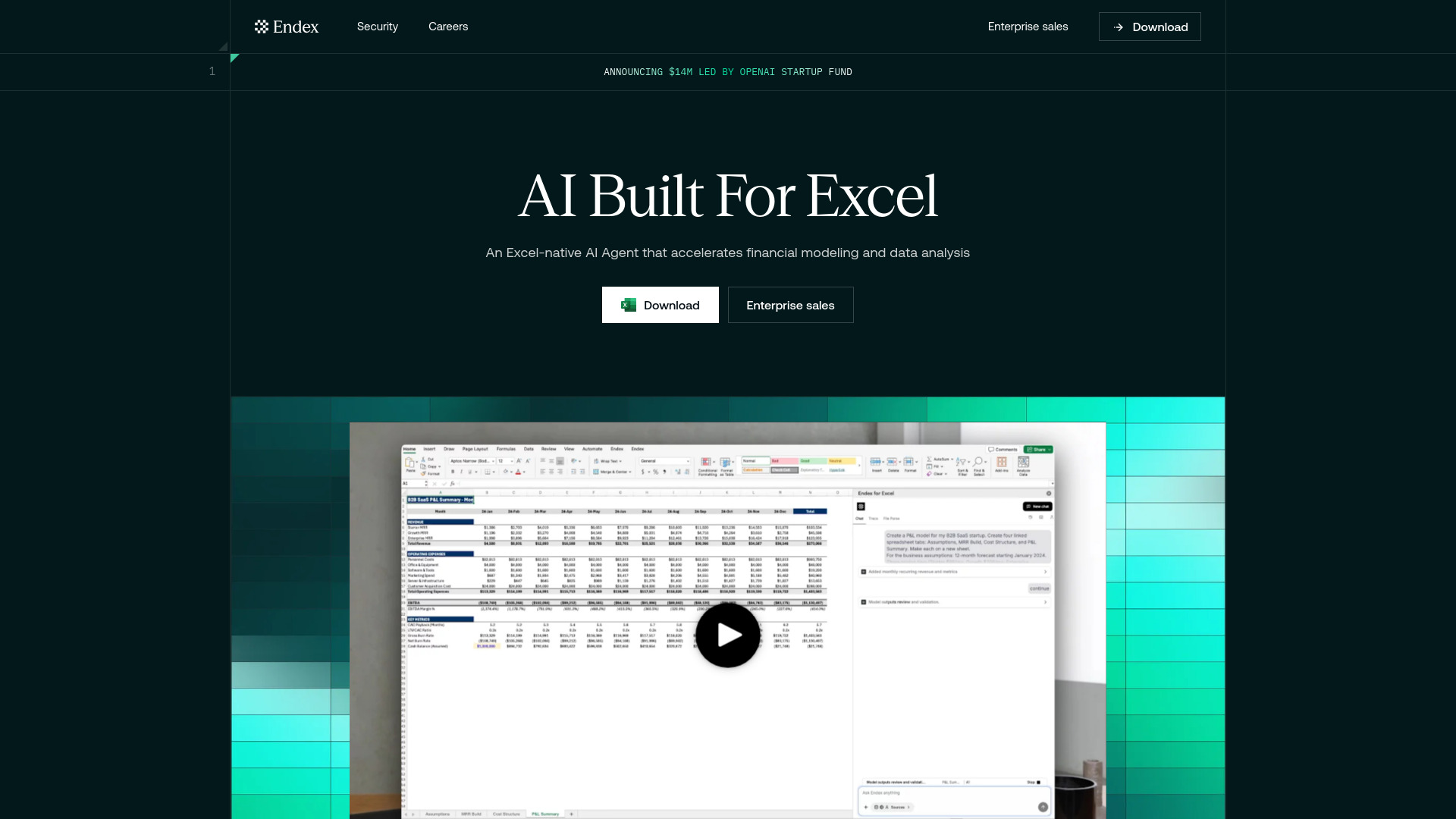
Endex AI Agent is the specialist pick for finance workflows that cannot afford a black-box answer. It works as an Excel-native AI agent, accelerates financial modeling and data analysis, and provides auditable outputs with integrated citations. Custom-built LLMs engineered for finance add to that positioning. The product is currently optimized for tabular and cell-based manipulation rather than broader charting, and pricing is available through direct contact, making it better suited to a serious evaluation than an impulse subscription.
Best for
Hedge fund portfolio managers and finance professionals
Financial modeling and cell-based data manipulation
Teams that need citations and an auditable workflow
Limitations
It is currently optimized for tabular and cell-based work
Charting and other visualizations are more limited
Pricing is not publicly available and requires a custom conversation
Shortlist signal: Put Endex AI Agent on the list when Excel-native modeling and auditability outrank general-purpose convenience.
More tools to compare

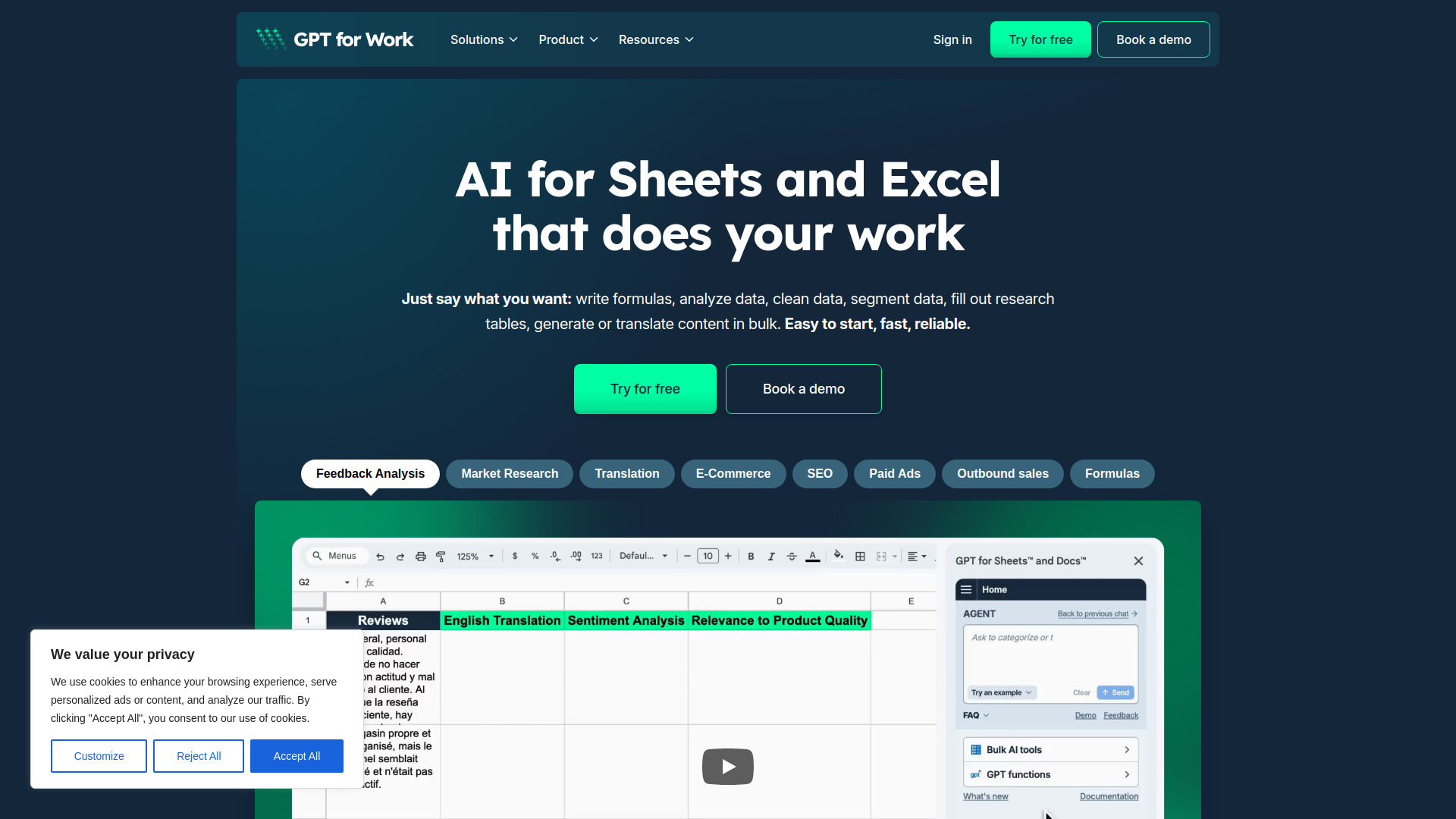
- Bulk AI tasks in Excel and Google Sheets
- Free trial available
- Starts at Check vendor pricing
- Usage signal: 512.7K

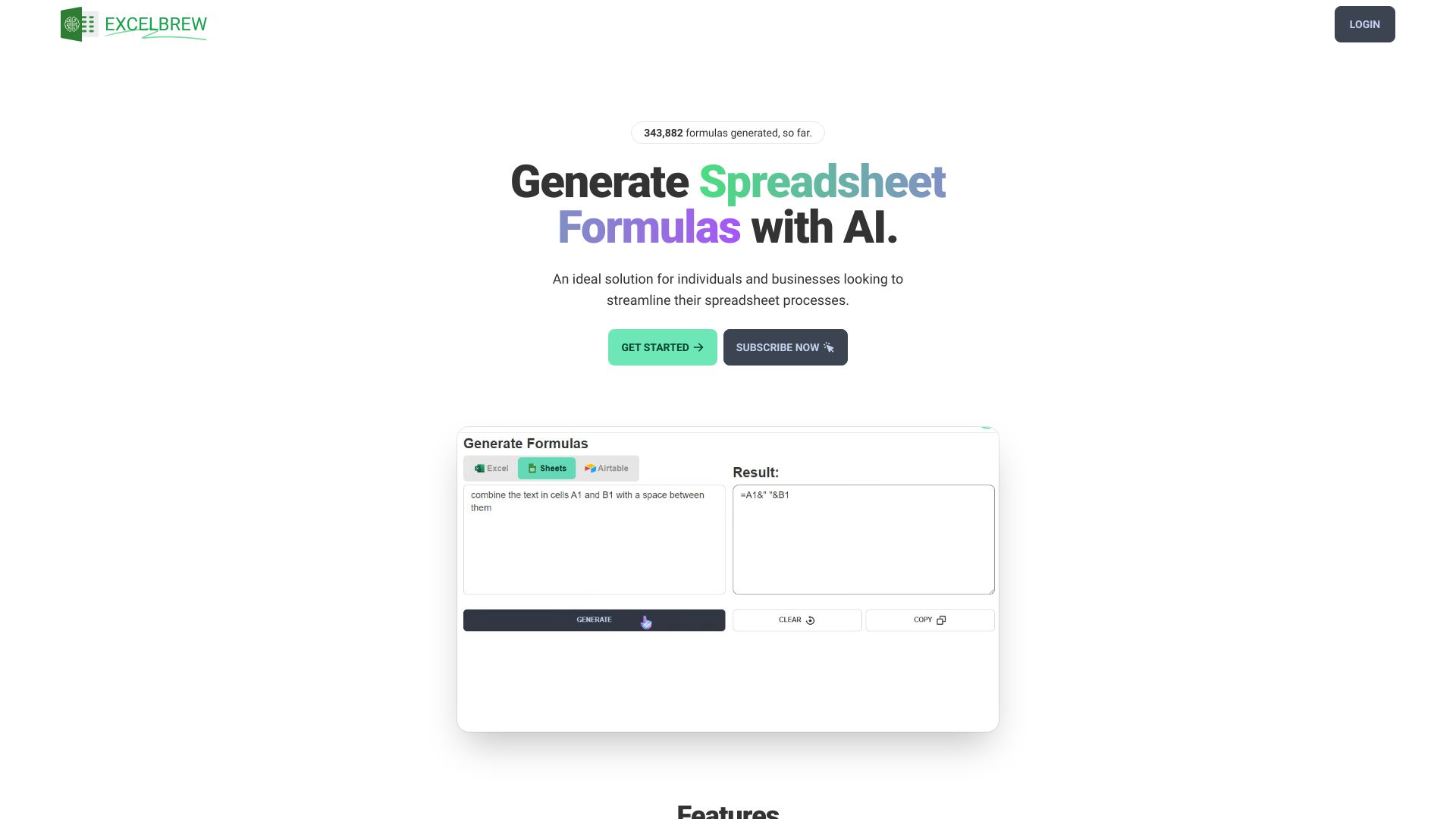
- Excel, Sheets, and SQL formula generation
- 4 requests per day
- Starts at $6.99/month
- Usage signal: 169.6K

- Excel formulas and Office 365 workflows
- 3 free tokens/day
- Starts at From $99.99/year
- Usage signal: 47.8K

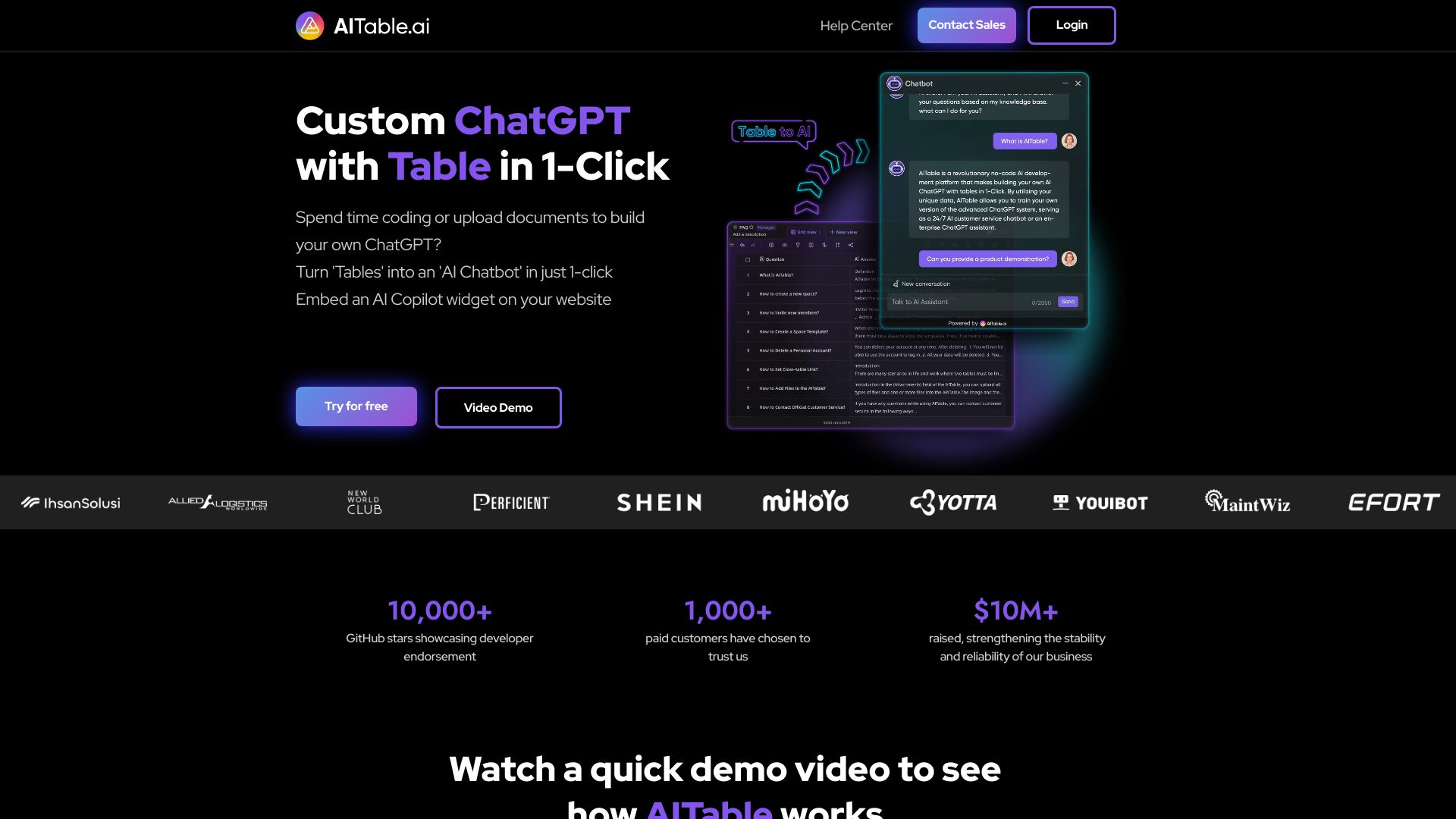
- AI database and spreadsheet workflows
- Free plan available
- Starts at Check vendor pricing
- Usage signal: 82.2K

- AI-powered e-learning course creation
- 14-day free trial
- Starts at $116/month
- Usage signal: 266.9K

- Students needing homework and study support
- Free plan available
- Starts at Check vendor pricing
- Usage signal: 153.4K


- Natural-language spreadsheet automation
- 1M tokens/month
- Starts at $19/mo
- Usage signal: 53.2K

- AI-generated Excel and Google Sheets formulas
- Starts at Check vendor pricing
- Usage signal: 1.7K

- AI-powered Google Sheets formulas
- Starts at From $20/month
- Usage signal: 54.3K

- AI spreadsheet modeling and data analysis
- Starts at Check vendor pricing
- Usage signal: 9.1K

- Excel and Google Sheets formulas
- 10 requests/month
- Starts at From $3.99/month
- Usage signal: 105

- Natural-language SQL query generation
- 5 queries/month
- Starts at $9/mo
- Usage signal: 86.9K

- Messy spreadsheet analysis and reporting
- 10 AI conversations/month
- Starts at From $8.30/month billed annually
- Usage signal: 24.2K

- Complex Excel formula generation
- Free plan available
- Starts at From $42
- Usage signal: 8.7K

- Sports betting predictions
- Free plan available
- Starts at Check vendor pricing
- Usage signal: 75.8K


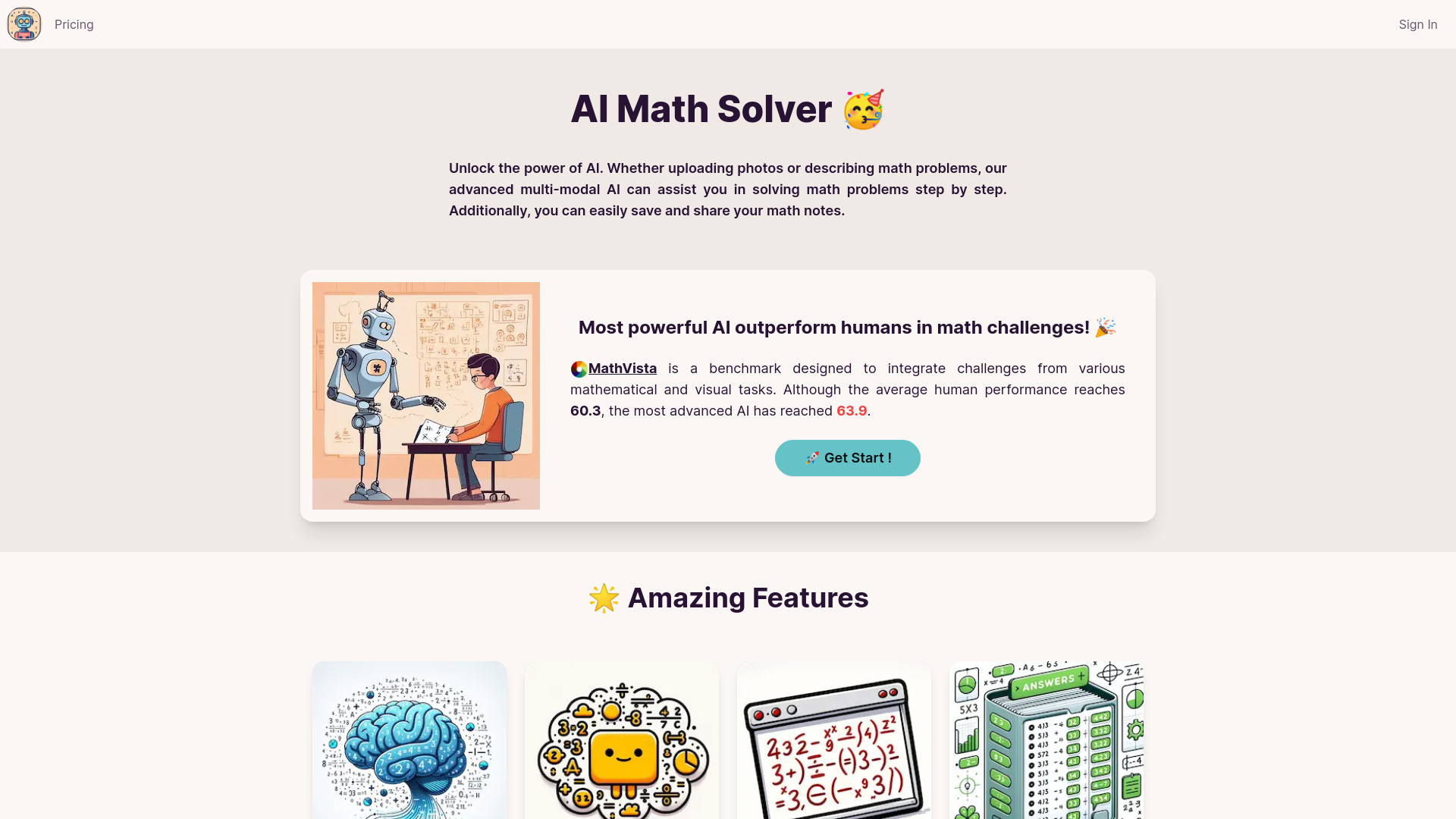
- Step-by-step math problem solving
- 20 free credits
- Starts at $1 for 50 credits
- Usage signal: 49.7K

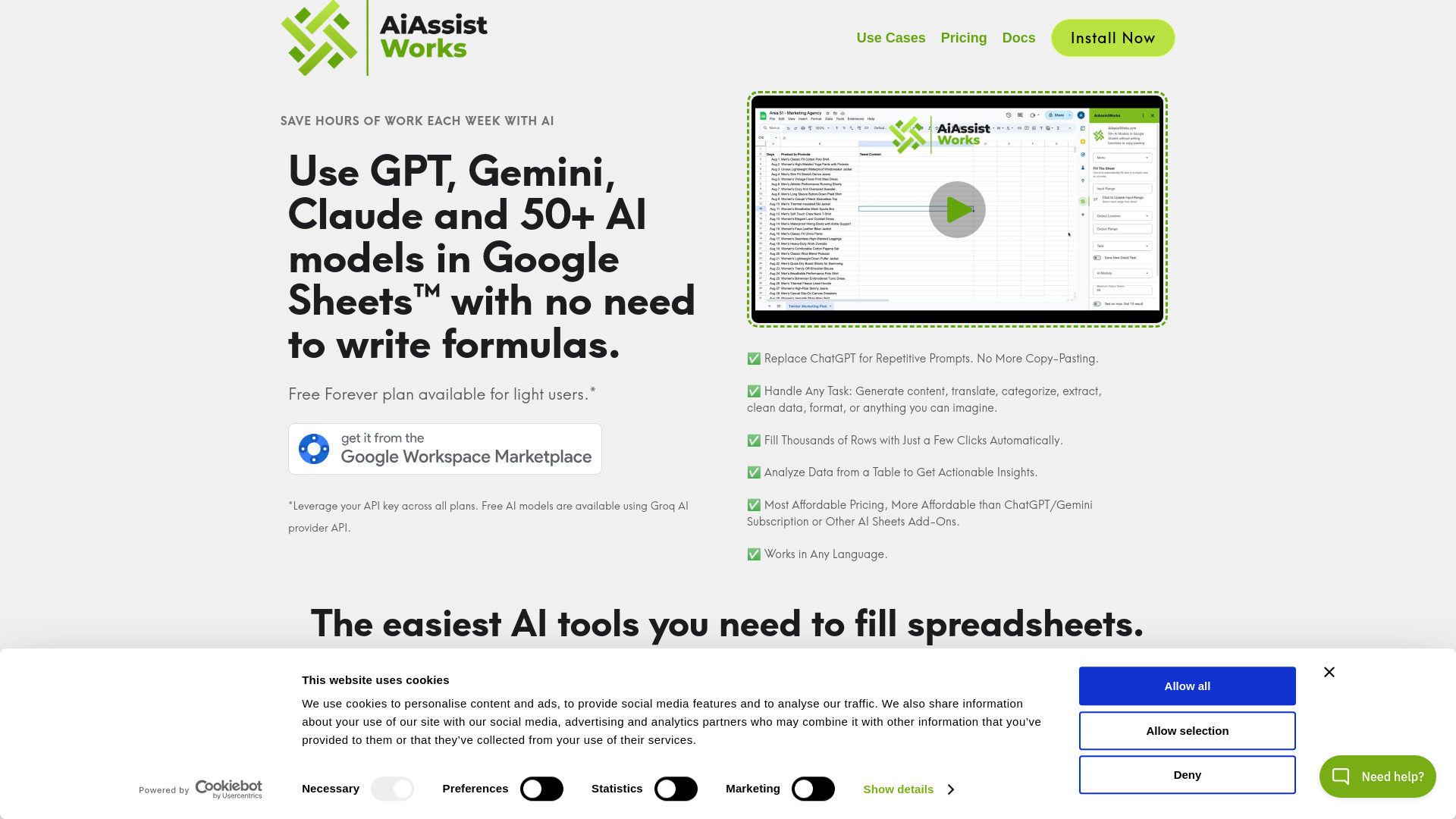
- Bulk Google Sheets automation
- 300 execution credits/month
- Starts at Check vendor pricing
- Usage signal: 8.4K

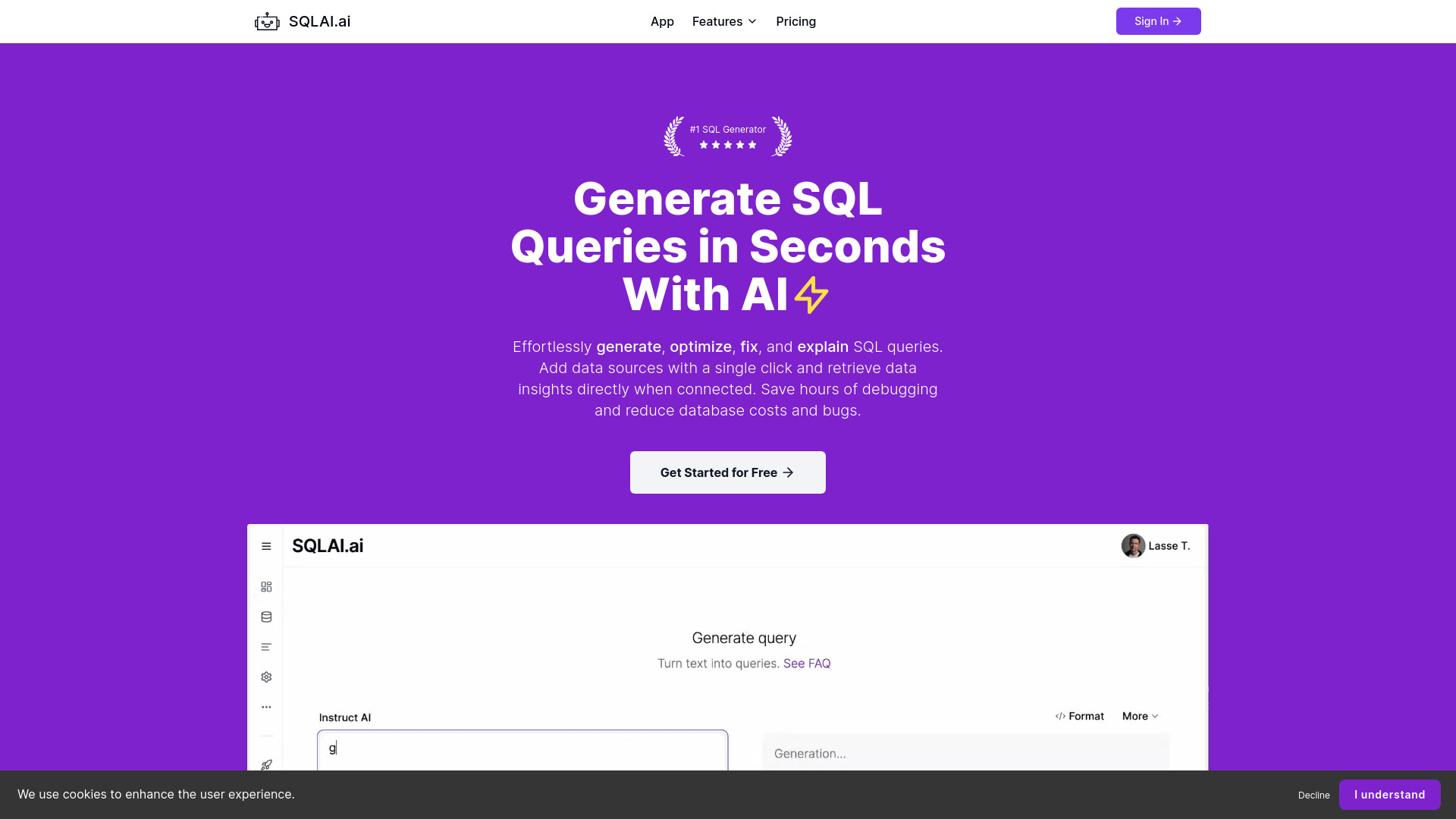
- SQL query generation and optimization
- Free plan available
- Starts at $6/month
- Usage signal: 28.6K

- AI spreadsheet data analysis
- Free plan available
- Starts at Check vendor pricing
- Usage signal: 27.9K

- Excel and Google Sheets formula generation
- 5 generations/month
- Starts at From $4.33/month billed yearly
- Usage signal: 18.9K

- Spreadsheet workflow automation
- Free plan available
- Starts at Check vendor pricing
- Usage signal: 1.9K

- Enterprise AI workflows and ERP automation
- Free plan available
- Starts at Check vendor pricing
- Usage signal: 11.6K


- Conversational data analysis for business teams
- 20 questions on free plan
- Starts at From $19/month
- Usage signal: 15.7K

- AI analysis in Google Sheets
- Free plan available
- Starts at Check vendor pricing
- Usage signal: 3.0K
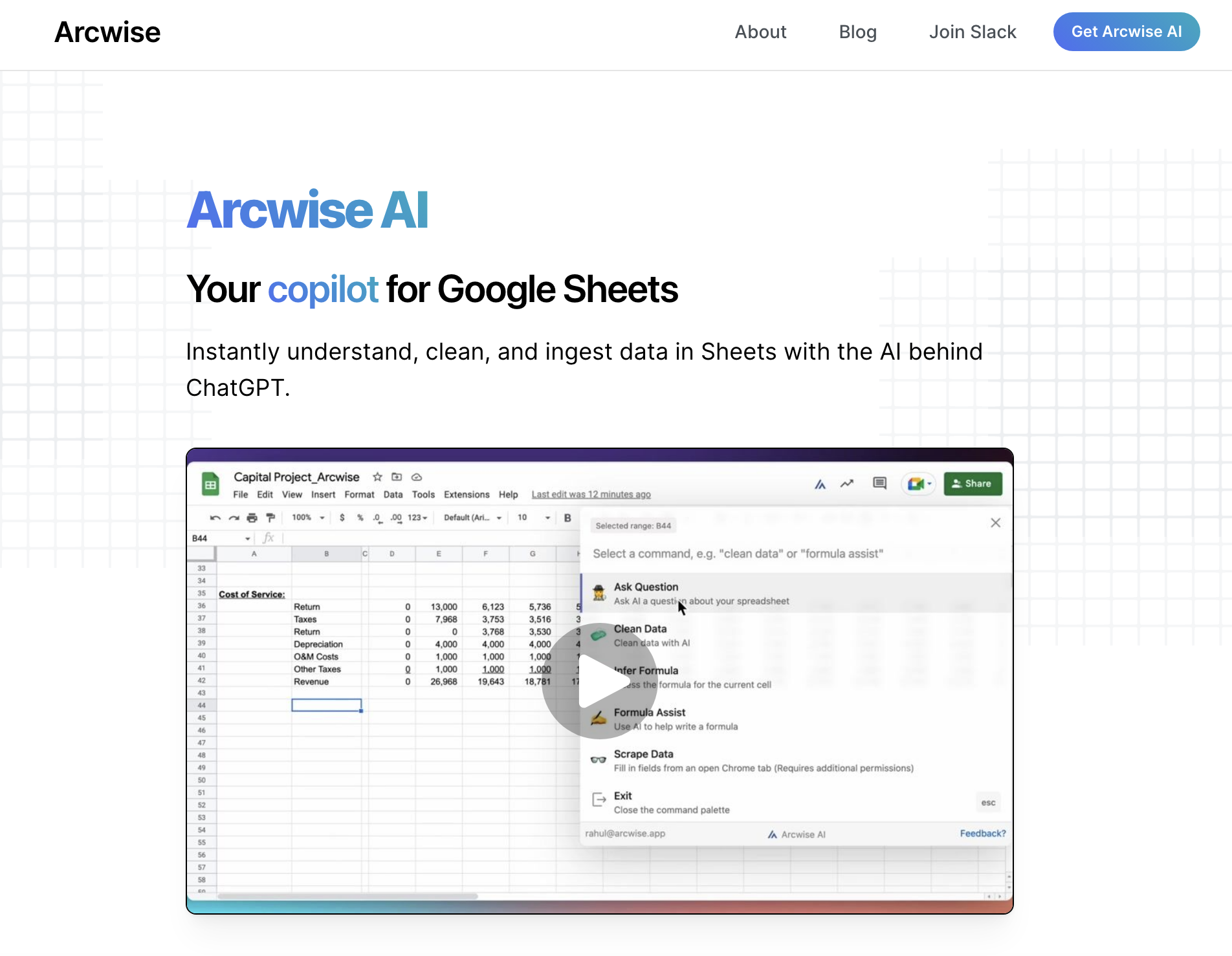

- Natural-language spreadsheet analysis
- Starts at Check vendor pricing
- Usage signal: 7.4K


- Students comparing multiple AI models
- 10+ free models
- Starts at Free; paid plans from $14.99/month
- Usage signal: 11.2K


- Excel formula and VBA code generation
- Starts at Check vendor pricing
- Usage signal: 196

- One-click web form filling
- Starts at Check vendor pricing
- Usage signal: 5.4K

- Personalized cycling training plans
- 15-day free trial
- Starts at Check vendor pricing
- Usage signal: 4.4K


- VC, PE and M&A deal research
- 7-day free trial
- Starts at From $78/seat/month
- Usage signal: 6K
- AI-generated Excel and Google Sheets formulas
- Free plan available
- Starts at Check vendor pricing
- Usage signal: 0

- Automating Google Sheets tasks
- Free plan available
- Starts at Check vendor pricing
- Usage signal: 3.1K

- AI data storytelling from messy files
- Free plan available
- Starts at $0/month
- Usage signal: 2.3K

- Autonomous agents for business workflows
- Starts at Check vendor pricing
- Usage signal: 2.3K


- Google Sheets reporting and presentations
- Free trial available
- Starts at $9/month
- Usage signal: 3.1K

- AI accounting tool discovery
- Free plan available
- Starts at Check vendor pricing
- Usage signal: 2.6K
- Personalized email drafting for teams
- Starts at Check vendor pricing
- Usage signal: 3.7K

- AI formulas for Google Sheets
- Free plan available
- Starts at Check vendor pricing
- Usage signal: 2.3K

- AI-powered course creation and study assistance
- Free plan available
- Starts at Check vendor pricing
- Usage signal: 3.1K


- Enterprise AI data integration
- Starts at Check vendor pricing
- Usage signal: 3.1K


- Accounting problems from sheets and documents
- Free plan available
- Starts at Check vendor pricing
- Usage signal: 564

- Prompt-based spreadsheet generation
- Starts at Check vendor pricing
- Usage signal: 1.4K
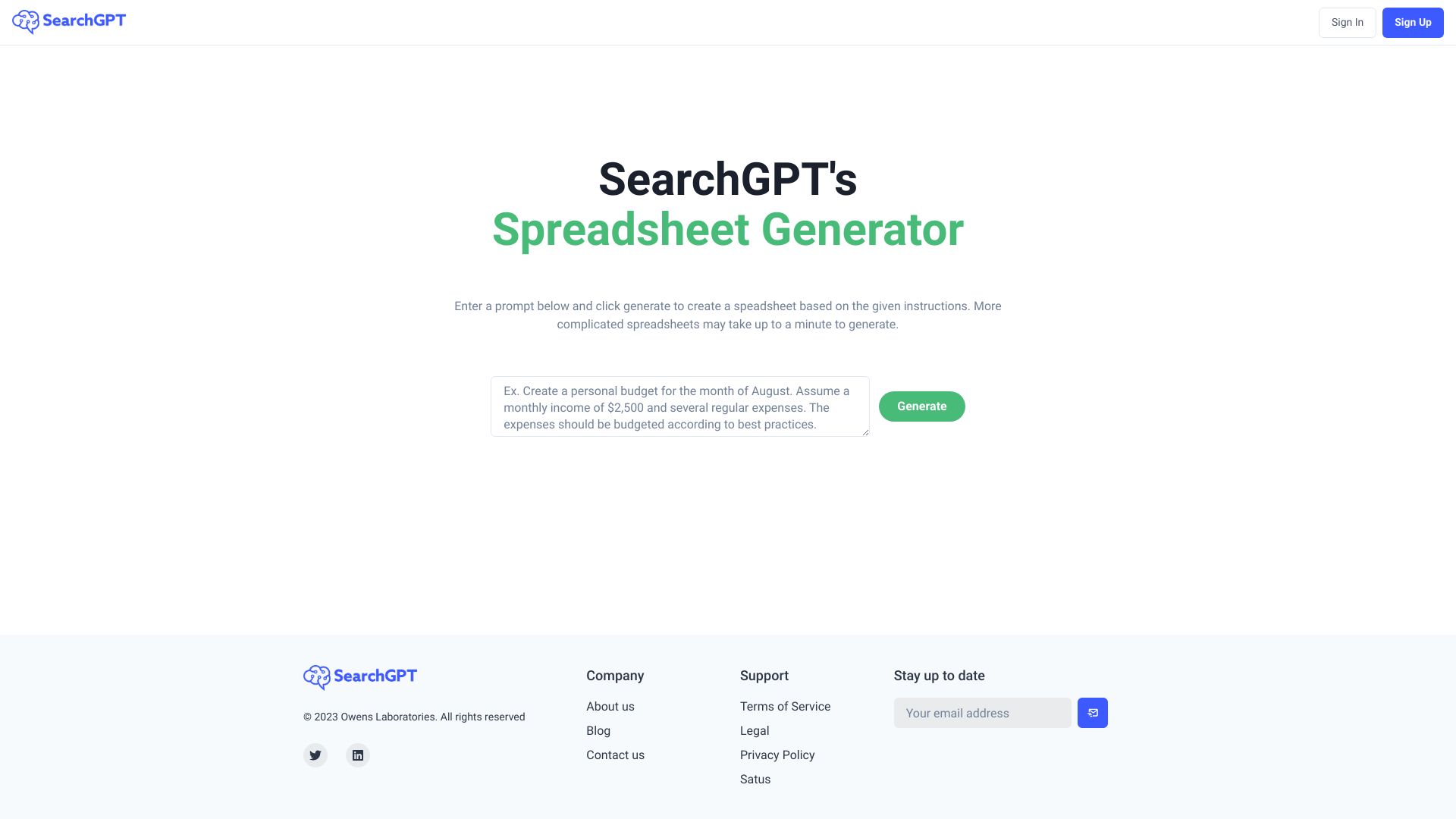

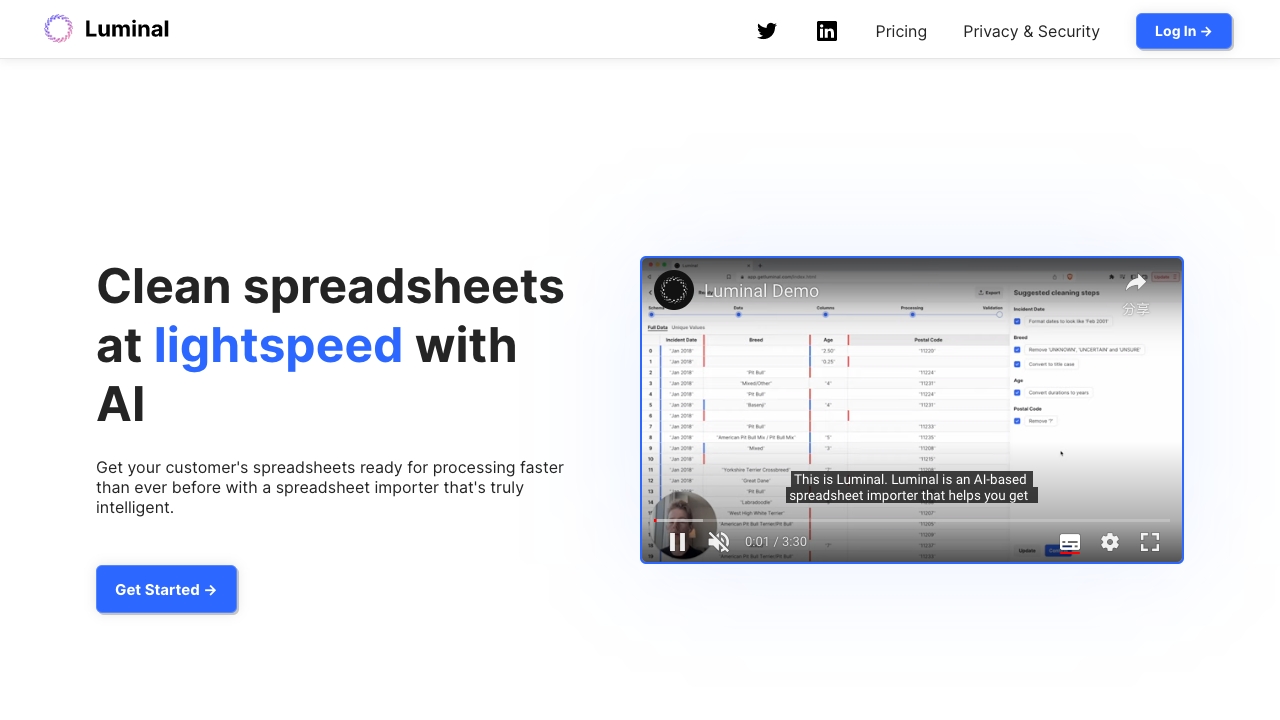
- Cleaning and analyzing large spreadsheets
- Up to 5 assistant interactions
- Starts at $10 per month
- Usage signal: 1.4K

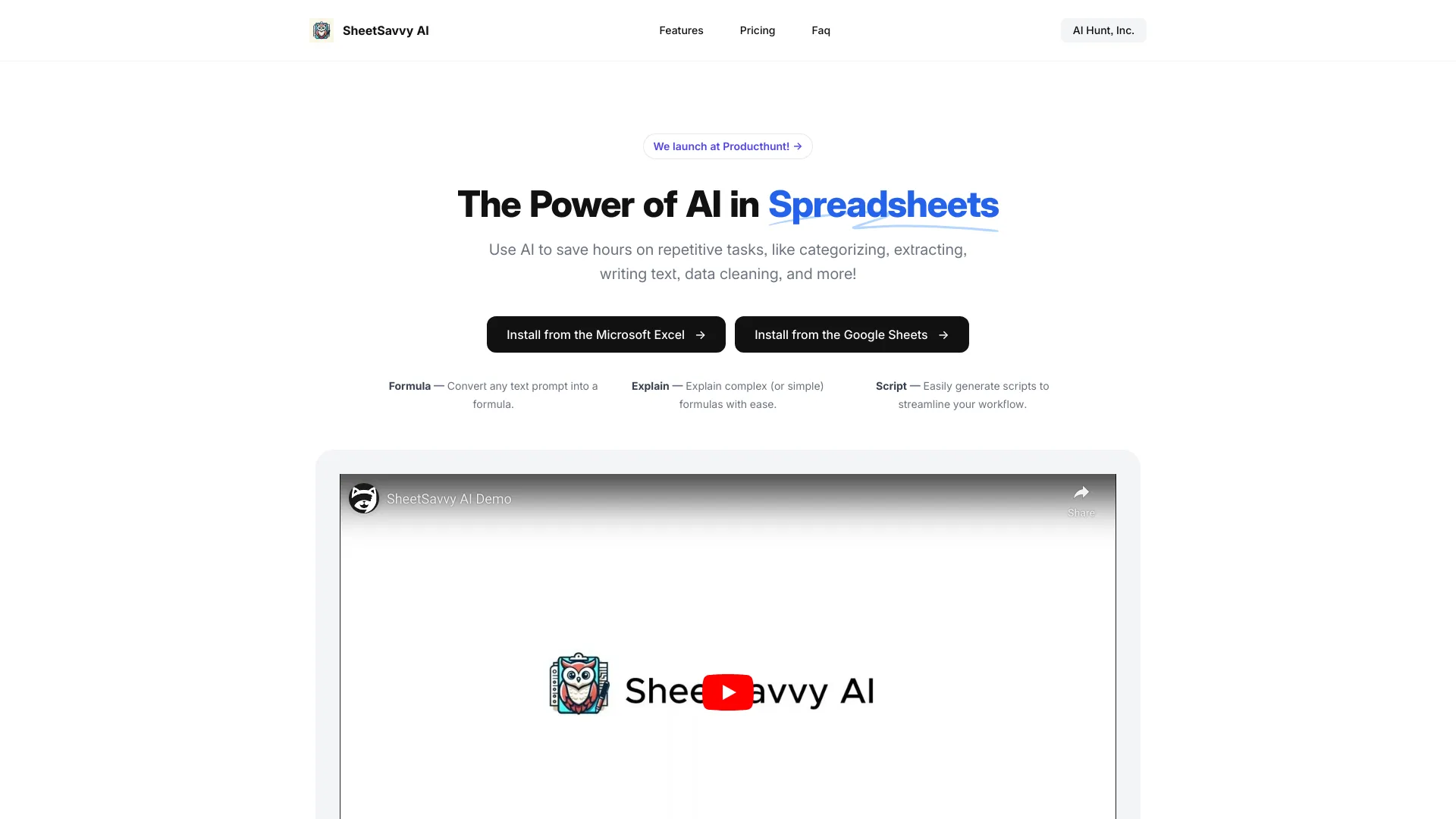
- Excel and Google Sheets formula generation
- 100 AI formula requests
- Starts at $4.99/month
- Usage signal: 0

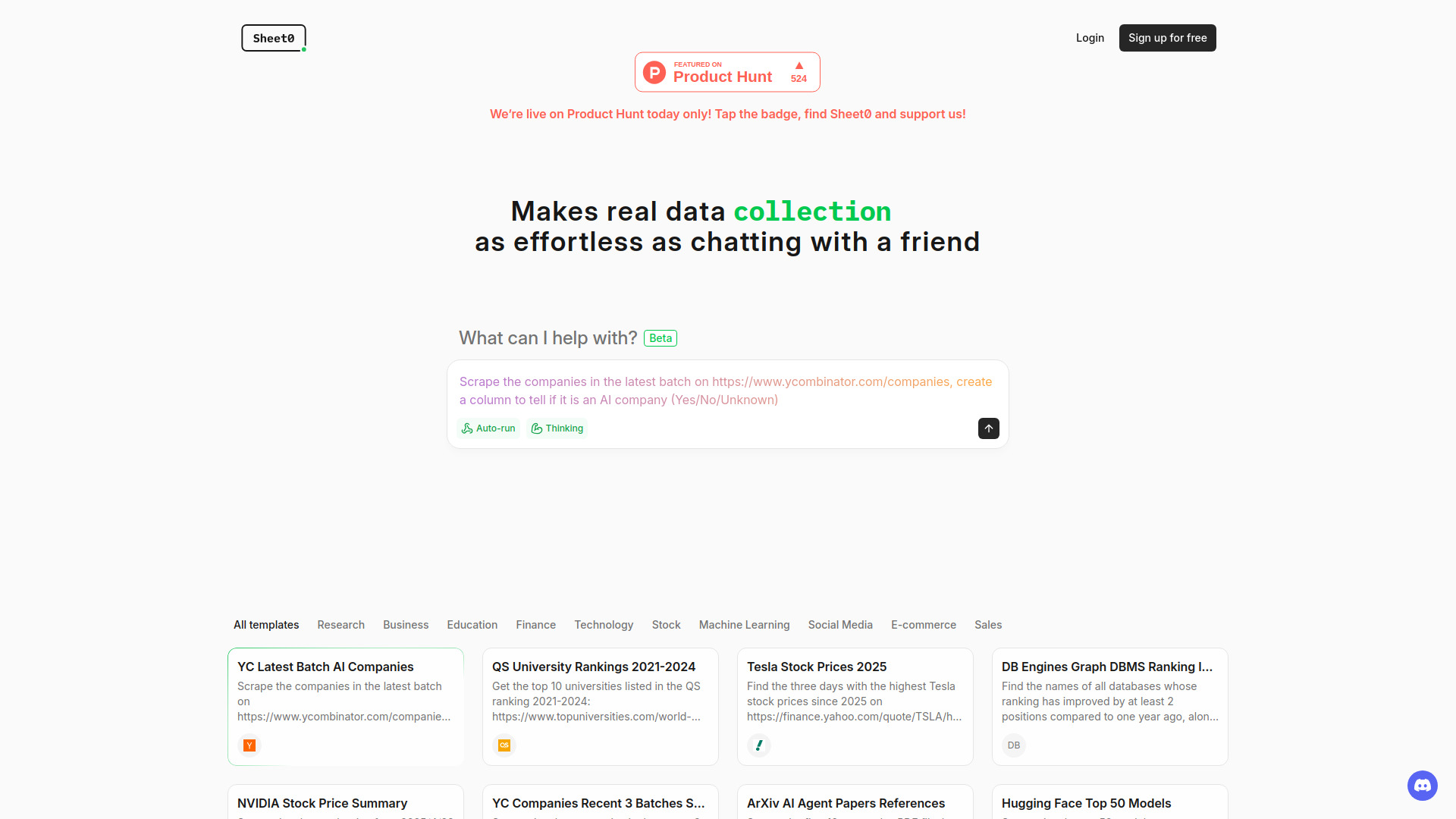
- Automated web research spreadsheets
- Starts at Check vendor pricing
- Usage signal: 1.0K

- AI spreadsheet analysis and data visualization
- 10 messages/day
- Starts at $12/month
- Usage signal: 1.2K

- Excel and Google Sheets formula help
- Free plan available
- Starts at Check vendor pricing
- Usage signal: 404
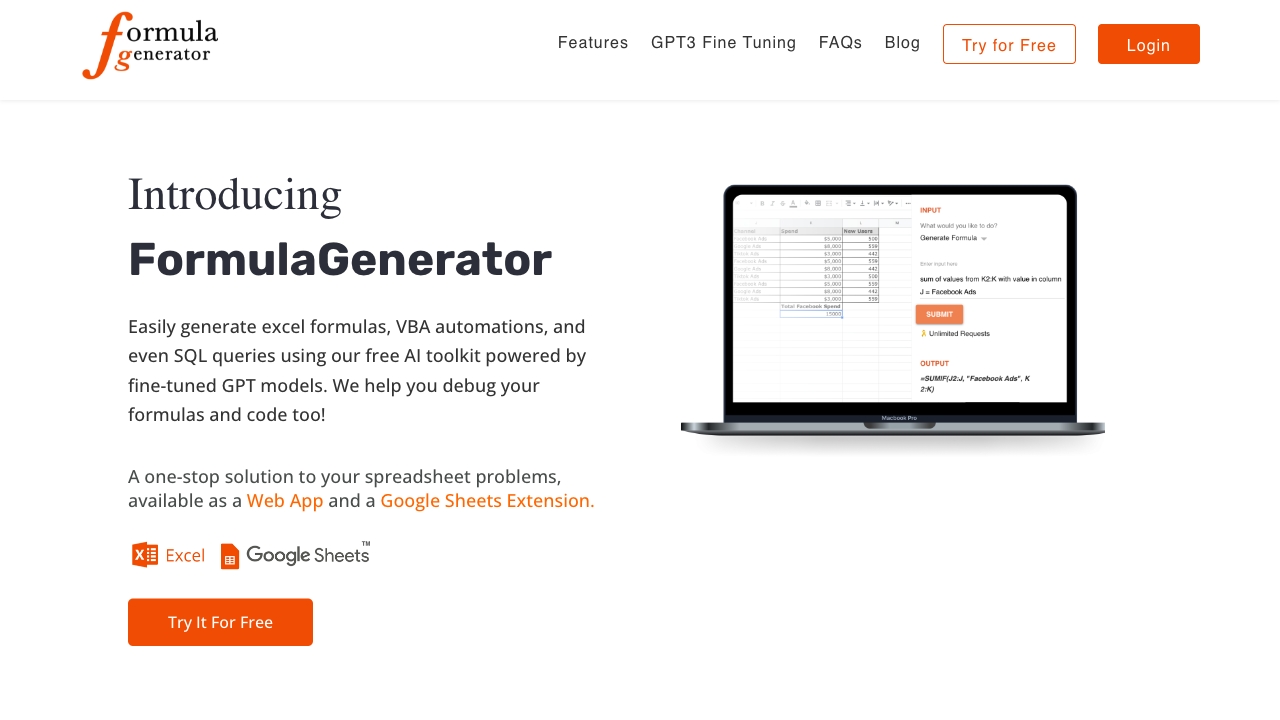

- Generating and explaining Excel formulas
- 5 formulas or guides per month
- Starts at €7/month
- Usage signal: 0

- AI-powered spreadsheet editing
- Free plan available
- Starts at Check vendor pricing
- Usage signal: 313

- Excel and Google Sheets formula help
- Free plan available
- Starts at Check vendor pricing
- Usage signal: 0

- AI-native financial modeling in Excel
- Free trial available
- Starts at $30 per month
- Usage signal: 167
- AI-generated Excel formulas
- Free plan available
- Starts at Check vendor pricing
- Usage signal: 0
- AI-powered Excel spreadsheet tasks
- 200 requests/month
- Starts at From $14.99/month
- Usage signal: 0

- AI-assisted chart analysis and trading
- Starts at Check vendor pricing
- Usage signal: 102


- Finance and accounting Q&A from spreadsheet data
- 3 free questions
- Starts at $20 per month
- Usage signal: 84

- AI formulas for Excel and spreadsheets
- Starts at Check vendor pricing
- Usage signal: 0

- Conversational Excel data analysis
- Free plan available
- Starts at Check vendor pricing
- Usage signal: 0

- Python and SQL spreadsheet analysis
- Free plan available
- Starts at Check vendor pricing
- Usage signal: 0
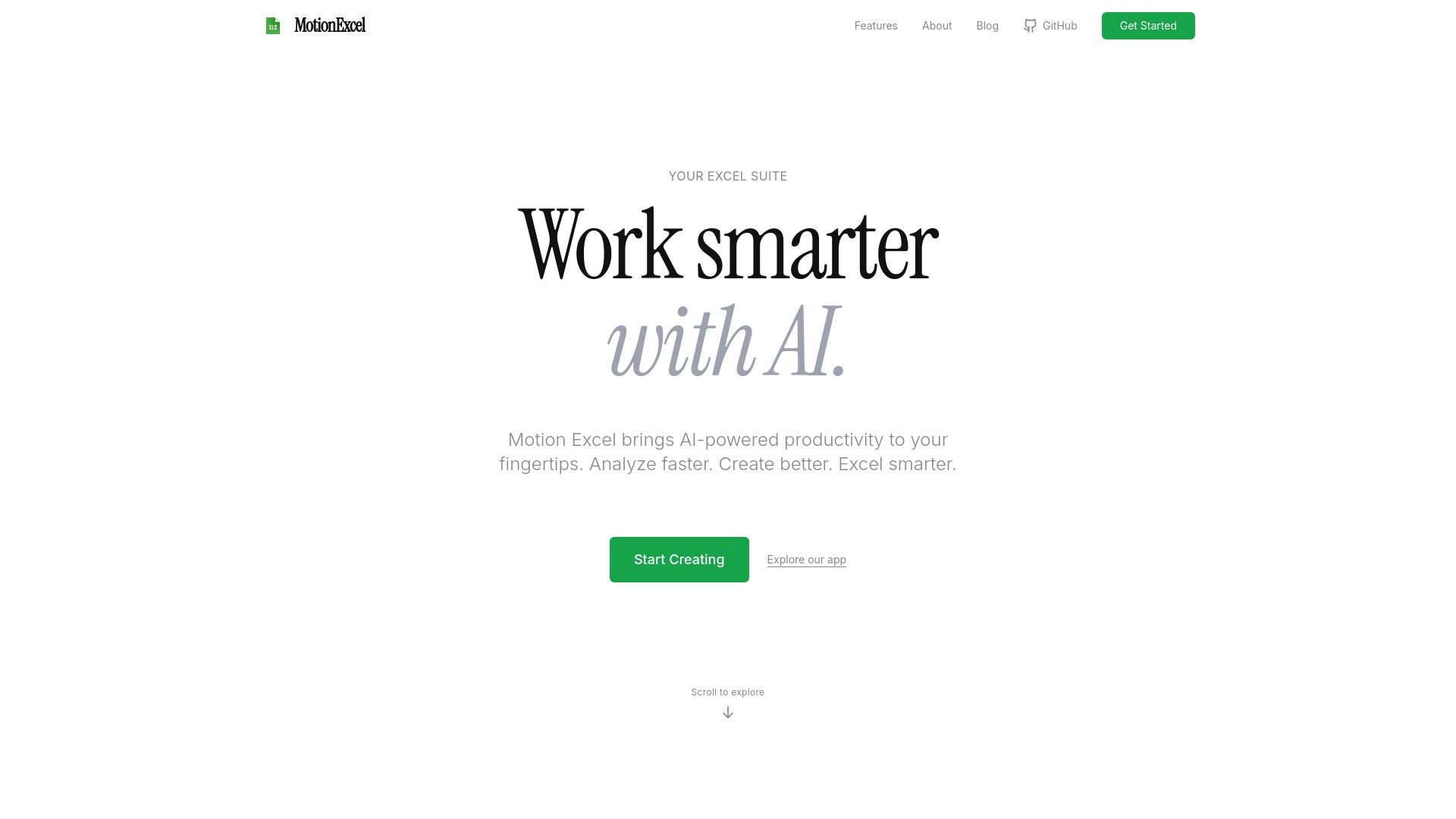

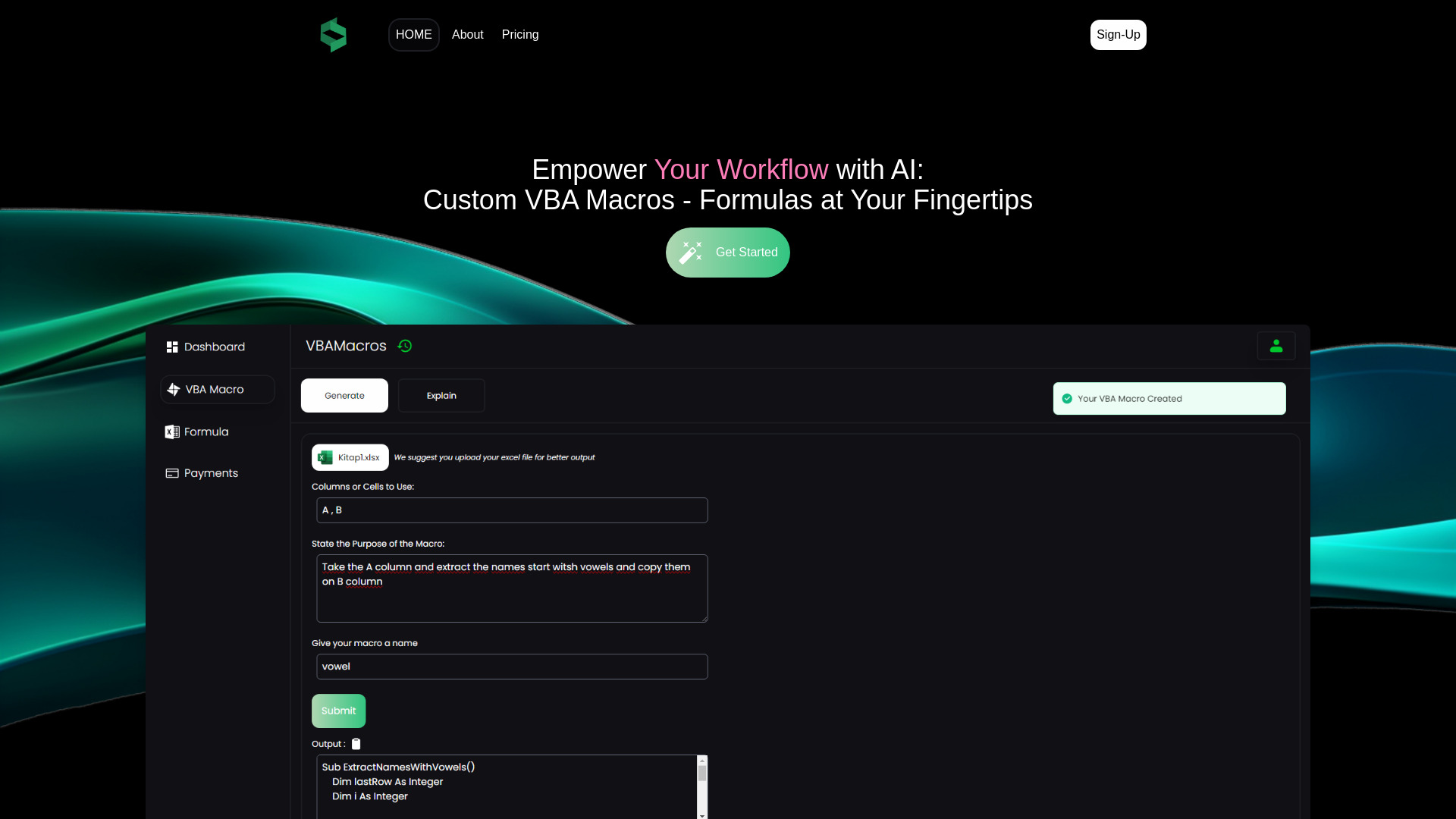
- AI VBA macros and Excel formulas
- 10 credits/month
- Starts at $19.90/month
- Usage signal: 0

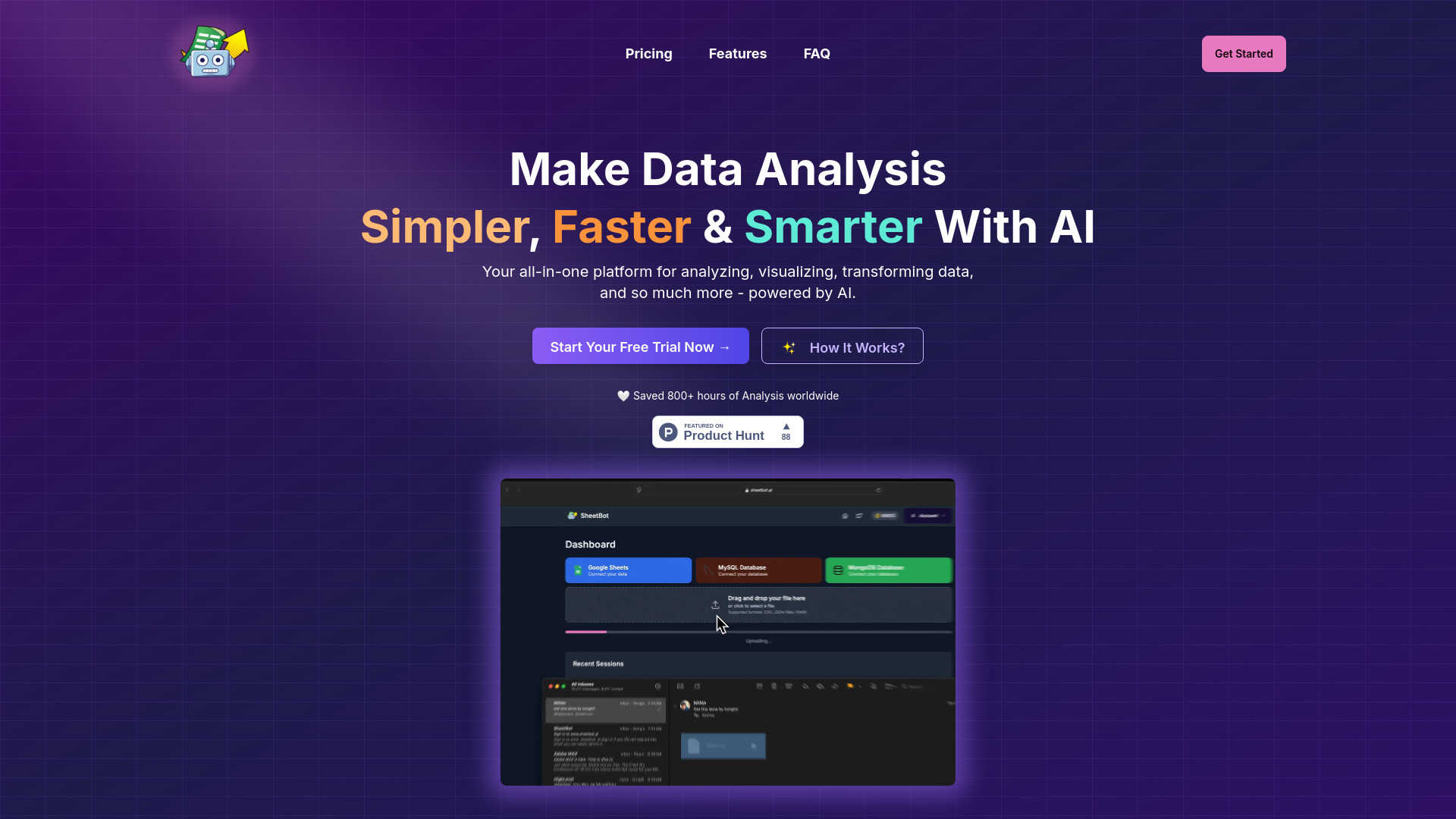
- No-code data analysis and visualization
- Free trial available
- Starts at $9/month billed yearly
- Usage signal: 0

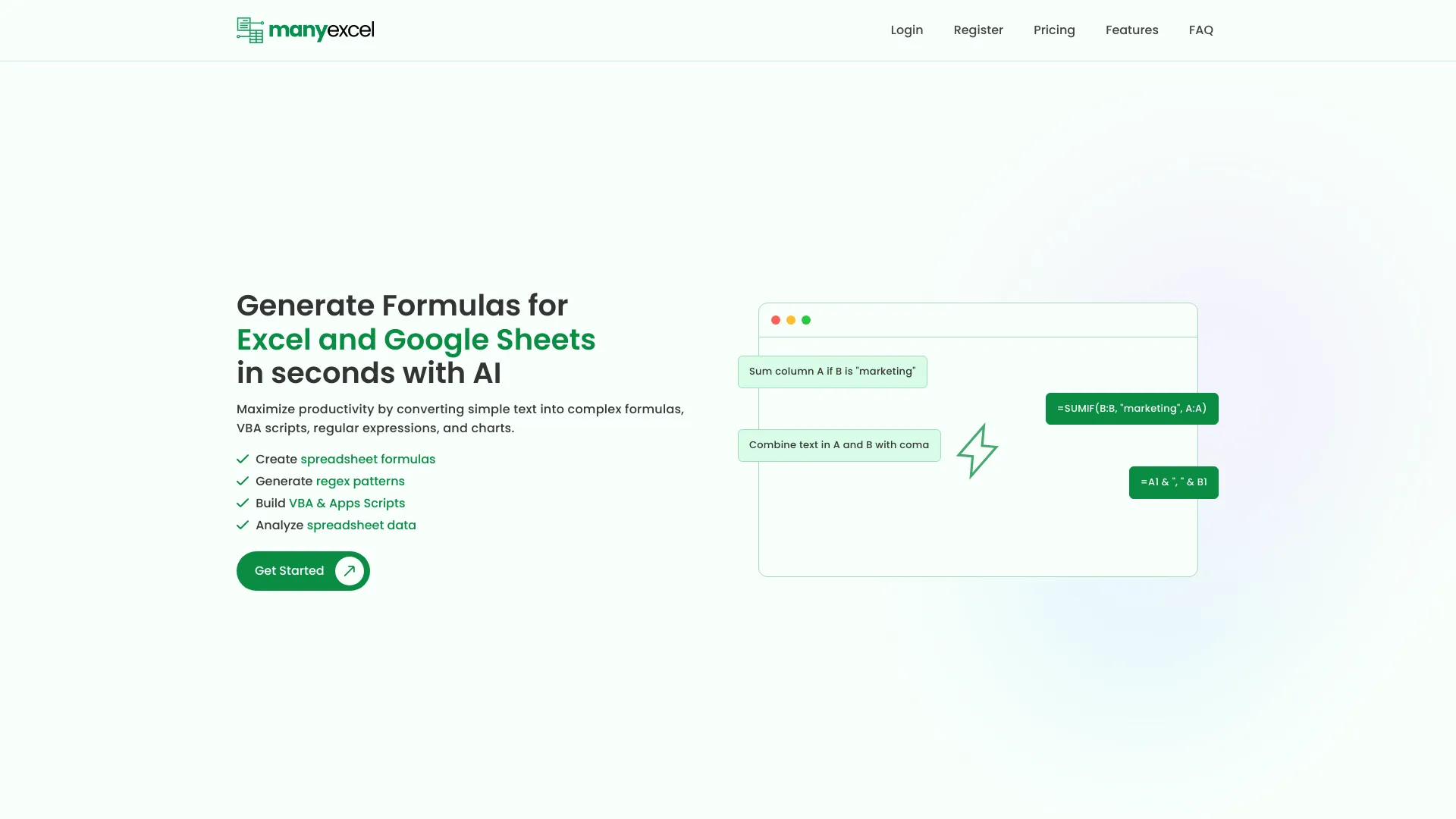
- AI spreadsheet formulas and automation scripts
- 5 formula generations/month
- Starts at $2.50/month
- Usage signal: 0

- AI-powered CSV processing
- Starts at Check vendor pricing
- Usage signal: 0


- Natural-language spreadsheet editing
- Free trial available
- Starts at Check vendor pricing
- Usage signal: 0
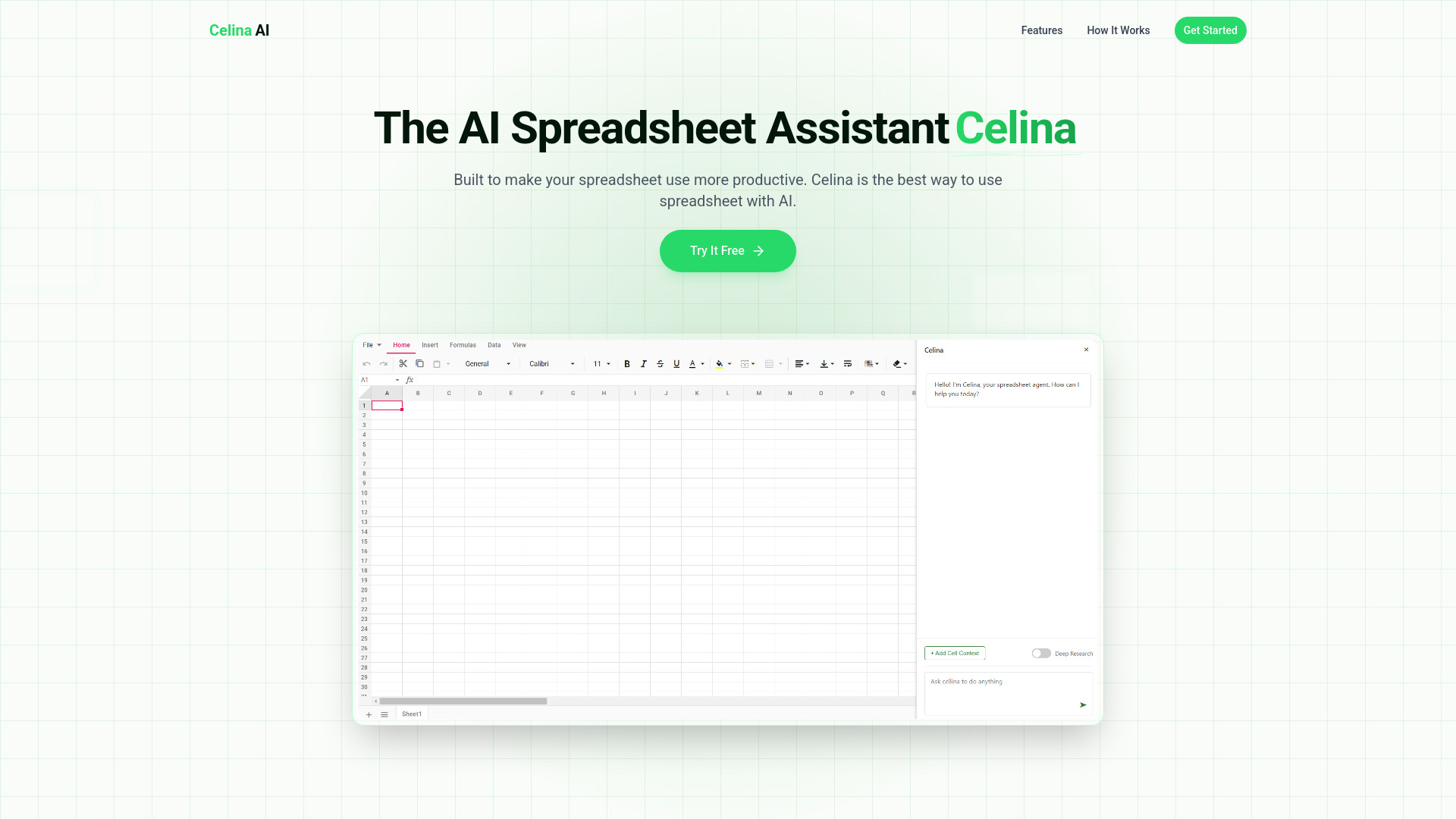

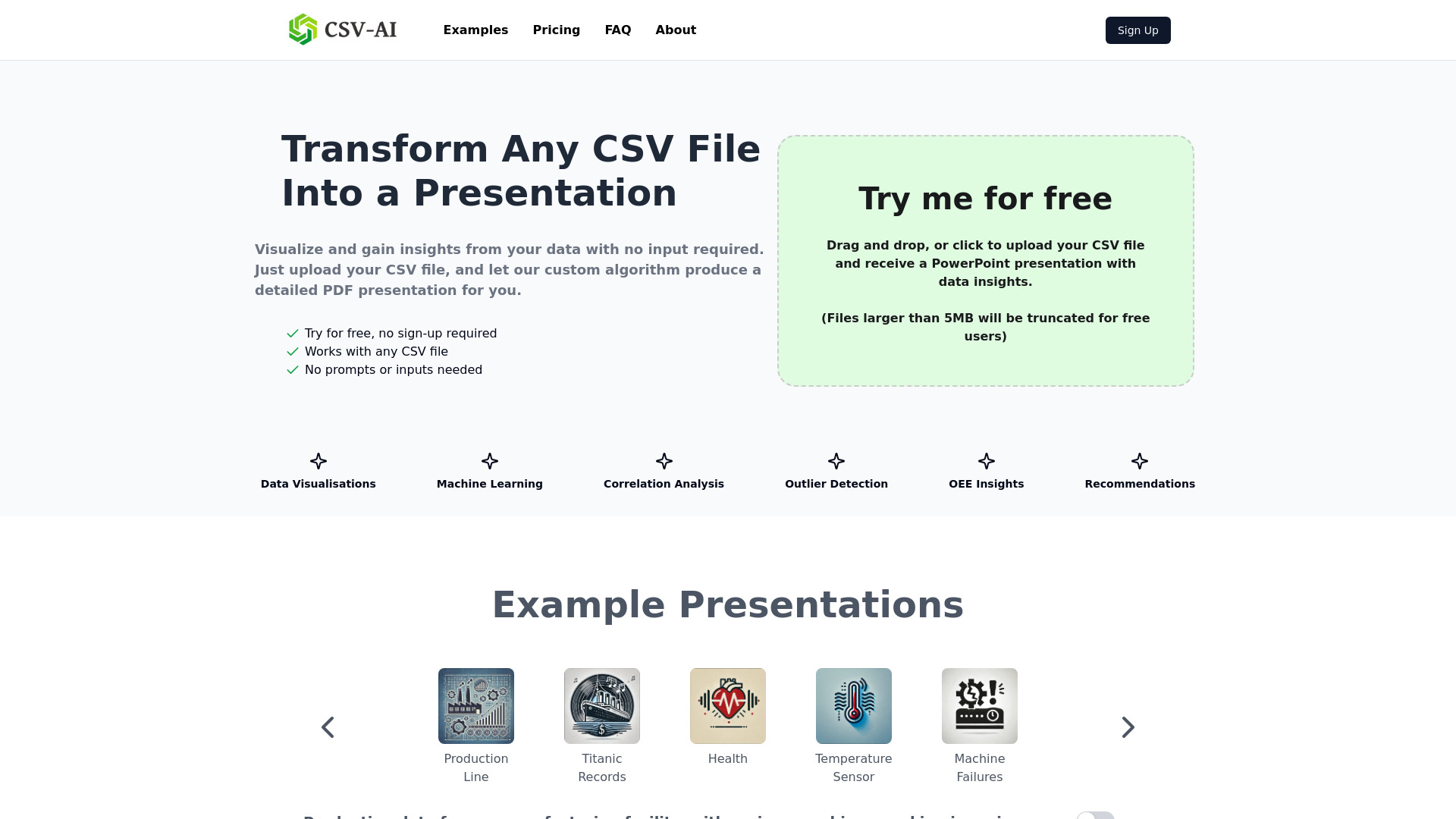
- One-click Excel data analysis
- Up to 5MB per file
- Starts at From $0/month
- Usage signal: 0
- AI investing tool discovery
- Starts at $29 one-time
- Usage signal: 0

- Creative CSV tables for games and stories
- Starts at Check vendor pricing
- Usage signal: 0


- Students studying from uploaded documents
- 3 free upload credits
- Starts at $13.99 Premium plan
- Usage signal: 0
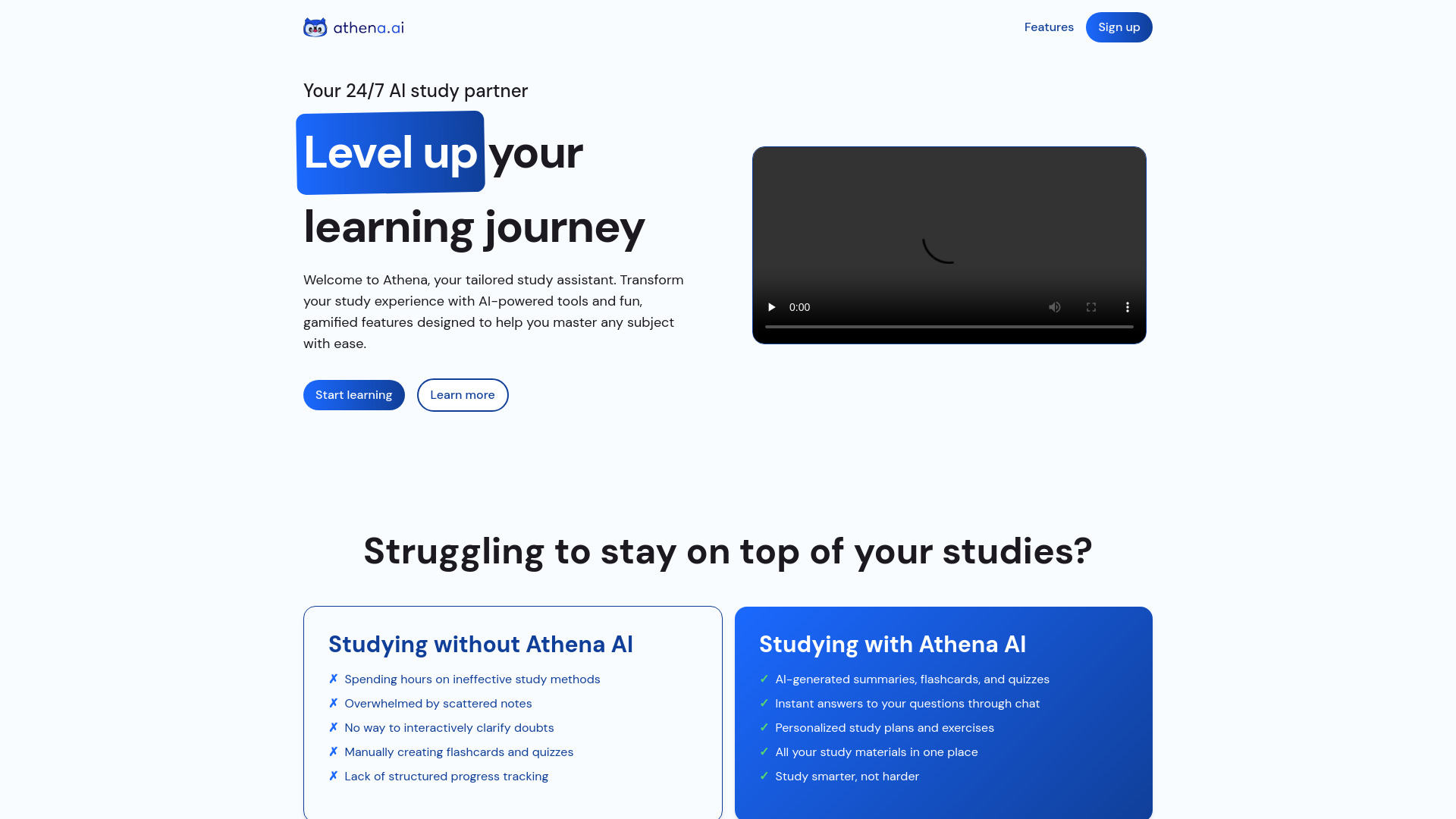

- AI-assisted essays and structured documents
- Free plan available
- Starts at Check vendor pricing
- Usage signal: 0

- Excel formulas and on-page GPT assistance
- Starts at Check vendor pricing
- Usage signal: 0

- Bulk PDF extraction in Google Sheets
- Starts at Check vendor pricing
- Usage signal: 0

- Competitive exam preparation
- Free trial available
- Starts at Check vendor pricing
- Usage signal: 0


- Excel and Google Sheets data analysis
- Free trial available
- Starts at Check vendor pricing
- Usage signal: 0

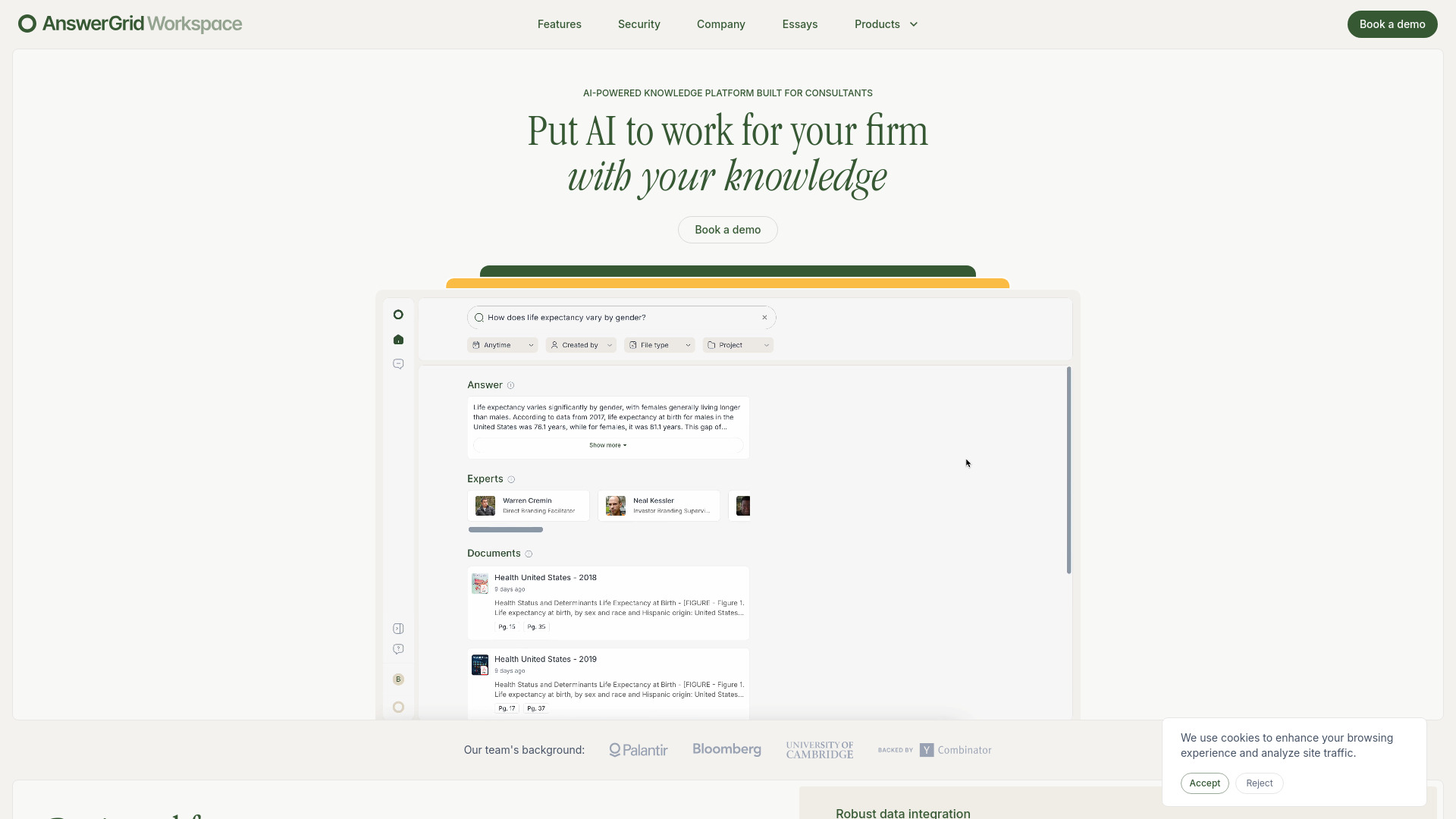
- Consulting research and proposal automation
- Starts at Check vendor pricing
- Usage signal: 0
- SQL query generation and optimization
- Free plan available
- Starts at From $6/month
- Usage signal: 0

- Plain-language Excel formula generation
- 3 free formula generations/day
- Starts at Check vendor pricing
- Usage signal: 0
- Natural-language database queries for nontechnical teams
- Starts at Check vendor pricing
- Usage signal: 0

- Google Sheets AI assistance
- Free trial available
- Starts at Check vendor pricing
- Usage signal: 0

- AI-powered marketing attribution and personalization
- Starts at Check vendor pricing
- Usage signal: 0


- AI-assisted data research in Jupyter notebooks
- Starts at Check vendor pricing
- Usage signal: 0

- SME tax and accounting advice
- Free trial available
- Starts at Check vendor pricing
- Usage signal: 0

- Natural-language Excel and CSV insights
- Free plan available
- Starts at Check vendor pricing
- Usage signal: Not listed
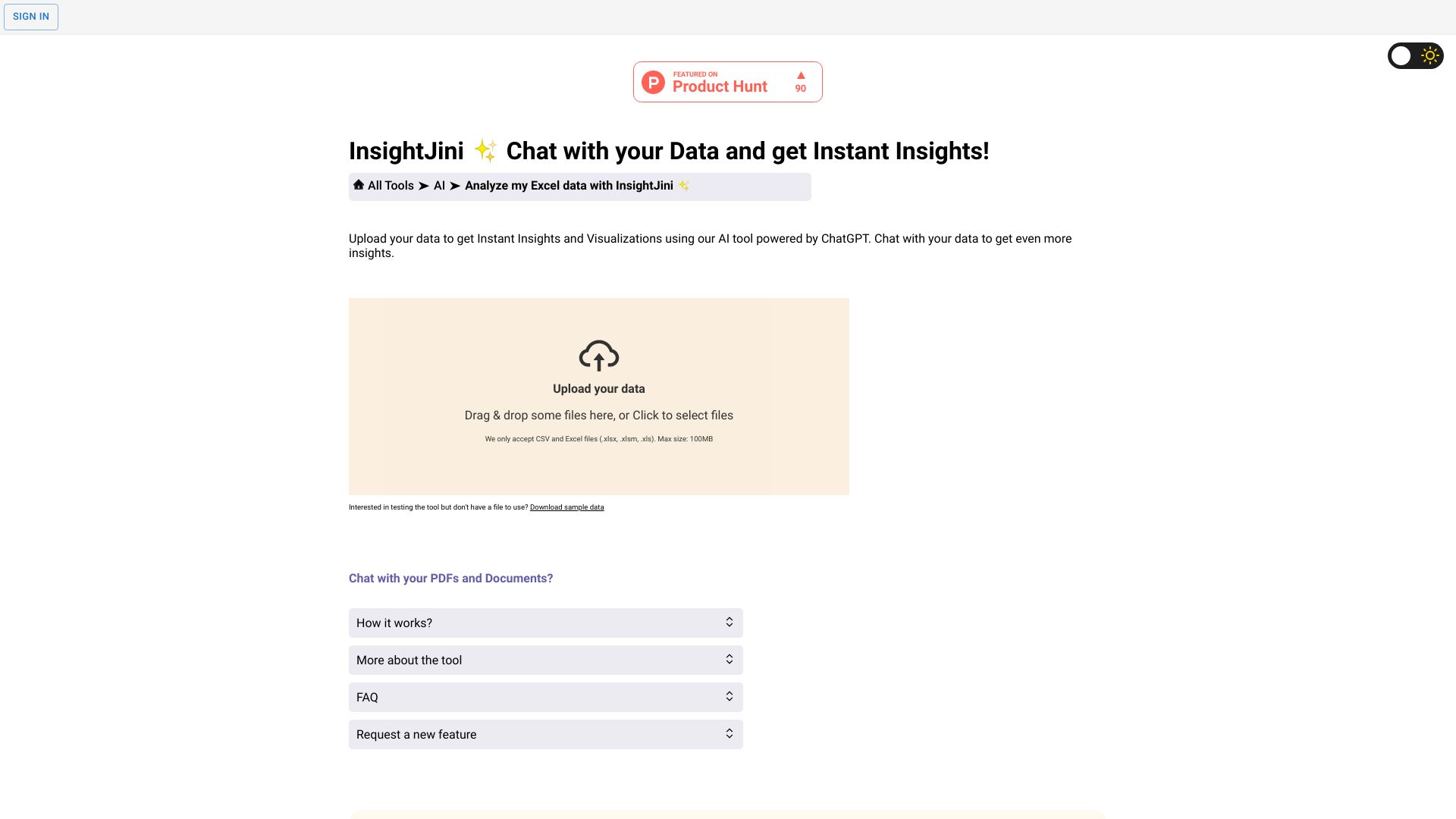

- Cross-app workflow automation
- 1M tokens free
- Starts at $20/mo
- Usage signal: 0
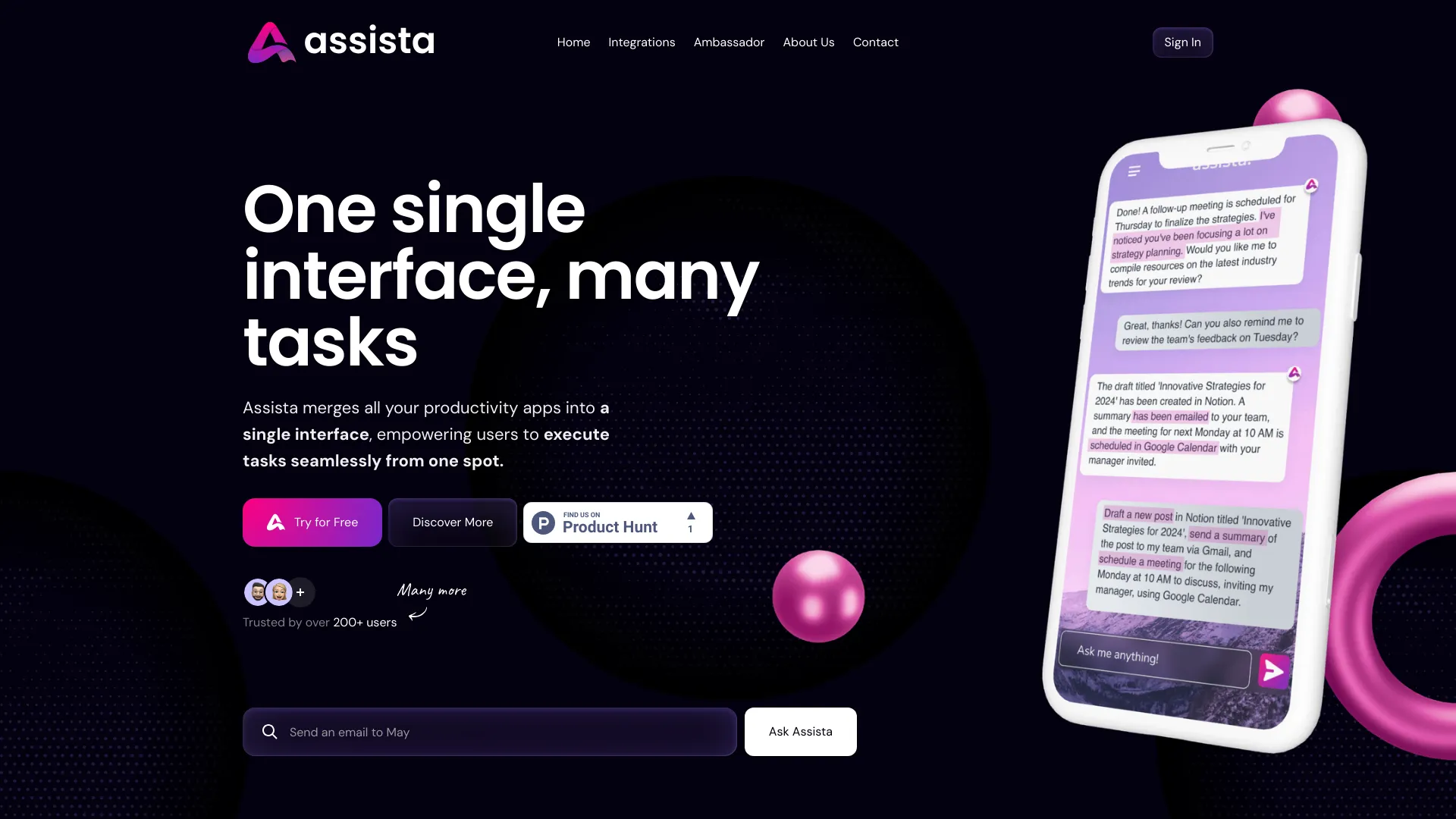
- Investment research analysts
- Starts at Check vendor pricing
- Usage signal: 0
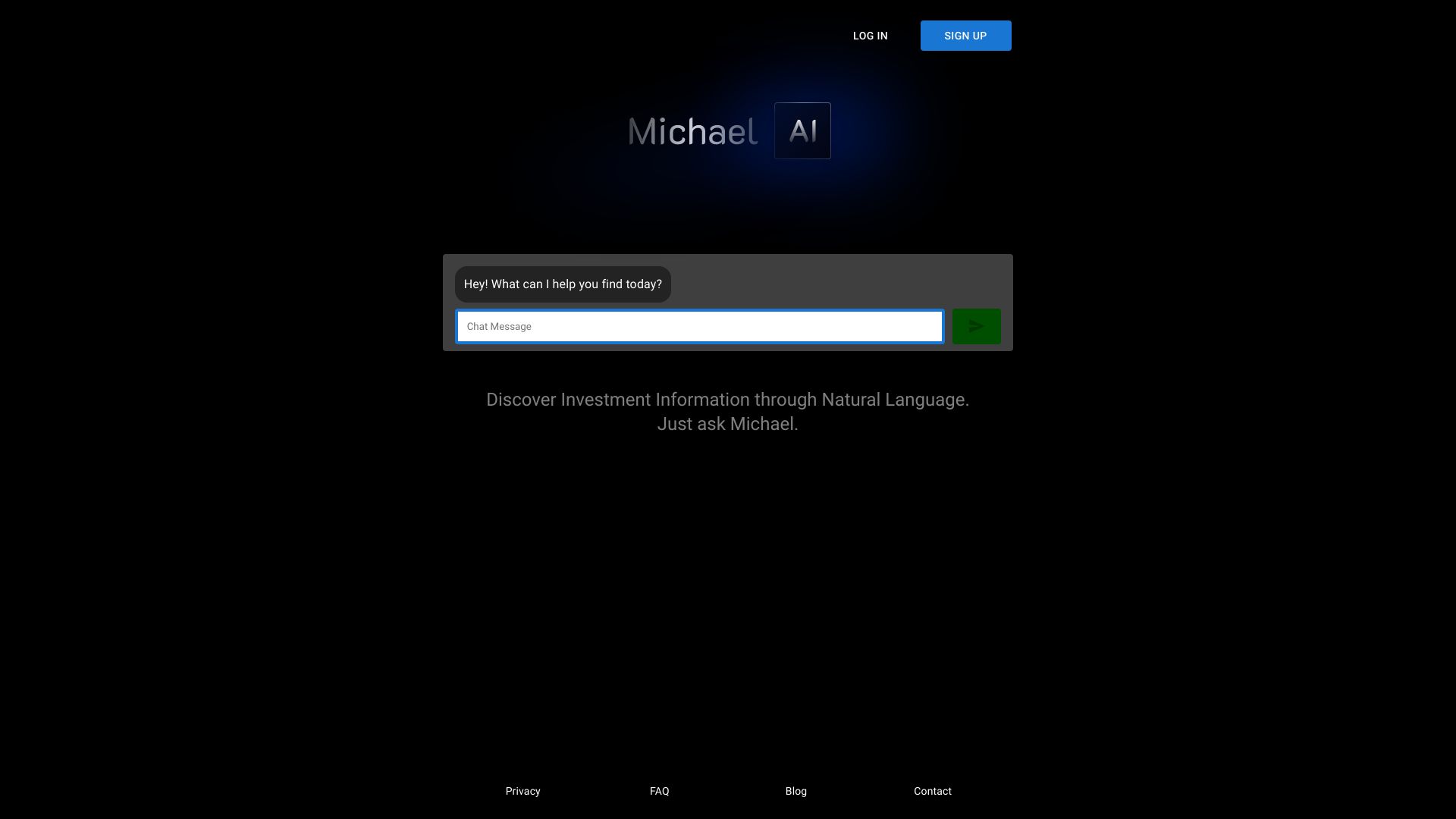

- Custom expert chatbots
- 60 messages/month
- Starts at $0/month
- Usage signal: 0

- Excel and CSV data visualization
- Free trial available
- Starts at Check vendor pricing
- Usage signal: 0


- Inbox-focused founders and business owners
- Starts at Check vendor pricing
- Usage signal: 0


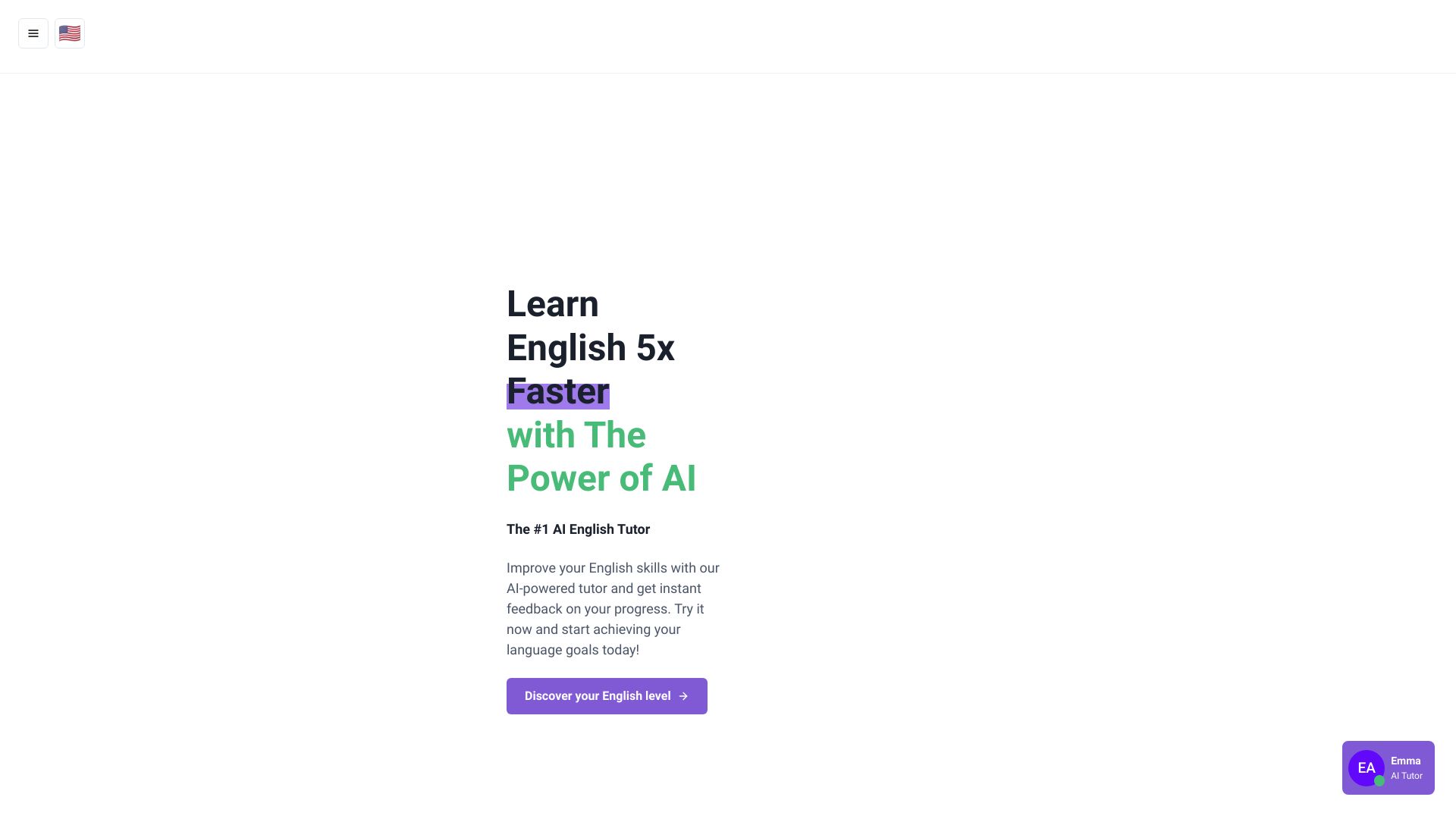
- IELTS writing and speaking practice
- Free plan available
- Starts at Check vendor pricing
- Usage signal: 0

- Web research and page summarization
- 20 messages/day
- Starts at From $14.99/month
- Usage signal: 0


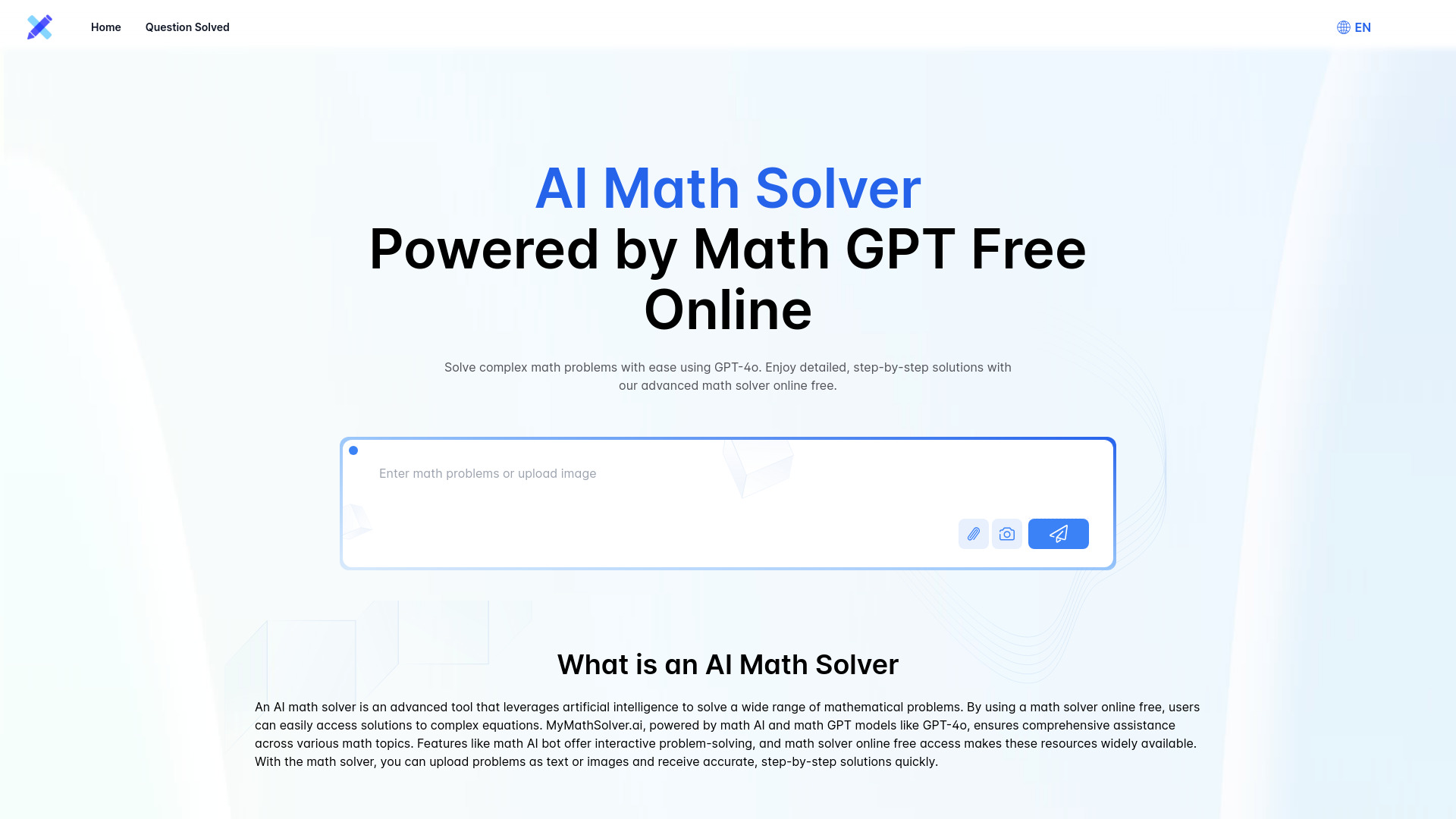
- Step-by-step math problem solving
- Free plan available
- Starts at Check vendor pricing
- Usage signal: 0
What to test before choosing
Do not evaluate an Excel AI tool with a clean sample sheet alone. Use a sanitized version of a real workbook and run the same five tests across your shortlist:
- 1
Formula translation: Ask for a formula you already know, then compare the result and the explanation. Include an edge case such as blanks, duplicate values, or a date boundary.
- 2
Workbook context: Check whether the tool understands sheet names, column relationships, and the difference between raw data and calculated fields.
- 3
Data cleaning: Give it inconsistent labels, missing values, and duplicate rows. Look for a clear account of what changed.
- 4
Reporting: Ask for a chart, dashboard, or written summary. Check whether the output answers the question or merely restates the columns.
- 5
Failure behavior: Deliberately provide an ambiguous request. The better tool asks for clarification instead of confidently producing a risky formula.
For VBA, Python, and finance models, review every generated line before execution. Also test upload limits, message or credit consumption, export behavior, and whether the product keeps a usable history of your work.
What to do next
Start with two tools from different segments rather than signing up for five formula bots. A practical pairing is ExcelMaster.ai with Formula Bot for an Excel-native assistant versus a broader analysis workflow. If reporting is the bottleneck, compare ChatExcel AI with ExcelDashboard Ai. Finance teams should test Endex AI Agent alongside one general analyst tool to see whether citations justify the extra purchasing friction.
Use the free access where available, but measure the quota against a normal week of work. A tool that handles one impressive demo may become expensive or awkward when every question consumes credits. Before uploading sensitive workbooks, review the vendor's current privacy, retention, and deployment terms directly.
Common mistakes when choosing from a complex top list
Treating the highest score as a universal winner. ExcelMaster.ai leads this ranking, but ExcelDashboard Ai is a better fit when dashboards are the actual deliverable.
Confusing formula generation with data analysis. A formula assistant can be excellent without answering questions across an entire workbook.
Ignoring where the work happens. A separate web workspace may be convenient, but an Excel-native add-in can reduce context switching and preserve an established process.
Using a free quota as a capacity estimate. Five requests, 10 messages, or a credit allowance may be enough to test a product but not to support a team.
Trusting generated code without review. AI can write plausible formulas and VBA that fail on edge cases. Reconcile outputs against known answers.
Buying a broader platform to solve a narrow problem. Airtable is compelling when you need an app and workflow; it is not automatically the best answer for formula help.
Forgetting collaboration and auditability. Individual accounts, limited history, or unclear citations can matter more than chart quality in a shared or regulated workflow.
FAQ
For the broadest Excel-focused capability in this comparison, ExcelMaster.ai is the leading choice. It combines formula generation with VBA automation and a Python assistant. Formula Bot is a stronger alternative when your work also includes data cleaning, visualization, and broader analysis.