
Finding top website design software is less about choosing the tool with the longest feature list and more about matching the editor to the work in front of you. We compared 100 tools in 2026, including no-code site builders, AI-assisted web studios, visual design apps, landing-page libraries, and product prototyping platforms. The 10 featured here are the clearest starting points, but they serve very different jobs: Tilda and Mobirise help publish sites, WeWeb leans toward applications, Uizard turns ideas into interfaces, and Microsoft Designer is strongest in fast visual production.
Start here
Use this shortlist to cut through the category quickly. The scores are close, so the practical distinction is workflow fit rather than a dramatic difference in quality.
Want the fastest general-purpose visual workflow? Start with Microsoft Designer. Its AI suggestions and social-post workflow make it the easiest first test for marketers and small content teams.
Need a real no-code website builder? Test Tilda first. Its 550+ pre-designed blocks give nontechnical users a more concrete path from blank page to published site.
Designing a web application rather than a brochure site? Put WeWeb on the shortlist. It combines visual editing with API connectivity and backend freedom.
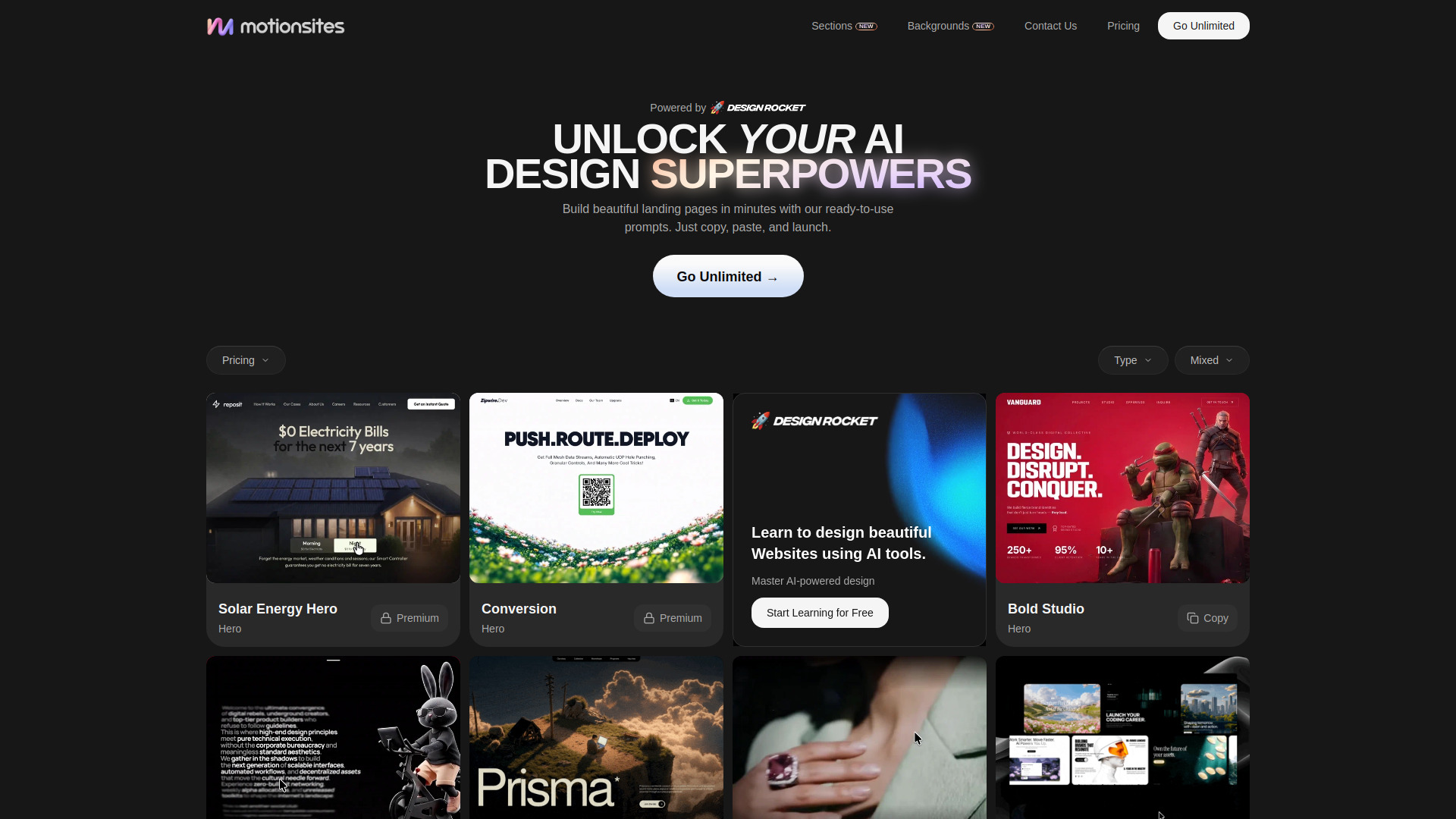
Building landing pages for clients or campaigns? Look at MotionSites. Its ready-to-use prompts, hero sections, and animated backgrounds are aimed at speed and presentation quality.
Need a quick UI concept from a prompt or screenshot? Uizard is the most focused option here for rapid interface ideation and prototyping.
The important caveat: not every tool below is a full website publishing platform. Several are broader design systems or adjacent visual studios. That makes the list more useful for teams comparing an entire web-production workflow, but it also means you should validate hosting, domains, exports, and collaboration before committing.
Segment comparison
| Segment | Strongest starting point | What it does well | Main trade-off |
|---|---|---|---|
| AI-assisted visual design | Microsoft Designer | Generates design suggestions and social visuals from simple ideas | Mobile versions are not yet available, and output still needs judgment |
| No-code publishing | Tilda | Builds sites with drag-and-drop blocks and no coding | The free plan limits blocks, domains, and branding |
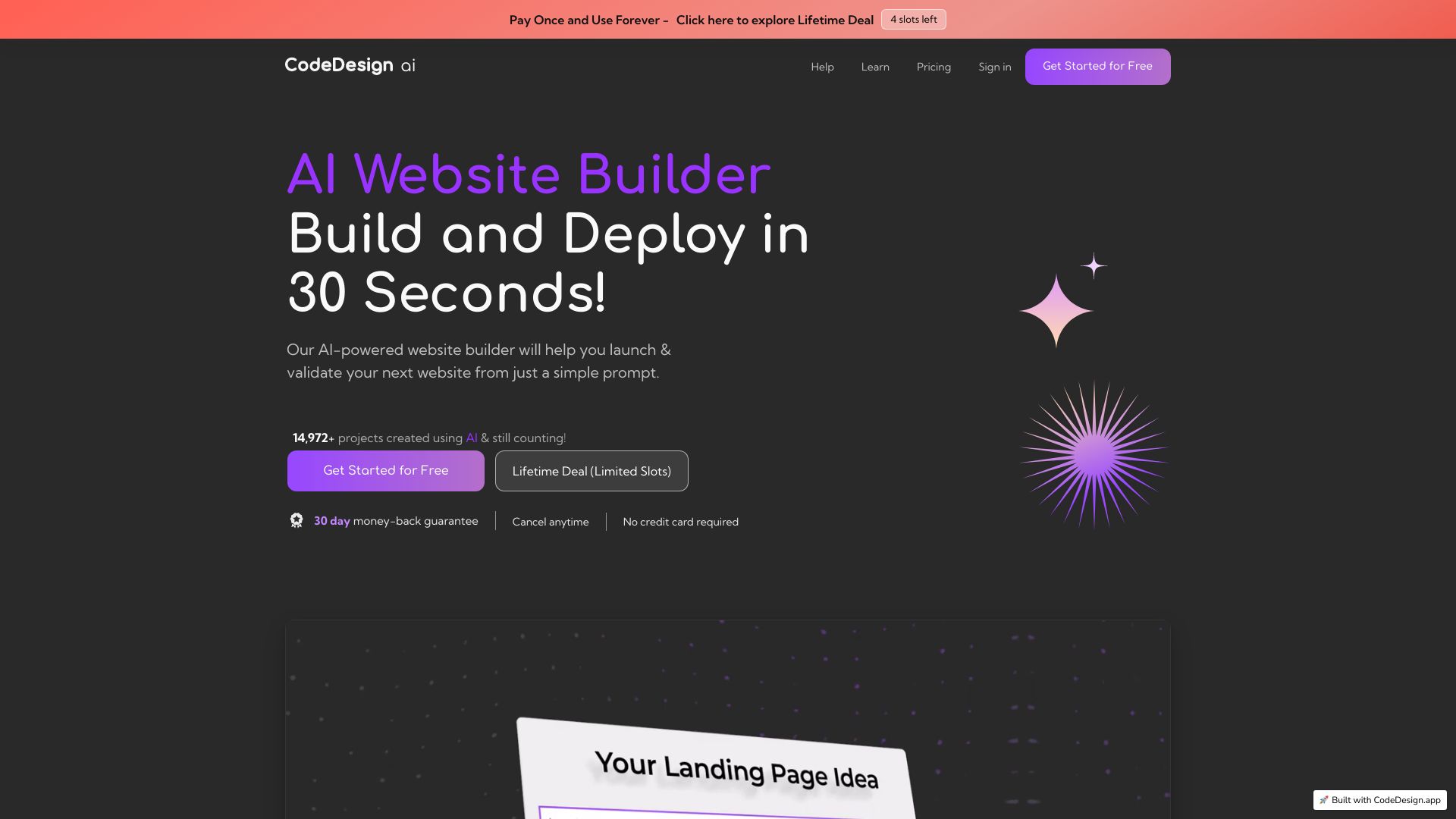
| AI website and funnel building | CodeDesign.ai | Combines an AI website builder with sales funnels and hosting | The basic plan limits users to three projects |
| Web applications | WeWeb | Adds developer-grade control to a visual editor | Pricing varies by plan and add-ons; the editor takes learning |
| UI concepts and prototypes | Uizard | Converts text and screenshots into editable design concepts | Advanced features and additional AI generations require paid plans |
This segmentation matters because a beautiful landing-page library is not automatically a substitute for a site builder, and a capable application platform may be excessive for a one-page business site. Start with the deliverable, then compare the tools inside that segment.
Shortlist paths
| Your situation | Shortlist first | Why |
|---|---|---|
| Social campaigns, invitations, and quick graphics | Microsoft Designer | Low-friction AI suggestions and familiar content formats |
| A founder launching a small business site | Tilda, Mobirise AI Website Builder | Both emphasize no-code creation; Mobirise also offers offline mode and export options |
| A designer making polished campaign pages | STUDIO AI, MotionSites | One focuses on AI-assisted responsive design; the other supplies reusable page components |
| A startup building a flexible product front end | WeWeb, CodeDesign.ai | Both extend beyond static design into application or funnel workflows |
| A small business refreshing its identity | BrandCrowd, MiriCanvas | Fast templates for logos, business collateral, social assets, and broader visual work |
A sensible evaluation usually needs two tools, not one. For example, a product team might prototype screens in Uizard before building the live front end in WeWeb. A solo founder might create a logo in BrandCrowd and publish the actual site in Tilda. These pairings prevent you from forcing one editor to handle every stage badly.
Ranking snapshot
| Rank | Tool | Score | Best for | Monthly visits |
|---|---|---|---|---|
| #1 | Microsoft Designer | 93/100 | Social media managers | 1.7M |
| #2 | STUDIO AI | 93/100 | Web designers | 700.3K |
| #3 | MiriCanvas | 93/100 | Designers | 8.5M |
| #4 | Tilda | 92/100 | Entrepreneurs | 2.4M |
| #5 | CodeDesign.ai | 92/100 | Entrepreneurs | 200.8K |
| #6 | MotionSites | 92/100 | Web designers | 1.0M |
| #7 | Mobirise AI Website Builder | 92/100 | Small business owners | 428.0K |
| #8 | WeWeb | 92/100 | Startups | 335.3K |
| #9 | BrandCrowd | 92/100 | Small business owners | 746.7K |
| #10 | Uizard | 92/100 | Product managers | 420.5K |
The close scores should not be read as a universal hierarchy. MiriCanvas has the largest traffic signal in this group, but that does not make it the right choice for publishing a responsive product site. Conversely, WeWeb has a narrower audience but a much stronger case when API connectivity and application flexibility matter.
How we grouped and ranked the list
We treated this as a field guide rather than a single-lane website-builder ranking. First, we grouped tools by the job they appear designed to support: visual content creation, no-code publishing, AI website generation, landing-page production, application building, and interface prototyping. That keeps a social design app from being judged by the same criteria as a backend-connected web platform.
Next, we looked at the concrete workflow each tool exposes. AI-powered suggestions are useful, but they matter more when they shorten a specific task such as generating a social post, creating a responsive layout, converting a screenshot into an editable screen, or assembling a sales funnel. We also considered the practical entry point: free quotas, trial access, starting prices, project limits, and whether a buyer can understand what happens after the first experiment.
Finally, we balanced product fit with market signals. Monthly visits and usage signals help identify tools with meaningful adoption, but they do not replace hands-on suitability. A high-traffic template platform may be ideal for a marketer and a poor fit for a developer. That is why each review below includes both a best-fit audience and a clear wrong-fit warning.
Ranked field notes
1. Microsoft Designer

- Social media managers
- AI-powered designs, social posts, and invitations
- Starts at Check vendor pricing
- Usage signal: 1.7M
Why it matters
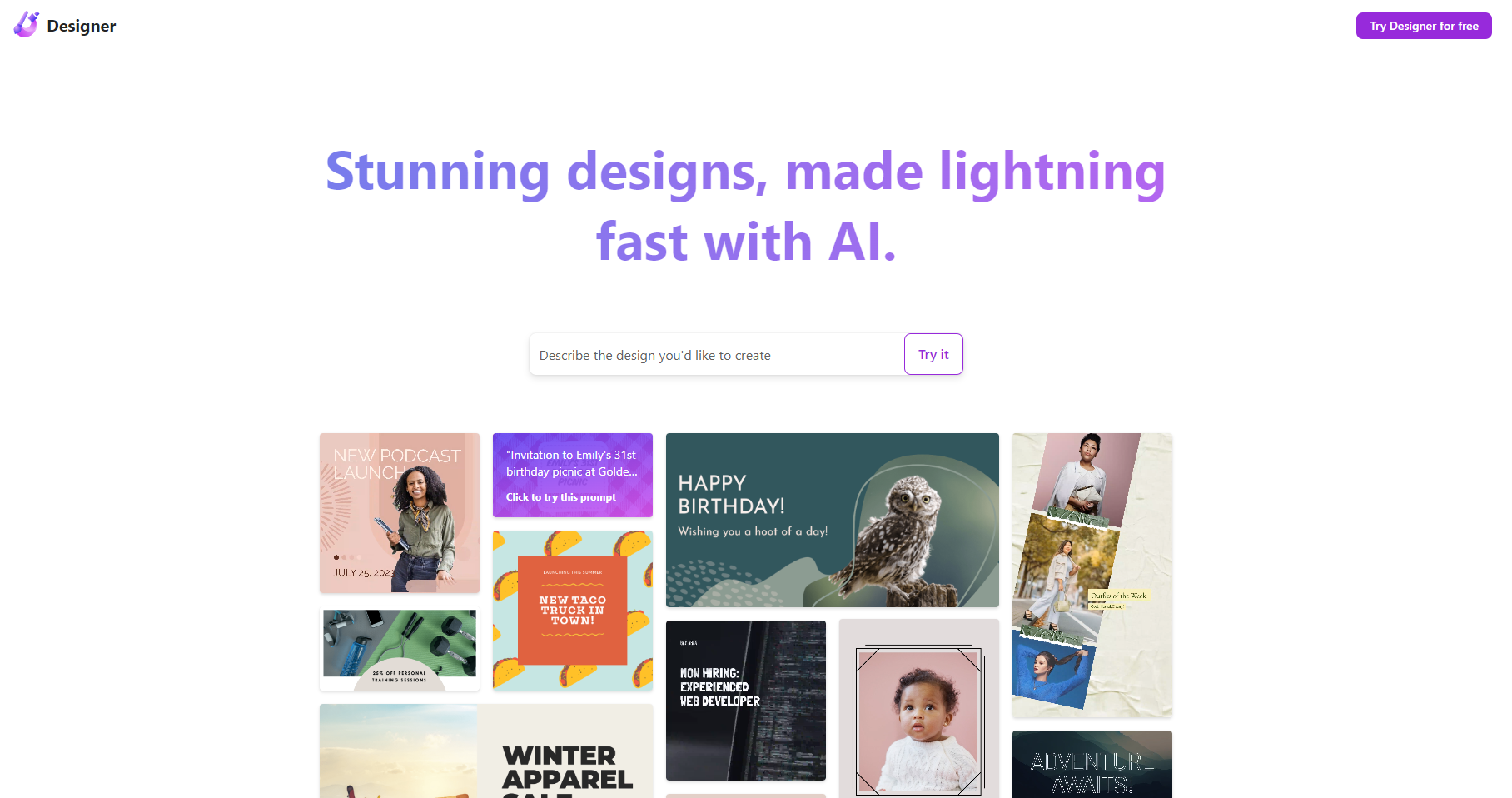
The quickest route from a rough idea to a usable visual often wins, and Microsoft Designer is built around that moment. Its AI-powered design suggestions and support for social media posts and invitations make it a practical first stop for teams that need output more than an elaborate design system. I like its clarity of purpose: a social manager can describe an idea, review generated directions, and move toward a finished asset without first learning a complex canvas. The catch is that this is better understood as a fast visual design app than a complete website publishing environment.
Best for
Social media managers producing recurring campaign assets
Small teams that need design suggestions without a specialist designer
Users creating social posts, invitations, and related graphics
Limitations
Mobile versions are not yet available.
AI output may not consistently match the intended creative direction.
Vendor pricing should be confirmed before planning a paid workflow.
Shortlist signal: Add it when speed and AI-assisted visual ideation matter more than full website publishing controls.
2. STUDIO AI

- Web designers
- 2,000 visitors/mo and AI-augmented design
- Starts at Check vendor pricing
- Usage signal: 700.3K
Why it matters
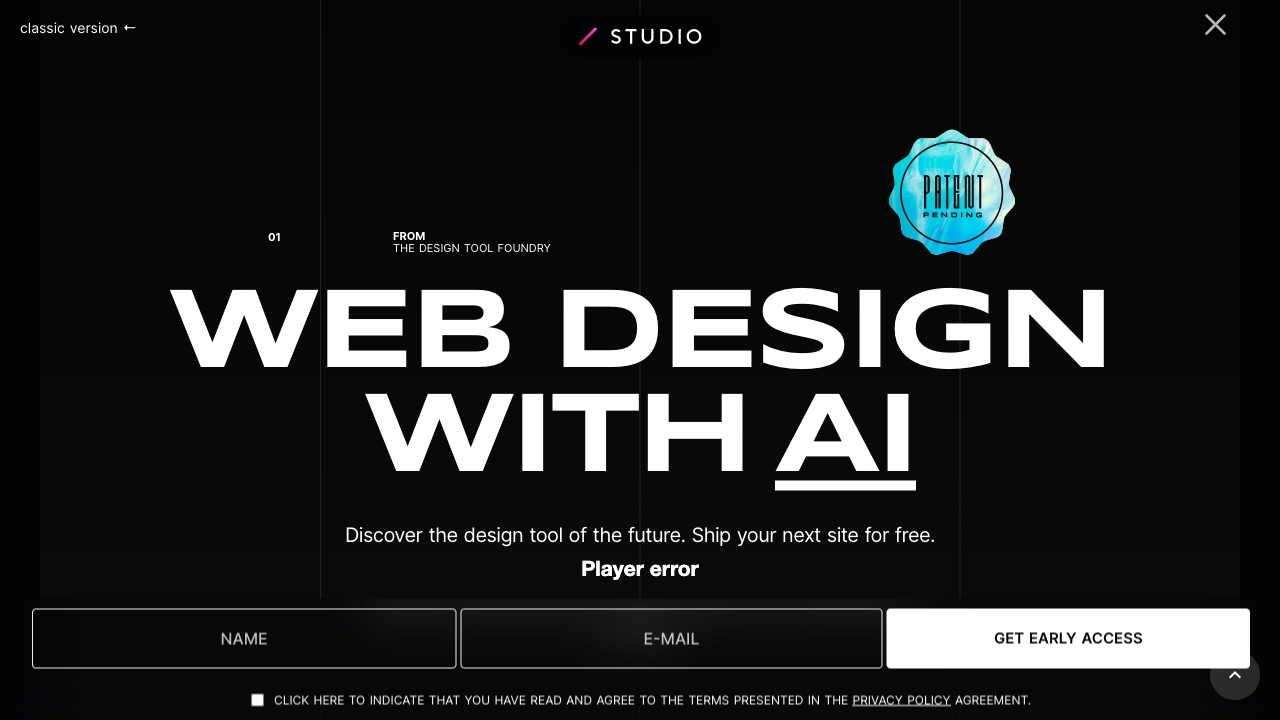
STUDIO AI earns its place by connecting design assistance to a live-web outcome. AI-powered suggestions, automated task completion, and responsive design adaptation address the repetitive work that slows a web designer down after the initial concept is approved. It is a stronger candidate than a generic graphics editor when the work involves layouts that need to behave across screen sizes. Still, the automation changes the designer's role: expect to review and refine rather than accept every suggestion untouched.
Best for
Web designers building responsive pages
Teams that want automation for repetitive design tasks
Creators who prefer an AI-augmented visual workflow
Limitations
The AI feature set may take time to learn fully.
Heavy reliance on AI can reduce creative control for some designers.
Confirm current plan terms and visitor allowances before launch.
Shortlist signal: Choose it when responsive adaptation and automated design tasks are central to the project.
3. MiriCanvas

- Designers
- Free for 2 weeks with AI design and photo editing
- Starts at Check vendor pricing
- Usage signal: 8.5M
Why it matters
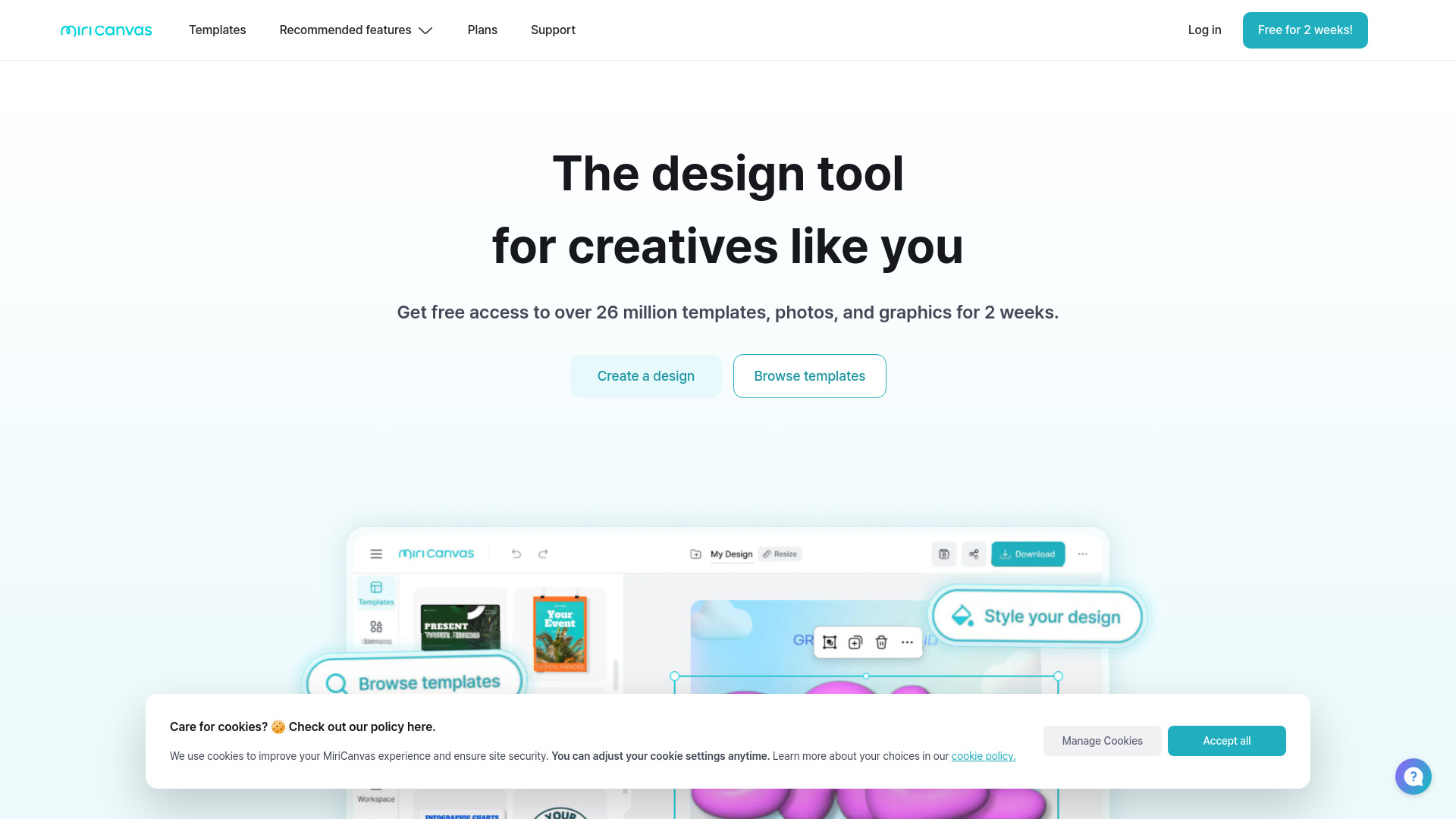
MiriCanvas is the broad, template-led option in this ranking. Its easy interface, free design templates, AI-powered tools, and advanced photo editing cover the messy reality of small web projects, where the same person may need a banner, a social asset, a presentation graphic, and an edited image in one afternoon. The large template and graphics selection lowers the blank-page problem. That convenience comes with a familiar trade-off: the free experience may be narrower, and internet access is required.
Best for
Designers who need templates and graphics across multiple formats
Small teams producing visual assets around a website launch
Users who want photo editing alongside AI design tools
Limitations
Free-plan functionality may be limited.
It requires internet access.
Template-driven work can need extra customization to feel distinctive.
Shortlist signal: Put it near the top when breadth of templates and supporting graphics matters more than a dedicated web editor.
4. Tilda

- Entrepreneurs
- Free 1 website with no-code and AI creation
- Starts at Free
- Usage signal: 2.4M
Why it matters
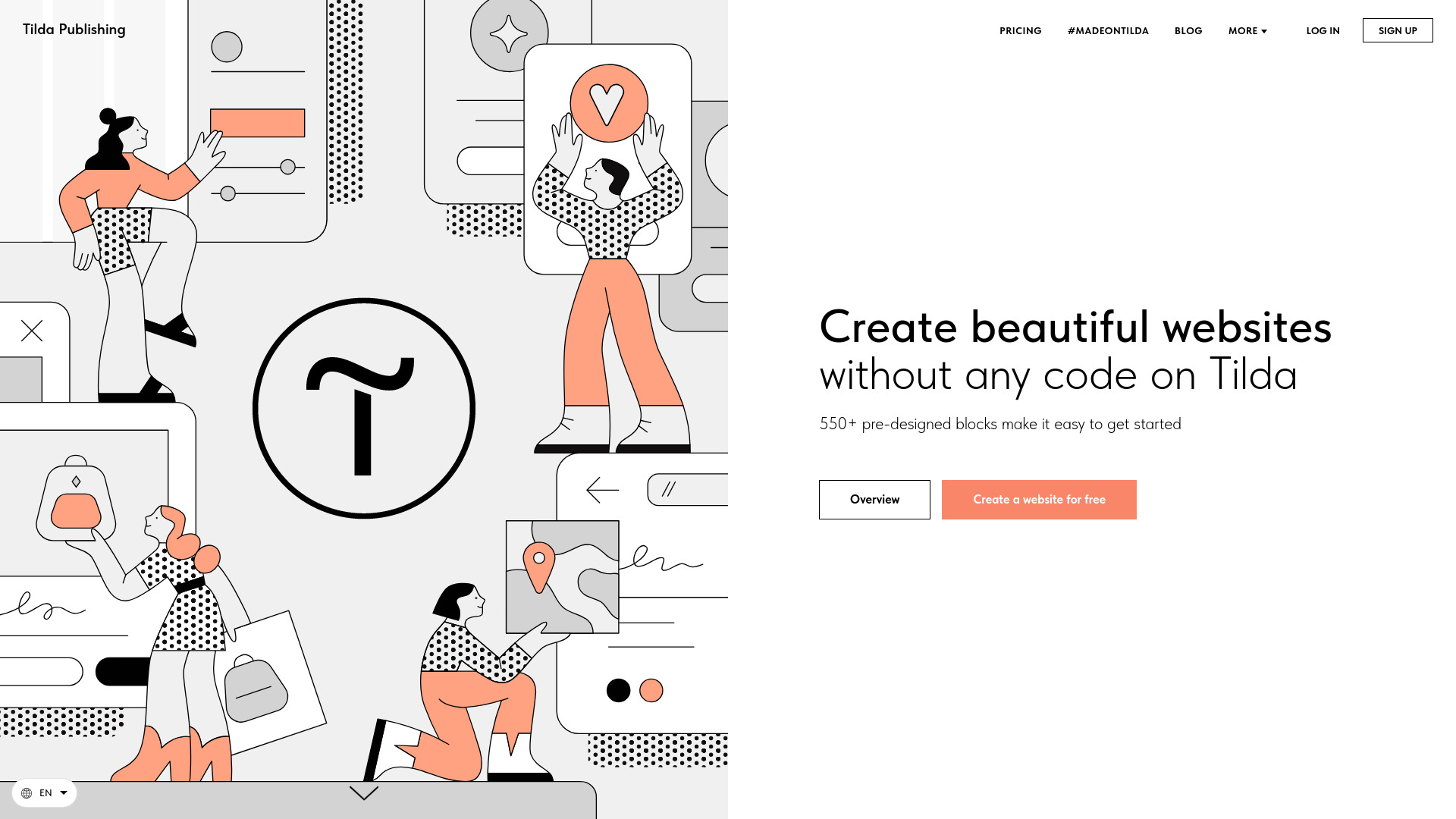
Tilda feels like the most direct answer for an entrepreneur who wants to publish a real site without coding. Its drag-and-drop editor and library of 550+ pre-designed blocks give you structure without locking you into a blank canvas. AI-powered website creation adds a faster starting point, while the no-code approach keeps the workflow accessible to nontechnical owners. The free tier is useful for testing, but its 50-block limit, lack of a custom domain, and Made on Tilda label are meaningful if the site represents a business.
Best for
Entrepreneurs launching sites, stores, or blogs
Nontechnical users who want block-based control
Small projects that benefit from a large library of pre-designed sections
Limitations
The free plan limits users to 50 blocks and does not include a custom domain.
Free sites carry a Made on Tilda label.
The Personal plan is limited to one website per account.
Shortlist signal: Choose Tilda when you need an approachable no-code site builder with more structure than a blank design canvas.
5. CodeDesign.ai
- Entrepreneurs
- Free 3 websites with AI builder and sales funnels
- Starts at Portfolio Plan: SGD 9
- Usage signal: 200.8K
Why it matters
CodeDesign.ai stands out because it puts the website and the conversion path in the same conversation. Alongside an AI website builder, it offers an AI sales funnel builder and cloud hosting. That combination is useful for an entrepreneur who is not simply publishing information but trying to move visitors toward an action. The drag-and-drop interface keeps the initial build approachable, although project limits and paid features become important quickly for anyone managing several sites.
Best for
Entrepreneurs launching marketing sites
Small businesses that need landing pages and sales funnels together
Users who prefer hosted creation over assembling separate services
Limitations
Some features require a paid plan.
The basic plan limits users to three projects.
The starting price is listed in Singapore dollars, so confirm the current regional billing terms.
Shortlist signal: Add it when funnel creation and hosted website building are more important than deep design-system control.
6. MotionSites

- Web designers
- AI-ready templates and animated hero prompts
- Starts at Yearly: $149 per year
- Usage signal: 1.0M
Why it matters
MotionSites is aimed at the part of web design where first impressions carry disproportionate weight: the hero section, the landing page, and the animated visual treatment around it. Its ready-to-use AI design prompts and copy templates, premium hero sections, landing pages, animated backgrounds, and gradients let a designer move quickly from inspiration to a presentable composition. This is a focused library and acceleration layer, not a universal replacement for a full site platform. The annual price also makes it worth testing the component style before buying.
Best for
Web designers producing SaaS, fintech, agency, or crypto pages
Teams that need polished hero sections quickly
Creators who want animated backgrounds and reusable prompts
Limitations
Premium components and features require a paid subscription.
There is no direct mention of refund guarantees.
It may be too specialized for a simple informational site.
Shortlist signal: Choose it when landing-page presentation and rapid component reuse are the bottlenecks in your process.
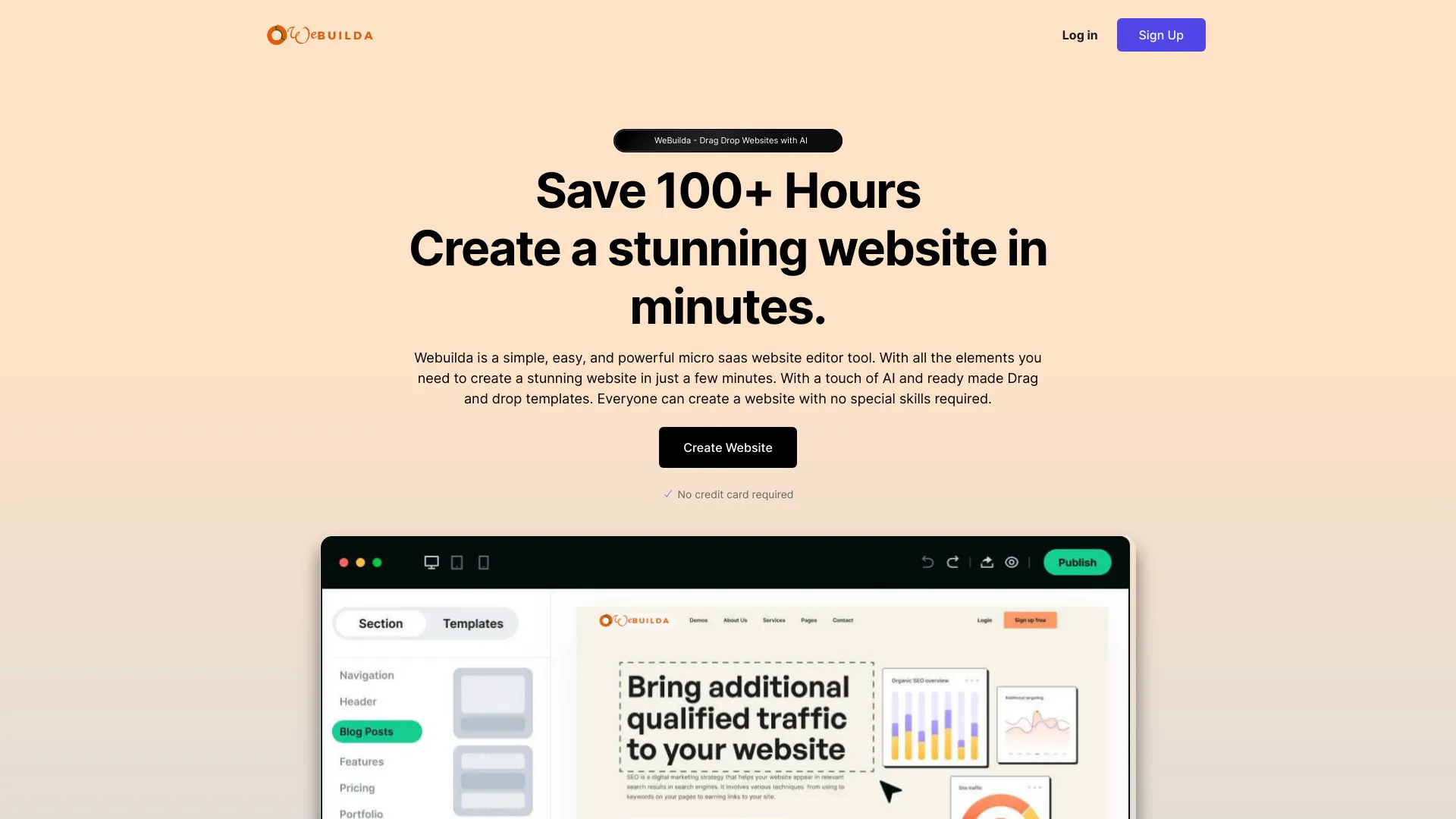
7. Mobirise AI Website Builder

- Small business owners
- AI site generation and no-code building
- Starts at KIT: $149
- Usage signal: 428.0K
Why it matters
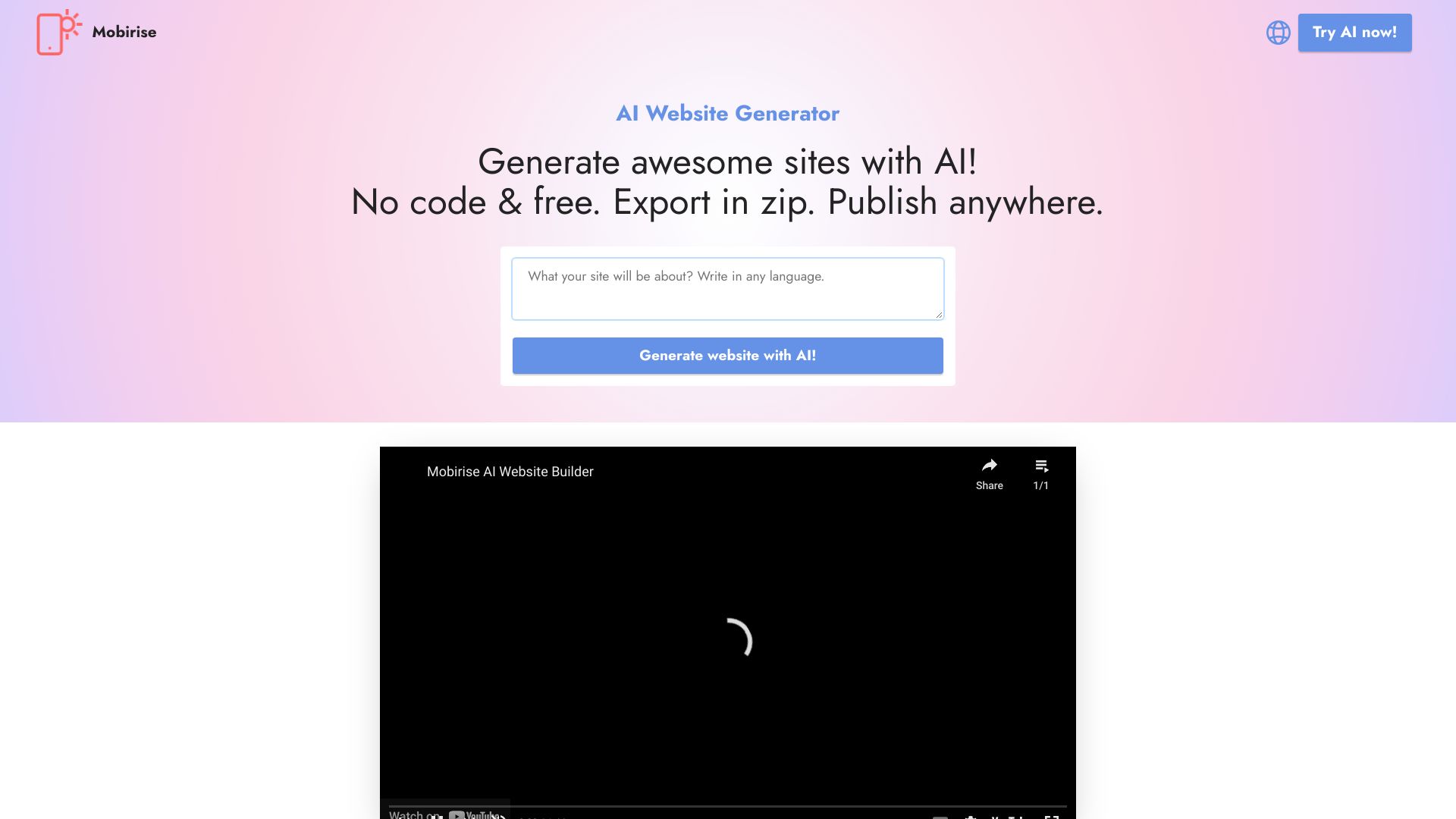
Mobirise AI Website Builder takes a practical, lightweight route: generate a site with AI, adjust it through a no-code drag-and-drop editor, then export and publish it where you choose. That export-and-publish-anywhere angle and offline mode are meaningful differences for small businesses that do not want every part of the workflow tied to a hosted editor. The interface is approachable, though users needing advanced capabilities may outgrow the free version, and template choices can feel restrictive.
Best for
Small business owners creating a straightforward web presence
Users who value no-code editing and offline mode
Builders who want export and publish-anywhere flexibility
Limitations
Advanced features are limited in the free version.
Some users may find the template options restrictive.
Confirm what the $149 KIT includes before comparing it with subscription plans.
Shortlist signal: Put it on the shortlist when offline access and publishing flexibility matter as much as AI generation.
8. WeWeb
- Startups
- 1M AI tokens and AI-assisted visual building
- Starts at Free: $0
- Usage signal: 335.3K
Why it matters
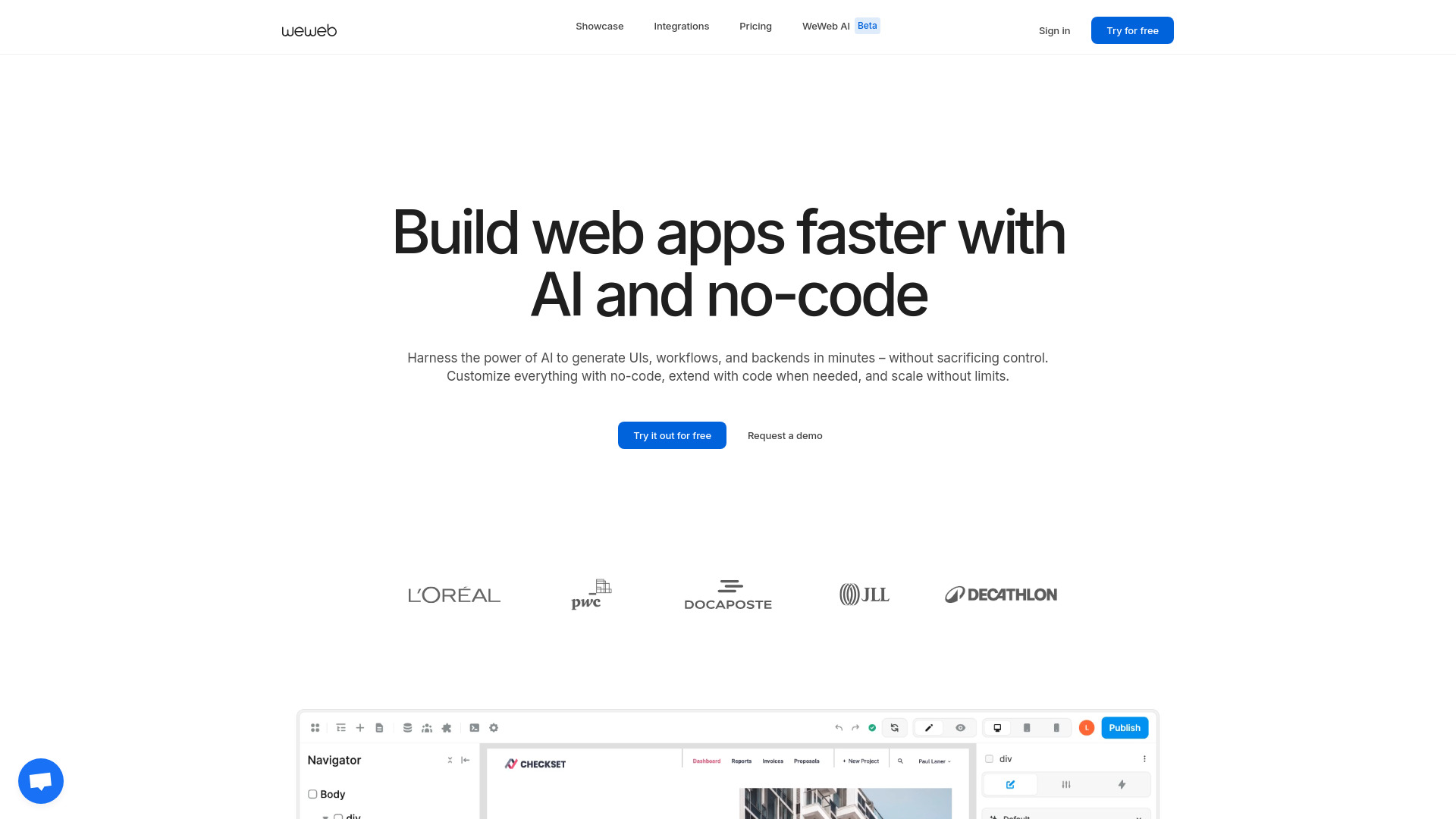
WeWeb is the clearest choice here for teams that have outgrown the definition of a website. Its AI-assisted building and visual drag-and-drop editor reduce the friction of getting started, while backend freedom, native integrations, and API connectivity leave room for a more capable product front end. That combination explains its startup appeal: nondevelopers can work visually without making the eventual application architecture entirely simplistic. The editor has a learning curve, and pricing can shift with plans and add-ons, so the free starting point should be treated as an evaluation phase.
Best for
Startups building web applications
Teams that need visual editing plus API connectivity
Projects requiring more scalability and control than a brochure builder offers
Limitations
Pricing may vary with the chosen plan and add-ons.
The WeWeb editor and its features require time to learn.
It may be excessive for a single static marketing page.
Shortlist signal: Choose it when your web project needs application behavior, backend freedom, or developer-grade control.
9. BrandCrowd

- Small business owners
- Free design tools for logos, cards, and social designs
- Starts at Check vendor pricing
- Usage signal: 746.7K
Why it matters
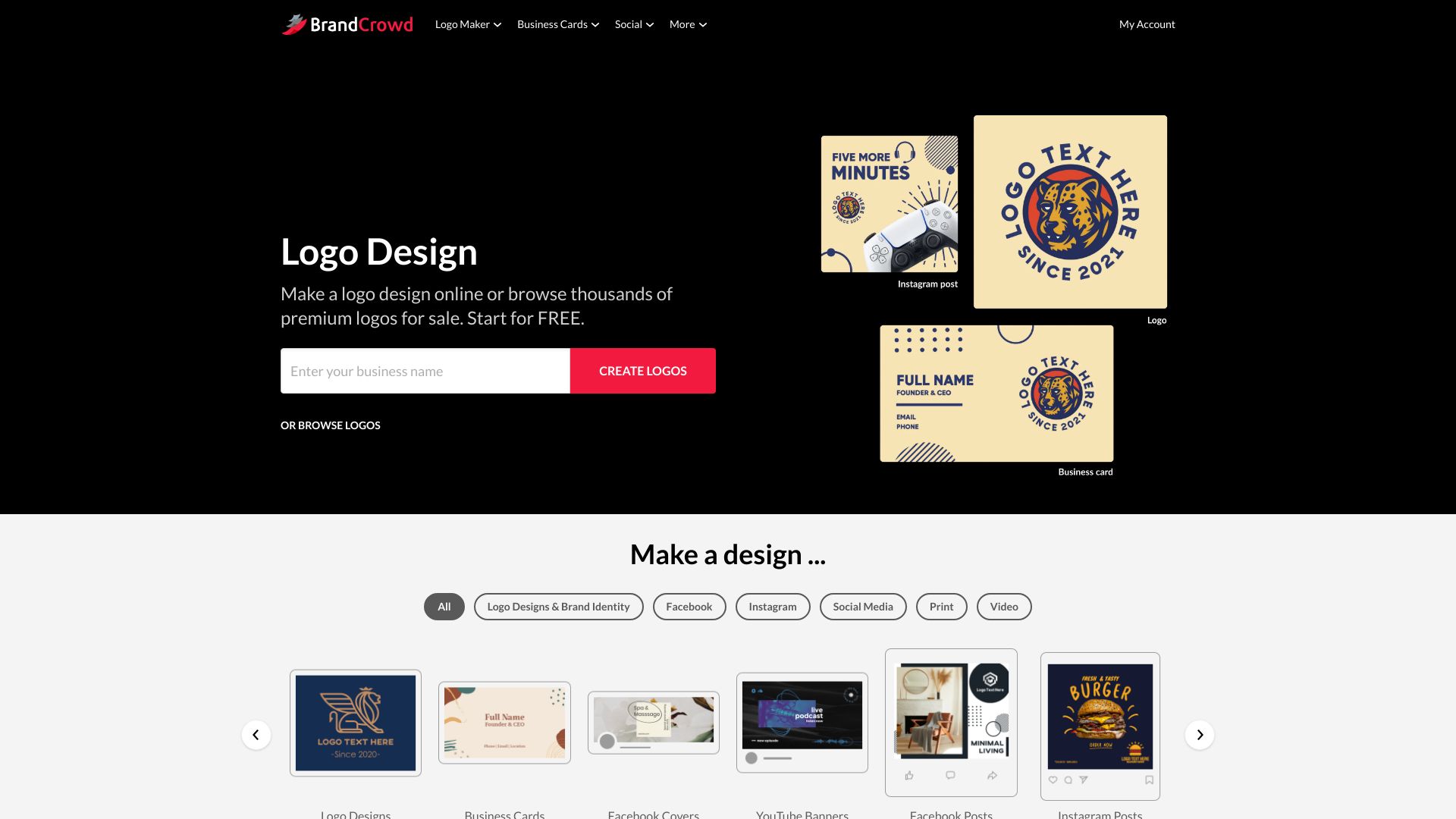
A website often looks unfinished because the brand assets around it are unfinished. BrandCrowd addresses that adjacent need with a logo maker, business card maker, and social media design tools built around professionally curated templates. For a small business owner assembling a visual identity quickly, that may be more valuable than another sophisticated page editor. The compromise is creative range: compared with professional design software, customization is limited, and some outputs may feel generic without careful refinement.
Best for
Small business owners creating a first visual identity
Teams that need logos, business cards, and social assets together
Users who prefer guided templates to starting from scratch
Limitations
Customization is more limited than in professional design software.
Some designs may look generic.
Confirm current pricing before treating the free design workflow as a complete brand package.
Shortlist signal: Add it when brand collateral is the missing piece in a small website launch.
10. Uizard

- Product managers
- Free 3 AI generations per month
- Starts at Free: $0
- Usage signal: 420.5K
Why it matters
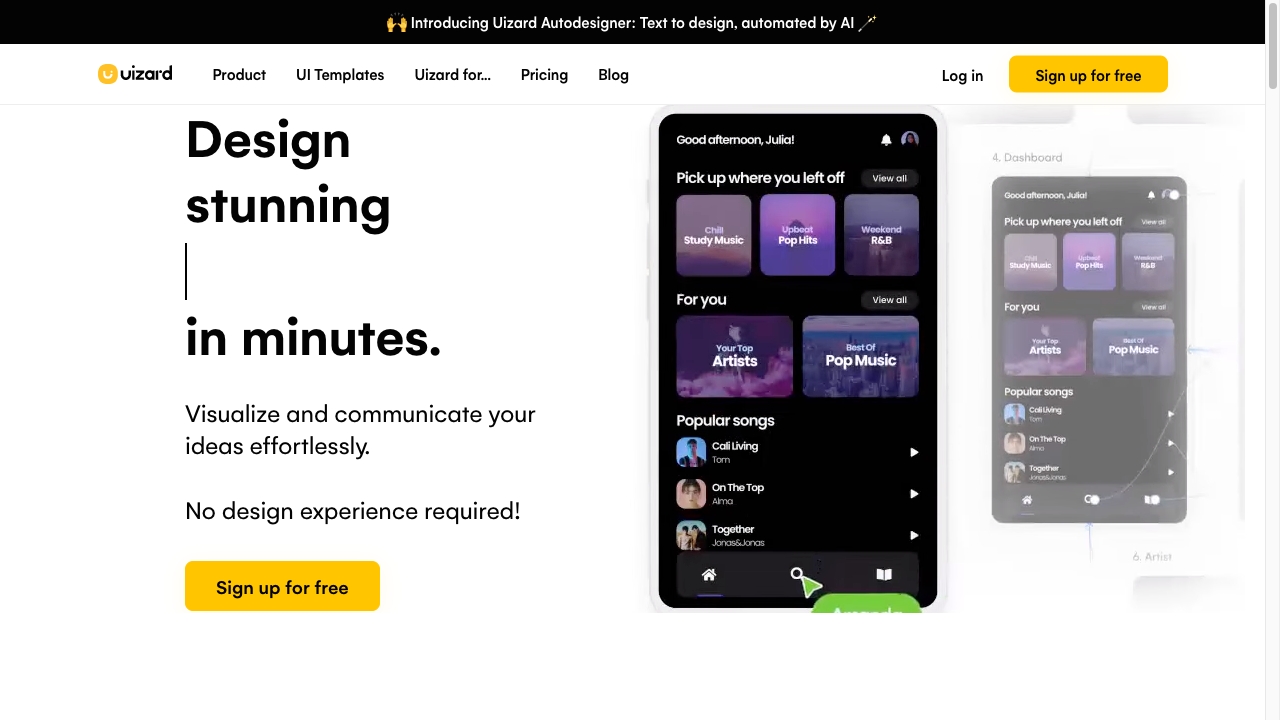
Uizard is the specialist to reach for when the question is not How do I publish this site? but What should this interface look like? Its AI-powered UI design, Autodesigner text-to-design workflow, and screenshot-to-editable-design conversion help product managers and teams turn loose ideas into something they can inspect and discuss. That makes it valuable early in a project, before engineering or a dedicated designer commits to a direction. Paid plans are required for advanced features and more AI generations, and the AI can still constrain creative control.
Best for
Product managers exploring interface directions
Teams turning text descriptions into UI concepts
Workshops where screenshots need to become editable design material
Limitations
The free plan includes only three AI generations per month.
Advanced features and additional generations require paid plans.
AI-assisted output may limit creative control in some cases.
Shortlist signal: Choose it when rapid UI exploration and editable prototypes matter more than final website deployment.
More tools to compare

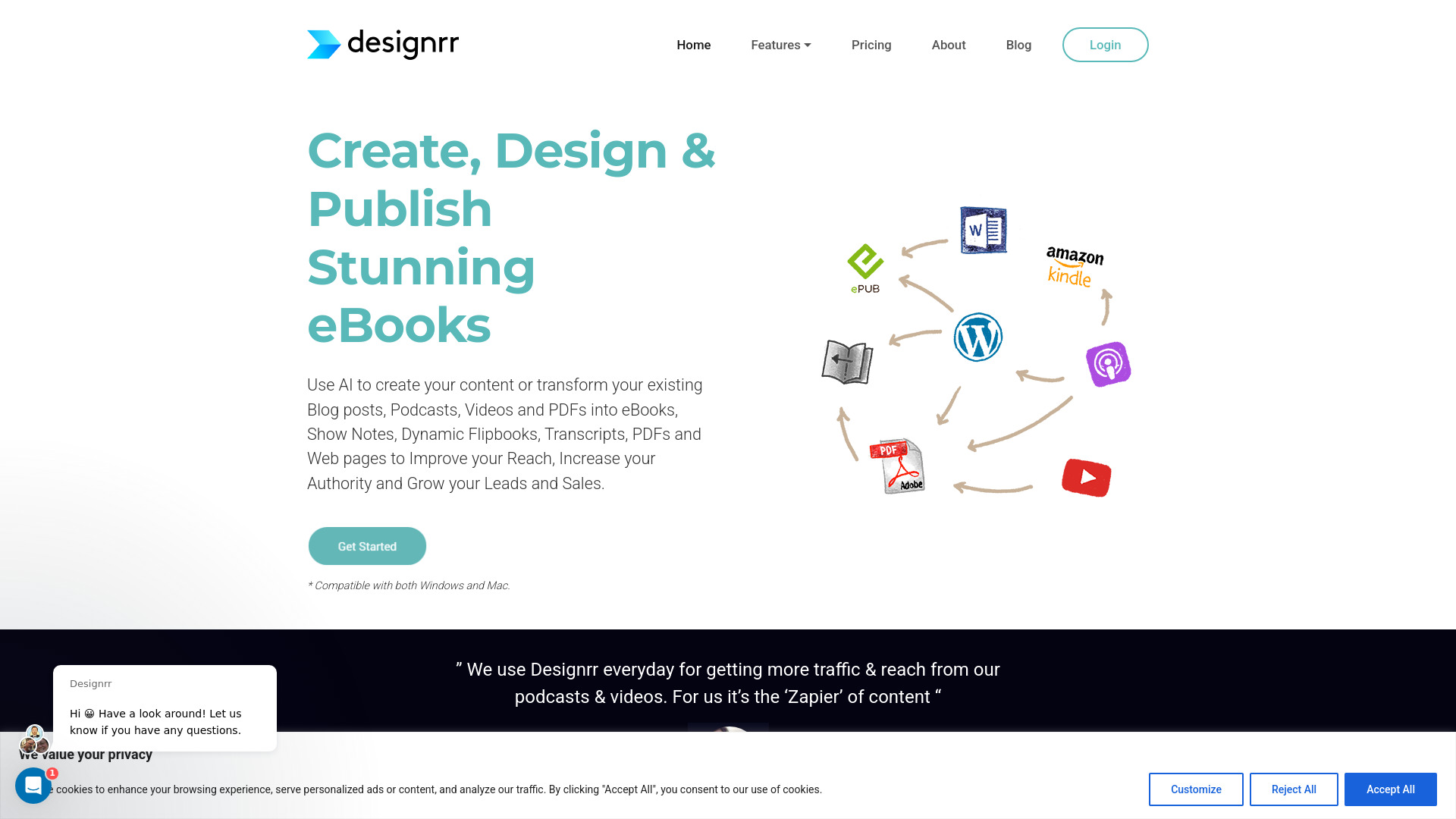
- Repurposing content into ebooks and lead magnets
- Starts at $29/month
- Usage signal: 330K

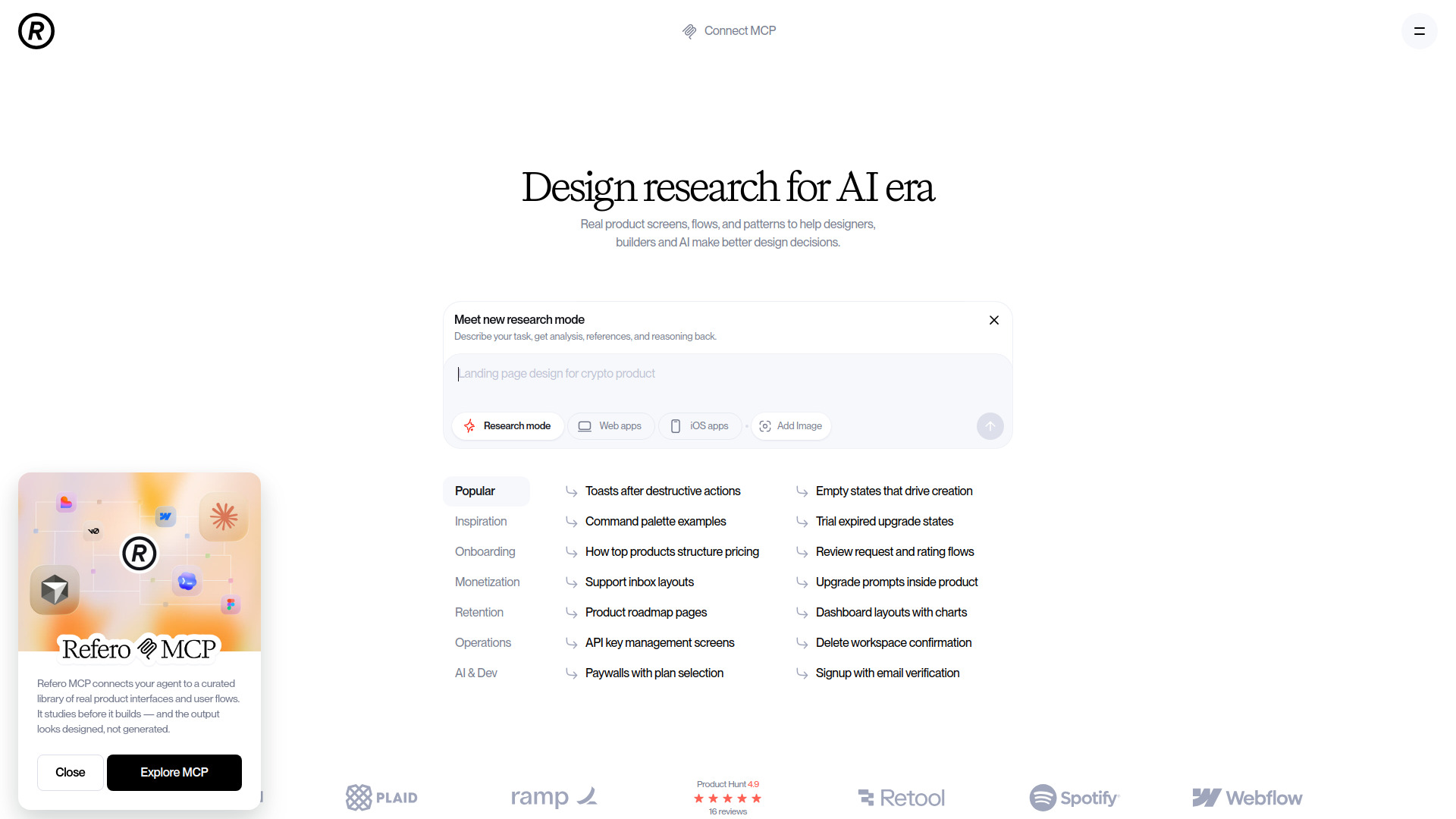
- UI/UX design research and inspiration
- Access to ~3% of the library
- Starts at Free; paid plans from $10/month
- Usage signal: 631.3K
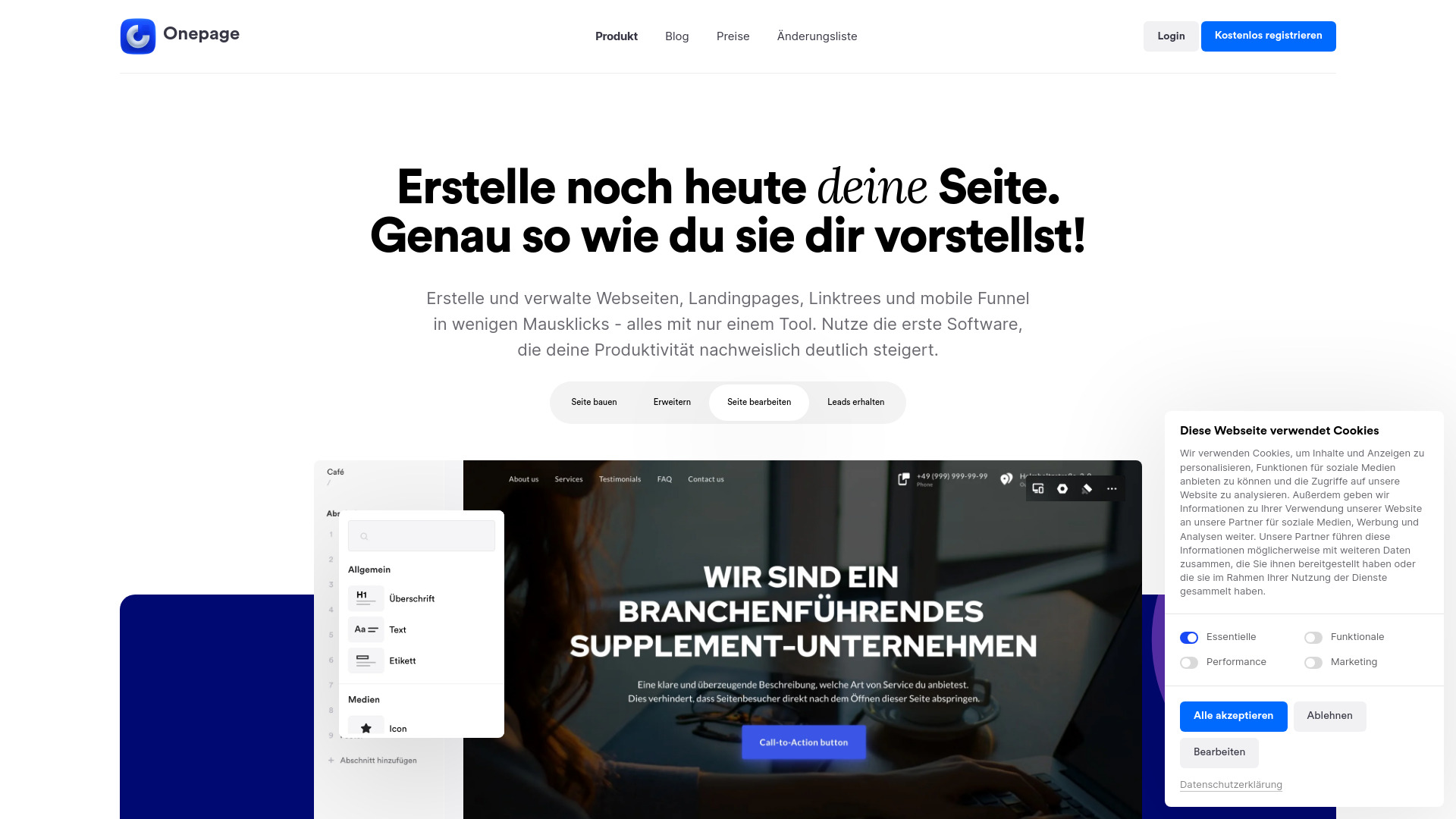
- Landing pages for agencies
- Free plan available
- Starts at Check vendor pricing
- Usage signal: 440.2K

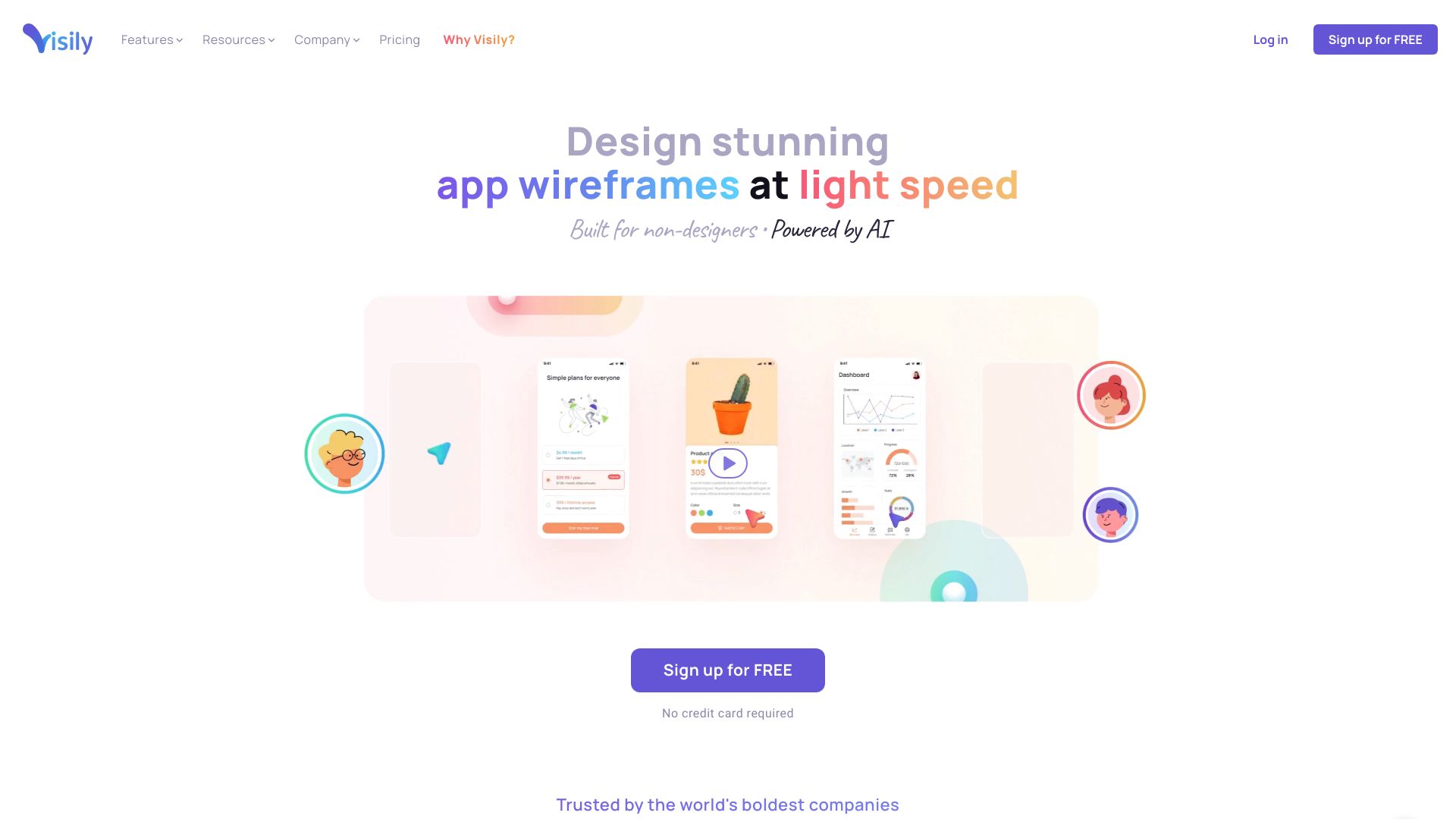
- Non-designers creating wireframes and prototypes
- 2 editable boards per workspace
- Starts at $11/editor/month (billed annually)
- Usage signal: 291.4K

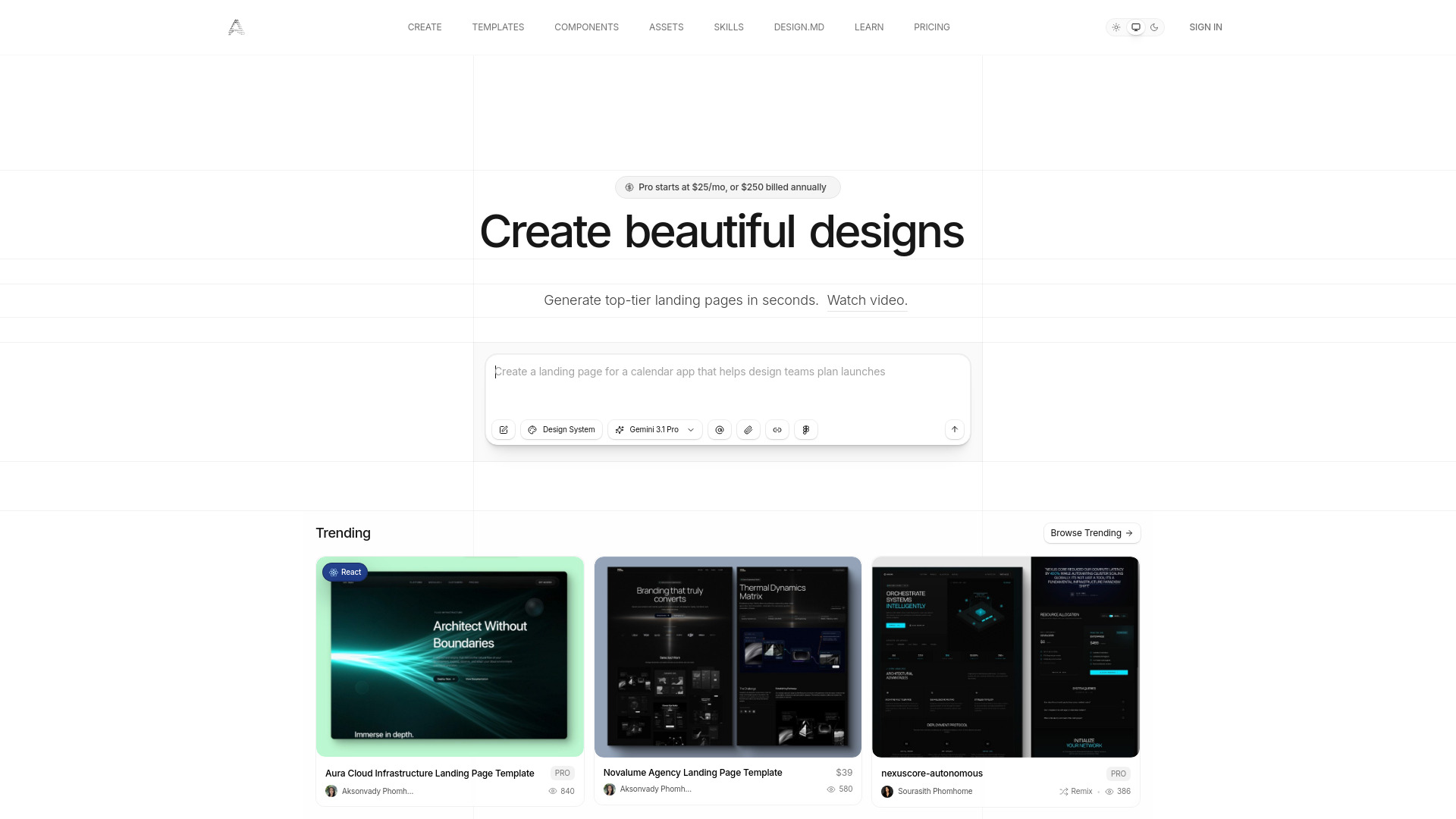
- AI landing pages and exportable websites
- 3-day trial with 20 prompts
- Starts at $25/month
- Usage signal: 439.5K

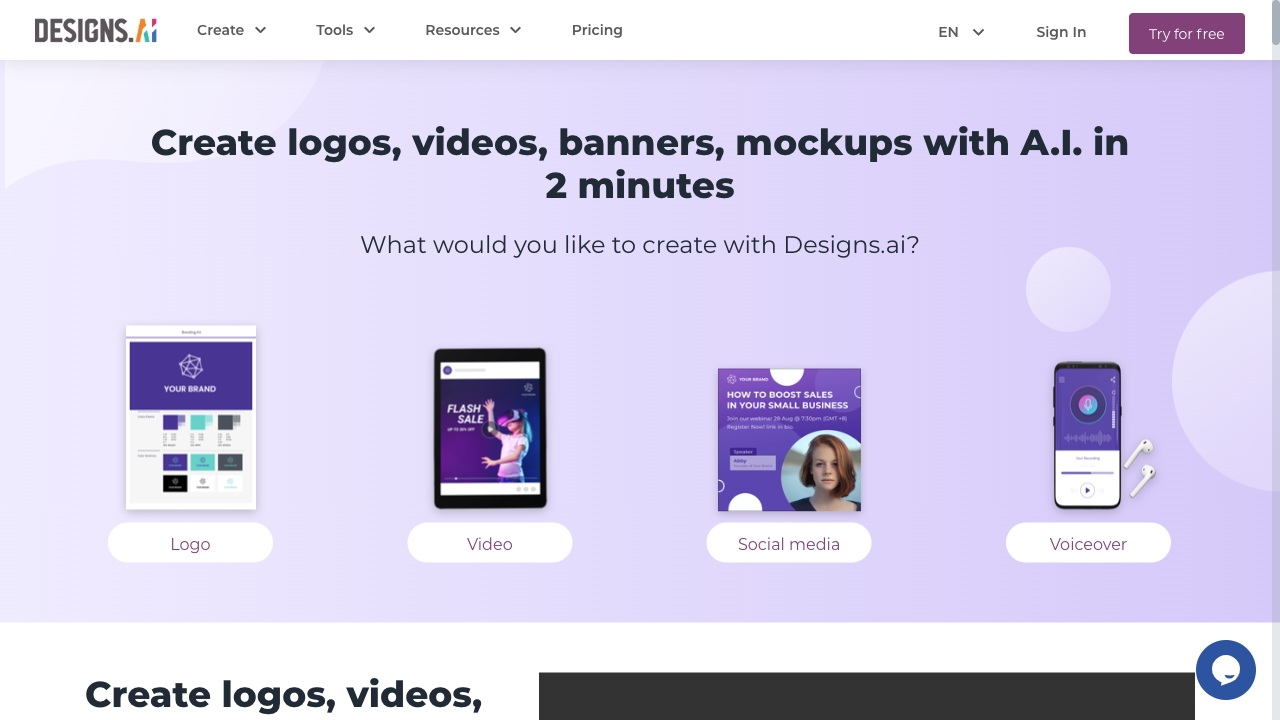
- All-in-one AI design and marketing content
- 50 free credits
- Starts at Check vendor pricing
- Usage signal: 188.9K

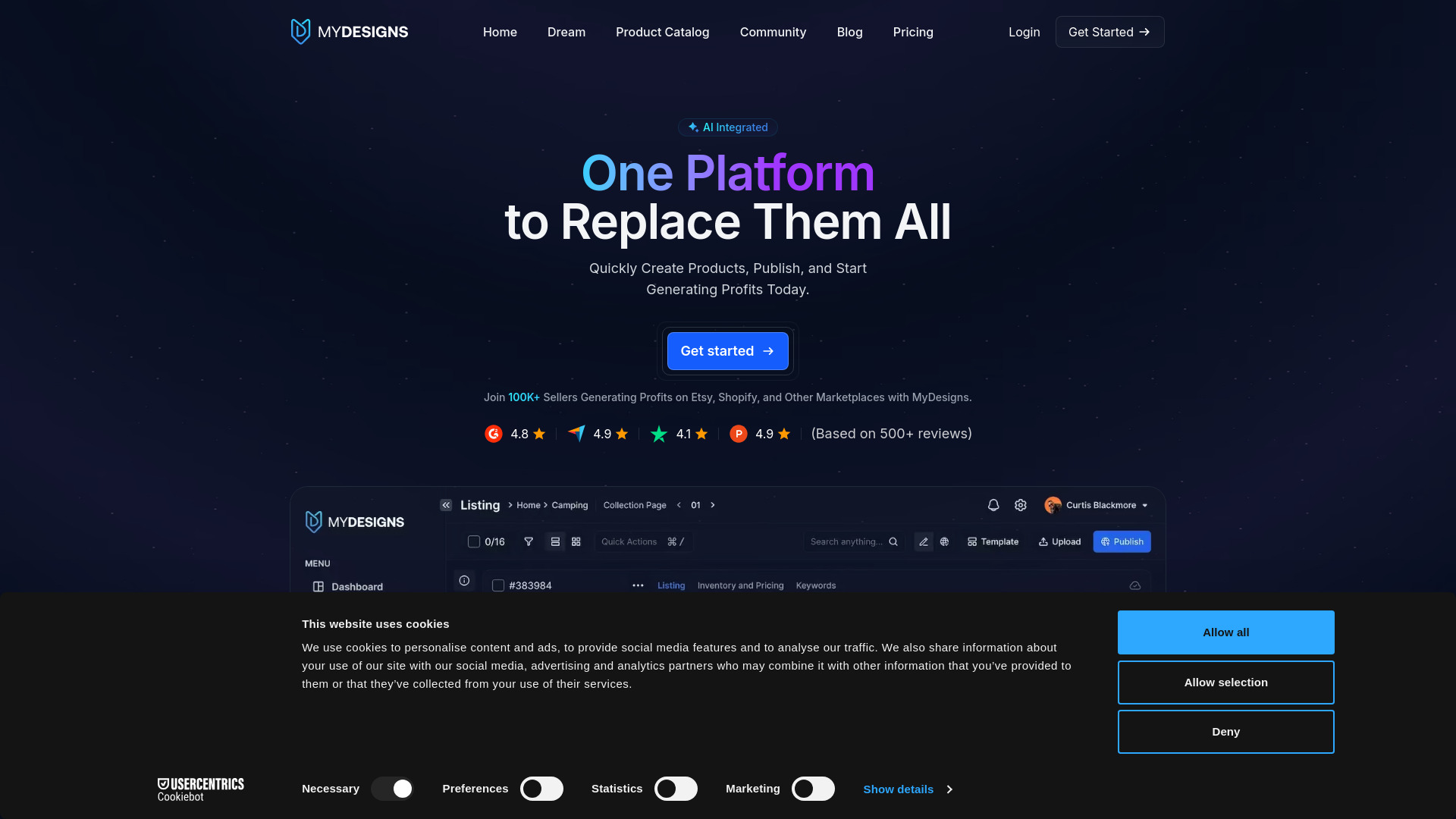
- Print-on-demand sellers
- Free plan available
- Starts at From $24.99/month
- Usage signal: 168.4K

- Mobile-first creators and small online shops
- Free plan available
- Starts at $0/month
- Usage signal: 175.1K
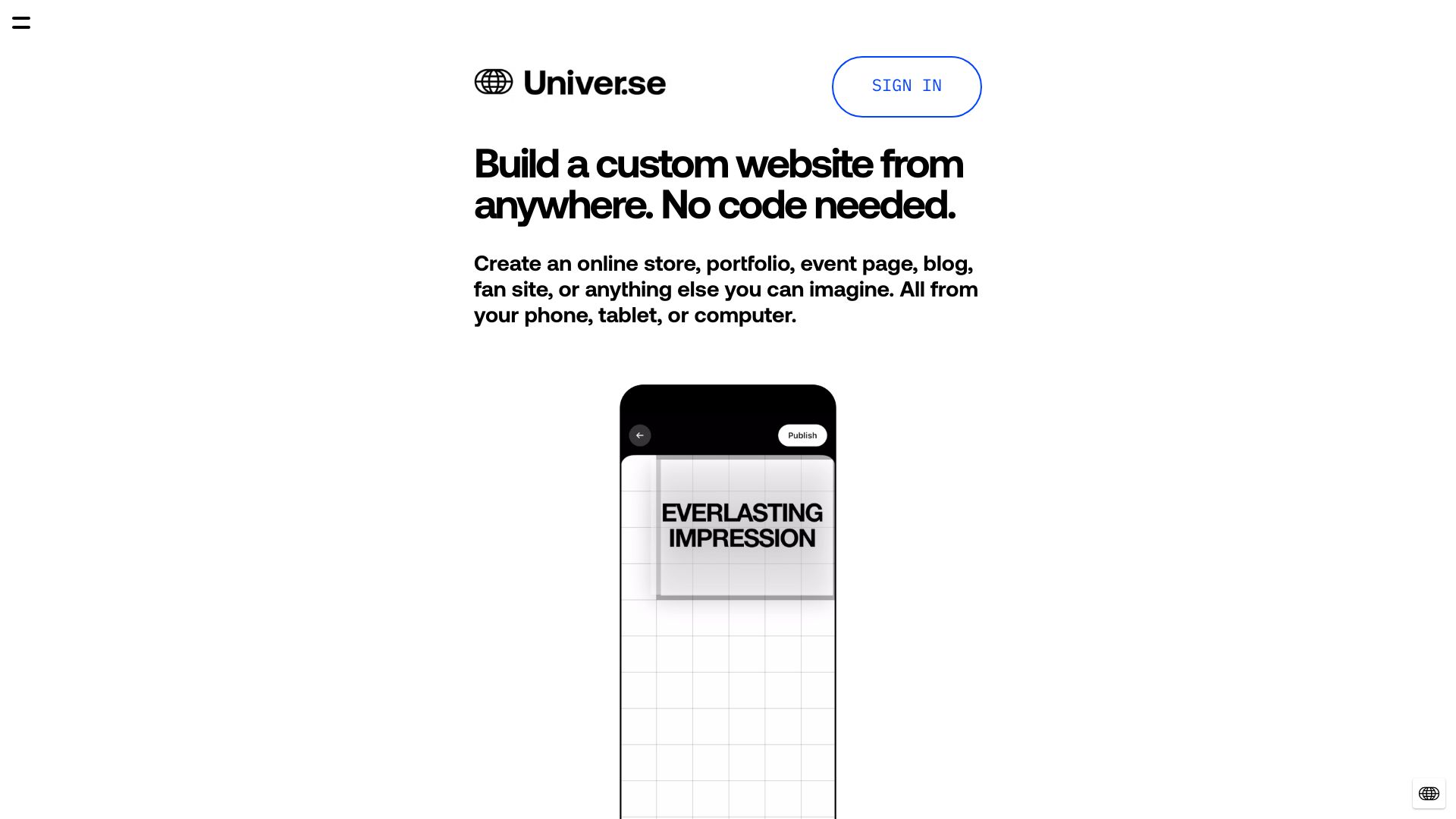

- Nontechnical founders creating mobile app mockups
- Free plan available
- Starts at Check vendor pricing
- Usage signal: 128.3K
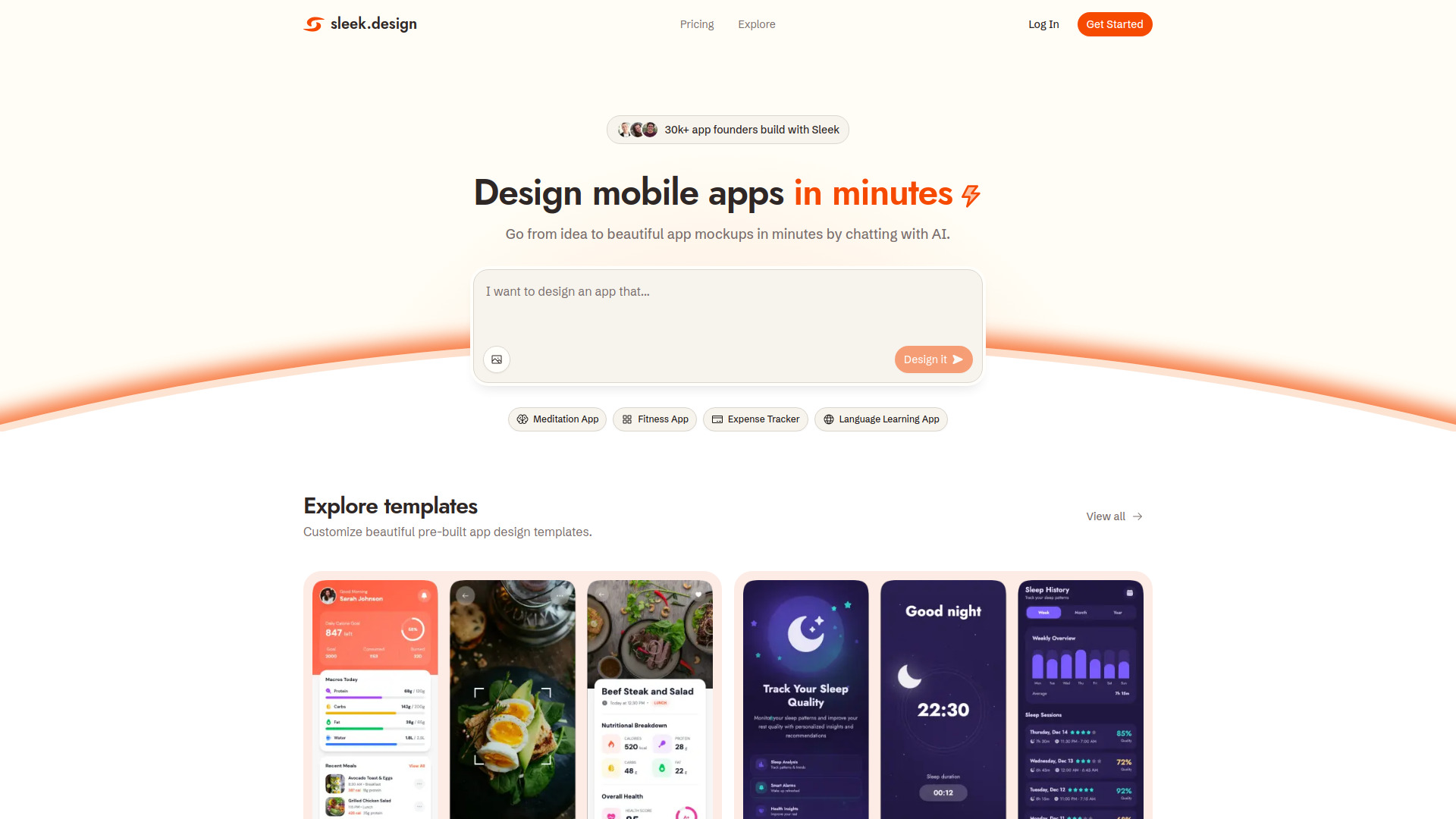

- Game developers creating visual assets
- Free plan available
- Starts at $15.99/month
- Usage signal: 201.8K
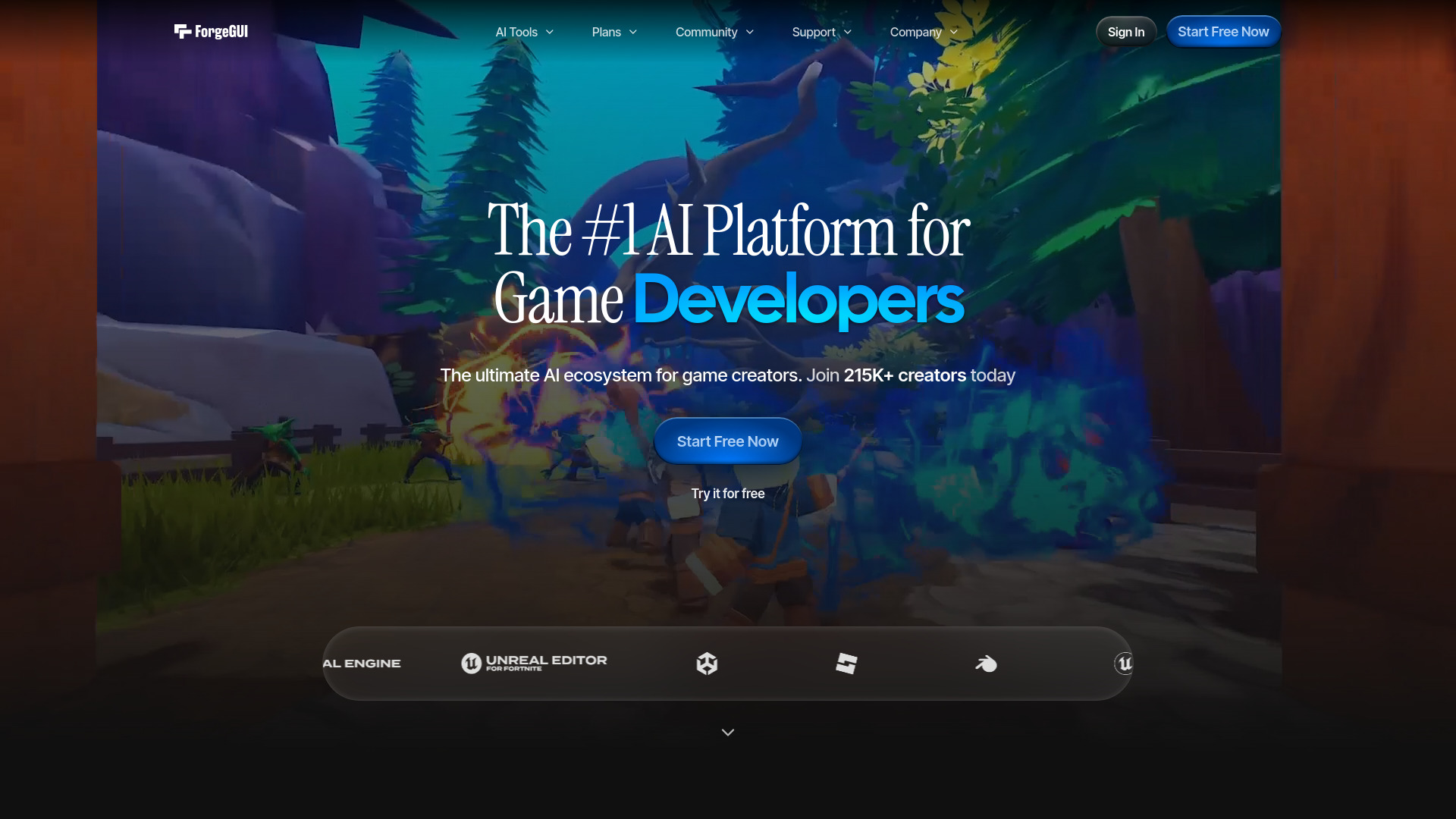

- AI product photo creation
- Free plan available
- Starts at Check vendor pricing
- Usage signal: 46.9K
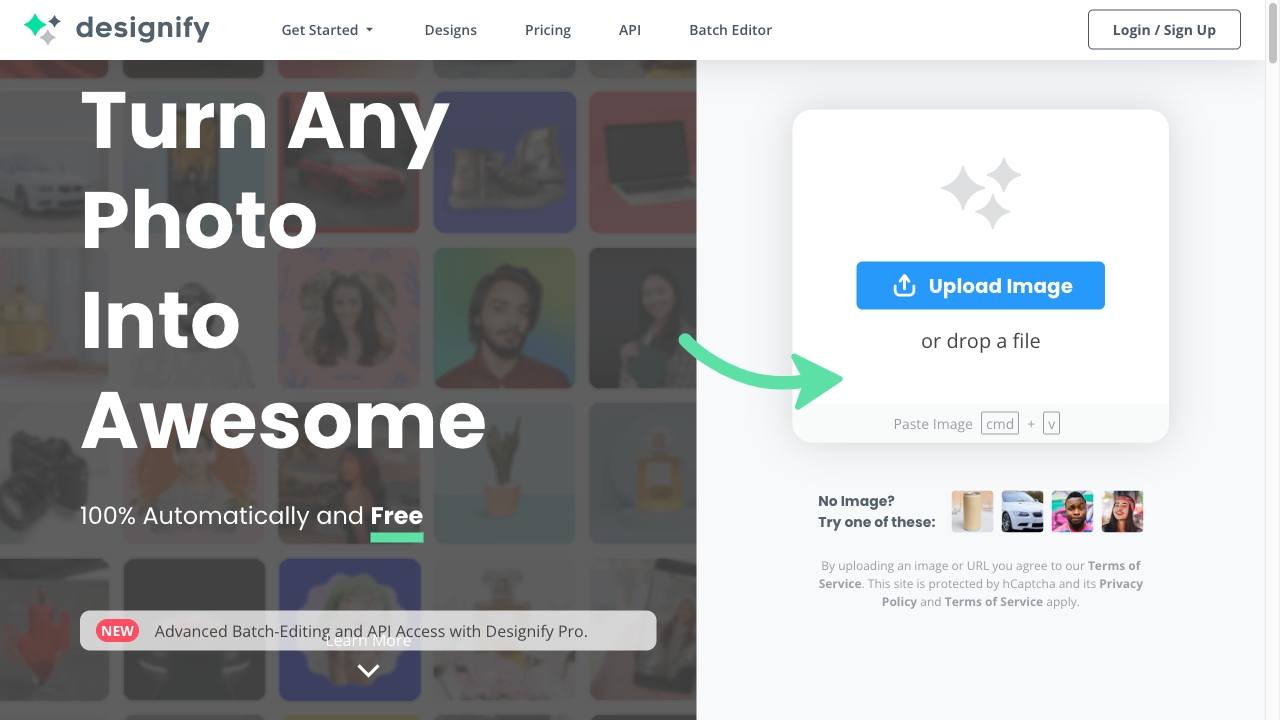

- Founders building SEO-ready business websites
- Free plan available
- Starts at Check vendor pricing
- Usage signal: 76.7K
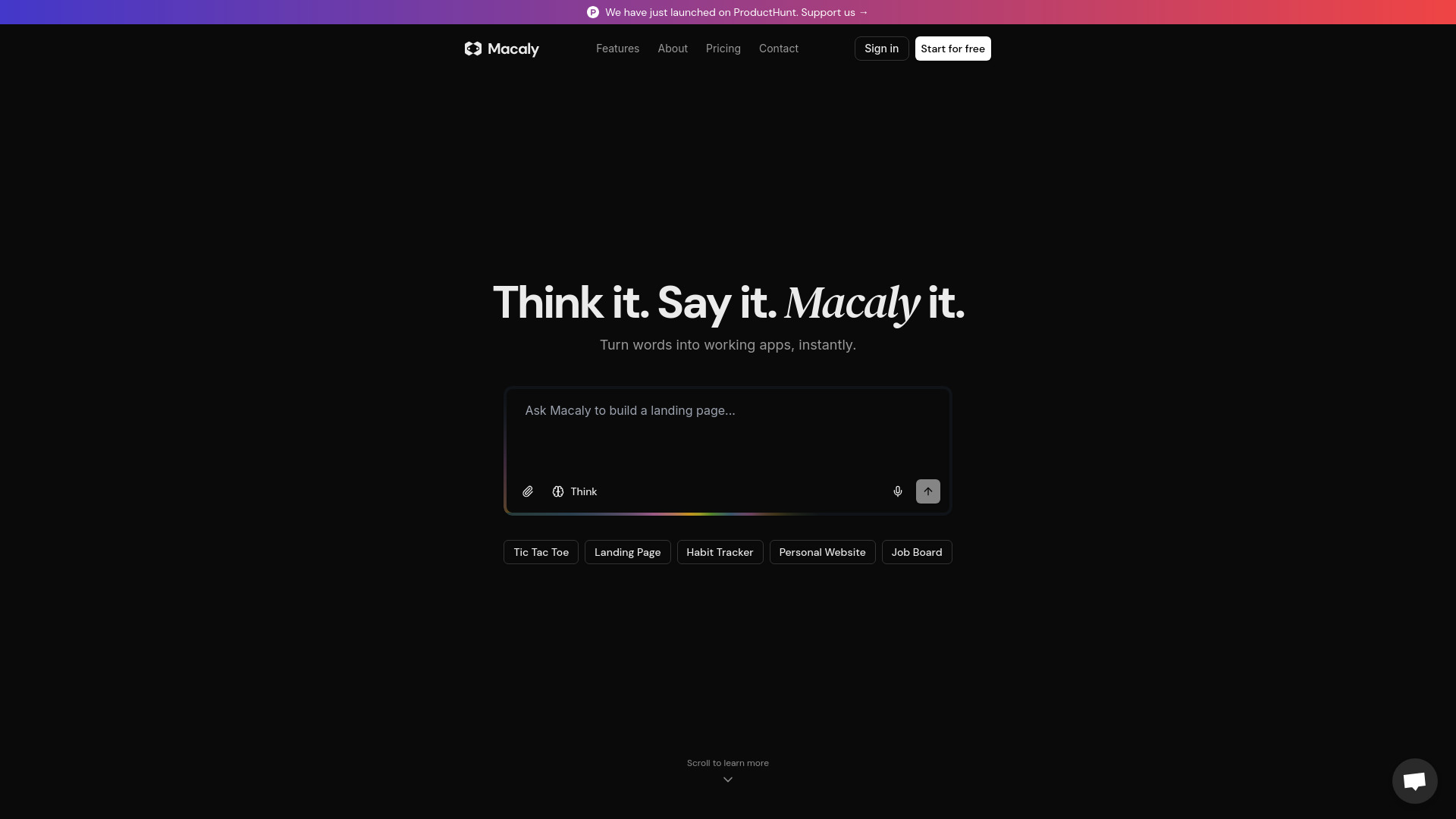

- Rapid AI app and MVP prototyping
- 30 credits/month
- Starts at $25/month
- Usage signal: 34.6K
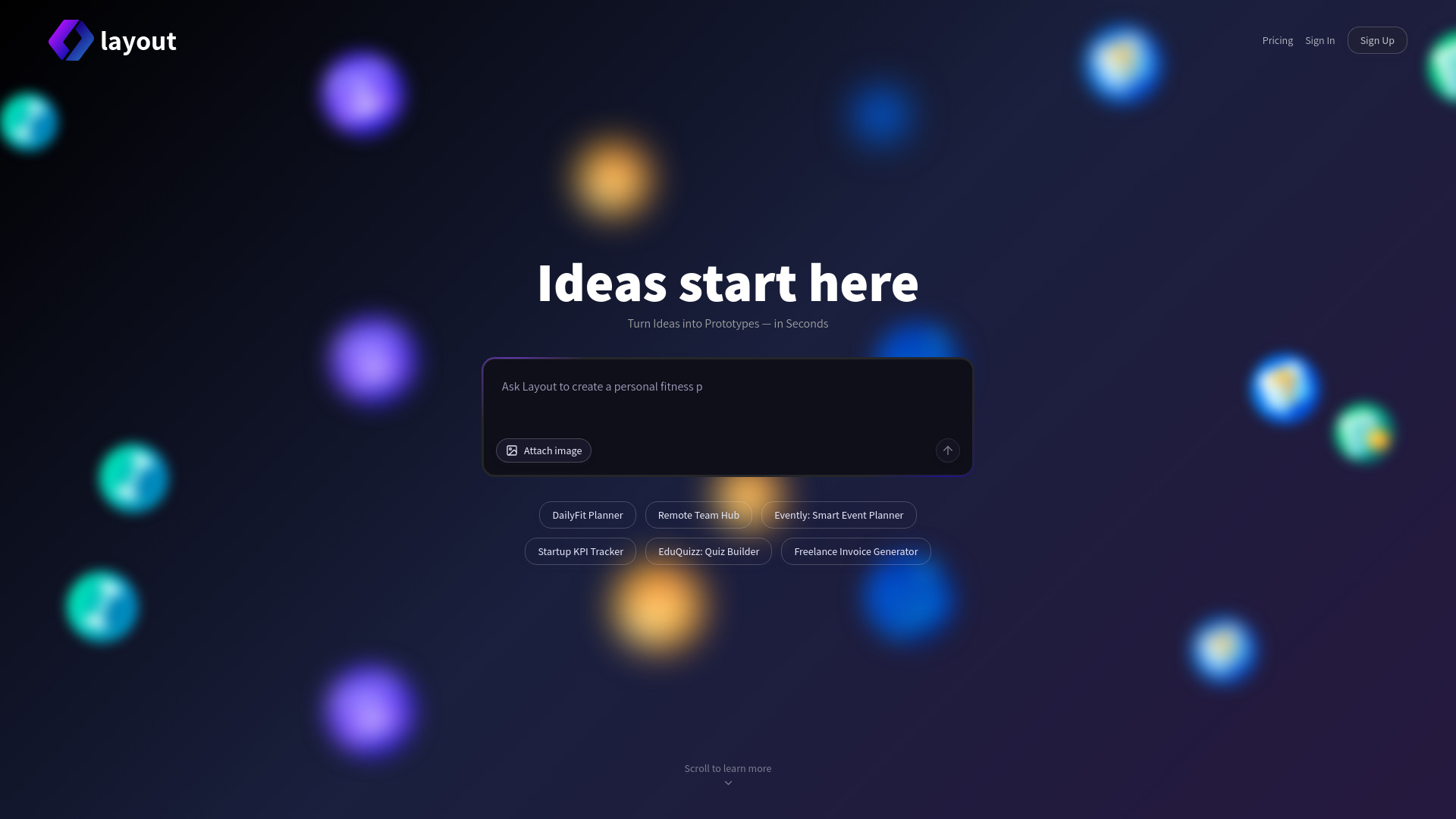

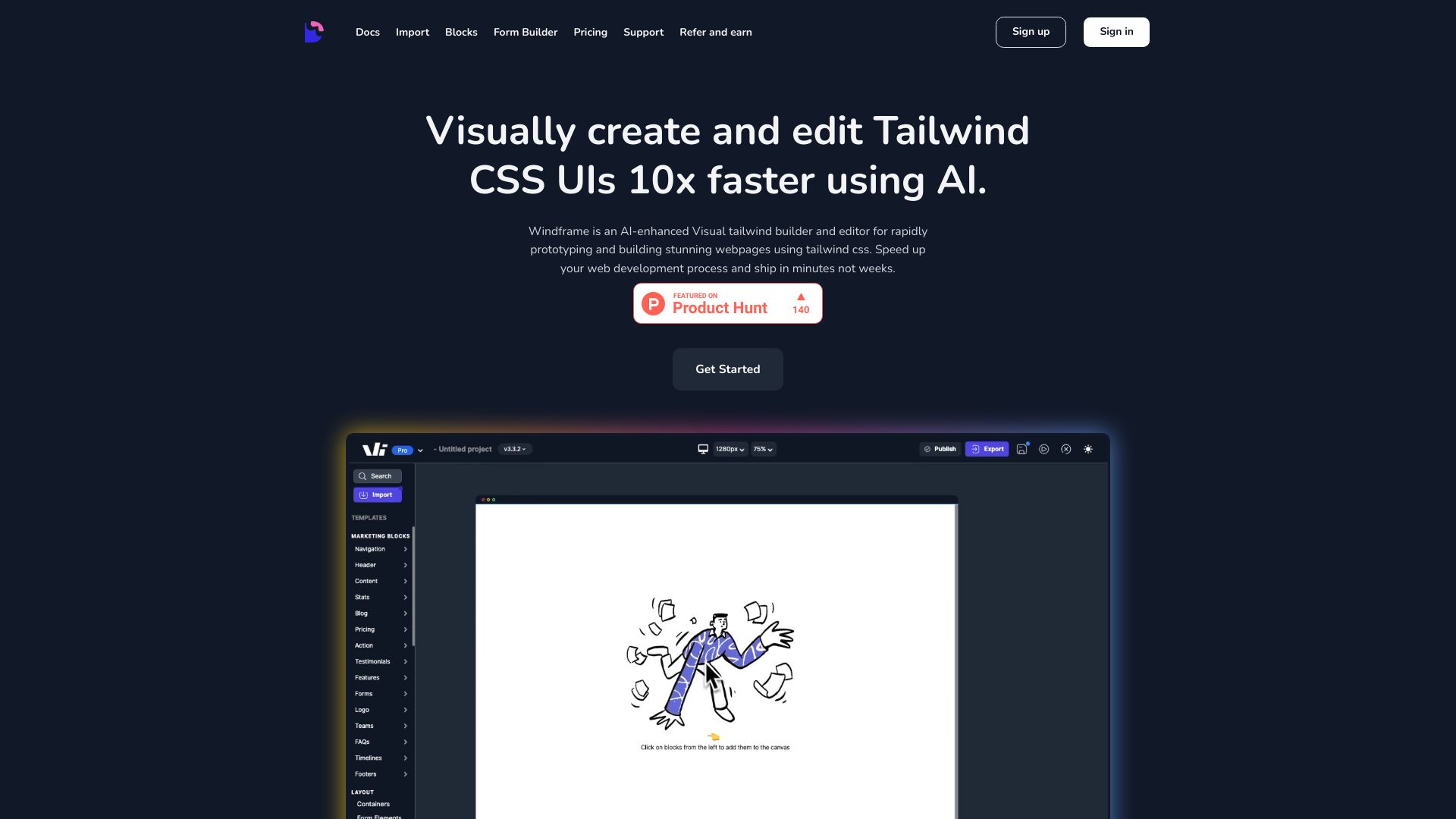
- Tailwind UI builders and developers
- Free trial available
- Starts at $25/month
- Usage signal: 8.3K

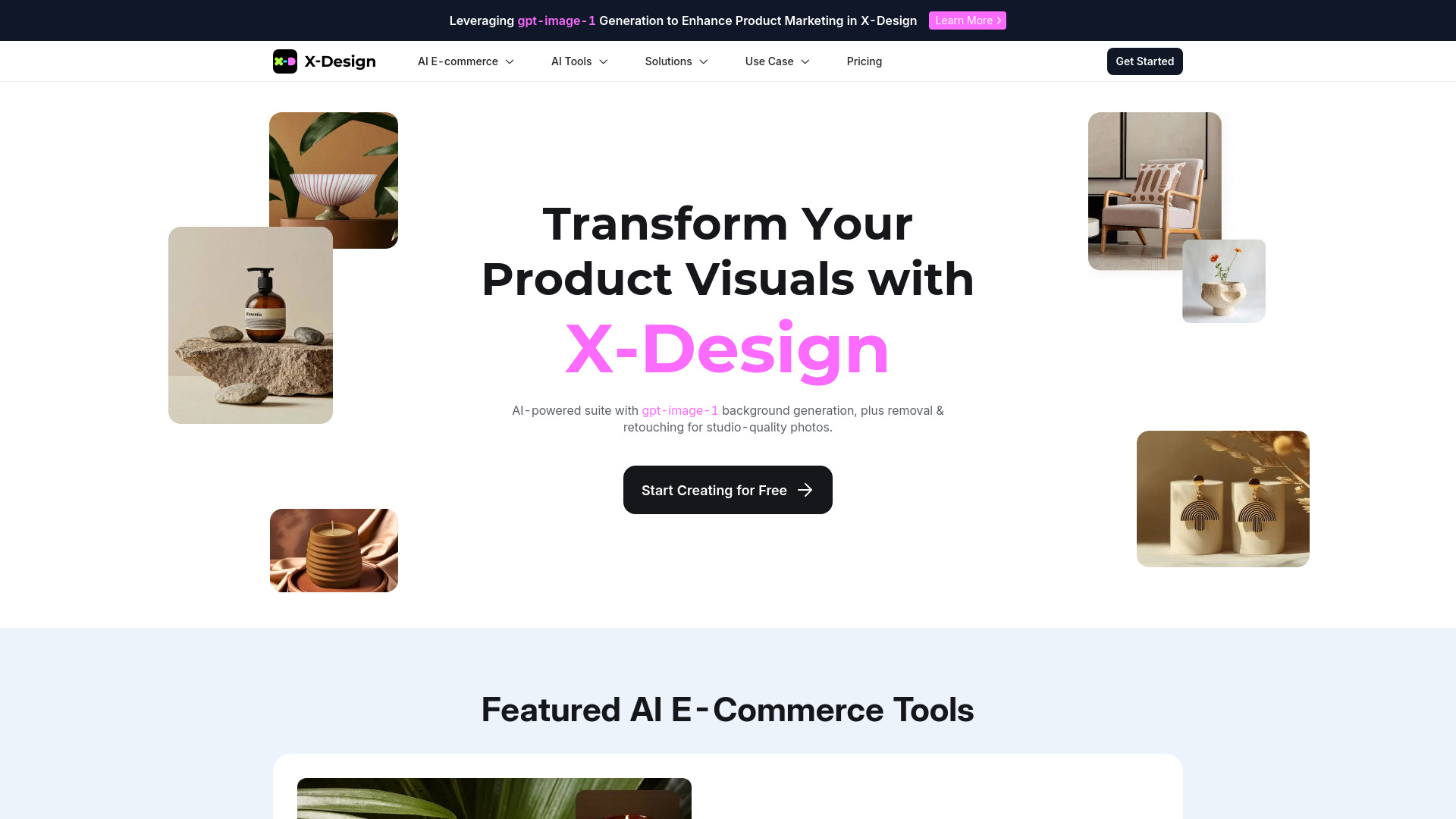
- E-commerce product visuals
- Free plan available
- Starts at Check vendor pricing
- Usage signal: 19.0K

- Design-to-code workflows
- Free trial available
- Starts at Check vendor pricing
- Usage signal: 26.8K
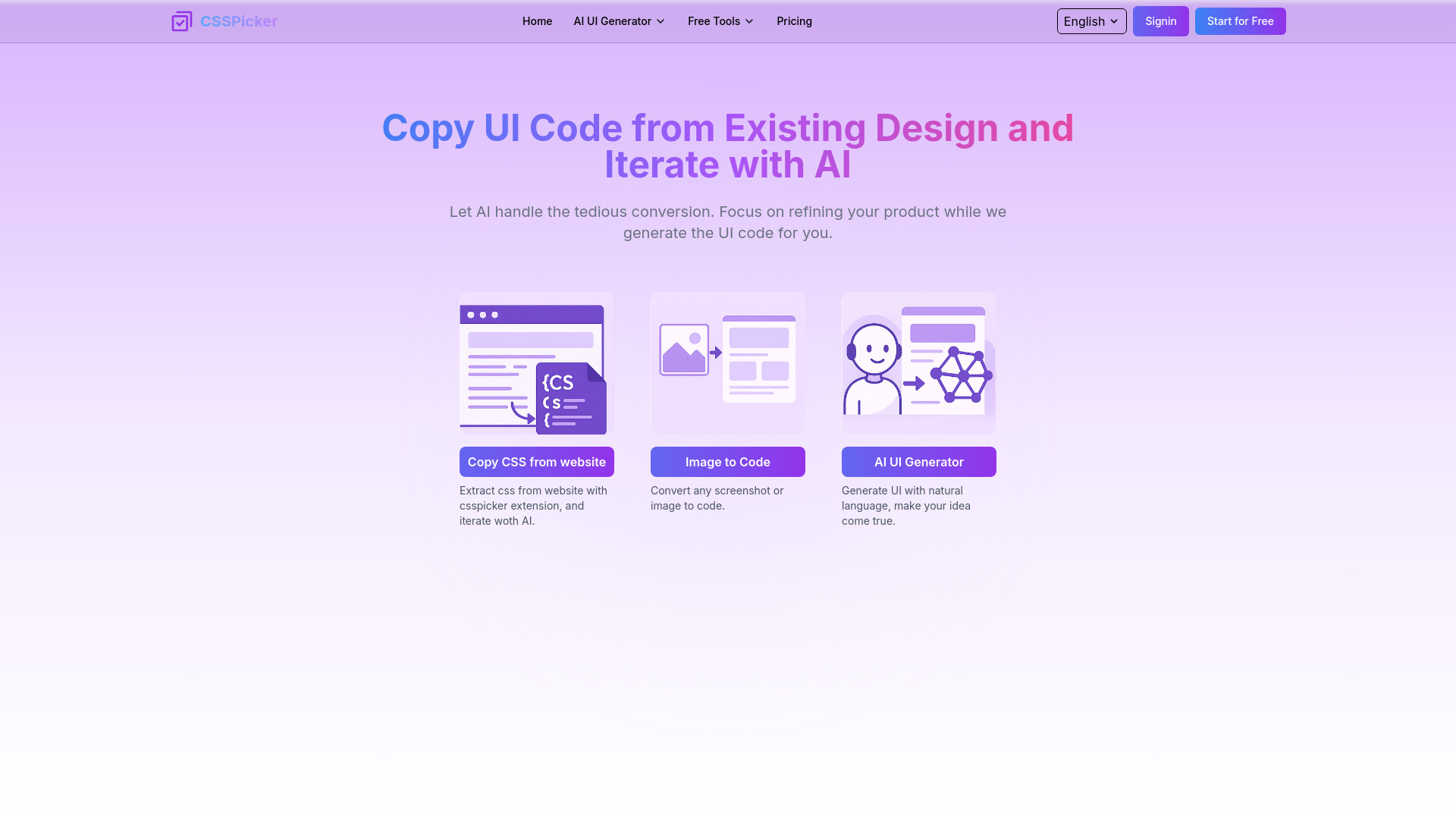

- AI-generated small-business websites
- Free plan available
- Starts at $15/month
- Usage signal: 42K
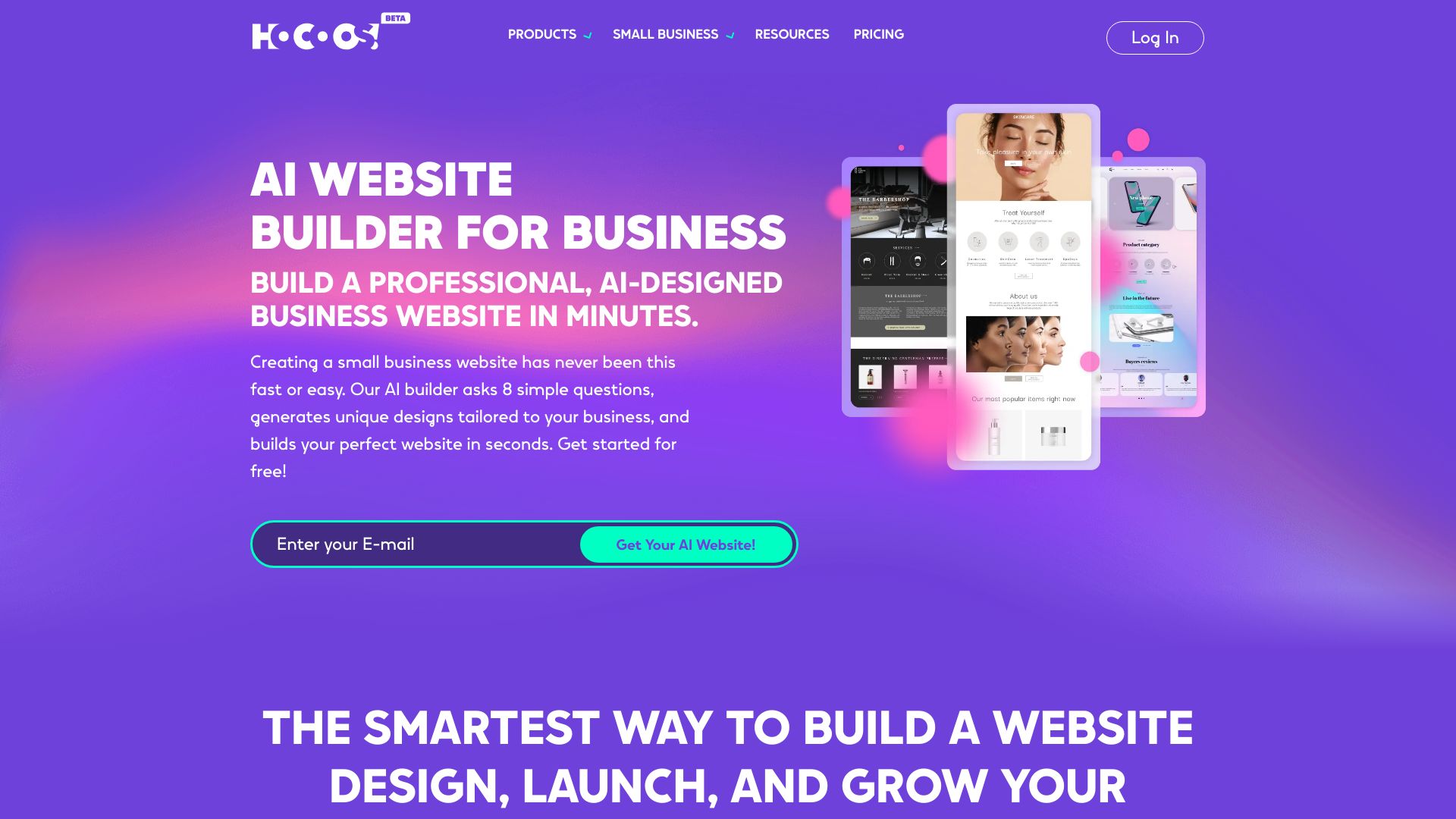

- Product and print mockups
- Free plan available
- Starts at $10/month
- Usage signal: 22.5K
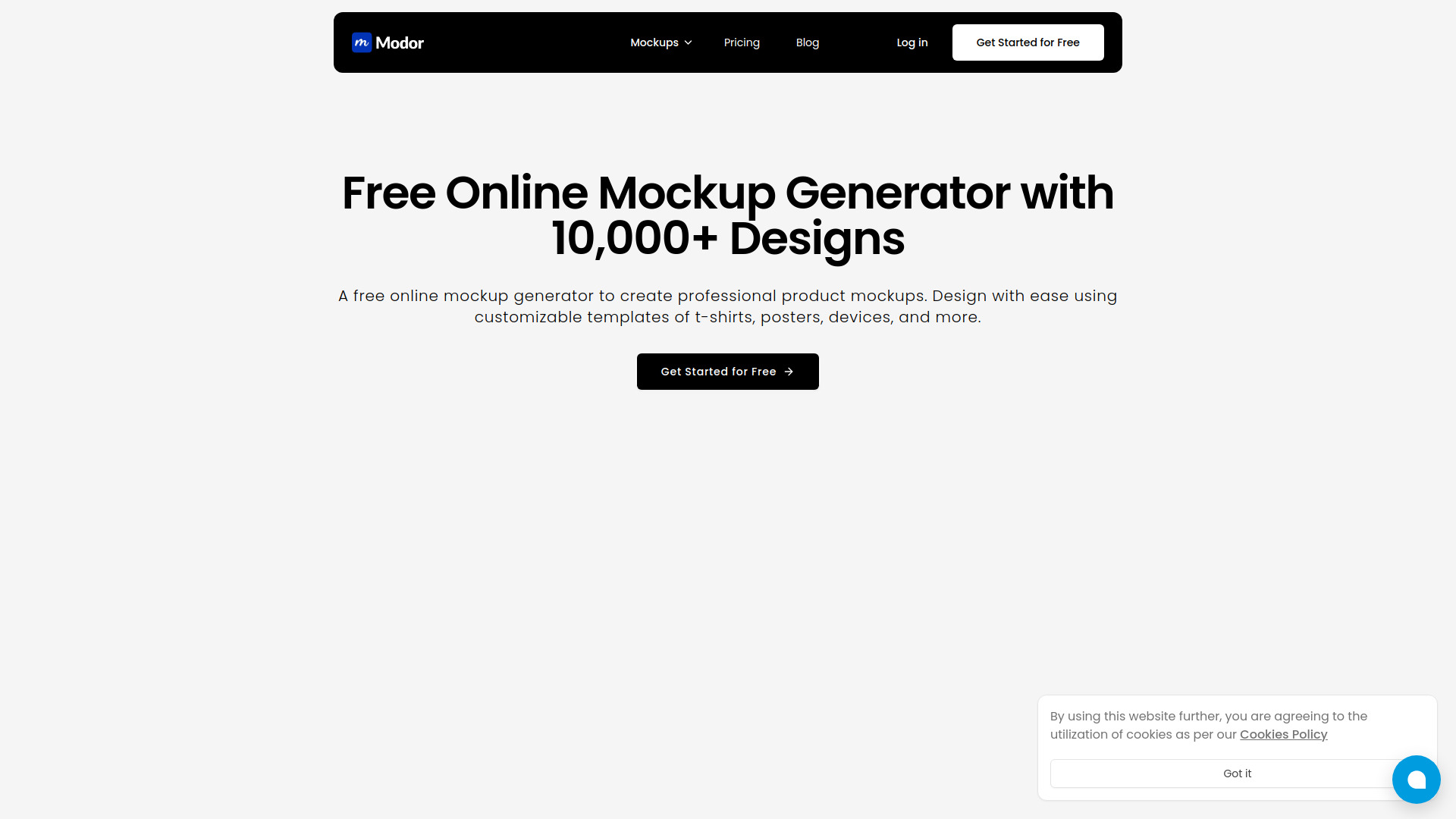
- Designers streamlining client intake
- 14-day free trial
- Starts at Check vendor pricing
- Usage signal: 19.0K
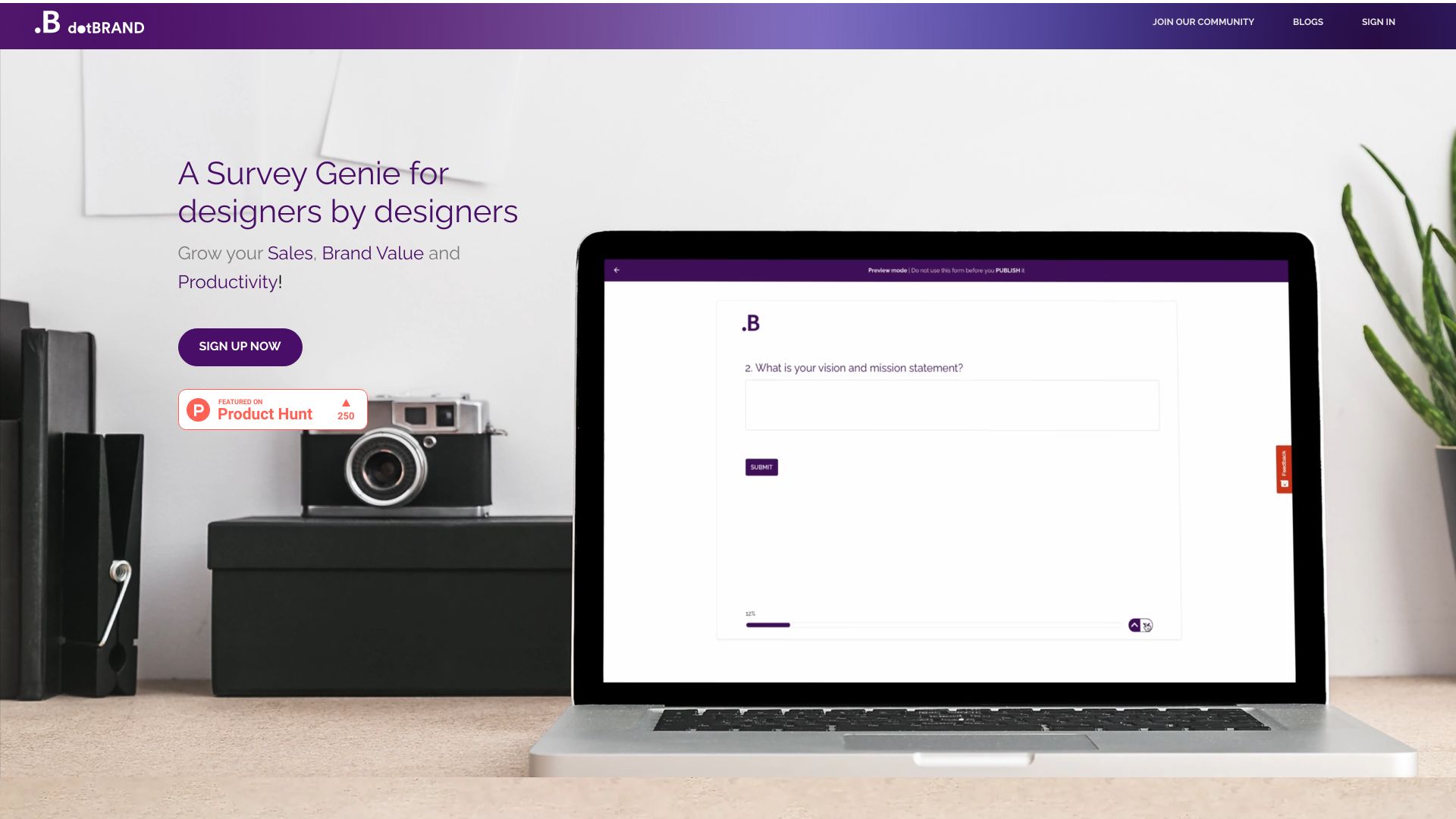

- Startup product design partnerships
- Starts at $4,999/month
- Usage signal: 6.7K
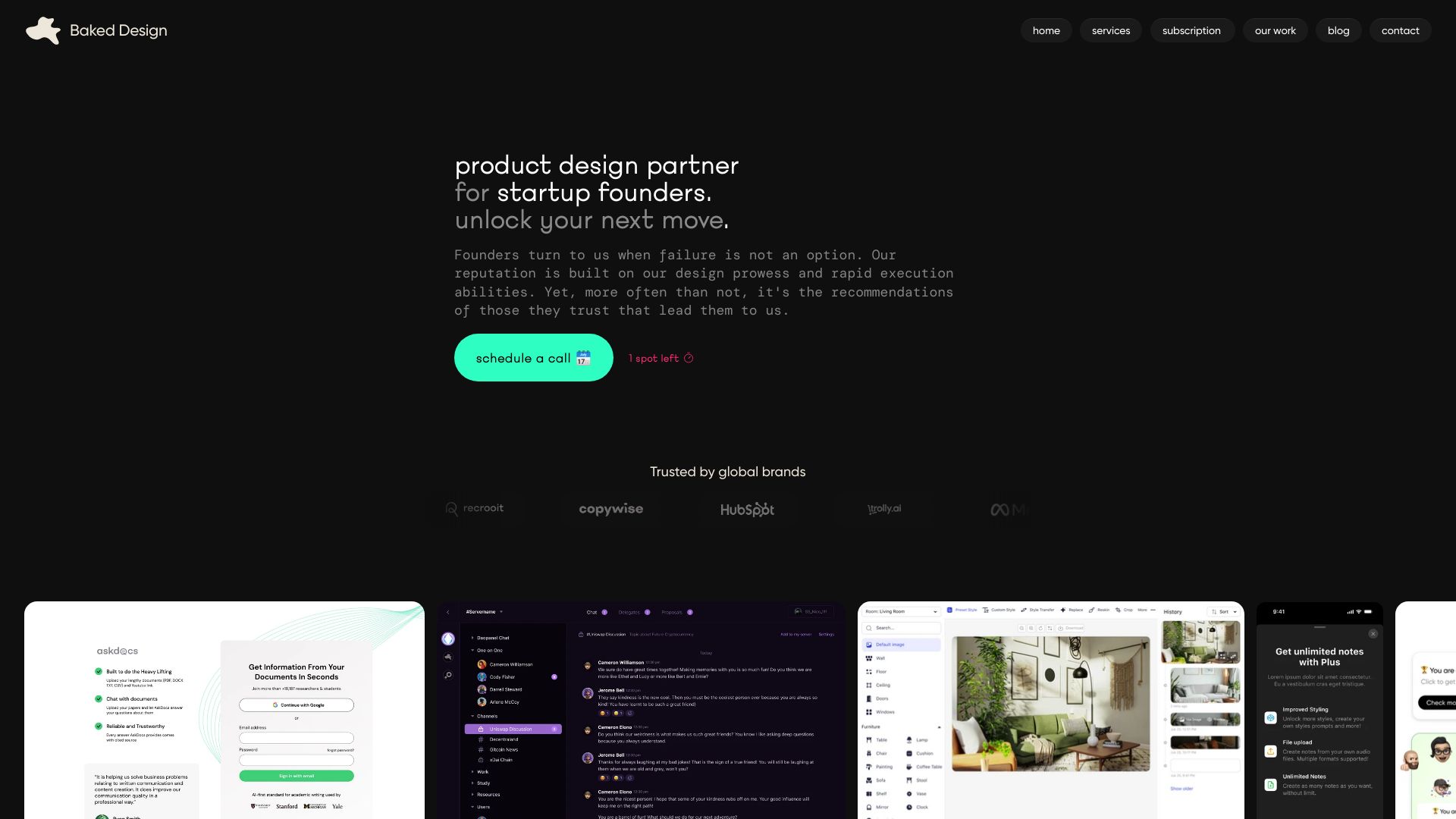

- AI-generated landing pages for developers
- Starts at From $49
- Usage signal: 20.6K
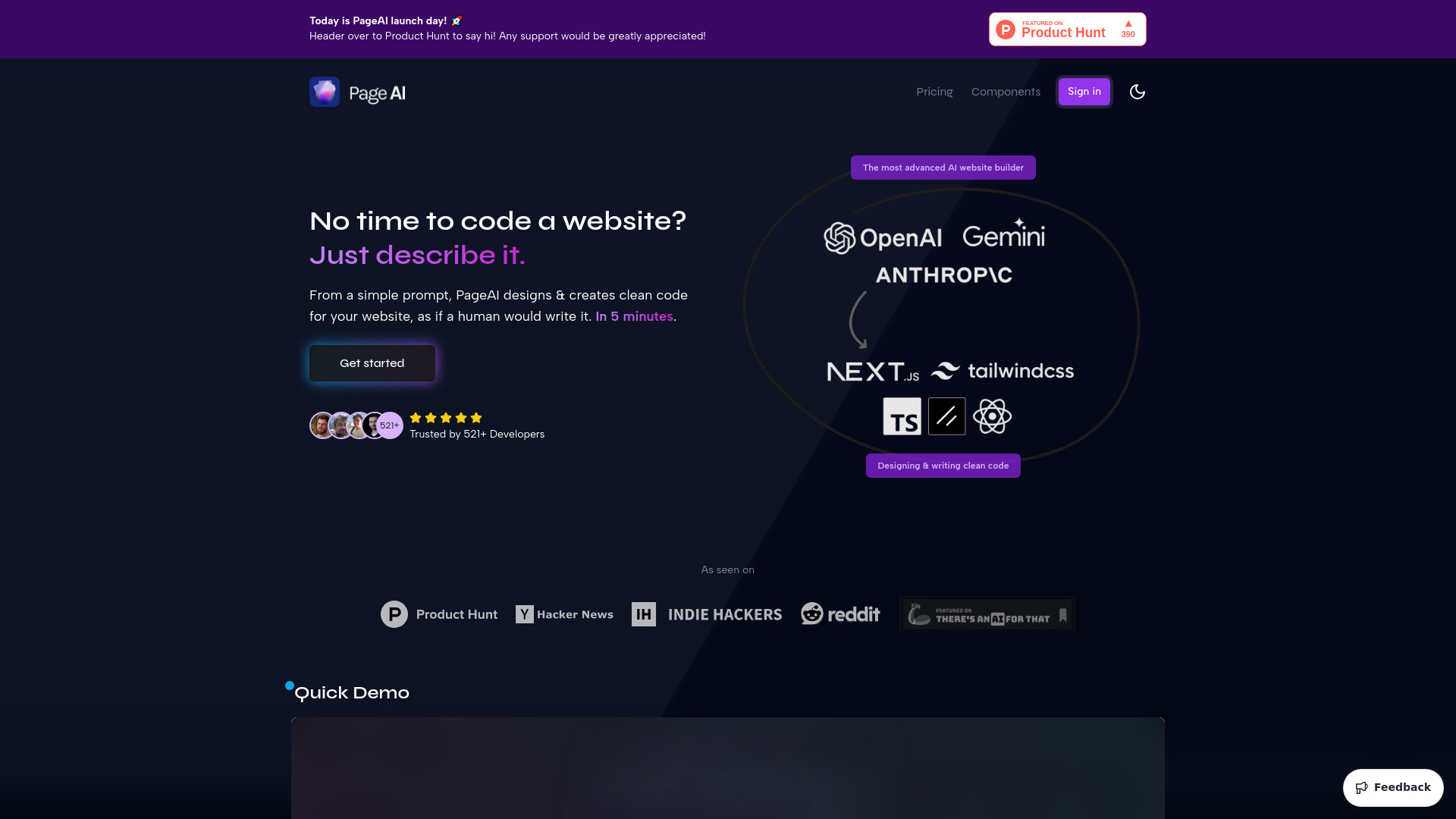

- Award-winning web design for ambitious brands
- Starts at Check vendor pricing
- Usage signal: 11.8K

- Figma and Framer UI component libraries
- 50 free components
- Starts at $49 one-time
- Usage signal: 5.3K
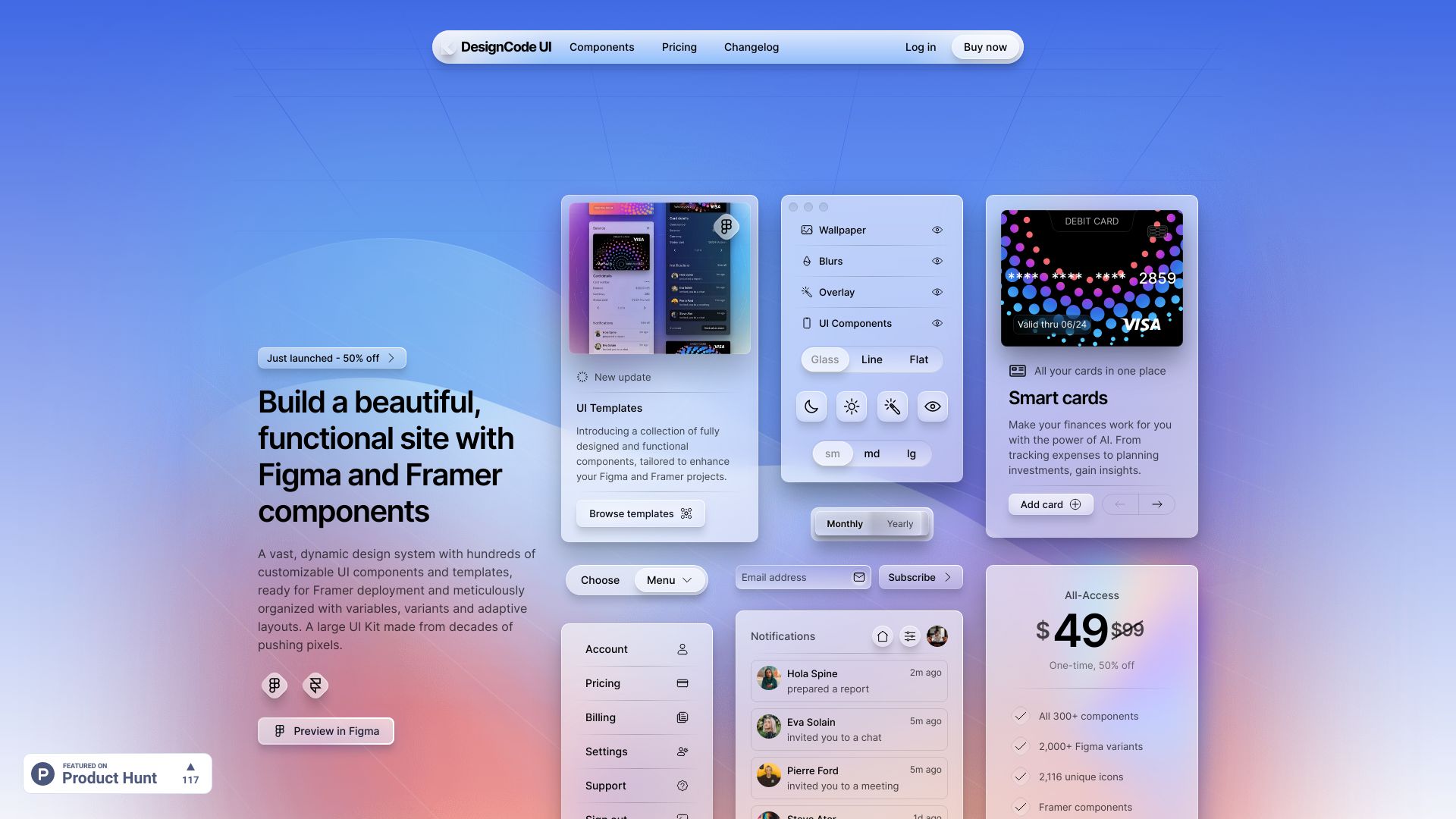

- Solo business owners launching websites quickly
- Free plan available
- Starts at From $12/month
- Usage signal: 15.3K
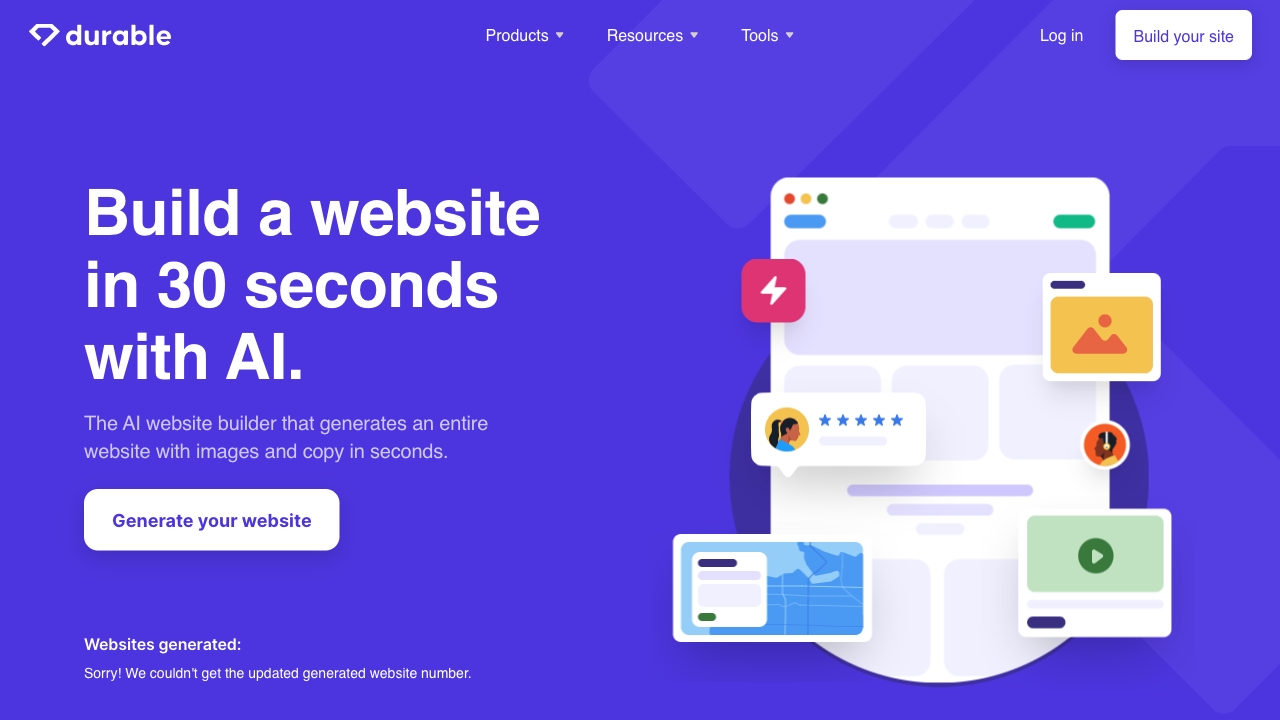

- SEO specialists building AI websites and cloud links
- Starts at $49/month
- Usage signal: 10.7K
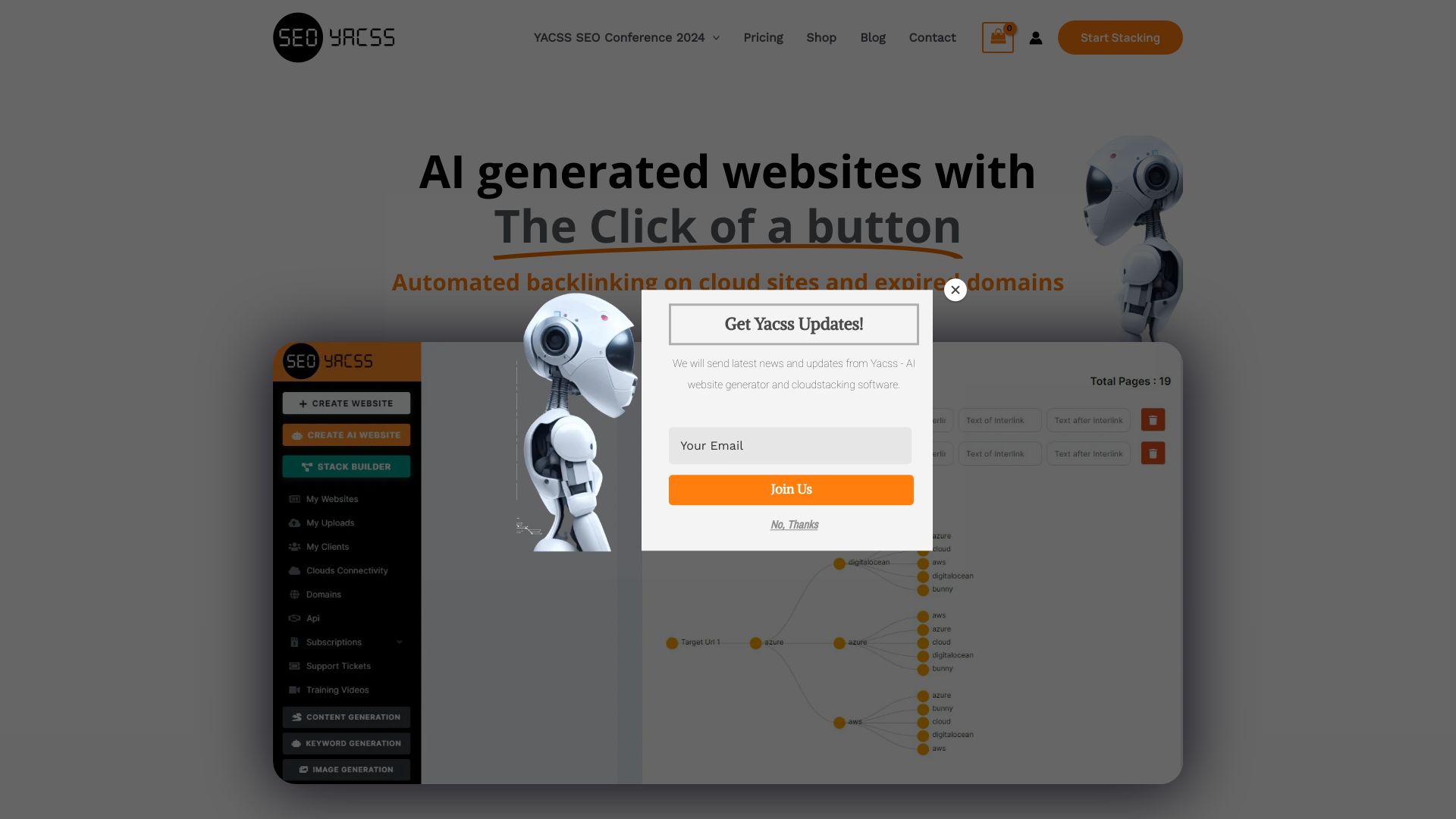

- AI landing pages and website redesigns
- 15 AI credits
- Starts at $50/month
- Usage signal: 9.0K
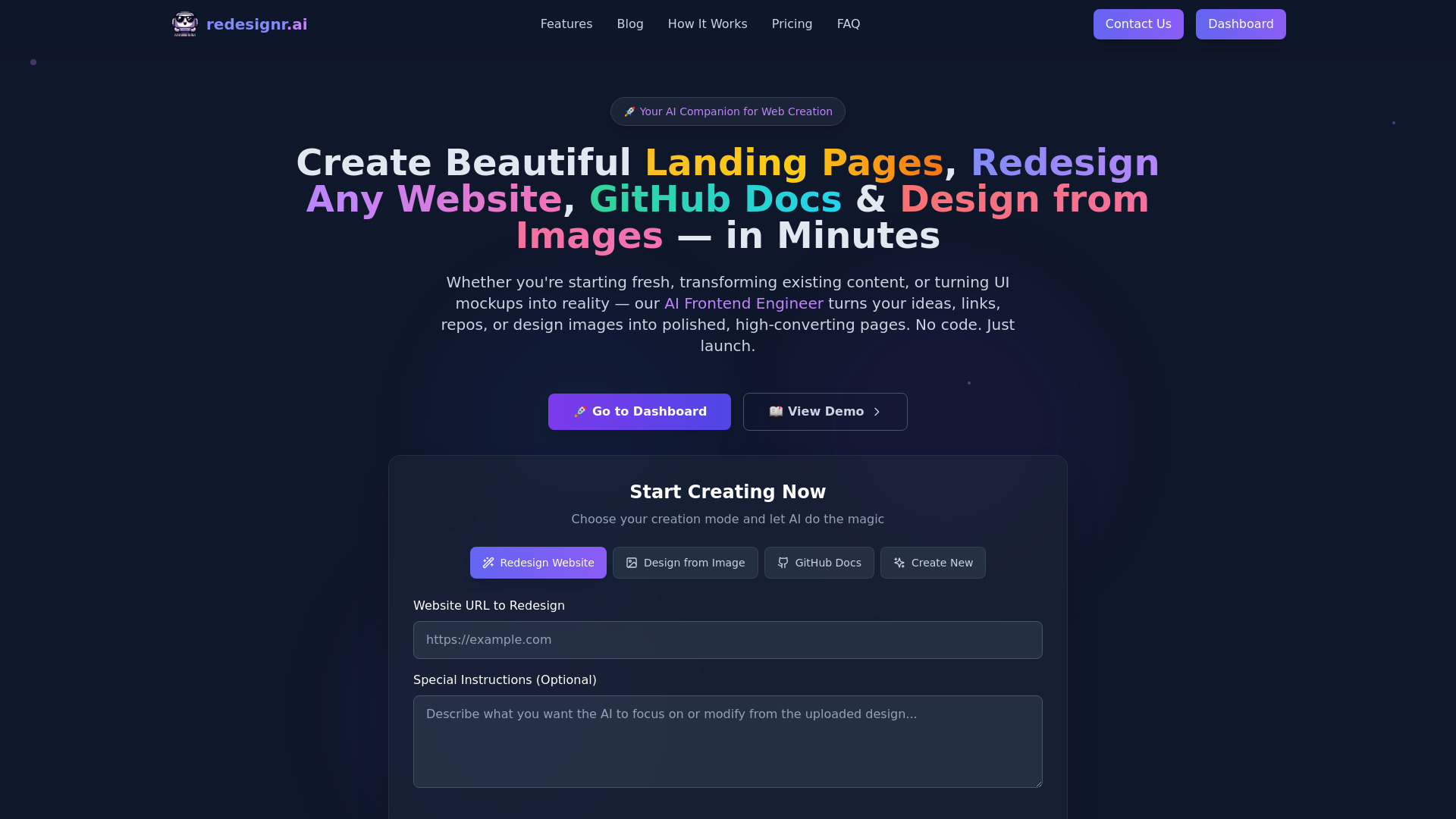

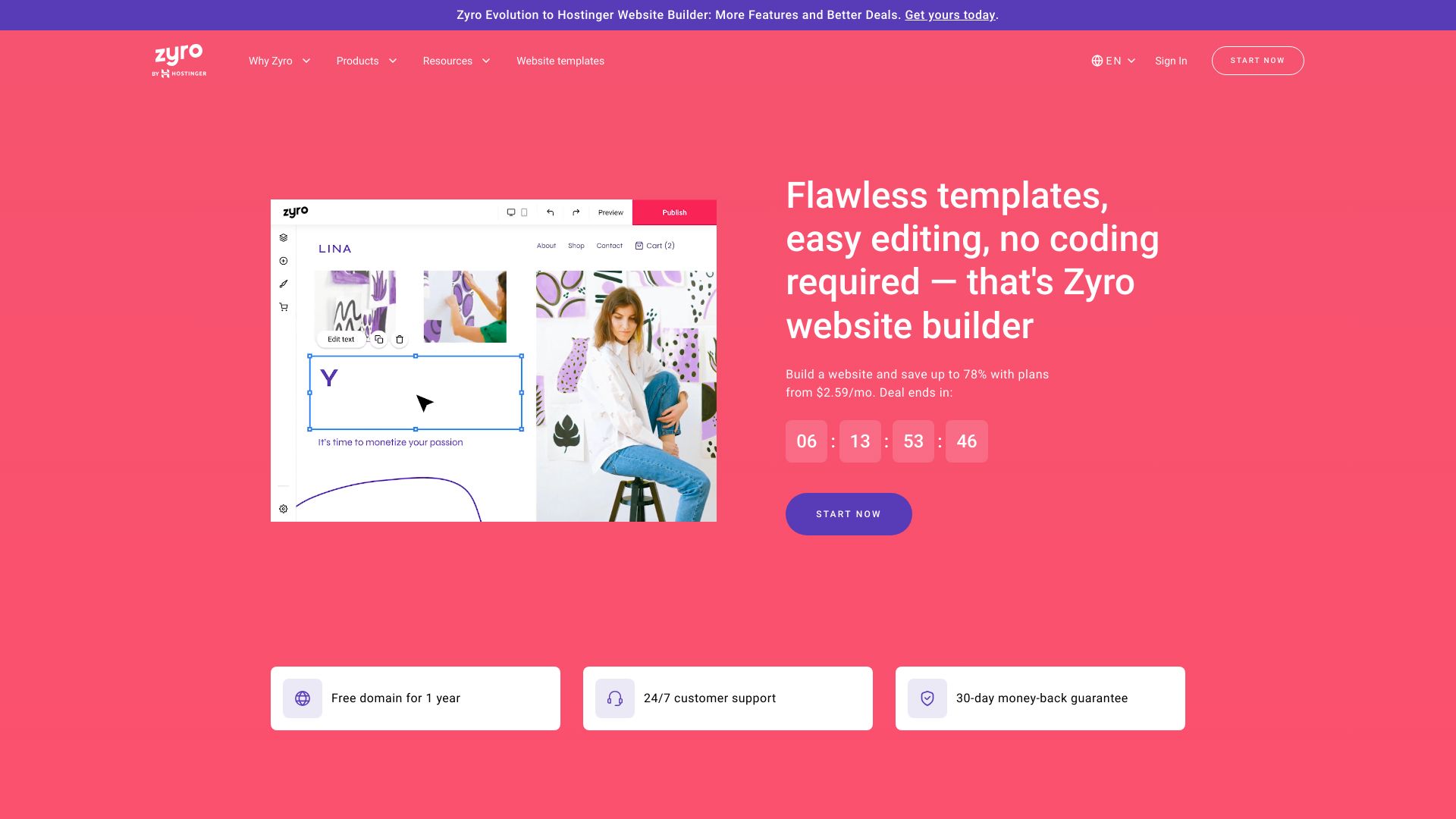
- Beginners building business websites
- Starts at US$2.99/mo
- Usage signal: 1.8K
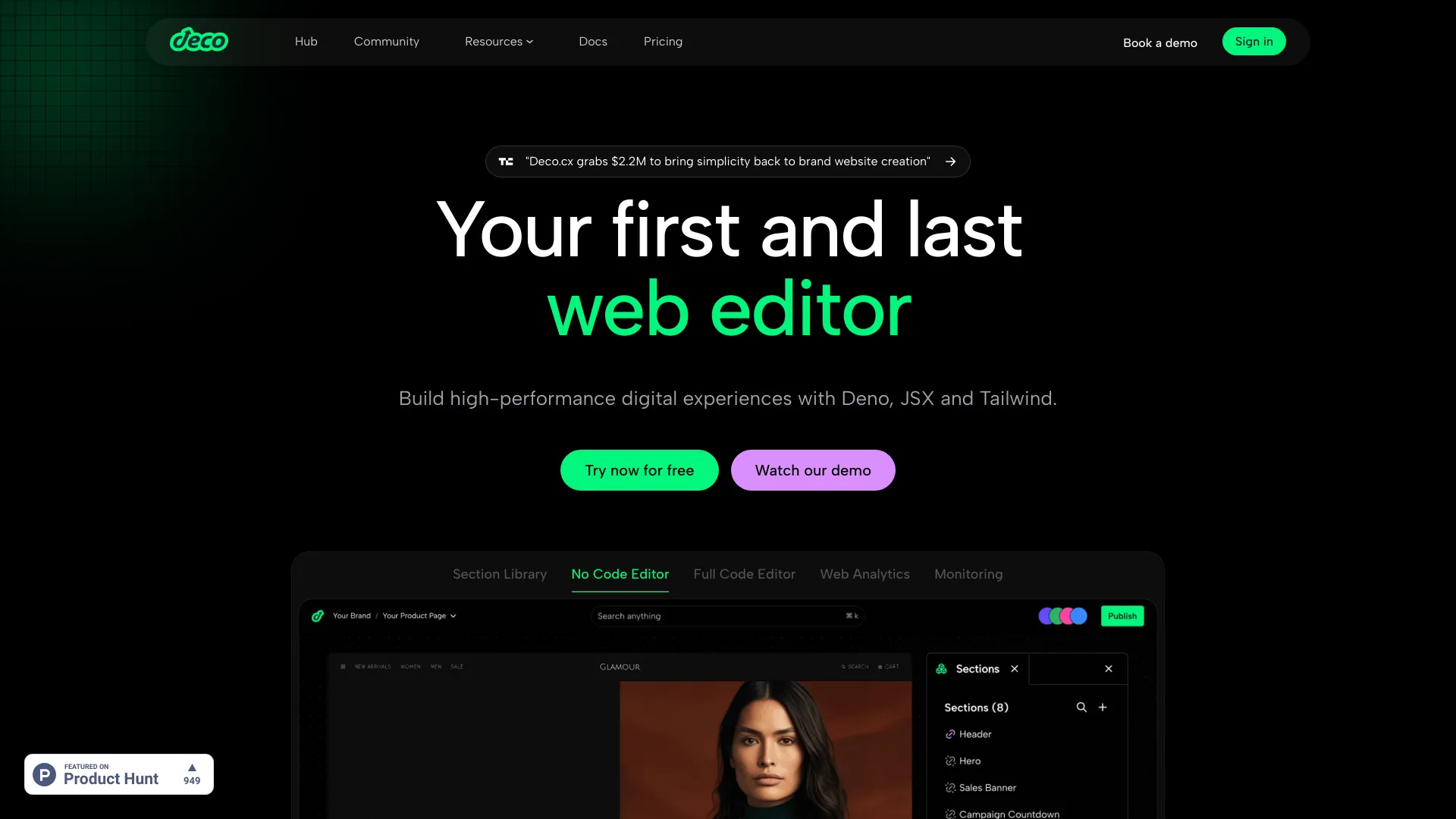
- Developer-led web apps
- Free trial available
- Starts at Check vendor pricing
- Usage signal: 8.2K

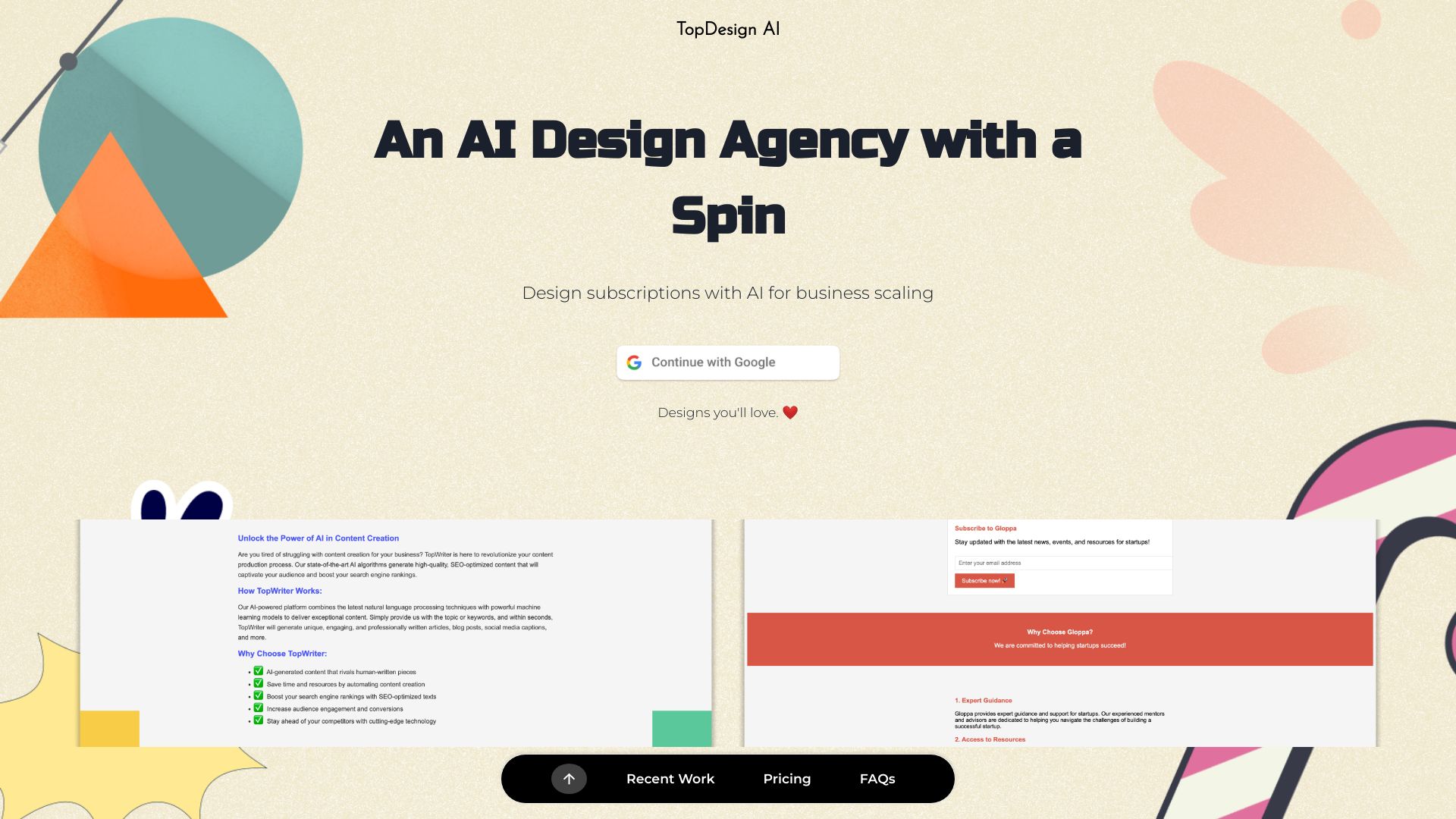
- Prompt-based website and logo design
- Free trial available
- Starts at $20/month
- Usage signal: 1.6K

- Bloggers and content creators
- 20 downloads
- Starts at $6.50/month billed annually
- Usage signal: 5.5K
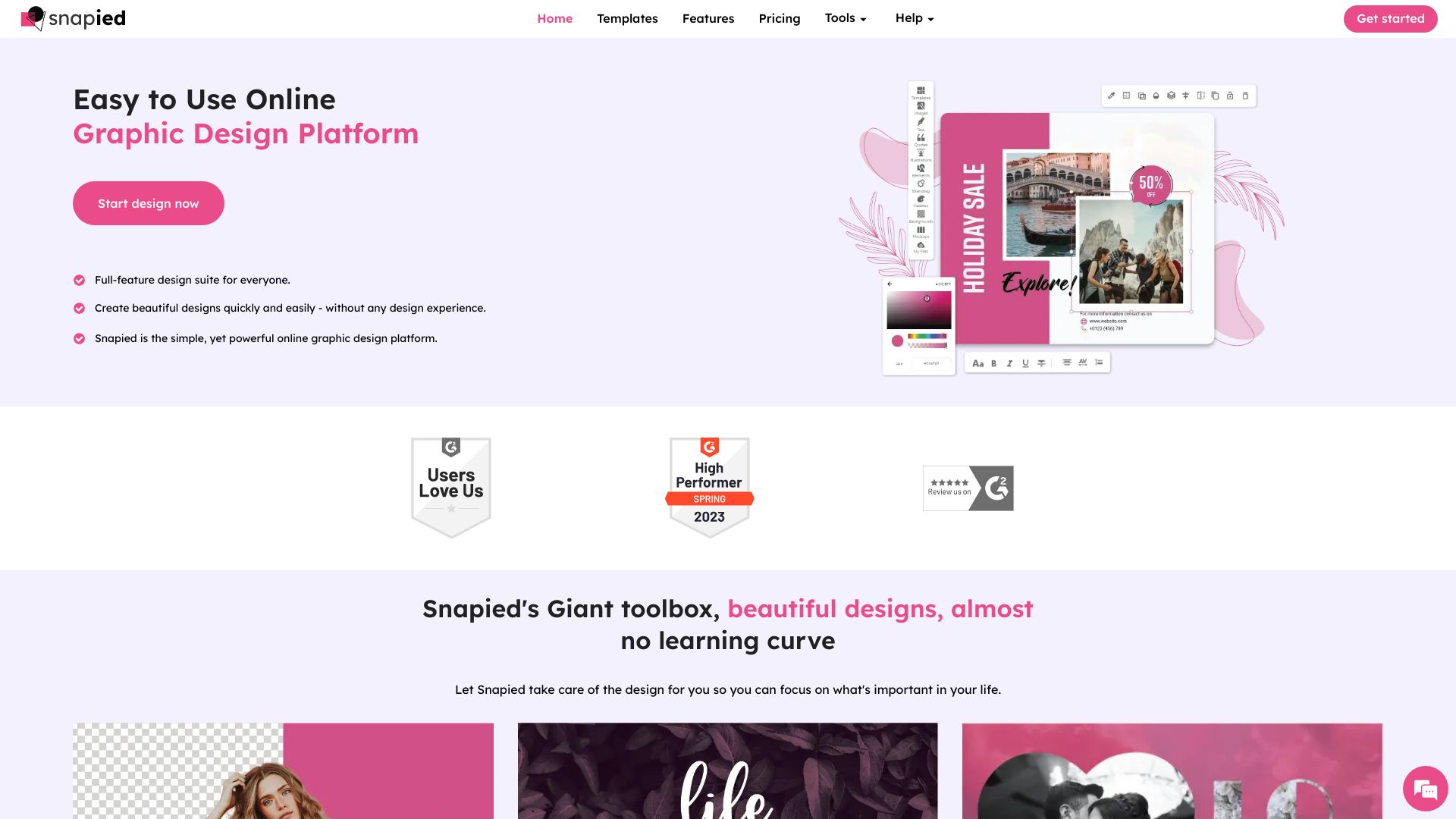

- End-to-end website and digital solutions
- Starts at Check vendor pricing
- Usage signal: 1.9K
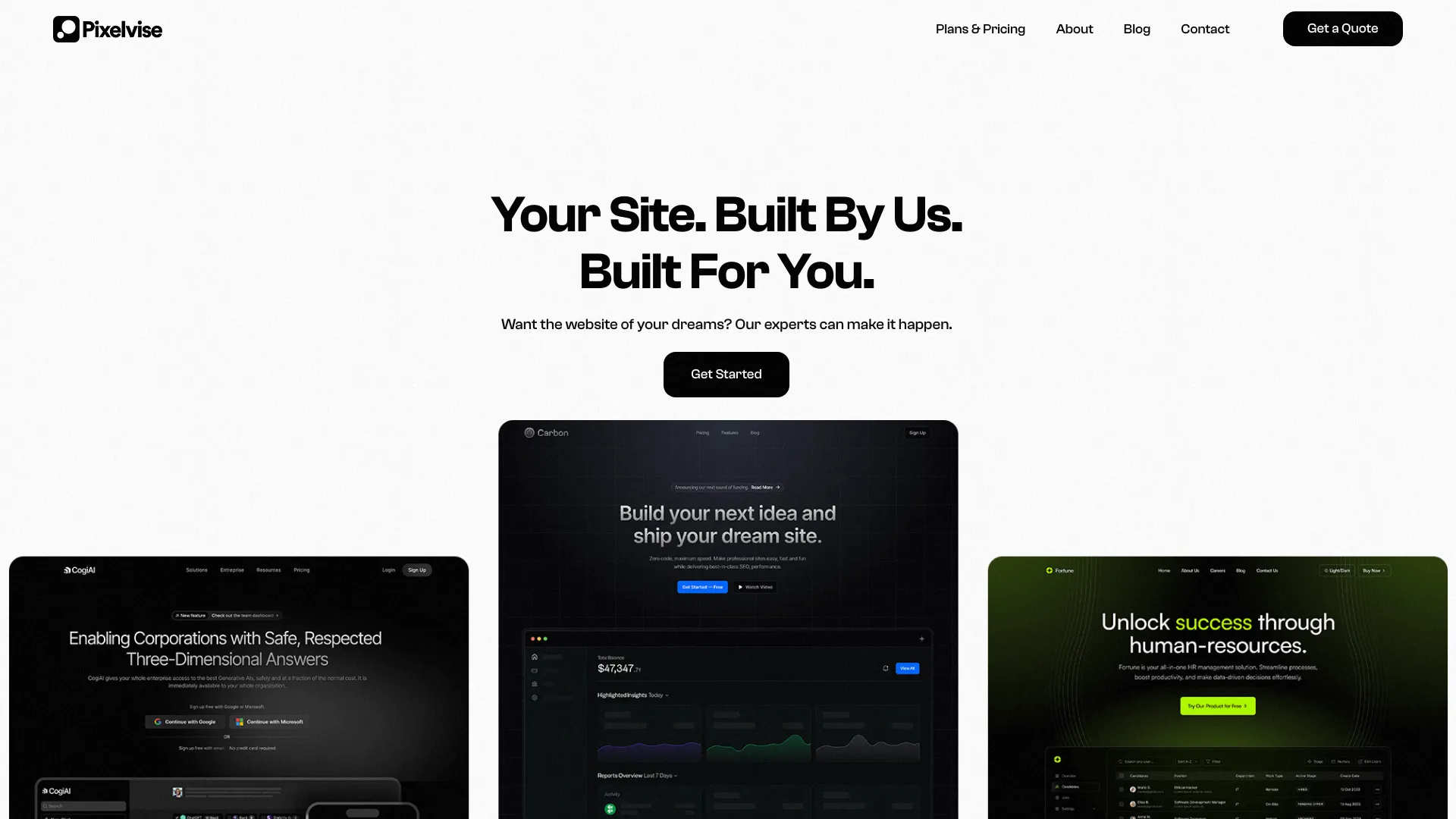

- AI-powered UI/UX design teams
- Free plan available
- Starts at Check vendor pricing
- Usage signal: 5.5K
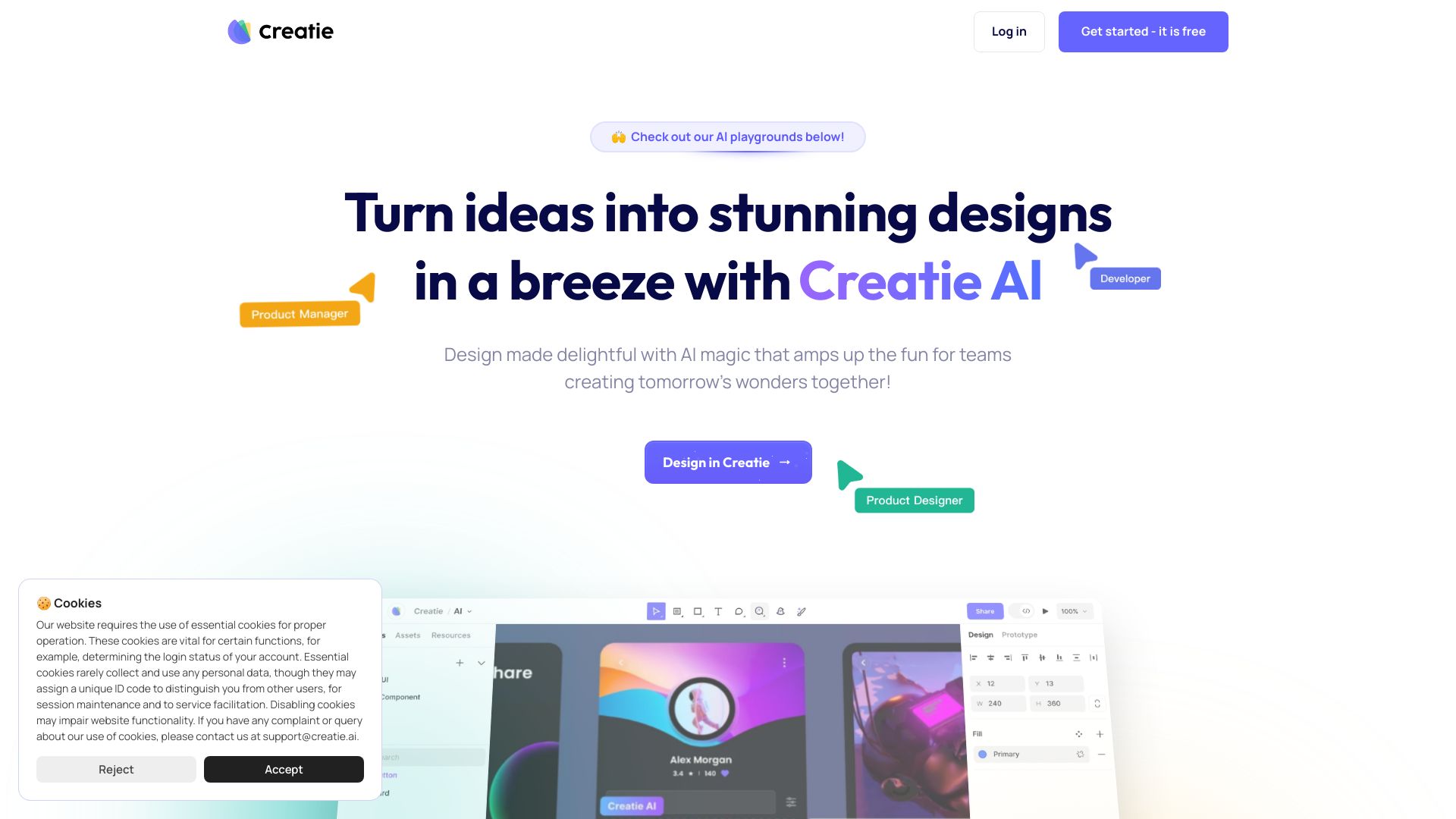

- AI website wireframes and sitemaps
- Free plan available
- Starts at Check vendor pricing
- Usage signal: 1.4K
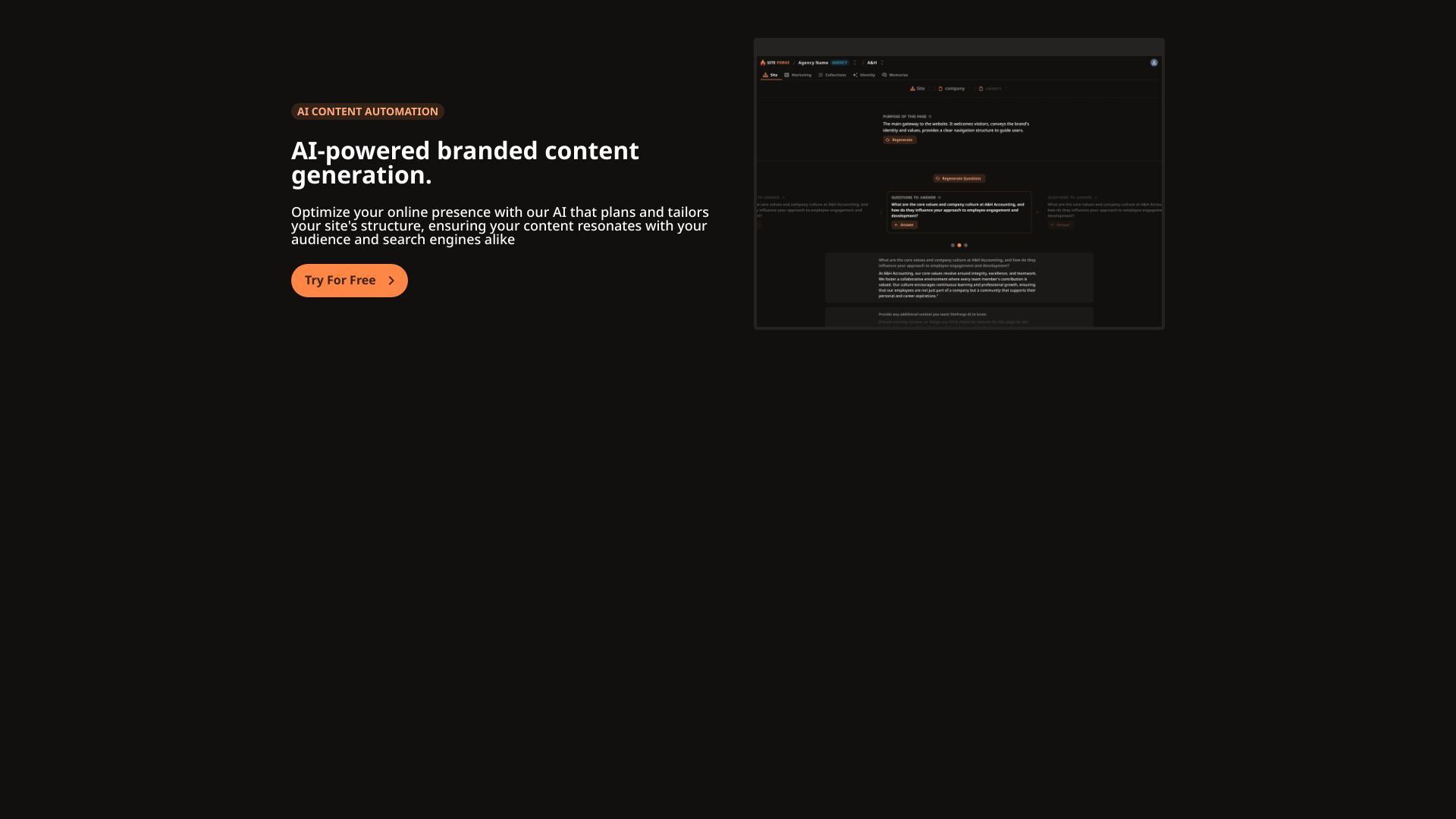

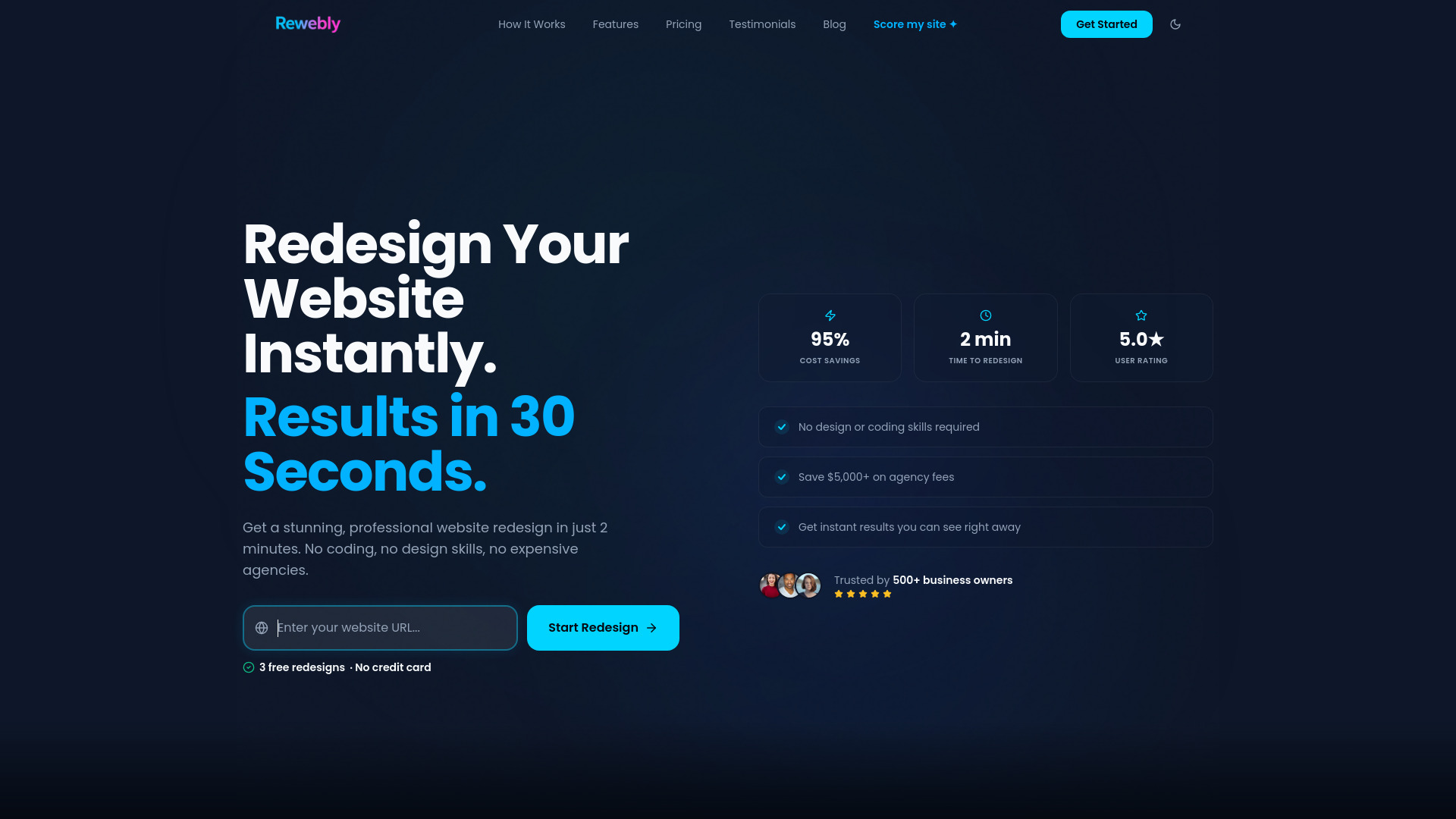
- Small business website makeovers
- 3 free redesign previews
- Starts at $49.99 one-time
- Usage signal: 3.5K

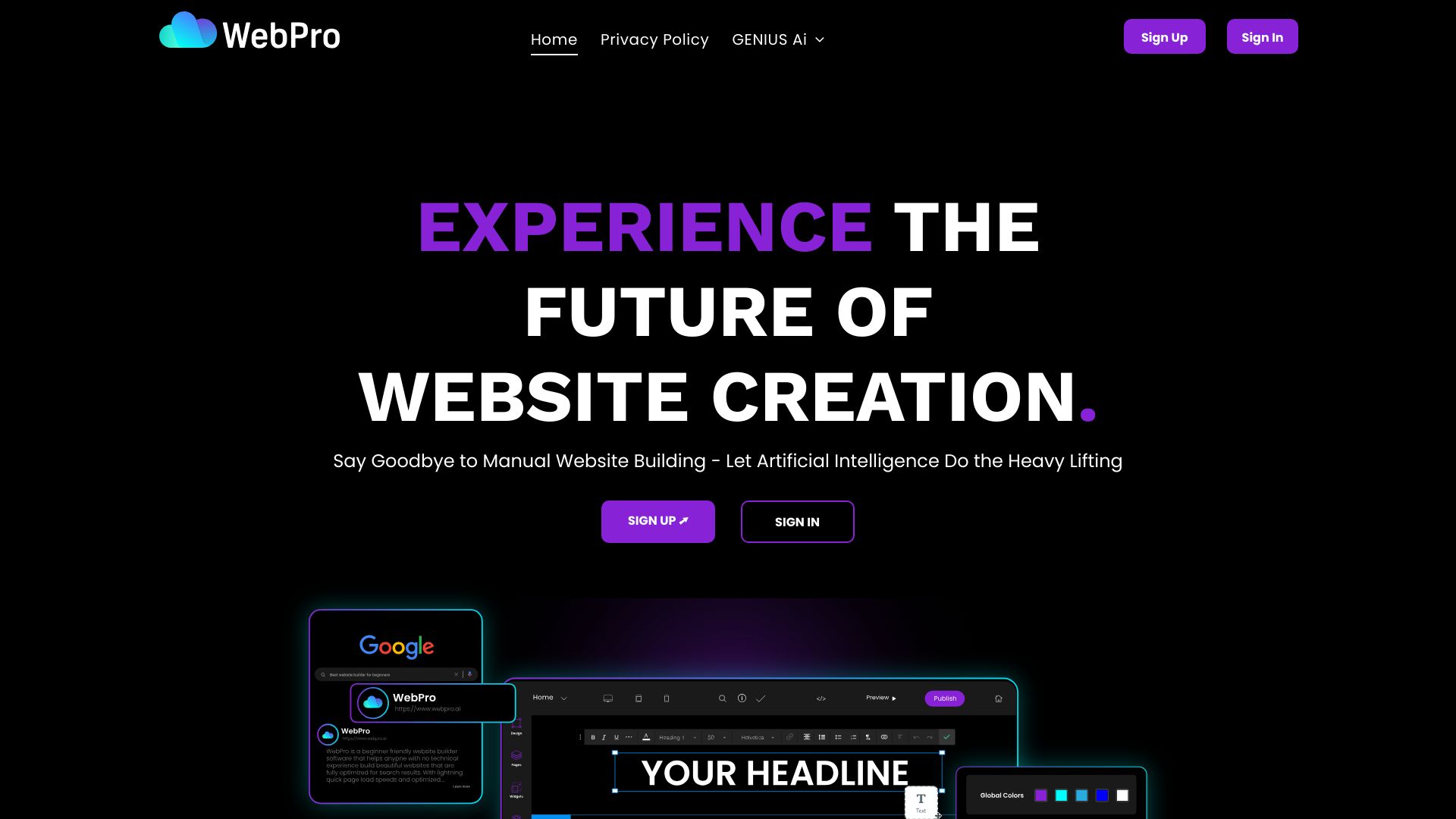
- AI-assisted website building
- Free plan available
- Starts at Check vendor pricing
- Usage signal: 3.0K

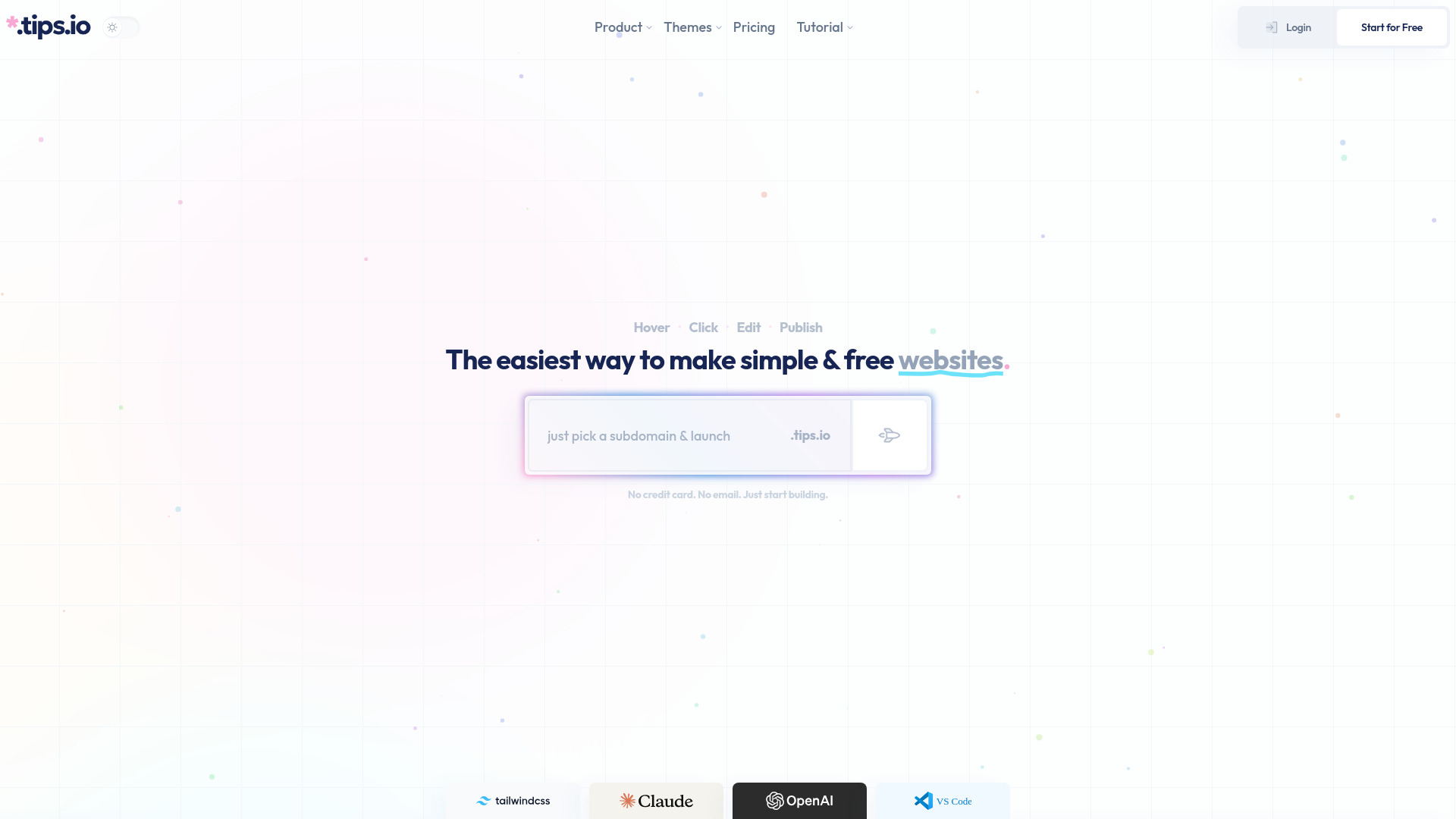
- Tailwind-powered marketing sites
- Free plan available
- Starts at Check vendor pricing
- Usage signal: 3.3K

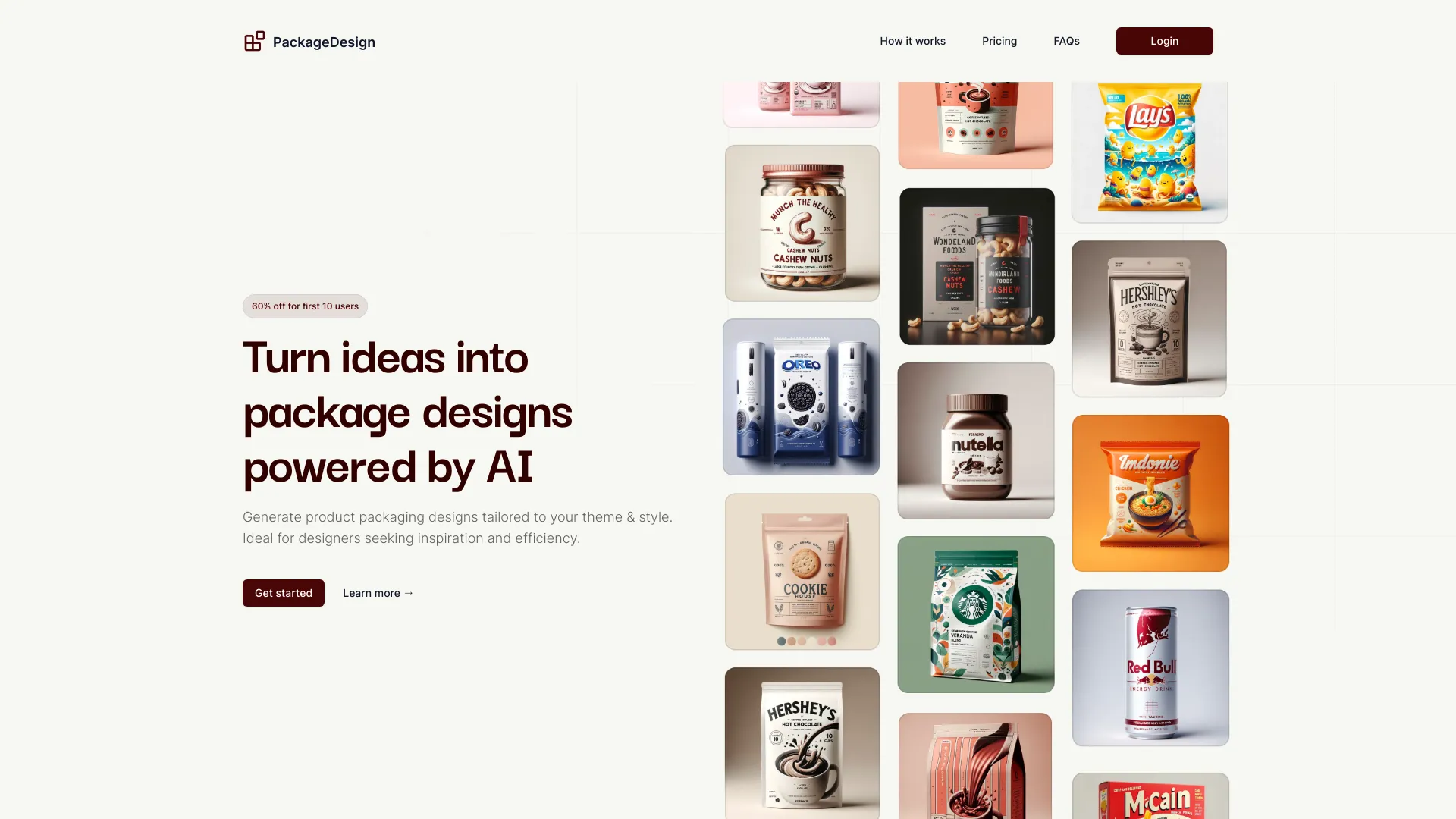
- AI-powered package design inspiration
- 1 free generation
- Starts at $5 one-time
- Usage signal: 1.1K

- Developers building React frontends
- 3-month free trial
- Starts at $19/month
- Usage signal: 1.2K
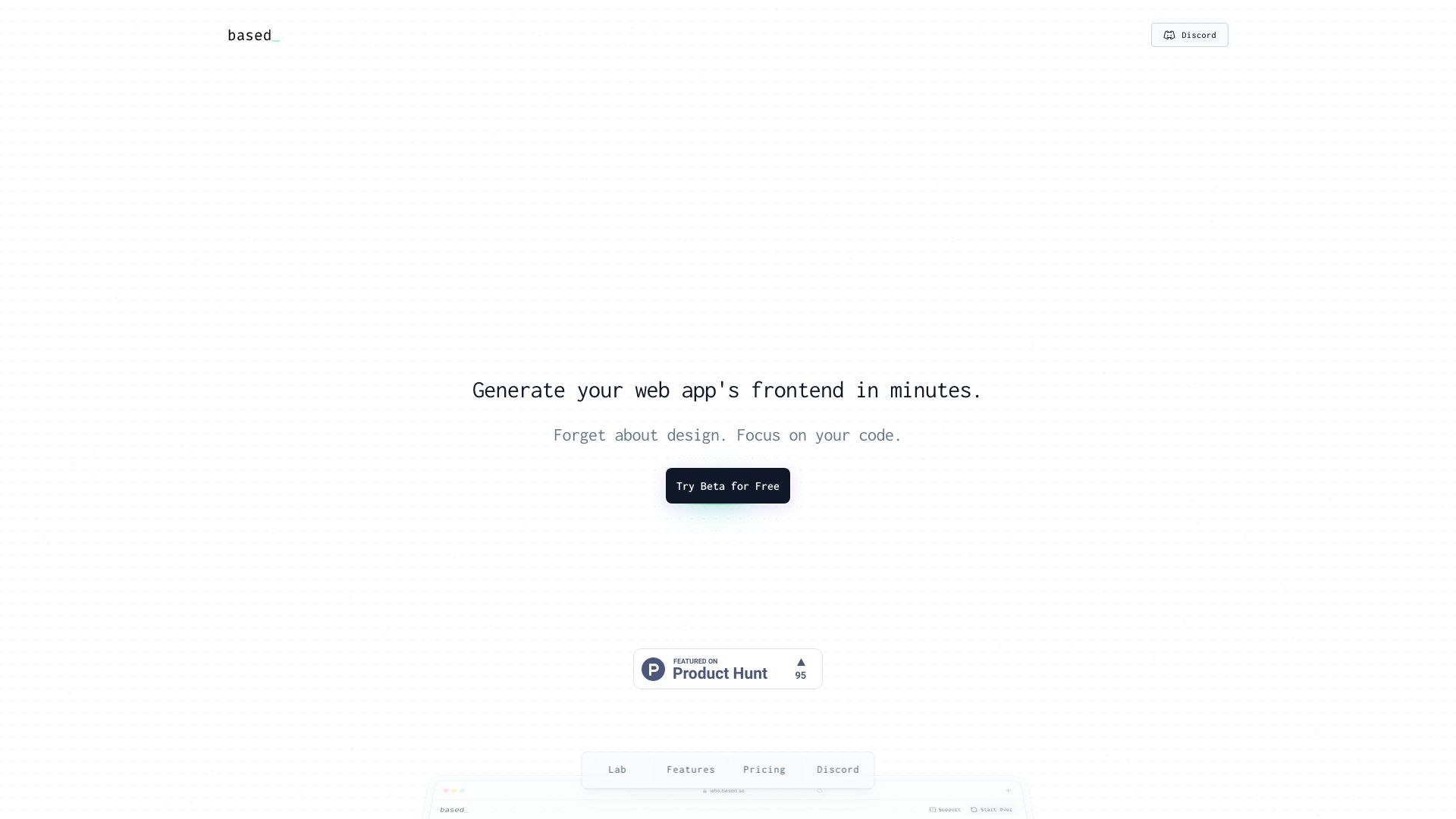
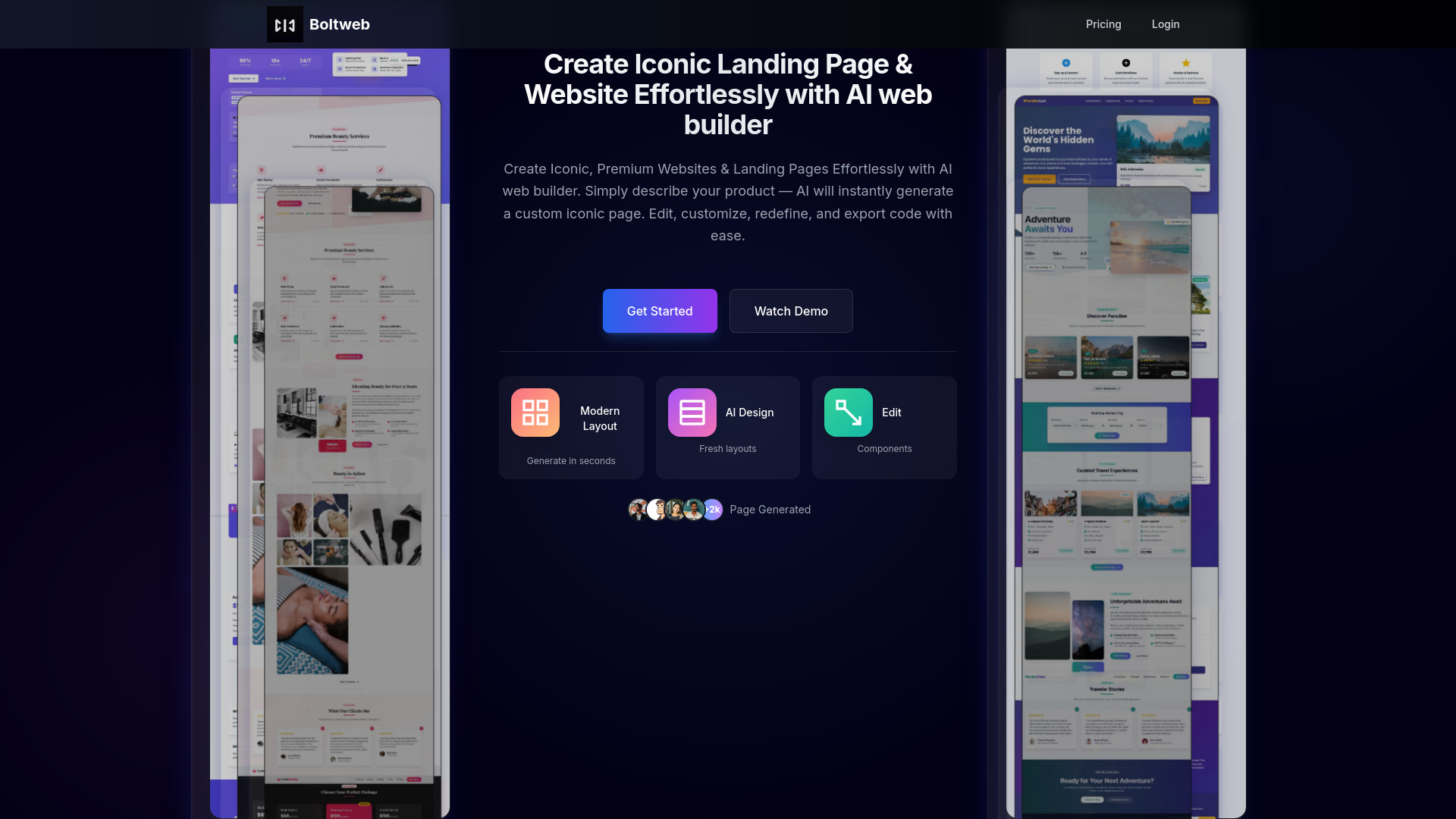
- AI landing page builder
- Starts at $14/mo
- Usage signal: 1.3K

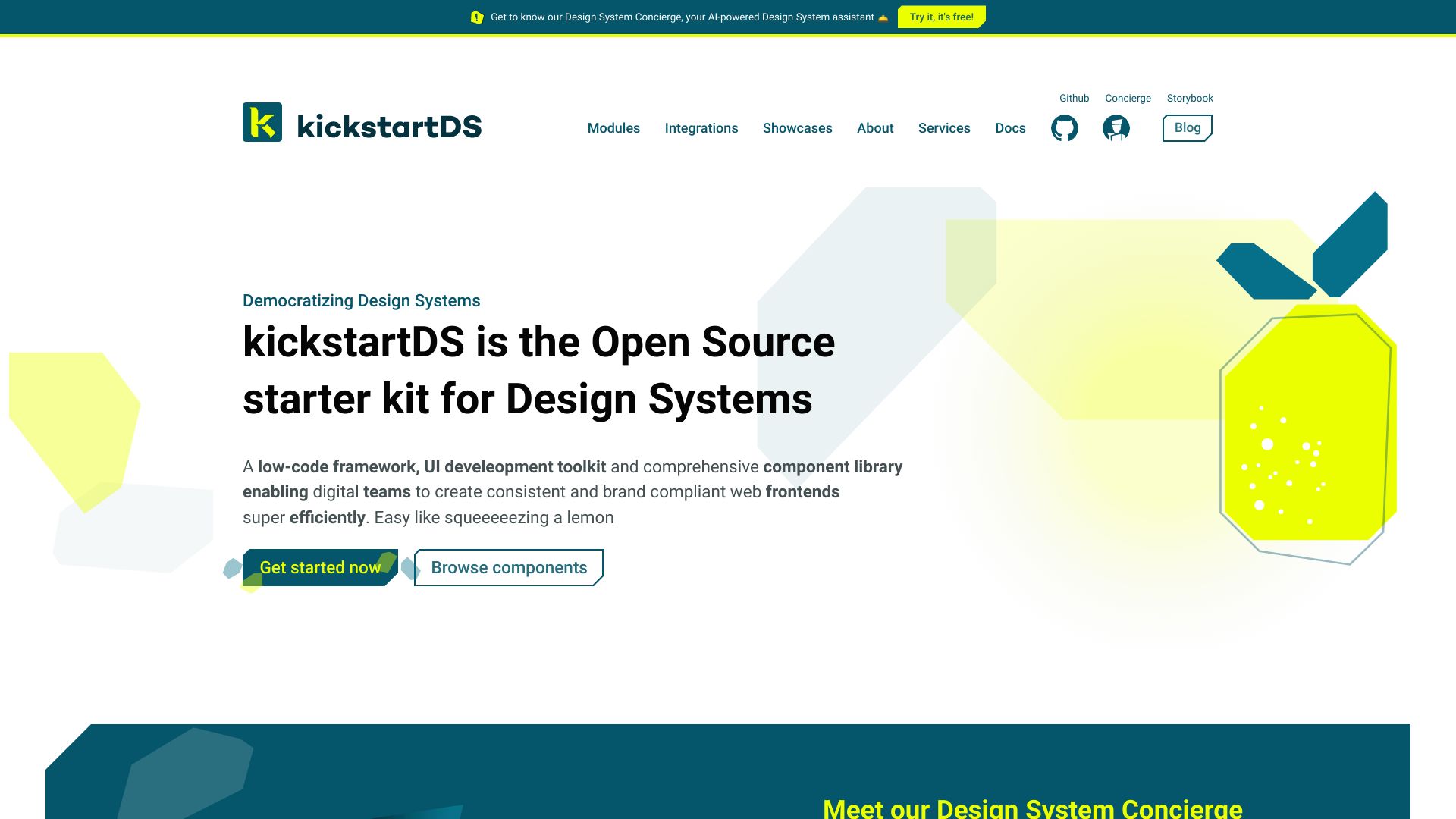
- Open-source design systems
- Free plan available
- Starts at Check vendor pricing
- Usage signal: 1.2K

- AI-assisted website creation
- Up to 3 pages
- Starts at $9.99/month
- Usage signal: 766
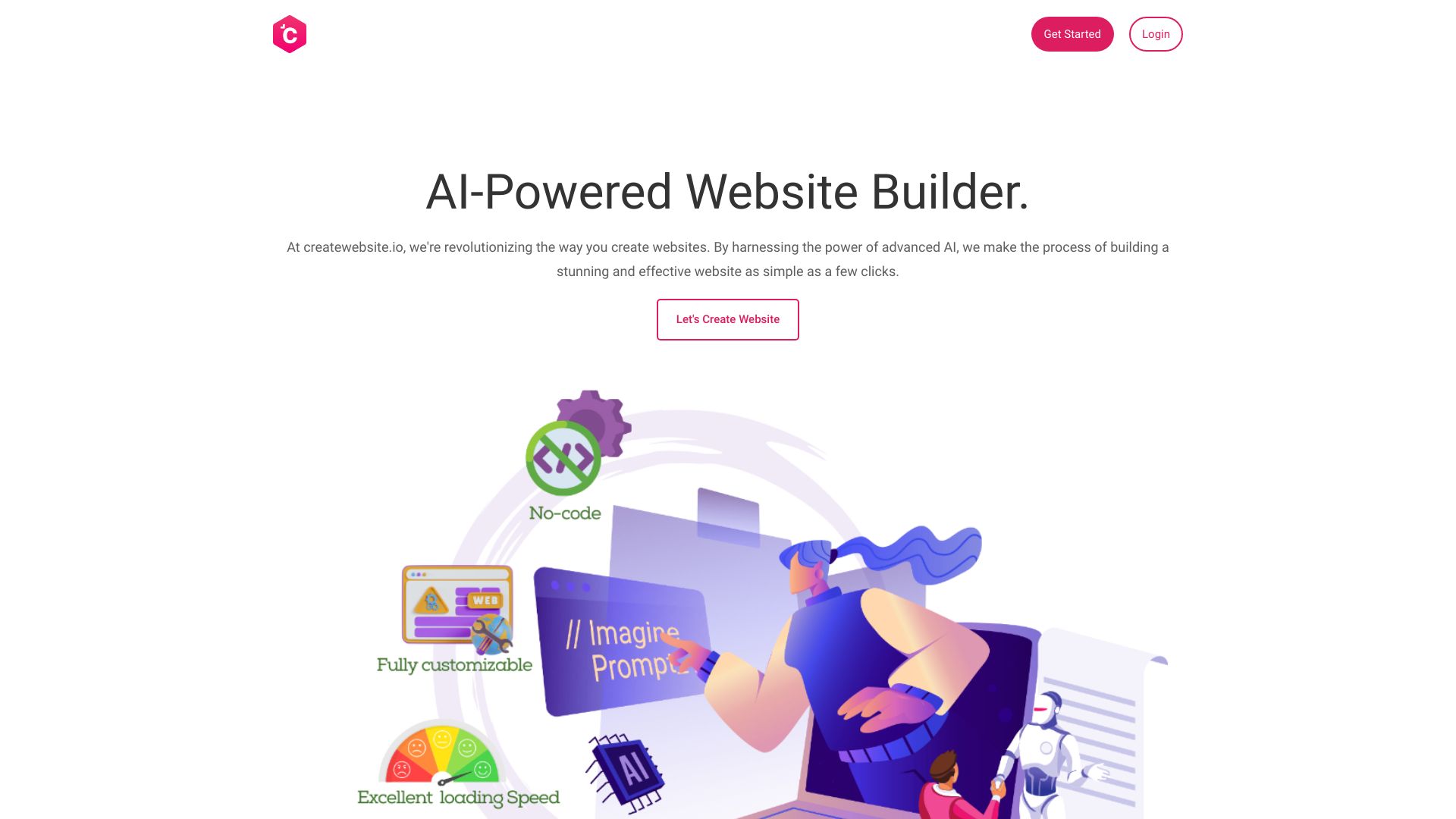

- Custom website design and ongoing management
- Starts at $1,199 MXN/month
- Usage signal: 570
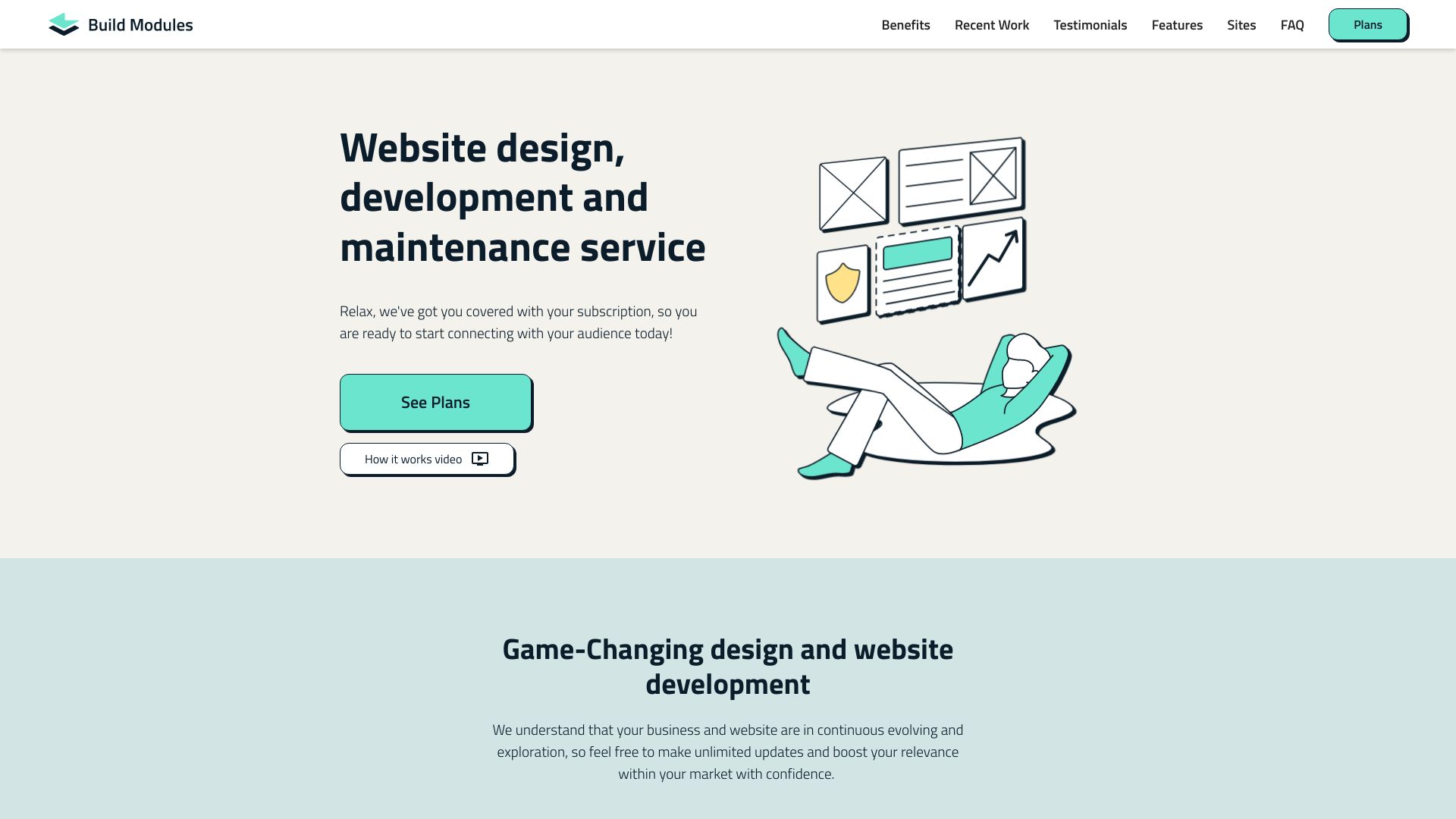

- AI website migration for developers
- 1 free generation/month
- Starts at €89 one-time
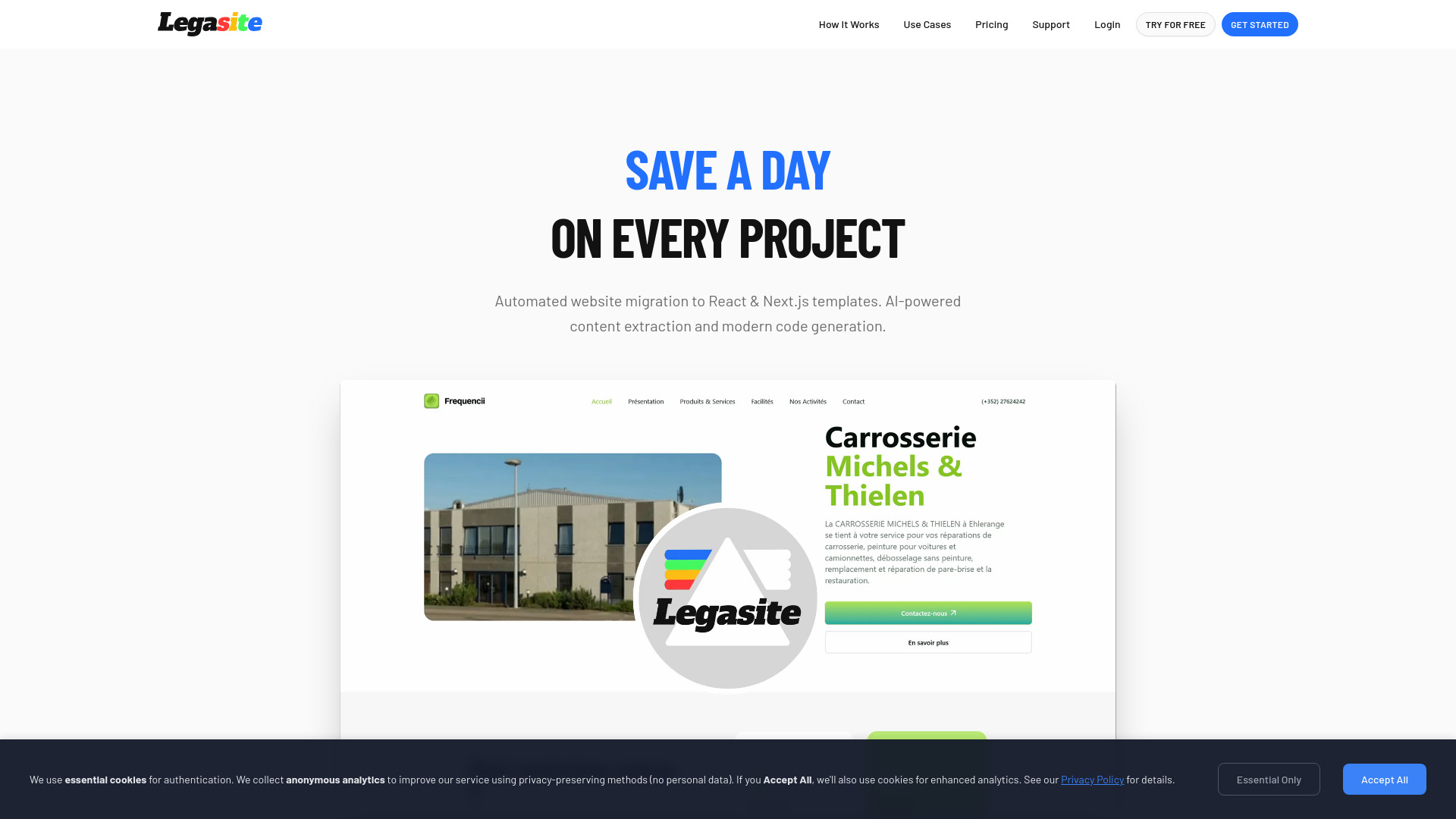
- Usage signal: 591

- Database-driven websites and apps
- Free trial available
- Starts at Check vendor pricing
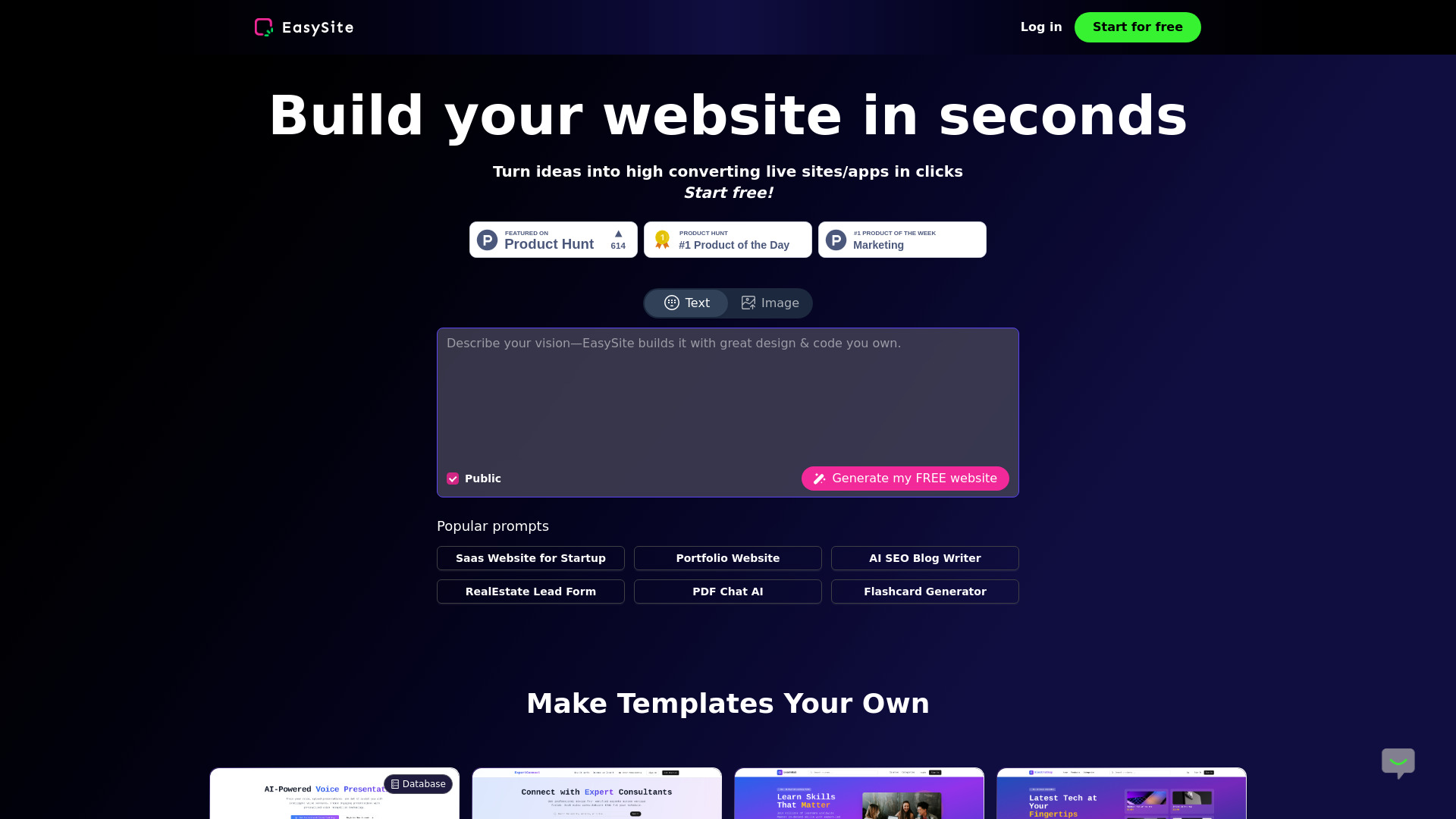
- Usage signal: 453

- Startups needing unlimited design support
- Starts at Check vendor pricing
- Usage signal: 183
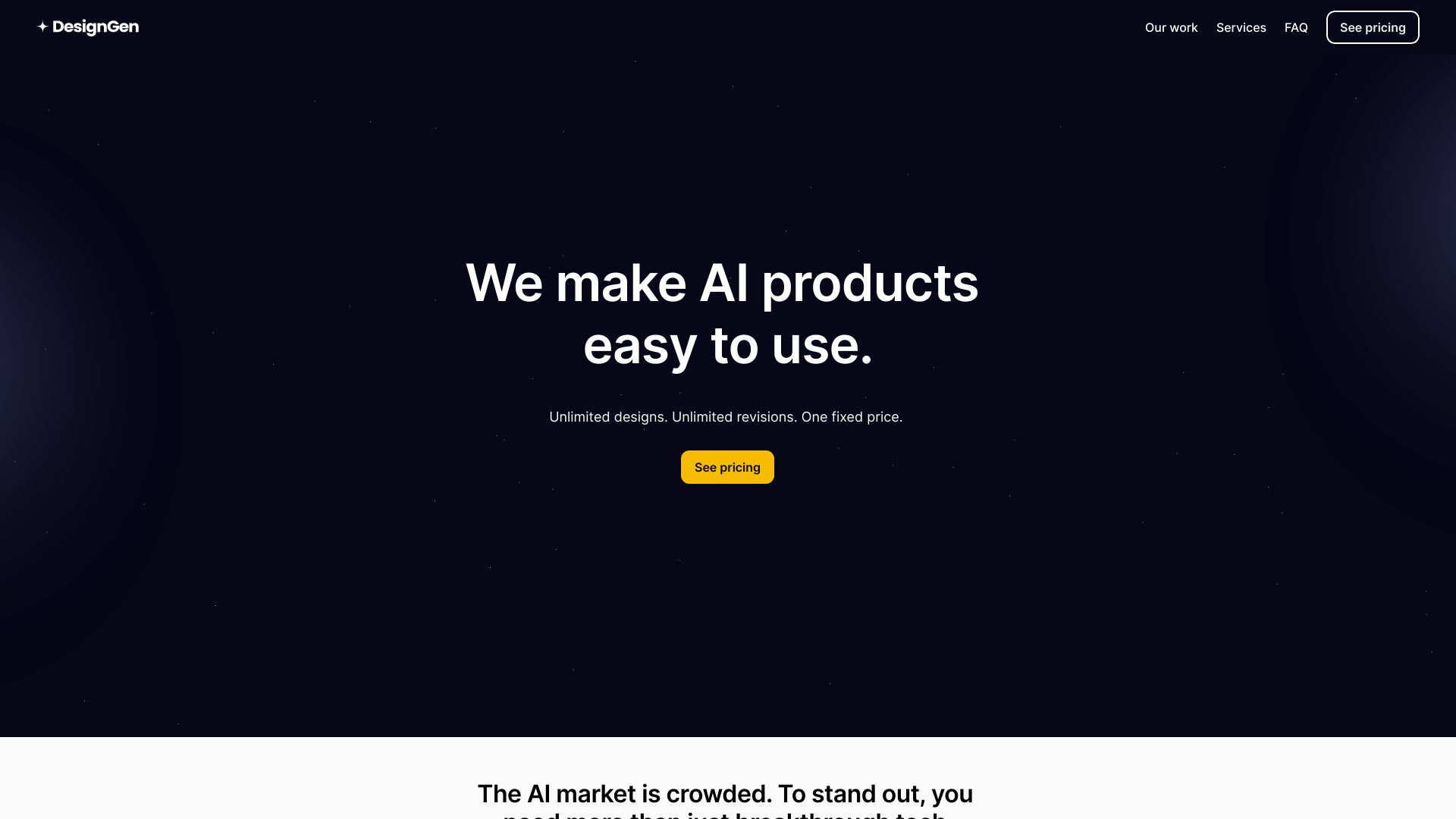

- AI-generated startup landing pages
- Starts at Check vendor pricing
- Usage signal: 178
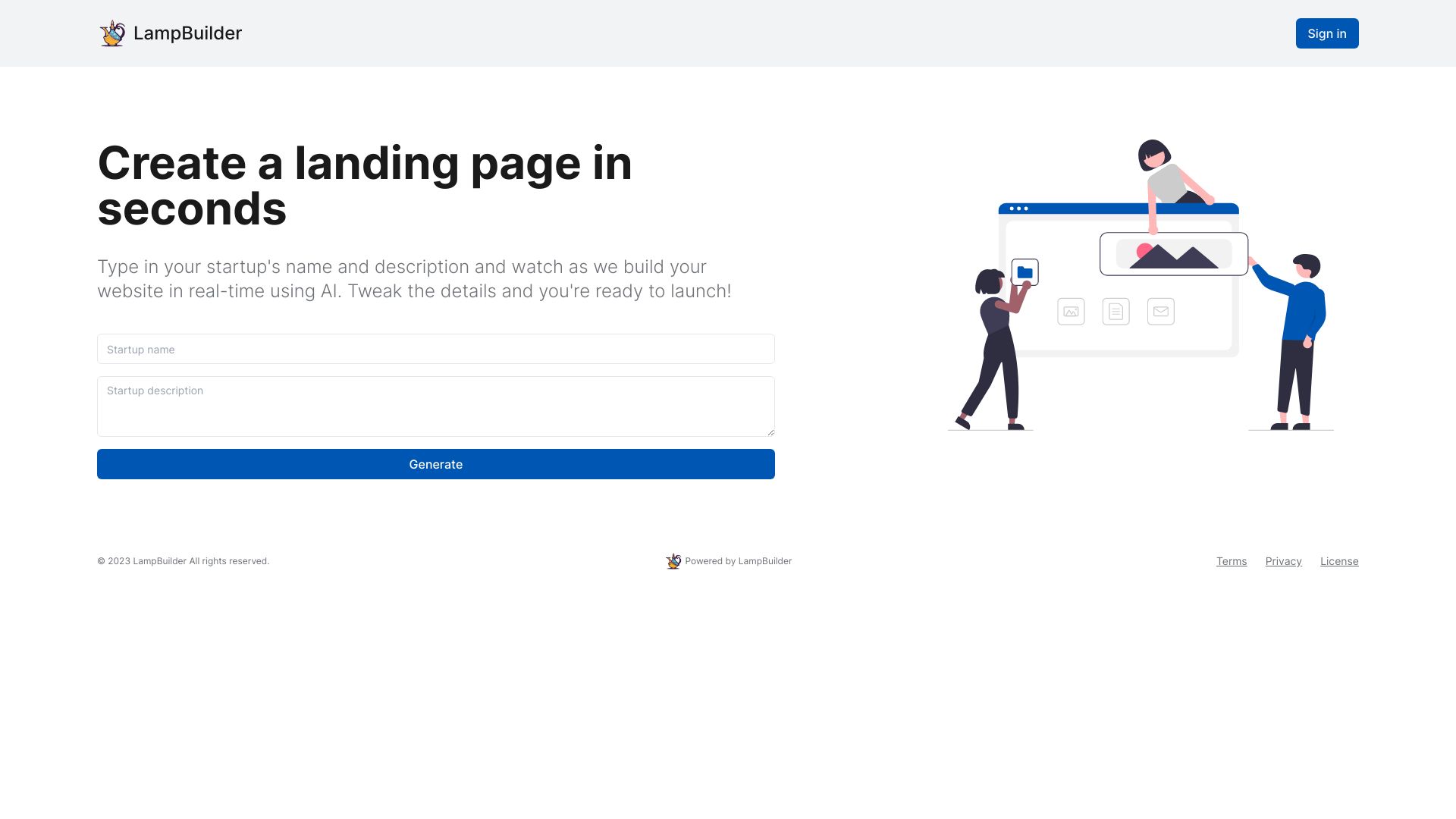

- AI-generated multipage business websites
- Starts at $15/month
- Usage signal: 91
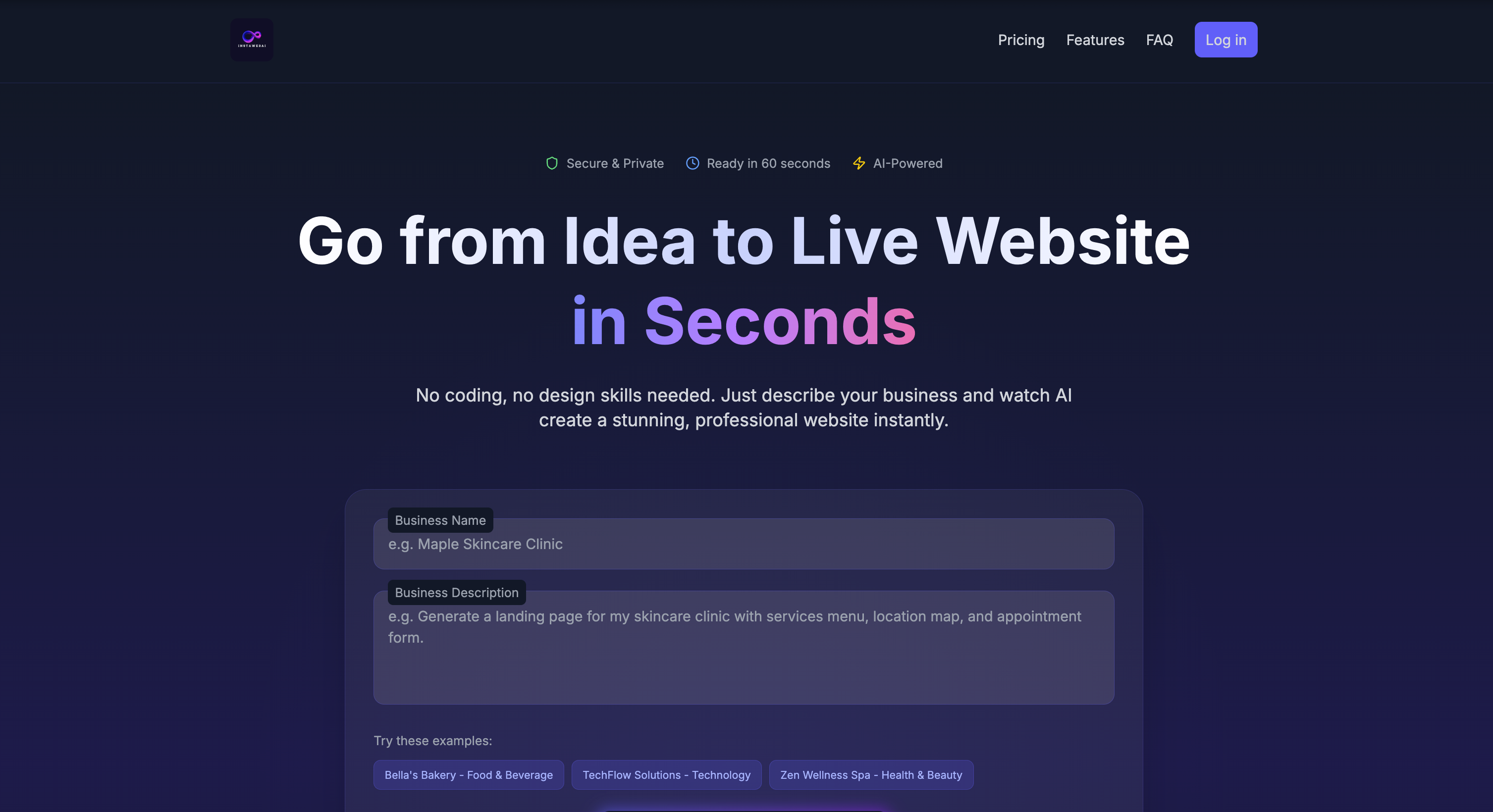

- AI website design and publishing
- Free plan available
- Starts at $9/month
- Usage signal: 0
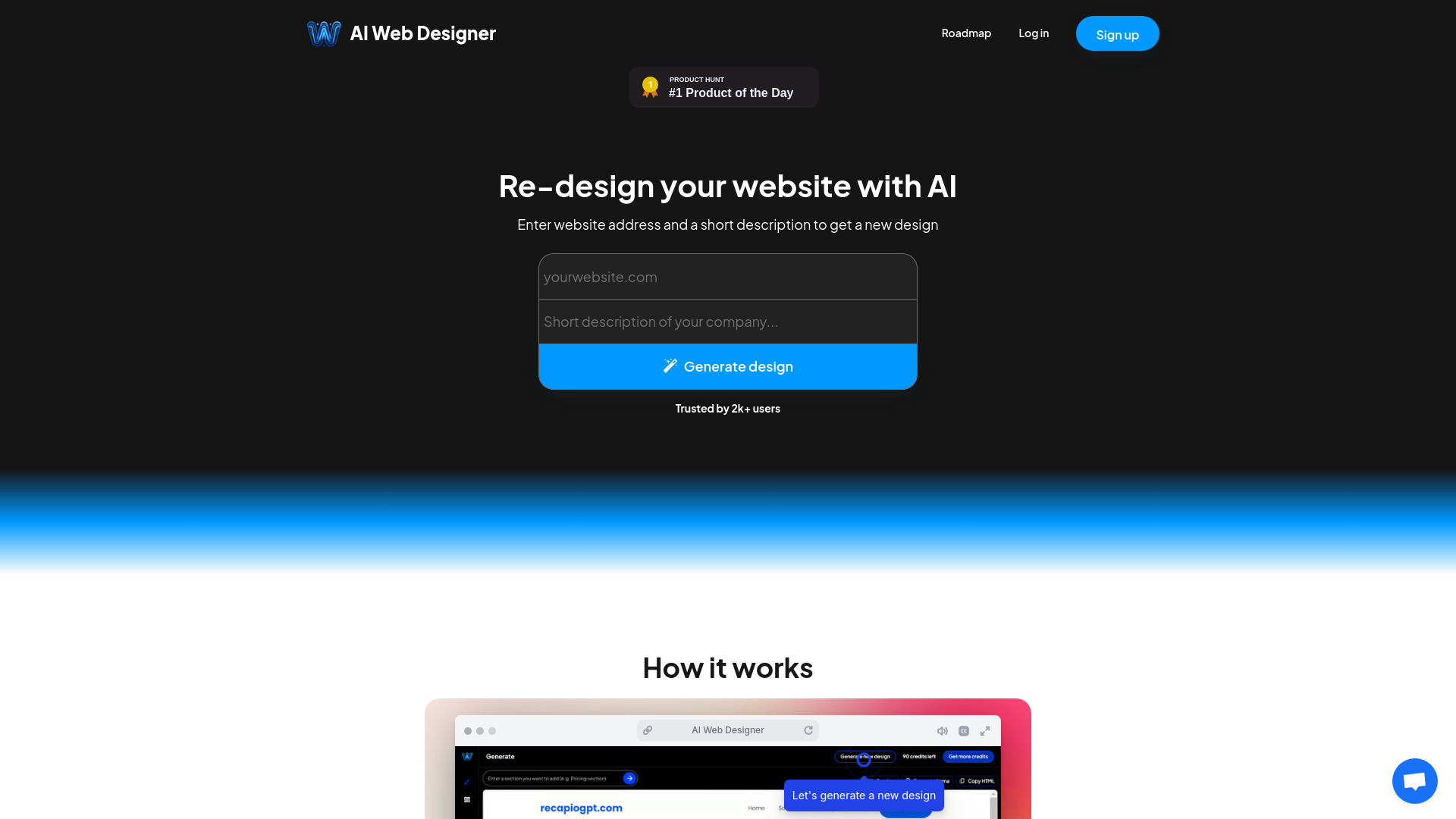

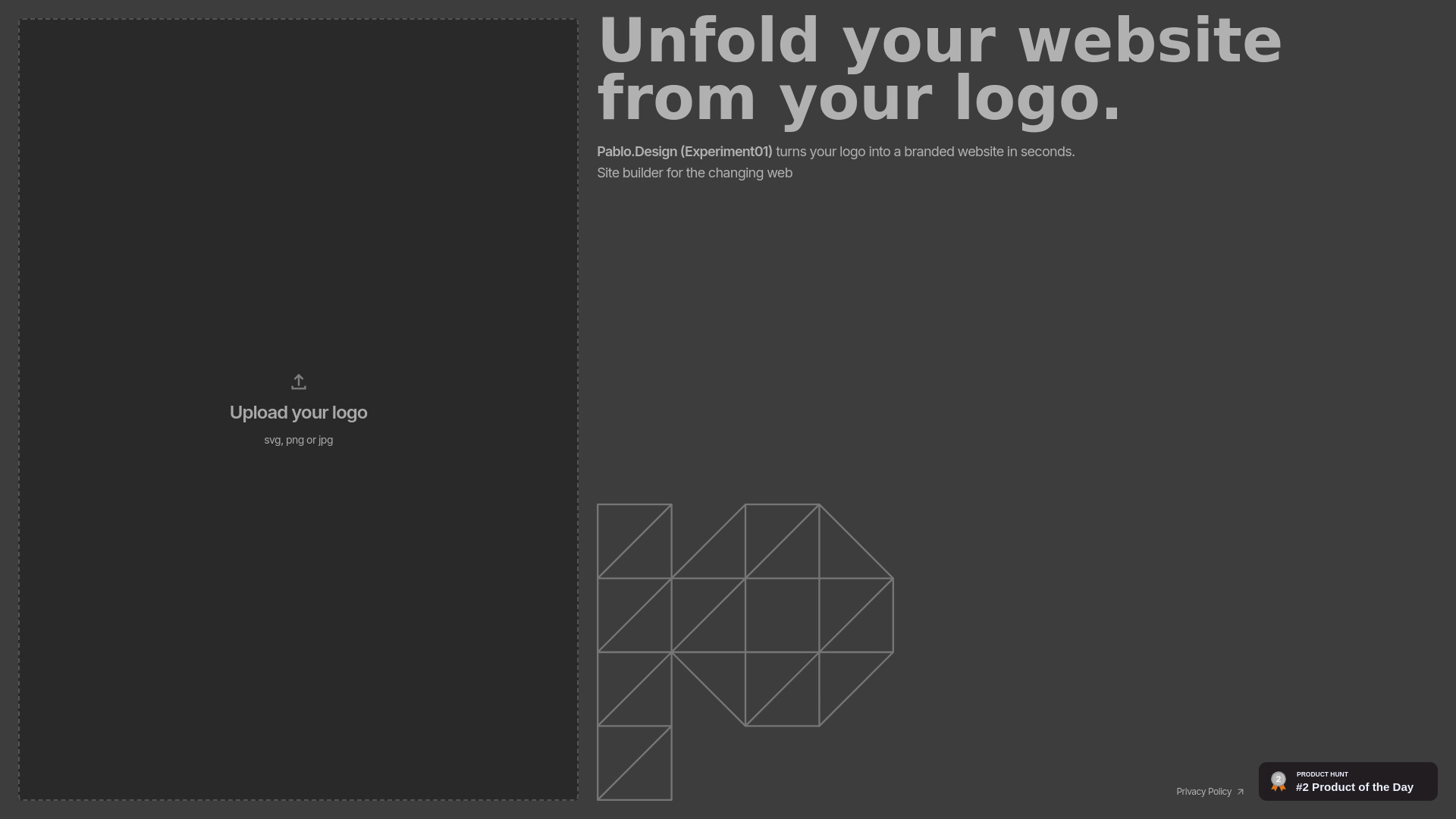
- Logo-based website creation
- Starts at Check vendor pricing
- Usage signal: 0

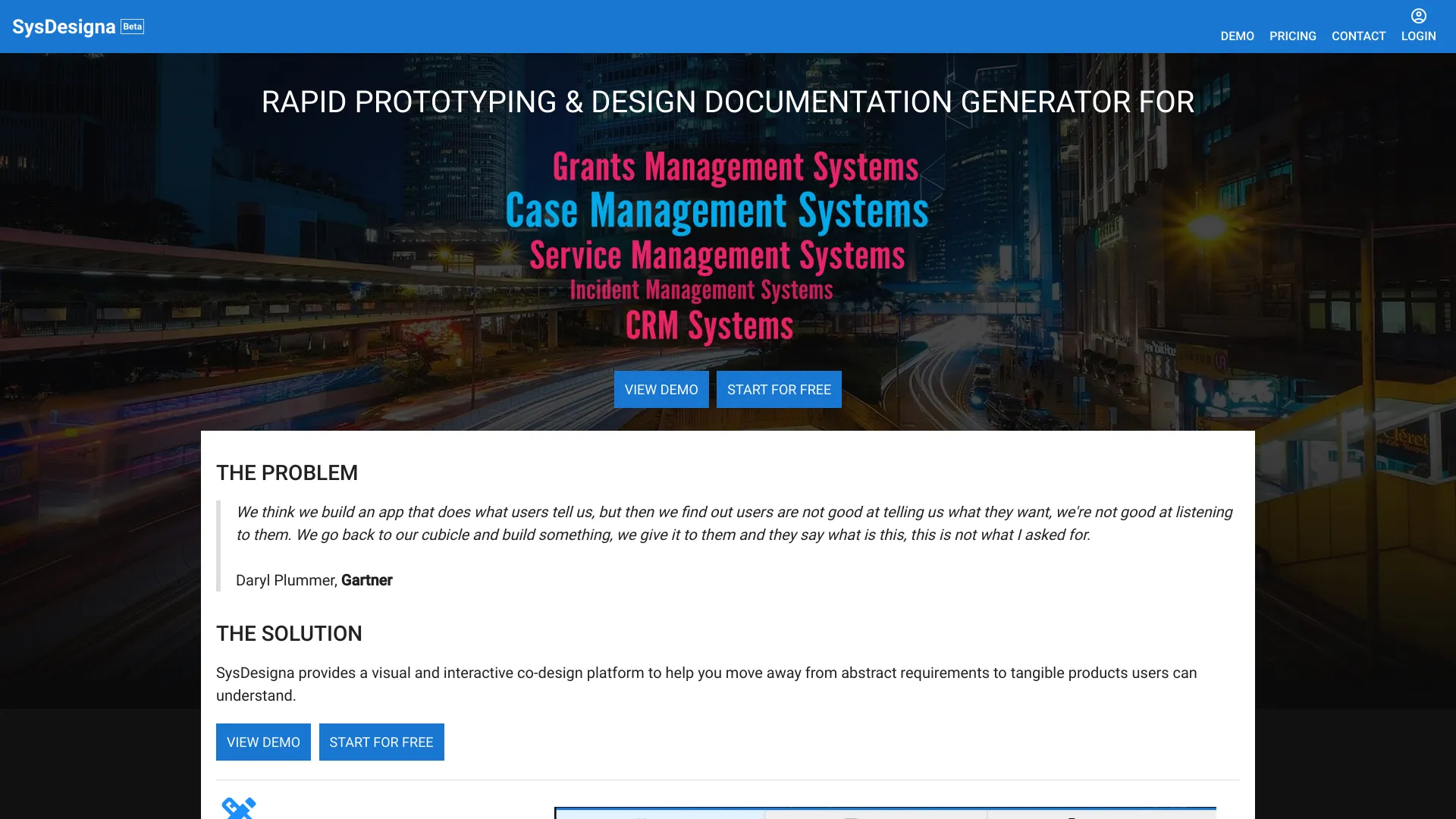
- Business app prototyping and design documentation
- Starts at Check vendor pricing
- Usage signal: 0
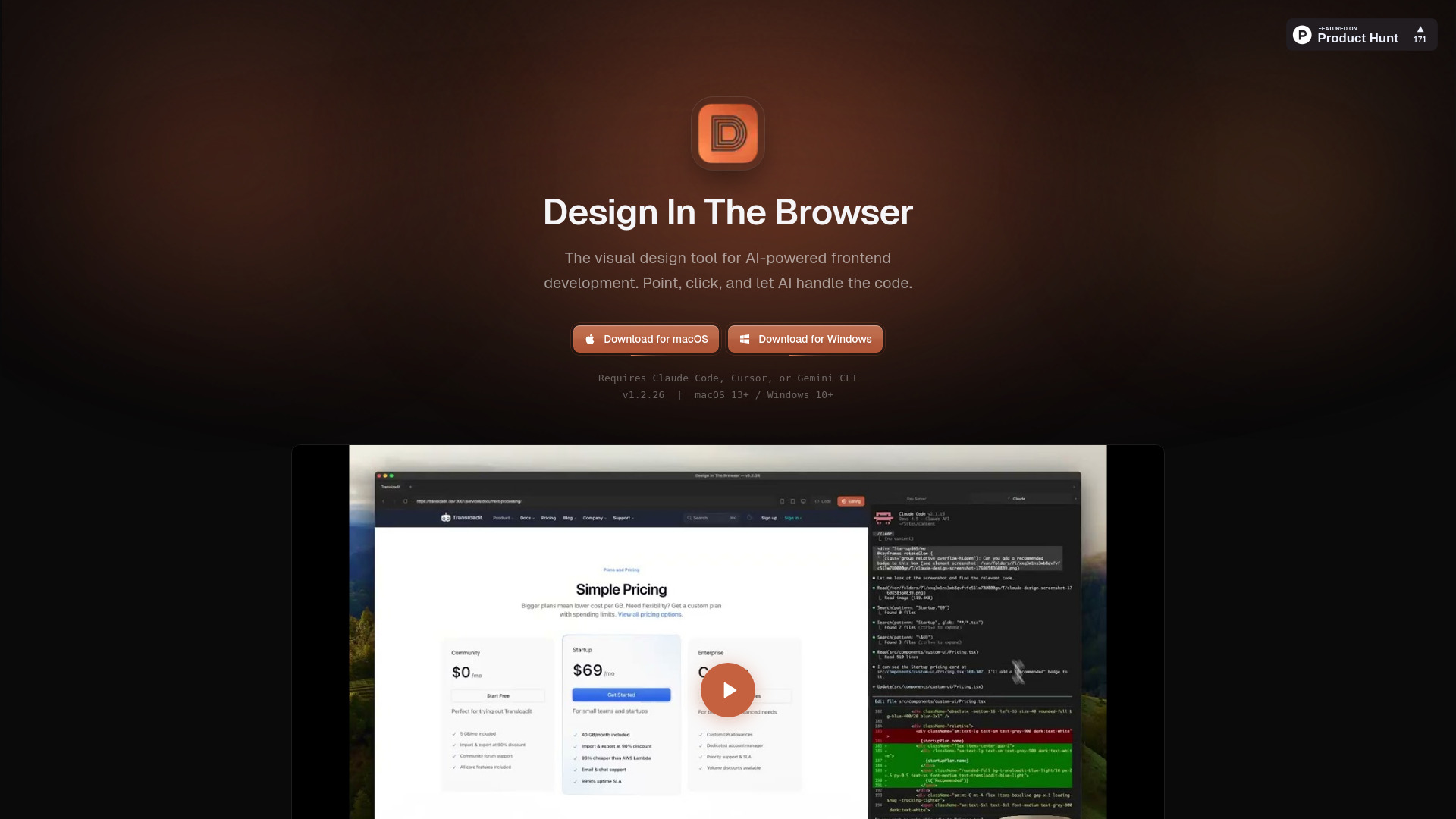
- Visual frontend development
- Starts at Check vendor pricing
- Usage signal: 0
- Drag-and-drop website building
- 100 AI tokens + 2 AI images
- Starts at $10/month
- Usage signal: 0
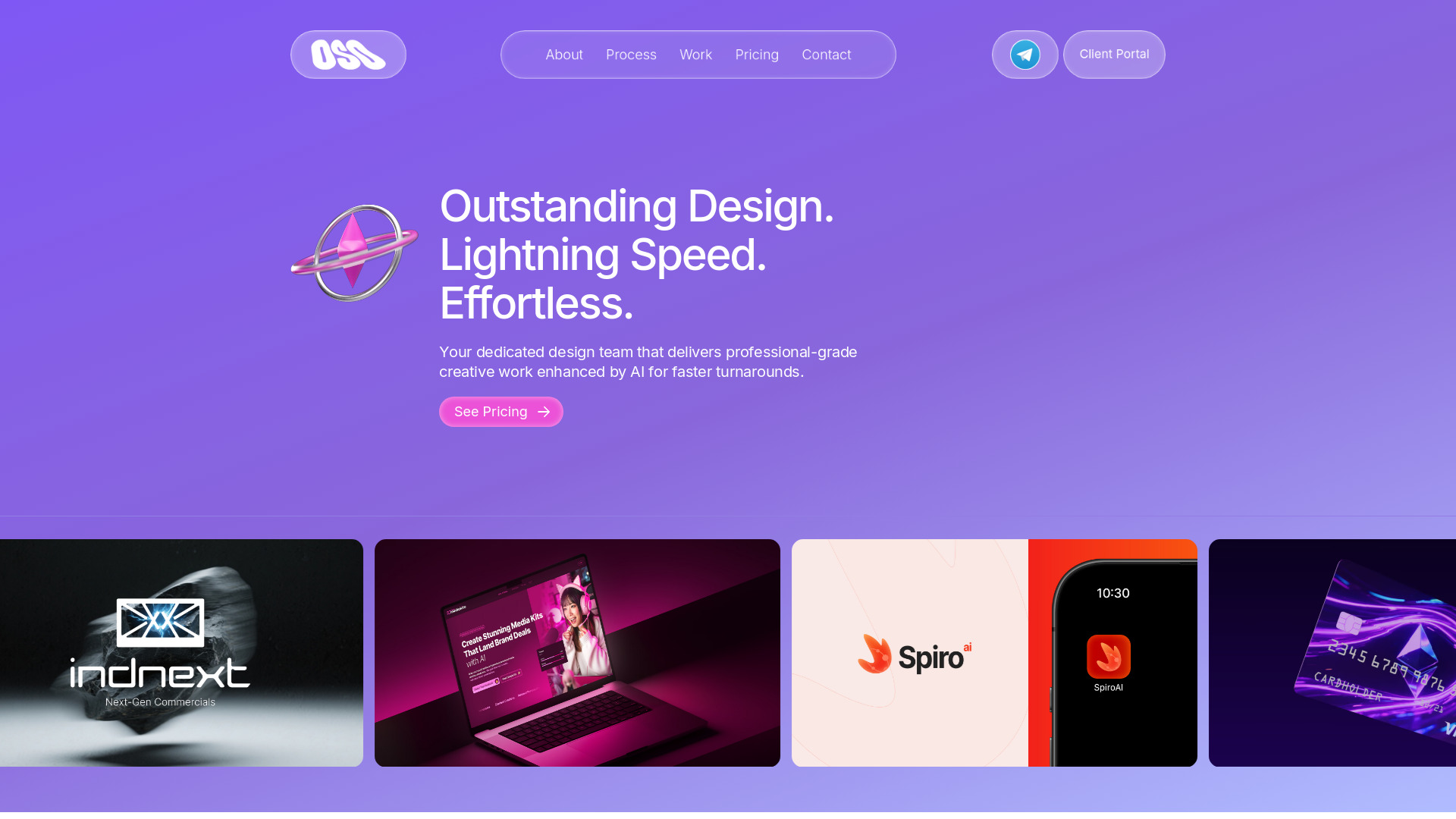
- Businesses needing ongoing design support
- Starts at $499/week trial
- Usage signal: 0

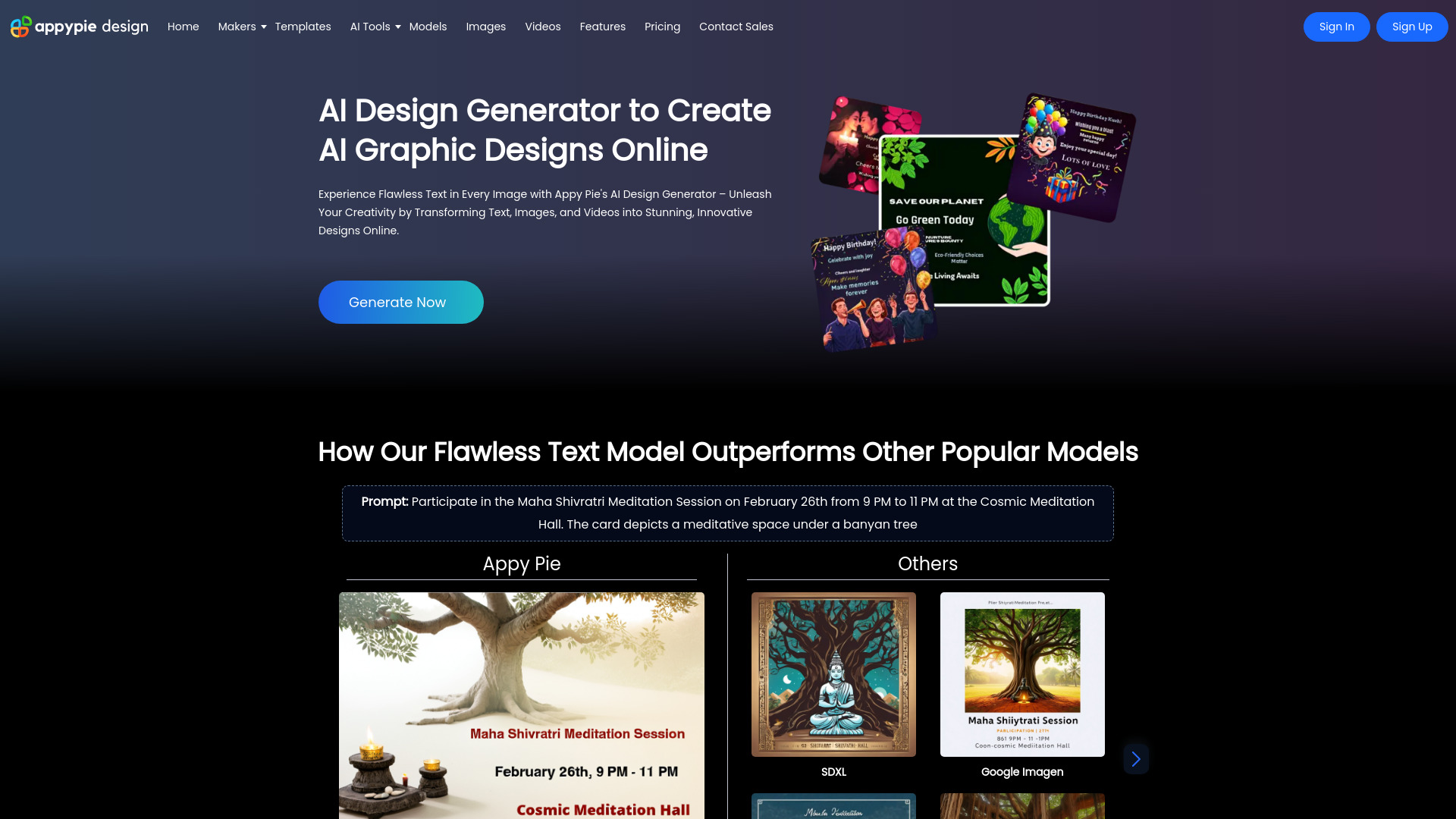
- AI-assisted graphic design and content creation
- Free plan available
- Starts at Check vendor pricing
- Usage signal: 0

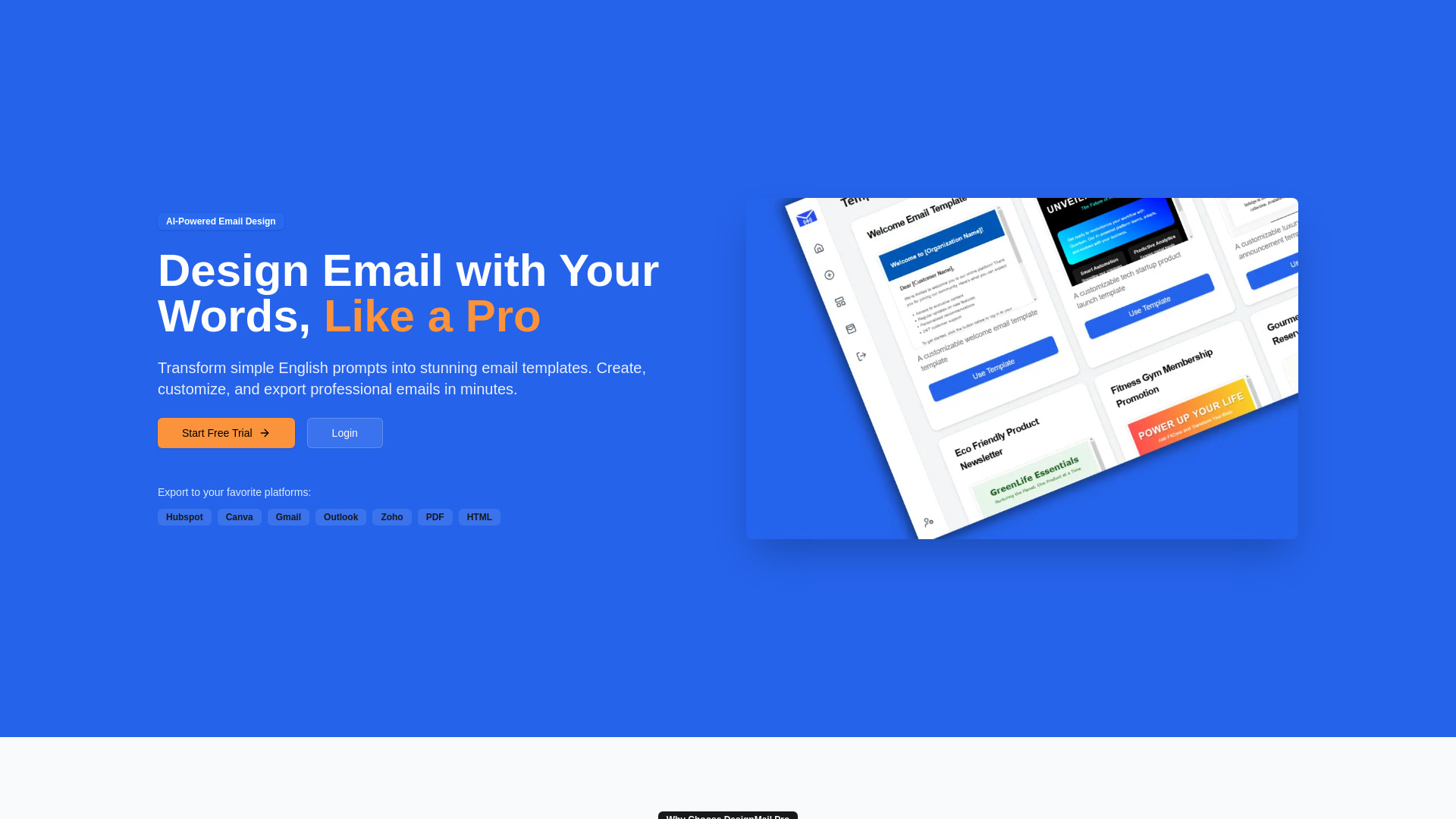
- AI-powered email template design
- Free trial available
- Starts at Check vendor pricing
- Usage signal: 0

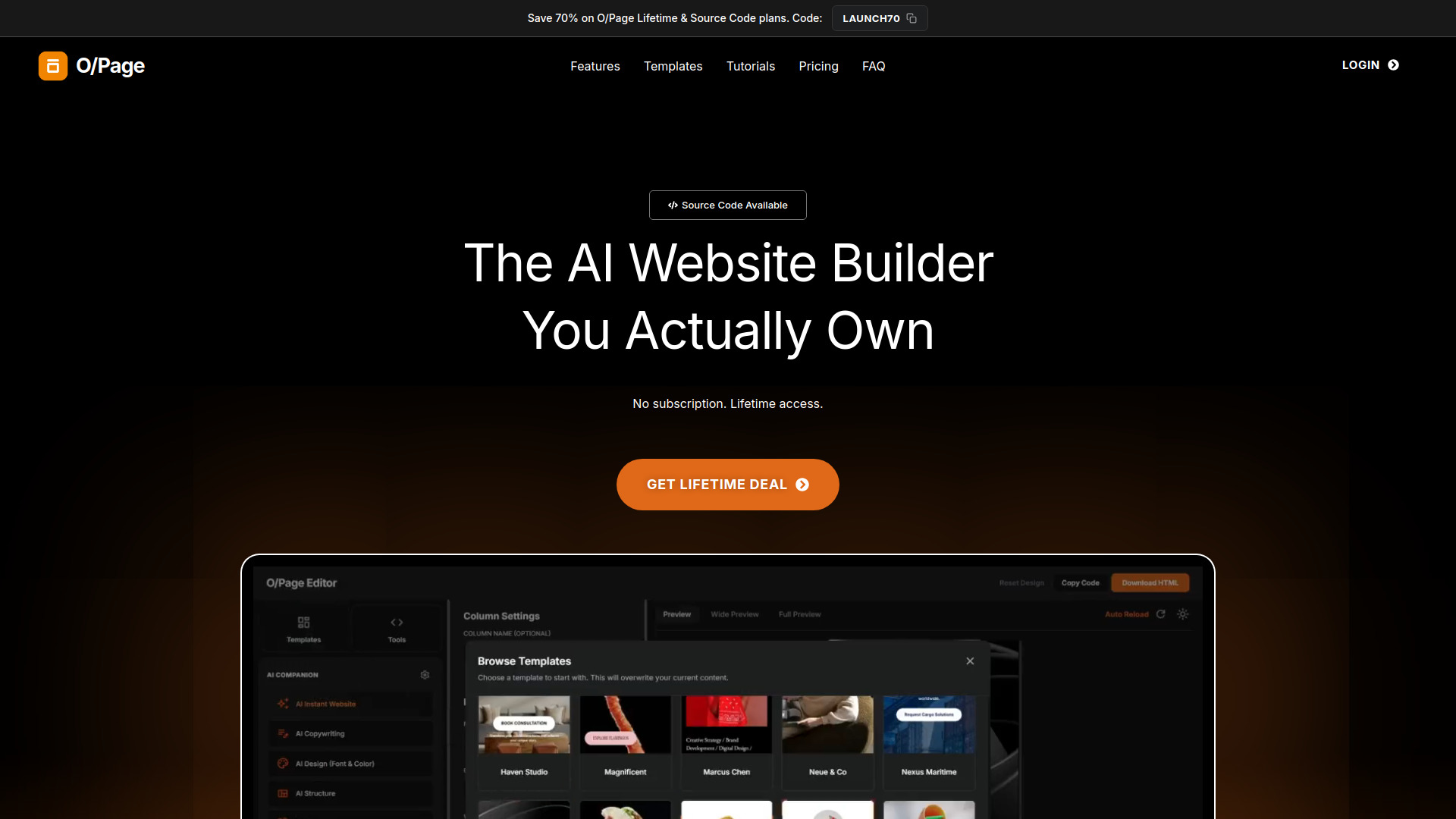
- Portable AI website creation
- Starts at $15 lifetime
- Usage signal: 0

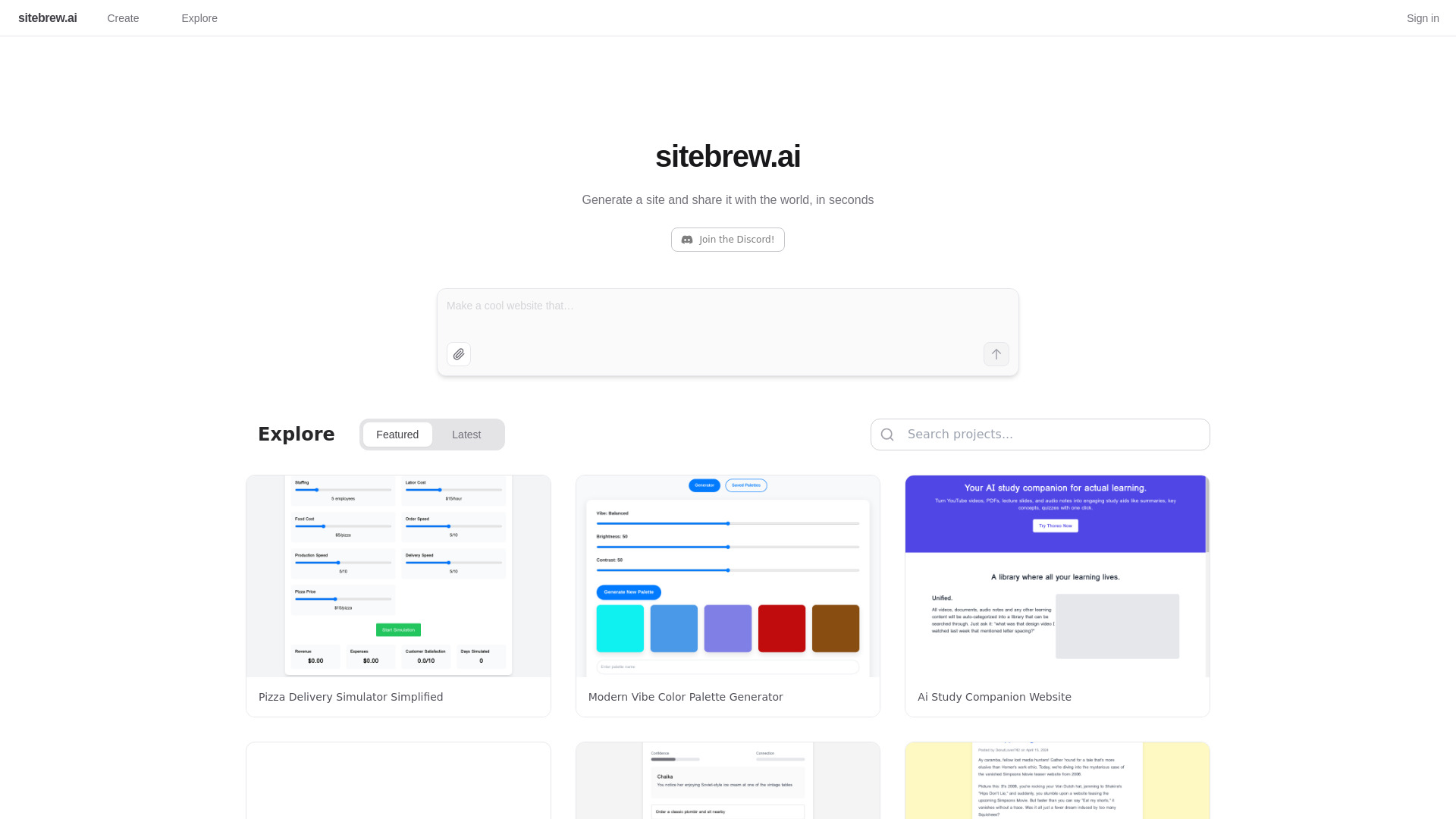
- Instant AI website generation
- Starts at Check vendor pricing
- Usage signal: 0

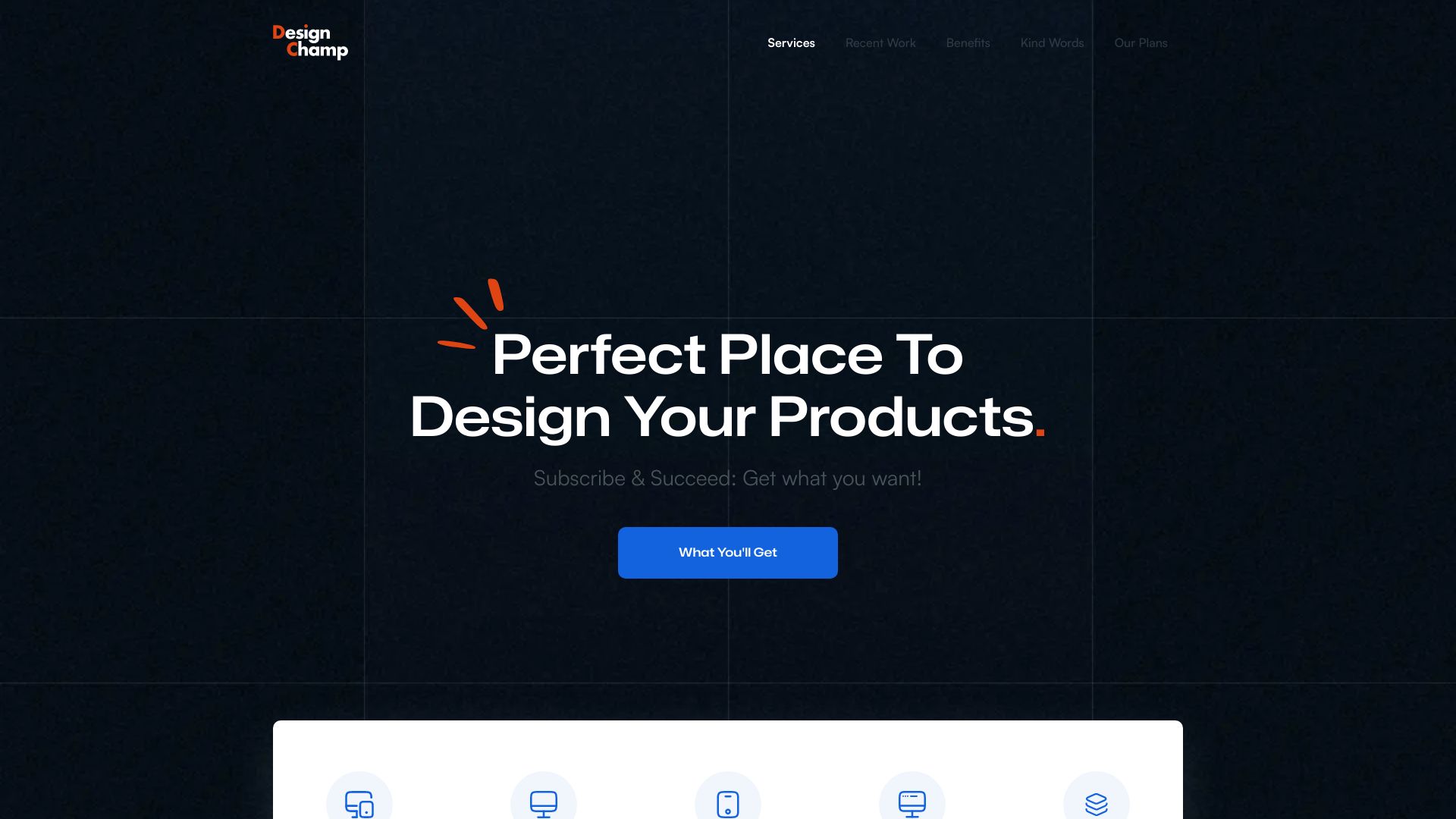
- Subscription UI/UX design for startups
- Starts at $299/month
- Usage signal: 0

- Mac website building for non-coders
- Starts at Check vendor pricing
- Usage signal: 0

- AI-generated multi-page websites
- 3 AI website generations/month
- Starts at $10/month
- Usage signal: 0

- AI website generation and local export
- Free plan available
- Starts at Check vendor pricing
- Usage signal: 0
- Freelancers and local business websites
- Free plan available
- Starts at $4.17/month, billed yearly
- Usage signal: 0
- Free website template discovery
- 616 free templates
- Starts at Check vendor pricing
- Usage signal: 0
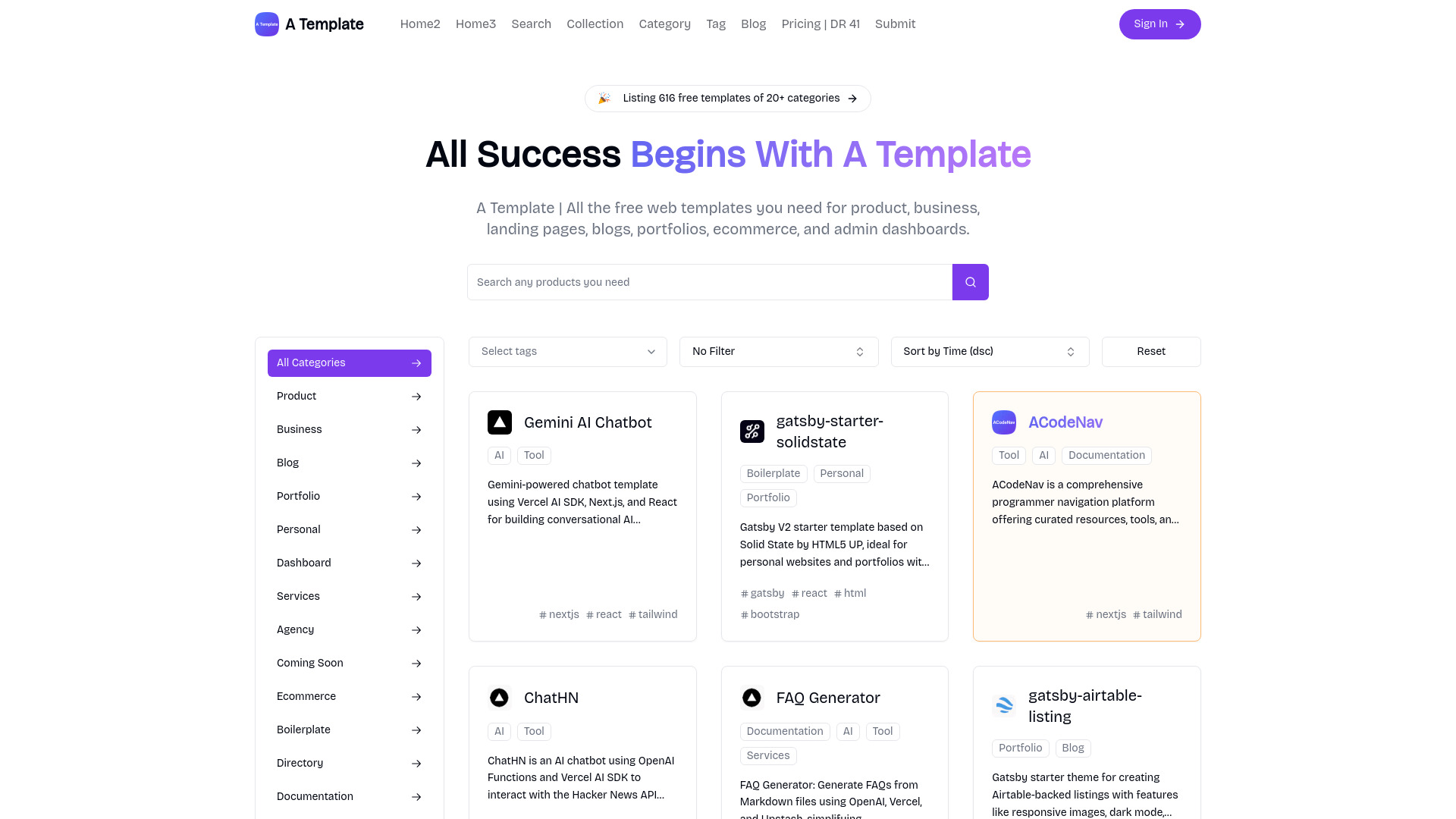
- AI-generated web design inspiration
- Starts at Check vendor pricing
- Usage signal: 0
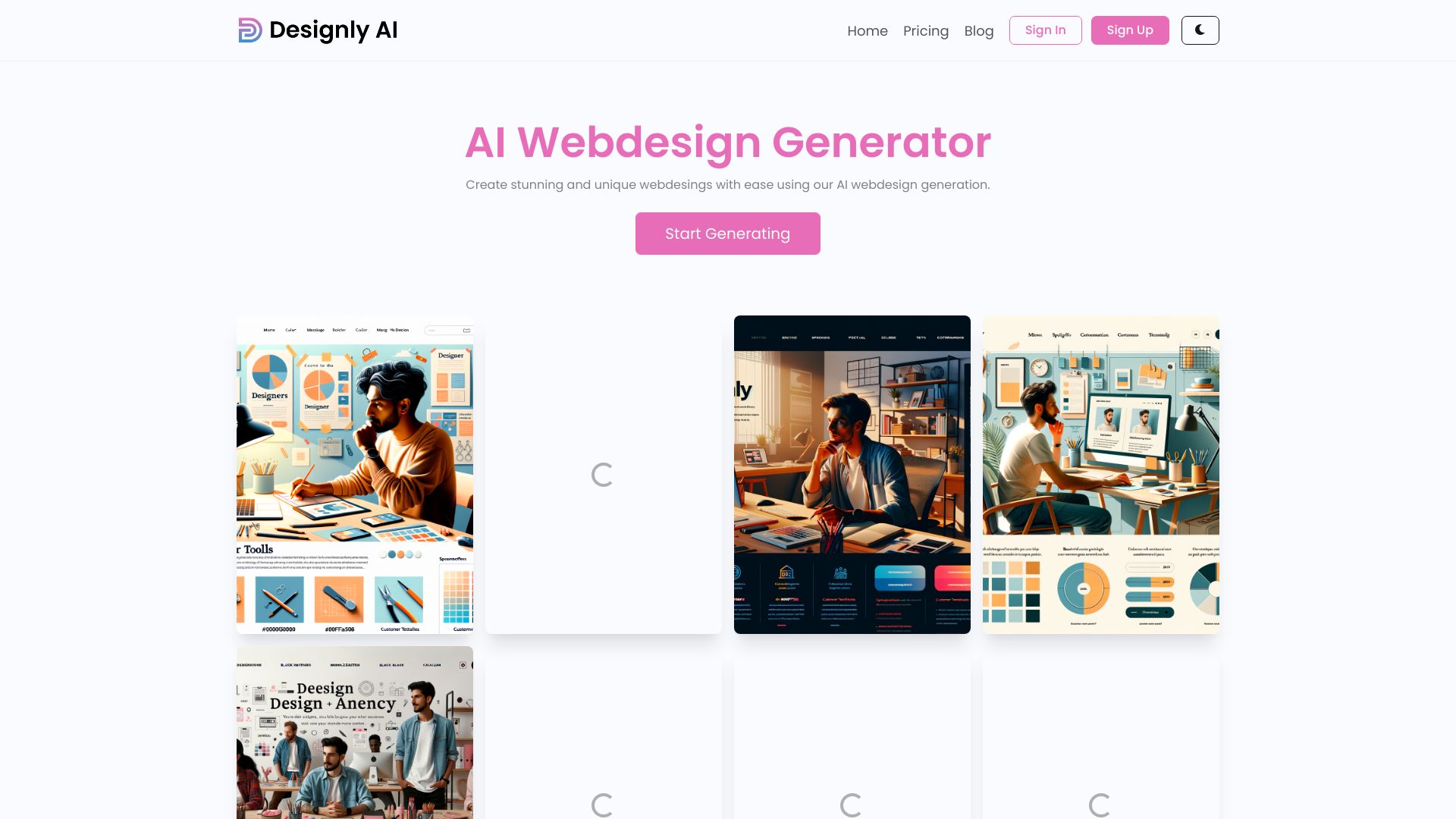

- Template-based website creation
- Free plan available
- Starts at $0.00/mo
- Usage signal: 0
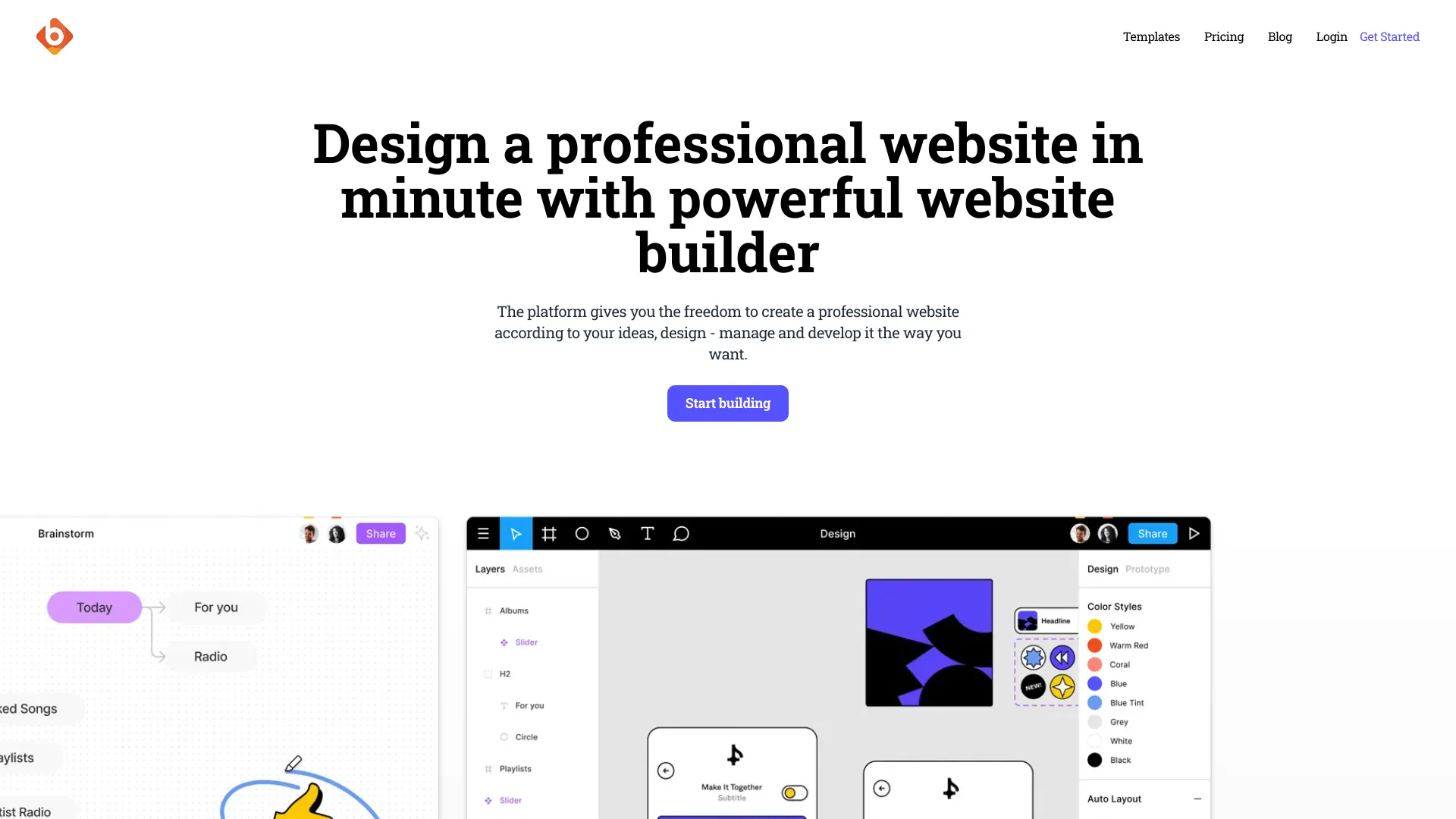
- One-page business websites
- Starts at Check vendor pricing
- Usage signal: 0

- Prompt-based one-page website generation
- Free trial available
- Starts at From $14.99 one-time
- Usage signal: 0

- SaaS website design templates
- Starts at From $29/month
- Usage signal: 0
- Quick design mockups
- Free plan available
- Starts at Check vendor pricing
- Usage signal: 0
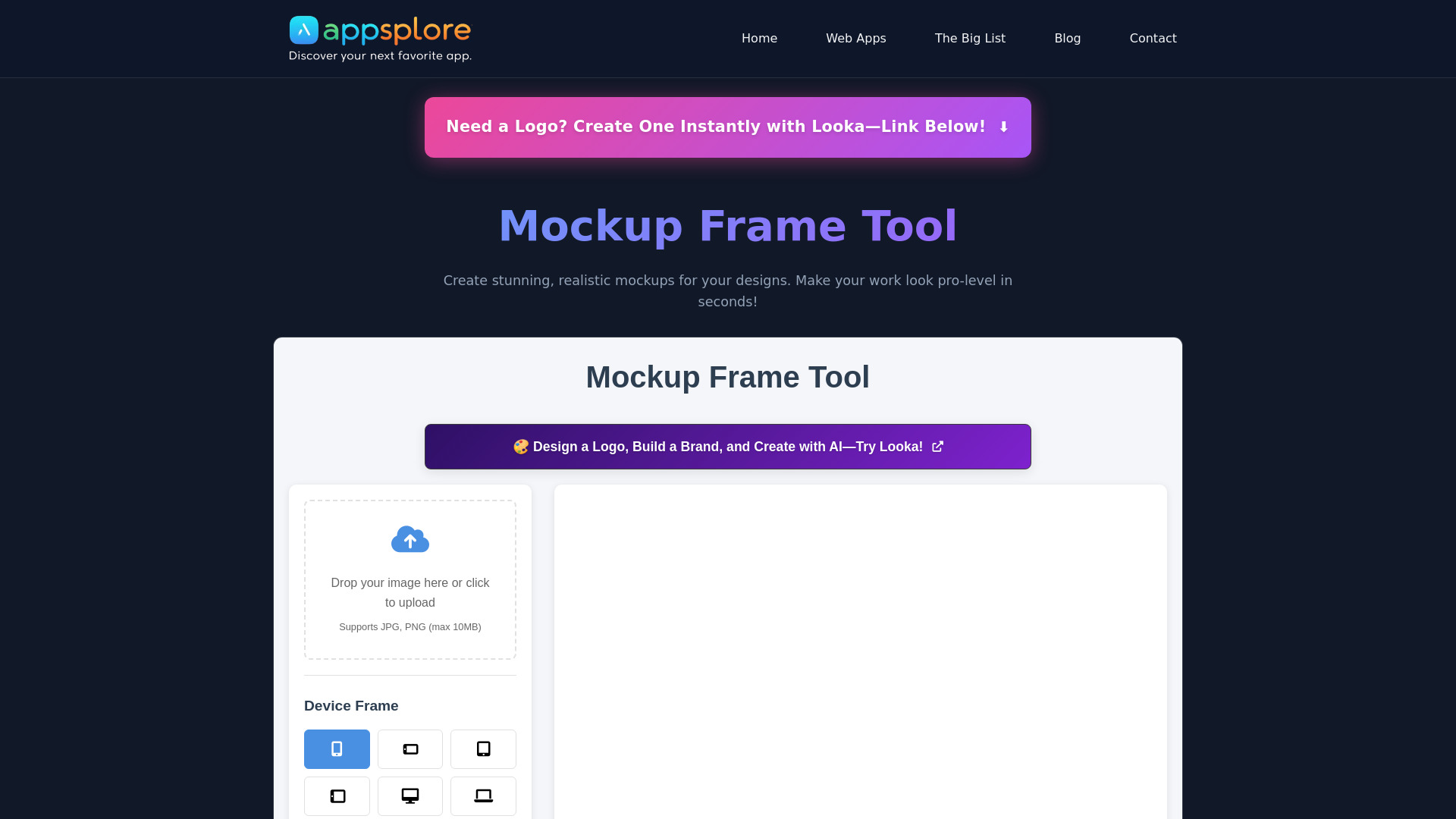

- AI-assisted websites for solopreneurs and local businesses
- Free plan available
- Starts at Check vendor pricing
- Usage signal: 0
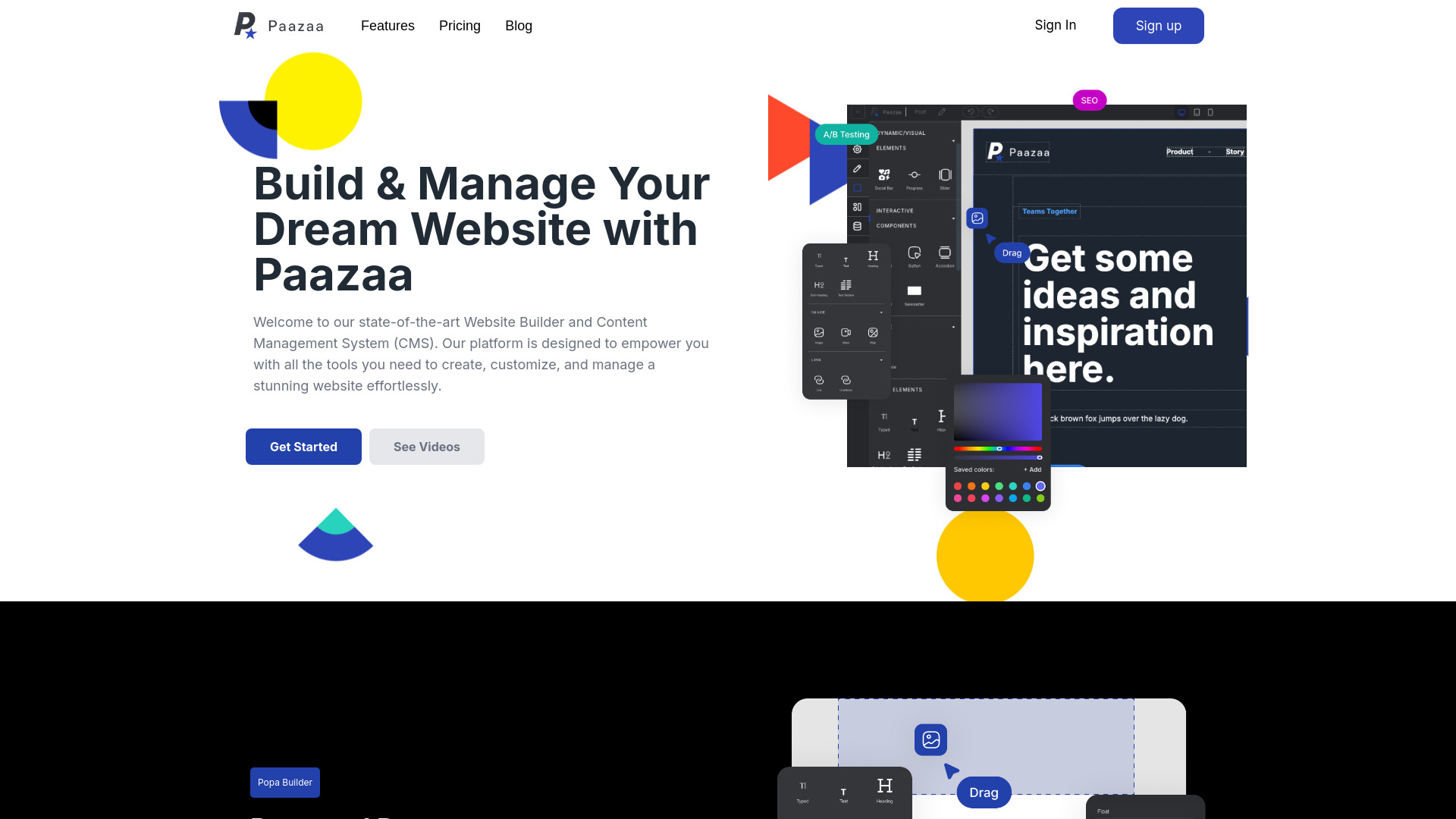

- AI website creation from prompts and screenshots
- Starts at $14/month
- Usage signal: 0
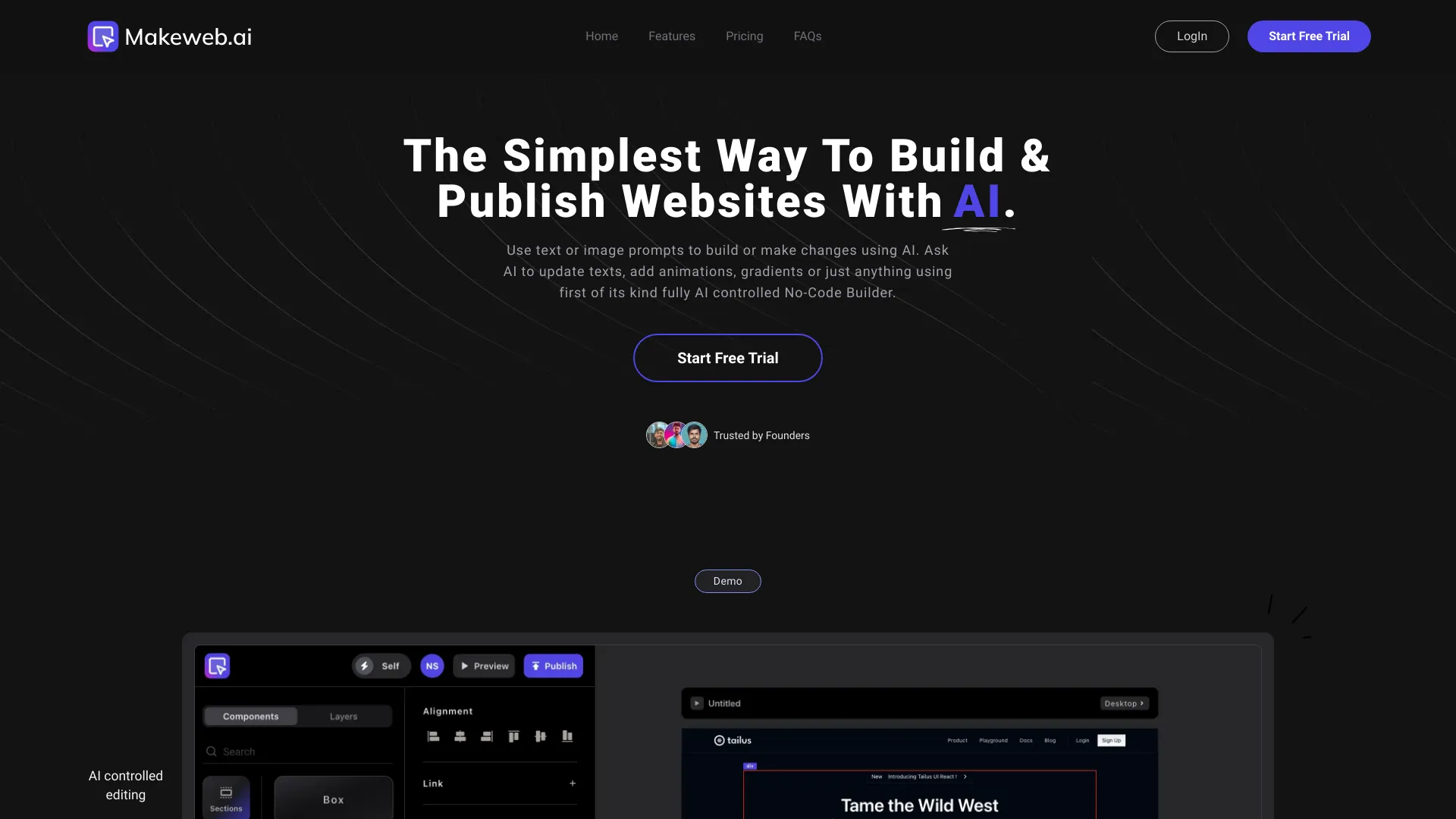

- AI-powered website design critique
- 14-day free trial
- Starts at $7/month (annual billing)
- Usage signal: 0
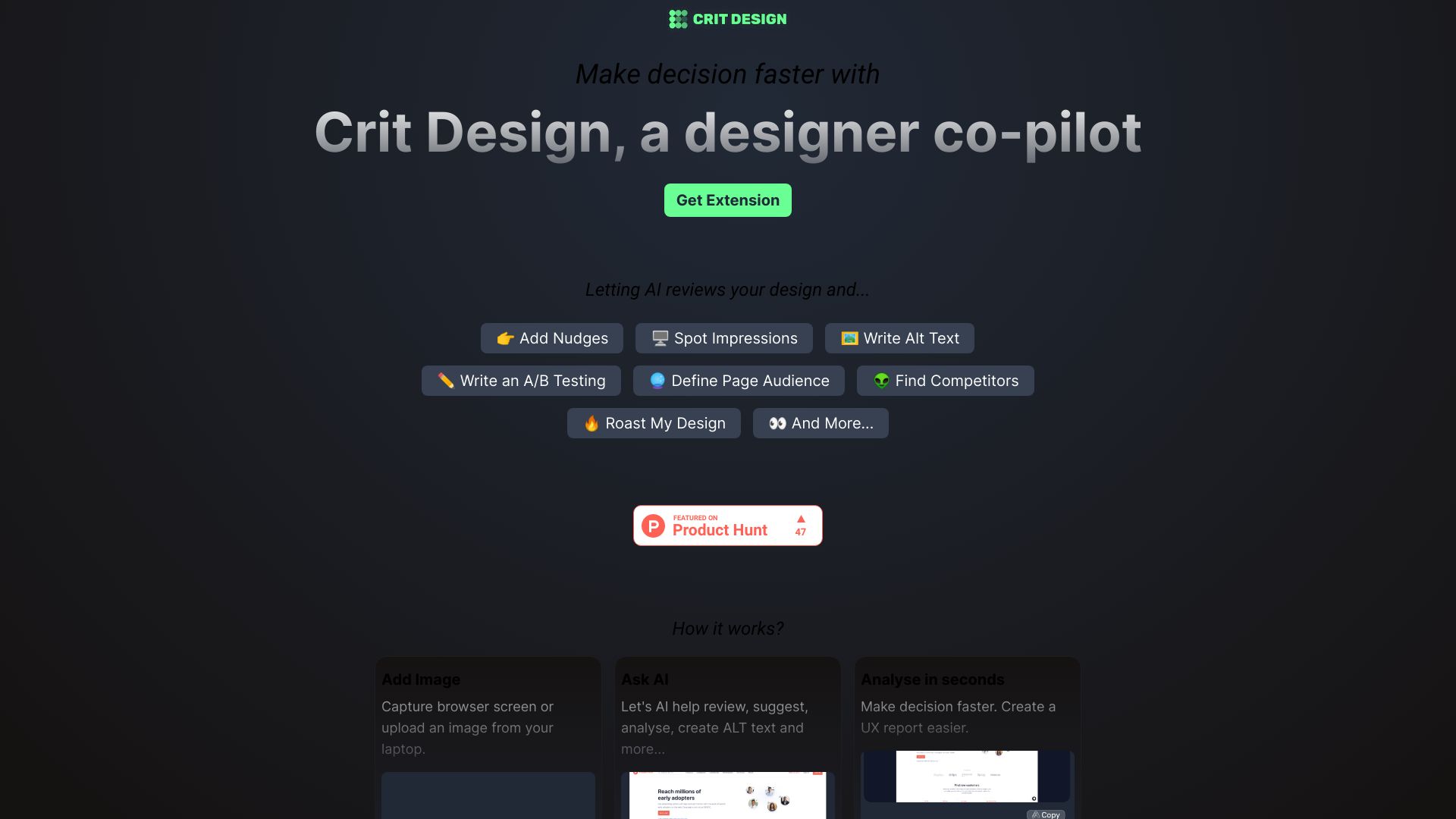

- Automated marketing visuals
- Free trial available
- Starts at Check vendor pricing
- Usage signal: 0
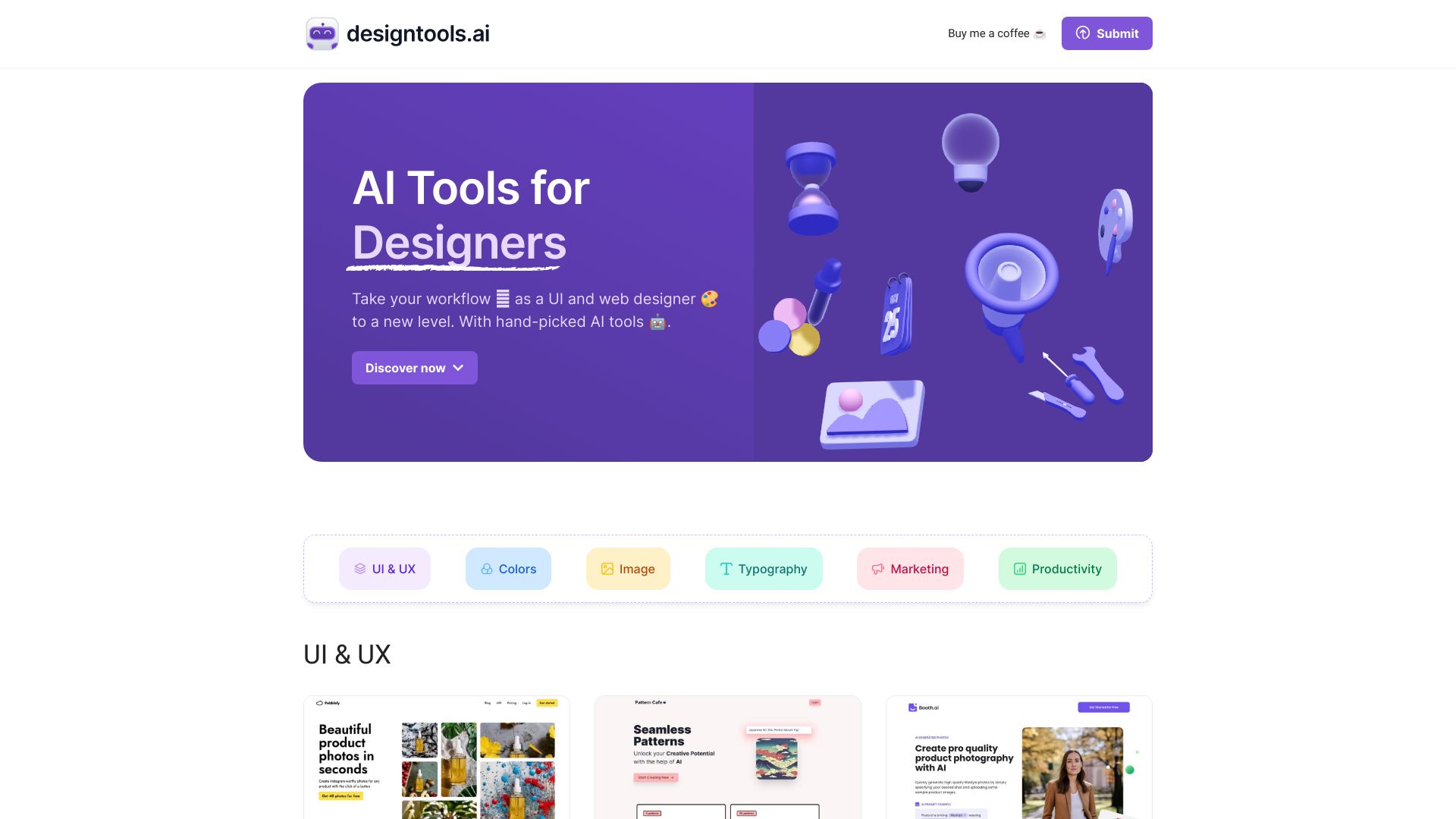

- No-code CSS UI components
- Starts at Check vendor pricing
- Usage signal: 0
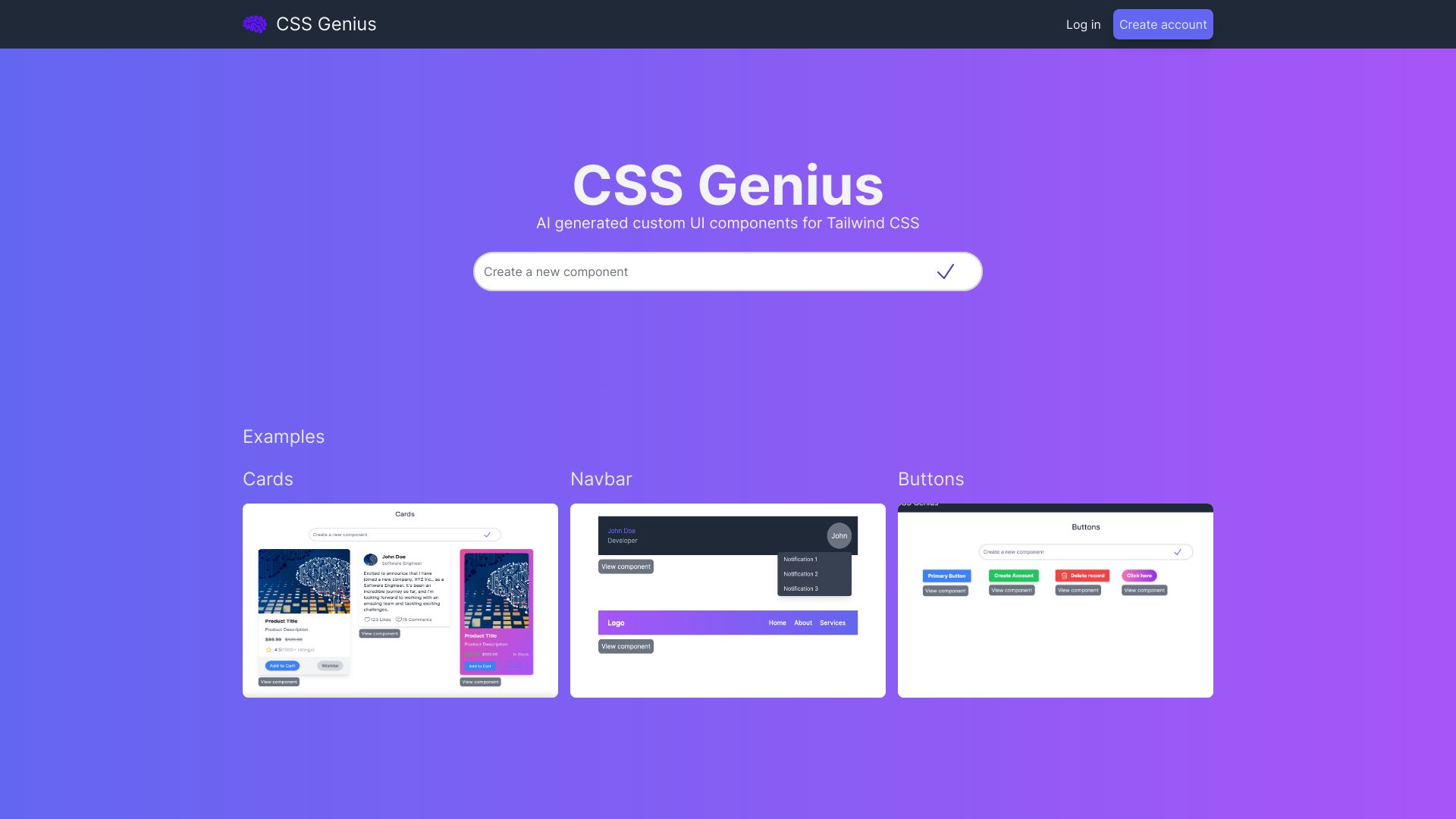

- AI-built landing pages for marketers
- $5 AI budget/month
- Starts at $0/month
- Usage signal: 0
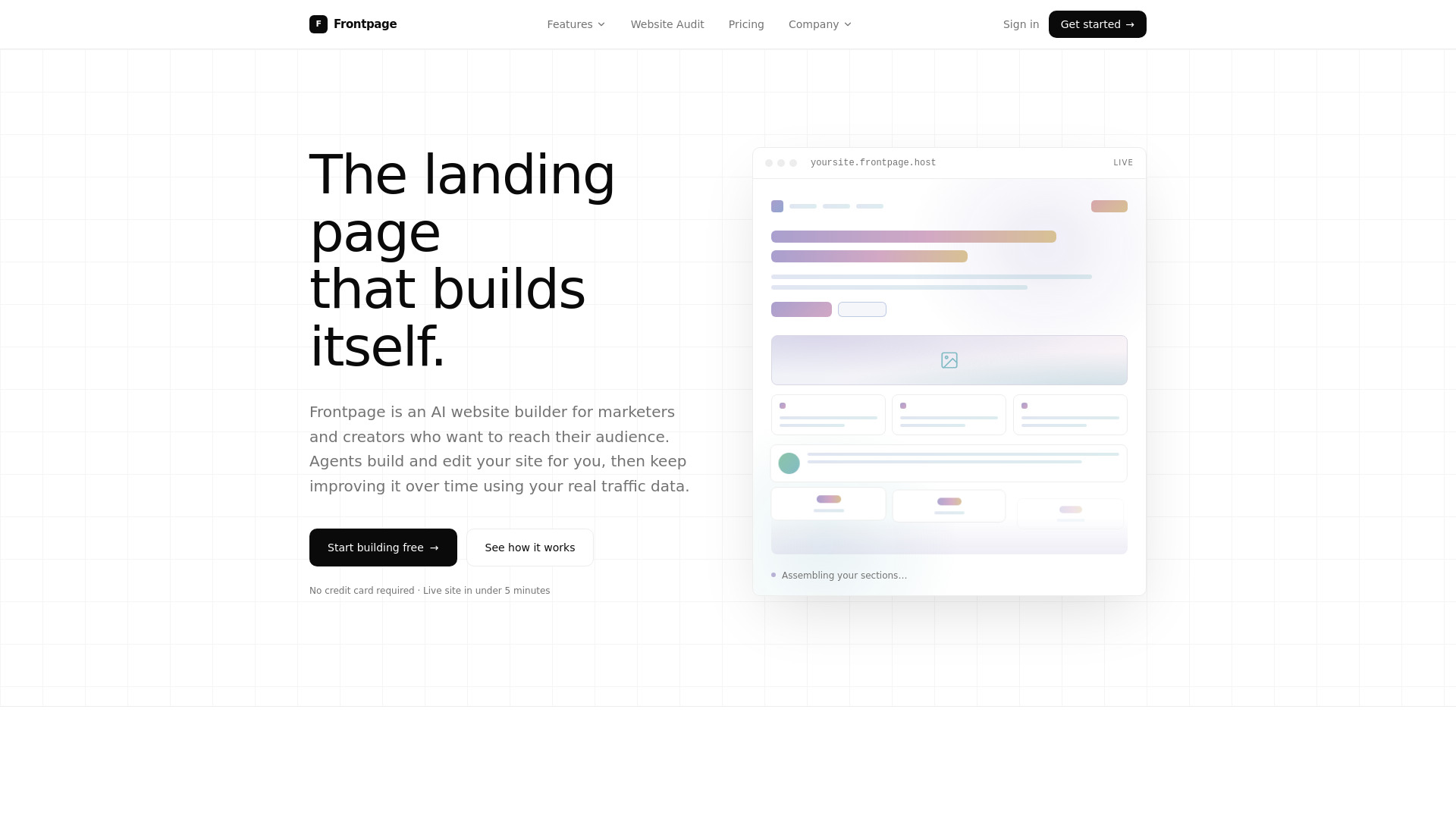

- AI-powered WordPress websites
- Free trial available
- Starts at Check vendor pricing
- Usage signal: 0
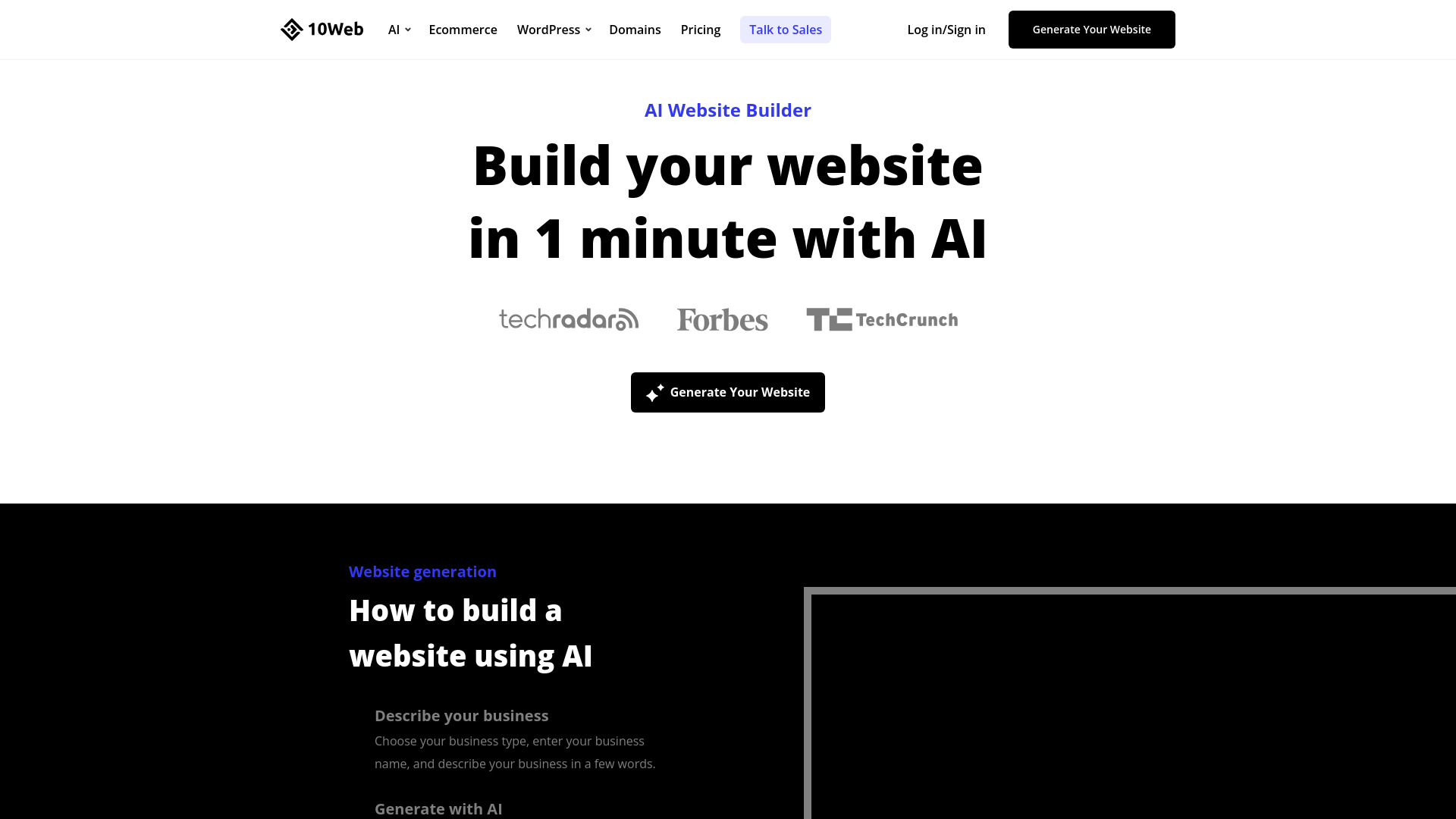

- Entrepreneurs building custom websites without coding
- Starts at $25/mo
- Usage signal: 0
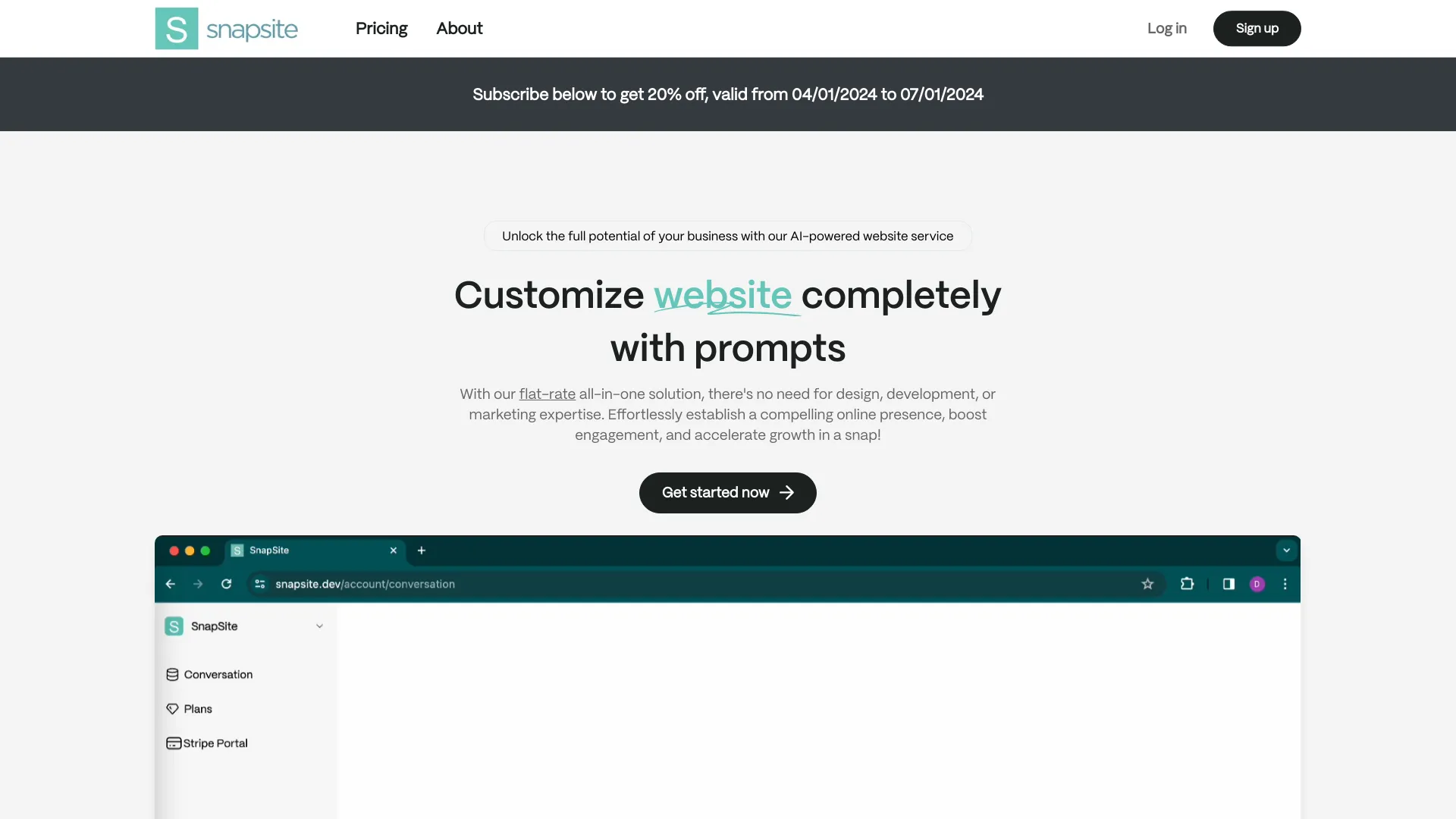

- AI-generated landing pages
- Starts at Check vendor pricing
- Usage signal: 0
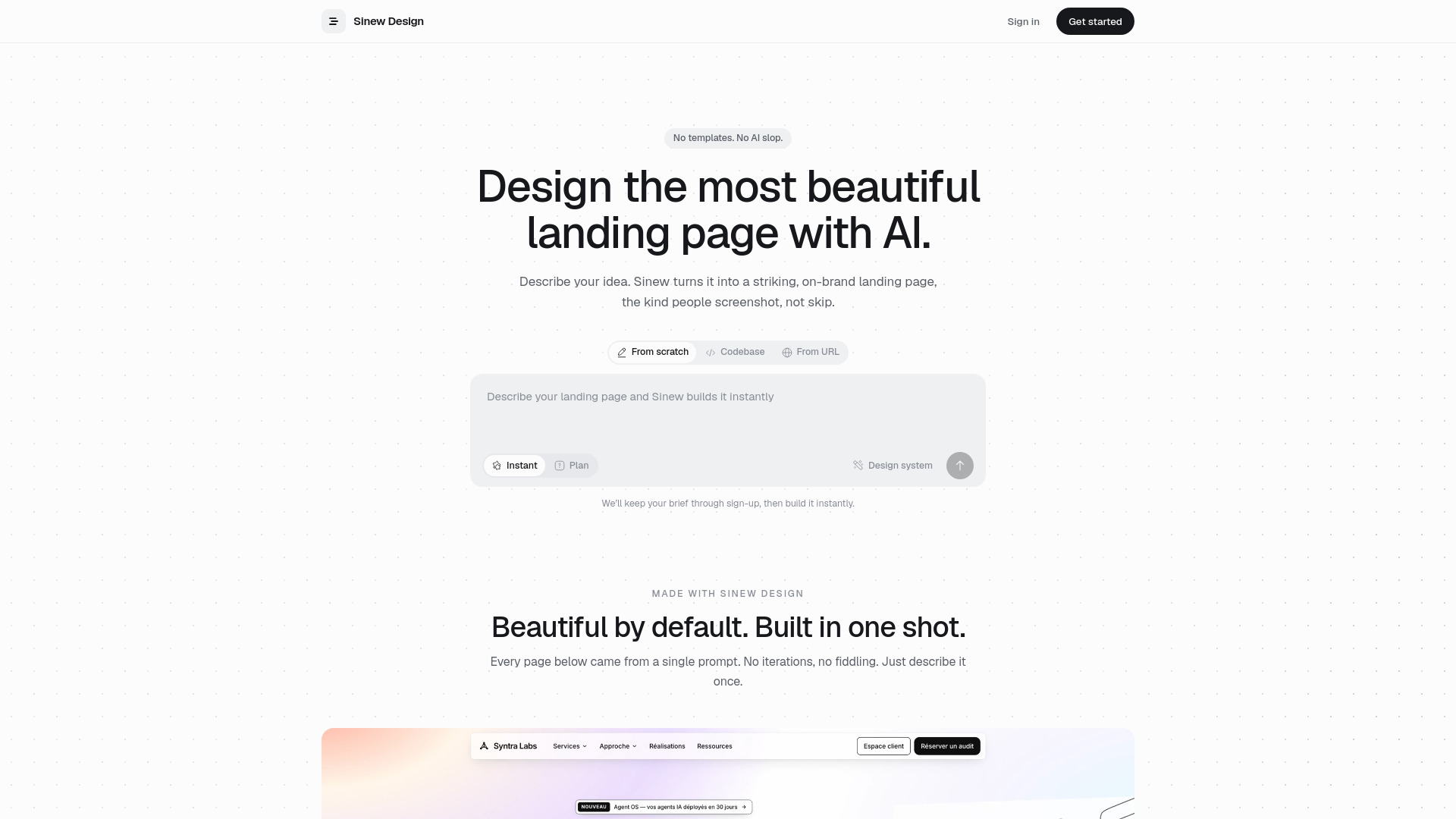

- AI color palettes and typography
- Starts at Check vendor pricing
- Usage signal: 0
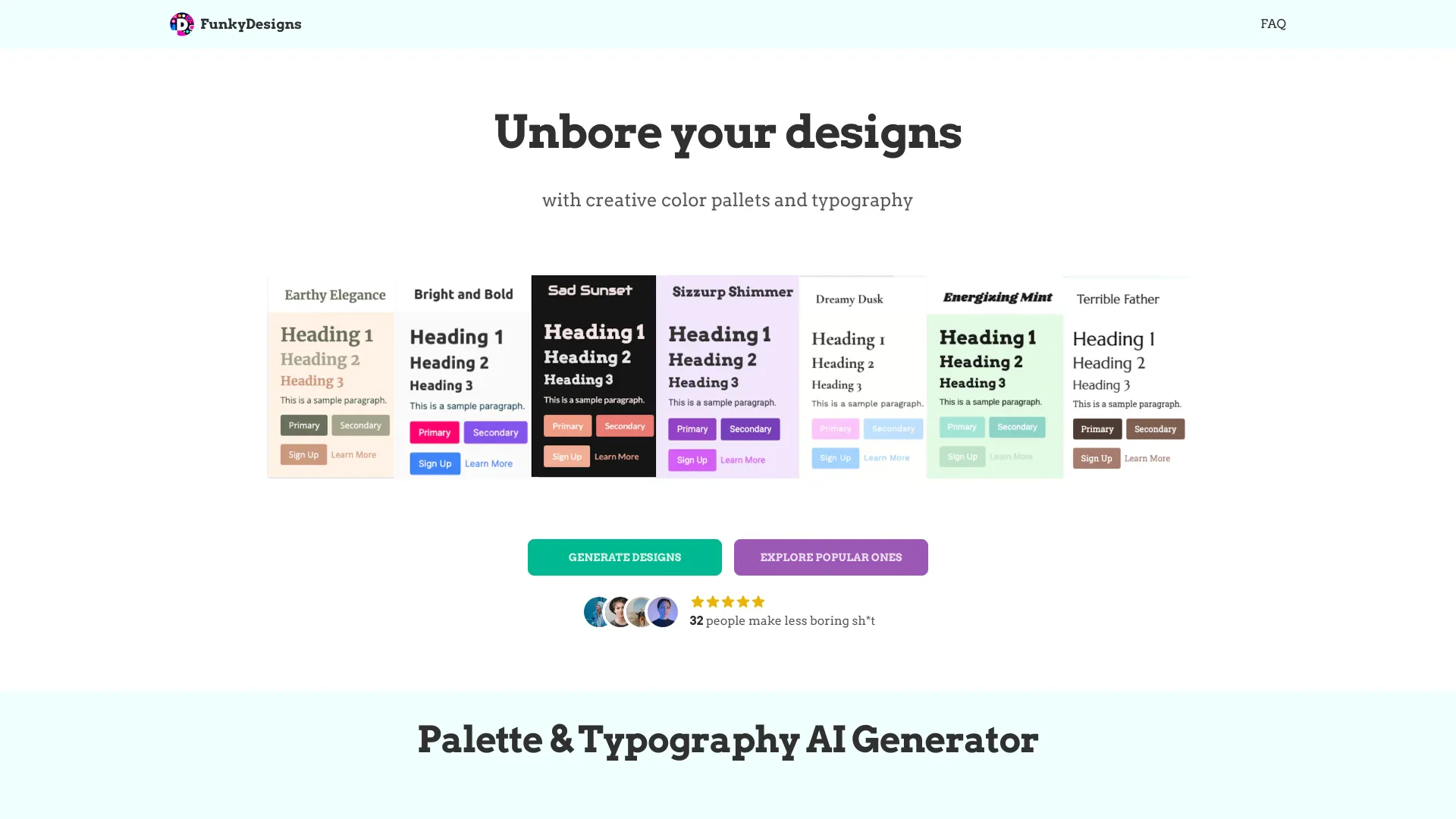

- E-commerce marketing visuals
- Free trial available
- Starts at Check vendor pricing
- Usage signal: 0
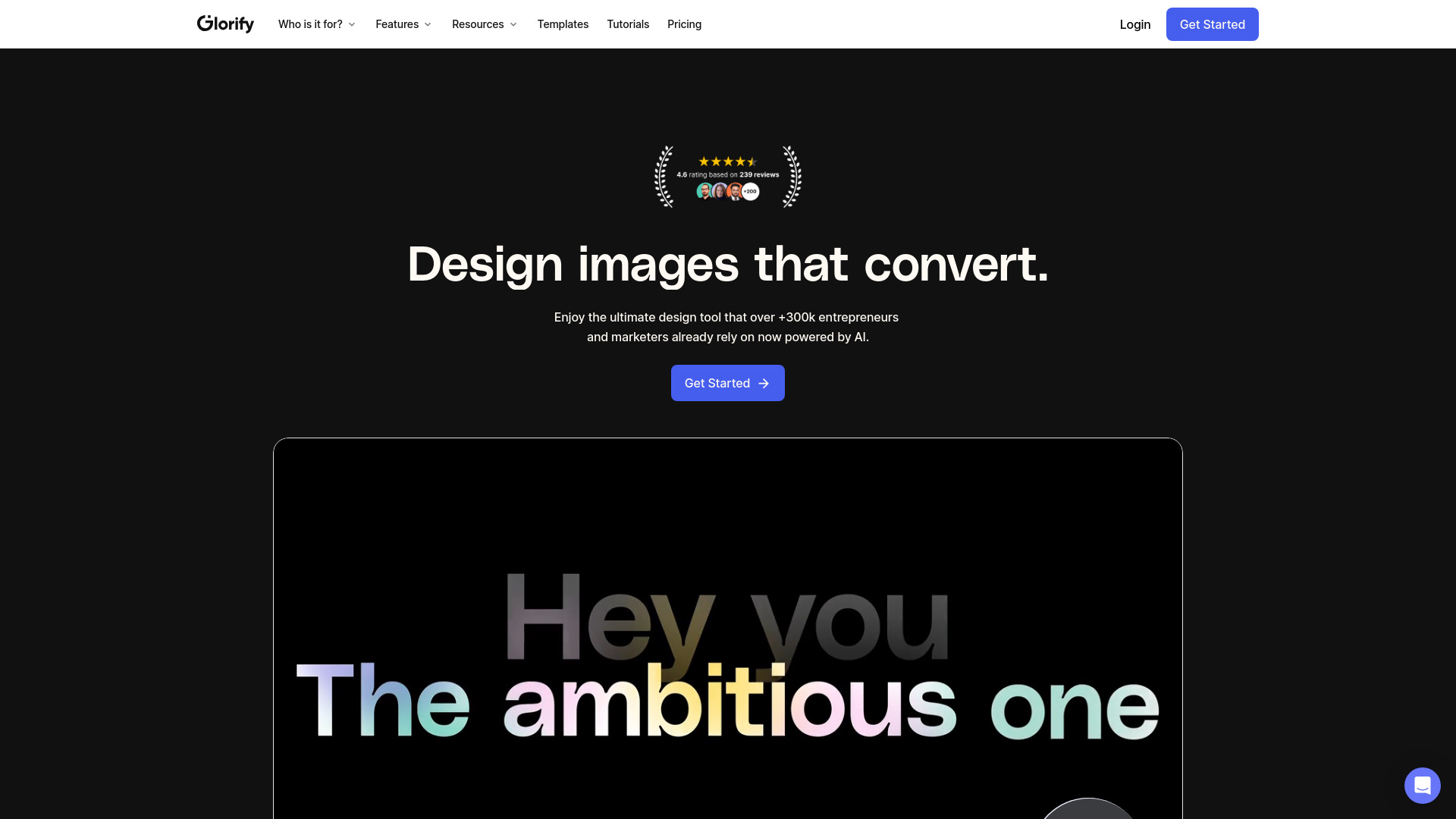

- AI-generated landing pages for small businesses
- Free plan available
- Starts at Starting at $1
- Usage signal: 0
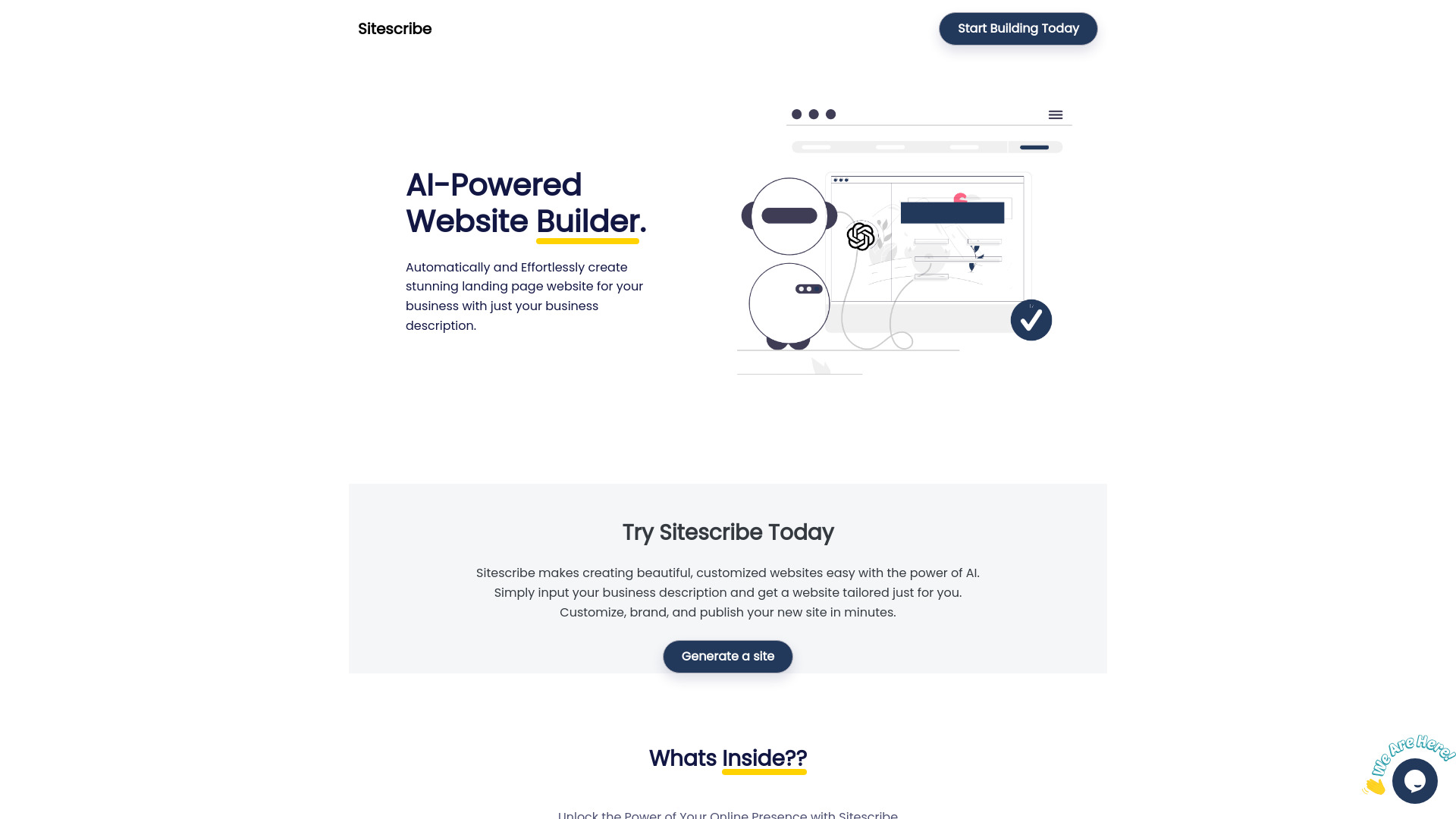

- Ready-made WordPress site launches
- Starts at Rs. 8,999/year
- Usage signal: 0
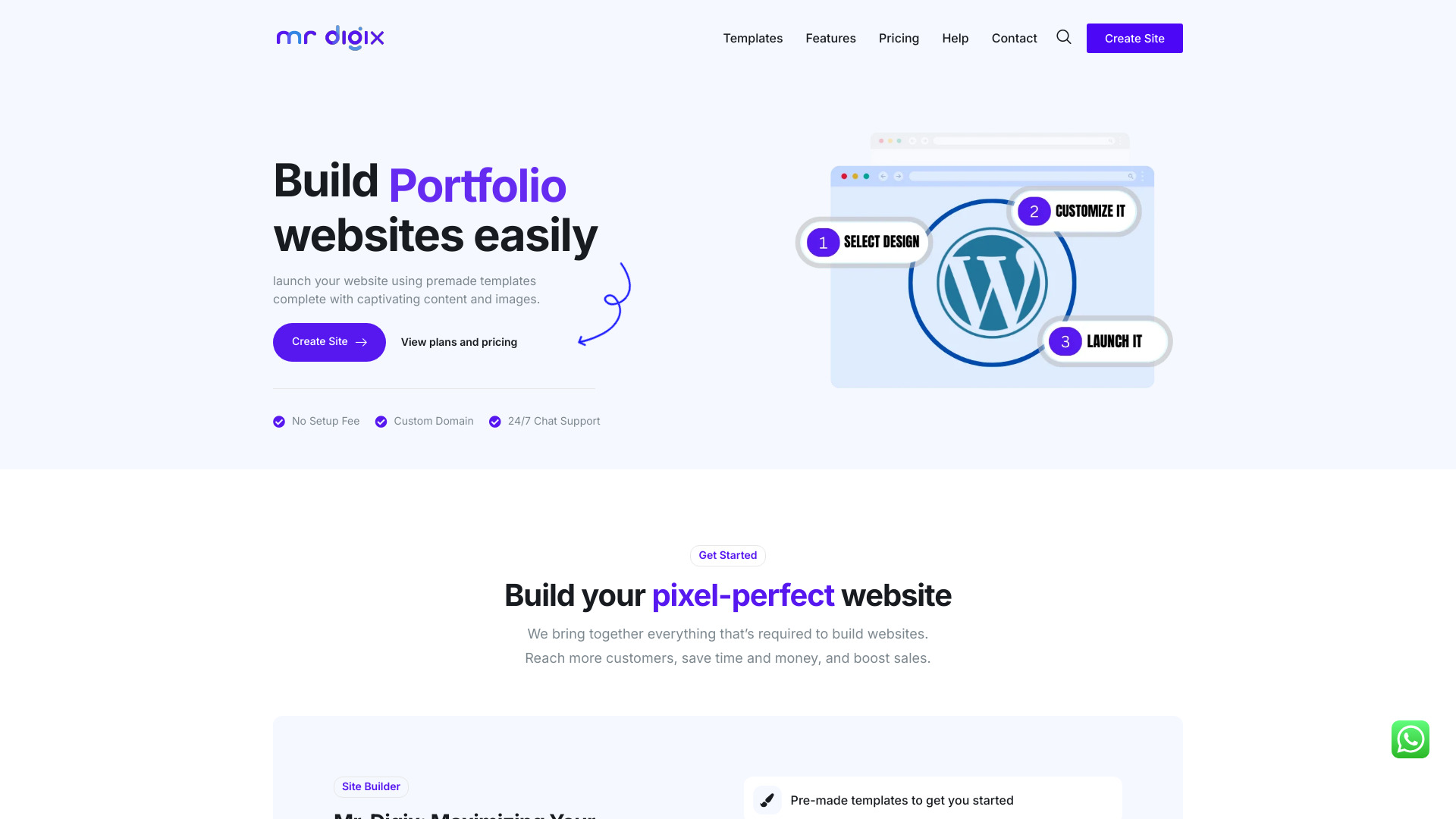
- AI landing page and website generation
- Free trial available
- Starts at Check vendor pricing
- Usage signal: 0
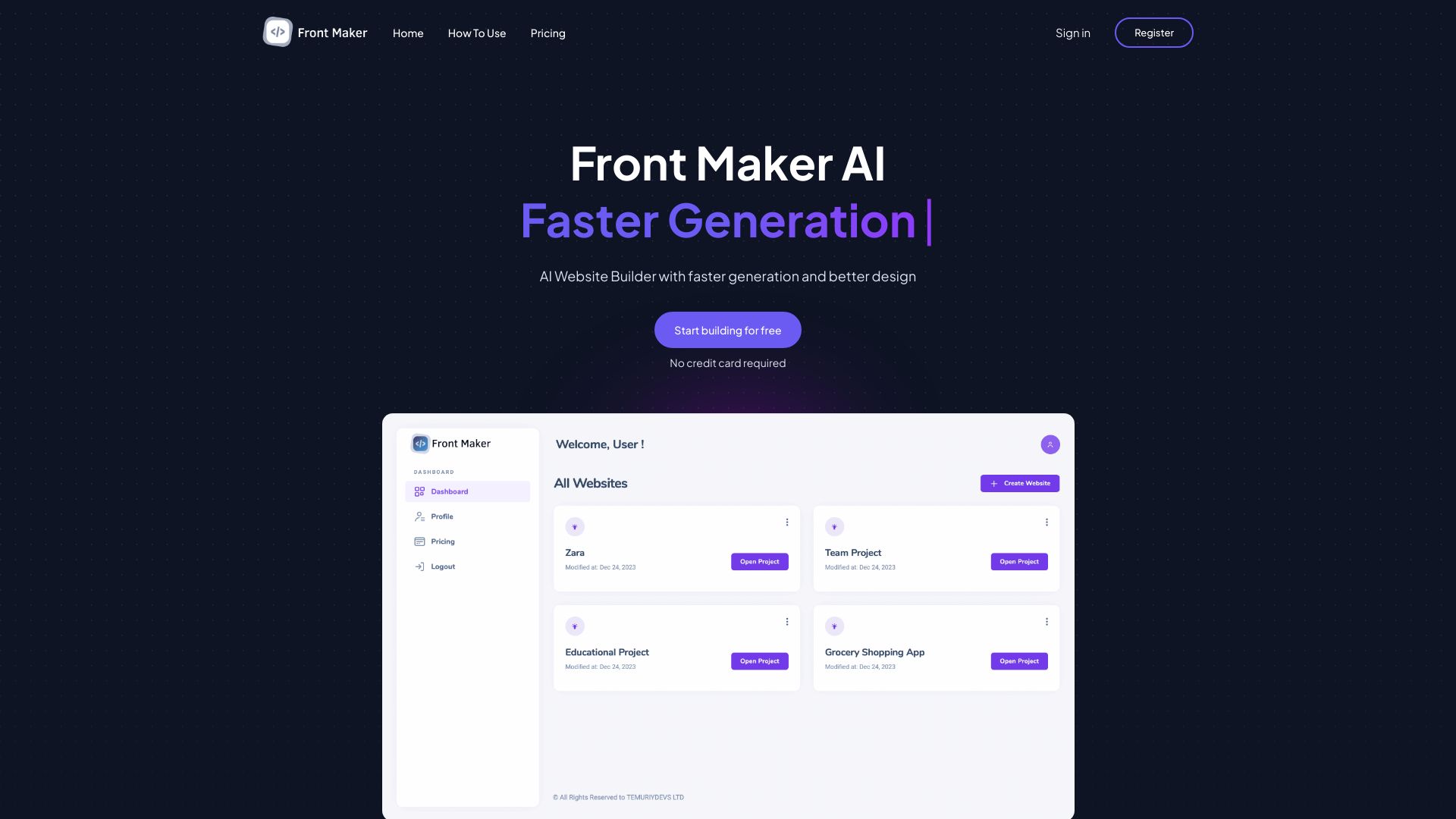

- AI email template generation
- 1 email generation/day
- Starts at $19.99/month
- Usage signal: 0
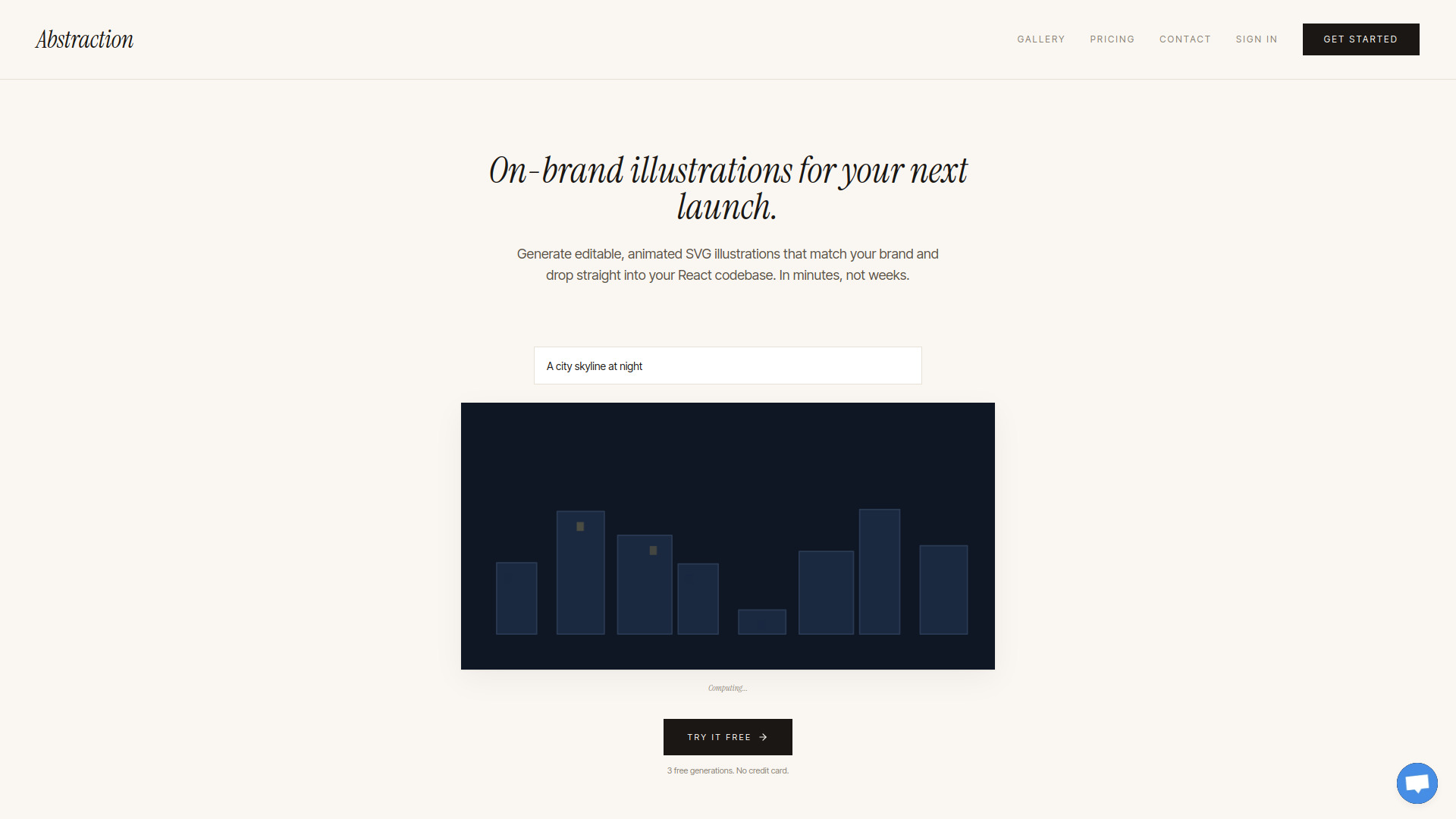
- On-brand editable SVG illustrations
- 3 free generations/month
- Starts at $15/month
- Usage signal: 0
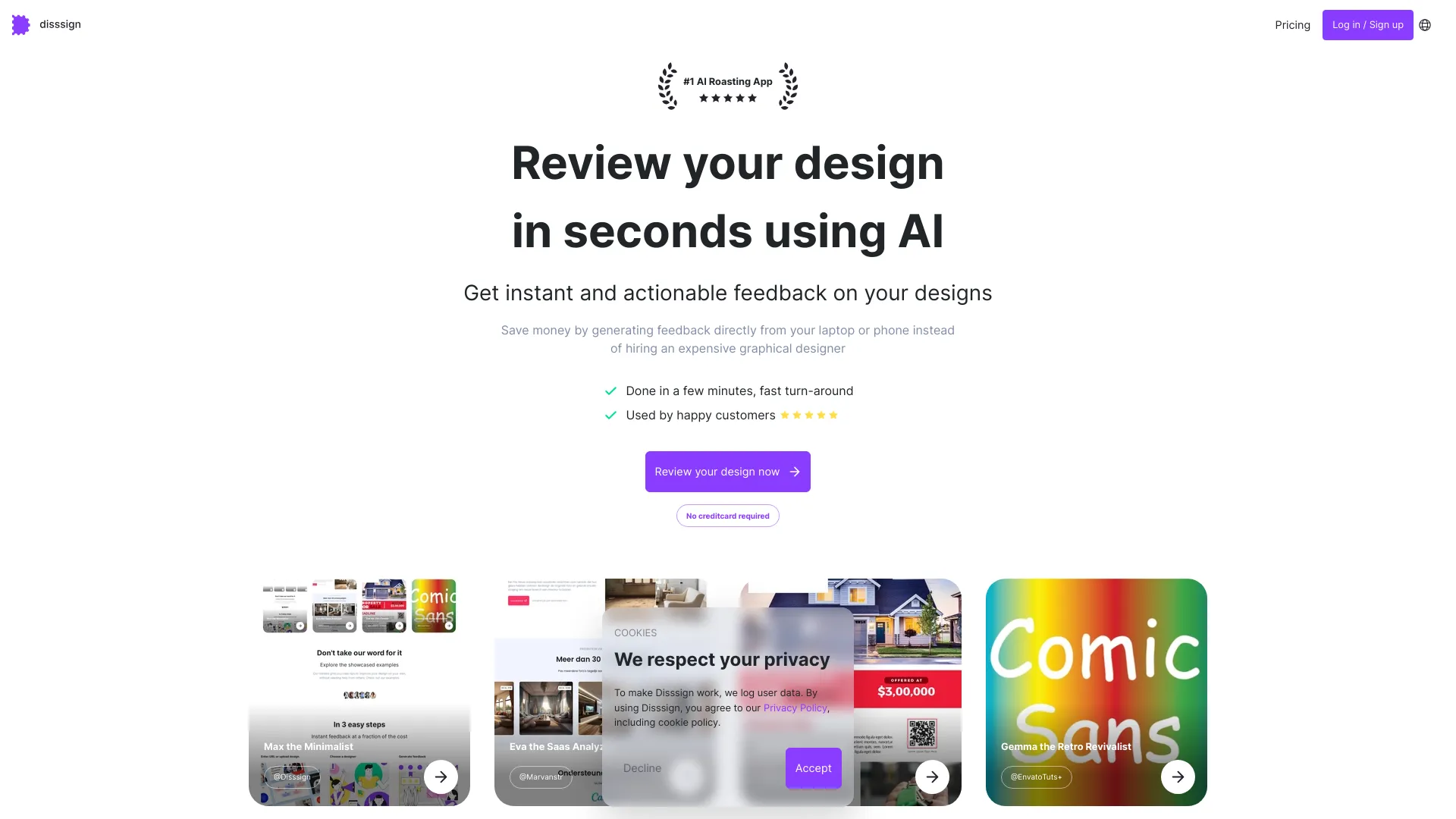
- Instant design feedback
- Starts at Check vendor pricing
- Usage signal: 0

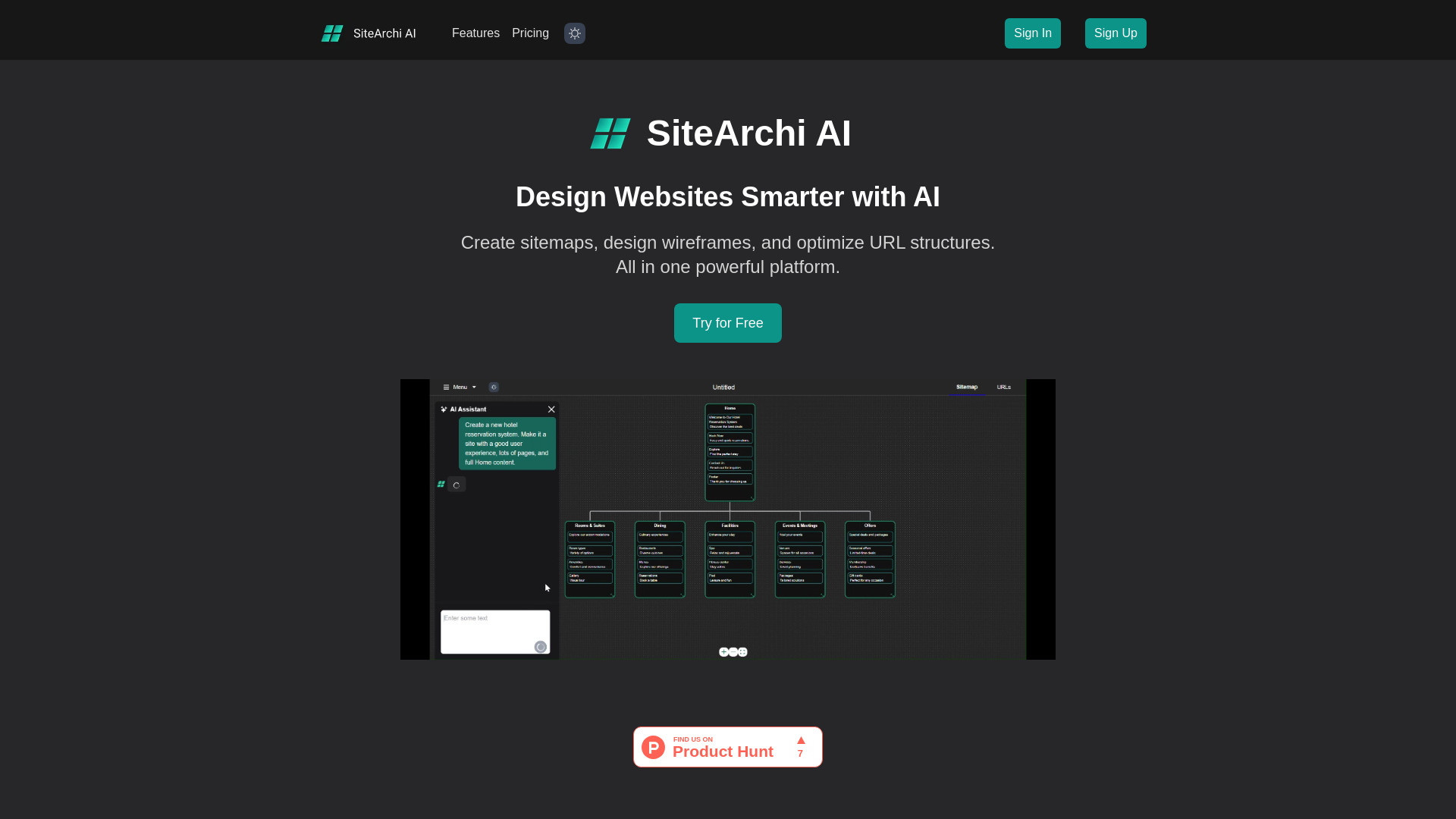
- Website planning and wireframing
- 5 AI requests/day
- Starts at $9/month
- Usage signal: 0
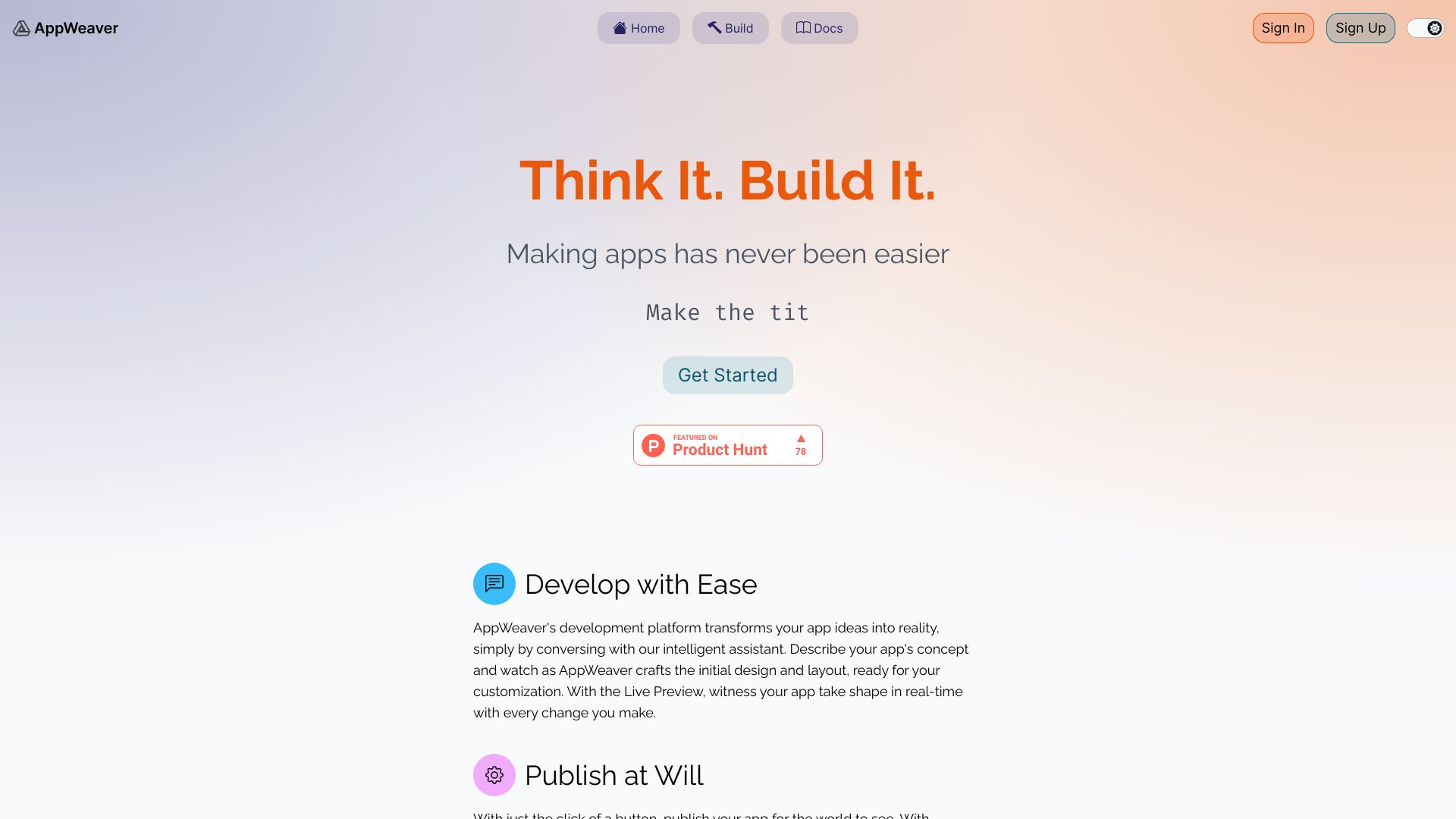
- Conversational app prototyping
- Starts at Check vendor pricing
- Usage signal: 0

- Businesses needing unlimited design support
- Free first month
- Starts at $999
- Usage signal: 0

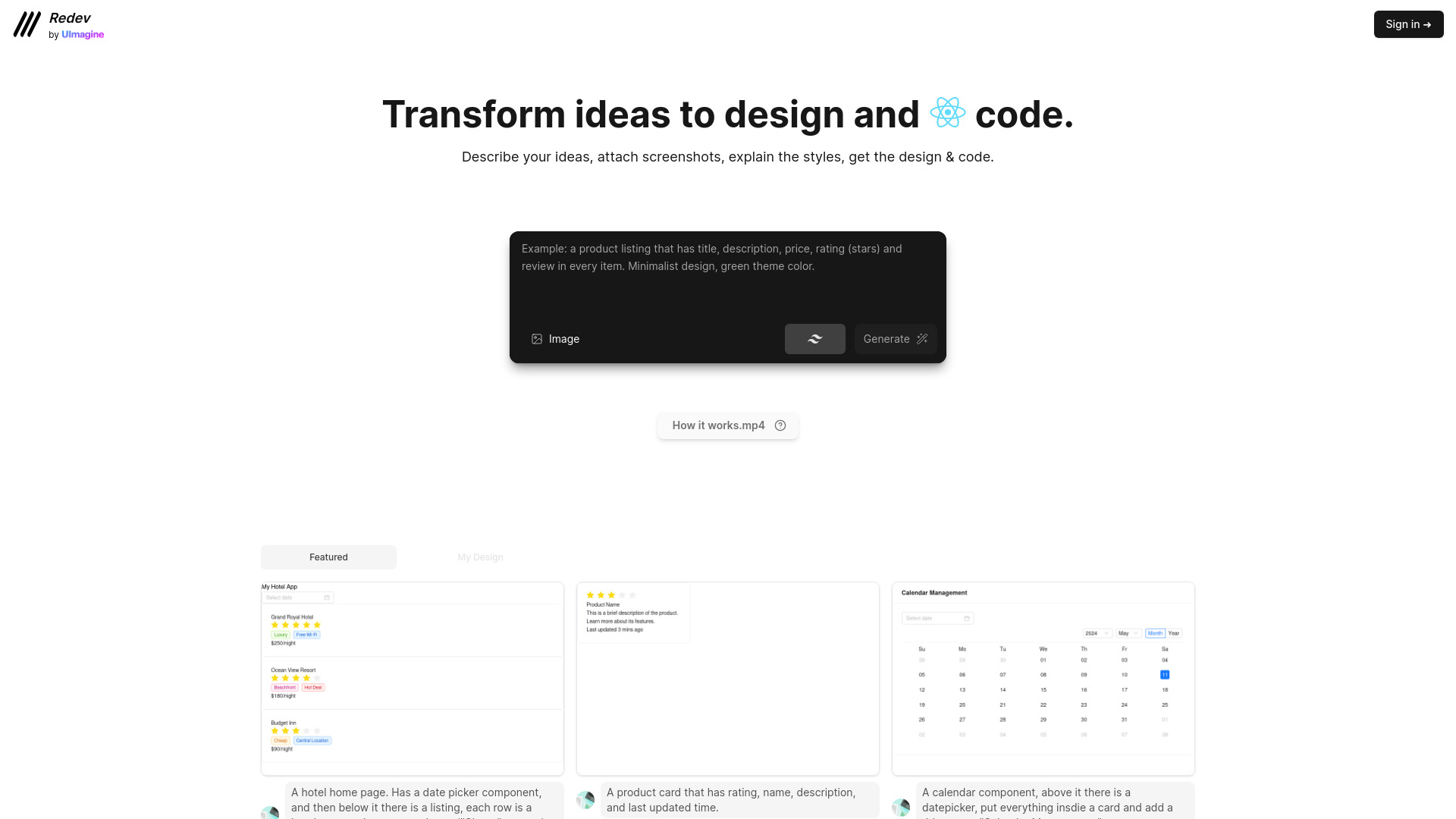
- Fast AI website creation
- Free plan available
- Starts at Check vendor pricing
- Usage signal: 0
What to test before choosing
The fastest way to reject the wrong tool is to run the same small project through two or three candidates. Do not compare homepages or feature checklists in isolation. Compare the finished workflow.
- 1
Start with one realistic brief. Use the page you actually need: a service homepage, campaign landing page, product dashboard, or small business site. A generic prompt hides the differences between tools.
- 2
Test the first five minutes. Can you reach a useful draft without hunting through menus? For AI tools, note whether the first result is editable and whether you can correct it with a second instruction.
- 3
Inspect responsive behavior. STUDIO AI explicitly highlights responsive adaptation, while other tools may require more manual work. Resize the page and check headings, images, buttons, and spacing rather than assuming the desktop view translates cleanly.
- 4
Check the publishing boundary. Confirm whether the tool publishes directly, supports a custom domain, exports files, offers cloud hosting, or expects another platform. Tilda's free-plan domain and branding limits are a good reminder that a free draft is not the same as a launch-ready site.
- 5
Try the handoff. If a designer, marketer, developer, or client must continue the work, test sharing, editing, exporting, and revising. Uizard may fit an early product handoff, while WeWeb may fit a build that needs API connectivity.
- 6
Measure the quota, not just the word free. Compare Tilda's one free website, CodeDesign.ai's three websites, WeWeb's 1 million AI tokens, Uizard's three AI generations per month, and MiriCanvas's two-week access on the work you expect to do.
- 7
Price the whole workflow. Include hosting, domains, premium components, extra projects, AI generations, and add-ons. Starting prices are useful orientation points, not a final quote.
For the top rated website design software, the decisive test is usually the least glamorous one: can your team maintain the result next month? A fast generated page that nobody can update is a poor bargain. A slightly slower editor with clear blocks, exports, or a workable handoff may save more time over the life of the project.
What to do next
Pick one path instead of trialing all 10 at once. For a traditional no-code site, compare Tilda with Mobirise. For a conversion-focused build, compare CodeDesign.ai with MotionSites. For a product interface, compare Uizard with WeWeb. For recurring visual content around the site, add Microsoft Designer or MiriCanvas.
Create the same three assets in each finalist: a homepage or landing page, one mobile layout, and one supporting brand or social asset. Record the time to first draft, the number of manual corrections, the export or publishing options, and the first paid limit you encounter. That small scorecard will tell you more than another hour reading feature pages.
If the project is still ambiguous, start with the least expensive test. Tilda and WeWeb both show a free entry point, Uizard offers three AI generations per month, and several other tools provide a limited free workflow. Just keep the evaluation question narrow: are you testing the quality of the design, the publishing model, the collaboration experience, or the economics?
Common mistakes when choosing from a complex top list
Treating every tool as a website builder. Microsoft Designer, BrandCrowd, and Uizard can be valuable in a web project without replacing a publishing platform.
Ranking by score alone. The 92 and 93 scores are tightly grouped. Segment, audience, and workflow fit do more work than a one-point difference.
Confusing AI generation with control. AI can accelerate a first draft, but inspect how easily you can edit the result and make a precise correction.
Ignoring free-plan boundaries. A free site, free trial, token allowance, or limited generation quota may be enough for evaluation but not for a live business workflow.
Skipping mobile testing. A responsive promise is not the same as a usable mobile layout. Test the actual page at more than one width.
Overlooking the surrounding brand work. A site can be structurally sound and still look weak because its logo, social assets, or imagery are inconsistent. BrandCrowd and MiriCanvas may earn a place in the workflow for that reason.
Choosing application power for a simple site. WeWeb's backend freedom is useful for a web app, but it can add unnecessary complexity to a basic brochure page.
Assuming the listed price is the final cost. Verify current vendor pricing, project limits, hosting, premium components, and add-ons before making a purchasing decision.
FAQ
Tilda is the most direct starting point for a no-code site because it combines drag-and-drop editing, 550+ pre-designed blocks, and AI-powered website creation. Microsoft Designer is a better first test for social visuals, while WeWeb is the stronger fit for an application-style project.