
The right budgeting app depends less on a flashy dashboard than on how your money actually moves. I compared 97 top budgeting apps across individual spending, couples' finances, entrepreneurial planning, and professional finance workflows to separate genuinely useful tools from adjacent products that happen to mention budgets. This guide includes the 10 most relevant ranked picks, plus a larger card-only set for readers who want to keep exploring. The result is a practical starting point whether you want a privacy-first tracker, one of the top free budget apps, or a serious FP&A system.
Start here
The fastest way to narrow this category is to decide whether you are tracking personal transactions, coordinating a household, or building financial plans for a business. Skwad is the clearest personal-finance choice when bank-password sharing is a deal-breaker. Lumio is more naturally suited to couples, while Datarails belongs on a finance-team shortlist rather than a household budgeting list.
| If you need to... | Start with | Why it stands out |
|---|---|---|
| Track spending without sharing bank passwords | Skwad | Email-alert syncing, receipt scanning, and statement-to-Excel conversion |
| Manage money with a partner | Lumio | Shared expenses, household bills, and account aggregation |
| Log expenses quickly on a phone | MonAi | Voice input and automatic categorization |
| Get coaching around savings and budgets | CashCoach.ai | AI personal coaching, budgeting, savings, and goals |
| Consolidate business planning data | Datarails | Excel integration, data consolidation, reporting, and forecasting |
The remaining entries are useful, but several are adjacent rather than conventional consumer budget apps. FlowSavvy and SkedPal focus on time allocation, AppZen on finance automation, Swipe Insight on marketing information, and IdeaBuddy on business plans. They are worth considering only when the budgeting problem is part of a broader planning workflow.
Segment comparison
Here is the category split I would use before looking at scores. It prevents a high-traffic business finance platform from being compared too literally with a lightweight expense tracker.
| Segment | Strongest fit | Standout workflow | Main trade-off |
|---|---|---|---|
| Privacy-first personal budgeting | Skwad | Track transactions through bank email alerts | Requires alert setup; optional linking uses SimpleFIN |
| Shared household finances | Lumio | Coordinate expenses and bills as a couple | Both partners need to connect accounts |
| Quick personal expense capture | MonAi | Speak an expense and let AI categorize it | Free tier allows 20 transactions per month |
| AI-guided financial improvement | CashCoach.ai | Combine tracking with coaching and goals | Account connections rely on Plaid |
| Business finance and planning | Datarails | Consolidate data inside existing Excel models | Paid subscription and a learning curve |
This is also why there is no single universally correct top budget app. A tool can be excellent at shared bills and still be frustrating for a solo user, while an FP&A product can handle forecasting beautifully but be wildly excessive for tracking groceries.
Shortlist paths
Use these paths when you already know the workflow you want to improve. They are deliberately more useful than sorting by score alone.
| Your situation | Best first test | Also consider | What to verify |
|---|---|---|---|
| You dislike bank-password sharing | Skwad | MonAi | How much setup email alerts require and whether categorization is accurate |
| You and a partner split household costs | Lumio | CashCoach.ai | Account permissions, bill handling, and each person's participation |
| You want lightweight, mostly free tracking | MonAi | Skwad | Monthly transaction limits, storage requirements, and export options |
| You run finance operations | Datarails | AppZen | Setup effort, reporting depth, workflow coverage, and sales-led pricing |
| Budgeting is part of a wider plan | IdeaBuddy | FlowSavvy | Whether the adjacent planning features solve the real bottleneck |
Ranking snapshot
The scores are close because the list spans several segments. Treat them as a quality signal within context, not as a claim that a business platform is a better household tracker.
| Rank | Tool | Score | Best for | Starting price |
|---|---|---|---|---|
| #1 | Skwad | 93/100 | Individuals | DUO: 22 USD / year |
| #2 | Lumio | 92/100 | Couples | Individual Free: Free |
| #3 | Datarails | 92/100 | Finance teams | Check vendor pricing |
| #4 | FlowSavvy | 92/100 | Entrepreneurs | Basic: Free |
| #5 | MonAi | 92/100 | Individuals | Free Tier: Free |
How we grouped and ranked the list
I grouped the 97 candidates by the job their budgeting features support: personal transaction capture, shared household management, financial coaching, business planning, and finance operations. That matters because feature labels can conceal very different products. A receipt scanner, a forecasting model, and an accounts-payable audit all relate to financial control, but they are not interchangeable.
The ranking combines the strength of the stated core workflow, audience fit, free-access signal, pricing clarity, usage signal, and practical limitations. Tools received extra consideration when they offered a distinctive way to reduce manual work: email-based transaction syncing, voice expense entry, automated bill tracking, Excel model integration, or AI-assisted planning. We also marked privacy and setup friction prominently. Bank linking is convenient, but it is not automatically the right choice for every reader.
One important caveat: this is a field guide, not a promise that every product is a conventional personal budgeting app. The adjacent tools are intentionally retained because entrepreneurs and finance teams often encounter budgeting as one part of scheduling, business planning, audit, or forecasting. Use the segment tables to decide which comparisons are fair.
Ranked field notes
1. Skwad

- Individuals
- Free for 15 days; budget without linking a bank account
- Starts at DUO: 22 USD / year
- Usage signal: 14.7K
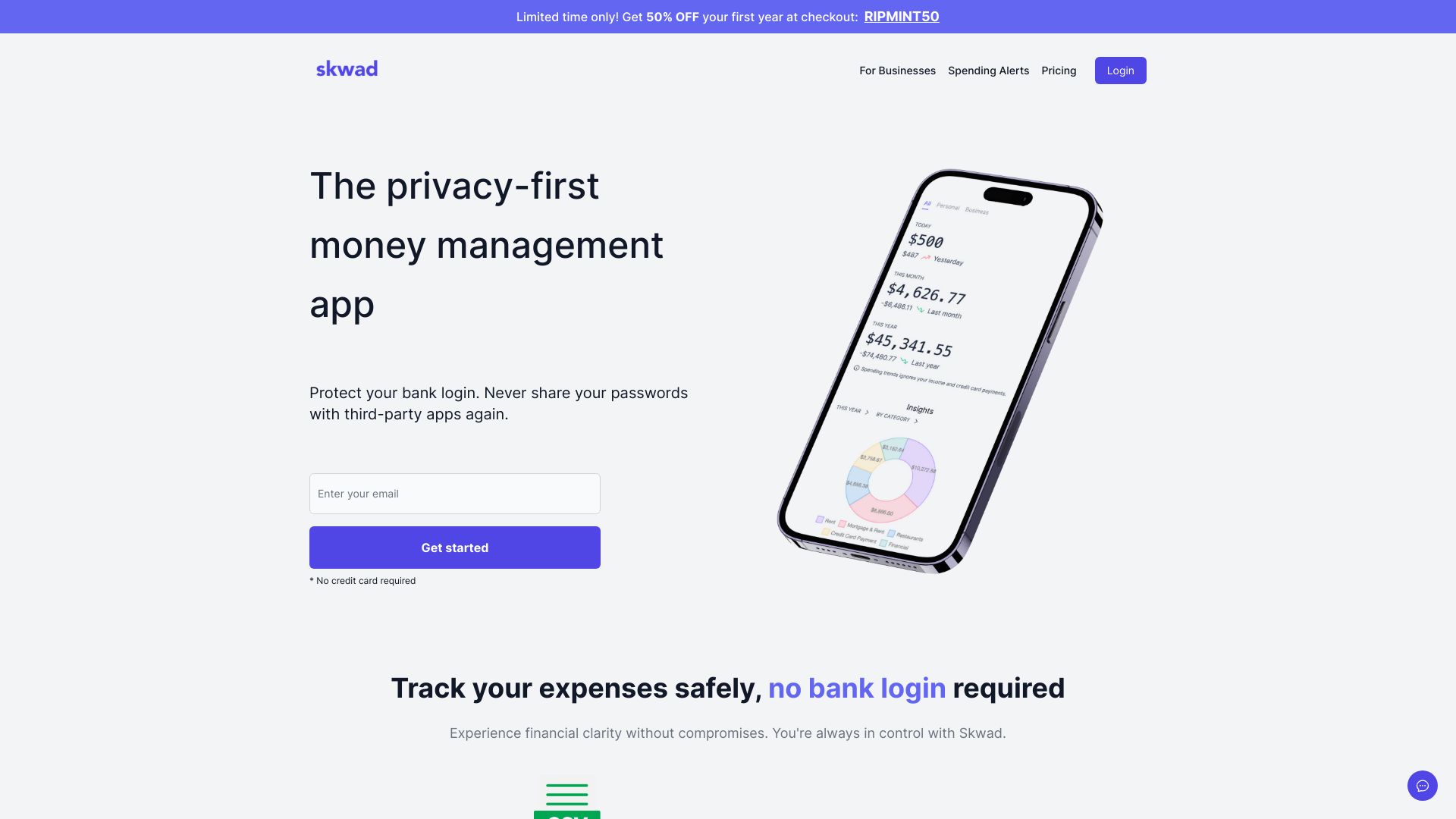
Why it matters Skwad wins the overall slot because it addresses the biggest trust objection in personal budgeting: handing over bank credentials. Its workflow can budget without linking a bank account, using email alerts to sync transactions, and it adds a receipt scanner plus bank-statement-to-Excel conversion. That is a focused combination for people who want useful automation without making account aggregation the center of the experience. The catch is setup: you need to configure bank email alerts, and the optional bank-linking route relies on SimpleFIN.
Best for
Individuals who want transaction tracking without sharing bank passwords
People who keep receipts or need statement data in Excel
Privacy-conscious users willing to complete a little initial setup
Limitations
Bank email alerts must be configured before the automatic workflow pays off
Optional bank linking relies on the third-party service SimpleFIN
The workflow may feel less immediate than direct account aggregation
Shortlist signal: Add Skwad first when privacy and no-password bank tracking matter more than one-click setup.
2. Lumio

- Couples
- Free; shared expense tracking and household bill management
- Starts at Individual Free: Free
- Usage signal: 10.0K

Why it matters Most personal budget tools quietly assume one person owns the financial picture. Lumio starts with the harder household problem: keeping shared expenses, bills, and accounts understandable to both partners. Automated account aggregation and bill tracking can reduce the monthly reconciliation ritual, while its bill-cancellation workflow gives the app a practical role beyond recording transactions. It is a particularly sensible place to start for couples who need shared visibility rather than two separate budgets.
Best for
Couples coordinating shared expenses and household bills
Partners who want a common view of accounts and recurring obligations
Households willing to connect both people's financial accounts
Limitations
Both partners need to connect their accounts for the shared workflow
Results depend on accurate transaction categorization
Users who only need solo expense logging may find the household scope unnecessary
Shortlist signal: Choose Lumio when the main budgeting friction is agreeing on household spending, not entering individual transactions.
3. Datarails

- Finance teams
- Free access not stated
- Starts at Check vendor pricing
- Usage signal: 225.2K
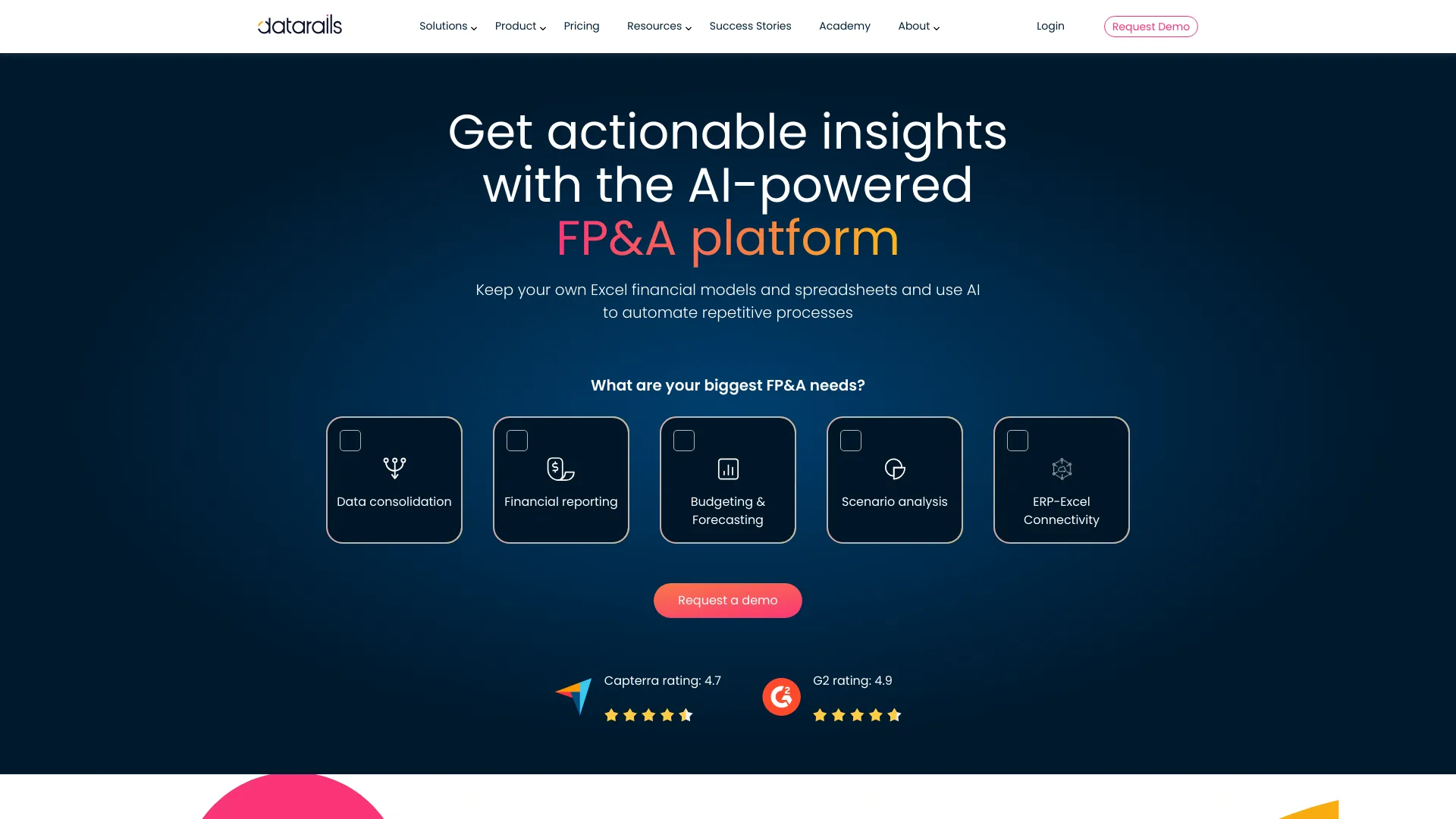
Why it matters Datarails is the clearest example of an adjacent budgeting platform that earns its place through depth rather than consumer simplicity. It consolidates data, supports financial reporting and monthly close, and handles budgeting and forecasting while integrating with existing Excel models. That combination is valuable for teams that have built serious planning processes in spreadsheets but need less repetitive consolidation. It is not a casual household budget, and the paid-subscription requirement means the buying process deserves more scrutiny.
Best for
Finance teams managing recurring FP&A processes
Excel-heavy organizations that need to preserve existing models
Teams working across consolidation, reporting, monthly close, and forecasting
Limitations
A paid subscription is required
New users may face a learning curve during implementation
Pricing is hidden behind a sales conversation, so budget accordingly
Shortlist signal: Shortlist Datarails when spreadsheet-based planning has become a finance-team bottleneck.
4. FlowSavvy

- Entrepreneurs
- Free; 2-week auto-scheduling and 2 calendar syncs
- Starts at Basic: Free
- Usage signal: 80.2K
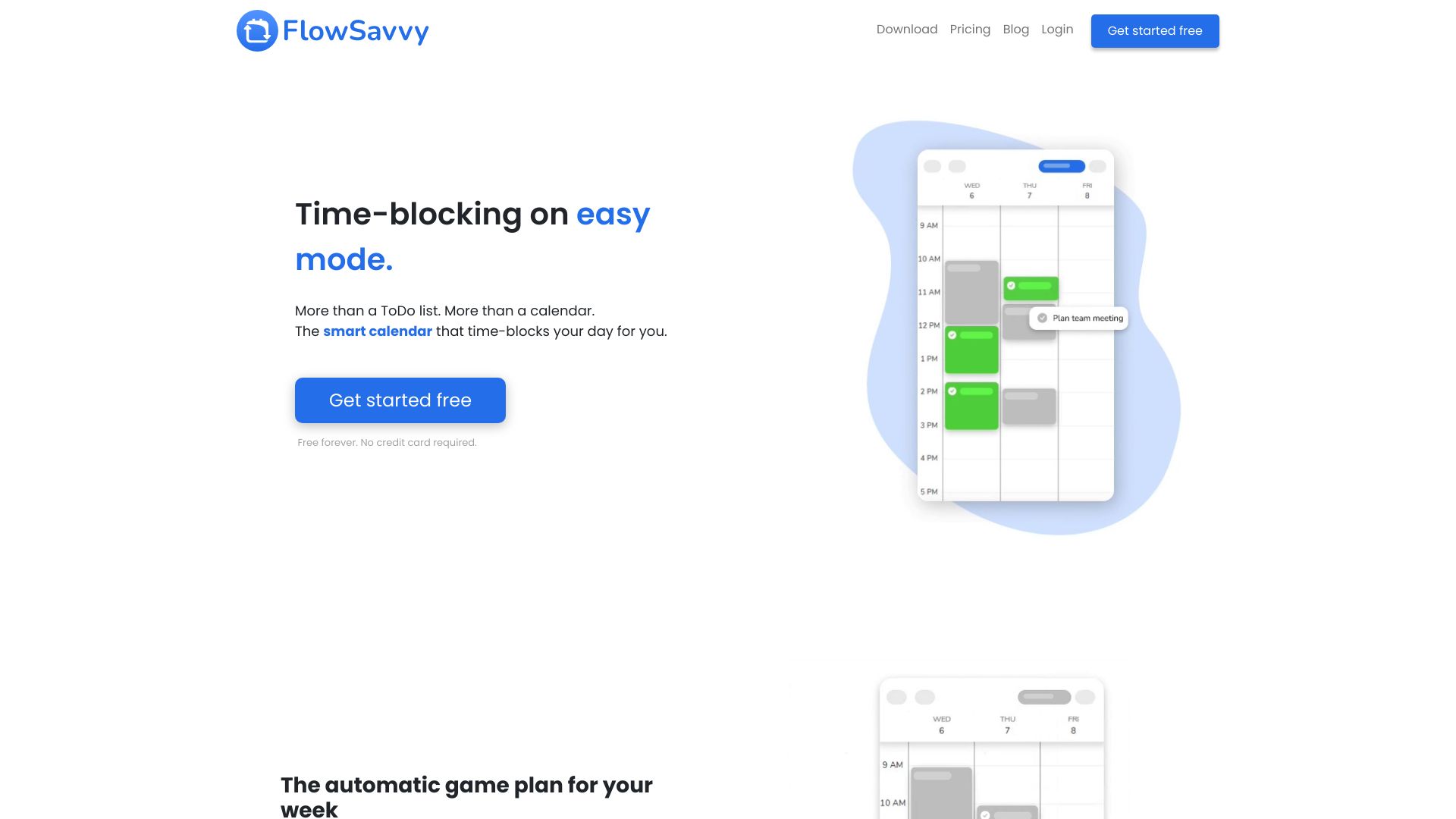
Why it matters FlowSavvy approaches budgeting from an unexpected direction: it budgets your time. Automatic task scheduling, calendar connections for Google Calendar, iCloud, and Outlook, and automatic rescheduling can help entrepreneurs turn an ambitious plan into usable blocks on the calendar. That makes it an adjacent pick, not a replacement for a spending tracker. I would consider it when the financial plan is sound but execution keeps slipping because the user's available hours are not allocated realistically.
Best for
Entrepreneurs balancing projects, tasks, and multiple calendars
People who want automatic time blocking instead of manual calendar maintenance
Users whose planning problem is capacity and follow-through
Limitations
Initial setup may be needed to customize scheduling preferences
Advanced features require a Pro subscription
It does not replace transaction tracking or household expense management
Shortlist signal: Add FlowSavvy when your budget fails because your time plan is unrealistic, not because expenses are invisible.
5. MonAi

- Individuals
- 20 transactions per month free; voice expense tracking
- Starts at Free Tier: Free
- Usage signal: 31.0K

Why it matters MonAi makes the strongest case for low-friction expense capture. You can use voice messages to record spending, then let AI-powered categorization handle the tedious part. The interface is described as intuitive, and no login is required for the core experience, which makes it attractive for someone who repeatedly abandons traditional budget apps after a week of manual entry. The free tier supports 20 transactions per month, so frequent spenders should test their volume before treating it as a complete long-term system.
Best for
Individuals who prefer speaking expenses rather than typing them
Users who want quick categorization with a lightweight interface
People testing one of the top free budget apps before committing
Limitations
An iCloud account is required
The free tier has limited functionality and 20 free transactions per month
Voice and AI categorization still need occasional checking for accuracy
Shortlist signal: Choose MonAi when the biggest obstacle is recording expenses consistently and you are comfortable with iCloud.
6. CashCoach.ai

- Individuals improving financial health
- AI coach, real-time budgeting, tracking, insights, and goals
- Starts at Check vendor pricing
- Usage signal: 5.4K

Why it matters CashCoach.ai is for readers who want more than a ledger. Its AI Personal Coach combines real-time budgeting and expense tracking with personalized insights, savings support, and goal setting. That makes it appealing when the hard part is deciding what to do next, rather than merely seeing where money went. The trade-off is data access: account connections rely on Plaid, so privacy-conscious buyers should read the connection and data terms before linking accounts.
Best for
Individuals trying to improve financial habits and savings behavior
Users who want goals and personalized guidance alongside a budget
People comfortable connecting accounts through Plaid
Limitations
Plaid is used for account connections
Sharing financial data may raise privacy concerns for some users
Pricing is not presented as a clean public starting point
Shortlist signal: Shortlist CashCoach.ai when personalized guidance is more valuable to you than a purely manual tracker.
7. AppZen

- Finance teams
- Free access not stated
- Starts at Check vendor pricing
- Usage signal: 37.9K
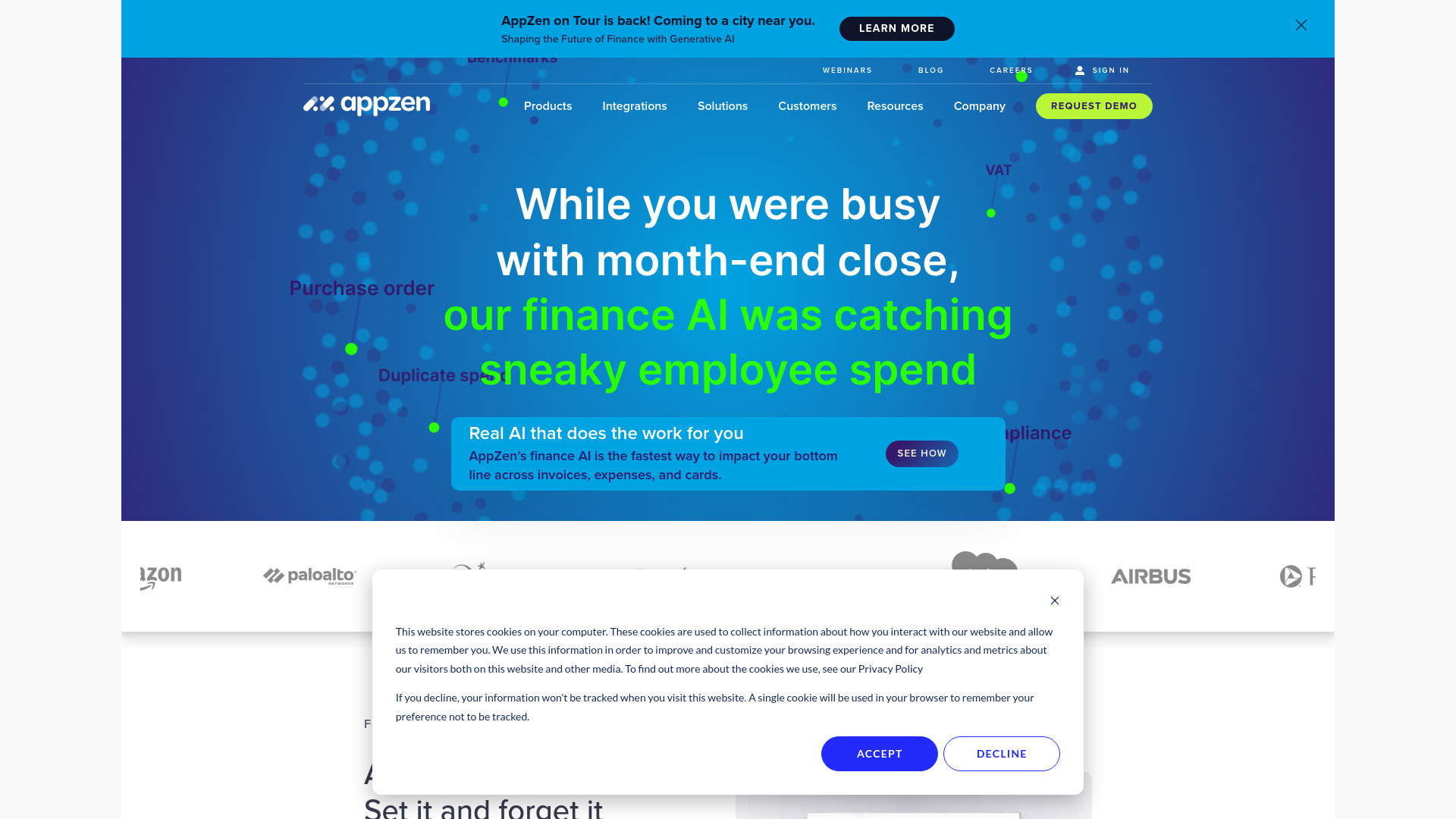
Why it matters AppZen belongs in the conversation when budgeting connects to operational finance. Its autonomous accounts-payable workflow, expense audit tools, and AI agents target the manual checks that sit around spending rather than the personal act of setting a grocery limit. For a finance team, that distinction matters: cleaner expense review and AP automation can support better control over planned spend. Expect implementation work, configuration, and a learning curve rather than an instant personal-finance experience.
Best for
Finance teams automating accounts payable workflows
Organizations auditing expenses and travel-and-expense activity
Buyers looking for AI-supported finance operations rather than a consumer tracker
Limitations
Initial setup and configuration may take meaningful effort
New users may need time to learn the workflow
Pricing is not publicly stated in a clean starting-price format
Shortlist signal: Consider AppZen when expense auditing and AP automation are the budget-control problem.
8. Swipe Insight

- Digital marketers
- AI summaries, personalization, curated insights, and 9-second reads
- Starts at Check vendor pricing
- Usage signal: 33.7K

Why it matters Swipe Insight is the most indirect entry on this list. It curates digital-marketing and analytics content, then uses AI summarization and personalization to turn it into short reads. That can help marketers stay informed when budget decisions depend on channel trends, measurement changes, or competitor context. It is not a budgeting app in the conventional sense, so do not select it for expense categorization. Think of it as a research companion for teams deciding where marketing money should go.
Best for
Digital marketers monitoring analytics and industry developments
Teams that need quick context before allocating campaign budgets
Readers who prefer curated, short-form research feeds
Limitations
AI summaries can miss nuance in the original source
A short format can still create information overload
It does not track household or business expenses directly
Shortlist signal: Add Swipe Insight only when better budget decisions depend on faster marketing intelligence.
9. SkedPal

- Executives
- 14-day free trial; intelligent time blocking and scheduling
- Starts at Monthly: $14.95 per month
- Usage signal: 52.9K
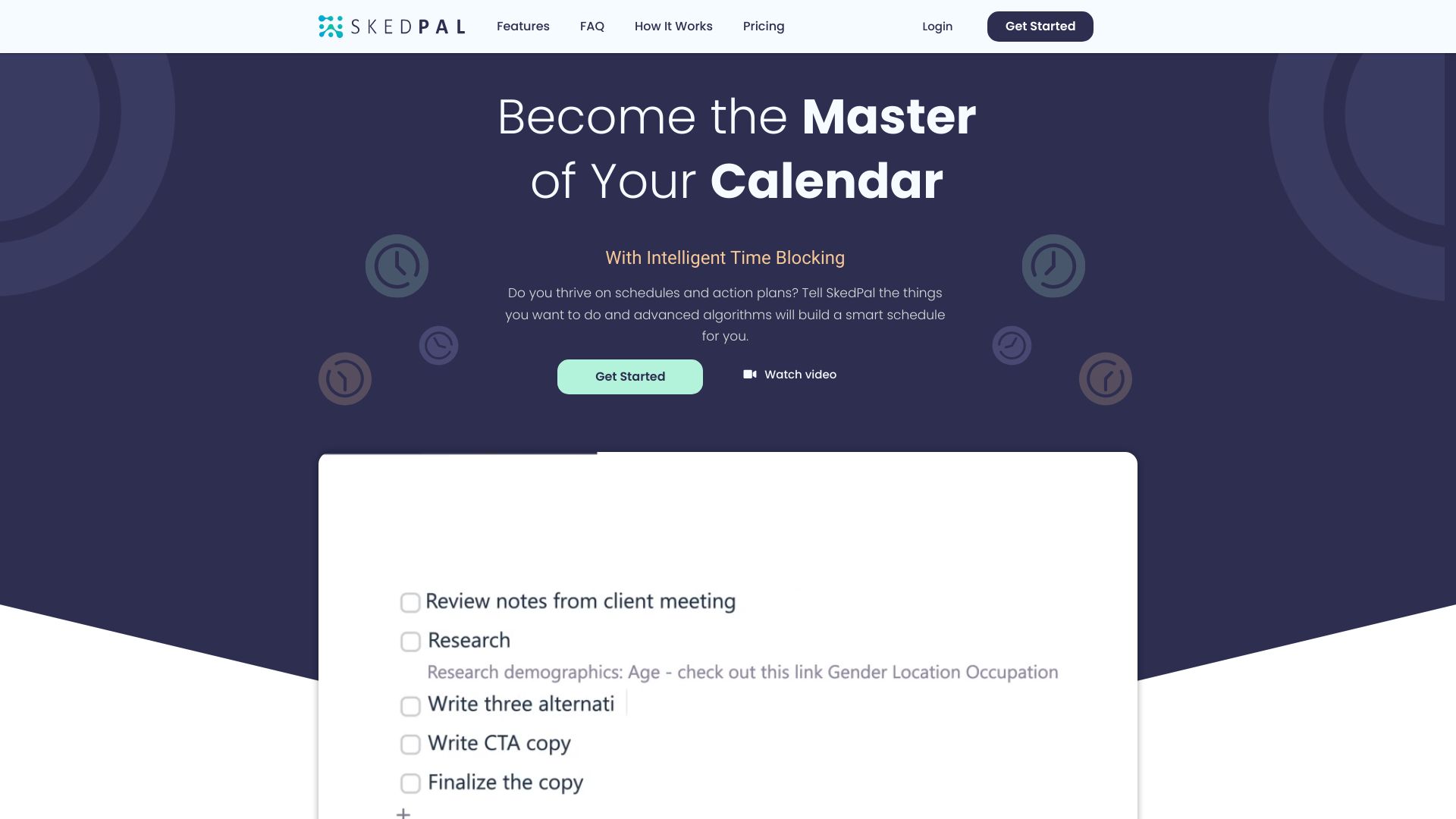
Why it matters SkedPal treats a plan as something that must fit into real time. Intelligent time blocking, task prioritization, and automated scheduling can help executives protect deadlines when priorities shift throughout the week. Like FlowSavvy, it is a broader planning alternative rather than a spending ledger, but the connection is useful for founders and leaders who budget resources through their calendars. The initial setup is not trivial: the system needs your intentions and preferences to schedule well.
Best for
Executives managing competing priorities and deadlines
Users who want tasks placed into available calendar time automatically
Leaders whose planning problem is prioritization and schedule capacity
Limitations
Initial setup can be time-consuming
The system relies on user input about intentions and preferences
A 14-day trial is available, but ongoing pricing should be checked with the vendor
Shortlist signal: Test SkedPal when a carefully planned budget keeps failing at the execution stage.
10. IdeaBuddy

- Entrepreneurs
- 15-day free trial and 10 AI requests
- Starts at Check vendor pricing
- Usage signal: 35.8K
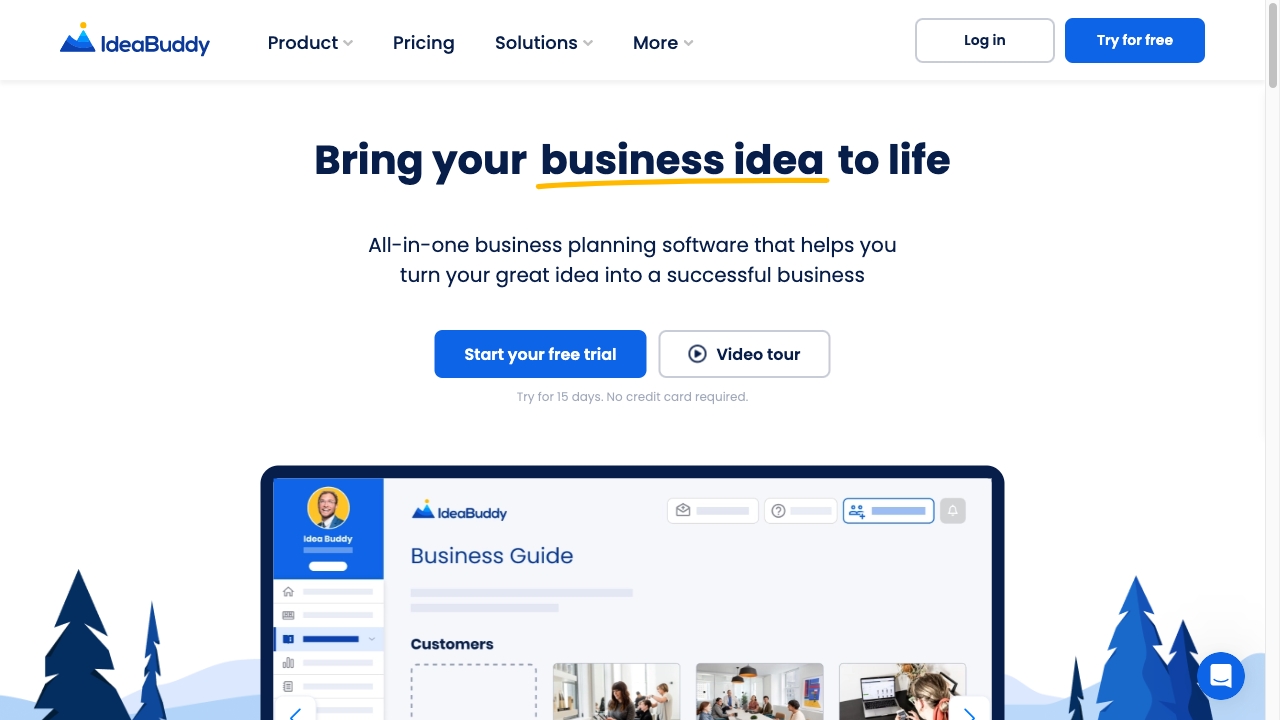
Why it matters IdeaBuddy earns its spot as a business-planning alternative because its Guide, AI Assistance, and Financial Plan features connect an idea to the numbers behind it. Entrepreneurs can use that broader context when a budget is inseparable from a launch plan, revenue assumptions, and execution choices. The platform covers more than spending, which is its advantage and its risk: users may get a more complete planning process, but they should not assume AI removes the need to challenge the assumptions in the financial plan.
Best for
Entrepreneurs turning an idea into a structured business plan
Founders who need financial planning alongside guided planning steps
Users who want AI assistance during early-stage planning
Limitations
Cookie tracking is used for marketing purposes
Reliance on AI may reduce critical scrutiny of business assumptions
The listed 15-day trial includes 10 AI requests, so usage is limited
Shortlist signal: Choose IdeaBuddy when budgeting is one component of building and validating a wider business plan.
More tools to compare

- Freelancers and solopreneurs
- Free up to $20K in annual expenses
- Starts at $0/month
- Usage signal: 21.8K
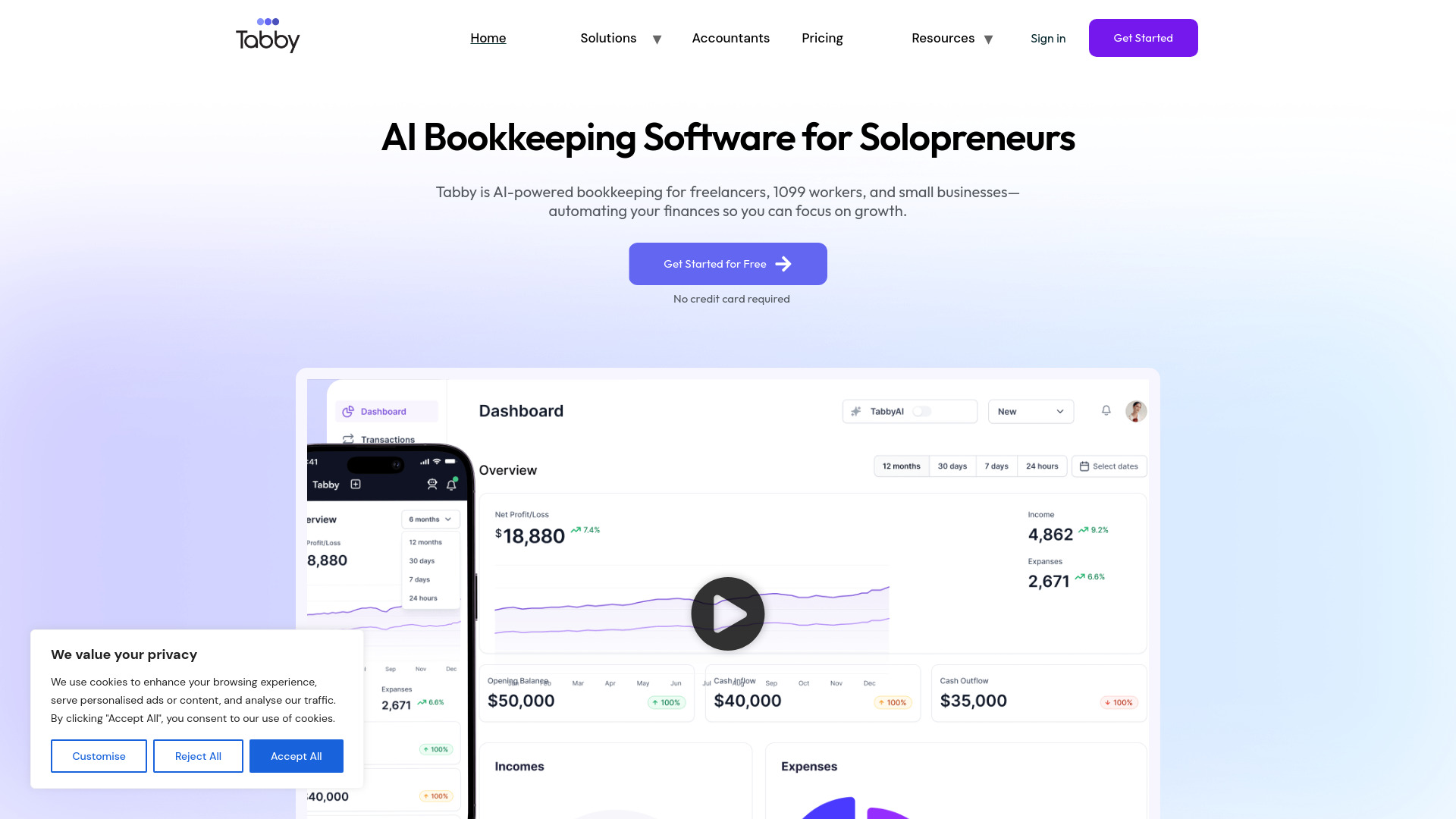

- AI-powered personal finance management
- Free plan available
- Starts at Check vendor pricing
- Usage signal: 8.5K
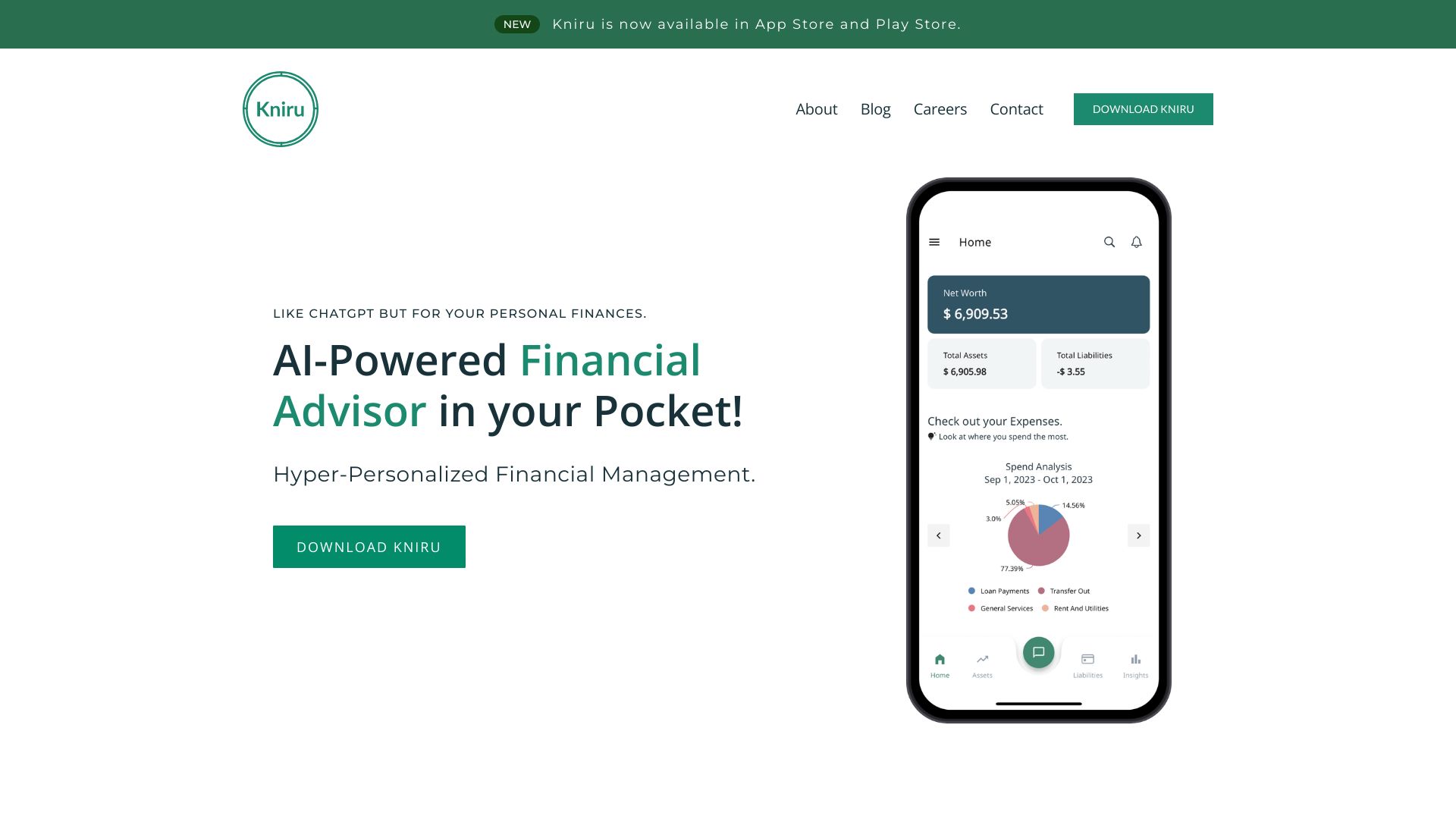

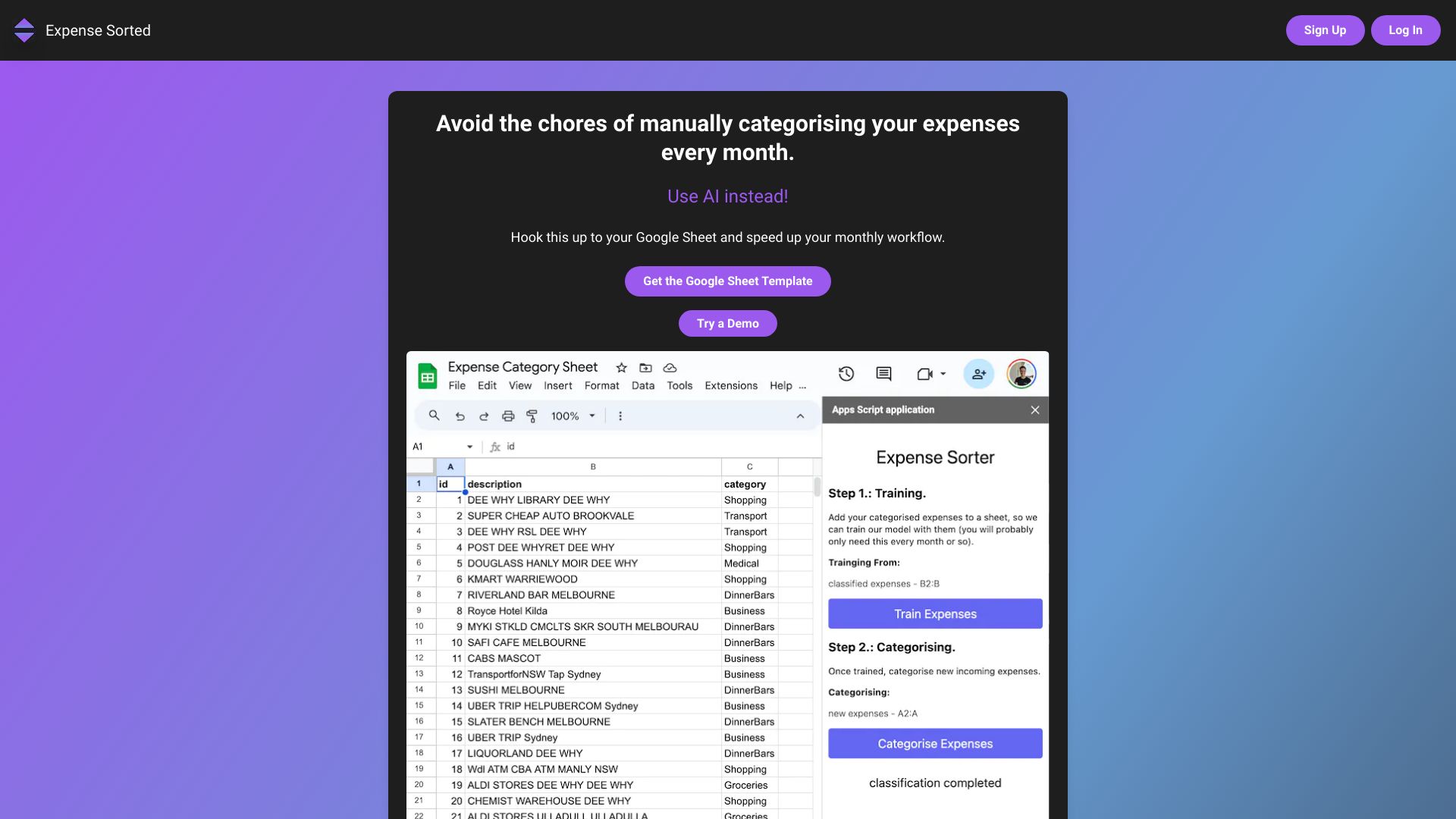
- AI expense categorization in Google Sheets
- Free trial available
- Starts at Check vendor pricing
- Usage signal: 16.1K

- AI-powered budget forecasting
- 14-day free trial
- Starts at $3.33/month
- Usage signal: 2.2K


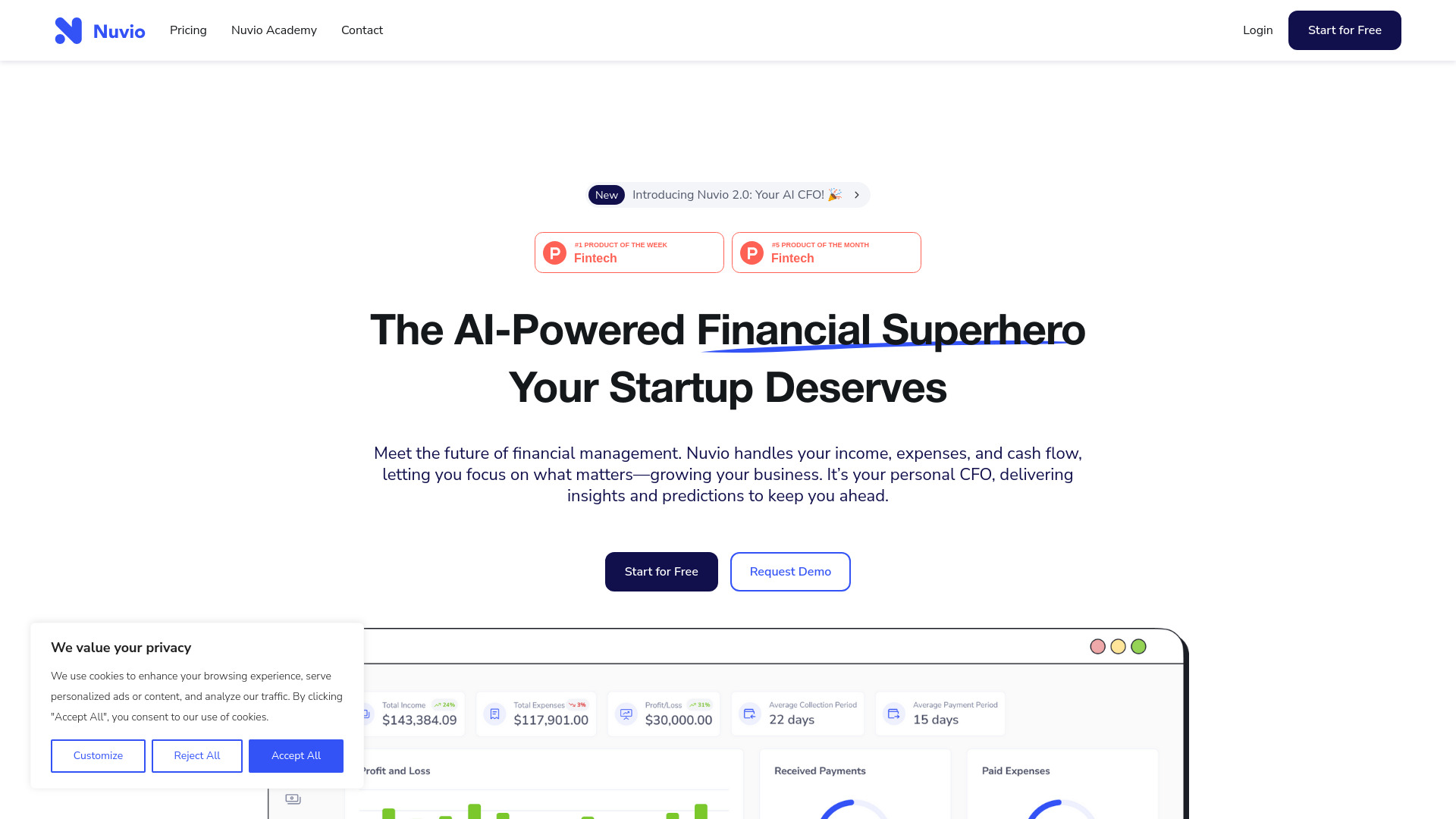
- Startup financial management
- 14-day free trial
- Starts at $19/month
- Usage signal: 21.1K

- AI-powered personal finance planning
- Free plan available
- Starts at Check vendor pricing
- Usage signal: 3.3K


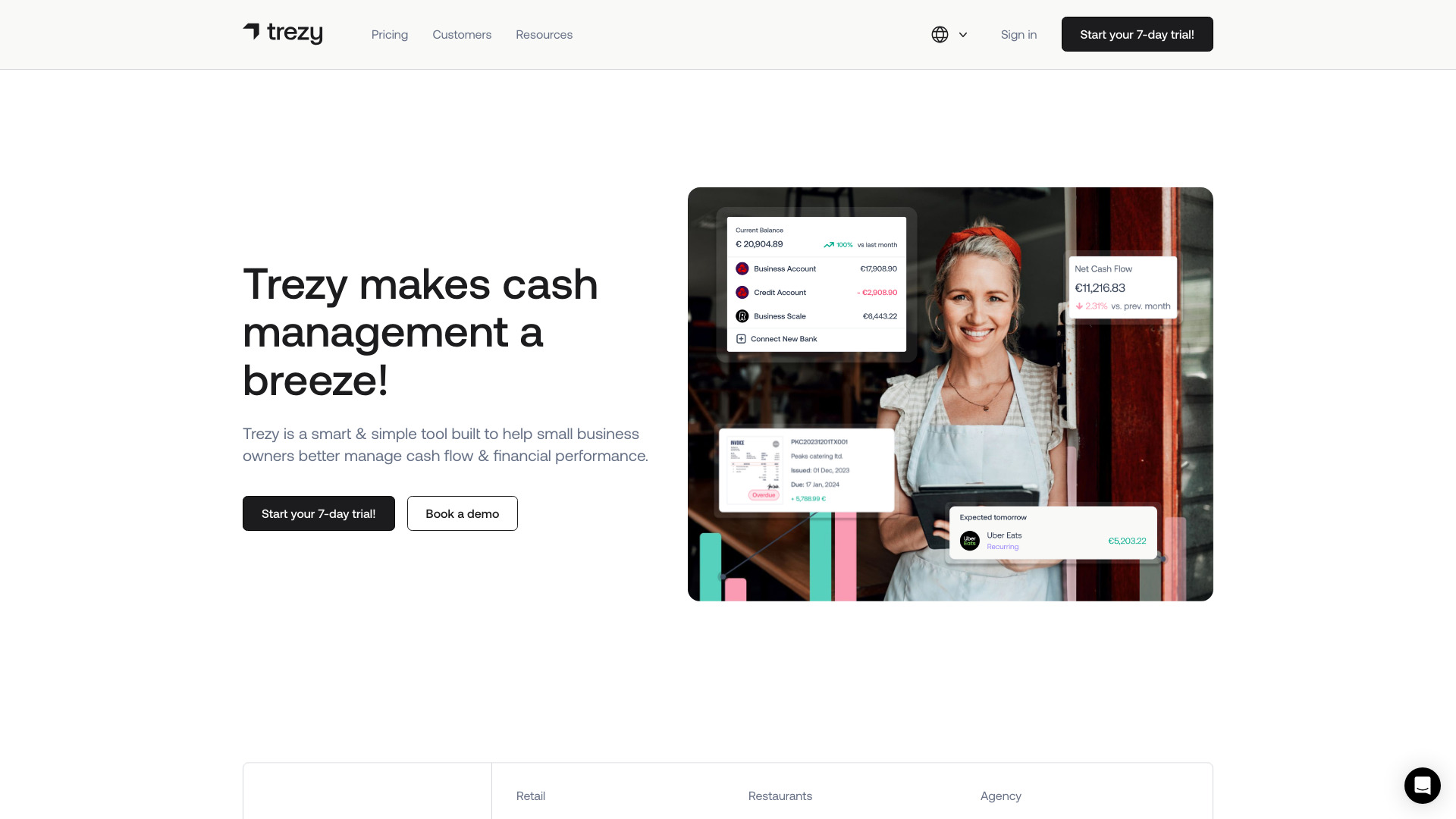
- Small-business cash flow management
- 7-day free trial
- Starts at Check vendor pricing
- Usage signal: 15.1K

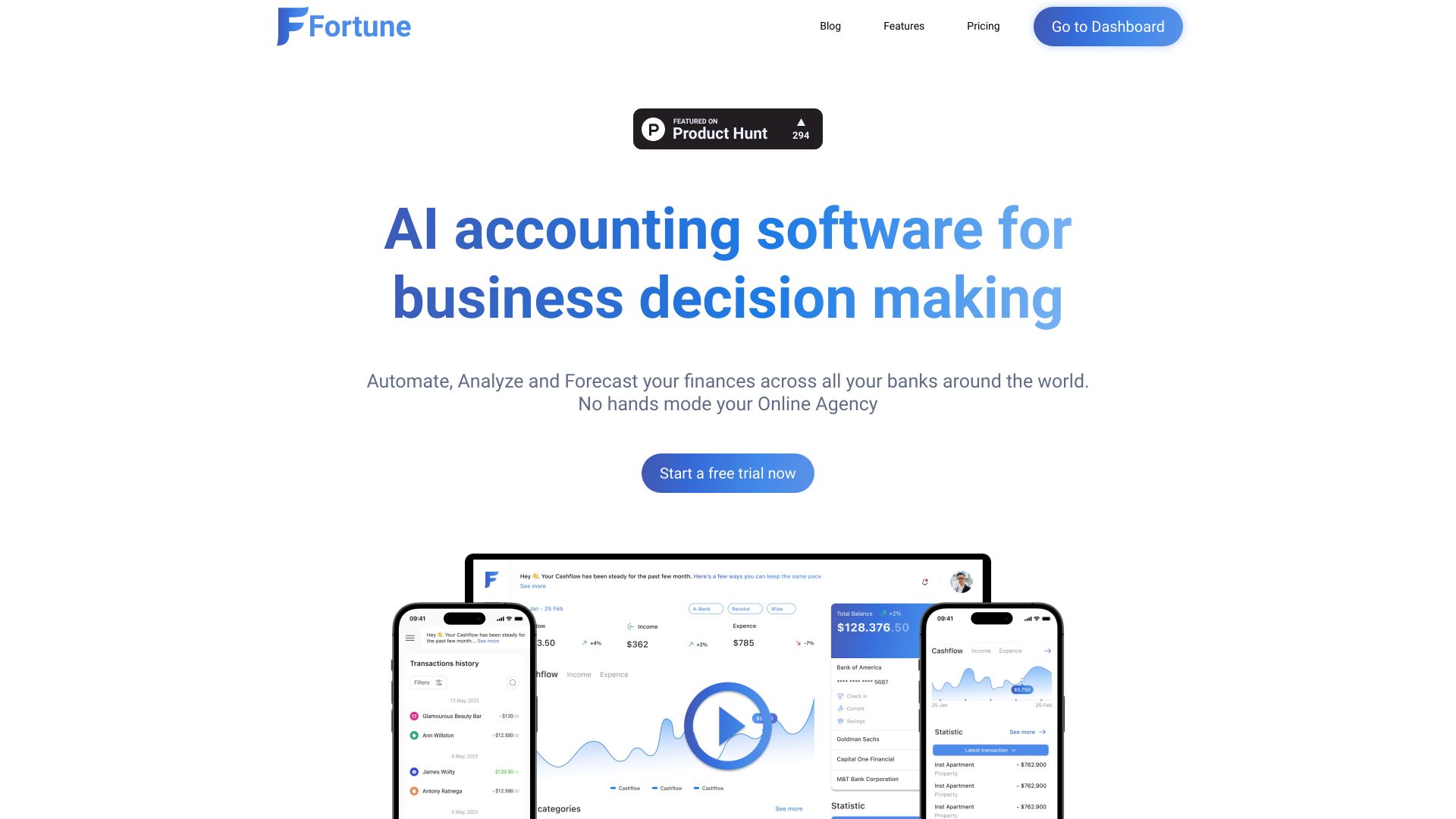
- Small-business cash-flow tracking
- Starts at $10/month
- Usage signal: 5.2K

- Startup and freelancer financial planning
- Free plan available
- Starts at Check vendor pricing
- Usage signal: 1.4K

- Beginner personal expense tracking
- Starts at Check vendor pricing
- Usage signal: 6.5K

- Mac time-blocking and focus routines
- 7-day free trial
- Starts at $19.99 lifetime license
- Usage signal: 5.3K

- Small-business cash flow and bookkeeping
- 14-day free trial
- Starts at $29/month
- Usage signal: 5.1K


- Co-parenting schedules and custody tracking
- Starts at Check vendor pricing
- Usage signal: 11.0K


- Coffee bean tracking and discovery
- Free plan available
- Starts at Check vendor pricing
- Usage signal: 6.3K


- Finding AI accounting tools
- Free plan available
- Starts at Check vendor pricing
- Usage signal: 2.6K

- Startup financial forecasting
- Starts at Check vendor pricing
- Usage signal: 3.5K
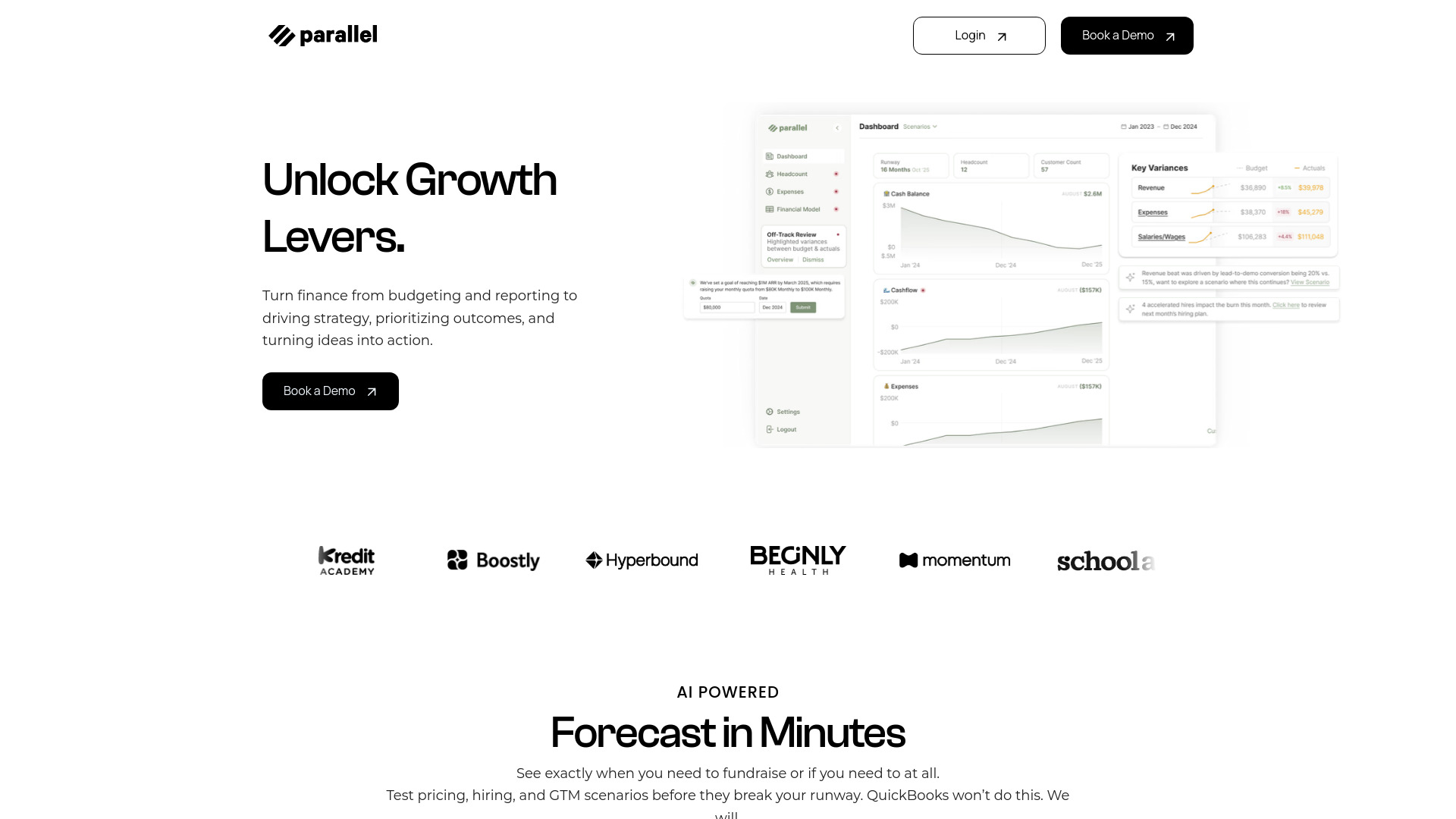

- Social media appointment booking
- 14-day free trial
- Starts at $10/month
- Usage signal: 2.6K
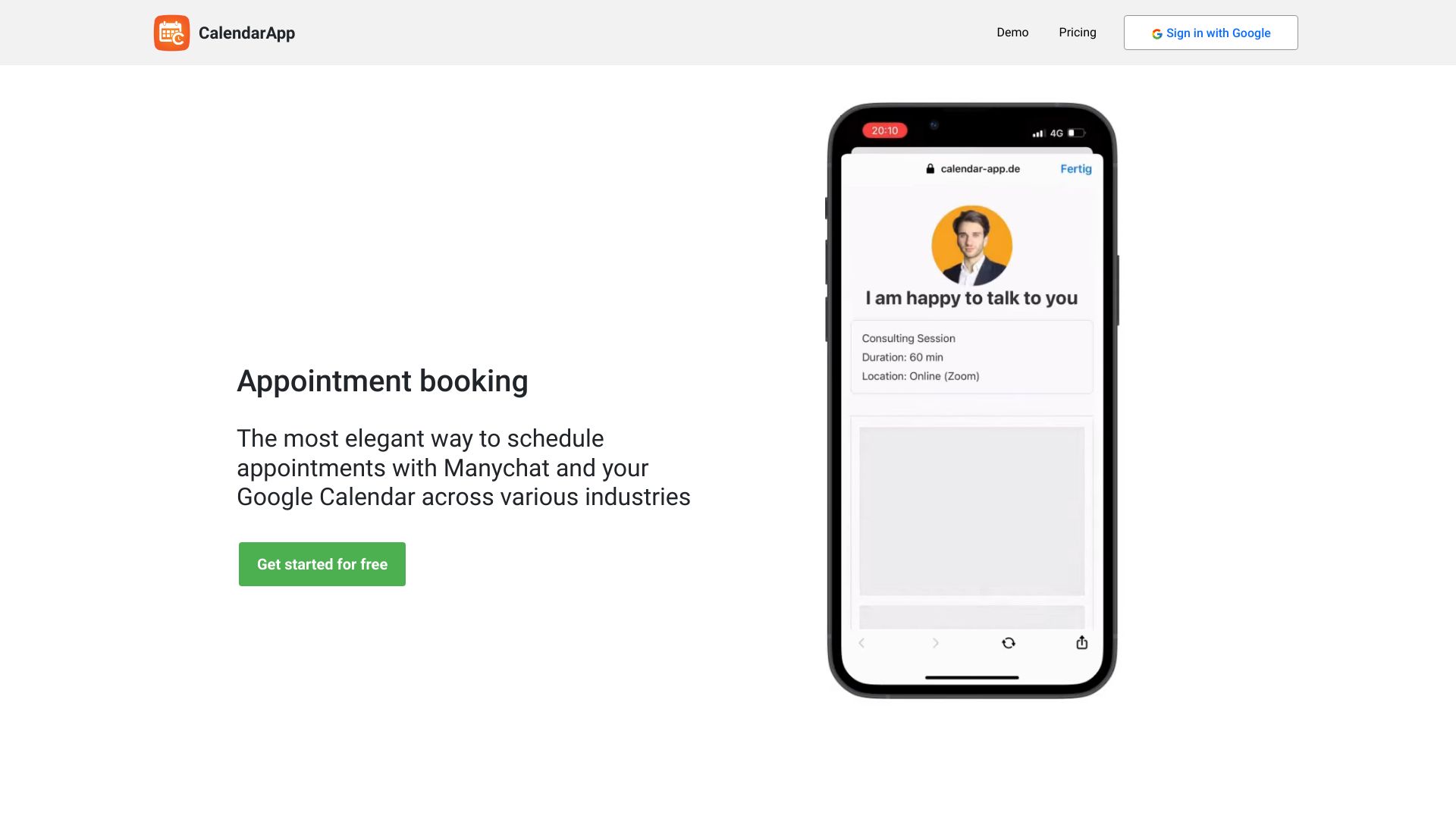

- Privacy-first financial planning
- Free plan available
- Starts at $0 forever
- Usage signal: 3.5K
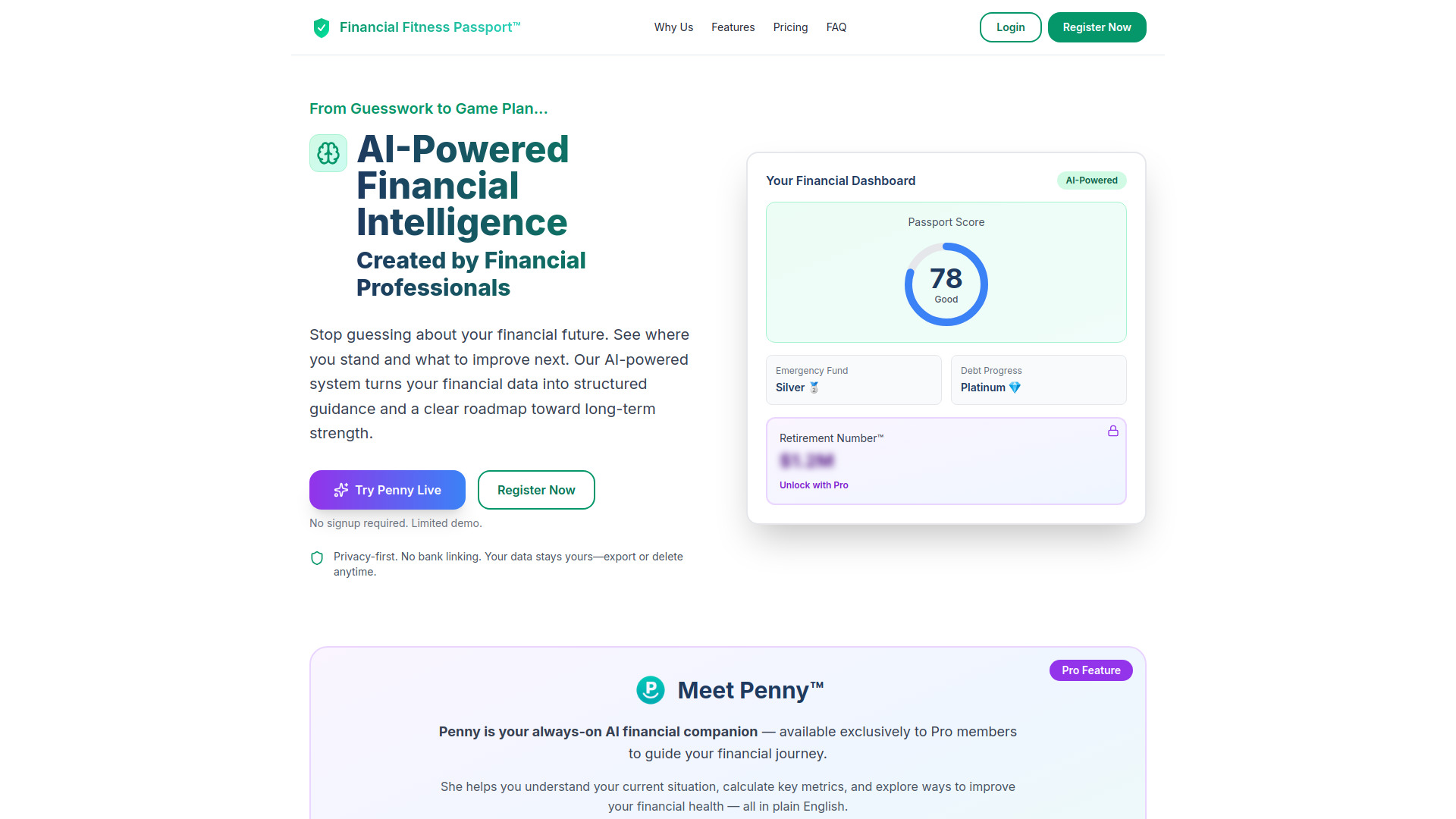

- AI-powered expense tracking
- Free plan available
- Starts at Check vendor pricing
- Usage signal: 1.7K

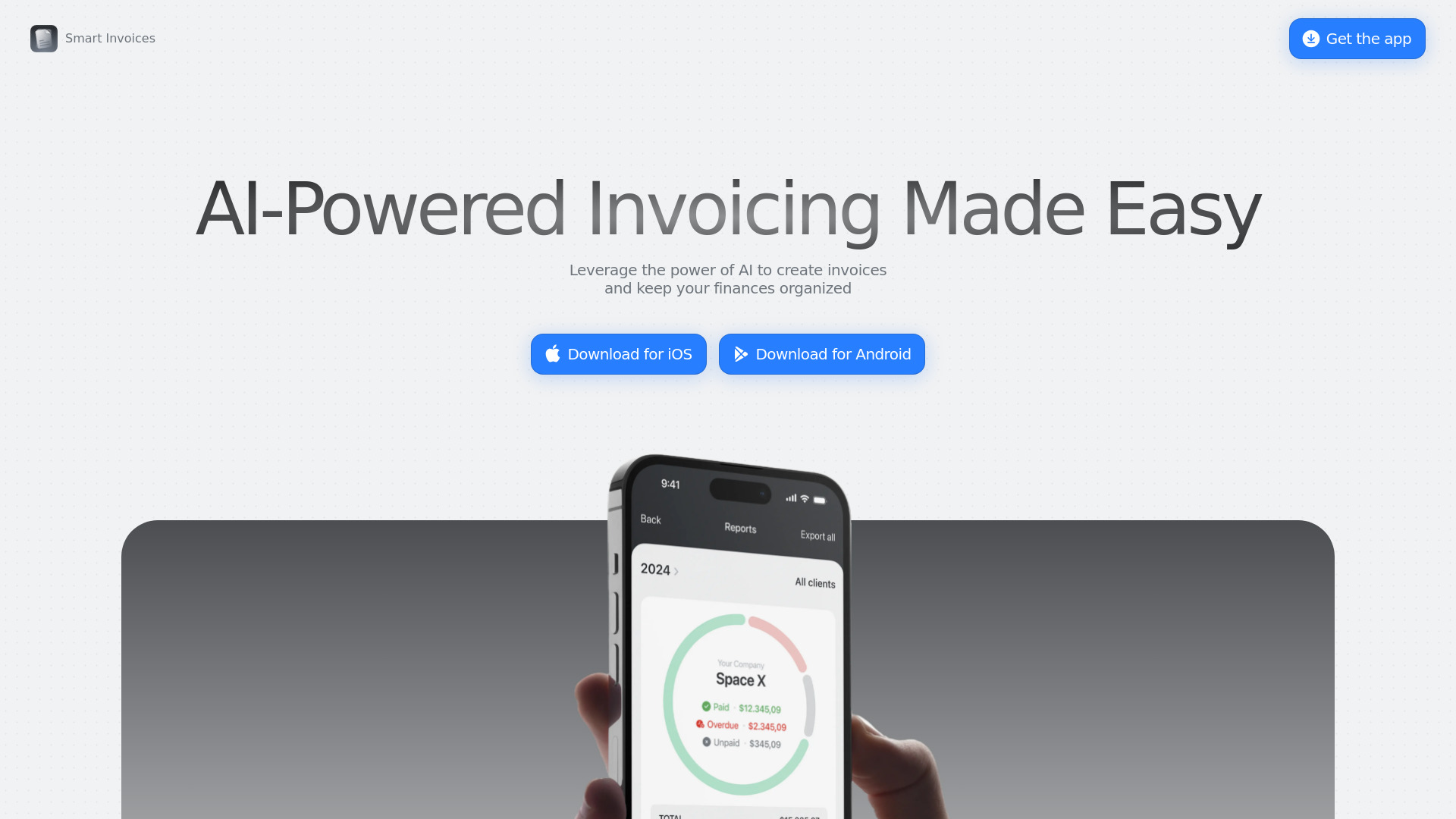
- AI invoicing for freelancers
- Starts at Check vendor pricing
- Usage signal: 1.5K

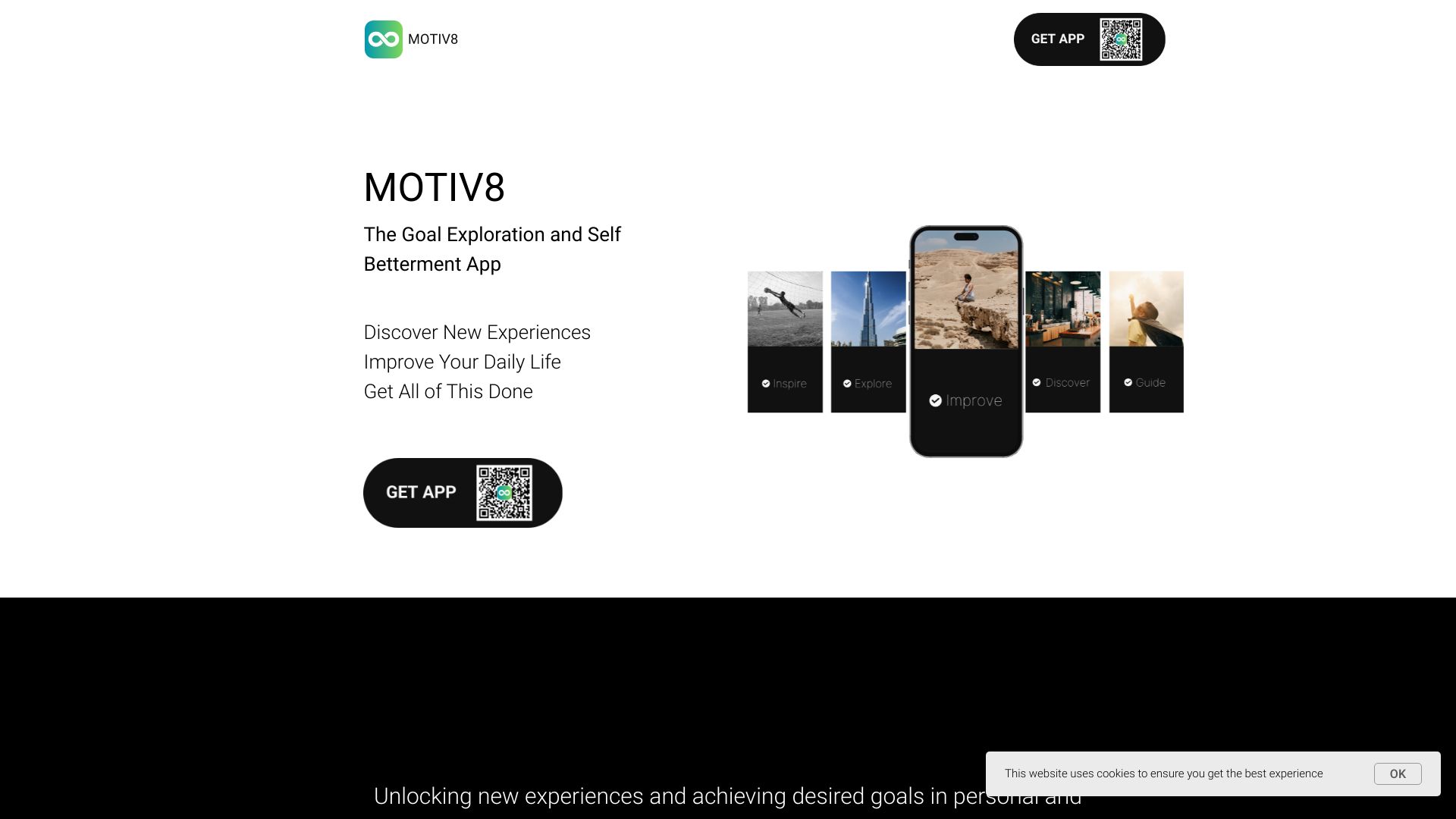
- AI-powered goal and task planning
- 7-day free trial
- Starts at Check vendor pricing
- Usage signal: 2.2K

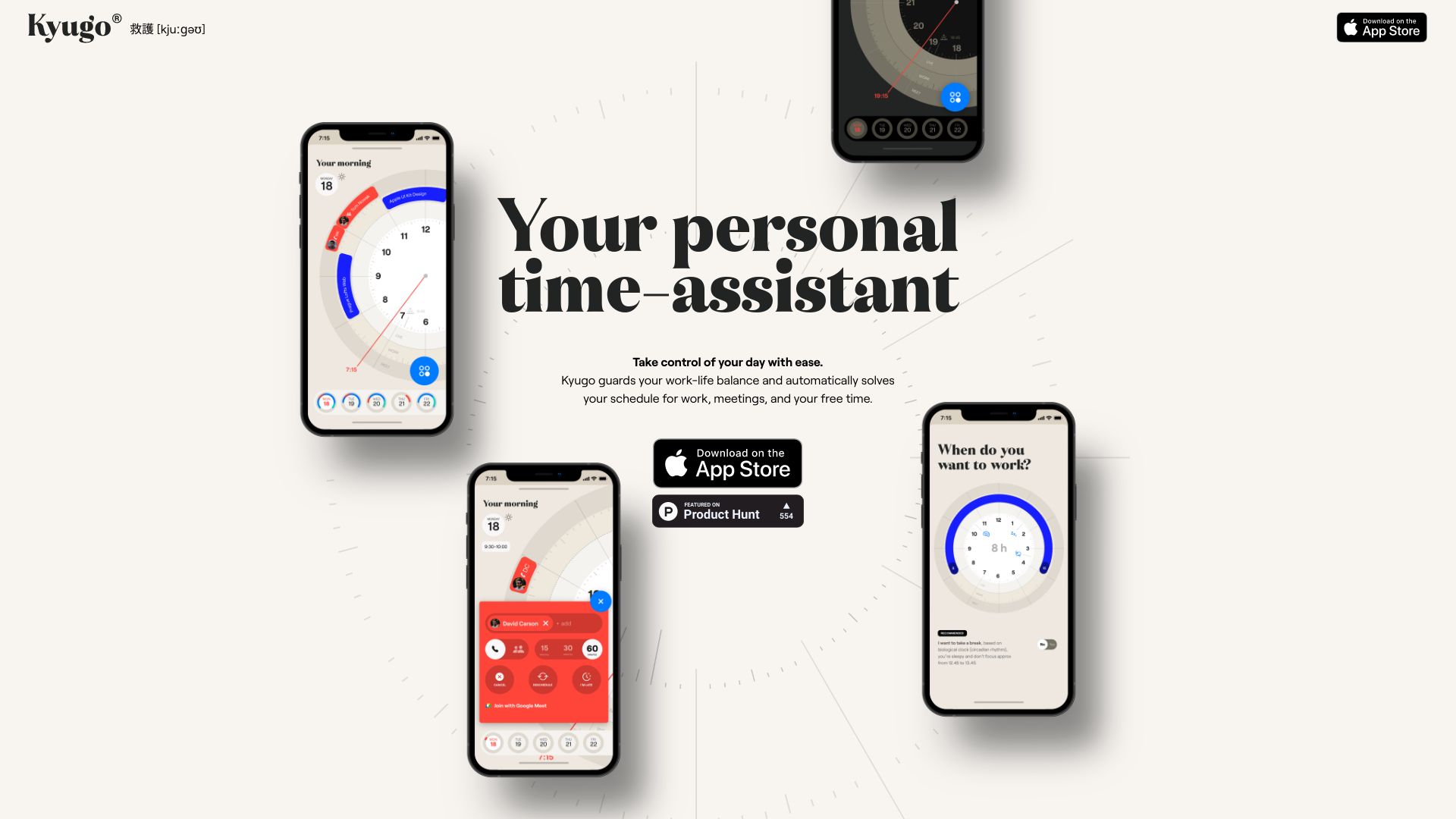
- Visual calendar and work-life planning
- Starts at Check vendor pricing
- Usage signal: 1.9K

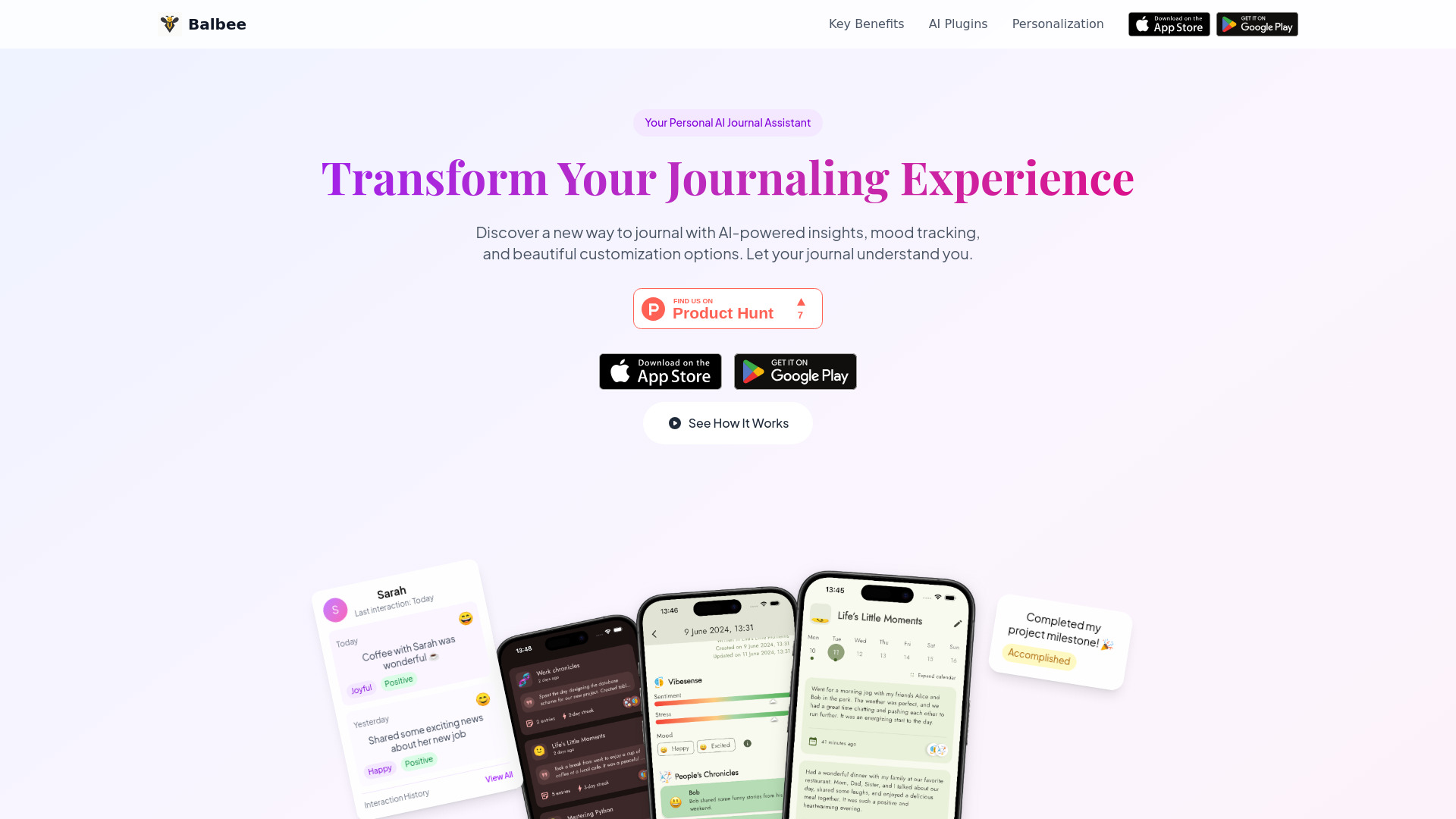
- AI-powered personal journaling
- Free plan available
- Starts at Check vendor pricing
- Usage signal: 1.1K

- Meal planning from ingredients on hand
- Free trial available
- Starts at Check vendor pricing
- Usage signal: 1.5K


- AI-powered financial management
- Free trial available
- Starts at Check vendor pricing
- Usage signal: 725
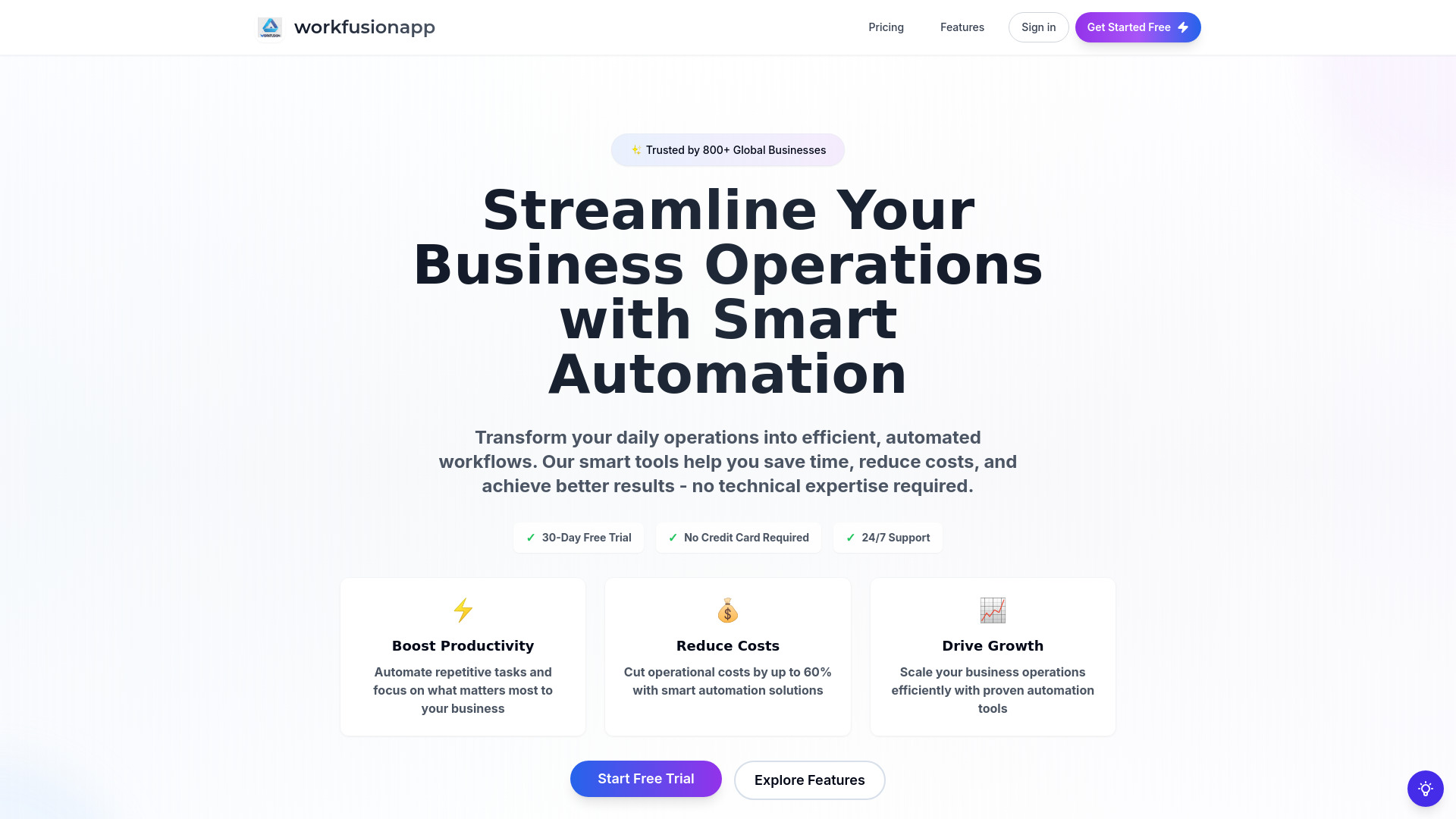

- Small-team Kanban planning
- Free plan available
- Starts at Check vendor pricing
- Usage signal: 1.2K
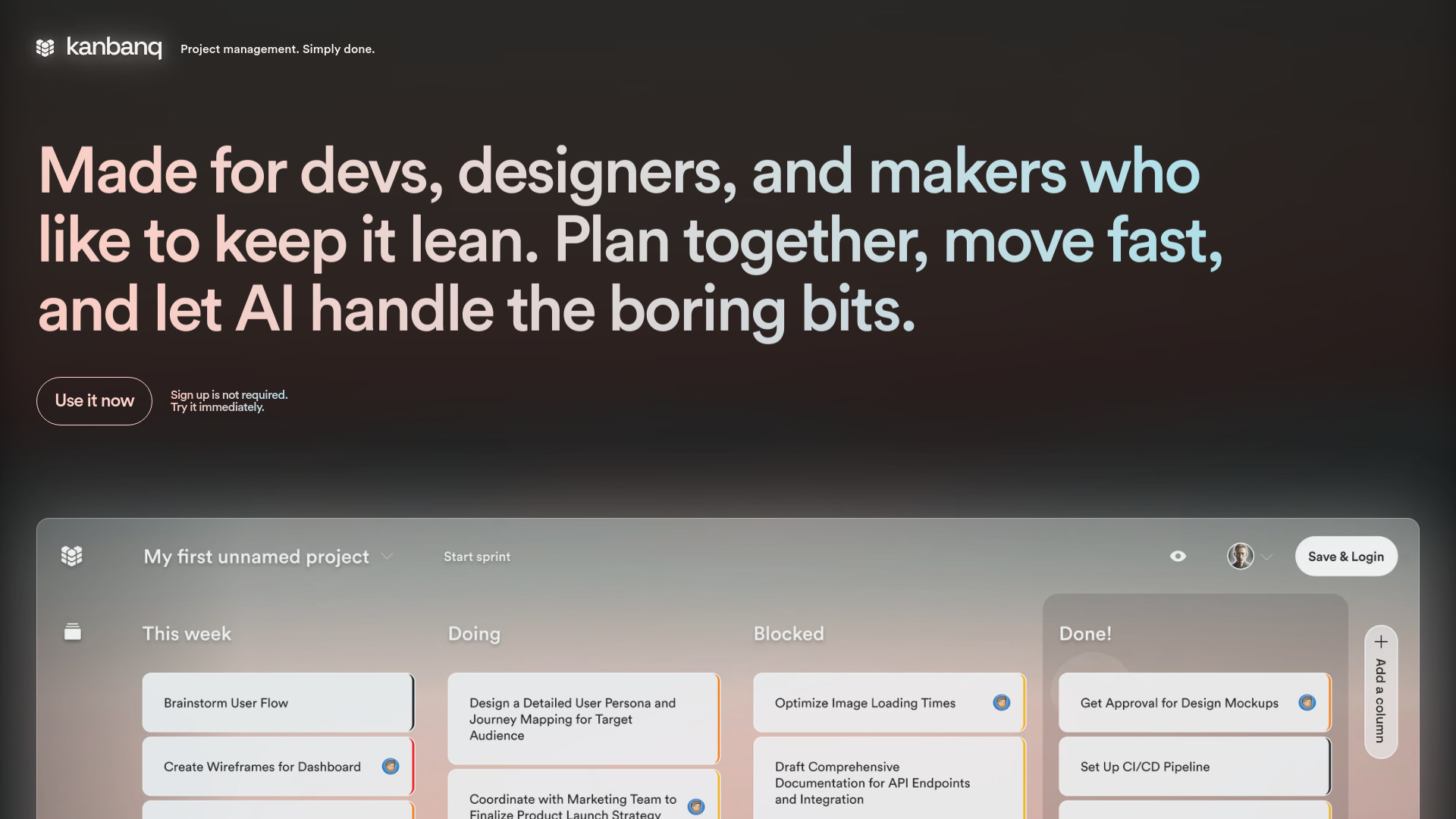

- Privacy-focused Mac productivity
- 3-day free trial
- Starts at $19 one-time
- Usage signal: 1.3K
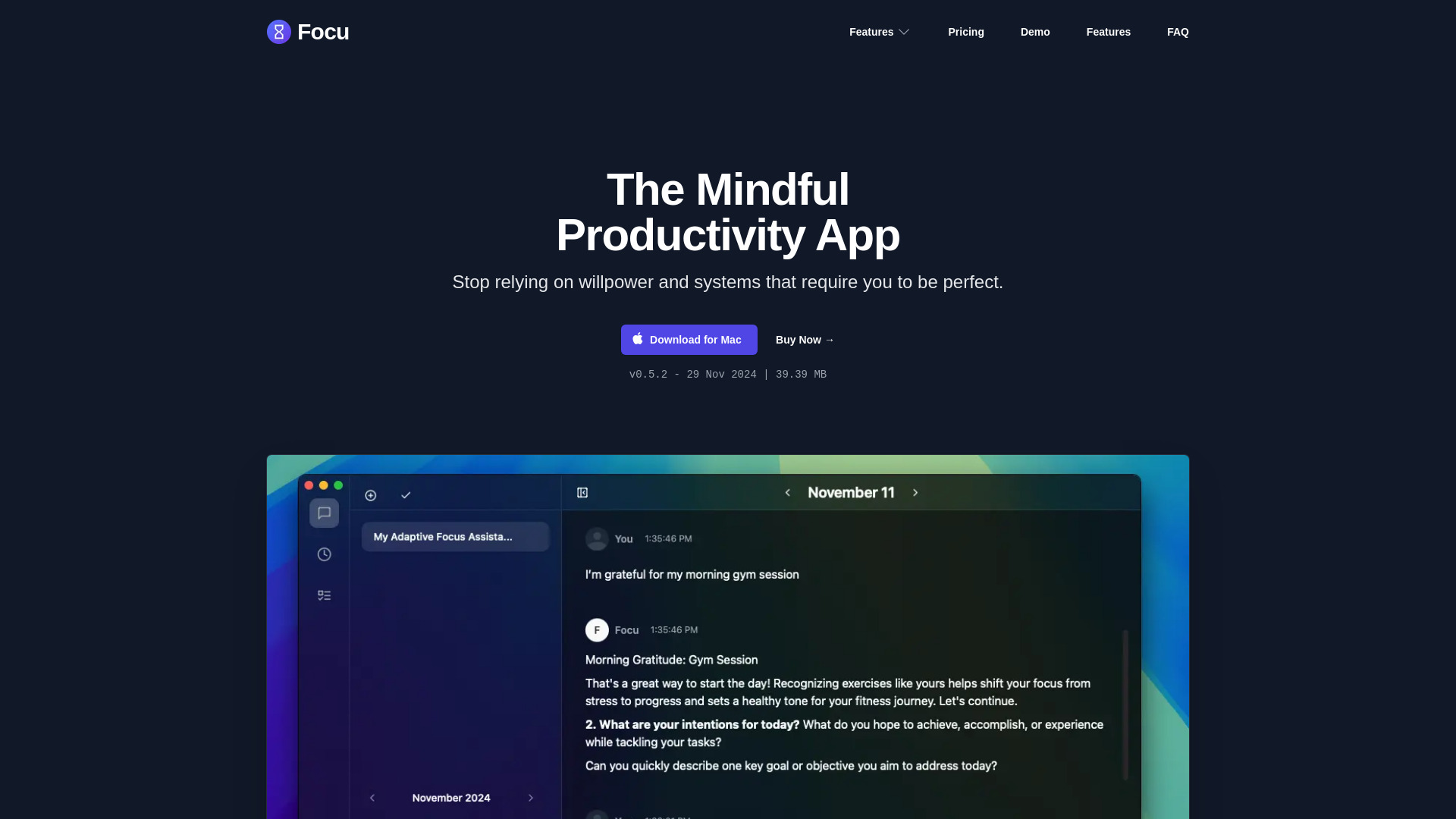

- India-focused bank statement expense tracking
- Free plan available
- Starts at ₹0 lifetime
- Usage signal: 824
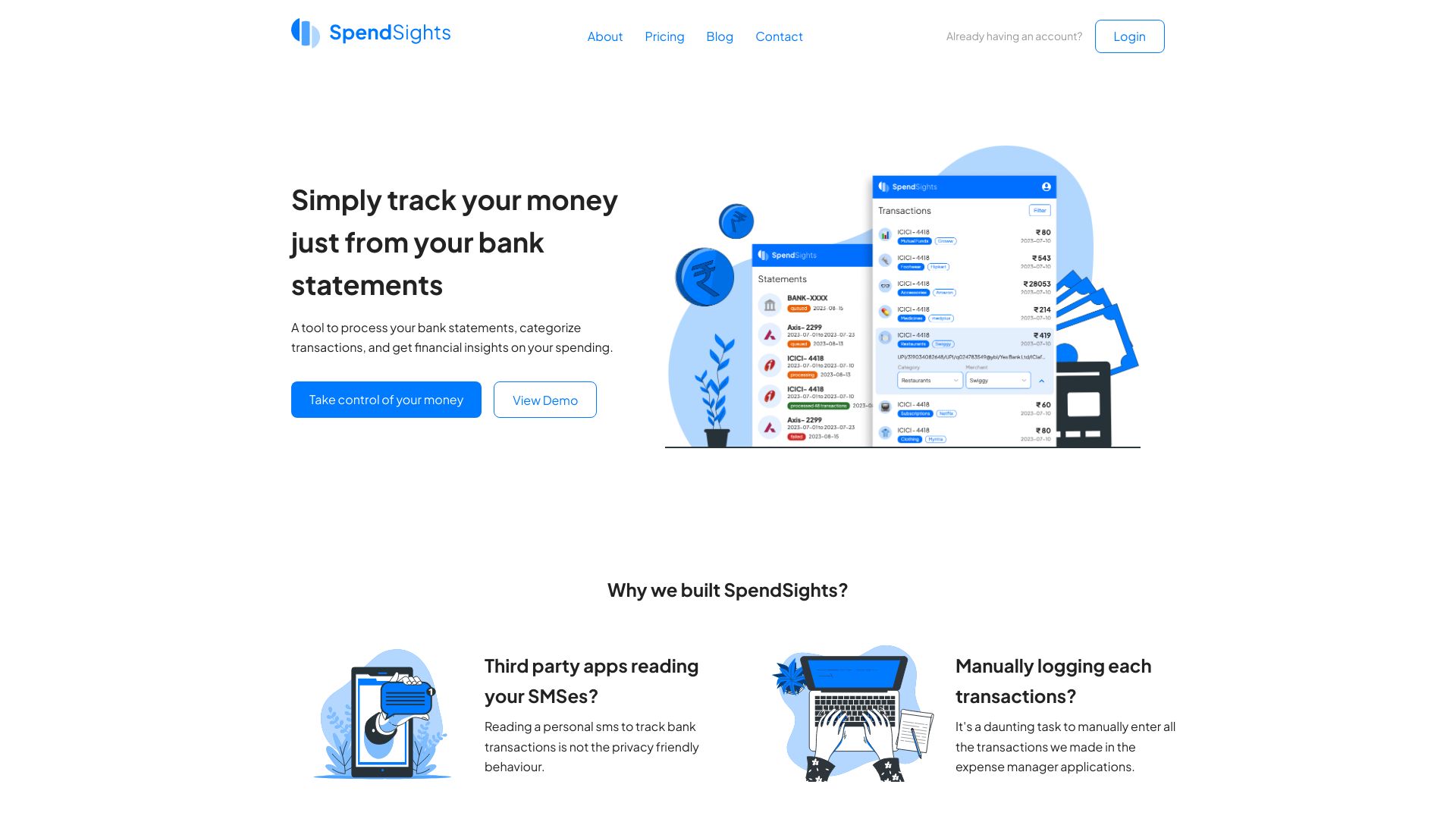

- AI-guided wealth planning
- Starts at Check vendor pricing
- Usage signal: 1.0K


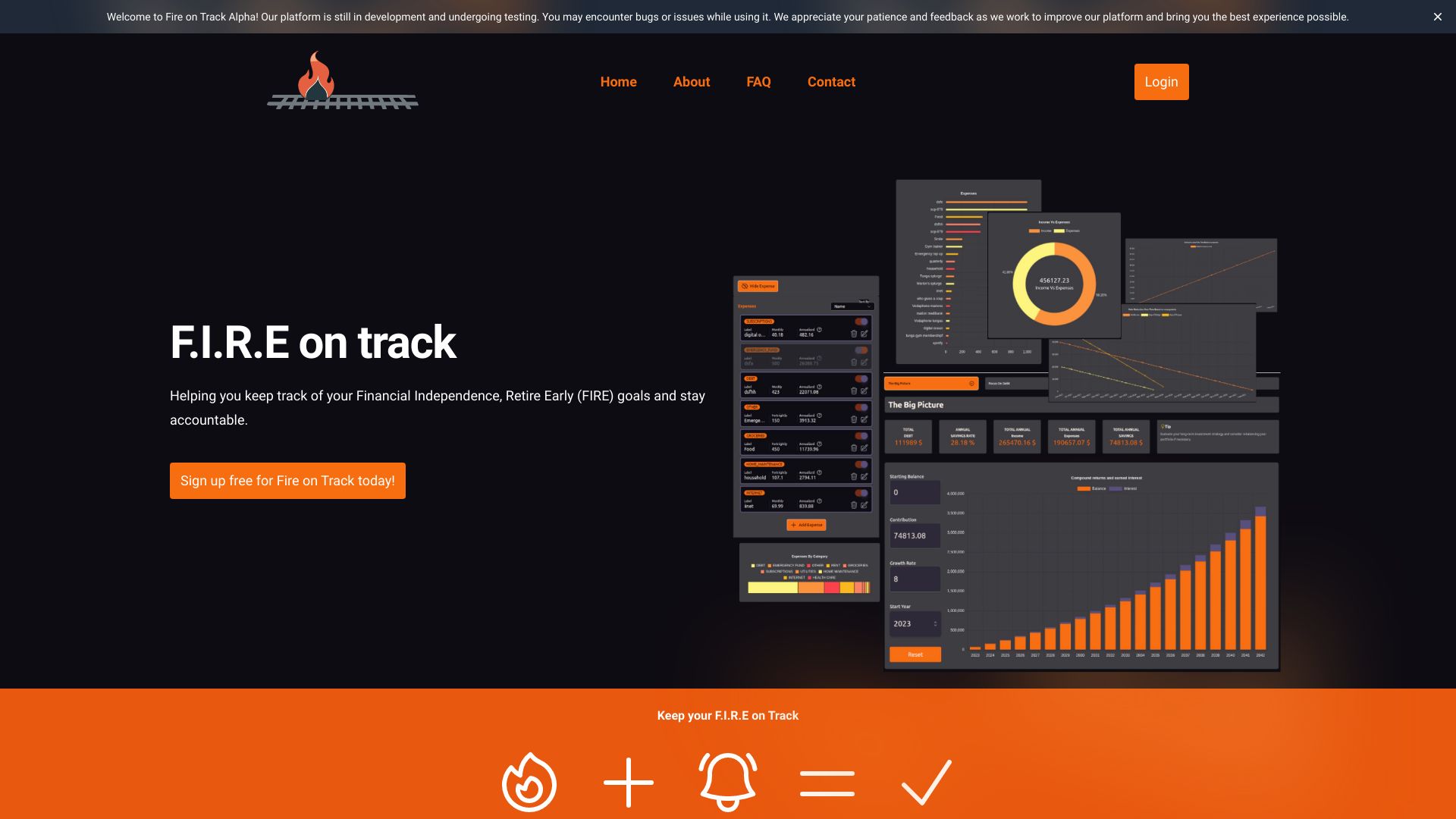
- FIRE goal tracking and accountability
- Free plan available
- Starts at Check vendor pricing
- Usage signal: 774

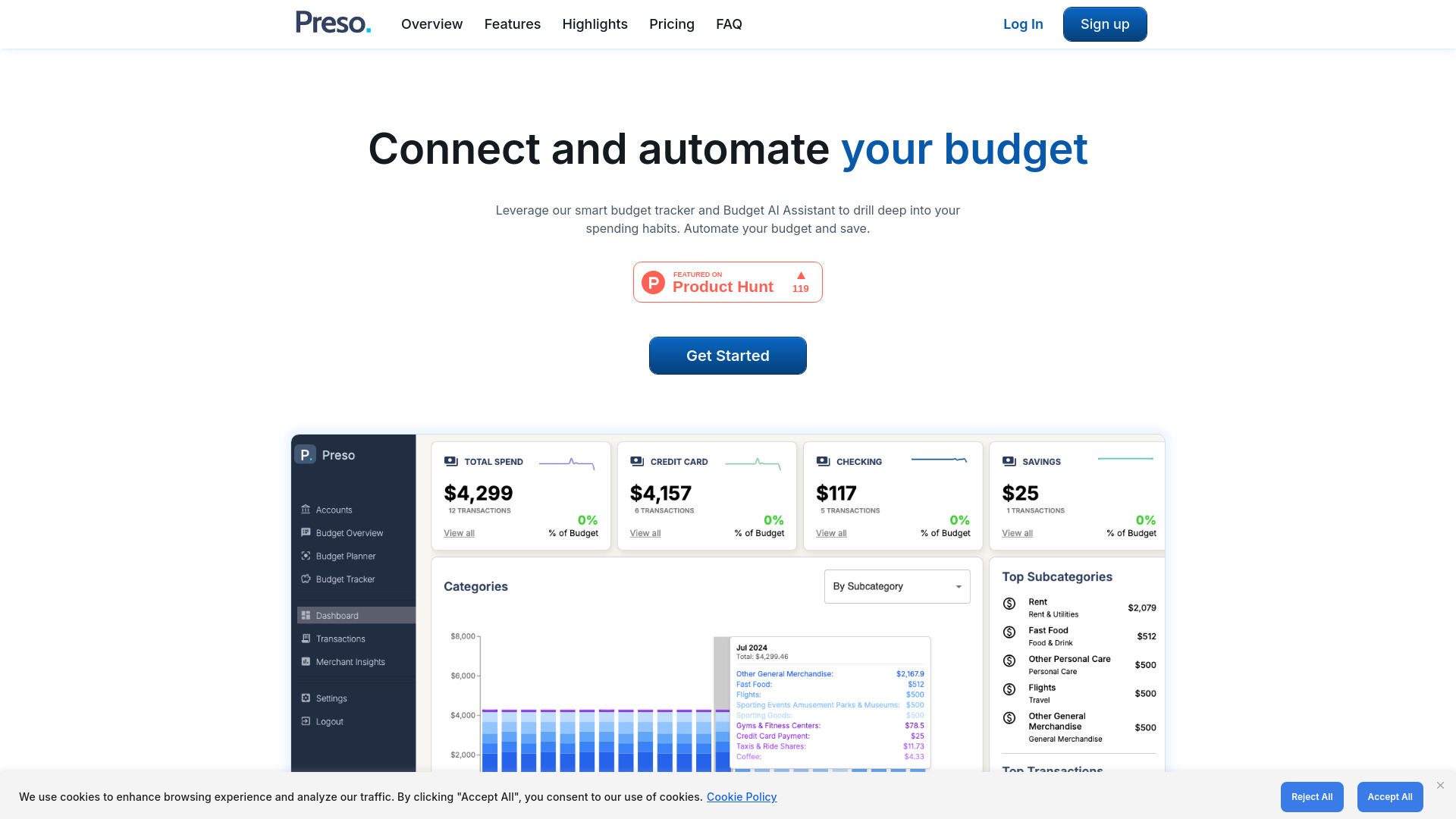
- AI-powered automated budget tracking
- Limited 14-day free trial
- Starts at $7.99/month
- Usage signal: 137

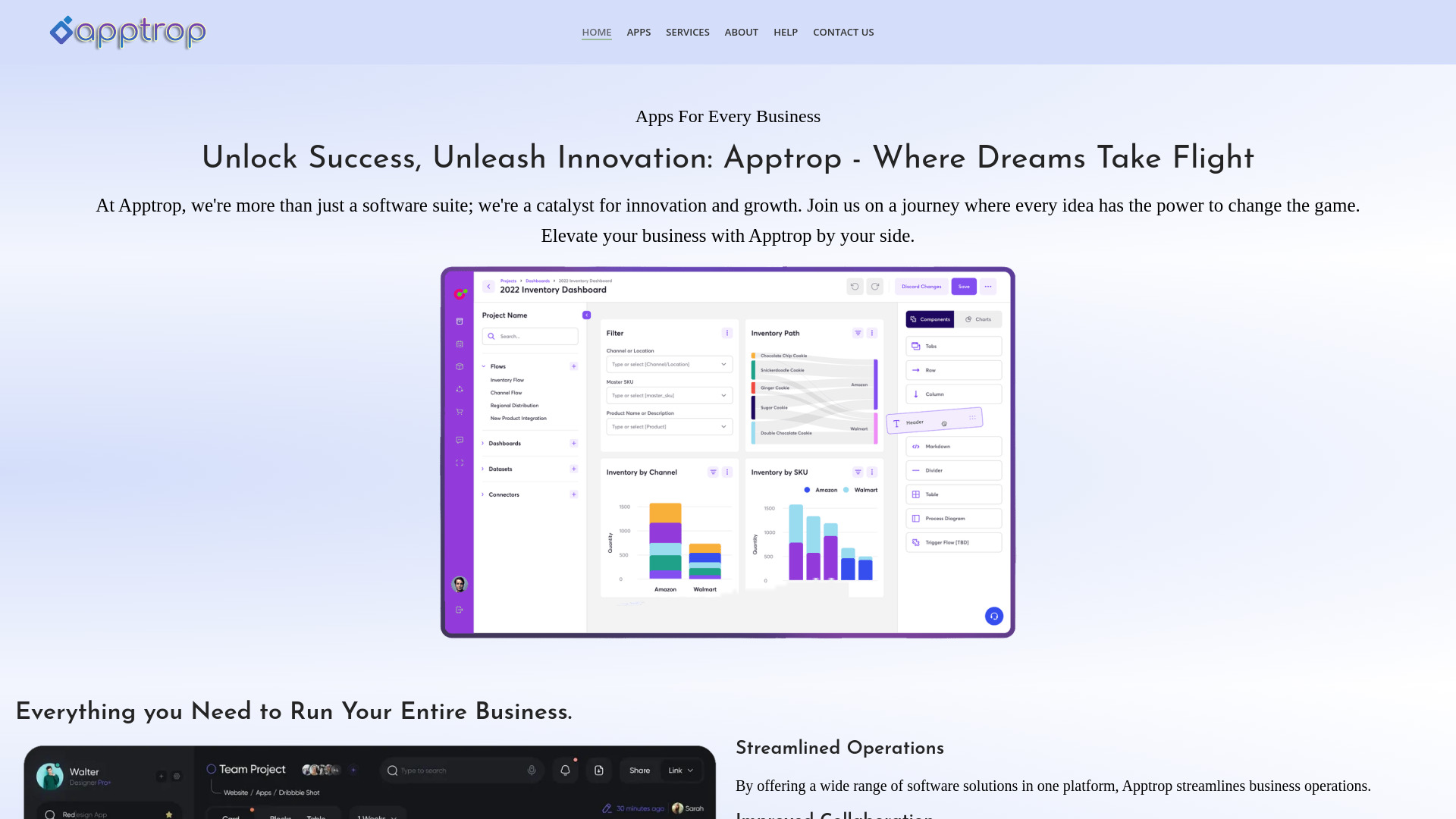
- Small-business operations management
- Free plan available
- Starts at Check vendor pricing
- Usage signal: 812

- iOS productivity app users
- Starts at Check vendor pricing
- Usage signal: 574


- Tracking work achievements and career goals
- Free plan available
- Starts at Check vendor pricing
- Usage signal: 232


- Shared habit and task planning
- Starts at Check vendor pricing
- Usage signal: 367


- Finding eligible grants and financial aid
- Free plan available
- Starts at $80/month
- Usage signal: 284


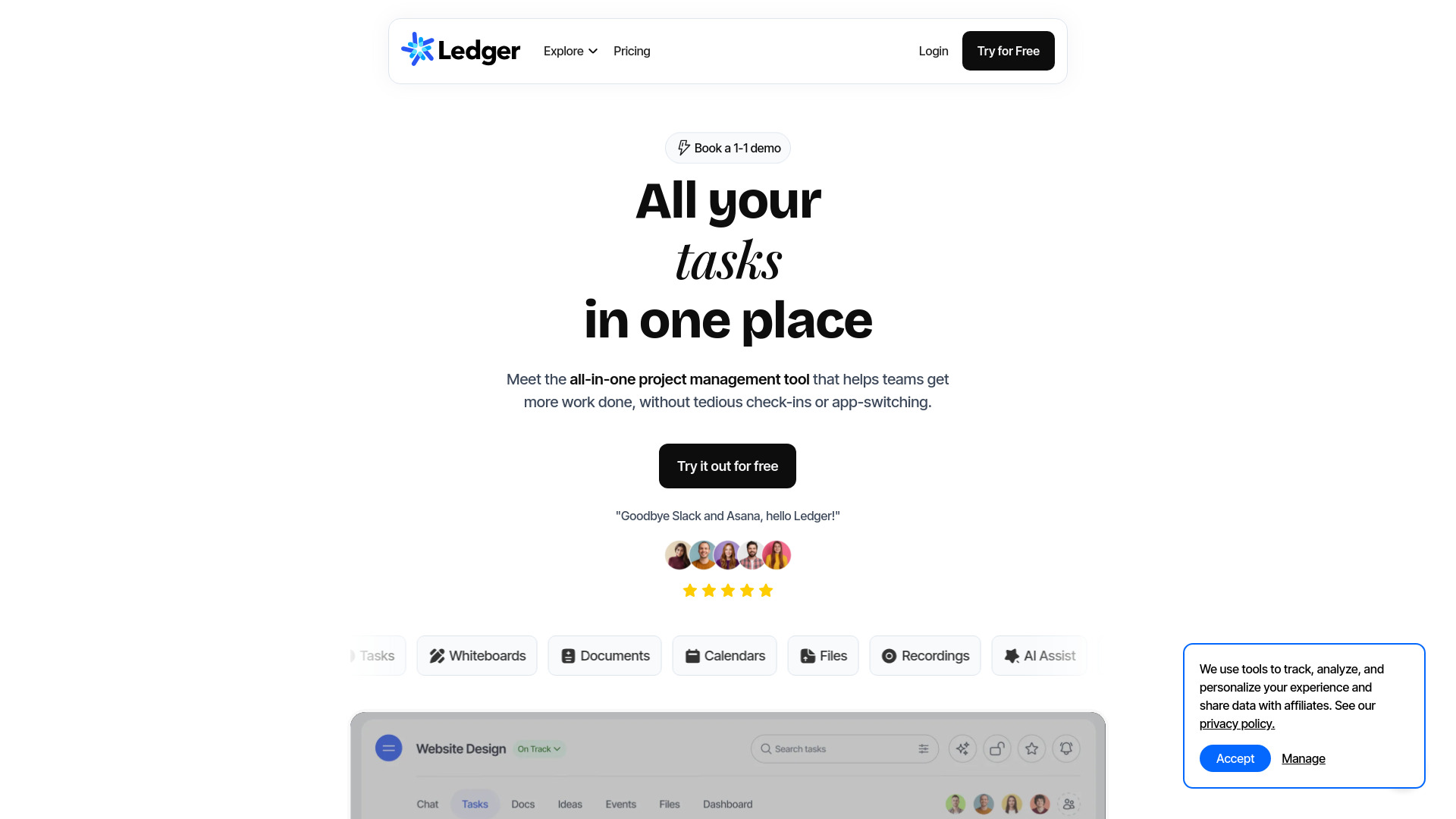
- Teams needing unified project collaboration
- 14-day free trial
- Starts at Check vendor pricing
- Usage signal: 81
- Budget tracking and financial calculators
- Free plan available
- Starts at Check vendor pricing
- Usage signal: 0
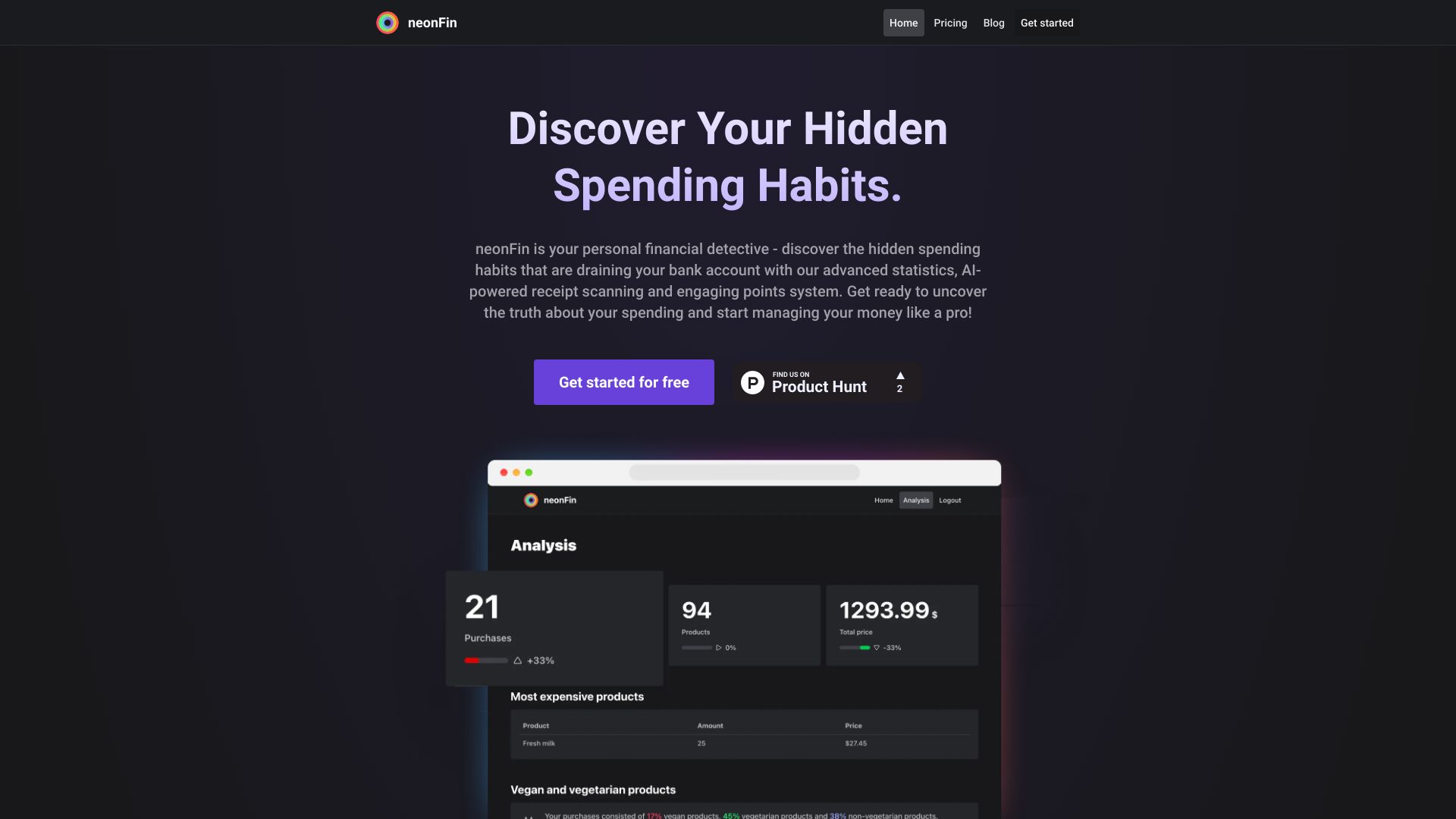
- Practical personal money management
- Starts at Check vendor pricing
- Usage signal: 0


- Shared family budgeting and expense tracking
- 3 months free for early adopters
- Starts at $0/month
- Usage signal: 0
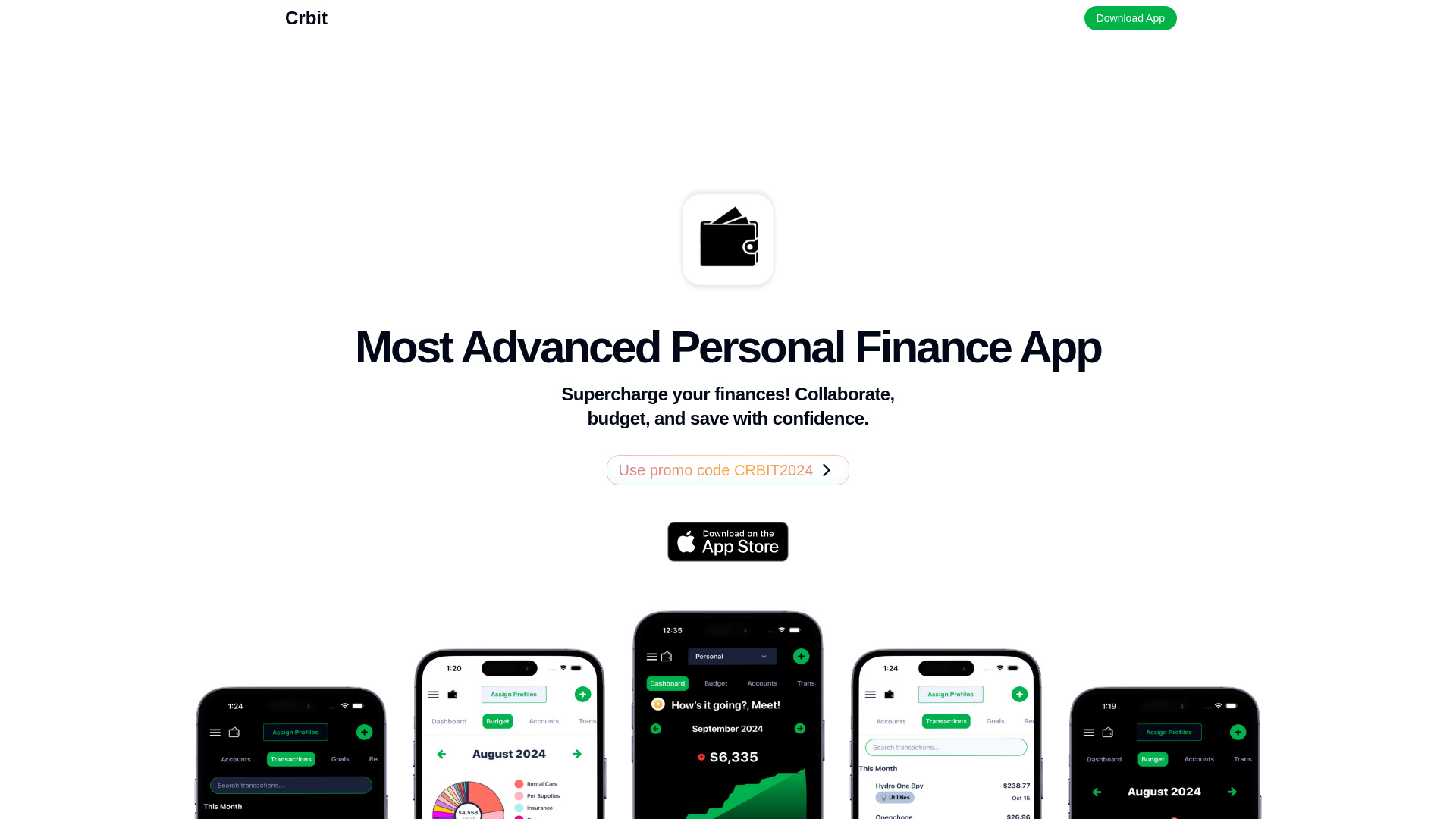

- AI expense tracking and budgeting
- Free plan available
- Starts at From $1.99/month
- Usage signal: 0
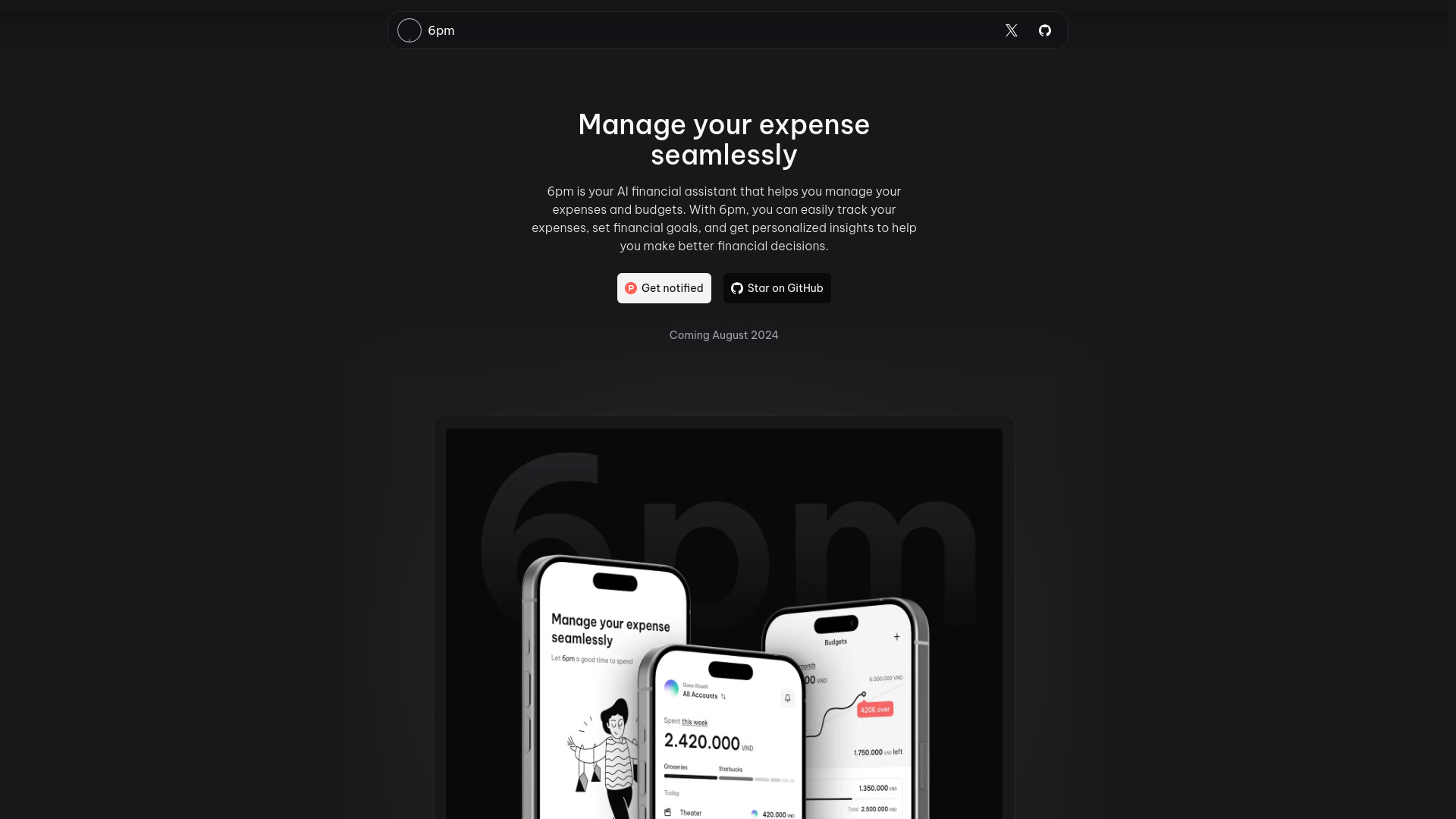

- AI-guided personal budgeting
- 7-day free trial
- Starts at From $9.99/month
- Usage signal: 0
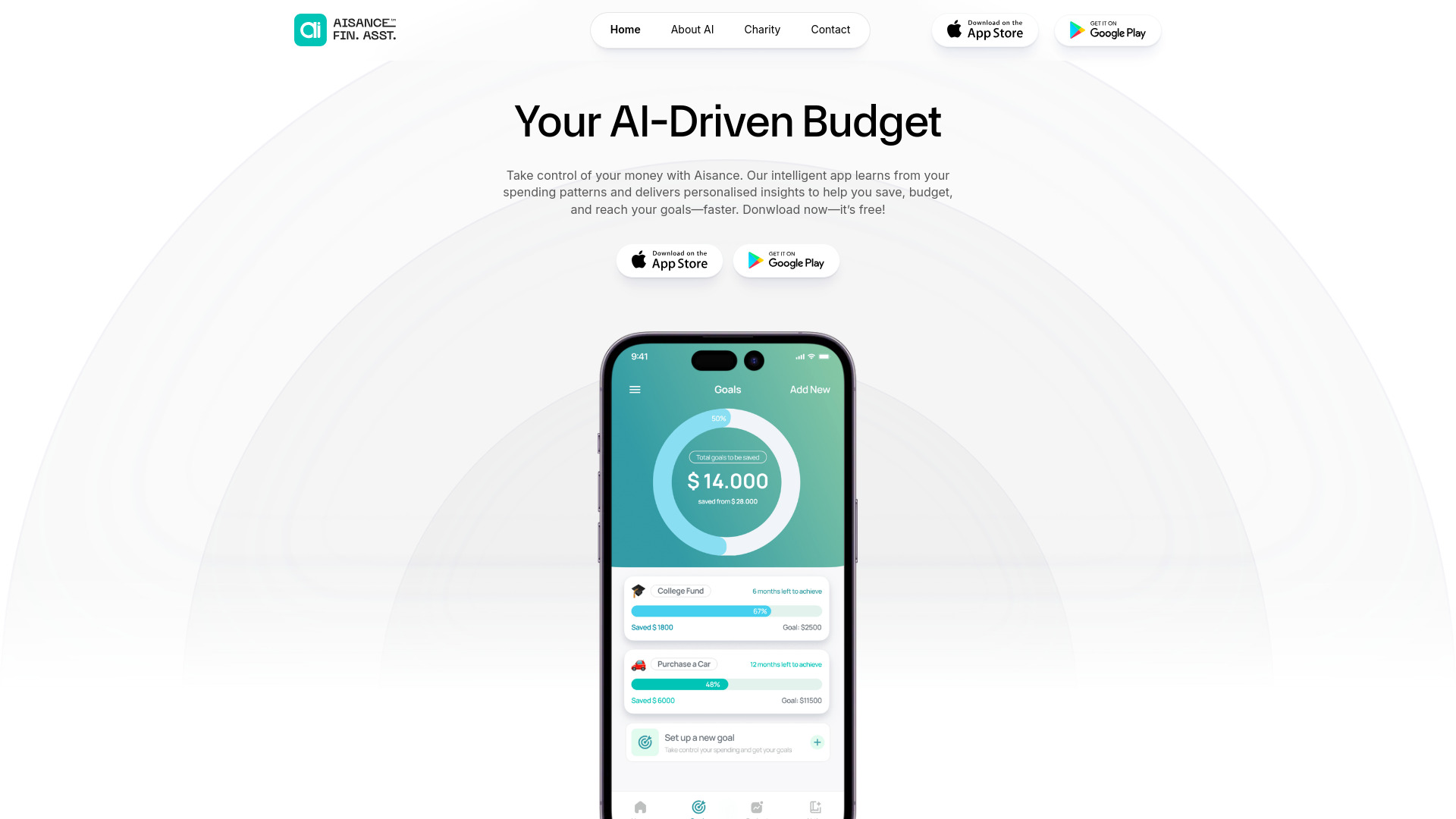

- AI-powered expense tracking
- 48-hour free trial
- Starts at $2/month
- Usage signal: Not listed
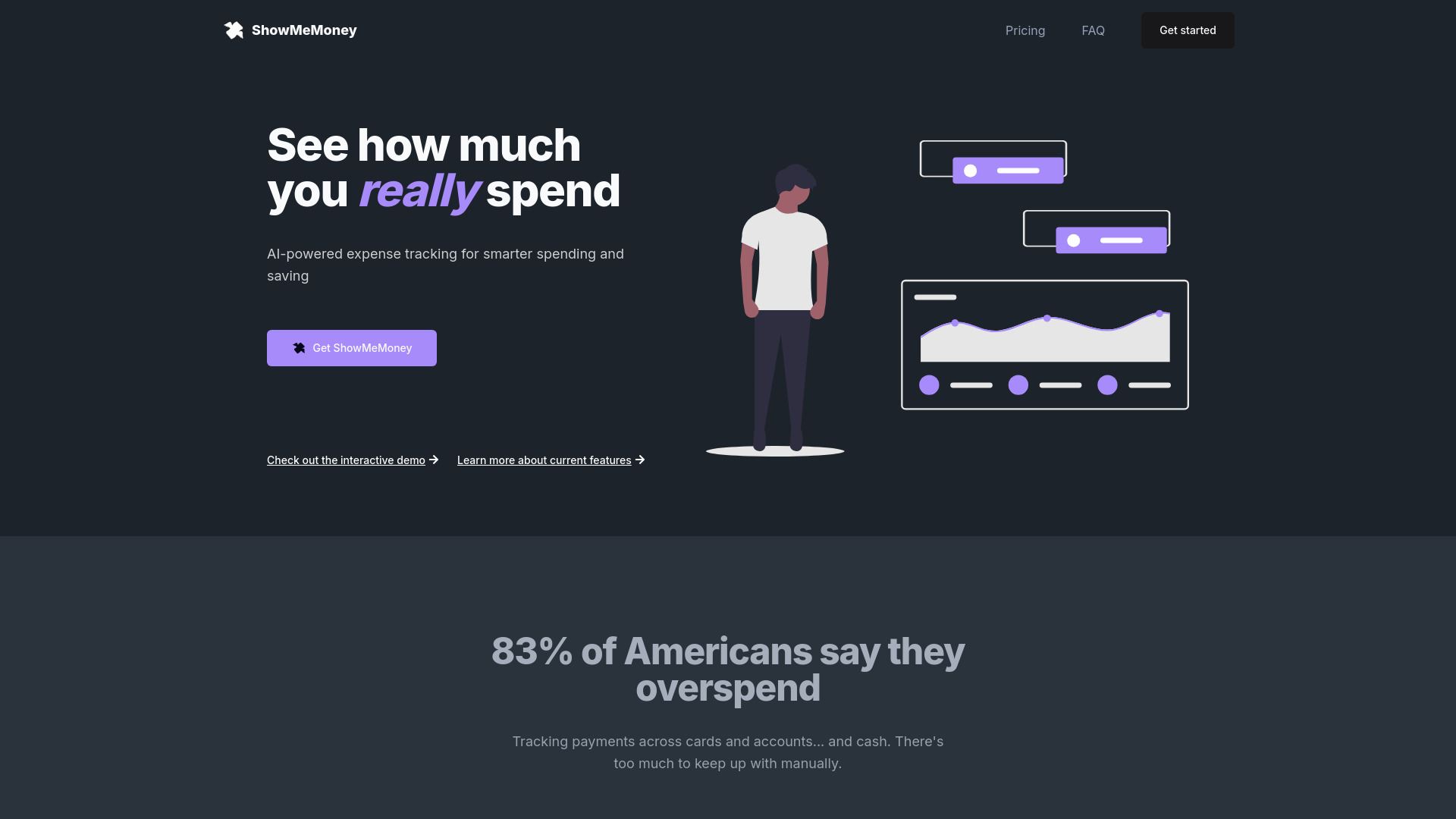

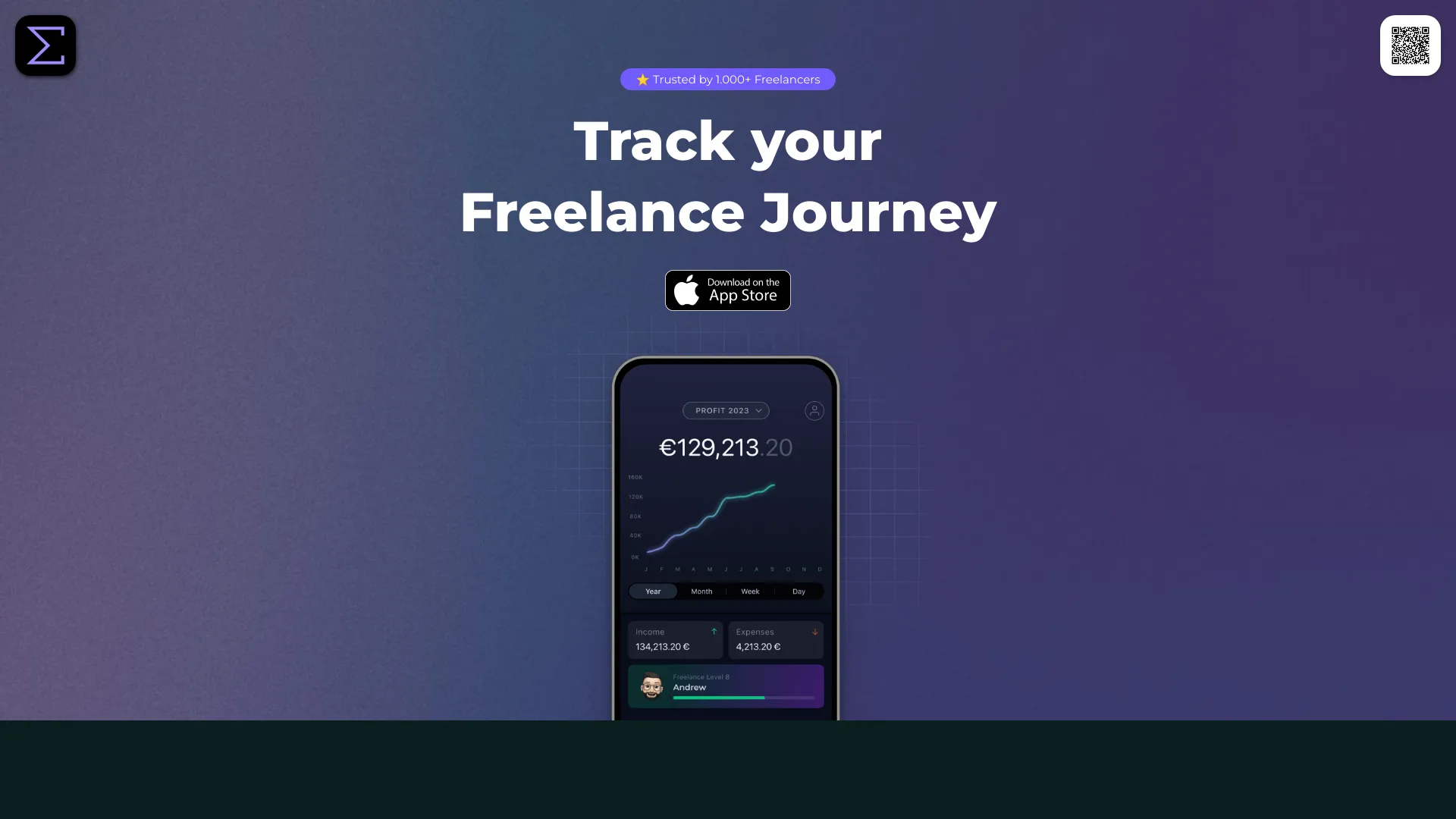
- Freelancers tracking income and expenses
- Up to 10 clients free
- Starts at Check vendor pricing
- Usage signal: 0

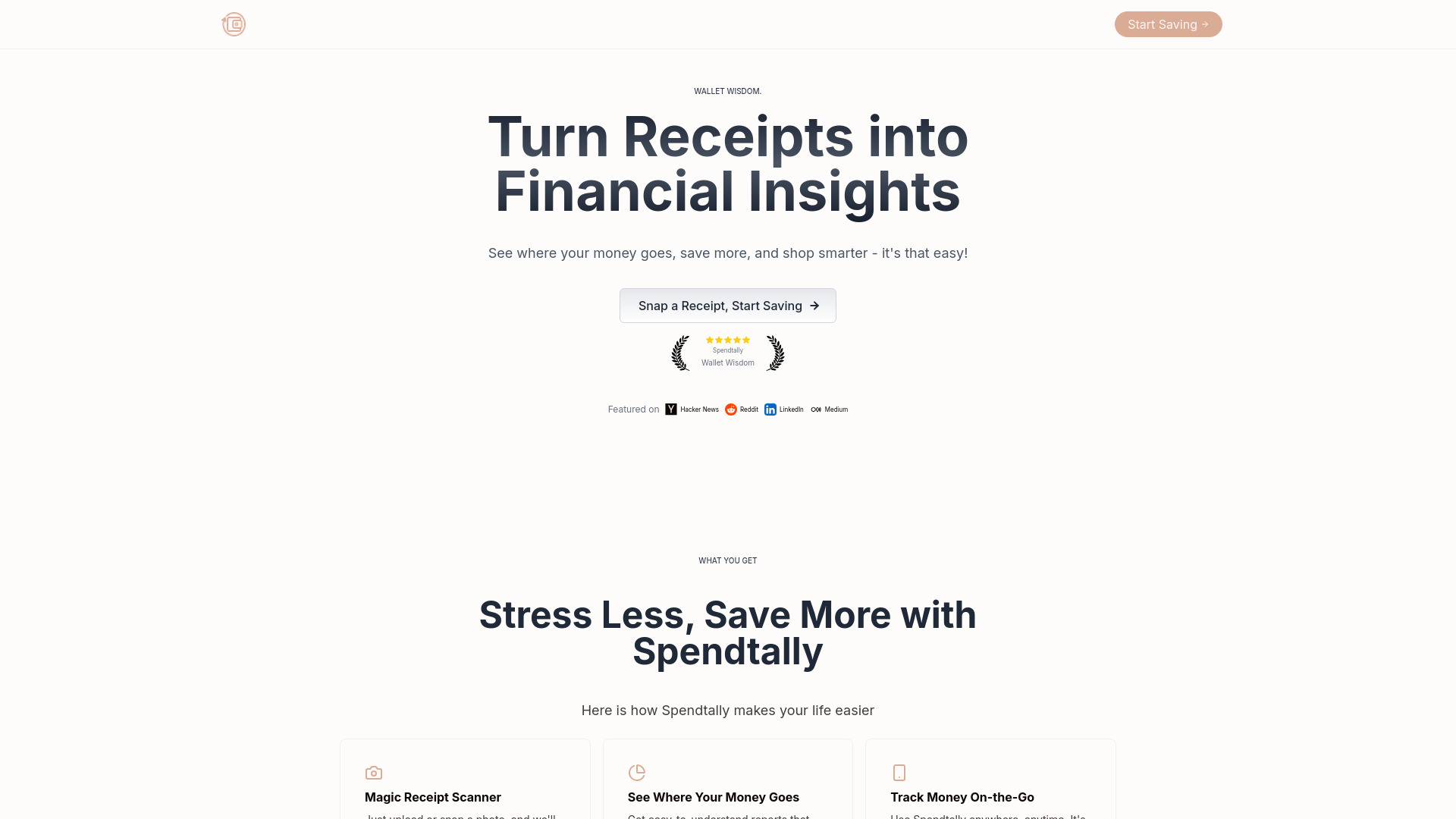
- Receipt-based expense tracking
- 30 receipt scans/month
- Starts at From $12/month
- Usage signal: 0

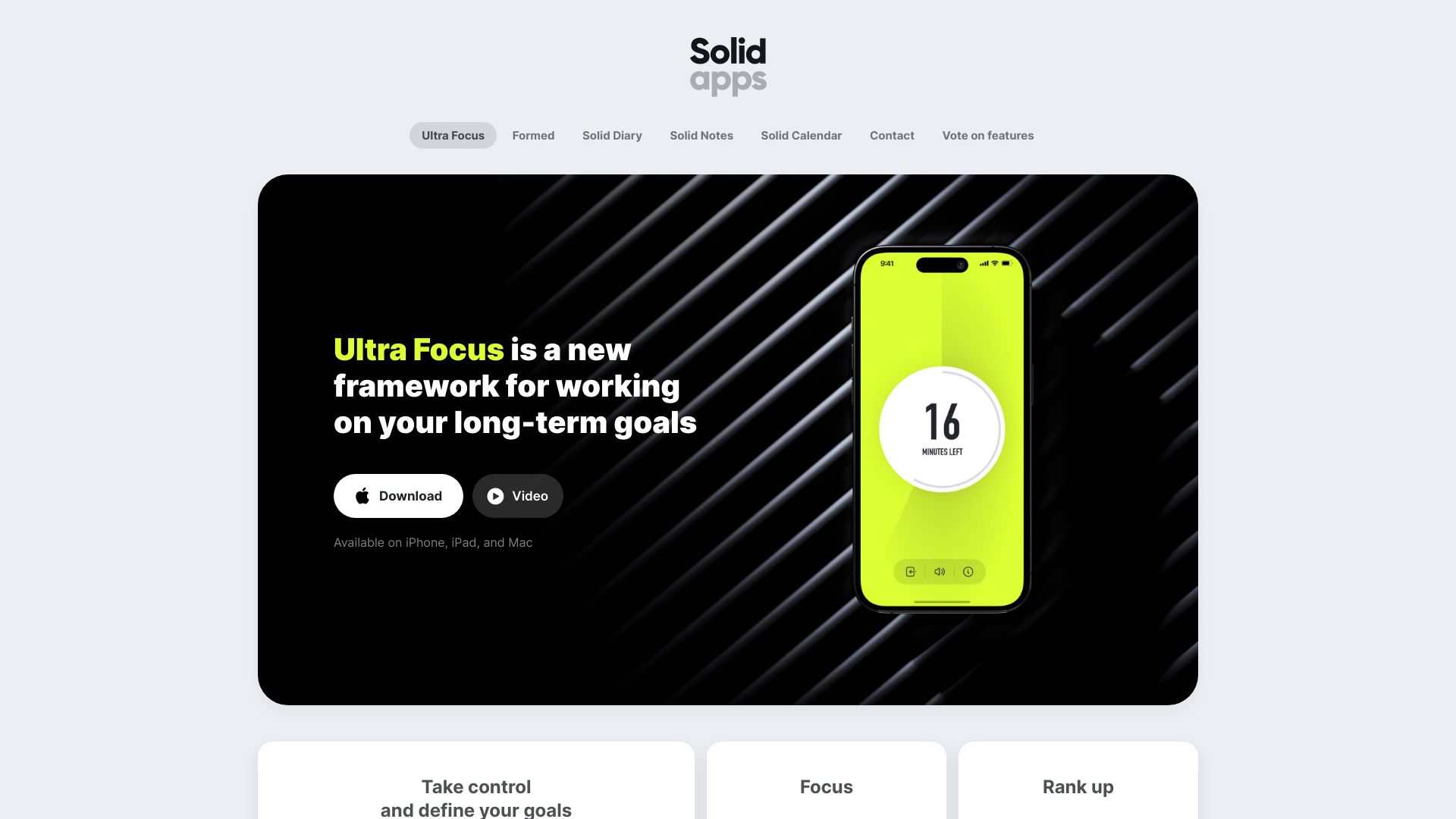
- Minimalist iOS productivity suite
- 7-day free trial
- Starts at Check vendor pricing
- Usage signal: 0

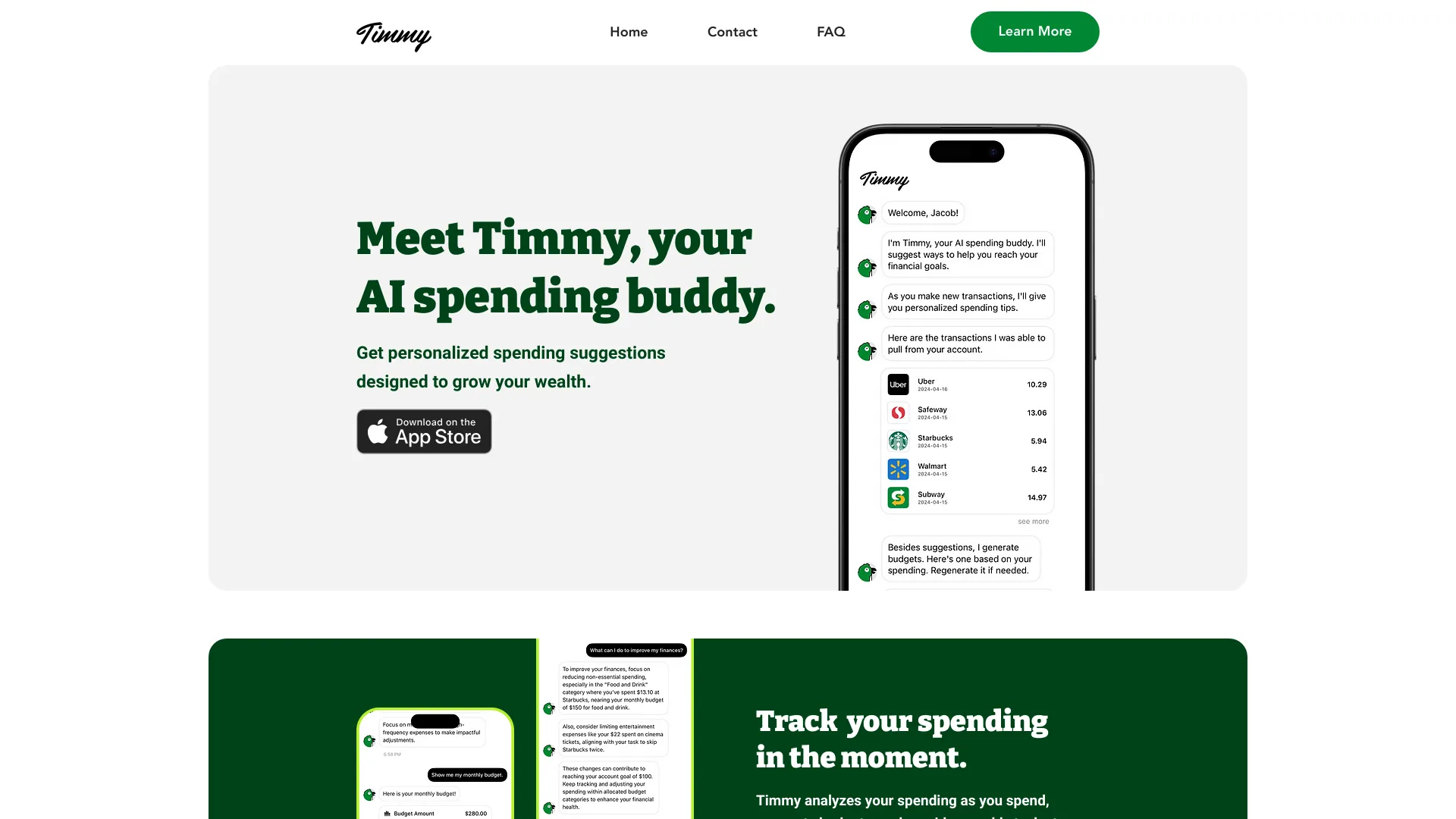
- Goal-based spending guidance
- Starts at Check vendor pricing
- Usage signal: 0

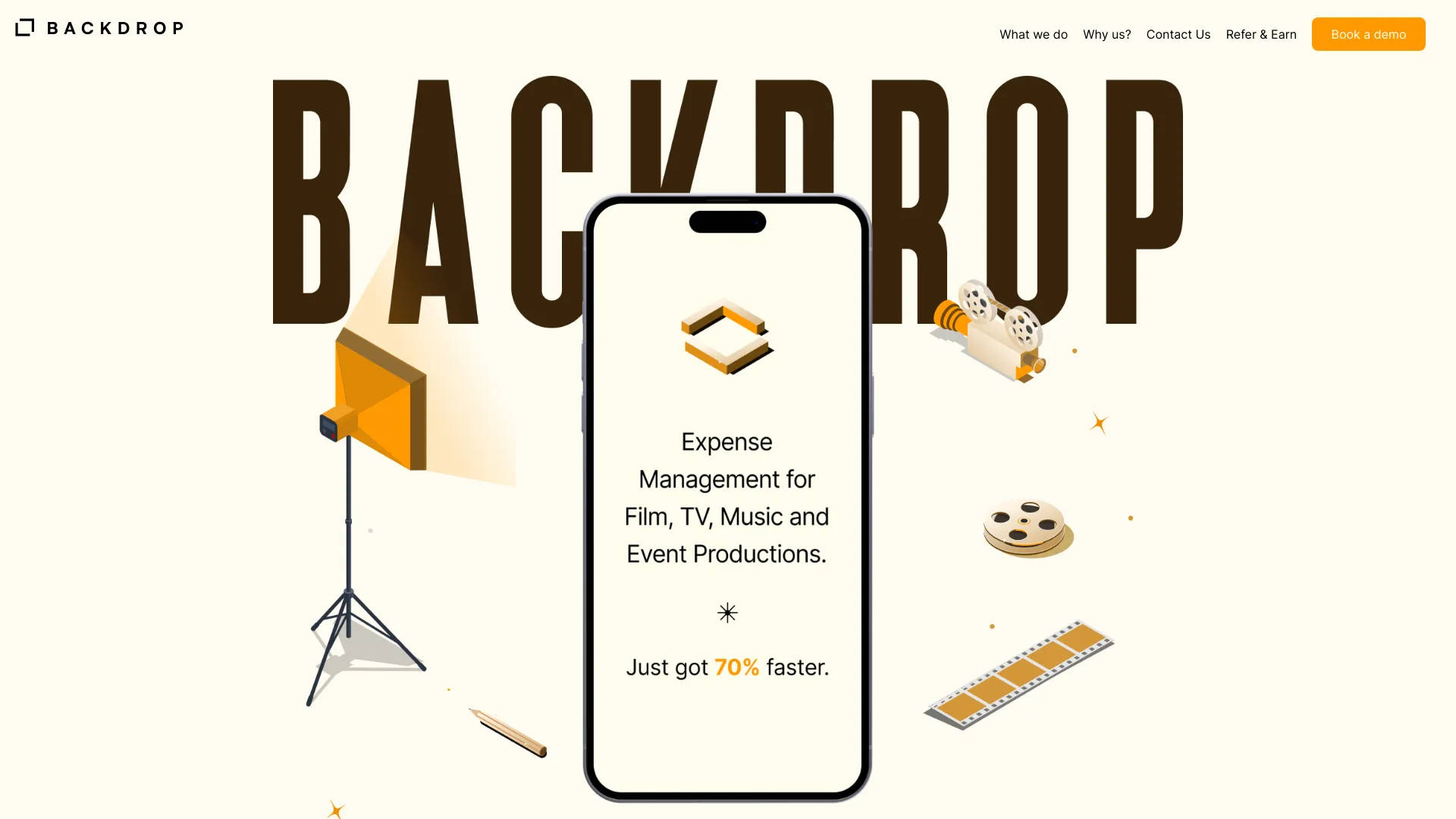
- Film and event production expense teams
- Free trial available
- Starts at Check vendor pricing
- Usage signal: 0

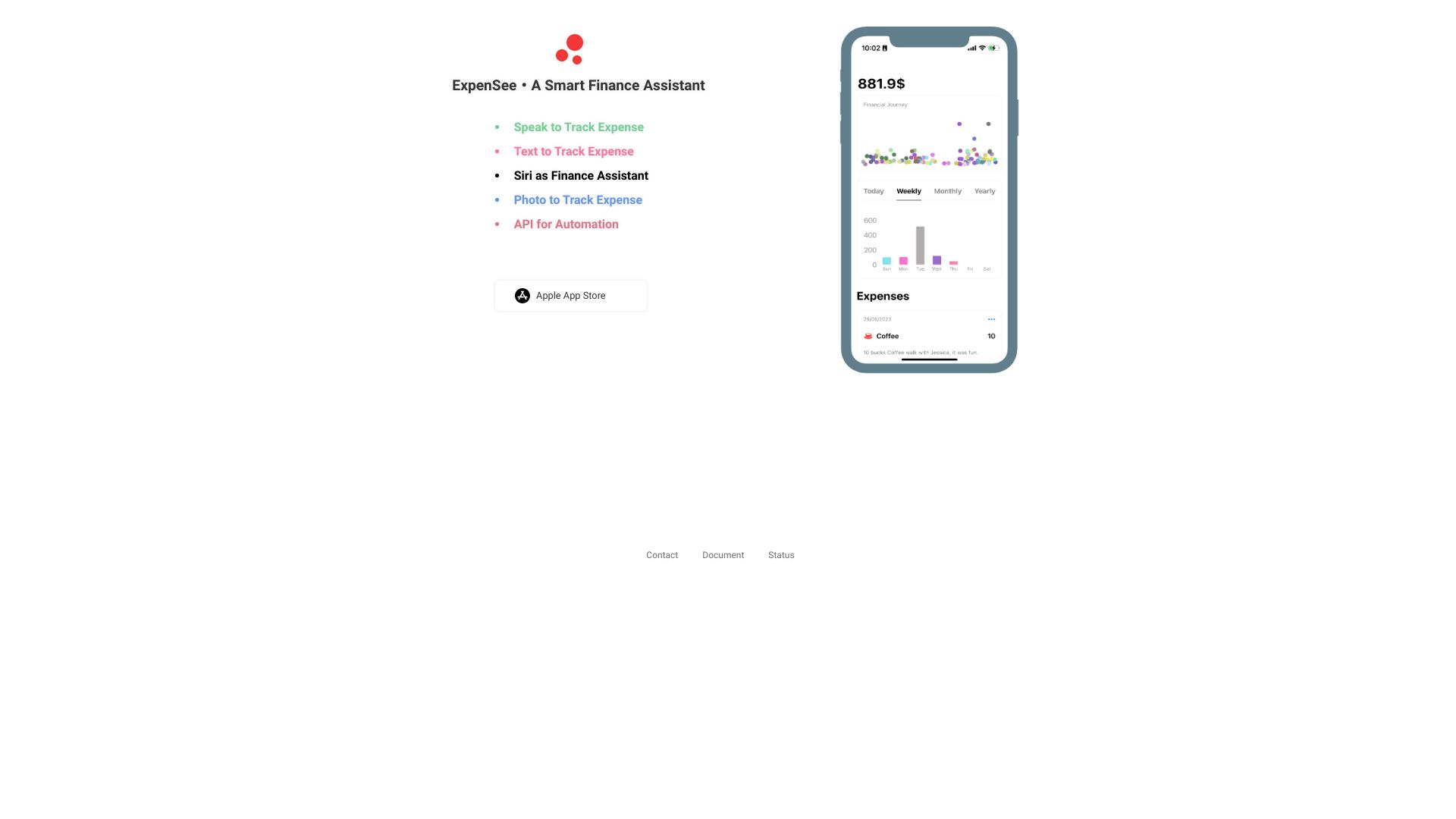
- Voice-first expense tracking
- Starts at Check vendor pricing
- Usage signal: 0

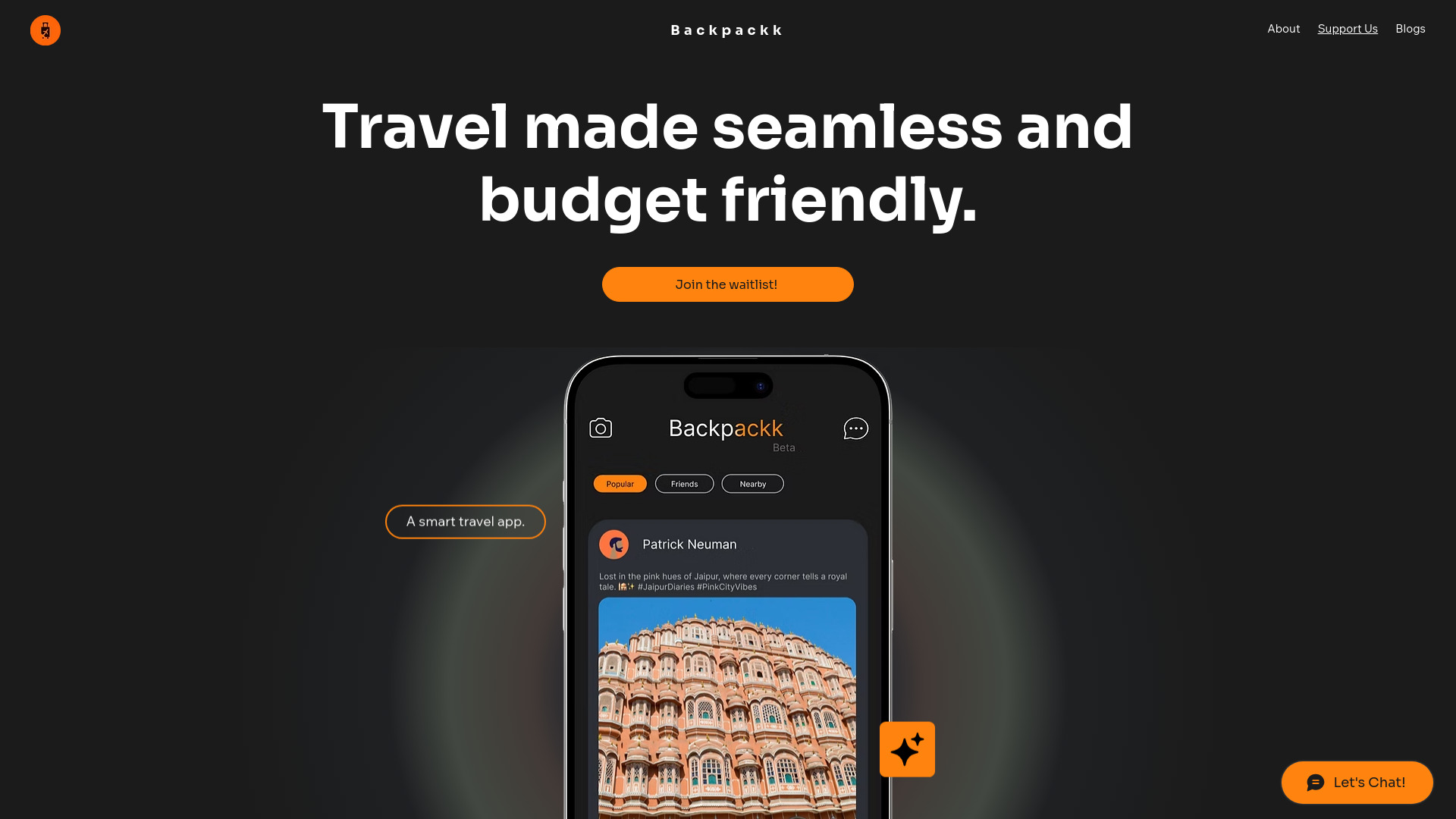
- AI-assisted travel itinerary planning
- Premium features free for 6 months
- Starts at Check vendor pricing
- Usage signal: 0

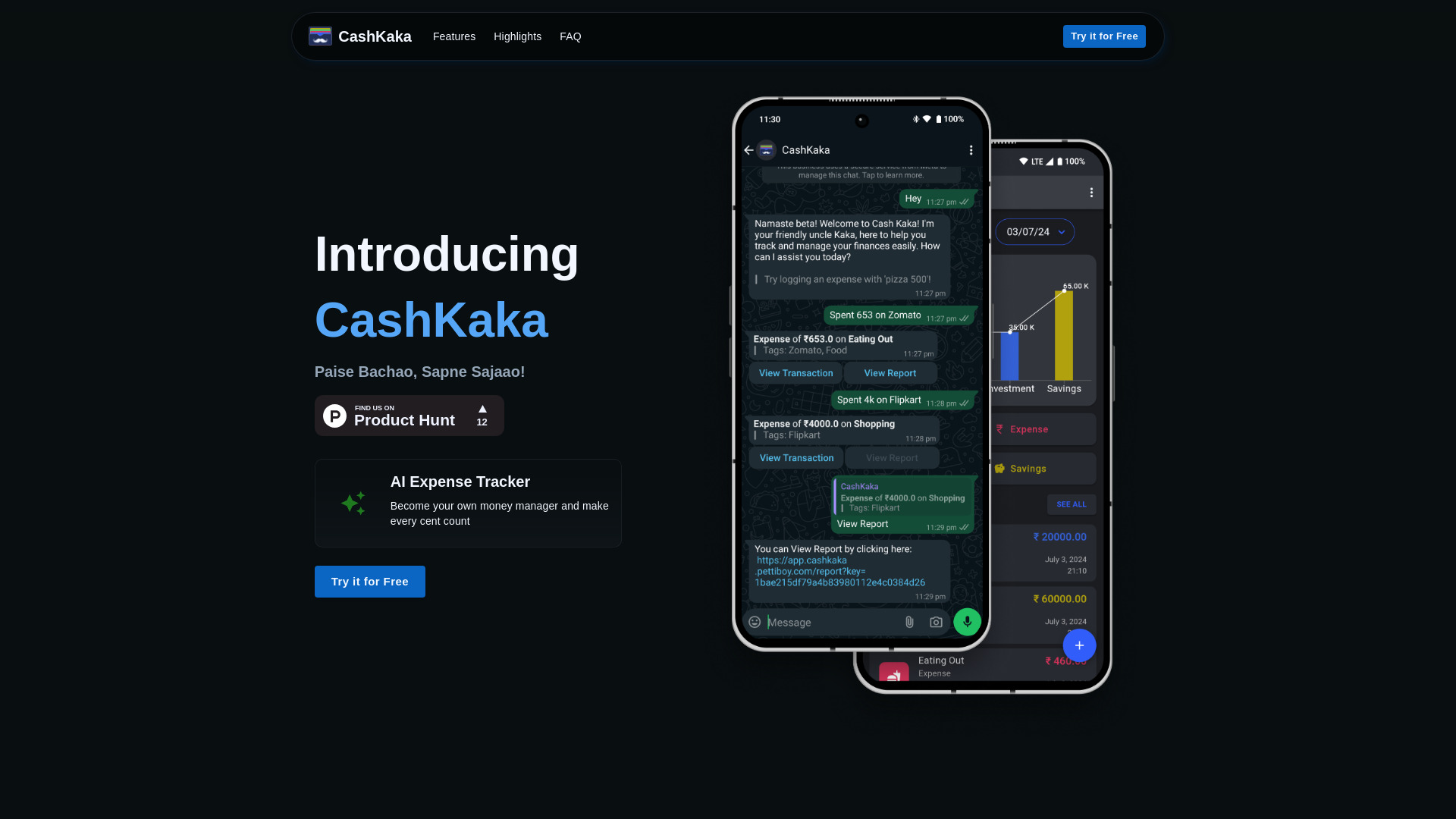
- WhatsApp-based expense tracking
- Free trial available
- Starts at Check vendor pricing
- Usage signal: 0

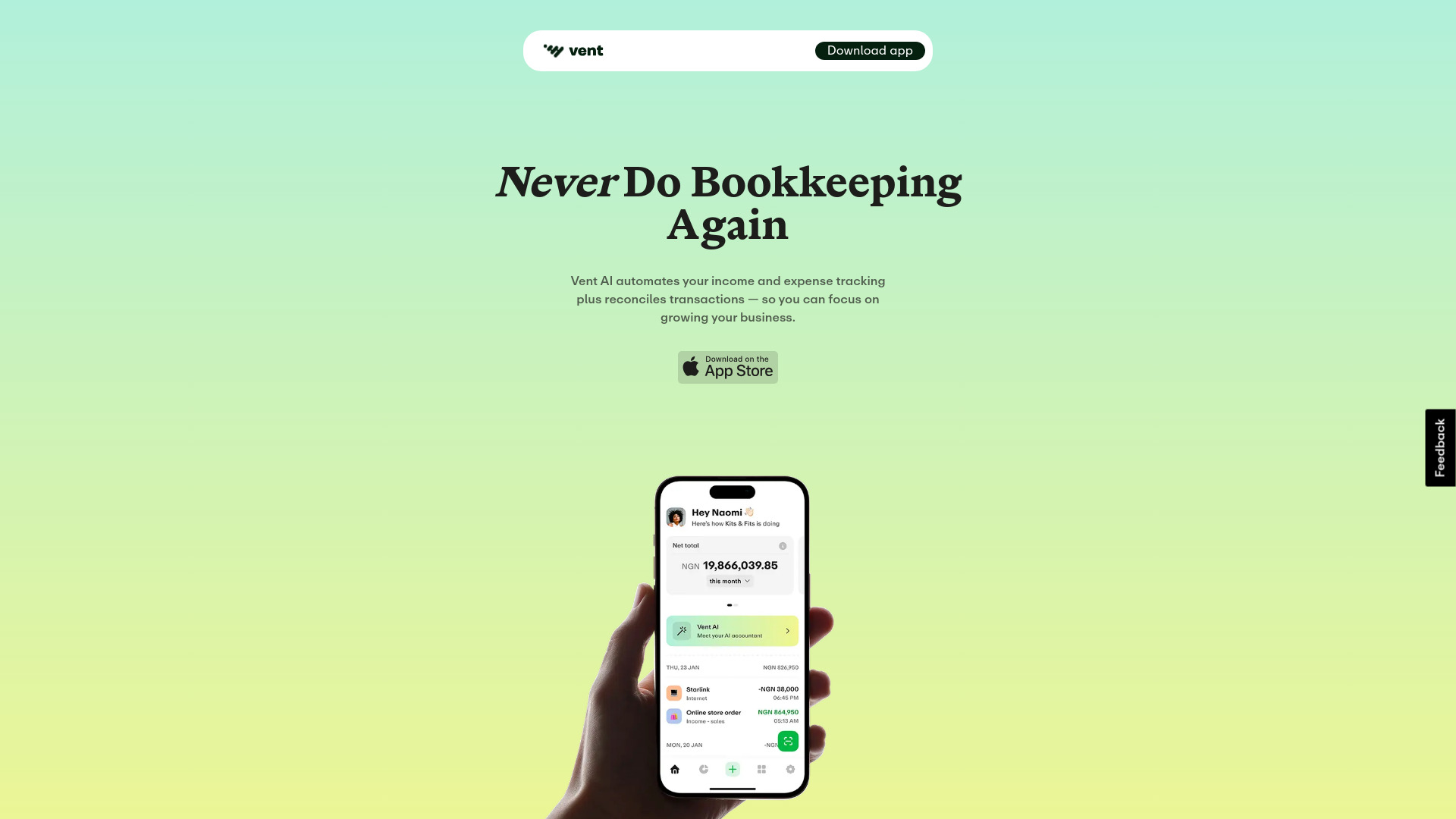
- Small-business bookkeeping
- Starts at Check vendor pricing
- Usage signal: 0

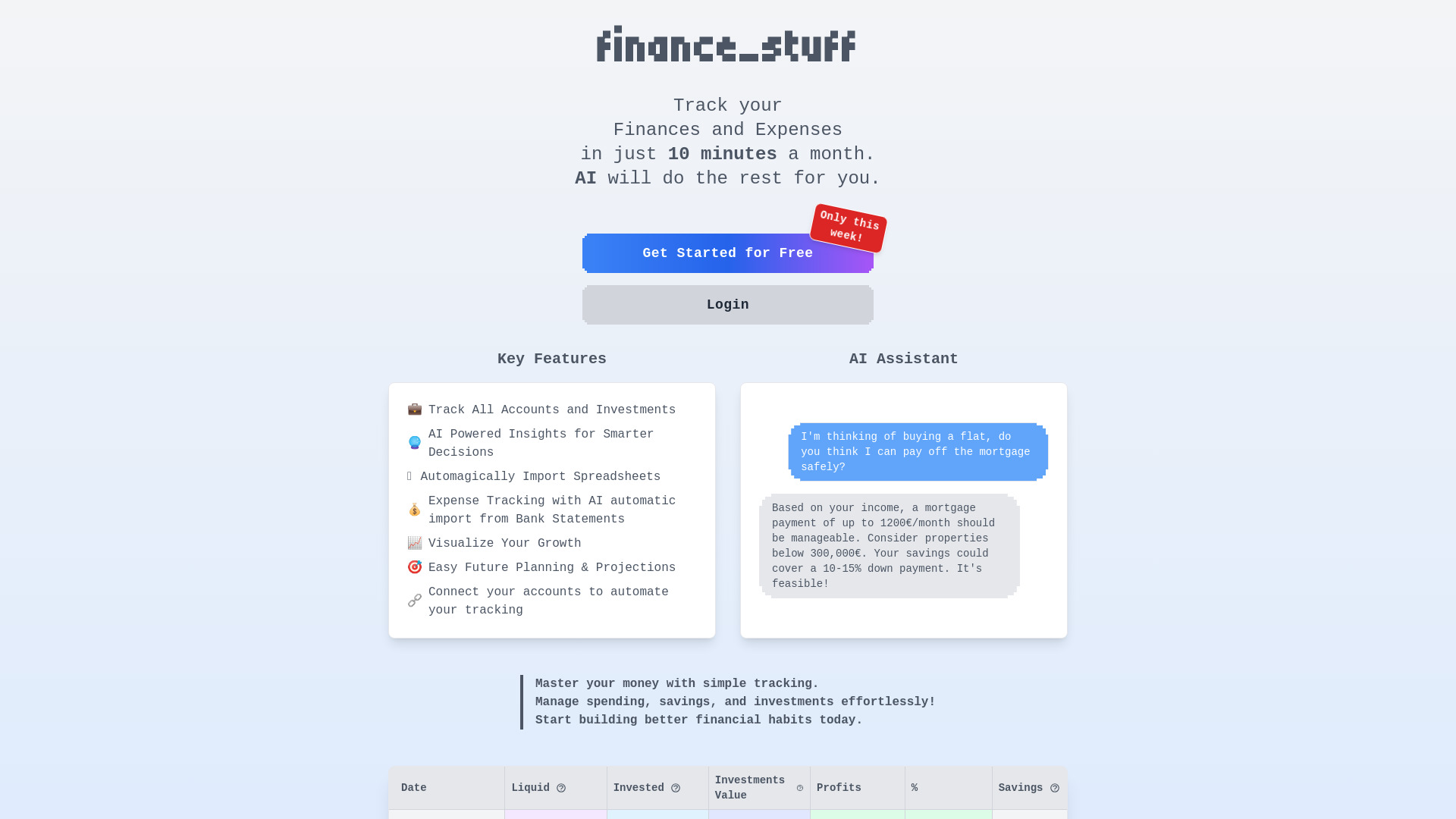
- AI-powered personal finance tracking
- Free plan available
- Starts at Check vendor pricing
- Usage signal: 0

- SaaS startup budgeting
- Starts at Check vendor pricing
- Usage signal: 0


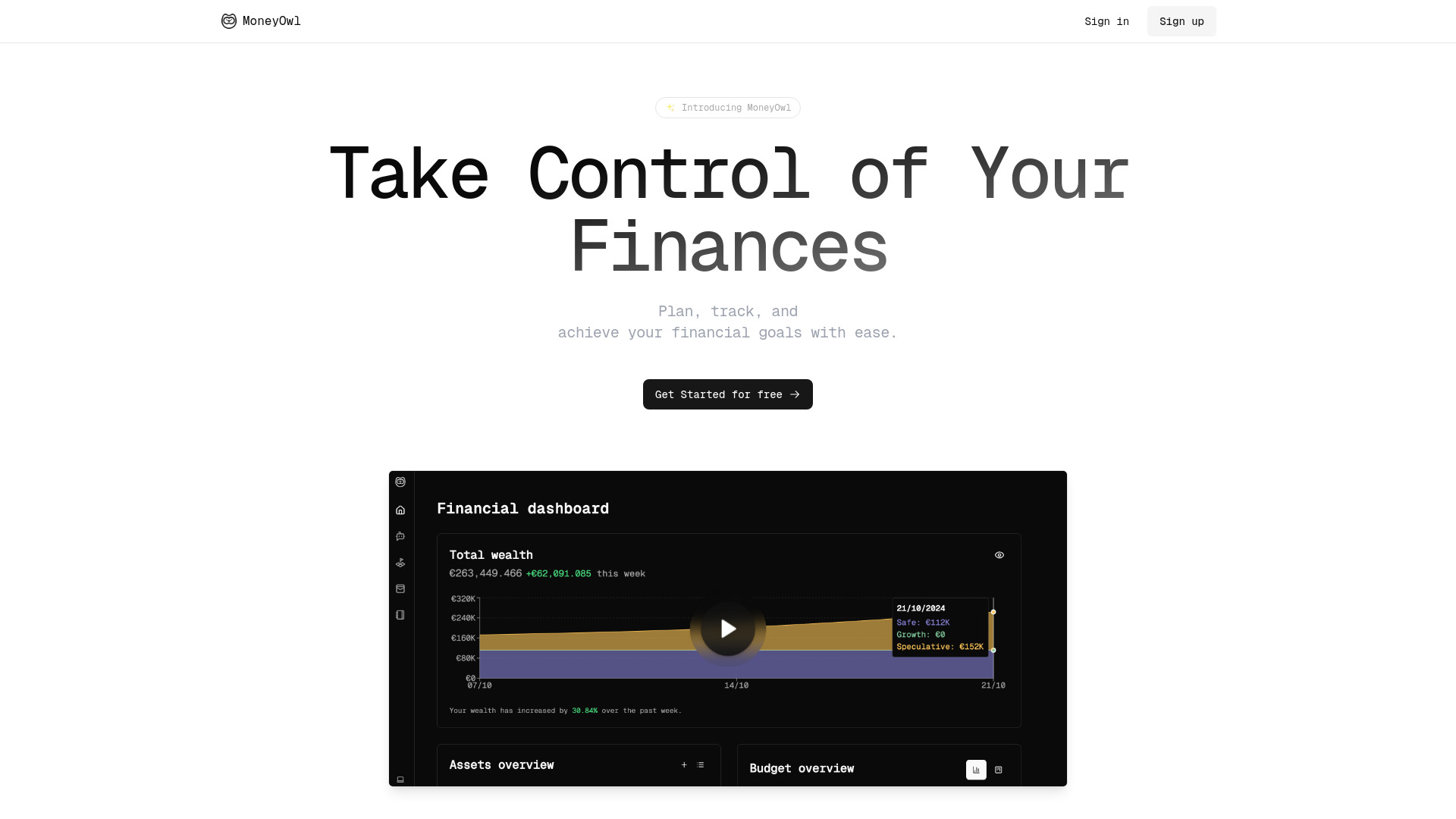
- Budget and wealth tracking
- 14-day free trial
- Starts at From €78/year
- Usage signal: 0

- Forecasting spending and financial coaching
- Free plan available
- Starts at Check vendor pricing
- Usage signal: 0

- AI credit card debt planning
- Free plan available
- Starts at Check vendor pricing
- Usage signal: 0

- Finding startup ideas from Reddit trends
- 5 custom searches
- Starts at $10/month
- Usage signal: 0


- Indie developers organizing ideas and projects
- Starts at Check vendor pricing
- Usage signal: 0

- Personal goal journaling
- 20 free images
- Starts at From $10/year
- Usage signal: 0

- AI-powered expense tracking
- Starts at Check vendor pricing
- Usage signal: 0

- Encrypted journaling and self-reflection
- Free plan available
- Starts at Free
- Usage signal: 0


- University and corporate shuttle riders
- Starts at Check vendor pricing
- Usage signal: 0


- Home renovation budget tracking
- 1 free house
- Starts at $0; Pro $5/month
- Usage signal: 0

- Recurring expense budgeting
- Up to 5 subscriptions
- Starts at €0/month
- Usage signal: 0

- AI-assisted meal planning
- Starts at Check vendor pricing
- Usage signal: 0

- Privacy-focused self-hosted budgeting
- Free plan available
- Starts at Check vendor pricing
- Usage signal: 0

- AI-powered project scheduling
- Starts at Check vendor pricing
- Usage signal: 0

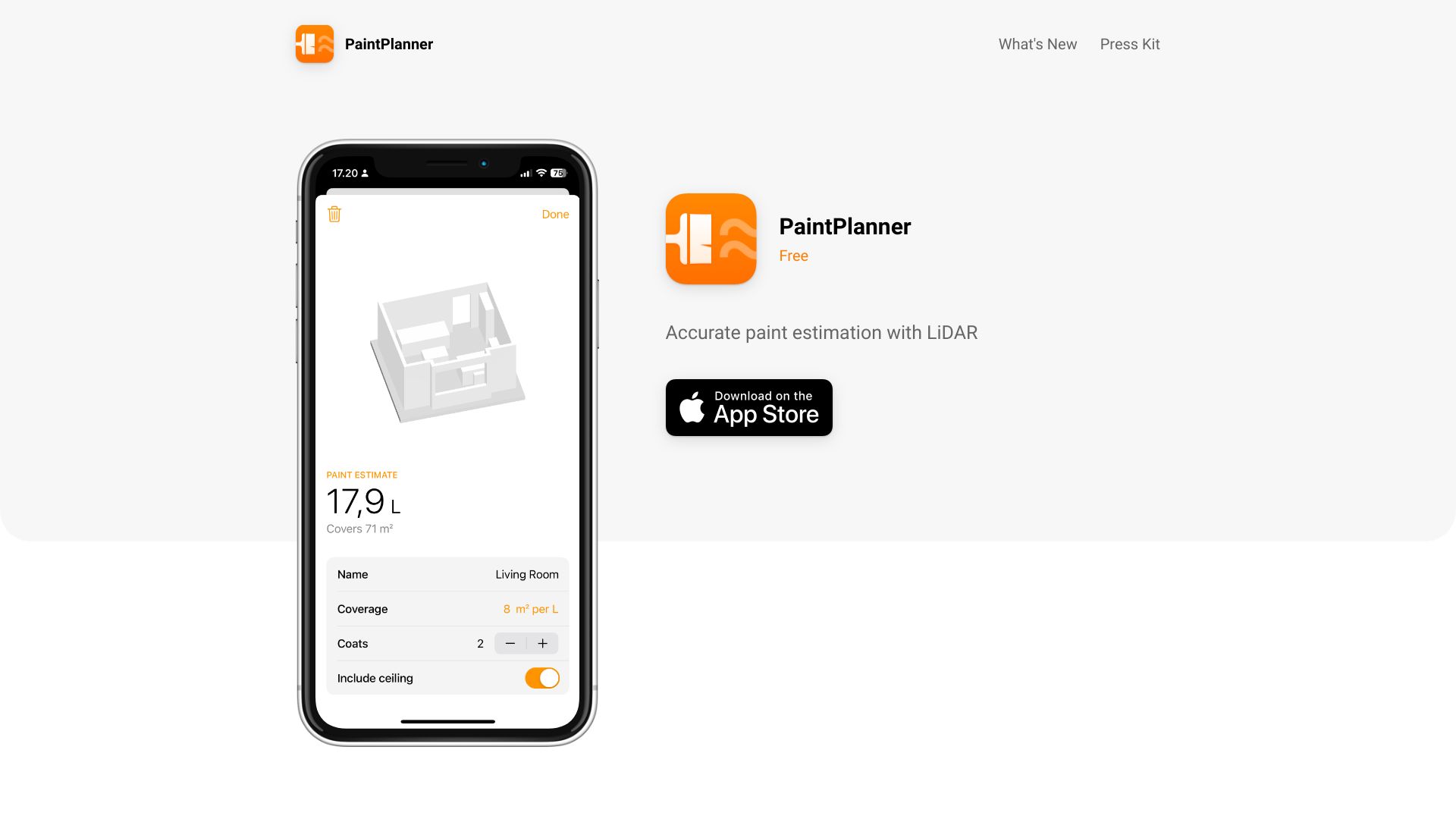
- LiDAR-based room paint estimates
- Free plan available
- Starts at Check vendor pricing
- Usage signal: 0

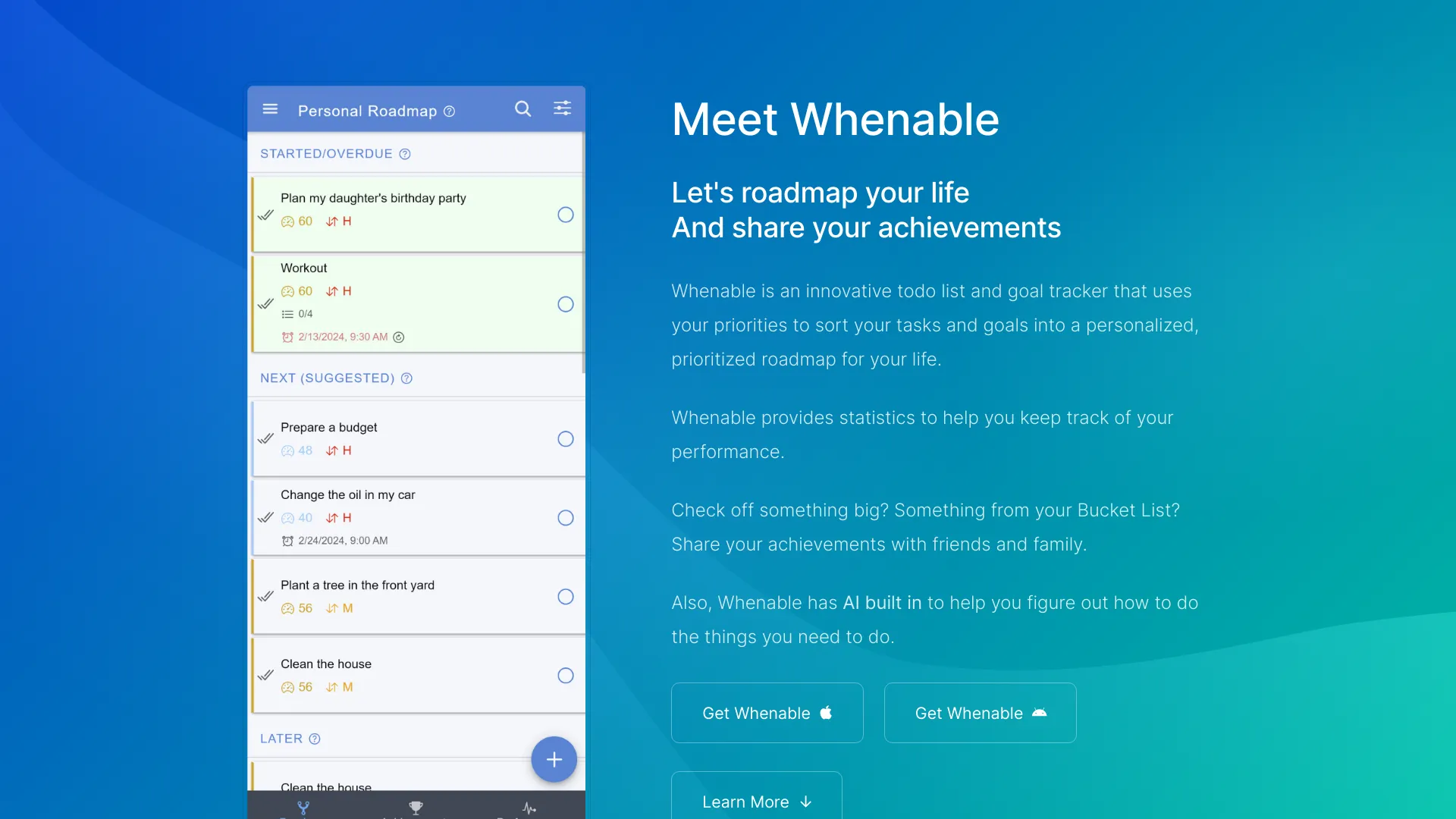
- Priority-based life roadmaps
- Free plan available
- Starts at $4.99/month
- Usage signal: 0

- No-code event and schedule planning
- Free plan available
- Starts at $39/month
- Usage signal: 0


- Personalized meal planning
- Starts at $8.99/week
- Usage signal: 0


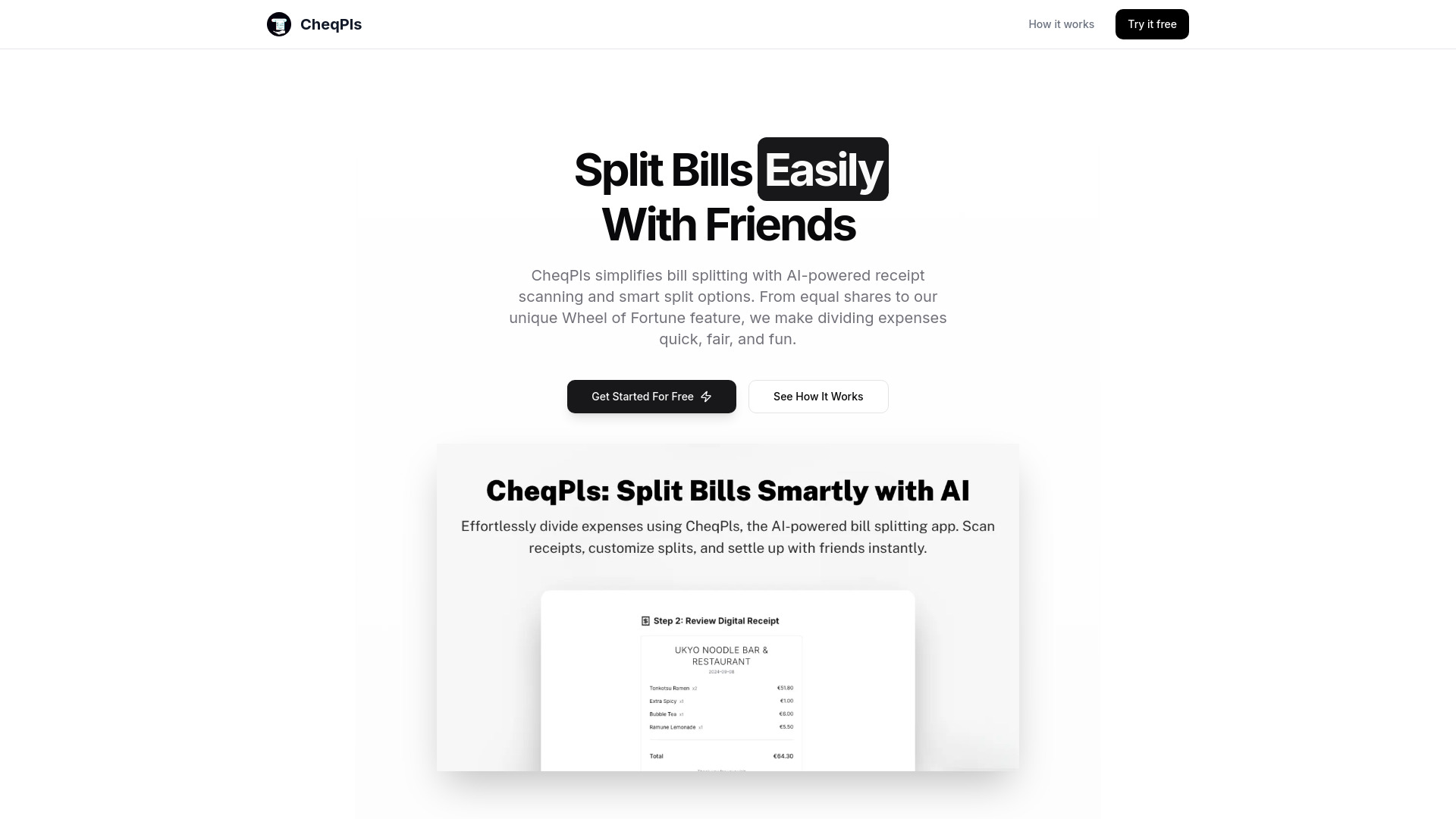
- AI-powered bill splitting
- Free trial available
- Starts at Check vendor pricing
- Usage signal: 0

- Minimalist project management for small teams
- 7-day free trial
- Starts at $39/month
- Usage signal: 0

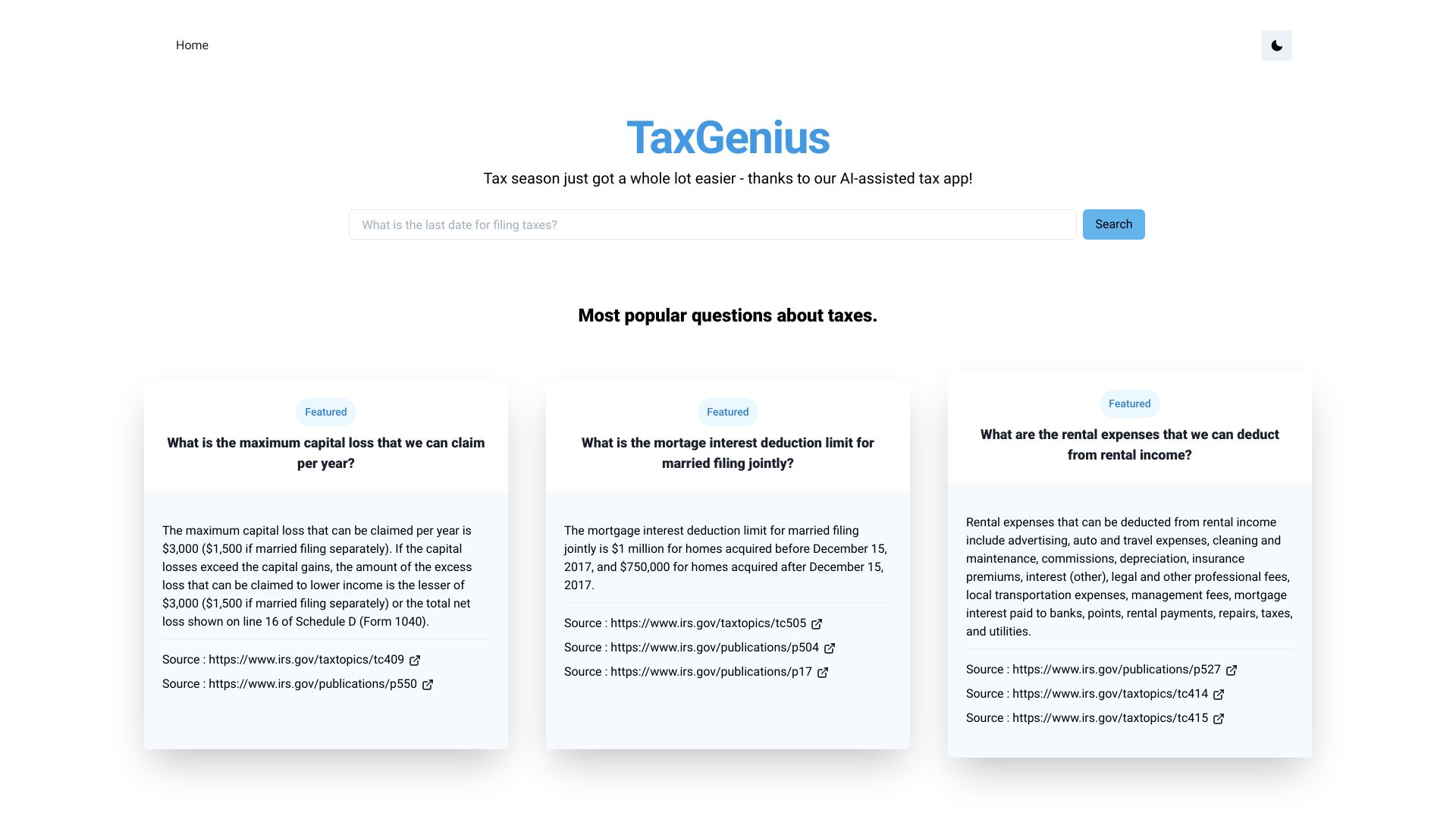
- AI-assisted tax questions
- Starts at Check vendor pricing
- Usage signal: 0

- Field-team expense management
- Starts at Check vendor pricing
- Usage signal: 0
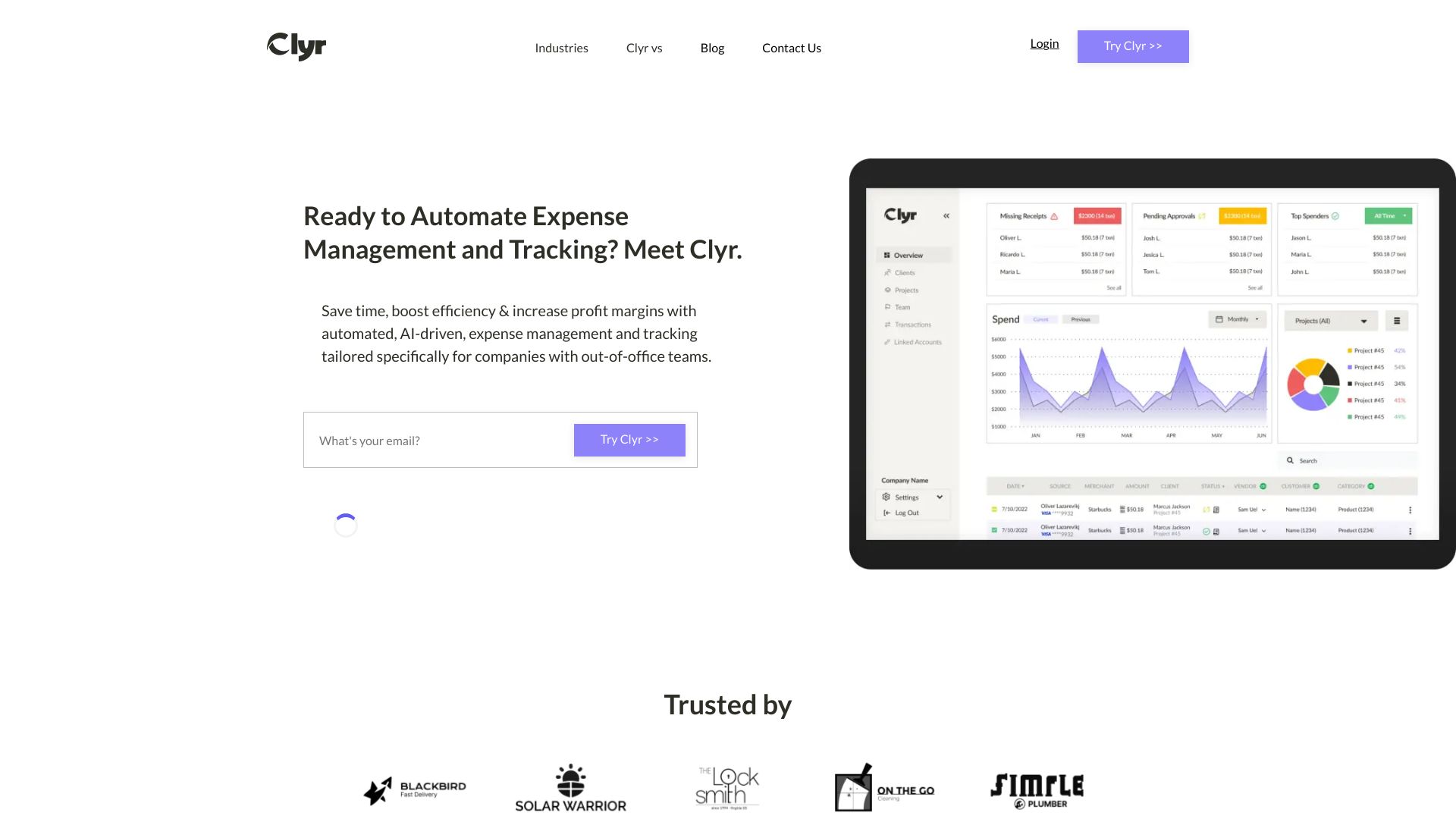
- Life-balance tracking and self-reflection
- Starts at Check vendor pricing
- Usage signal: 0
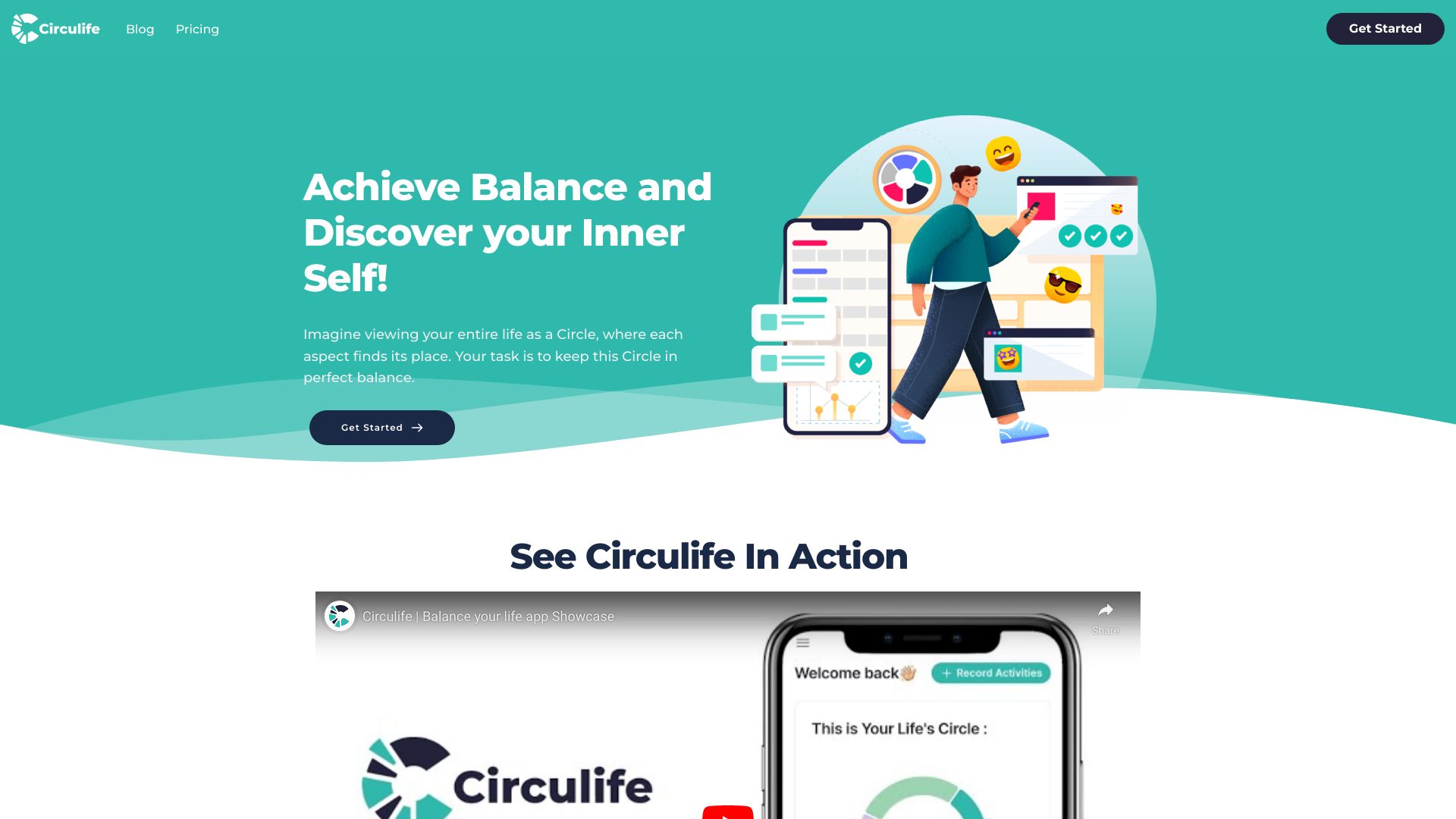

- Grocery receipt and spending tracking
- 1 request per day
- Starts at €0/mo
- Usage signal: 0
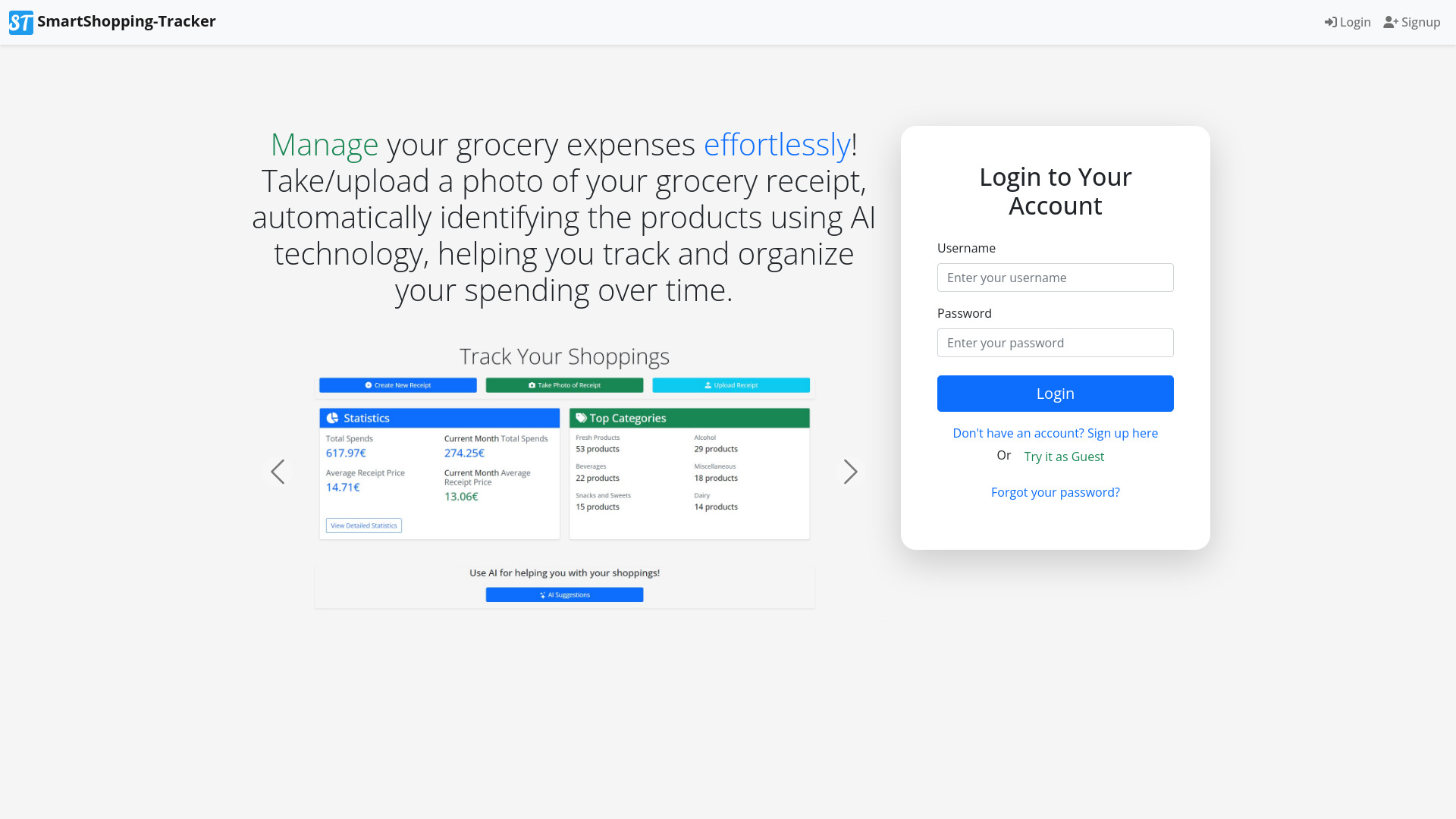

- Flexible scheduling around irregular waking hours
- 1 free day
- Starts at $15/year
- Usage signal: 0
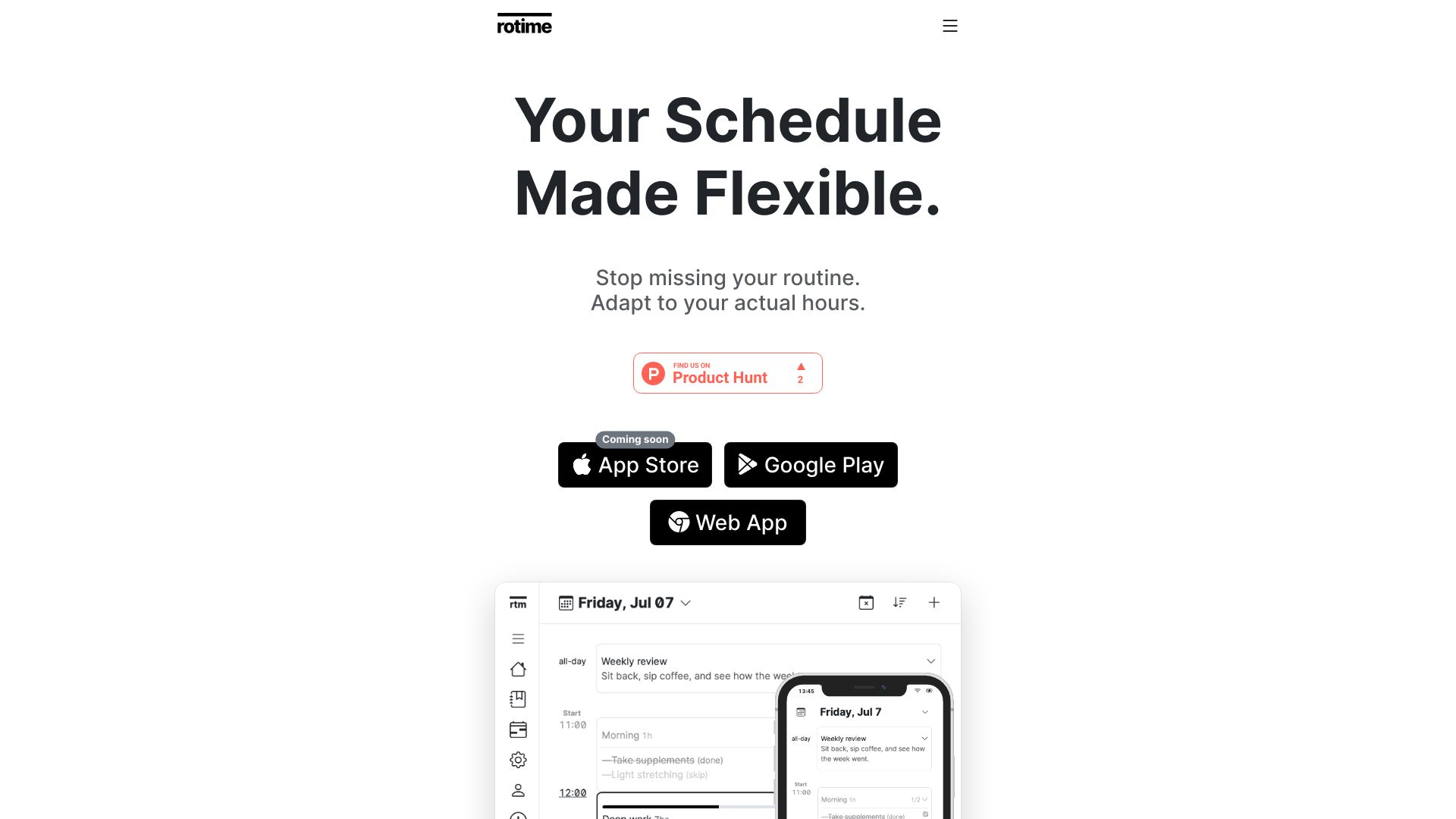

- Tracking recurring subscriptions
- Up to 3 subscriptions free
- Starts at $29 one-time payment
- Usage signal: 0
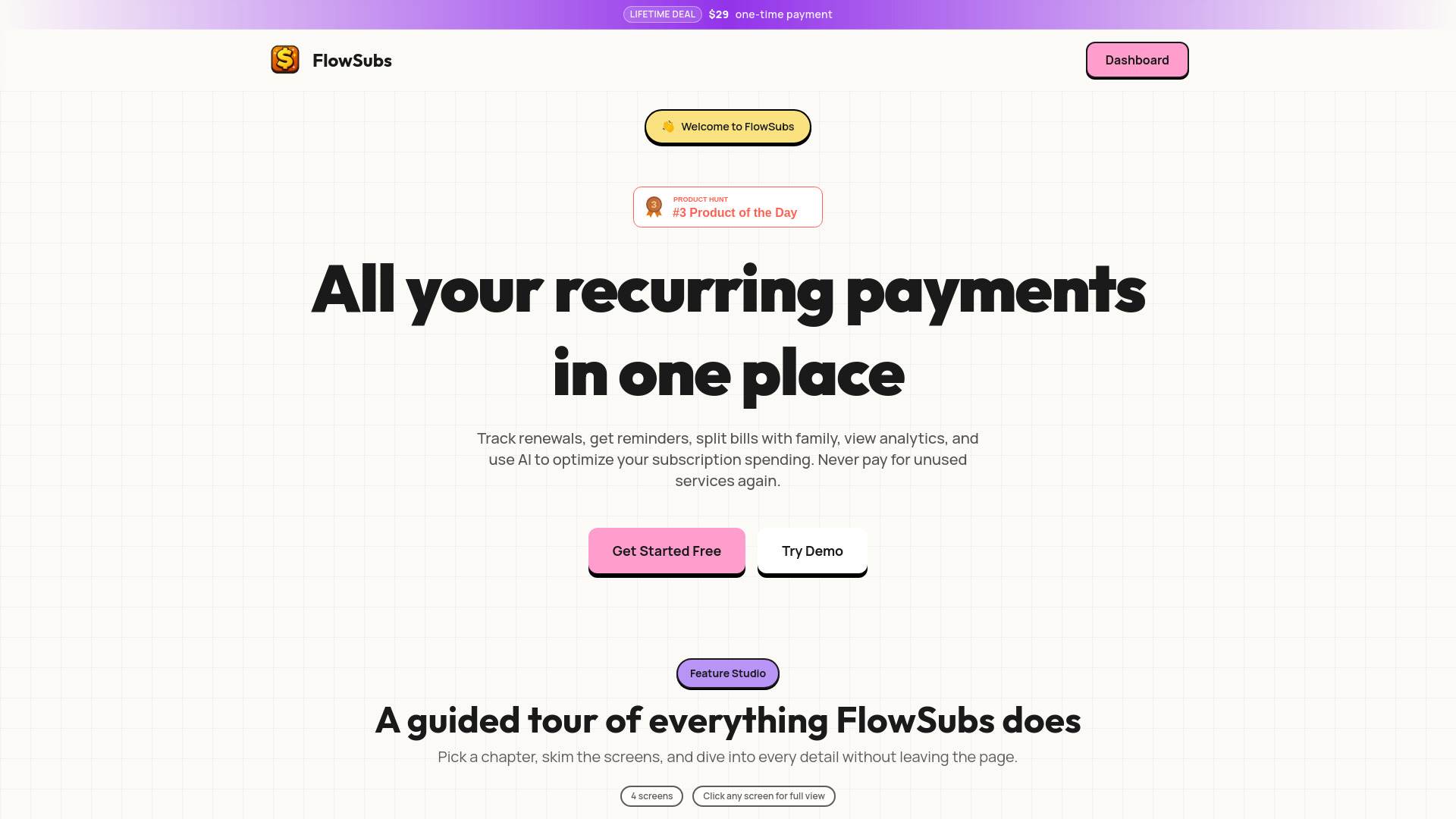
- Low-cost tax and budget advice
- Starts at Check vendor pricing
- Usage signal: 0

- Focused task management
- Free plan available
- Starts at Check vendor pricing
- Usage signal: 0


- Budget-conscious meal planning
- 1 free week
- Starts at $5.99 per week
- Usage signal: 0


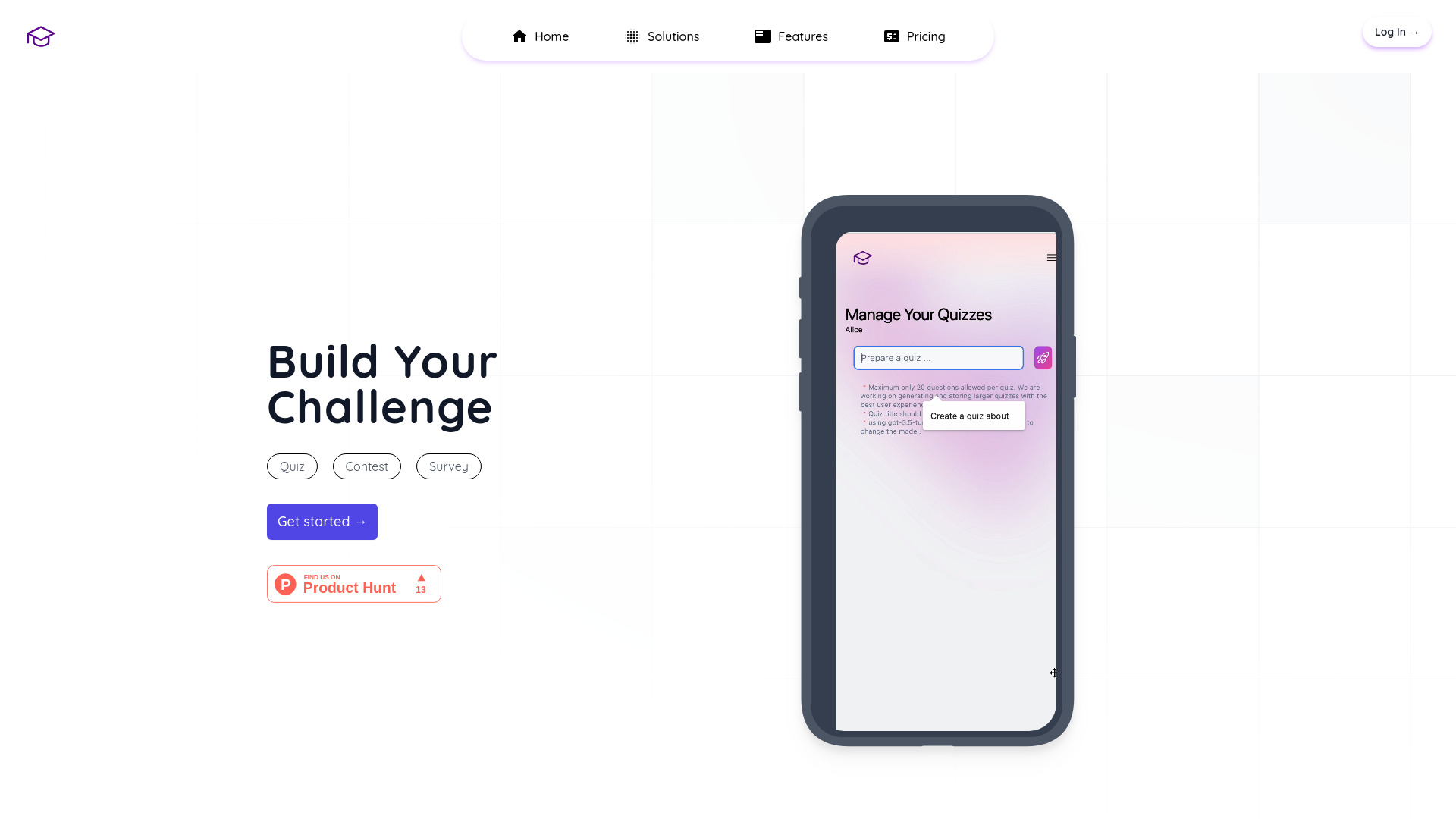
- AI quiz and challenge creation
- Free plan available
- Starts at Check vendor pricing
- Usage signal: 0
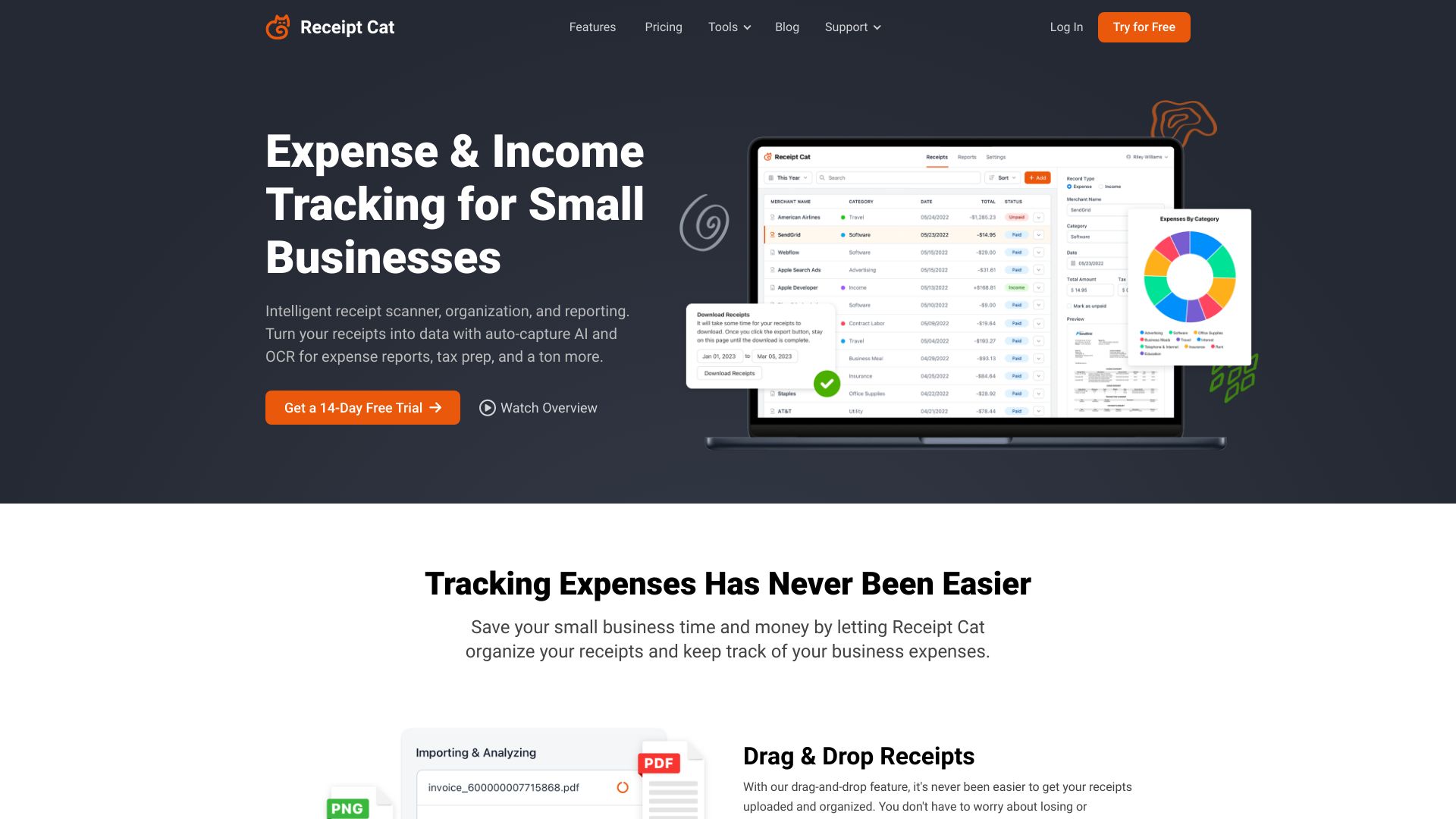
- Small-business receipt and expense tracking
- Free trial available
- Starts at Check vendor pricing
- Usage signal: 0

- Integrated task and goal planning
- Free plan available
- Starts at 1.99/mo
- Usage signal: 0

- Family finance organization
- Starts at Check vendor pricing
- Usage signal: 0

What to test before choosing
A short trial should answer practical questions, not just confirm that the dashboard looks tidy. Run the same small test across two or three finalists.
- 1
Capture a real week of spending. Enter several ordinary purchases, one receipt, and at least one recurring bill. Check whether categories are sensible and whether corrections are easy.
- 2
Test the data path. For Skwad, see how bank email alerts behave. For MonAi, test voice input in a noisy environment. For account-linked products, inspect the connection method and permissions before importing everything.
- 3
Measure the free limit. MonAi's 20-transaction monthly allowance and IdeaBuddy's 10 AI requests are concrete boundaries. A free plan is useful only if it covers your actual habit.
- 4
Invite the right people. With Lumio, both partners need to participate. A shared budget that one person never opens is not a successful workflow.
- 5
Try an export or handoff. If you need Excel, reporting, or a monthly close, verify that the tool supports the format and process your team already uses. Datarails is much more relevant here than a lightweight personal tracker.
- 6
Price the whole workflow. Several tools have a free entry point, while Datarails, AppZen, and CashCoach.ai require a vendor-pricing conversation or do not present a clean public starting price. Ask about account connections, limits, and upgrades-not just the headline plan.
What to do next
Start with the segment, then run a focused trial. For solo personal use, test Skwad against MonAi: one prioritizes privacy and structured imports, the other prioritizes fast voice capture. For couples, go directly to Lumio and involve both partners from the beginning. For finance teams, compare Datarails and AppZen around consolidation, reporting, AP, and expense controls rather than consumer-style features.
If you are building a business, IdeaBuddy is the more complete planning route, while FlowSavvy and SkedPal help turn plans into scheduled work. CashCoach.ai is the better experiment when the missing ingredient is guidance and accountability. The top rated budget apps are not necessarily the ones with the most features; they are the ones your intended users will keep using accurately.
Common mistakes when choosing from a complex top list
Treating every score as a direct head-to-head result. A 92/100 FP&A tool and a 92/100 personal tracker serve different buyers.
Confusing free access with a complete free plan. Check transaction, AI-request, calendar-sync, and feature limits before switching.
Ignoring setup friction. Email alerts, account connections, calendar configuration, and team implementation all affect whether automation works.
Assuming AI categorization is always correct. Review categories, especially before making savings or spending decisions.
Skipping privacy checks. Plaid, SimpleFIN, iCloud, and email-based workflows create different data-handling considerations.
Buying for a future use case. Do not choose a business planning suite when you only need quick expense entry, or a voice tracker when you need forecasting.
Relying on stale pricing. Vendor plans change. Confirm the current price, trial terms, quotas, and cancellation policy before paying.
FAQ
Skwad is the strongest overall match in this ranking for individuals because it can support budgeting without linking a bank account, uses email alerts for transaction syncing, and includes receipt scanning. It is especially compelling when privacy matters. MonAi is a better fit if fast voice-based expense entry matters more than a broader transaction workflow.