
Start here
The phrase top accounting software covers far more ground than invoicing and expense tracking. A freelancer needs a straightforward way to issue compliant invoices; a startup may care more about real-time financials and bill pay; a finance team may need Excel-compatible planning; and an accounting firm may prioritize workflow and client communication. Treating those as the same buying decision is how teams end up with an impressive product that does the wrong job.
We compared 100 tools, while the ranked field below focuses on 10 particularly useful options. The shortlist includes broad finance platforms, AI bookkeeping products, document extraction tools, and adjacent practice-management systems. That makes this guide more useful than a generic list of ten similarly positioned products: it shows where each tool fits and where it does not.
Best broad finance and reporting fit: insightsoftware
Best freelancer-oriented option: Accountable
Best automated bookkeeping angle: Kick
Best FP&A choice for Excel users: Datarails
Best financial document extraction: DocuClipper
Best startup-oriented AI accounting: Digits
Best free small-business bookkeeping option: Tabby
Best specialist suite for accounting firms: Intapp
Best practice-management layer: Client Hub
Best developer-controlled accounting workflow: Beancount.io
The most important distinction is not rank. It is operating model. Automated bookkeeping tools reduce routine categorization; reporting and planning platforms help finance leaders interpret and model data; document tools improve input quality; and practice platforms coordinate work around the ledger. Start with that distinction before comparing scores.
Segment comparison for top accounting software
| Segment | Strongest fit in this guide | What it does well | Main check before buying |
|---|---|---|---|
| Executive reporting and planning | insightsoftware, Datarails | Reporting, dashboards, consolidation, budgeting, and forecasting | Confirm the systems and models your team must connect |
| AI bookkeeping | Kick, Digits, Tabby | Categorization, financial automation, deductions, and financial insights | Decide how much human review your process requires |
| Freelancer and solo-business accounting | Accountable | Invoicing, e-invoices, expense scans, and tax management | Check local tax rules and business-structure support |
| Financial data capture | DocuClipper | OCR, bank-statement extraction, reconciliation, and receipt parsing | Test representative documents and usage-based pricing |
| Accounting-firm operations | Intapp, Client Hub | Industry workflows, portals, communication, and practice management | Map onboarding, integrations, permissions, and implementation effort |
This segmentation also explains why a tool can rank highly without being a traditional general-ledger replacement. DocuClipper, for example, improves the flow of financial data into accounting work, while Client Hub organizes the firm-client relationship around existing accounting systems. Both can earn a place in a serious stack even when they solve different problems from a bookkeeping platform.
Shortlist paths
| Your situation | Start with | Why |
|---|---|---|
| You lead finance across several systems | insightsoftware | Its stated support for 140+ ERP and EPM solutions is the clearest broad-connectivity signal here |
| You still rely heavily on Excel for planning | Datarails | It consolidates data and works with existing Excel models |
| You want bookkeeping automation for a small business | Kick or Tabby | Both focus on automated categorization and reduced manual work |
| You are a freelancer handling invoices and expenses | Accountable | It combines invoicing, e-invoices, expense recognition, and a free business account |
| Your bottleneck is statements, invoices, or receipts | DocuClipper | Its core workflow is extracting financial data from documents |
| You run a bookkeeping practice | Client Hub | The client portal and workflow-management focus address firm operations directly |
| You want files and accounting history under your control | Beancount.io | Plain-text files and Git integration provide a developer-oriented workflow |
Use these paths as a starting point, not a final verdict. A freelancer who later hires a finance team may outgrow a solo-business product, while a developer may happily accept setup friction that would be unacceptable to a nontechnical owner. The right shortlist reflects both the work and the people responsible for it.
Ranking snapshot
| Rank | Tool | Score | Best for | Starting price |
|---|---|---|---|---|
| #1 | insightsoftware | 93/100 | CFOs | Check vendor pricing |
| #2 | Accountable | 93/100 | Freelancers | FREE invoicing: 0€ |
| #3 | Kick | 93/100 | Entrepreneurs | Check vendor pricing |
| #4 | Datarails | 93/100 | Finance teams | Check vendor pricing |
| #5 | DocuClipper | 93/100 | Accountants | Check vendor pricing |
| #6 | Digits | 92/100 | Startups | AI Accounting: $100 |
| #7 | Tabby | 92/100 | Small businesses | FREE: $0 |
| #8 | Intapp | 92/100 | Accounting firms | Check vendor pricing |
| #9 | Client Hub | 92/100 | Bookkeeping firms | $69 per user/month |
| #10 | Beancount.io | 92/100 | Developers | Free: $0/mo |
Scores are close, so the table should not be read as a claim that a CFO platform is automatically better than a freelancer tool. The ranking reflects the strength of the product's stated use case, feature set, audience fit, and market signal. Once the category is segmented, Accountable may be the more sensible choice than the higher-ranked insightsoftware for a solo operator, and Client Hub may be more useful than either for a bookkeeping firm managing client work.
How we grouped and ranked the list
We treated this as a category map rather than a contest between identical products. The 100 candidates were grouped by the job they perform: financial reporting and business intelligence, budgeting and planning, bookkeeping automation, invoicing and tax administration, document extraction, firm operations, and controlled or scriptable accounting workflows.
The shortlist then balanced four practical questions:
- 1
Does the tool solve a clearly defined accounting or finance workflow? Reporting, categorization, reconciliation, extraction, forecasting, and client operations all count, but they need to be explicit rather than implied.
- 2
Is the audience clear? A product designed for CFOs should not be judged by the same criteria as one designed for freelancers or developers.
- 3
How much work does it remove or improve? Automation, dashboards, OCR, consolidation, and version control are useful only when they reduce a real operational bottleneck.
- 4
What friction could stop adoption? We considered setup, learning curve, pricing visibility, regional fit, integration dependence, and the need for manual review.
Market signals also help break close scores. The usage figures shown on each card are directional rather than a promise of product quality. A high-traffic tool still needs to pass your data, compliance, and workflow tests; a lower-traffic specialist may be exactly right for a narrow job. This is the practical difference between a comparison of top accounting software and a popularity list.
Ranked field notes
1. insightsoftware

- CFOs
- Free plan available
- Starts at Check vendor pricing
- Usage signal: 249.3K
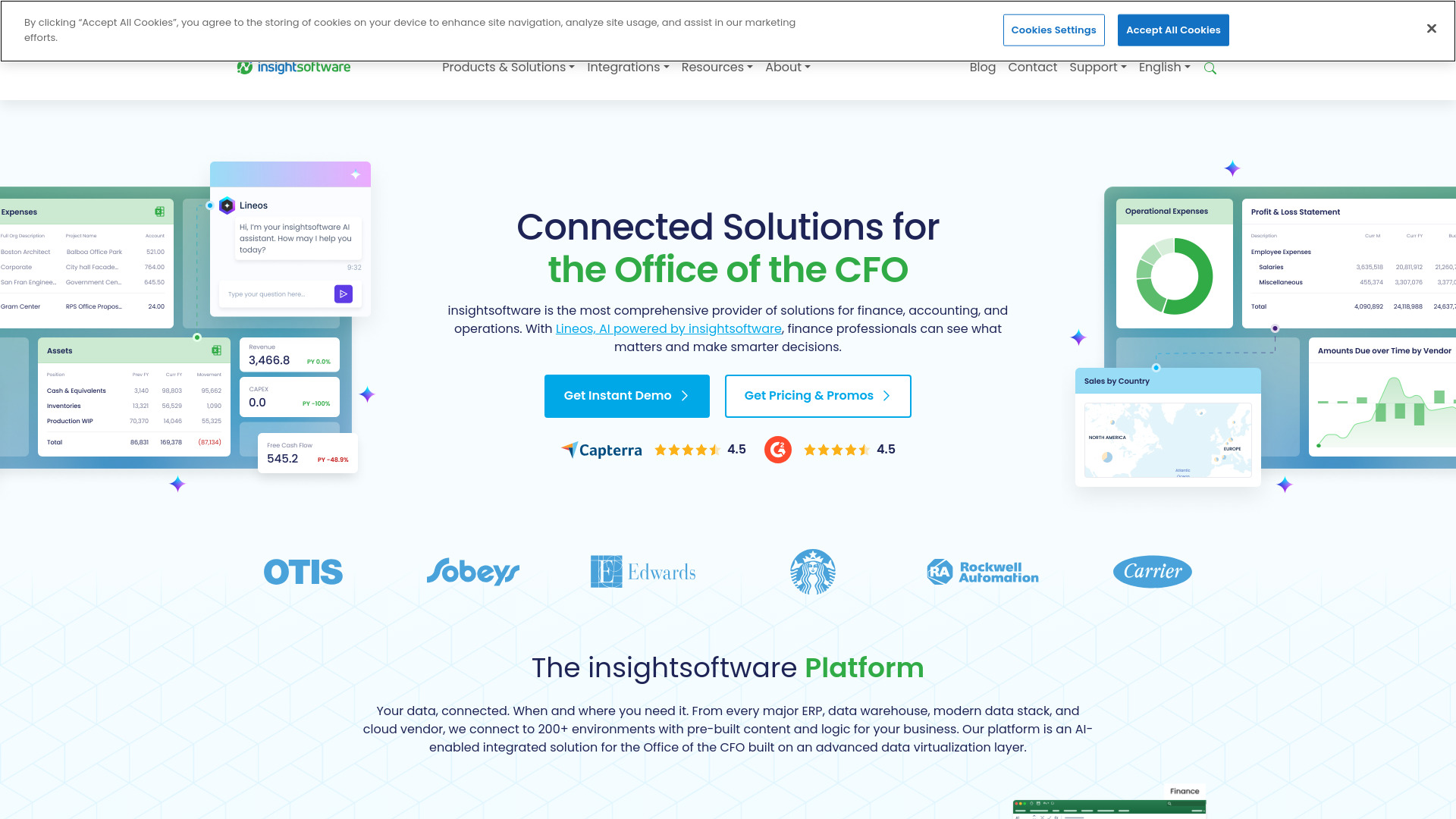
Why it matters CFOs rarely need another isolated bookkeeping screen; they need reporting, planning, and analytics that can draw from the systems already running the business. insightsoftware stands out because it connects to 140+ ERP and EPM solutions while combining financial reporting, business intelligence, and budgeting and planning. That breadth makes it the strongest overall match in this field guide for larger or more complex finance environments. The catch is equally clear: pricing requires contacting the company, and the range of solutions may feel overwhelming if your needs are limited to basic bookkeeping.
Best for
CFOs managing reporting across multiple ERP or EPM systems
Finance leaders who need budgeting, planning, and analytics together
Organizations looking for flexible reporting tools and fast analytics dashboards
Limitations
Pricing is not readily available and requires contacting the company
The breadth of solutions may be more than a smaller team needs
Buyers should scope the exact modules and connected systems before committing
Shortlist signal: Add insightsoftware when multi-system reporting and finance planning matter more than a simple low-cost ledger.
2. Accountable

- Freelancers
- 14-day trial; unlimited e-invoices and 5 expense scans free
- Starts at FREE invoicing: 0€
- Usage signal: 226.9K
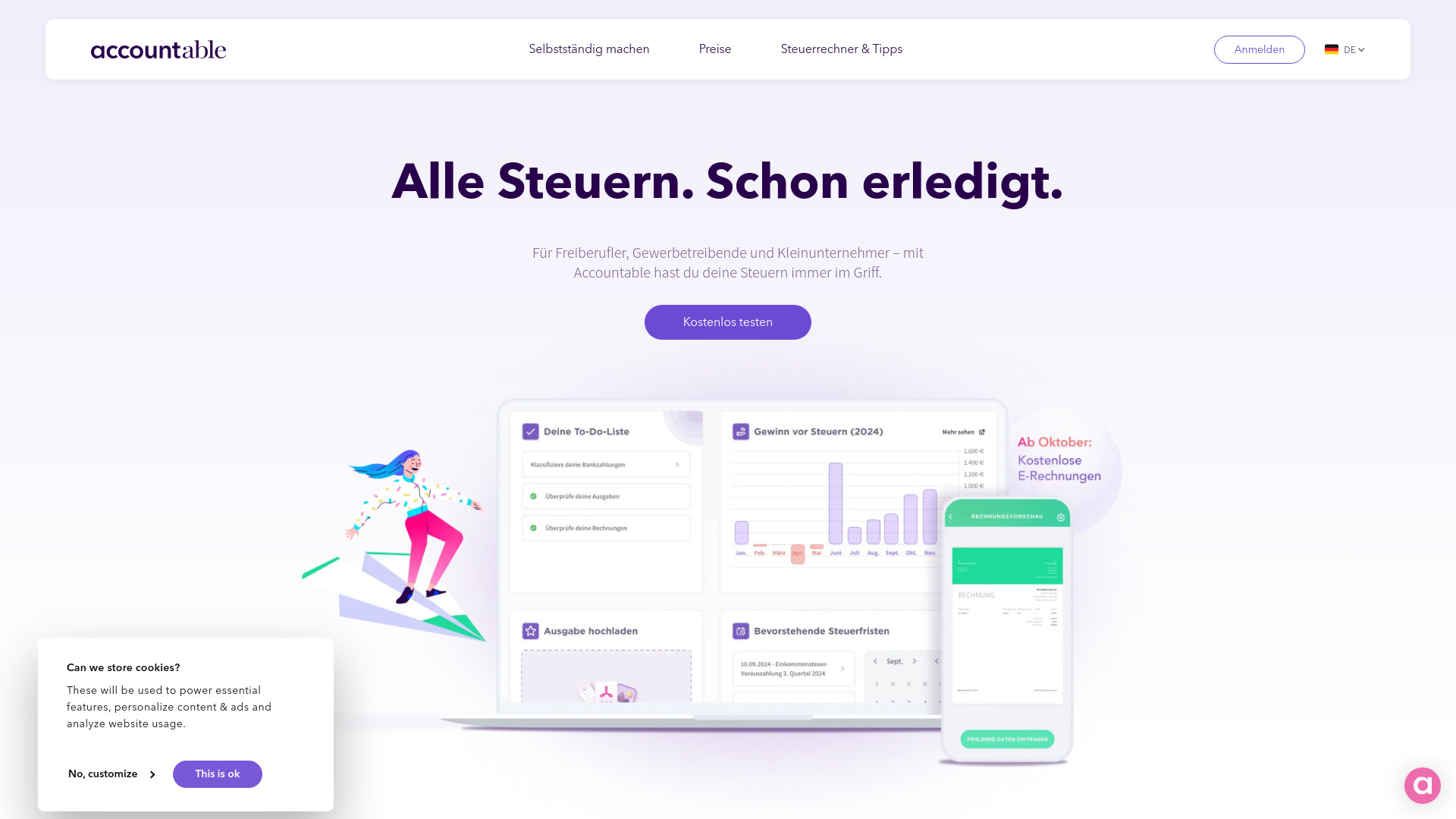
Why it matters For a freelancer, the accounting workload often begins with an invoice, an expense receipt, or a tax question rather than a complex consolidation model. Accountable keeps that reality front and center with invoicing and e-invoices, text recognition for expenses, tax and bookkeeping management, and a free business account for invoicing. It is one of the clearest audience-specific choices in this ranking. Its limitations matter, though: it is optimized for freelancers and sole proprietors, and it is not suitable for Soll-Versteuerung.
Best for
Freelancers and Einzelunternehmer managing their own books
Users who want invoicing and e-invoices in one workflow
Small operators who value expense scanning and tax management
Limitations
Not suitable for Soll-Versteuerung
Currently optimized for Freiberufler and Einzelunternehmer
Teams with more complex structures should verify fit before migrating
Shortlist signal: Choose Accountable when freelancer invoicing, expense capture, and tax administration are the core job.
3. Kick

- Entrepreneurs
- Free plan available
- Starts at Check vendor pricing
- Usage signal: 90.2K
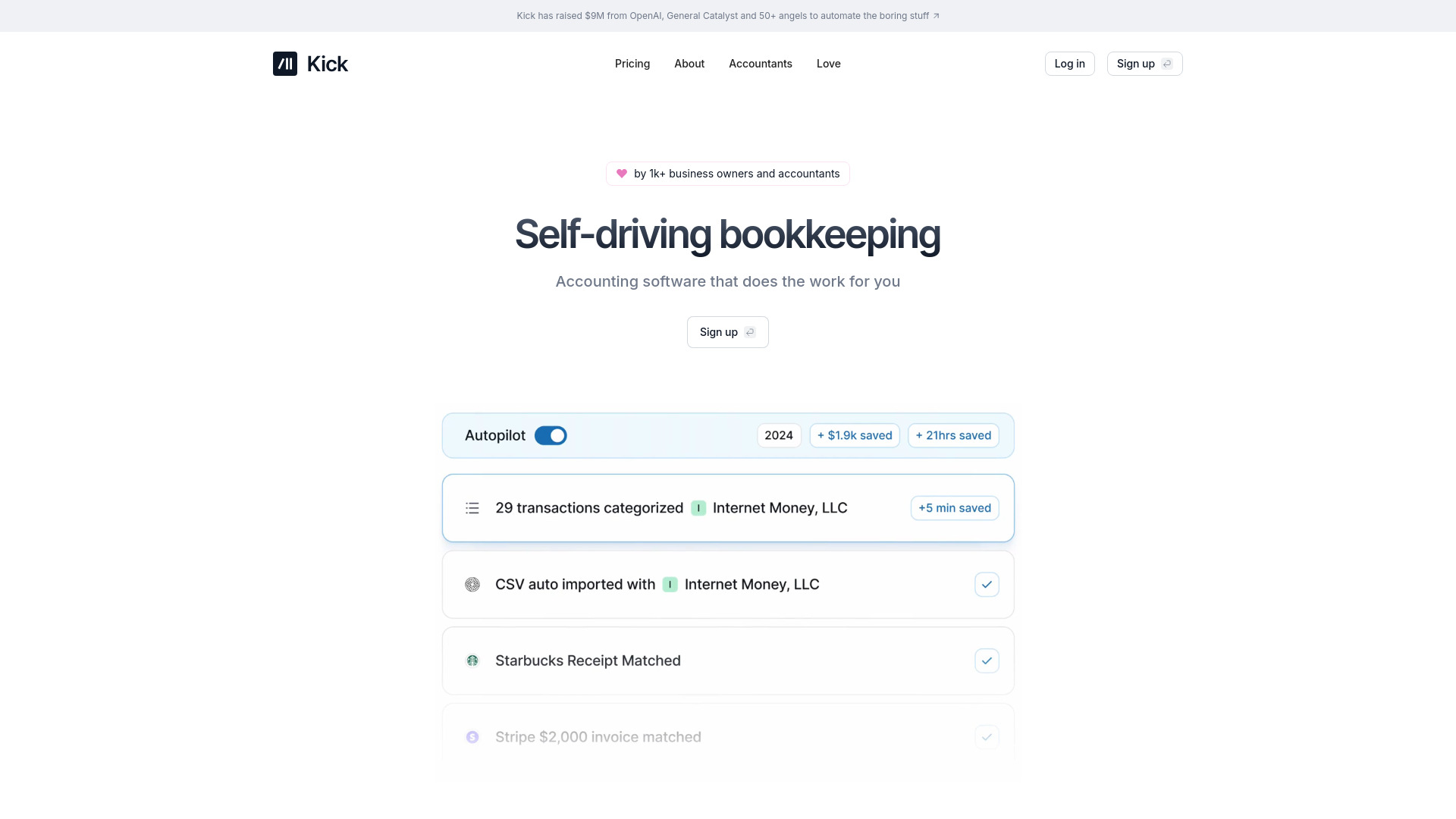
Why it matters Kick takes the most direct automation-first approach among the general bookkeeping options here. Its self-driving bookkeeping, automatic transaction categorization, and deduction identification target the repetitive work entrepreneurs tend to postpone. That makes it appealing when the desired outcome is tax-ready financials with less manual sorting. Automation still needs oversight: categorizations may require review, and the specific limits of the Basic Plan are not detailed, so the free-to-paid path deserves attention during evaluation.
Best for
Entrepreneurs who want routine bookkeeping tasks automated
Small businesses focused on transaction categorization
Users who want potential tax deductions identified during bookkeeping
Limitations
Automated categorization may require occasional accuracy checks
The Basic Plan's specific limits are not detailed
Buyers should confirm how the workflow handles unusual transactions
Shortlist signal: Put Kick on the list when reducing routine bookkeeping is your priority and you are comfortable reviewing automated work.
4. Datarails

- Finance teams
- Free plan available
- Starts at Check vendor pricing
- Usage signal: 225.2K
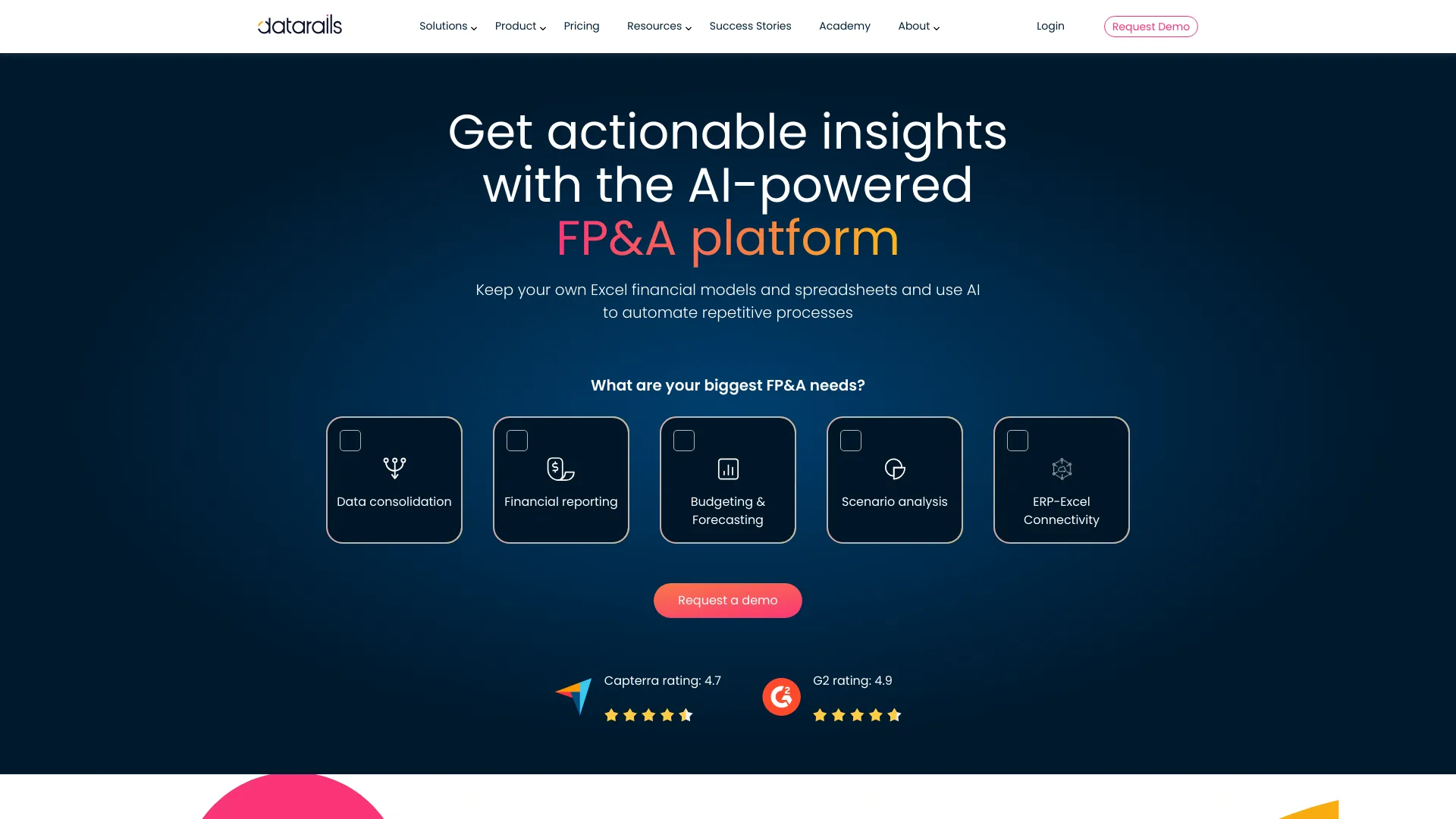
Why it matters Many finance teams do not want to abandon the Excel models that already contain years of planning logic. Datarails is compelling precisely because it integrates with existing Excel models while adding data consolidation, financial reporting, monthly close support, budgeting, and forecasting. That combination gives it a focused role in FP&A rather than positioning it as a basic invoicing product. It does require a paid subscription, and the learning curve may be meaningful for teams that have not formalized their planning process.
Best for
Finance teams consolidating data from multiple sources
FP&A groups that need budgeting and forecasting around Excel models
Teams improving monthly close and financial reporting workflows
Limitations
Requires a paid subscription
New users may face a learning curve during implementation
Confirm how existing models and reporting processes will be migrated
Shortlist signal: Choose Datarails when Excel is central to planning but your team needs more structured consolidation and reporting.
5. DocuClipper

- Accountants
- 14-day trial with 200 free pages
- Starts at Check vendor pricing
- Usage signal: 70.1K
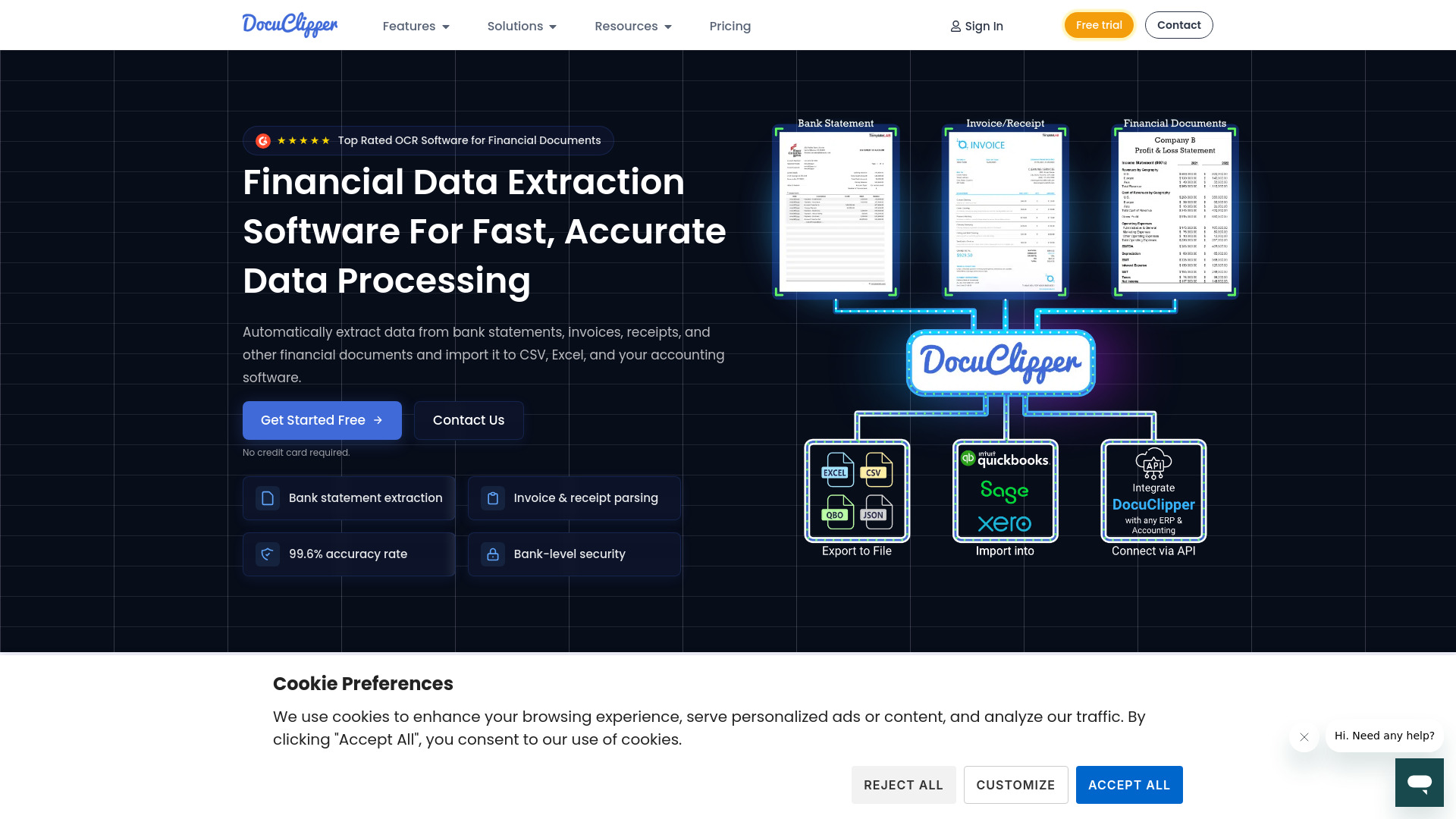
Why it matters Document entry is an unglamorous but expensive part of accounting work. DocuClipper focuses narrowly on that friction with OCR data extraction, bank-statement extraction and reconciliation, and invoice and receipt parsing. Its stated 99.6% accuracy rate makes it worth testing for teams handling substantial document volume, but accuracy should be measured against your own formats rather than accepted as a blanket guarantee. Pricing may vary by usage, and an internet connection is required.
Best for
Accountants processing bank statements, invoices, and receipts
Teams seeking automated financial data extraction
Workflows where reconciliation and document intake create a bottleneck
Limitations
Pricing plans may vary based on usage
Requires an internet connection
Test your actual document types before relying on the stated accuracy rate
Shortlist signal: Add DocuClipper when document extraction, not ledger functionality, is the part of accounting slowing your team down.
6. Digits

- Startups
- 14-day free trial
- Starts at AI Accounting: $100
- Usage signal: 64.3K
Why it matters Digits combines AI bookkeeping with AI financials and AI insights and dashboards, giving startups a route from transaction processing to current financial visibility. The real appeal is the connection between automated bookkeeping and a more up-to-date view of the business, rather than treating those as separate jobs. AI categorization can still need manual adjustment, and the initial setup requires connecting financial accounts. The $100 starting point for AI Accounting also makes a live workflow and pricing review important before adoption.
Best for
Startups that want bookkeeping and financial insights in one platform
Small businesses needing real-time financial information
Teams interested in AI bill pay and invoicing alongside accounting
Limitations
Requires initial setup and connection of financial accounts
AI categorization may need manual adjustments
AI Accounting starts at $100, so confirm the plan's included scope
Shortlist signal: Shortlist Digits when a startup needs automated books plus real-time financial views, not bookkeeping alone.
7. Tabby

- Small businesses
- Forever free
- Starts at FREE: $0
- Usage signal: 21.8K
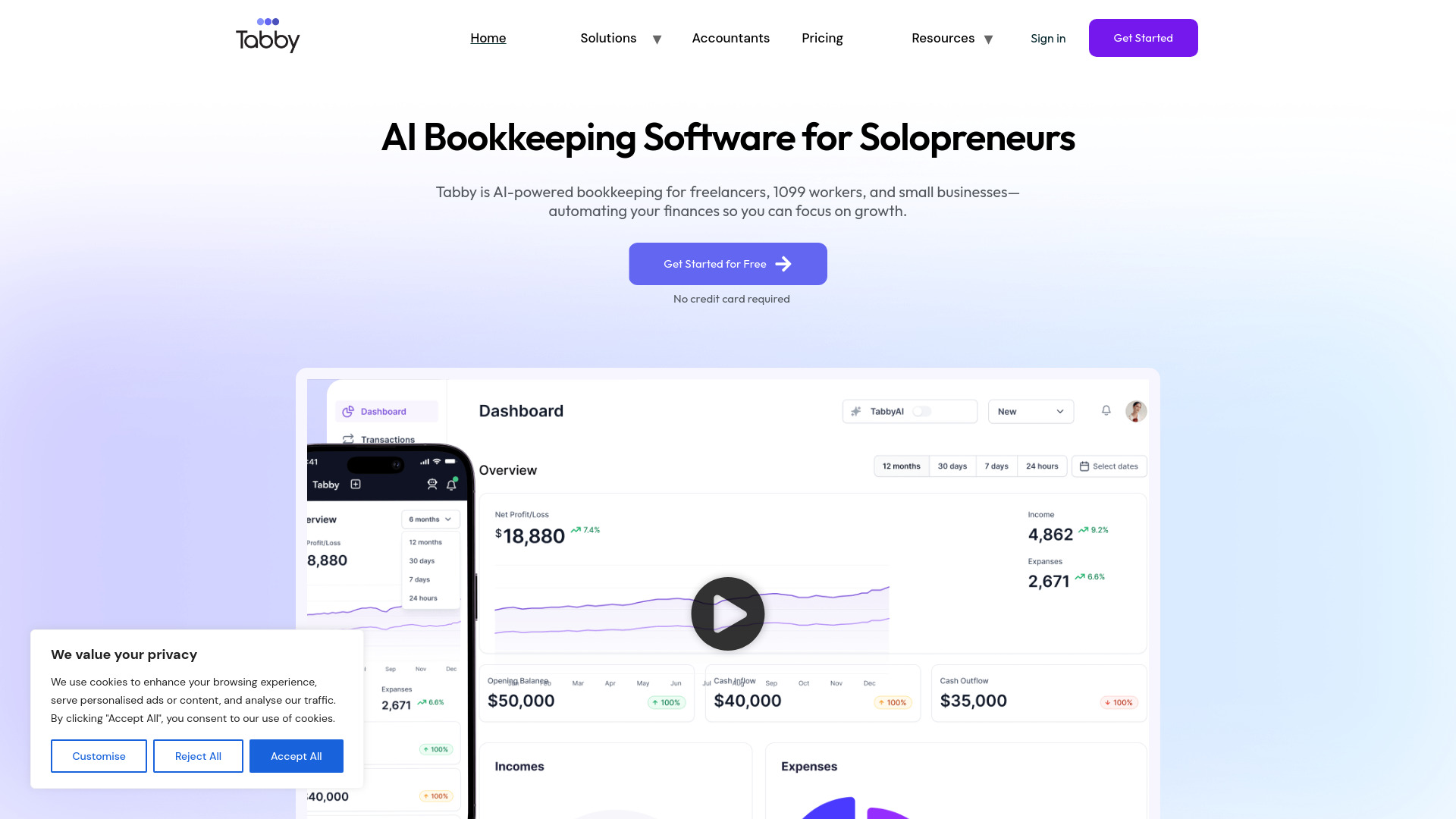
Why it matters Tabby is the most immediately accessible option for a small business that wants bookkeeping automation without a stated subscription cost. It automates up to 80% of bookkeeping tasks and focuses on AI transaction categorization, automated expense tracking, and a tax deduction finder. The product's free positioning makes it an easy candidate for a low-risk trial, although buyers should still examine the quality of its tax-ready reports and the amount of review needed for their transactions. No explicit disadvantages are stated, so testing is especially important.
Best for
Small businesses seeking a free bookkeeping starting point
Self-employed users tracking expenses and deductions
Teams that want automated categorization and tax-ready reports
Limitations
The amount of manual review required will depend on your transactions
No explicit product disadvantages are stated, so workflow testing matters
Confirm reporting and support expectations before making it your system of record
Shortlist signal: Try Tabby first when cost is the primary constraint and automated expense tracking covers your immediate needs.
8. Intapp

- Accounting firms
- Free plan available
- Starts at Check vendor pricing
- Usage signal: 223.5K
Why it matters Intapp is an adjacent but valuable choice for firms that need more than transaction entry. Its AI-powered solutions, industry-specific approach, and data foundation for integration and security are aimed at professional and financial services workflows. That makes it relevant to accounting firms managing growth and risk, even though it is not positioned as a lightweight bookkeeping app. The trade-off is implementation complexity and potentially challenging pricing for smaller firms.
Best for
Accounting firms looking for industry-specific software
Professional and financial services teams managing growth and risk
Organizations that need an integration and security data foundation
Limitations
May be complex to implement and manage
Pricing may be a barrier for smaller firms
Buyers should define the specific solution and rollout scope before requesting a quote
Shortlist signal: Consider Intapp when firm-wide industry workflows and risk management outweigh the need for a simple accounting interface.
9. Client Hub

- Bookkeeping firms
- 14-day free trial
- Starts at $69 per user/month
- Usage signal: 76.4K
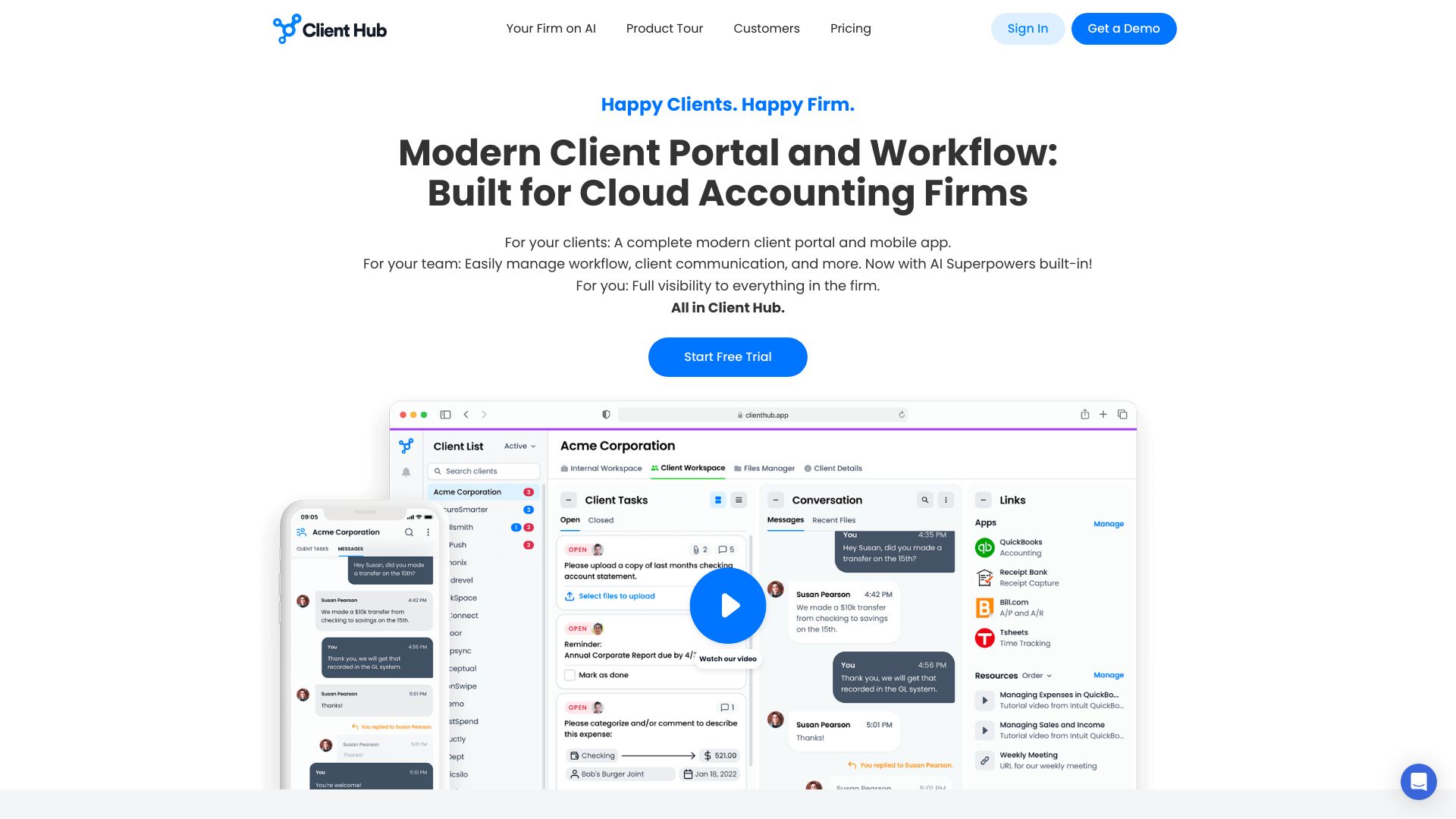
Why it matters Client Hub addresses the work surrounding accounting: client communication, portals, workflow management, and practice operations. Its all-in-one approach can reduce the need to stitch together separate systems, while AI-powered tools add automation to the firm workflow. This is particularly relevant for bookkeeping firms already working with QuickBooks or Xero. The $69-per-user monthly starting price and reliance on those integrations should be weighed against the time saved in onboarding and client coordination.
Best for
Bookkeeping firms coordinating multiple client workflows
Teams that need a secure client portal and communication layer
Practices using QuickBooks or Xero integrations
Limitations
May require initial setup and onboarding
Reliance on QuickBooks and Xero may limit some firms
Per-user pricing should be modeled against the size of the practice
Shortlist signal: Choose Client Hub when client coordination and workflow management are the main gaps around your accounting system.
10. Beancount.io

- Developers
- 10 AI CFO requests free
- Starts at Free: $0/mo
- Usage signal: 66.0K
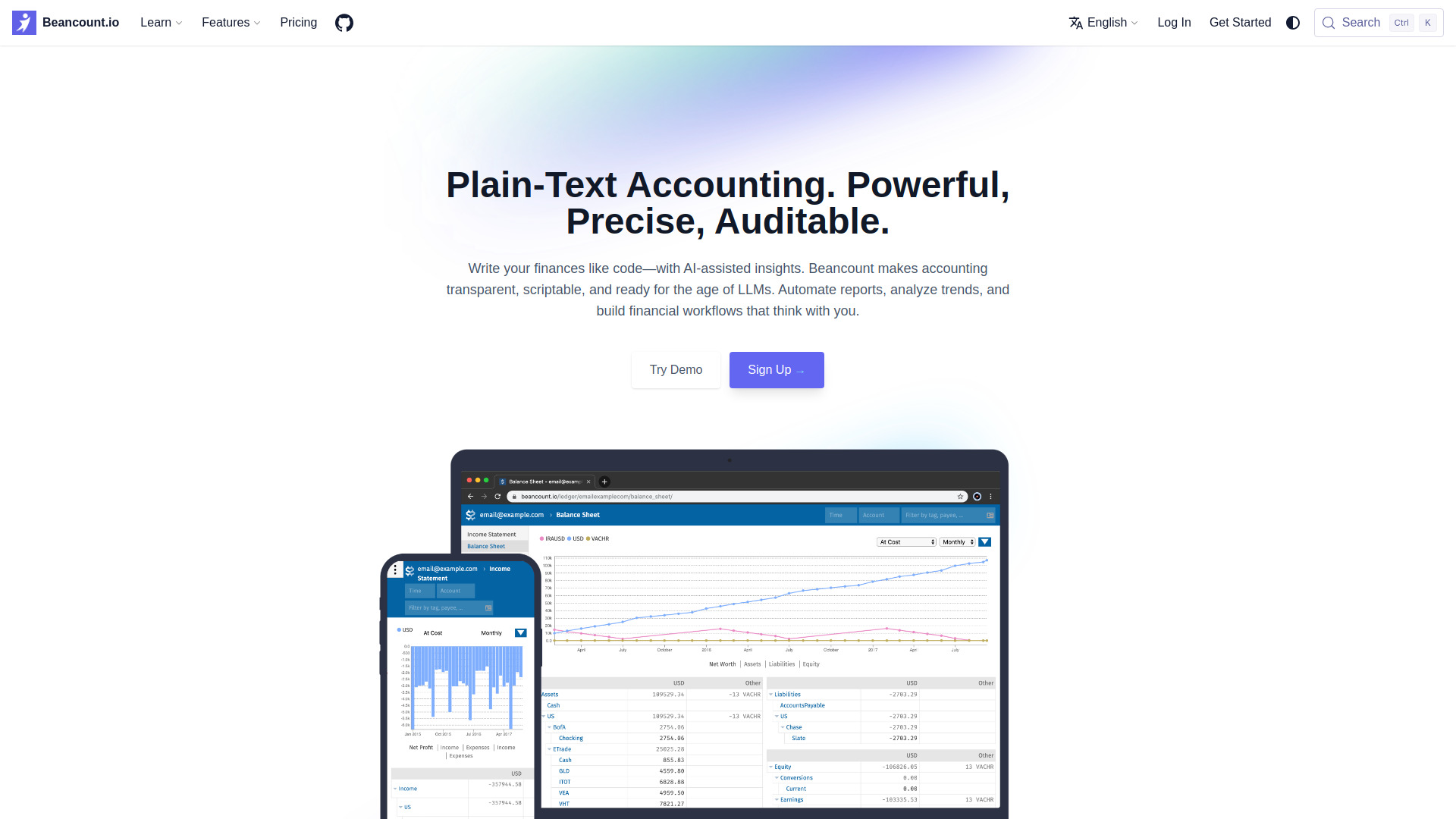
Why it matters Beancount.io takes a deliberately different route: plain-text accounting, Git-native version control, AI-assisted bookkeeping and categorization, and scriptable workflows and plugins. For developers and technically comfortable professionals, that structure offers a complete history of financial changes and avoids vendor lock-in through a plain-text file format. It is not the easiest choice for someone expecting a conventional SaaS interface. Familiarity with double-entry concepts is required, and setup may be more involved than with traditional accounting tools.
Best for
Developers who want scriptable accounting workflows
Professionals who value Git history and plain-text files
Users interested in AI-assisted categorization without giving up file control
Limitations
Requires familiarity with plain-text accounting or double-entry concepts
Initial setup may be more complex than traditional SaaS accounting tools
The workflow is a poor fit for teams seeking a conventional no-code interface
Shortlist signal: Put Beancount.io on the list when control, version history, and scriptability matter more than a beginner-friendly interface.
More tools to compare

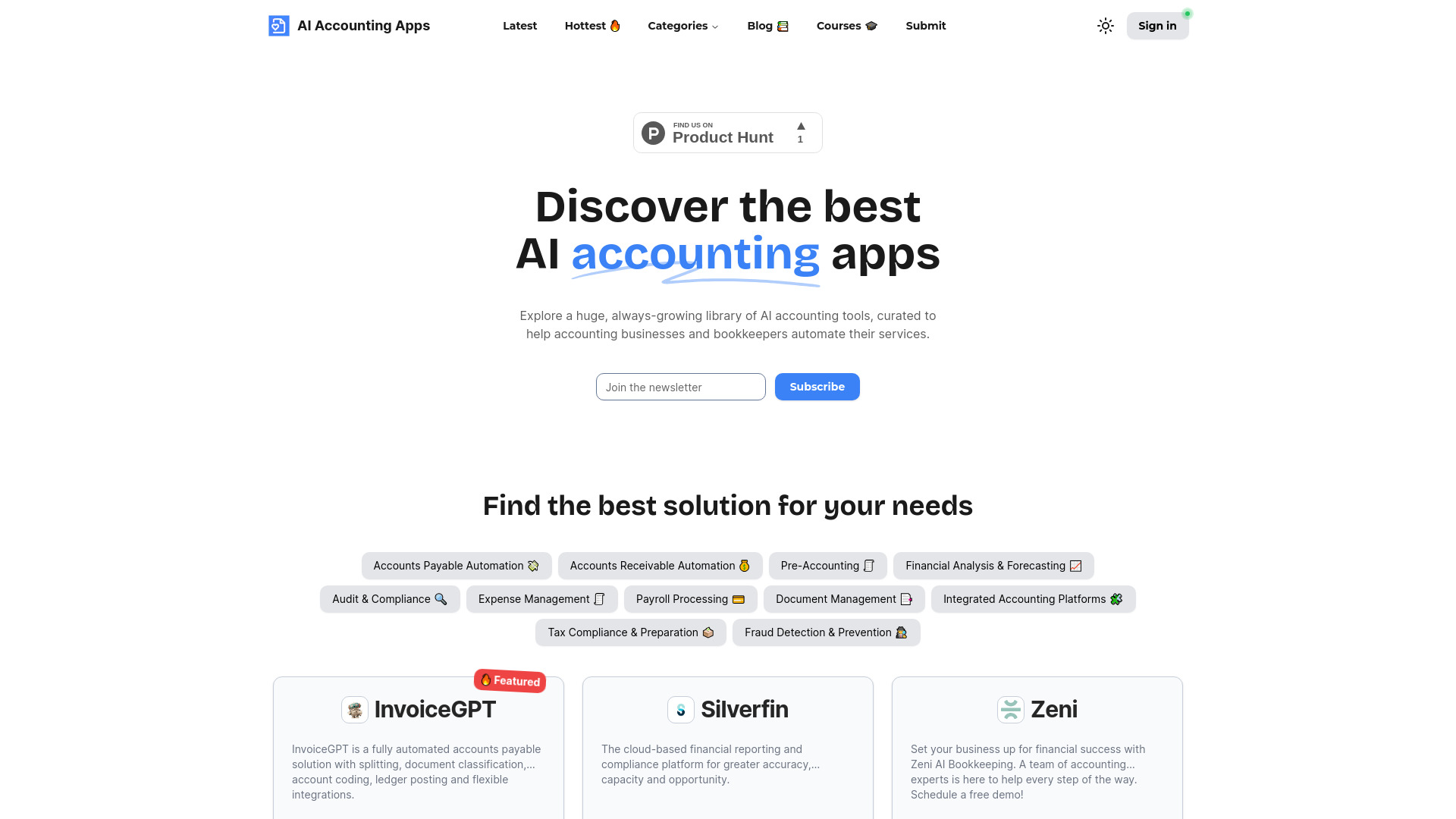
- Startups needing managed bookkeeping
- Starts at Check vendor pricing
- Usage signal: 56.1K
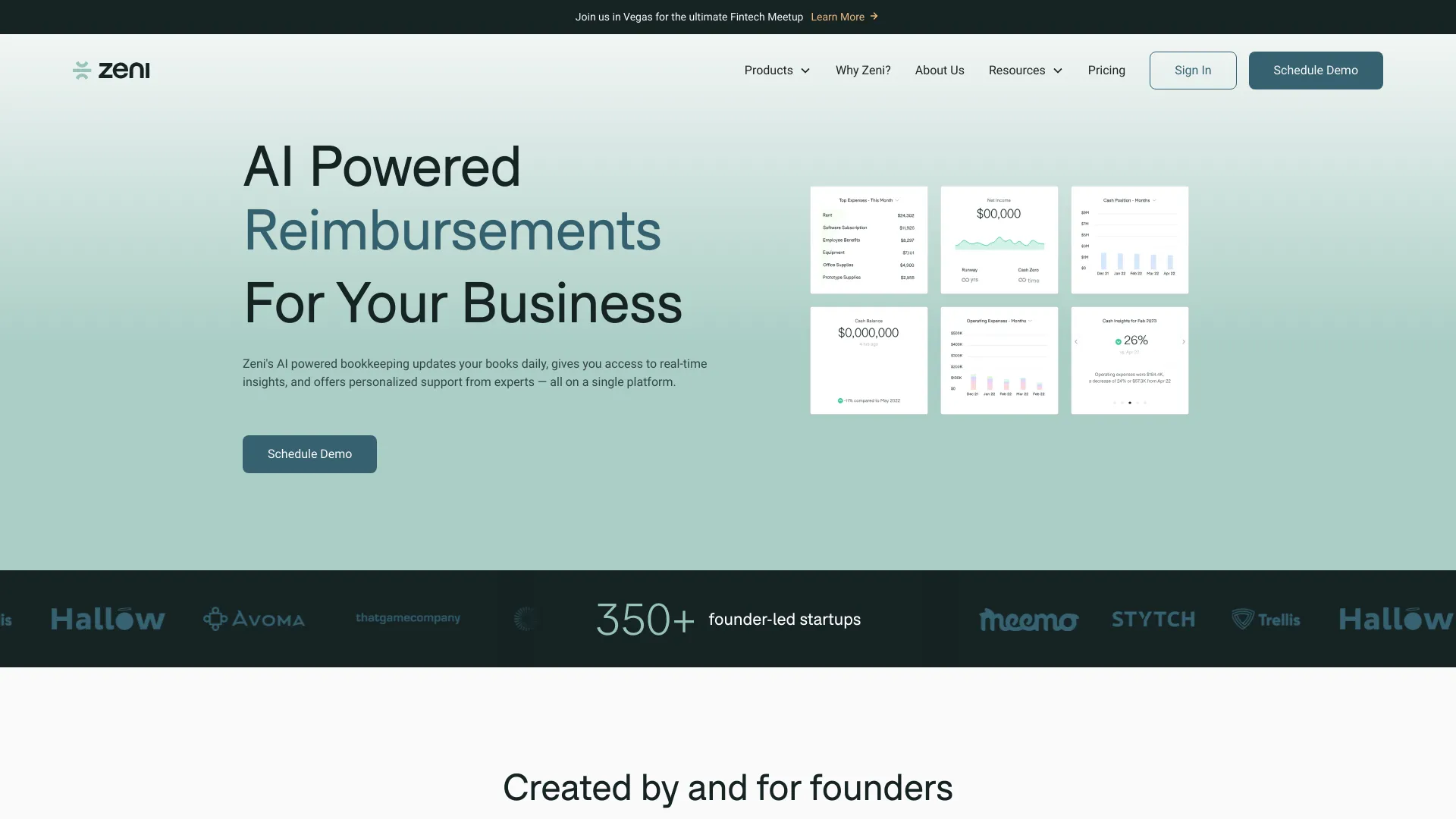

- AI accounting tool discovery
- Free plan available
- Starts at Check vendor pricing
- Usage signal: 2.6K

- Software companies needing real-time accounting
- Starts at Check vendor pricing
- Usage signal: 7.3K
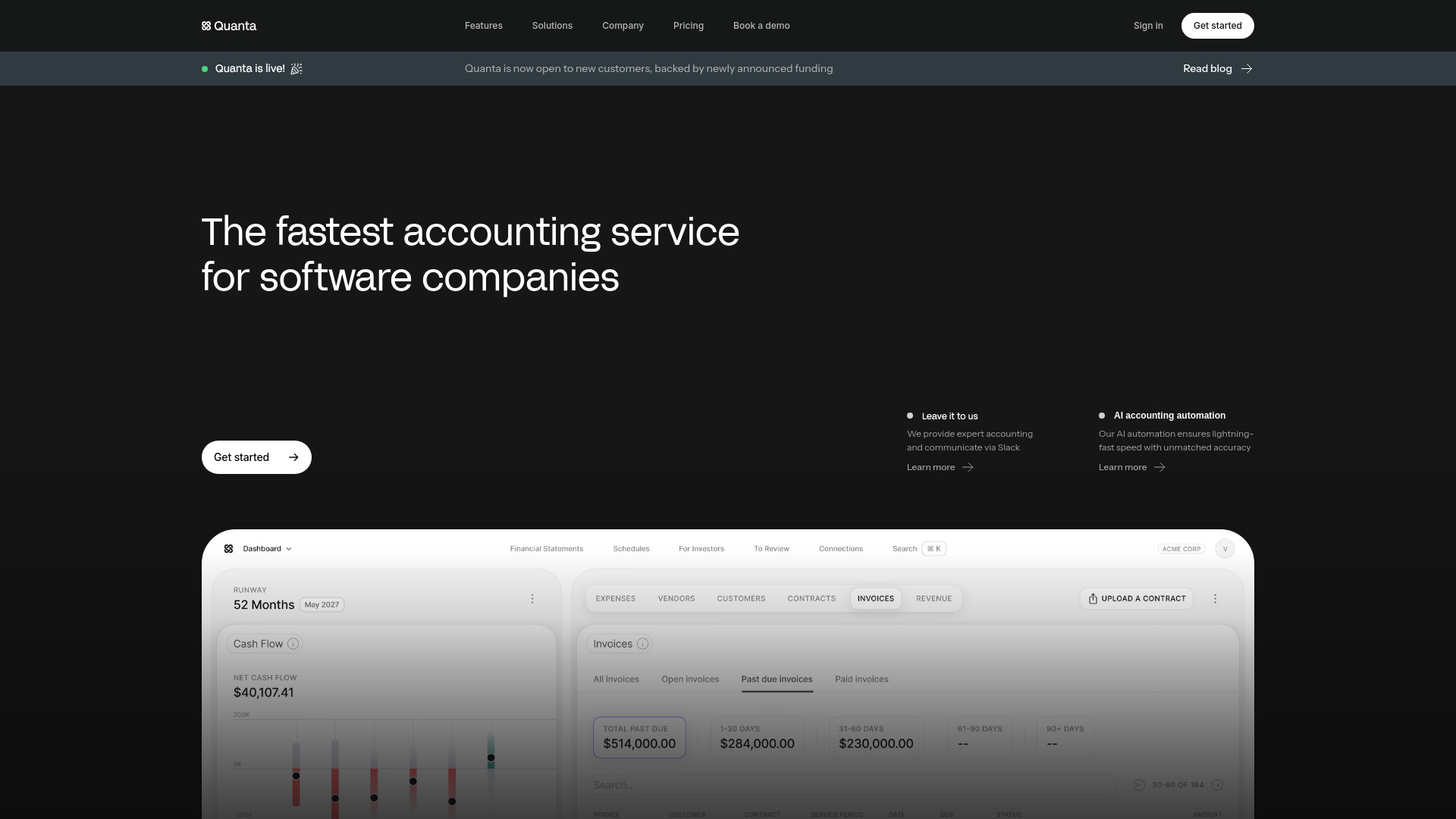

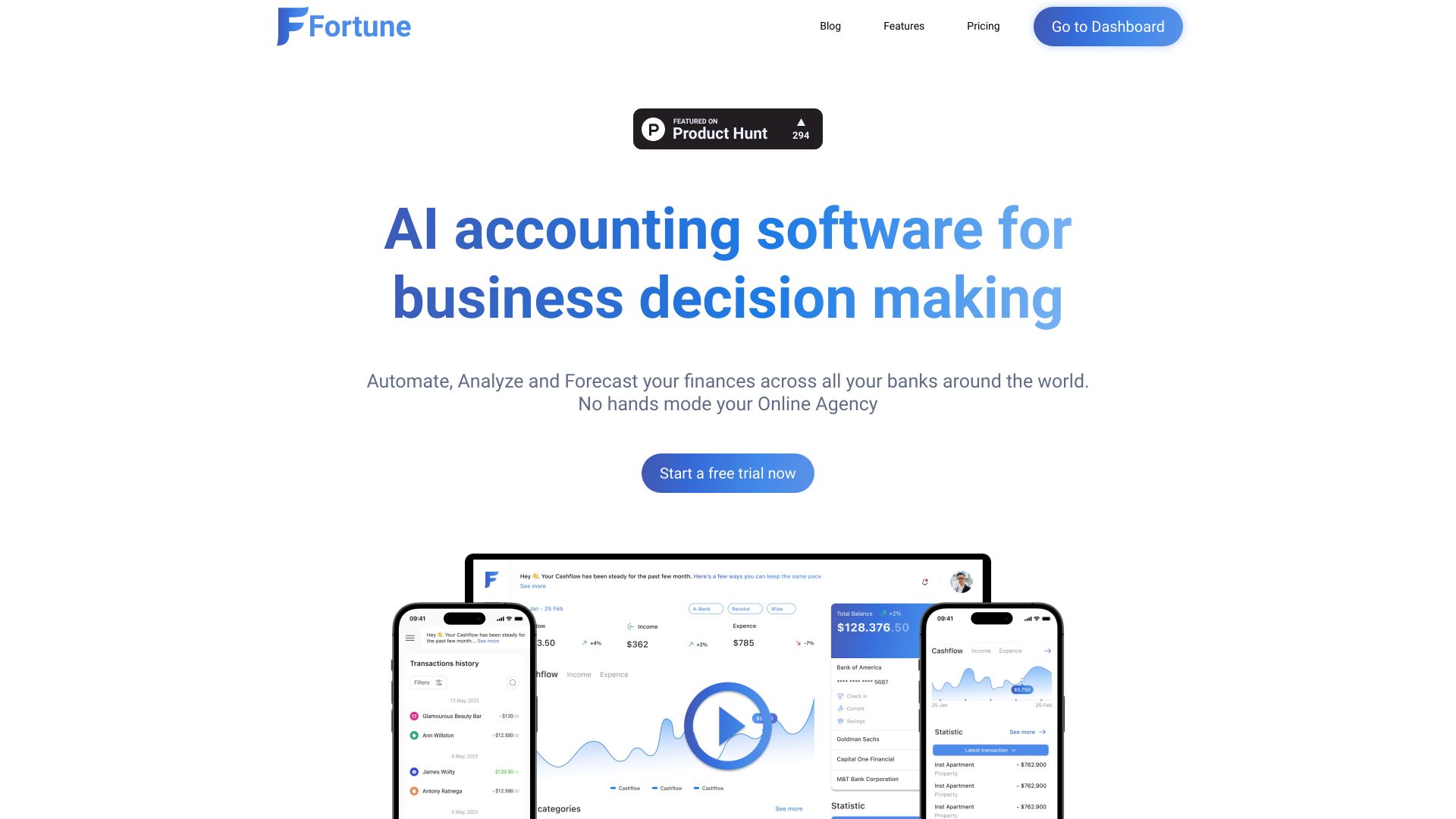
- AI-powered cash-flow tracking
- Starts at $10/month
- Usage signal: 5.2K

- Multi-entity hotel and hospitality accounting
- Free trial available
- Starts at $299/month
- Usage signal: 24.8K


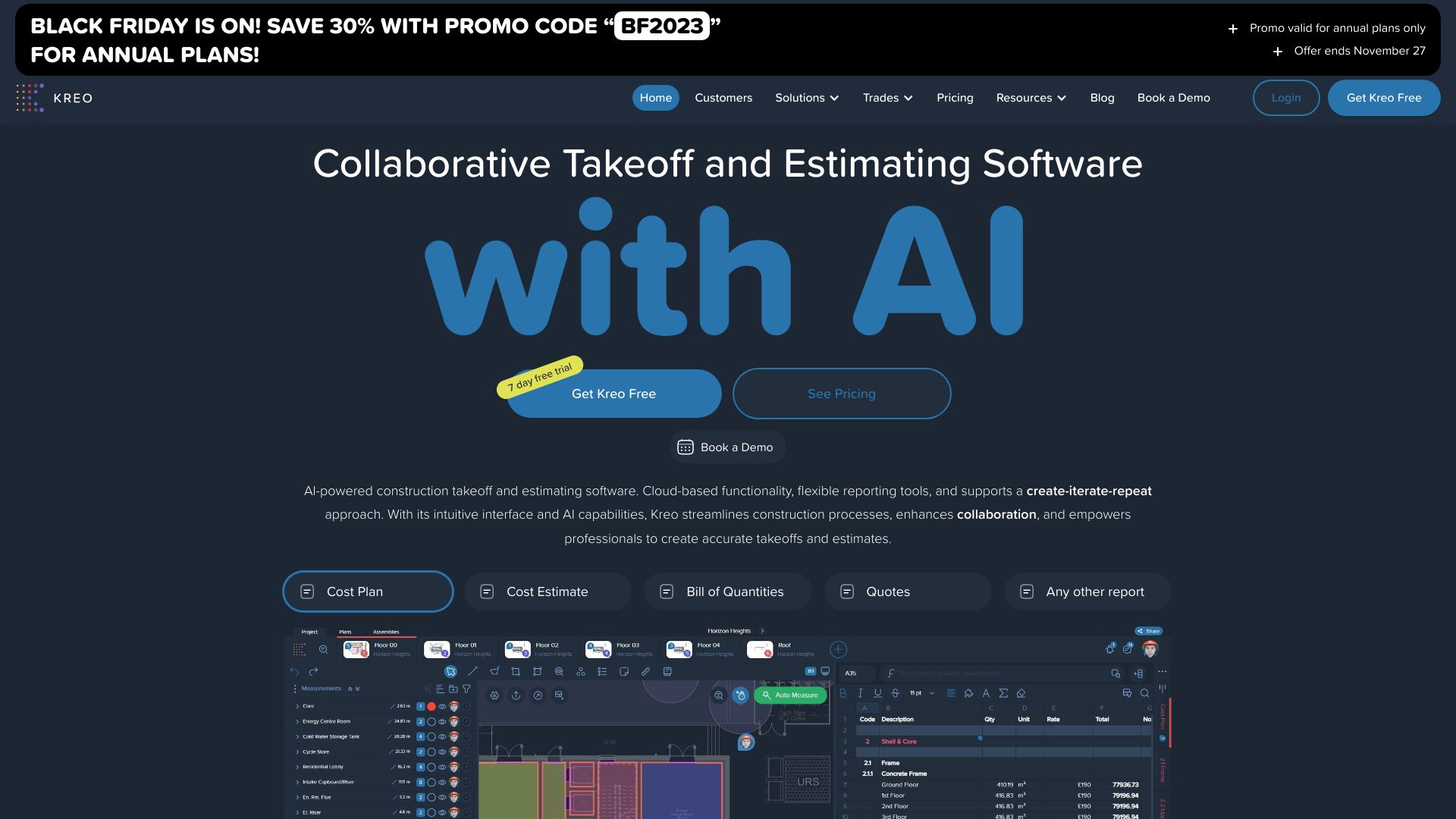
- Construction takeoffs and estimating
- Free trial available
- Starts at $70/user/month, billed annually
- Usage signal: 111.3K

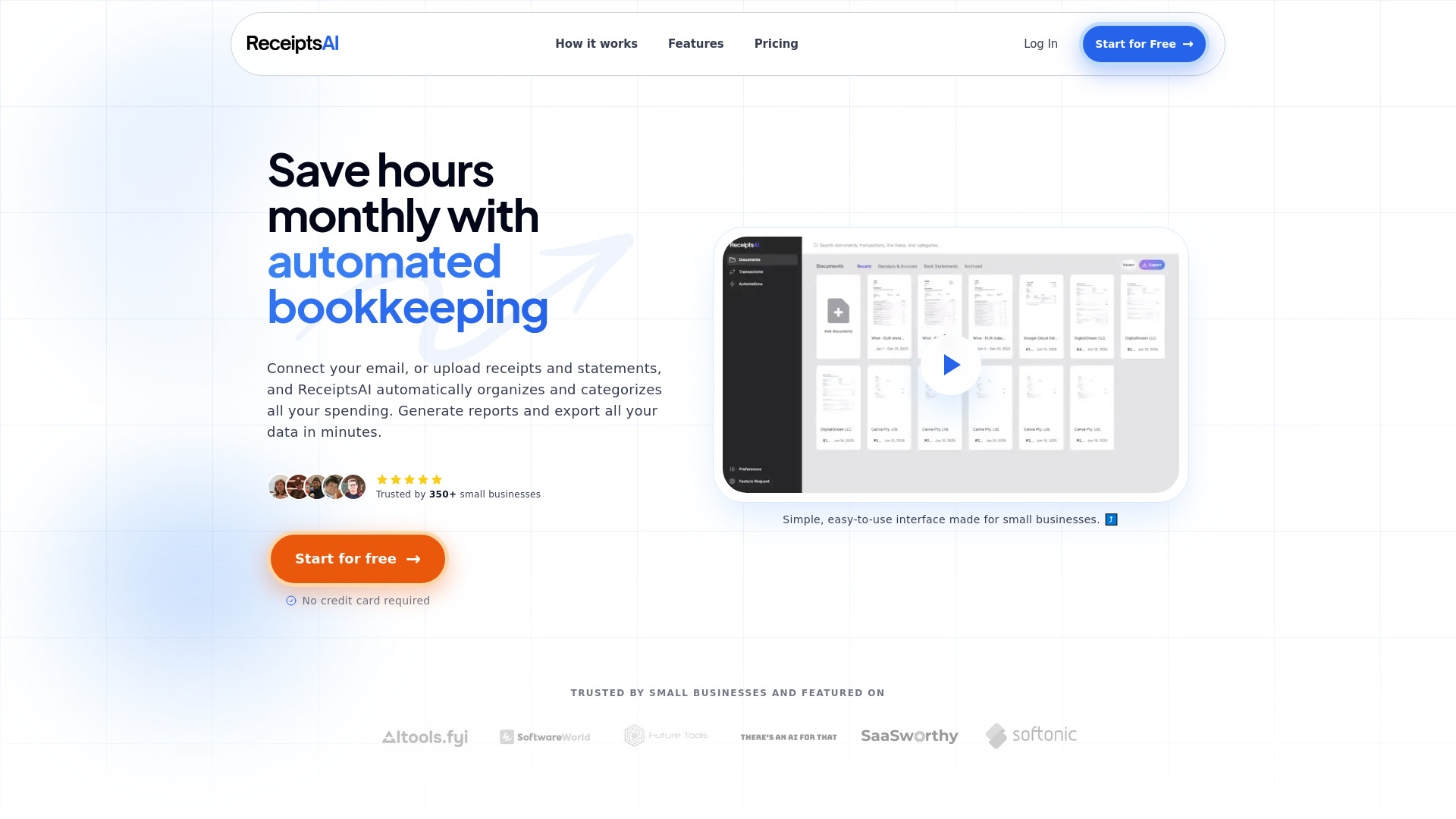
- Small-business receipt bookkeeping
- 30 free credits
- Starts at $12/month
- Usage signal: 18.2K

- AI financial management for startups
- 14-day free trial
- Starts at $19/month
- Usage signal: 21.1K
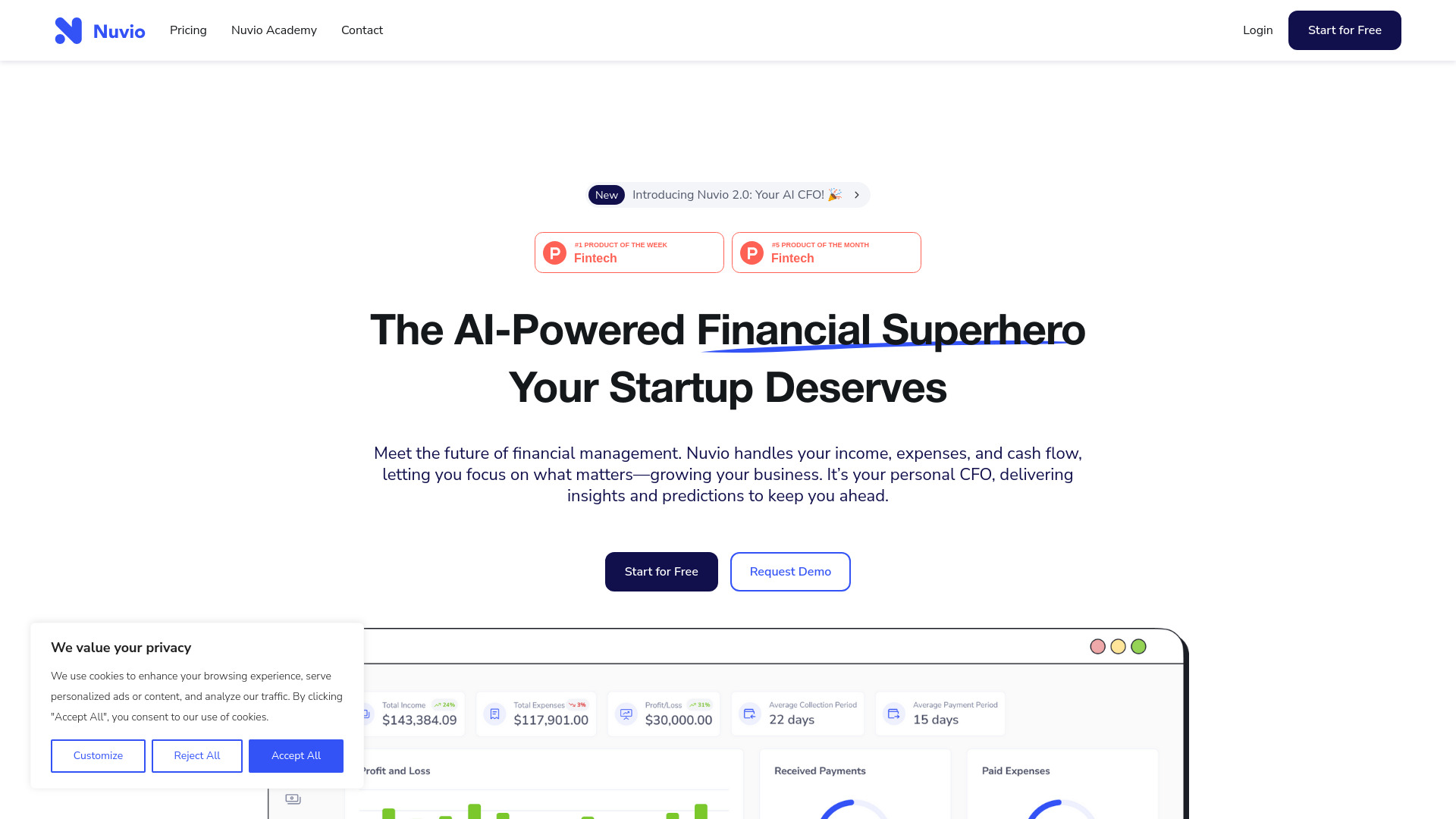

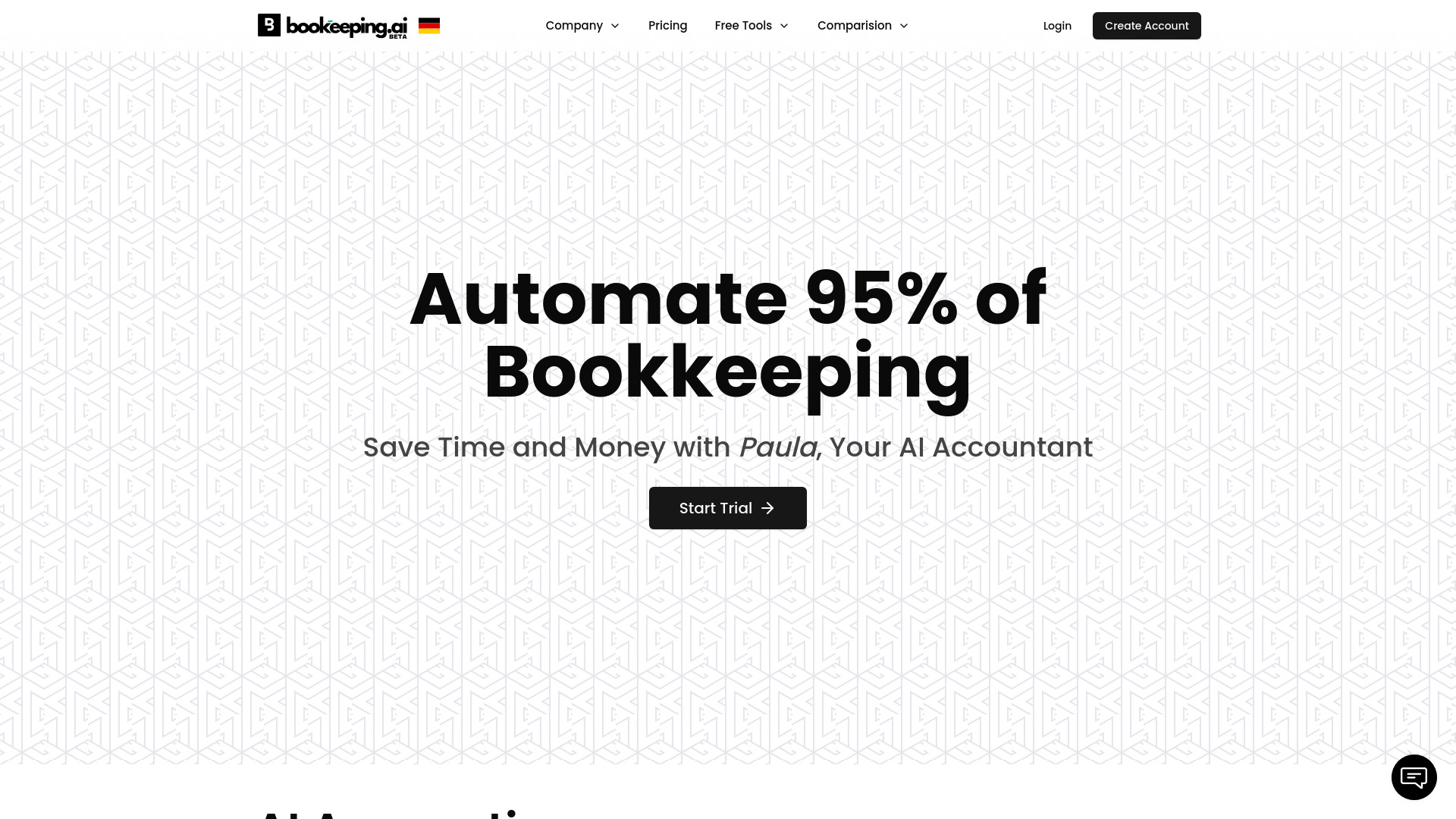
- AI bookkeeping for small businesses
- Free trial available
- Starts at Check vendor pricing
- Usage signal: 8.8K

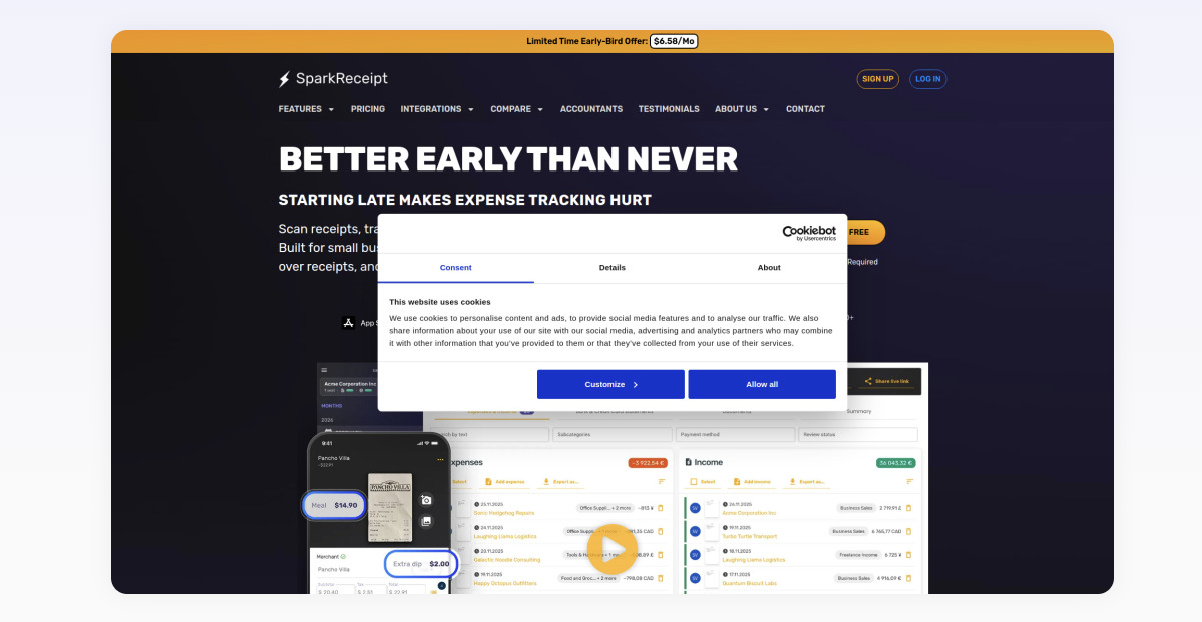
- Freelancers and small-business expense tracking
- 15 AI scans/month
- Starts at $6.58/month billed annually
- Usage signal: 50.6K

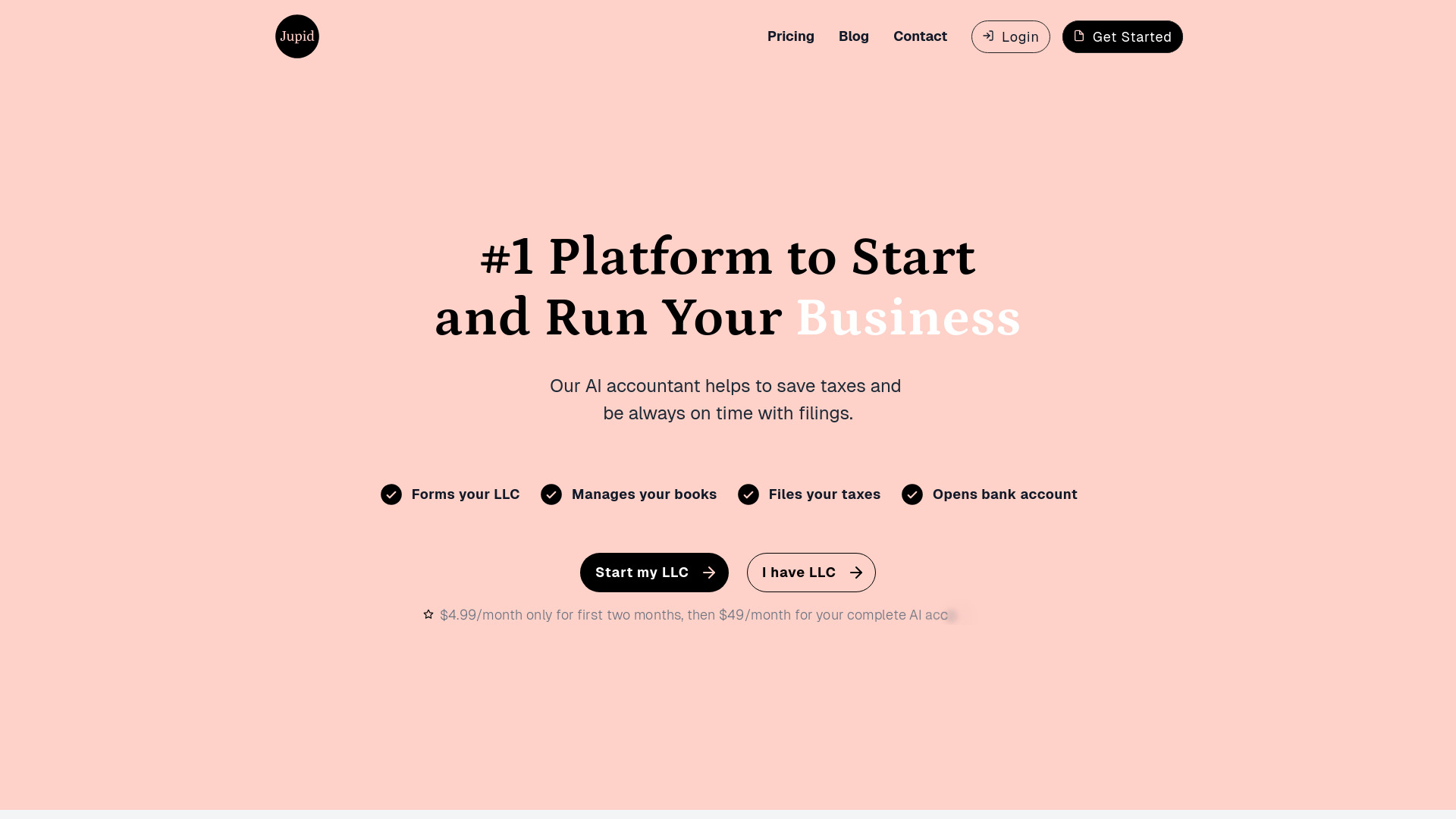
- Small-business bookkeeping and tax filing
- Starts at $4.99/mo for first 2 months
- Usage signal: 33.8K

- U.S. business owners needing AI bookkeeping
- 14-day free trial
- Starts at $29/month
- Usage signal: 5.1K


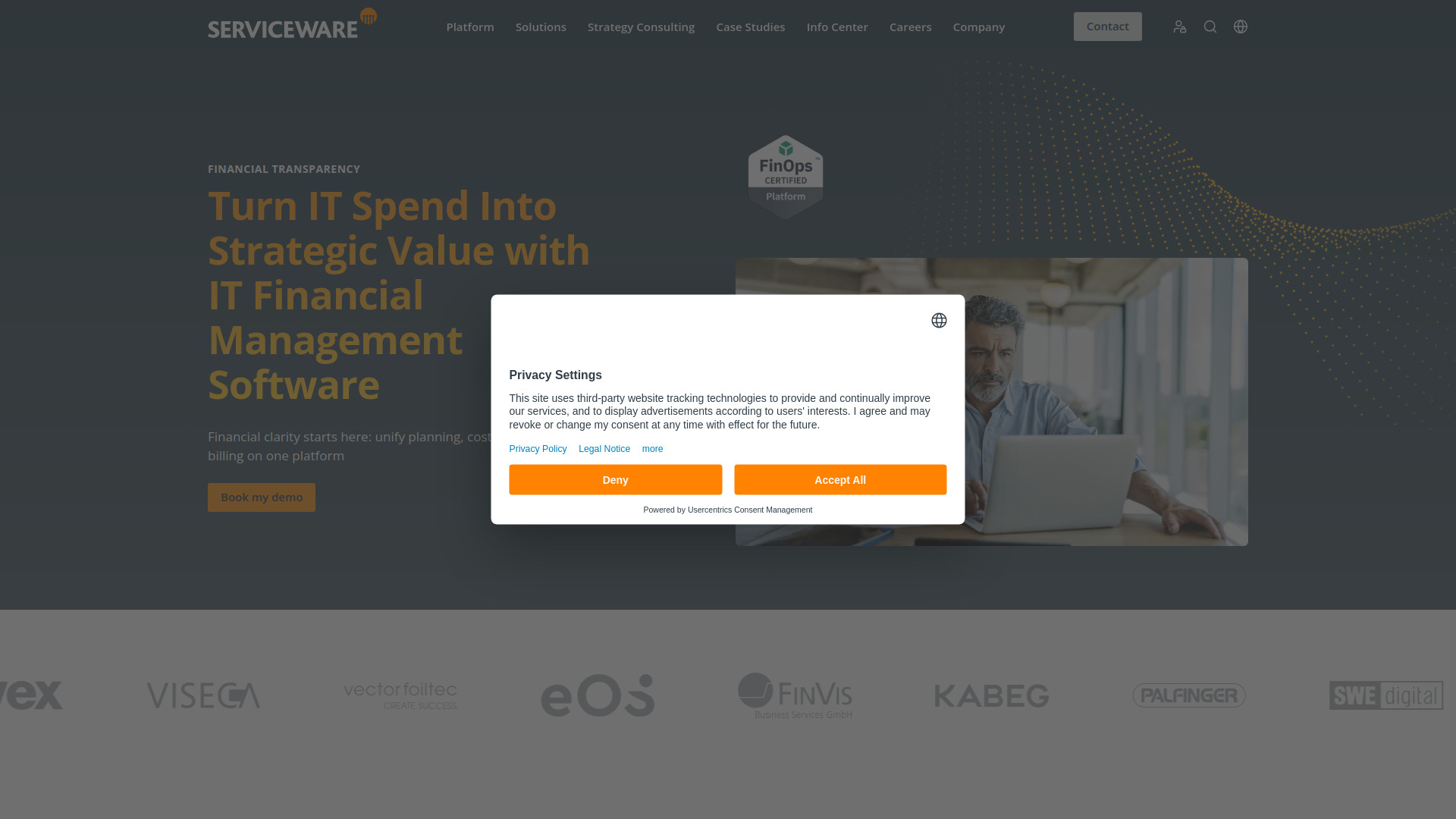
- Enterprise IT financial management
- Starts at Check vendor pricing
- Usage signal: 15.3K

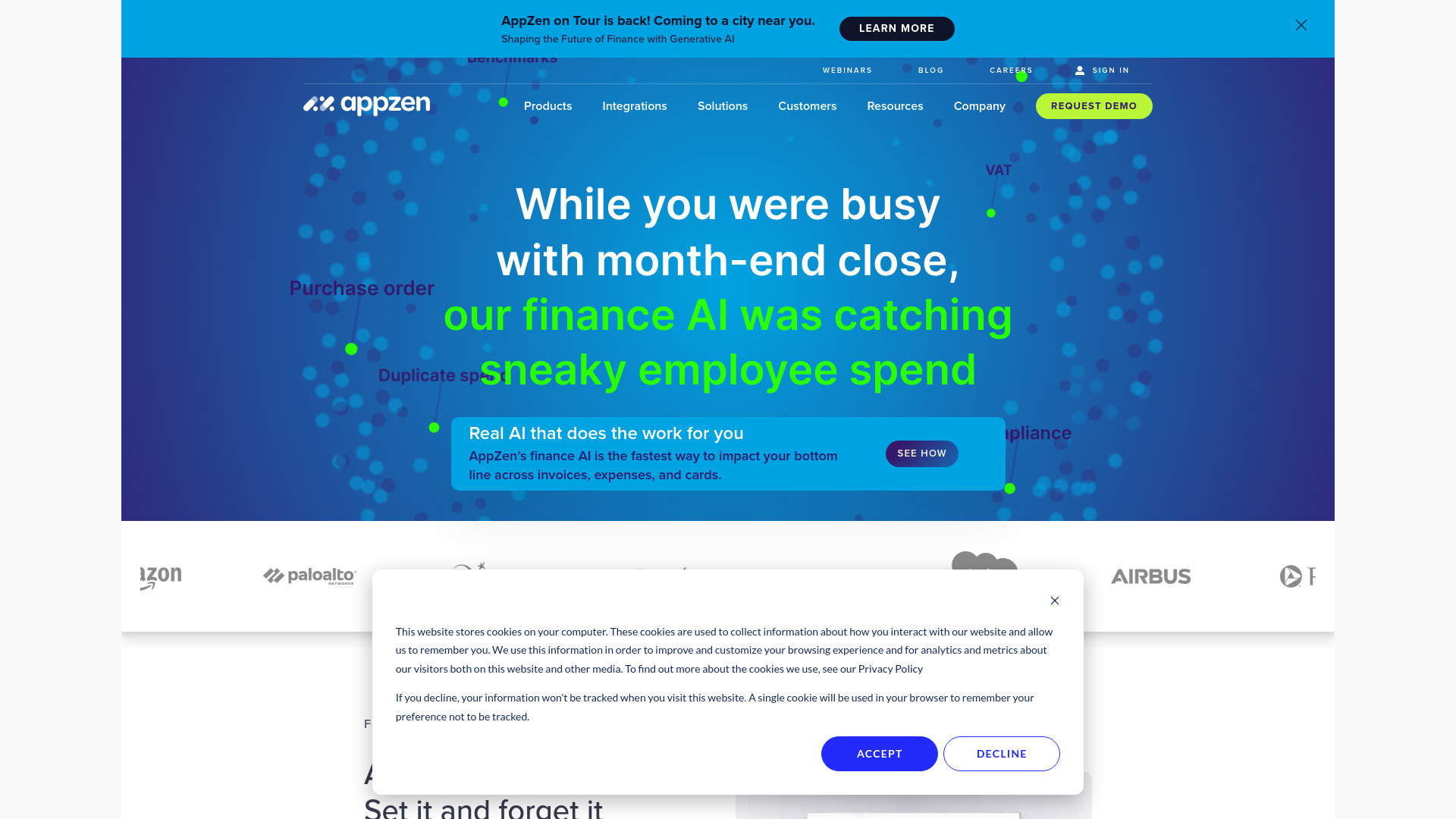
- Accounts payable and expense audit teams
- Starts at Check vendor pricing
- Usage signal: 37.9K

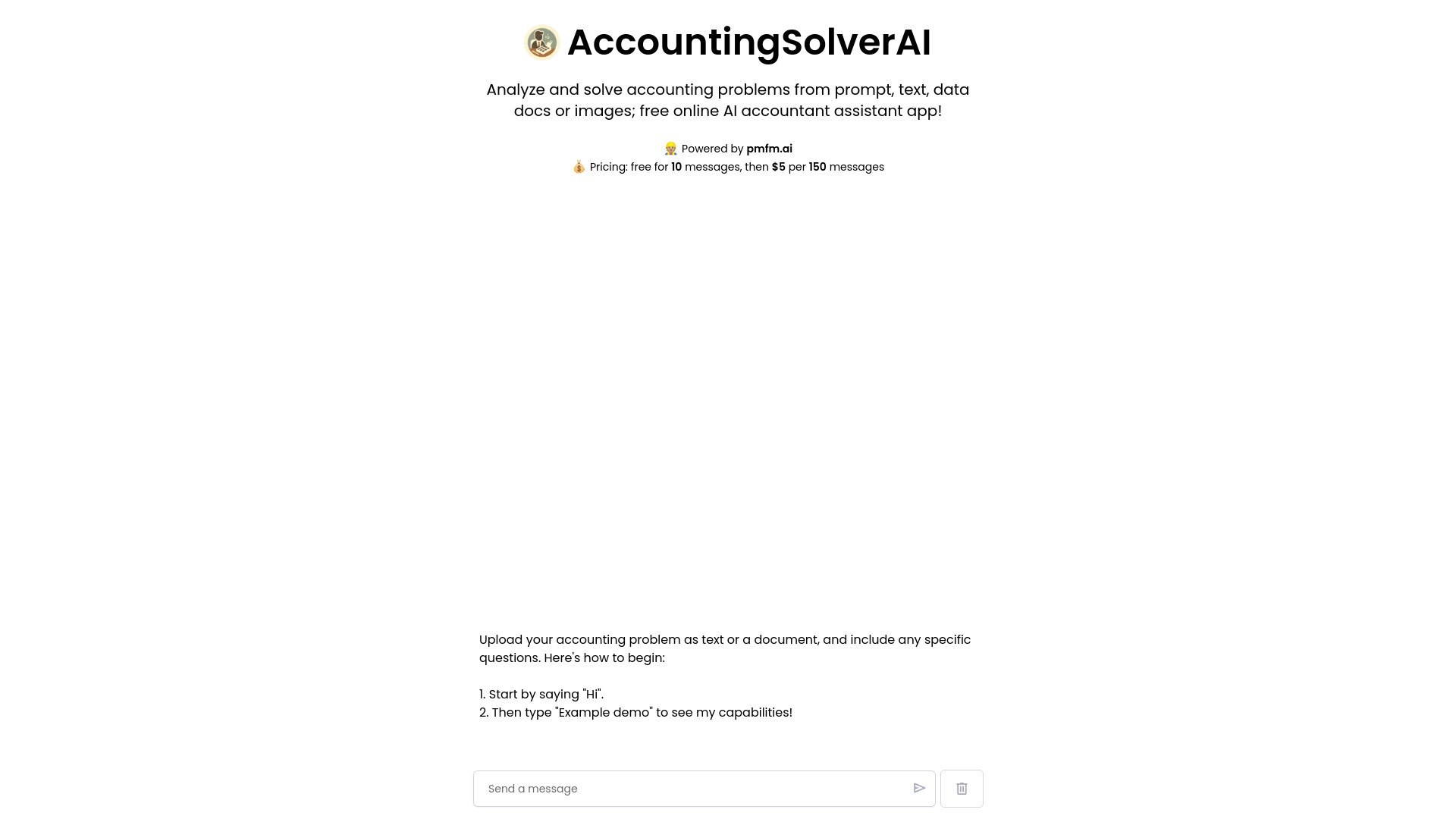
- Accounting problem solving for businesses and students
- Free plan available
- Starts at Check vendor pricing
- Usage signal: 564

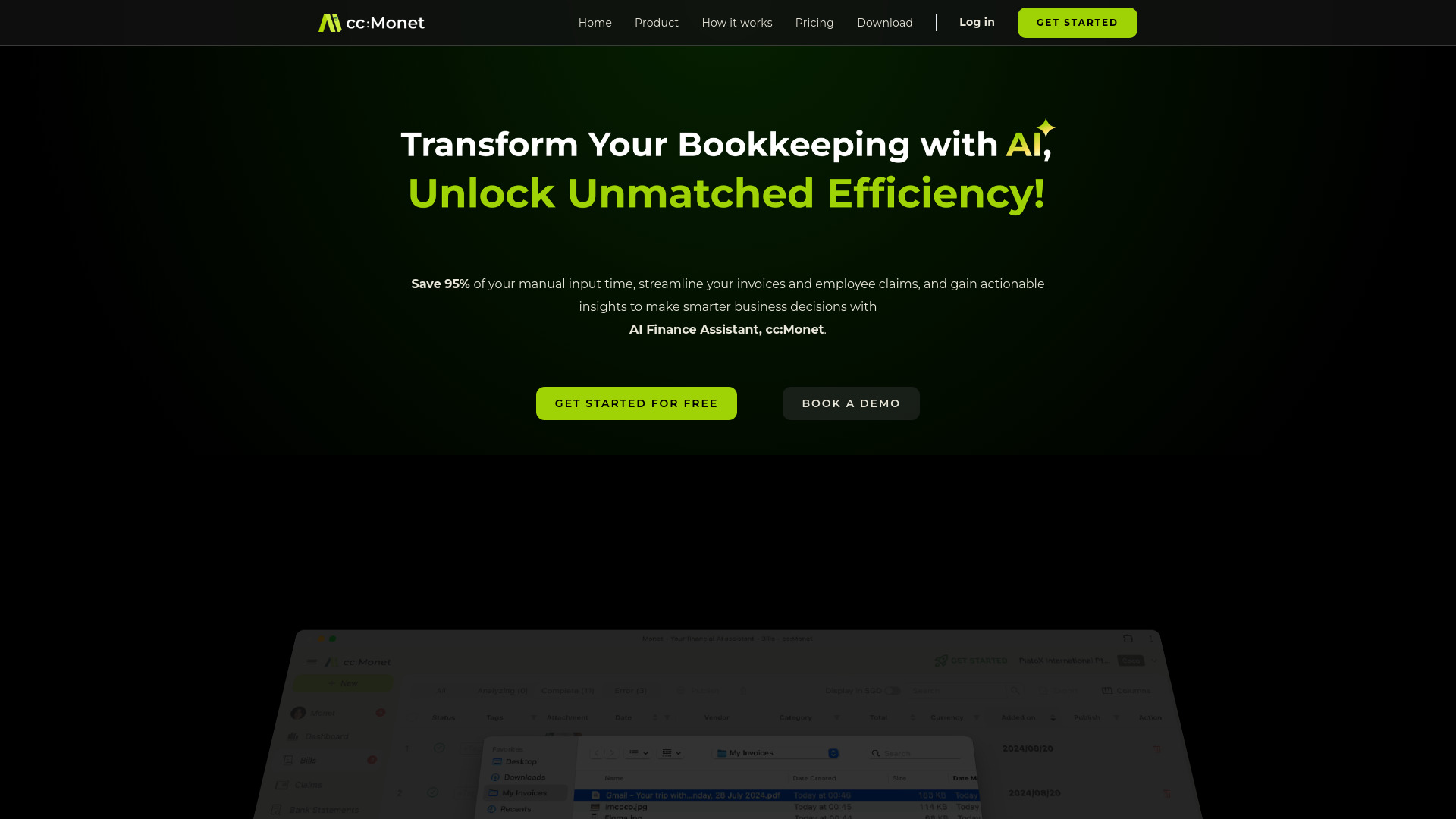
- AI bookkeeping for finance teams
- Starts at Check vendor pricing
- Usage signal: 11.3K

- Invoice and receipt document management
- 30 free pages
- Starts at $8/month
- Usage signal: 3.6K
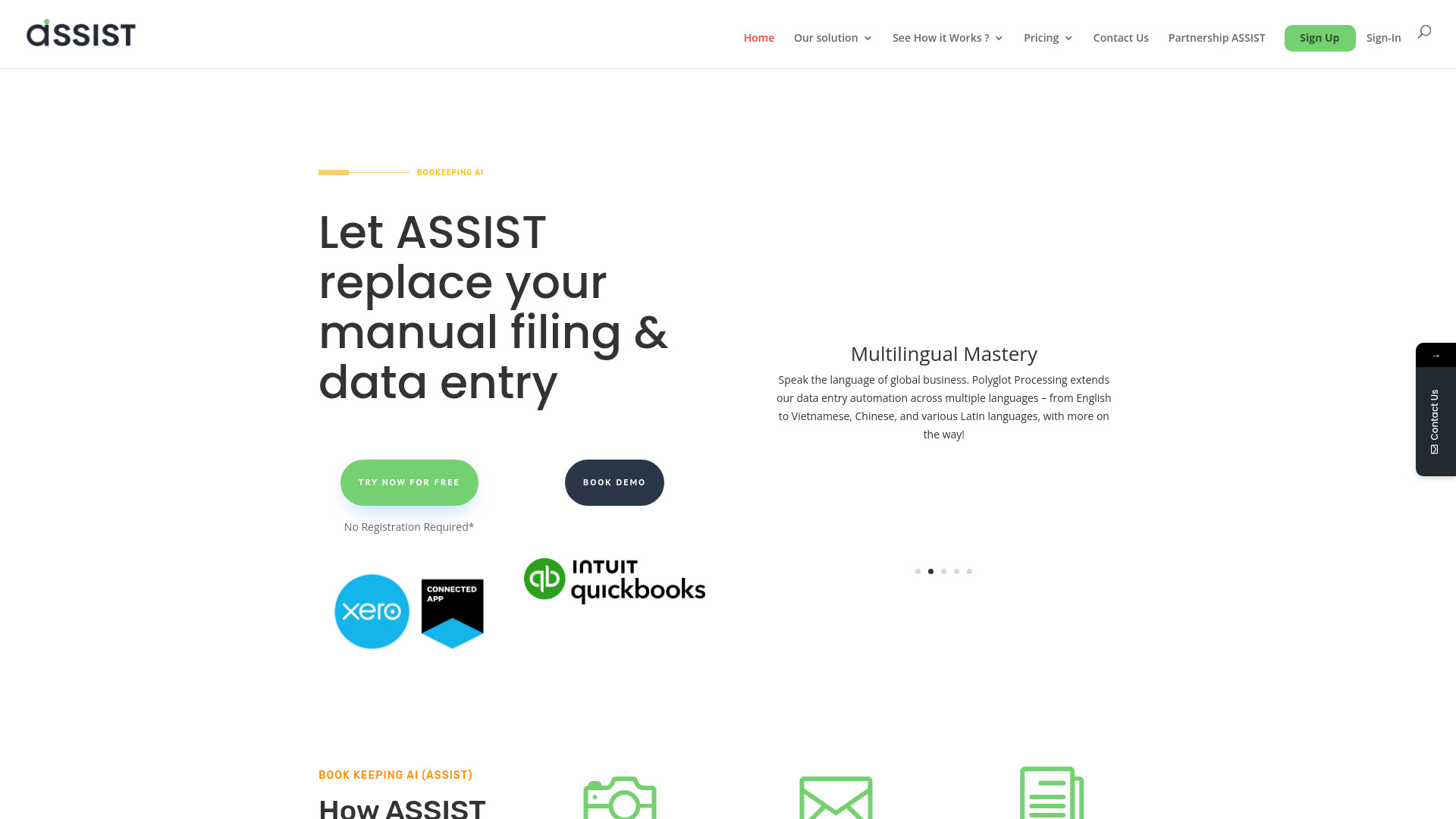

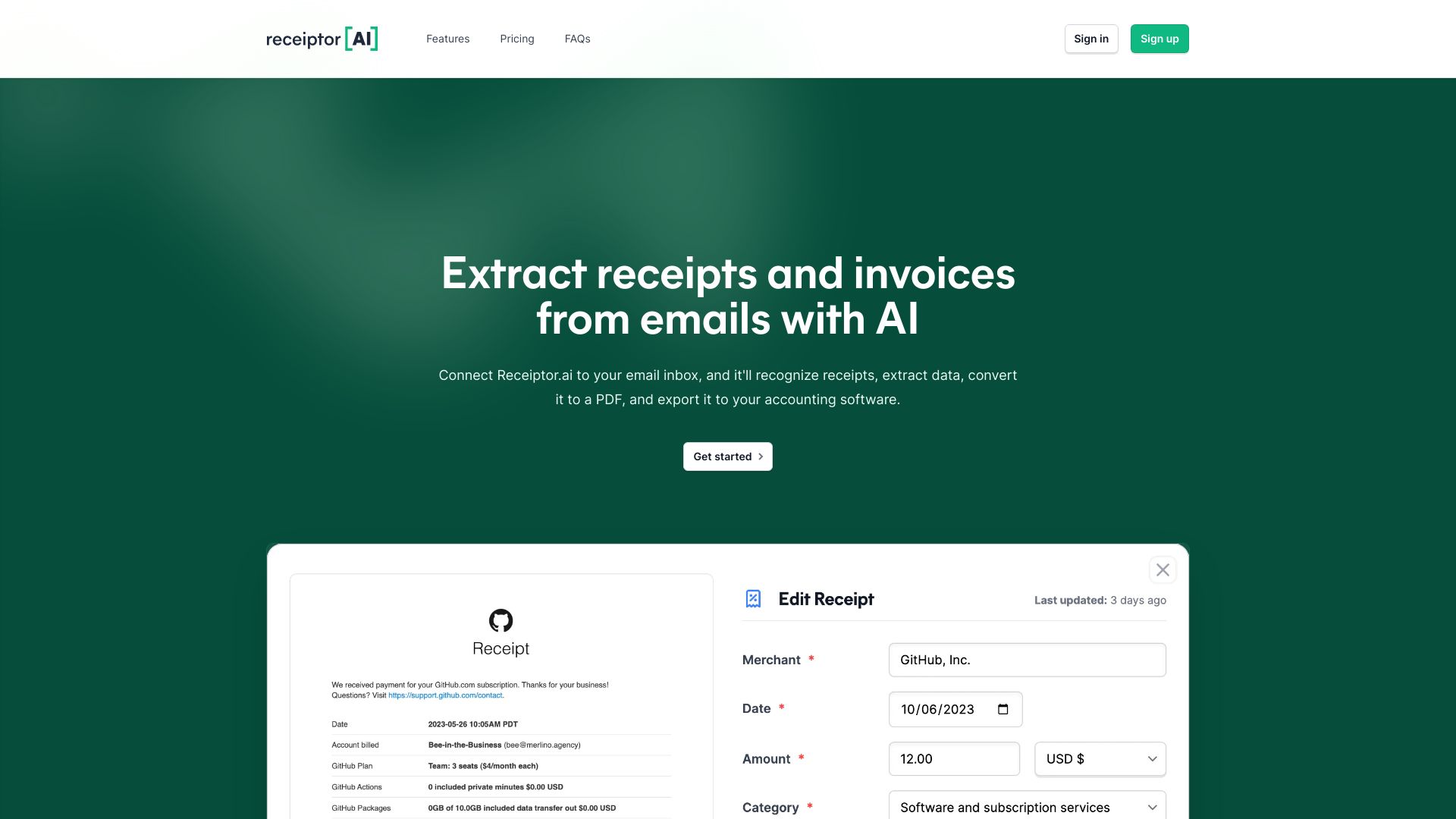
- Automated receipt and invoice extraction
- 14-day free trial
- Starts at Check vendor pricing
- Usage signal: 29.5K

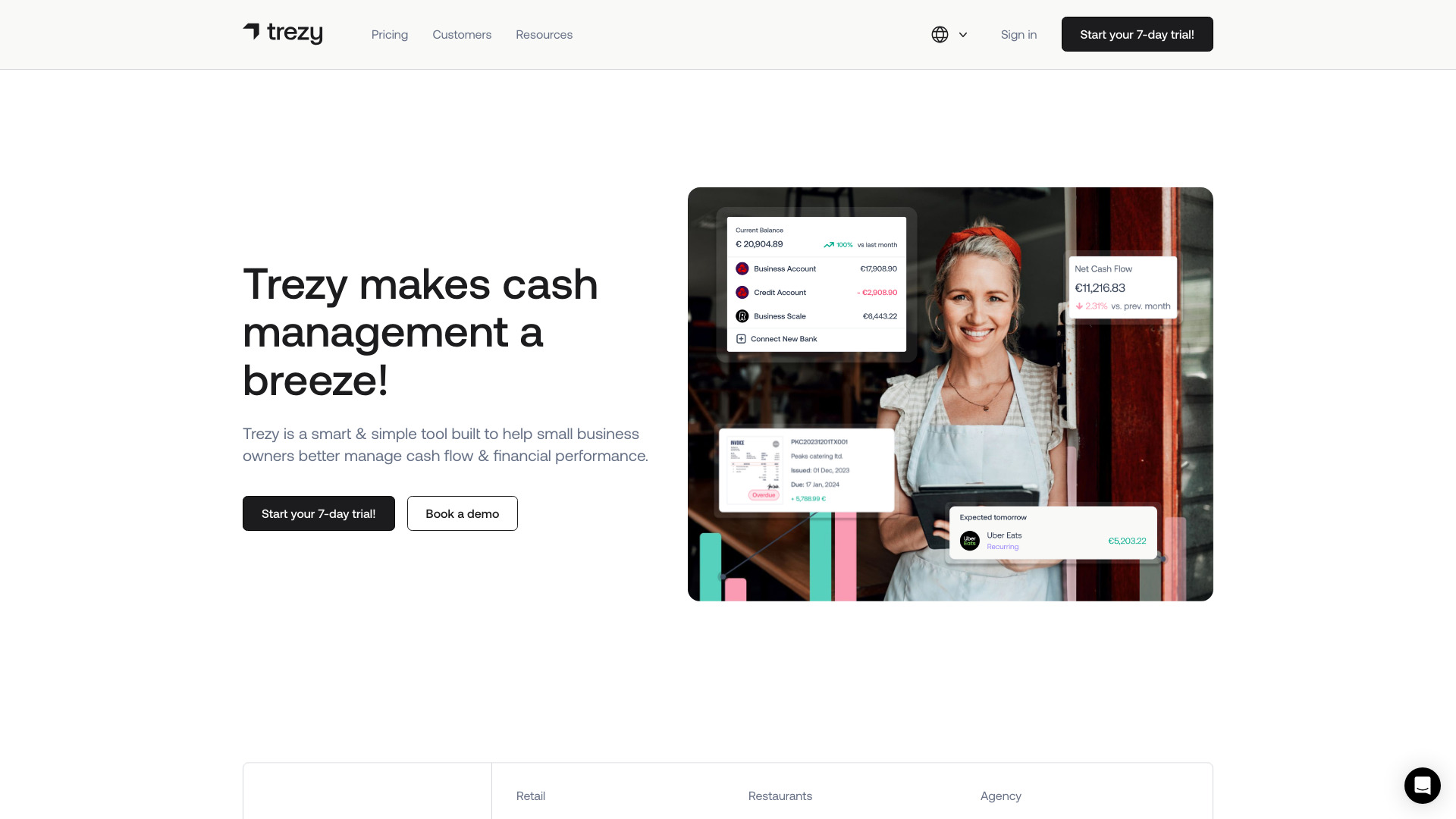
- Small-business cash flow management
- 7-day free trial
- Starts at Check vendor pricing
- Usage signal: 15.1K

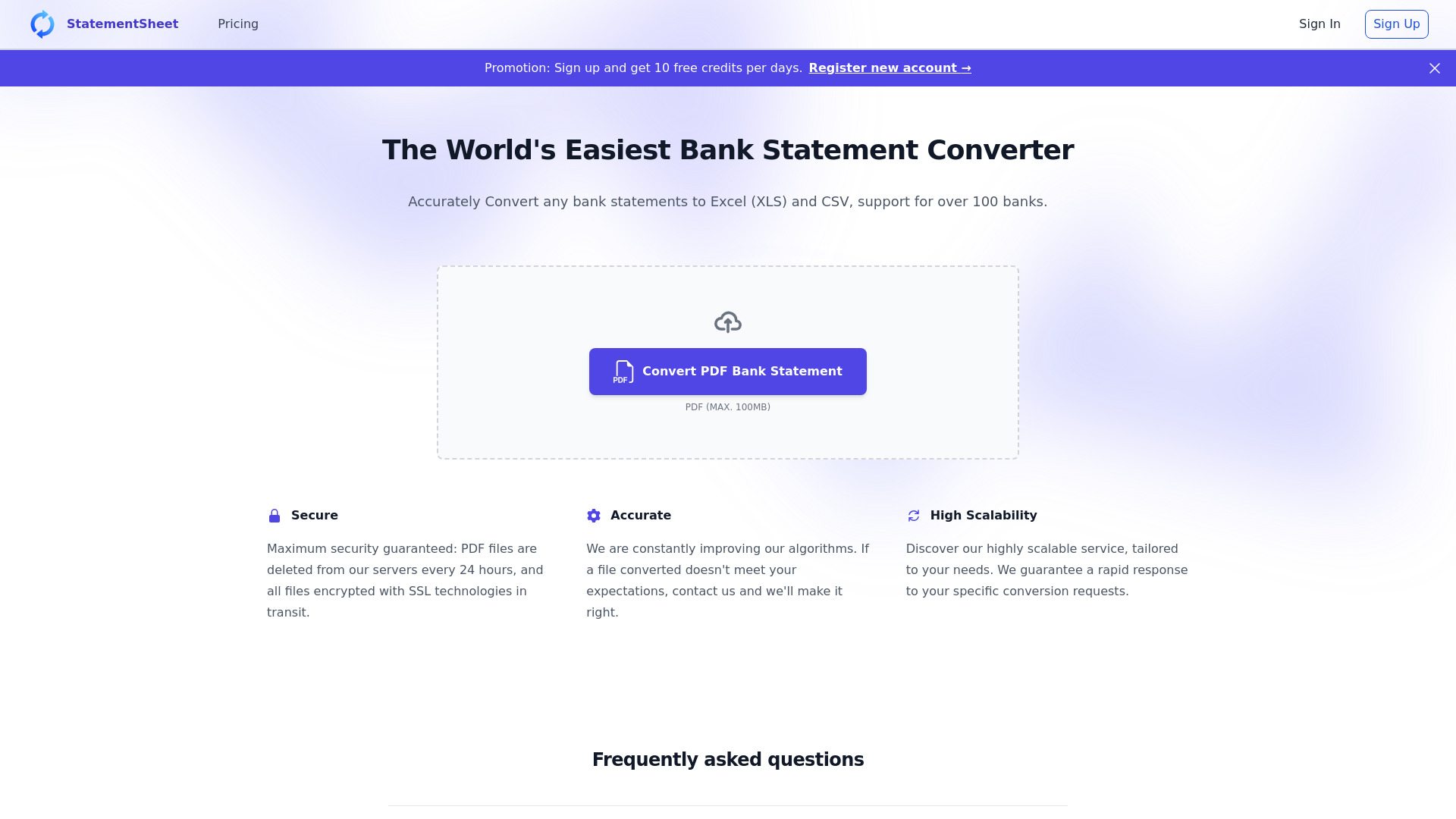
- Converting bank statements to Excel or CSV
- 10 free credits
- Starts at $20/month
- Usage signal: 9.5K

- Beginners tracking personal expenses
- Starts at Check vendor pricing
- Usage signal: 6.5K
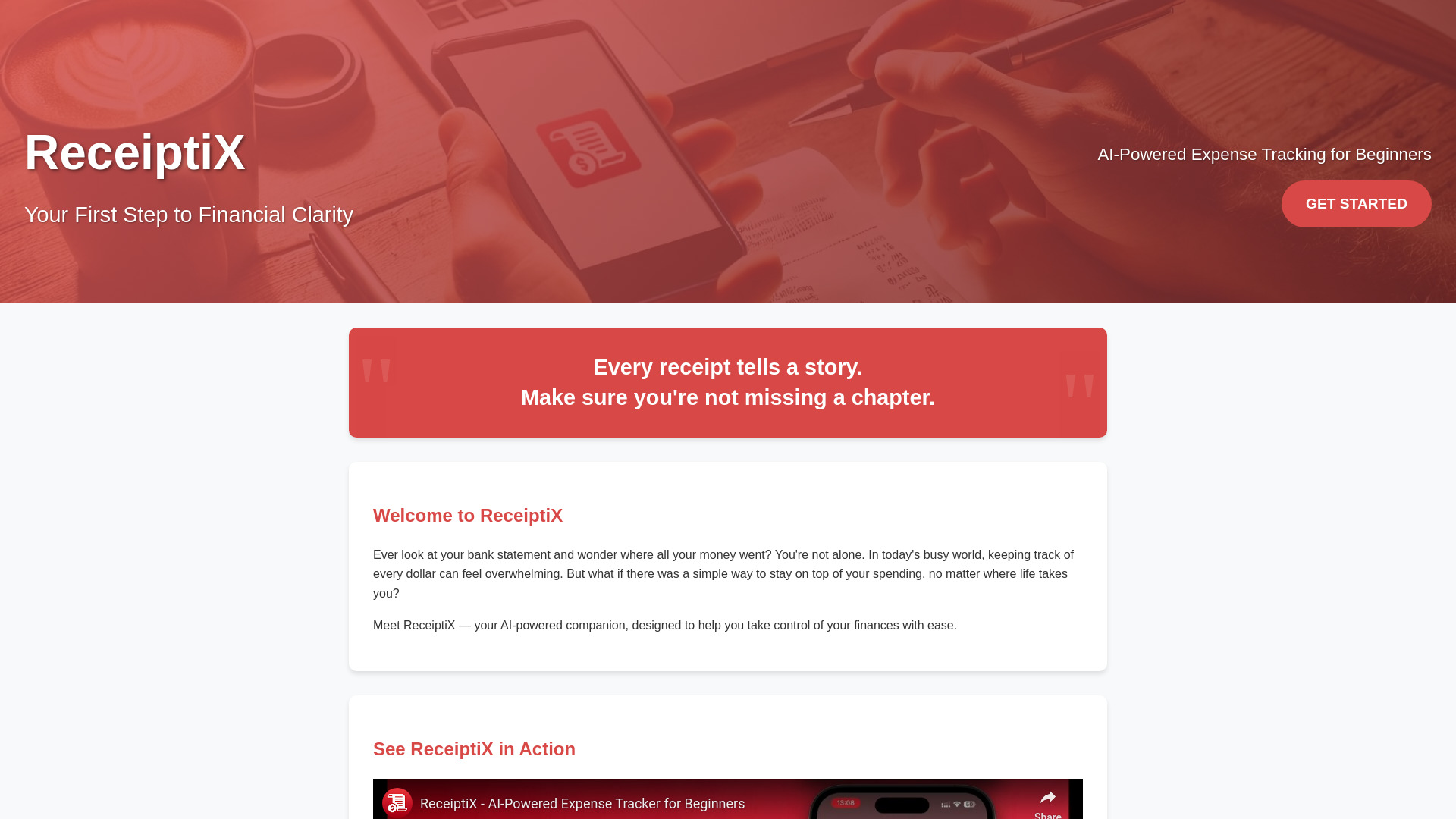

- Small-business receipt capture
- Starts at $29/month
- Usage signal: 6.4K
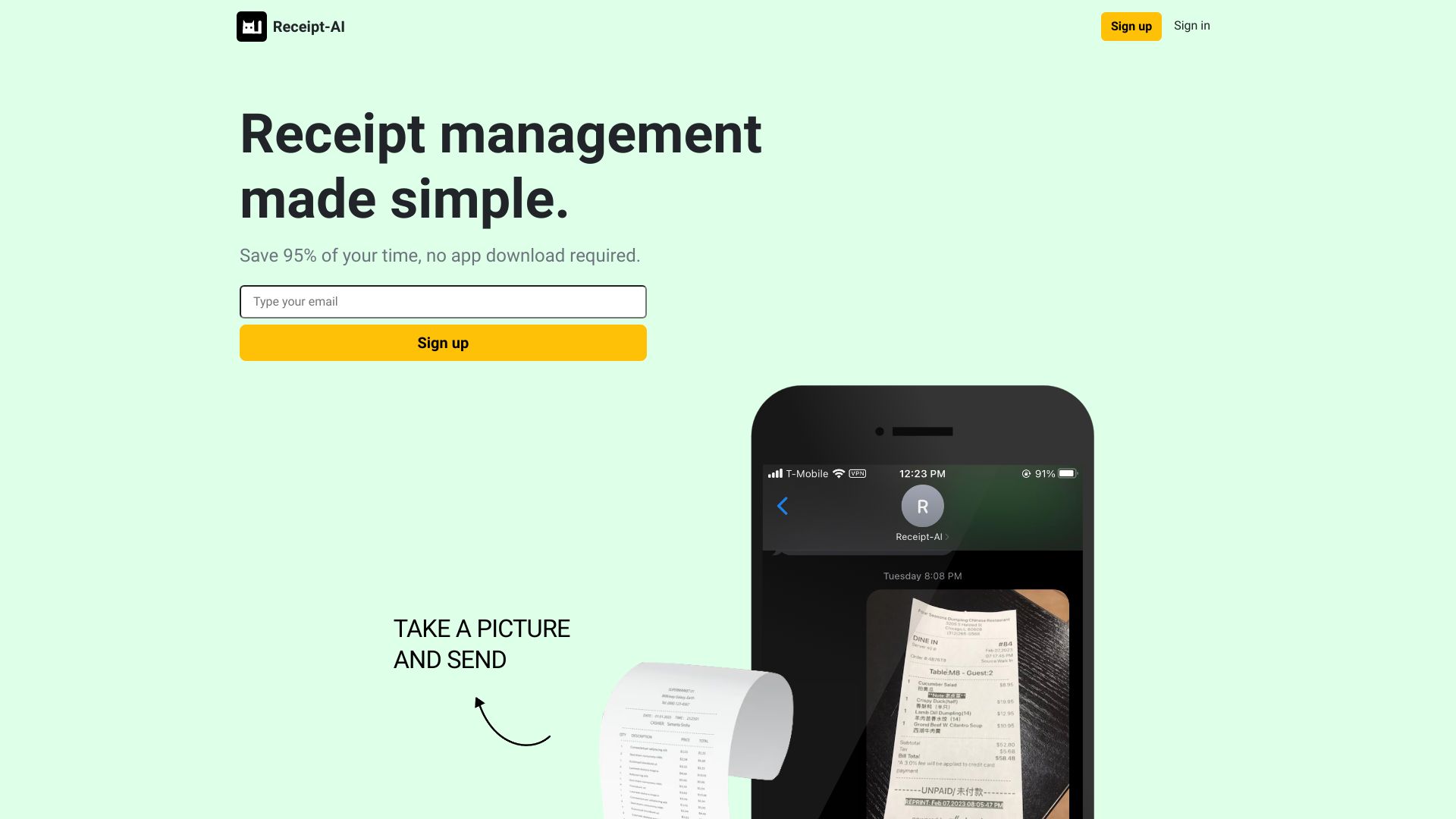

- AI bookkeeping and financial dashboards
- Free trial available
- Starts at Check vendor pricing
- Usage signal: 725
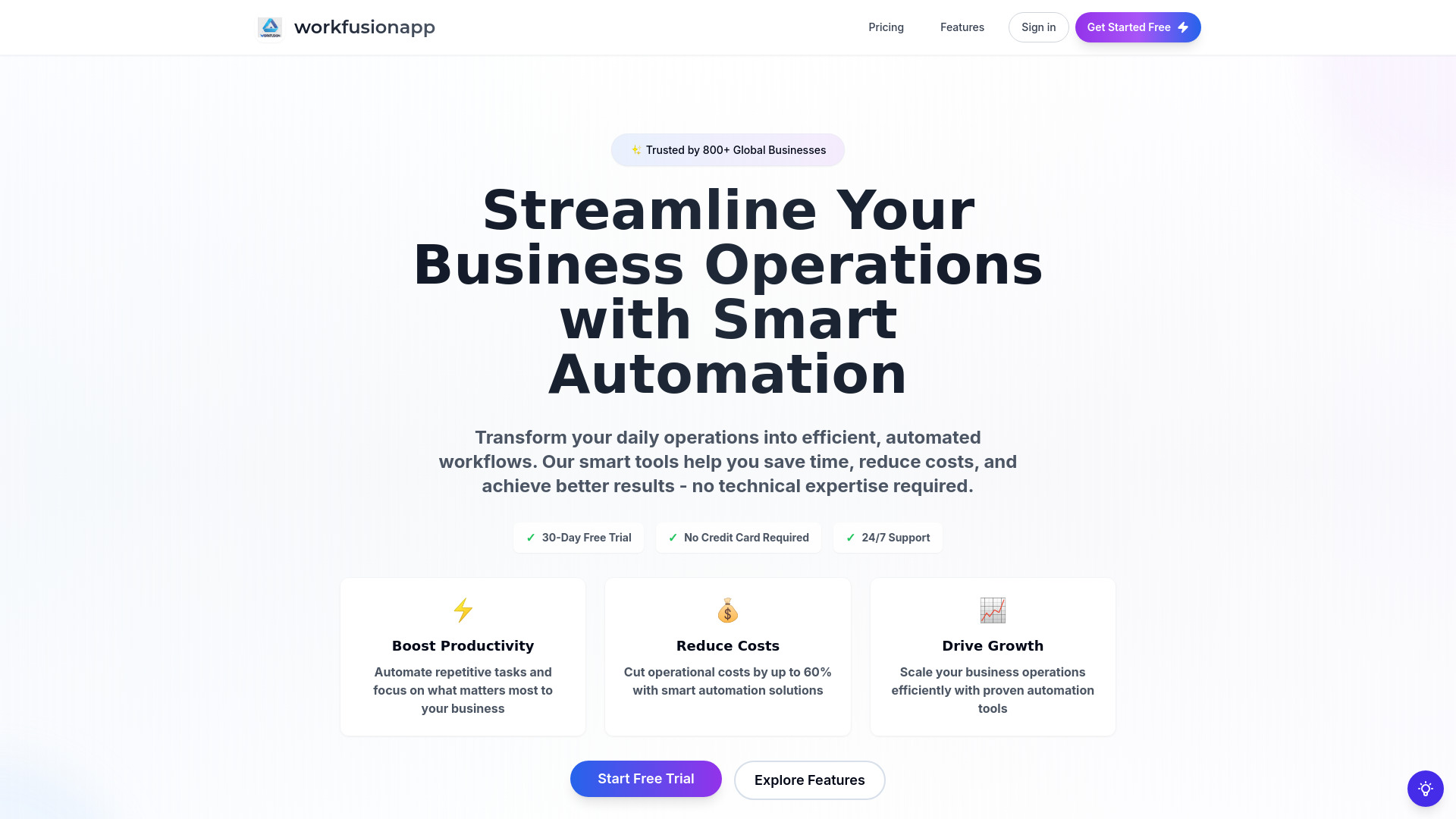

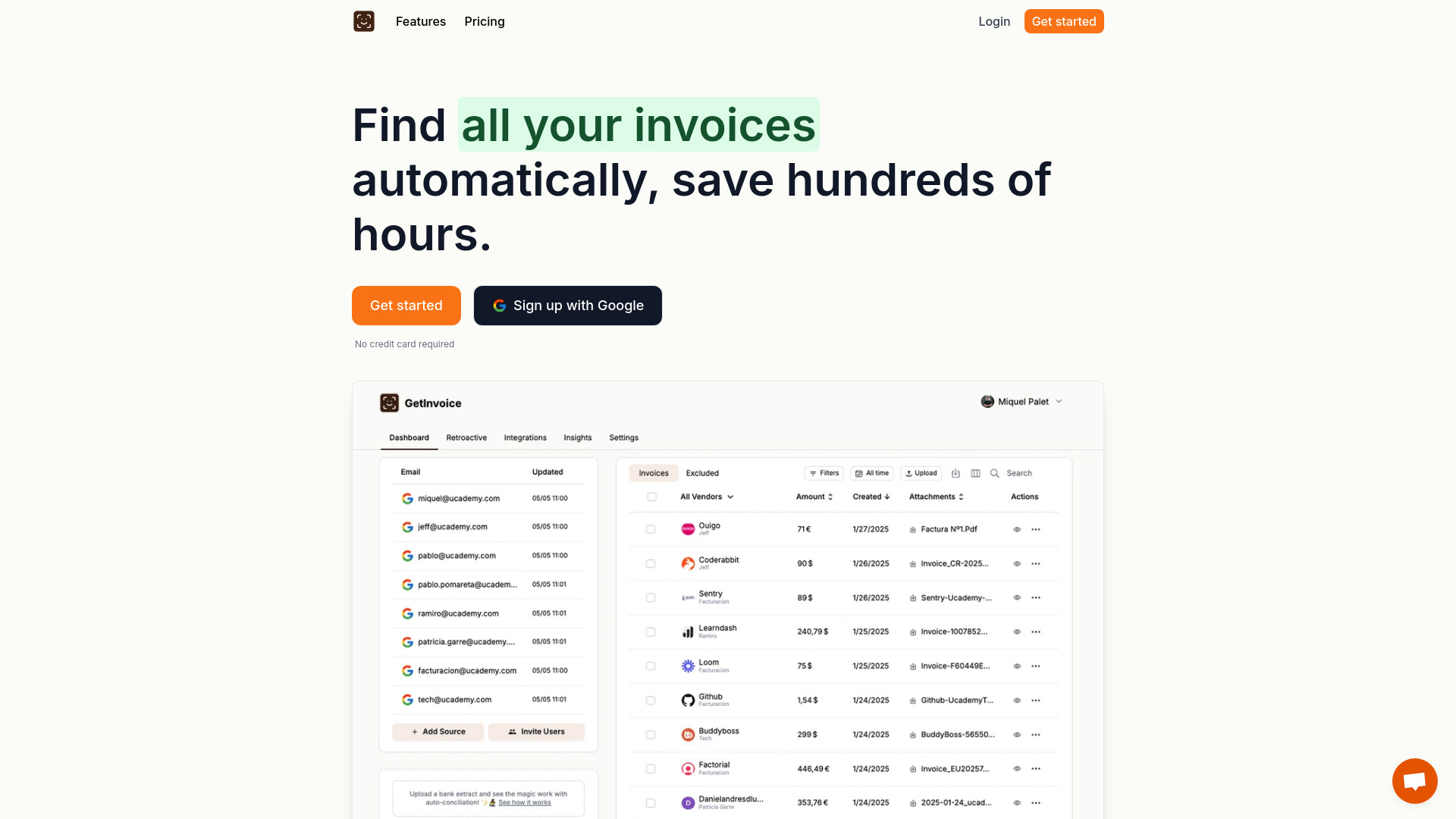
- SME invoice collection and automation
- Free trial available
- Starts at Check vendor pricing
- Usage signal: 1.5K
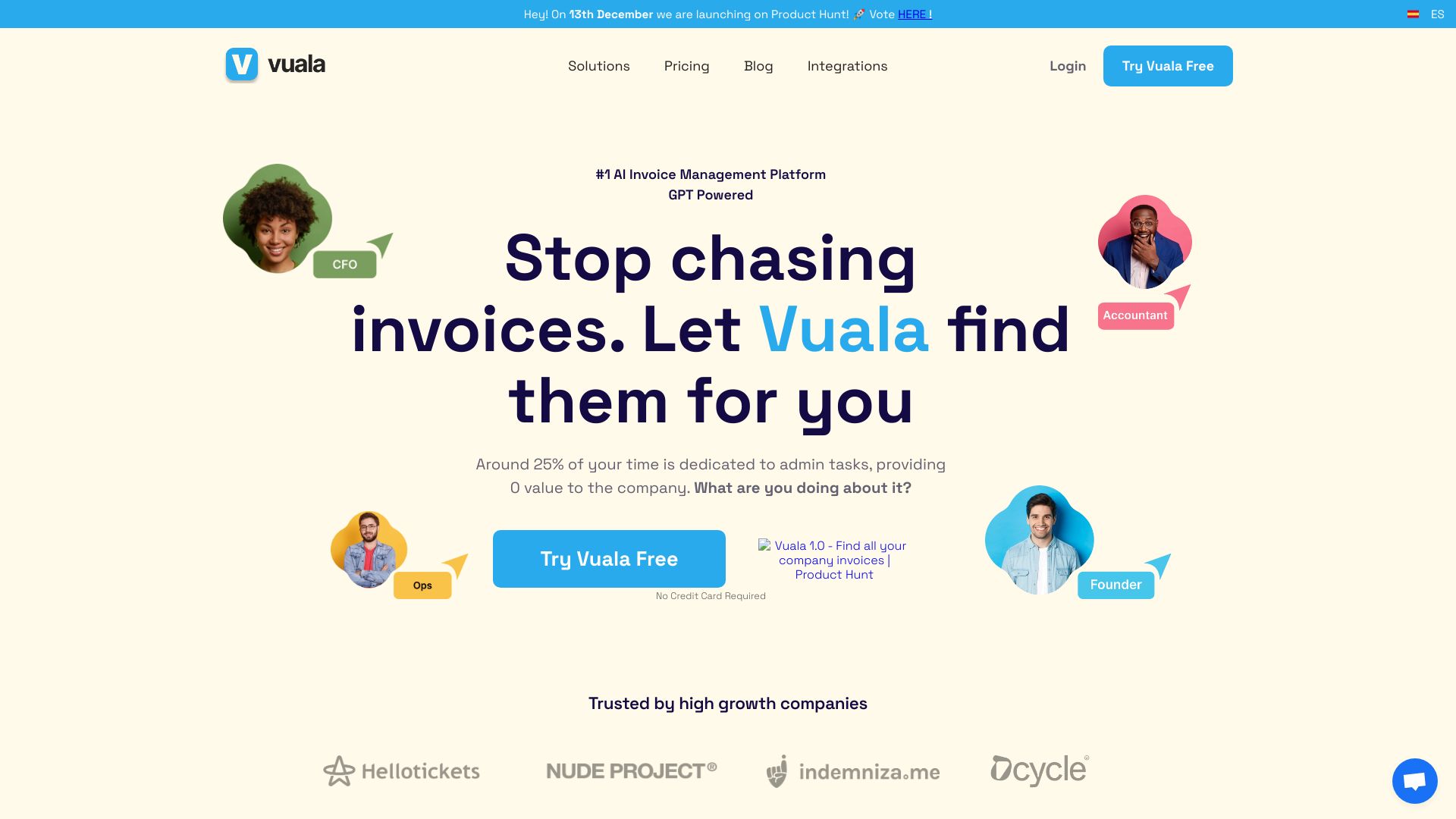

- Startup, SME, and freelancer financial planning
- Free plan available
- Starts at Check vendor pricing
- Usage signal: 1.4K

- Busy founders needing automated reconciliation
- Starts at Check vendor pricing
- Usage signal: 3.3K

- Accountants converting bank statements
- Starts at From $24/month
- Usage signal: 1.8K

- QuickBooks Online bookkeeping teams
- Free plan available
- Starts at $0
- Usage signal: 4.5K

- Online tax practice management
- Up to 5 team members
- Starts at Free + 2.5% payment fee
- Usage signal: 2.2K


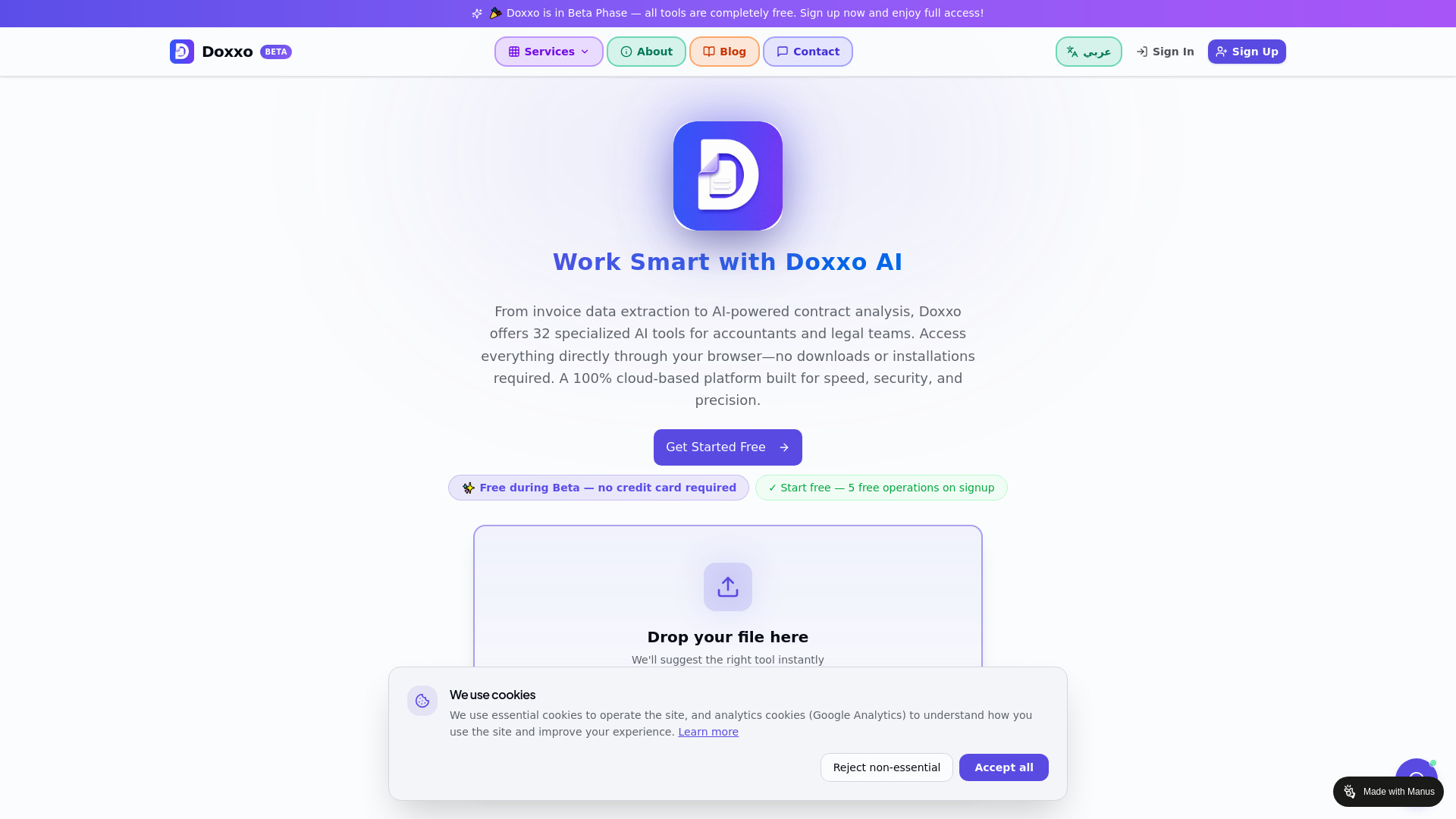
- Arabic invoice and document processing
- 20 free credits
- Starts at Check vendor pricing
- Usage signal: 4.9K

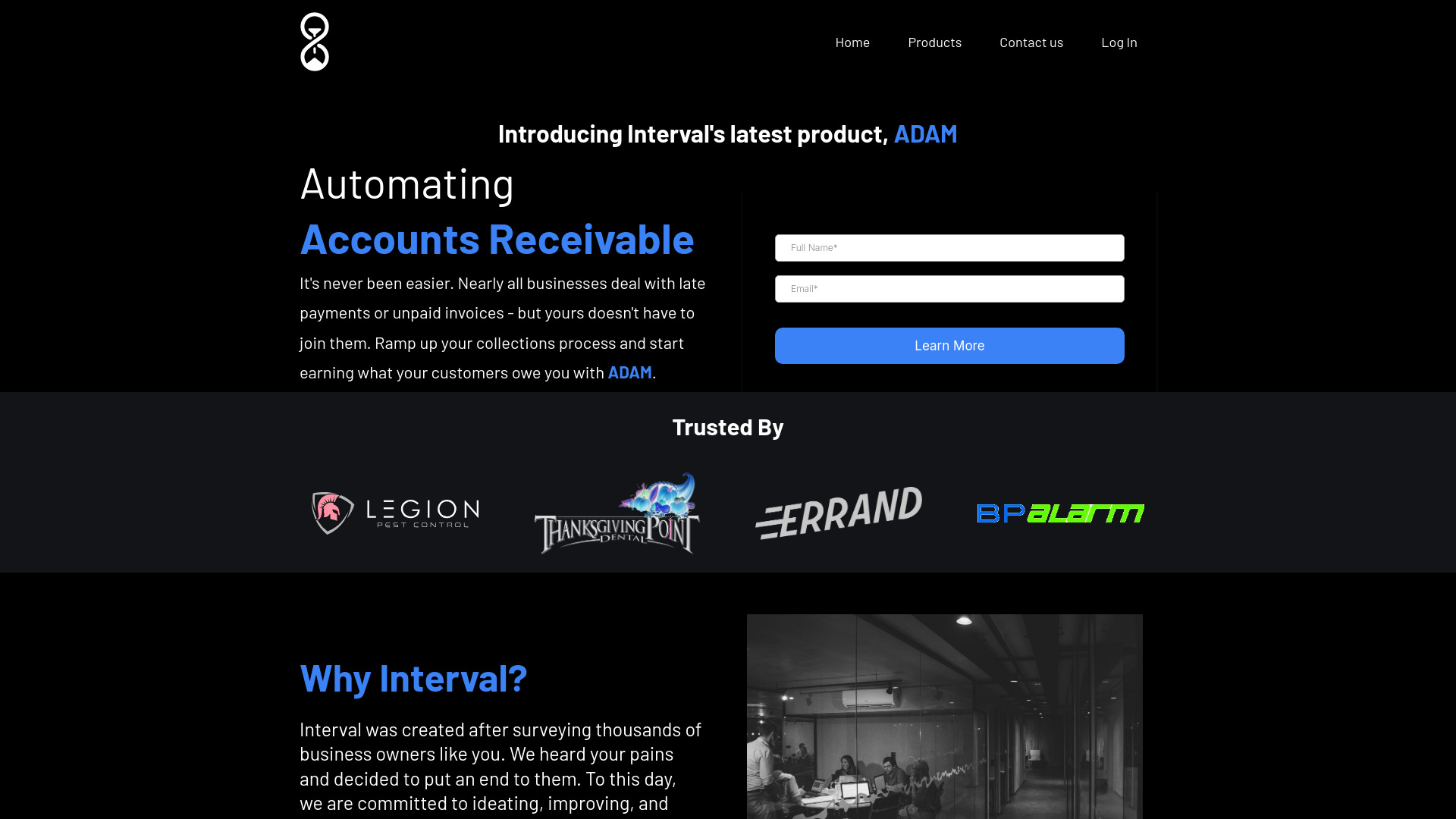
- Automated accounts receivable collections
- Starts at Check vendor pricing
- Usage signal: 3.0K
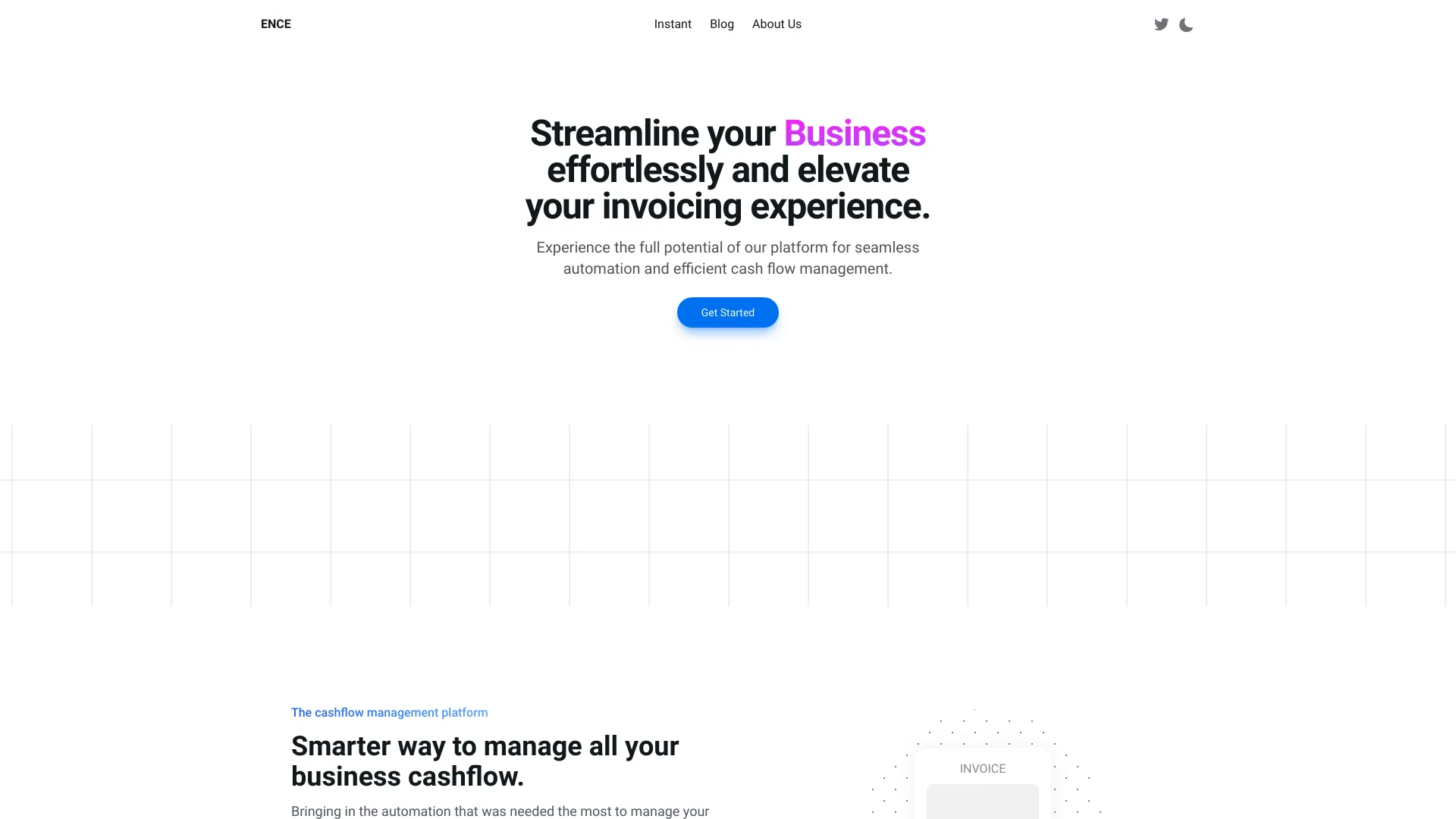
- Service businesses needing simpler invoicing
- Starts at Check vendor pricing
- Usage signal: 1.4K

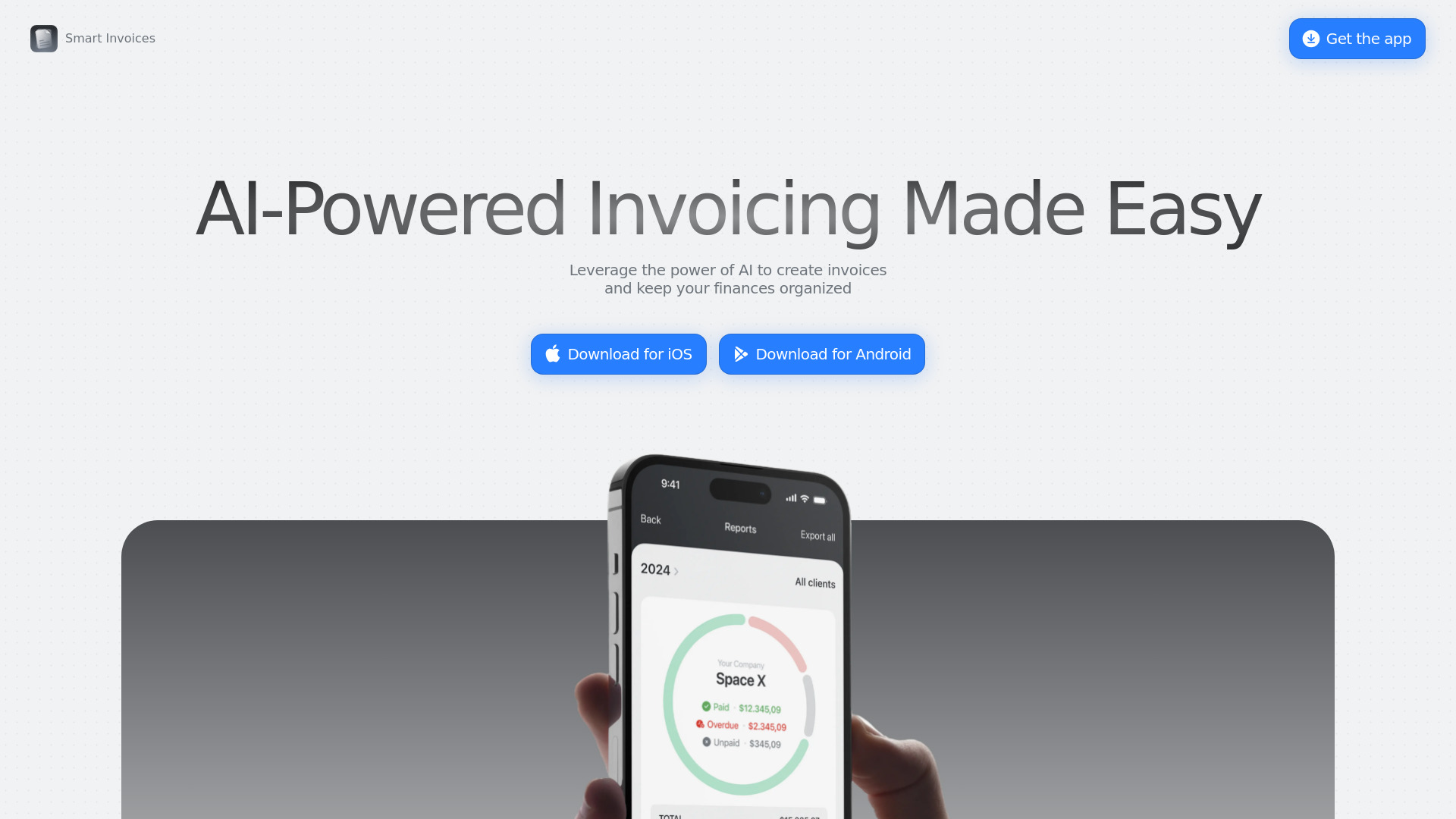
- AI invoicing for freelancers and small businesses
- Starts at Check vendor pricing
- Usage signal: 1.5K

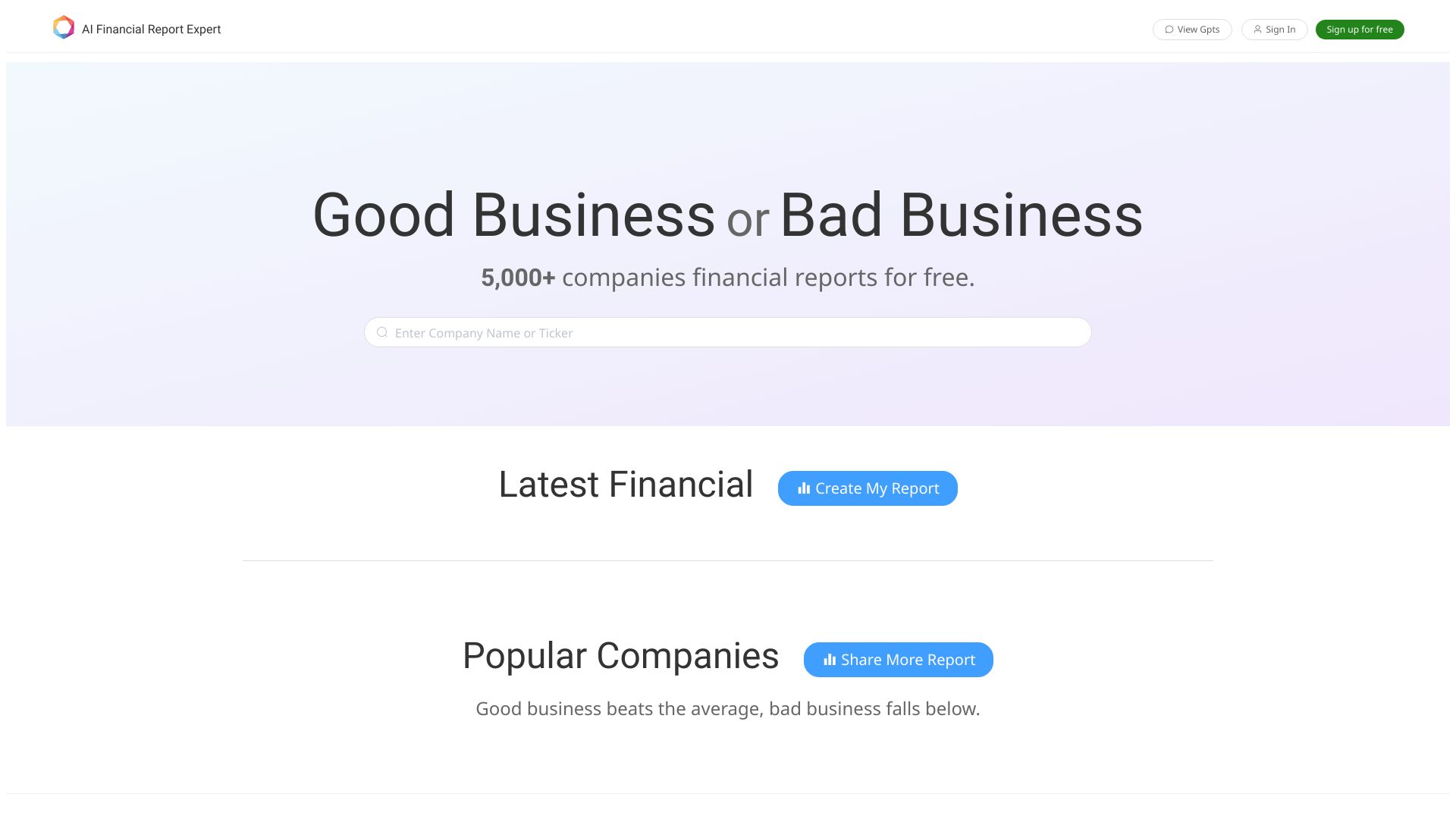
- Comparative financial report analysis
- Free access to 5,000+ companies' data
- Starts at Check vendor pricing
- Usage signal: 590

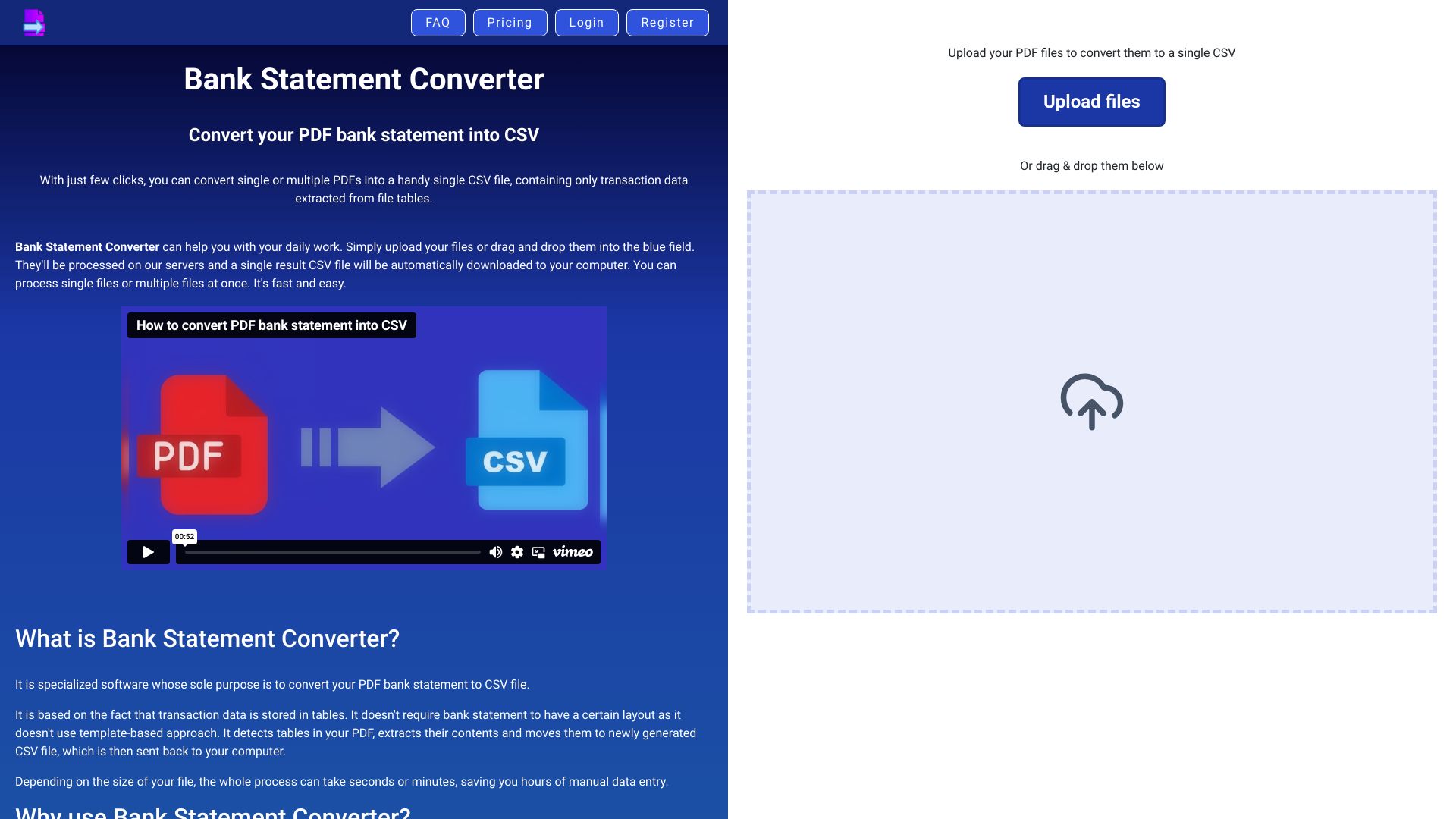
- Accountants converting bank statement PDFs
- 2 free pages/day
- Starts at Check vendor pricing
- Usage signal: 1.2K

- AI budgeting and cash-flow forecasting
- 14-day free trial
- Starts at $3.33/month
- Usage signal: 2.2K


- Growing-business financial analytics
- Starts at Check vendor pricing
- Usage signal: 1.8K

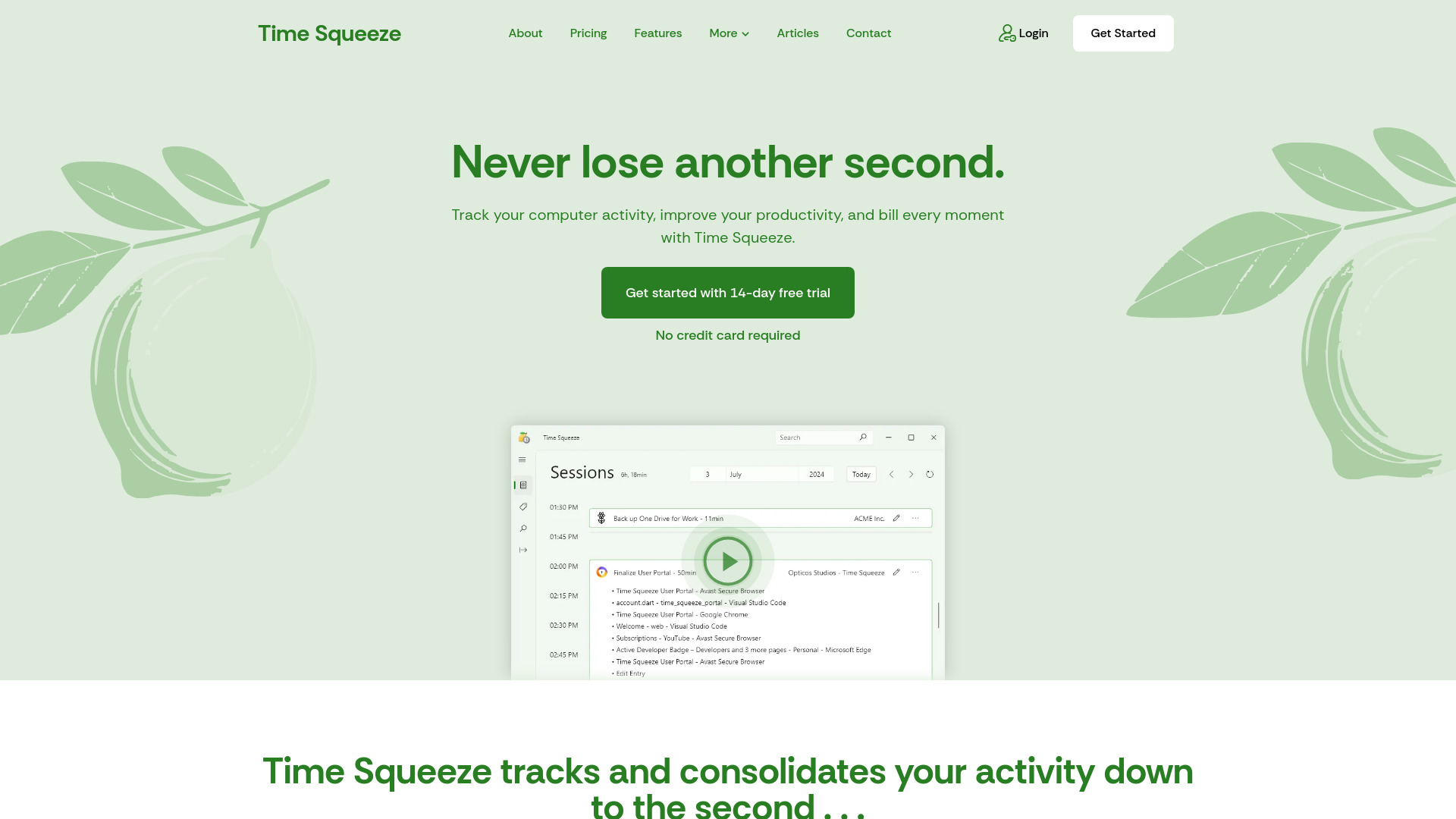
- Automatic time tracking and billing
- Free trial available
- Starts at Check vendor pricing
- Usage signal: 675

- Invoice collection and reimbursement
- Starts at Check vendor pricing
- Usage signal: 1.0K


- AI-powered financial reporting
- Free trial available
- Starts at Check vendor pricing
- Usage signal: 698

- Finding invoice OCR and AI tools
- Starts at Check vendor pricing
- Usage signal: 675

- All-in-one business management
- Free plan available
- Starts at Check vendor pricing
- Usage signal: 812

- GST invoicing for small businesses
- 20 free documents/year
- Starts at Check vendor pricing
- Usage signal: 320

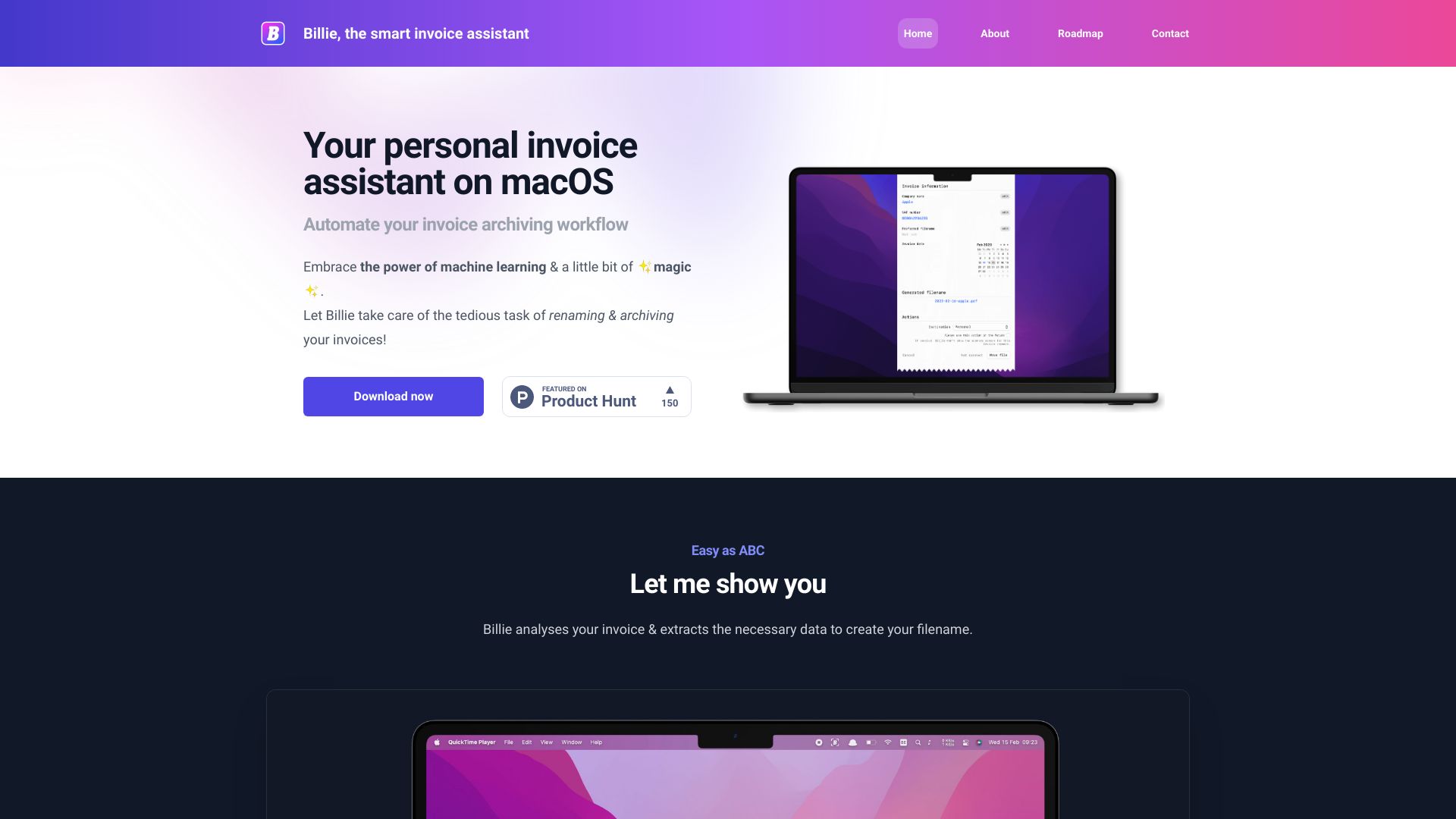
- macOS invoice archiving
- Starts at Check vendor pricing
- Usage signal: 608

- US businesses needing managed finance support
- Free trial available
- Starts at Plans from $49
- Usage signal: 139


- Growing teams needing HR and payroll automation
- Starts at Check vendor pricing
- Usage signal: 67


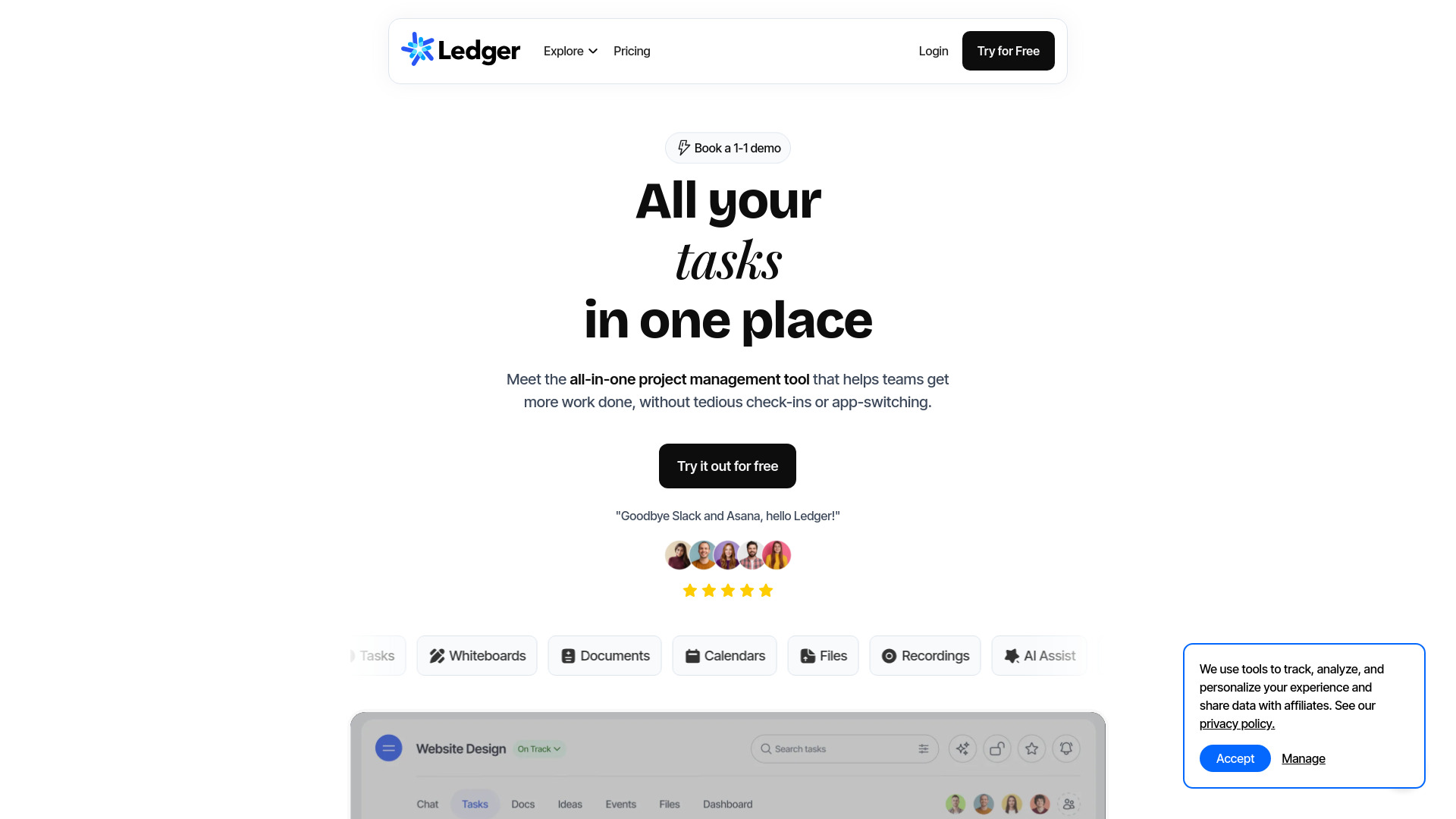
- Teams needing unified project collaboration
- 14-day free trial
- Starts at Check vendor pricing
- Usage signal: 81

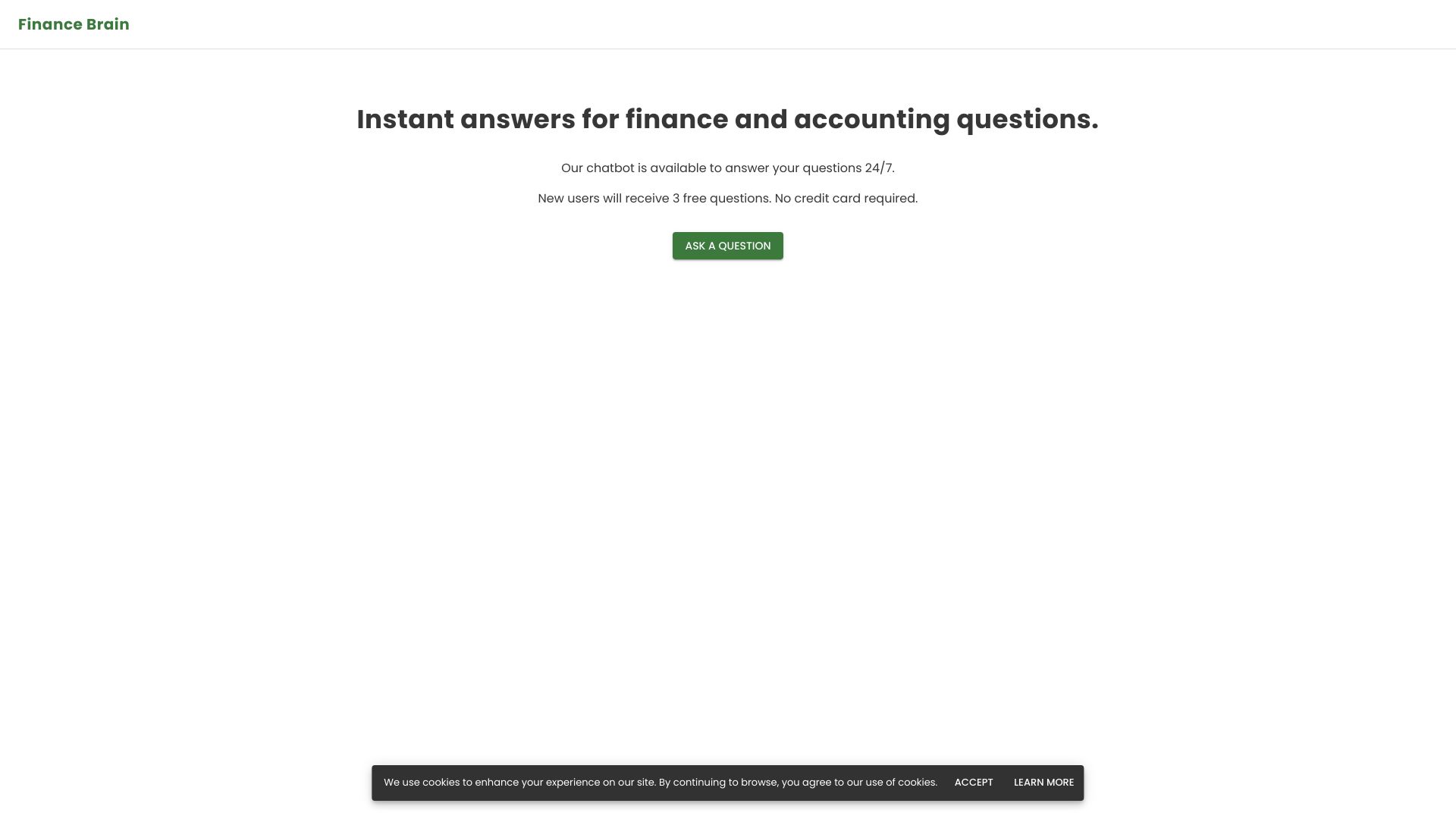
- Finance and accounting question answers
- 3 free questions
- Starts at $20 per month
- Usage signal: 84

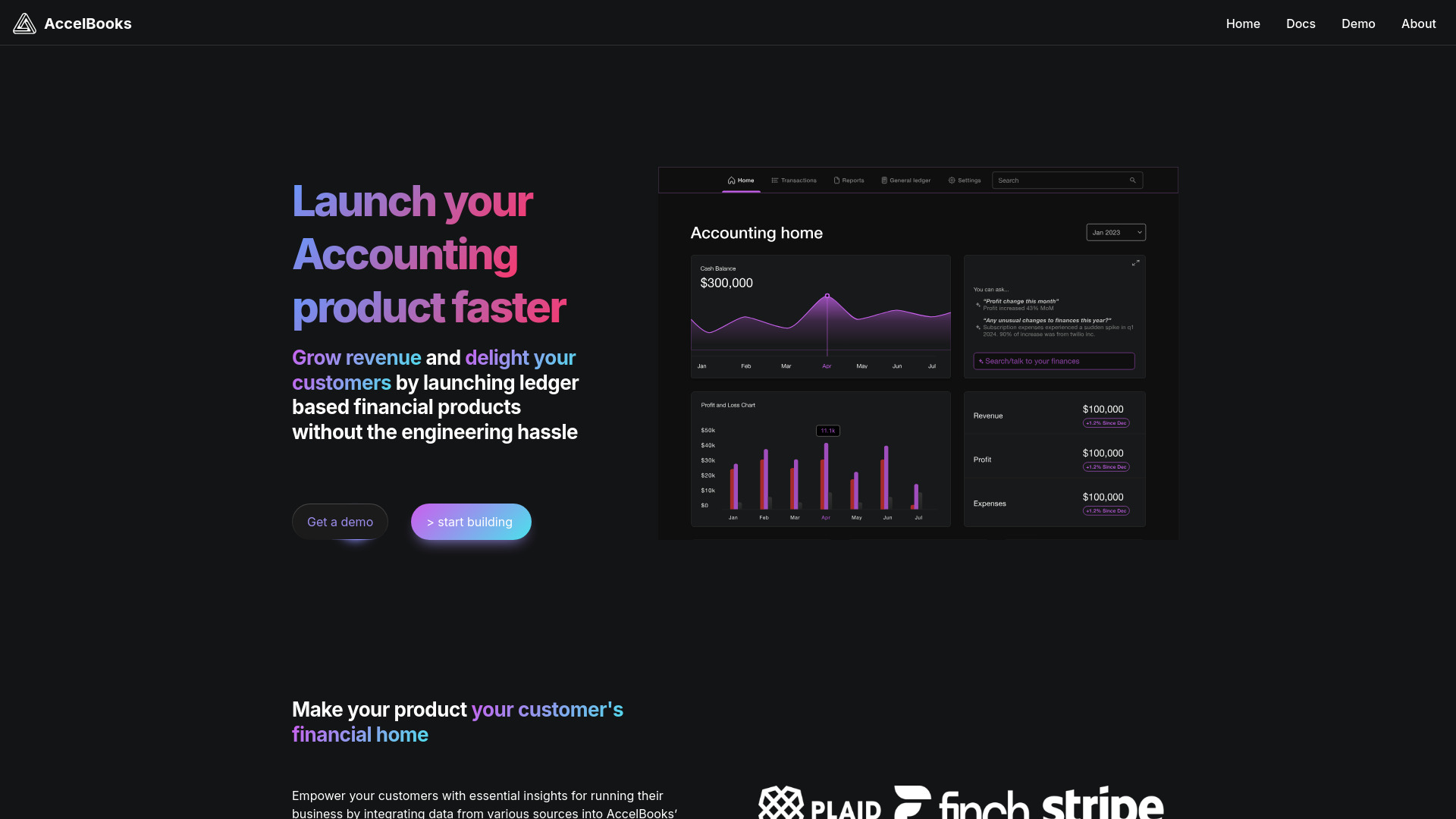
- Embedded accounting for platforms
- Starts at Check vendor pricing
- Usage signal: 0

- Receipt capture and expense tracking
- 3 months free with referral code
- Starts at Check vendor pricing
- Usage signal: 0


- Automated bookkeeping and financial reporting
- Starts at Check vendor pricing
- Usage signal: 0

- AI finance support for startups
- Starts at Check vendor pricing
- Usage signal: 0
- Low-cost tax and budget advice
- Starts at Check vendor pricing
- Usage signal: 0

- Small-business financial tracking
- Starts at Check vendor pricing
- Usage signal: 0
- Freelancers tracking receipts and small-business expenses
- 14-day free trial
- Starts at Check vendor pricing
- Usage signal: 0

- Small-business billing and cash flow management
- Free 30-day trial
- Starts at ₹500/year
- Usage signal: 0

- SME tax and accounting compliance
- Free trial available
- Starts at Check vendor pricing
- Usage signal: 0

- Production expense management
- Free trial available
- Starts at Check vendor pricing
- Usage signal: 0

- AI-powered accounts receivable automation
- Starts at Check vendor pricing
- Usage signal: 0


- Flat-fee bookkeeping for small businesses
- Free trial available
- Starts at Check vendor pricing
- Usage signal: 0
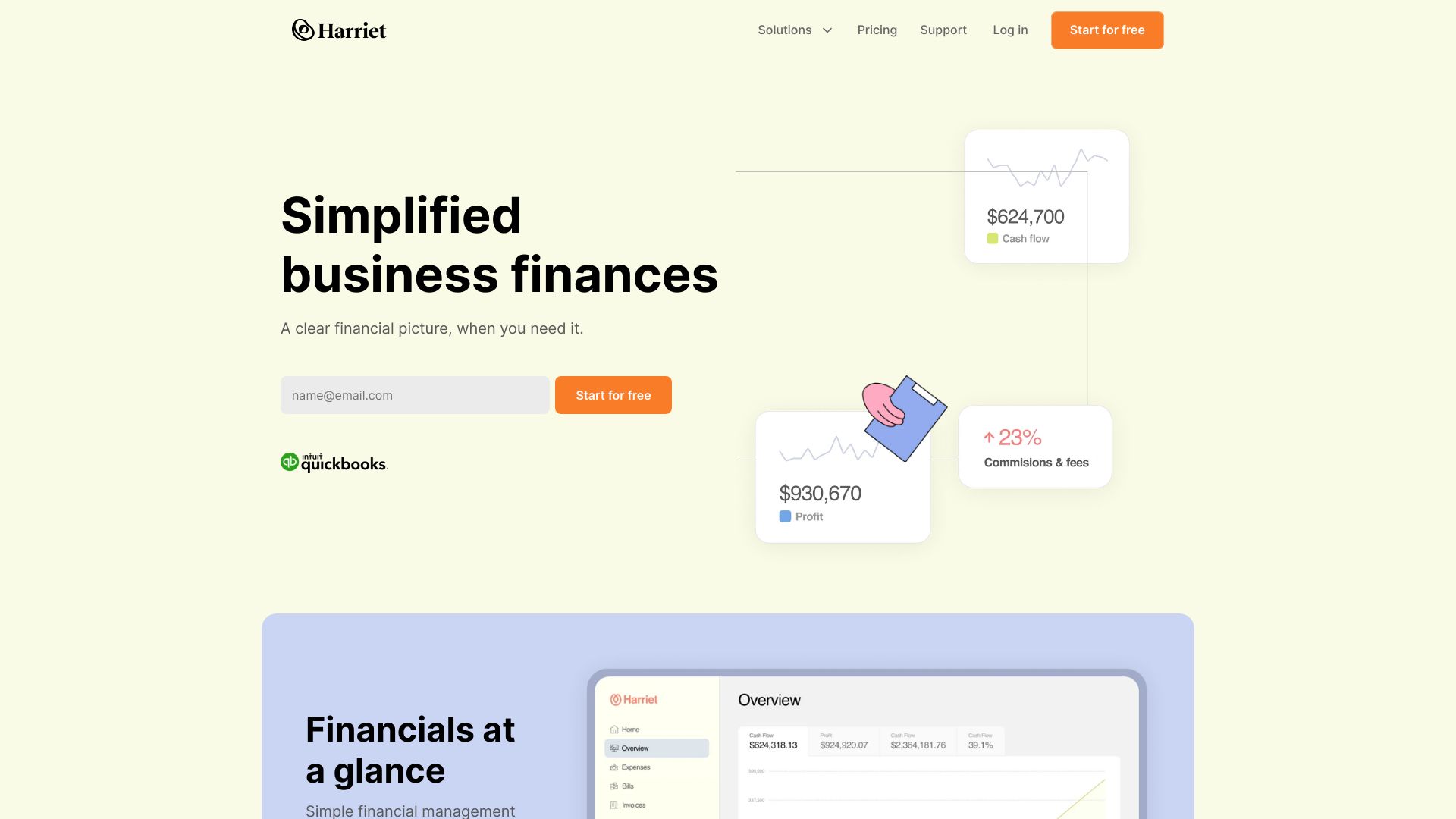

- Spanish freelancers and small businesses
- 3 free invoices
- Starts at €0.10 per invoice + VAT
- Usage signal: 0
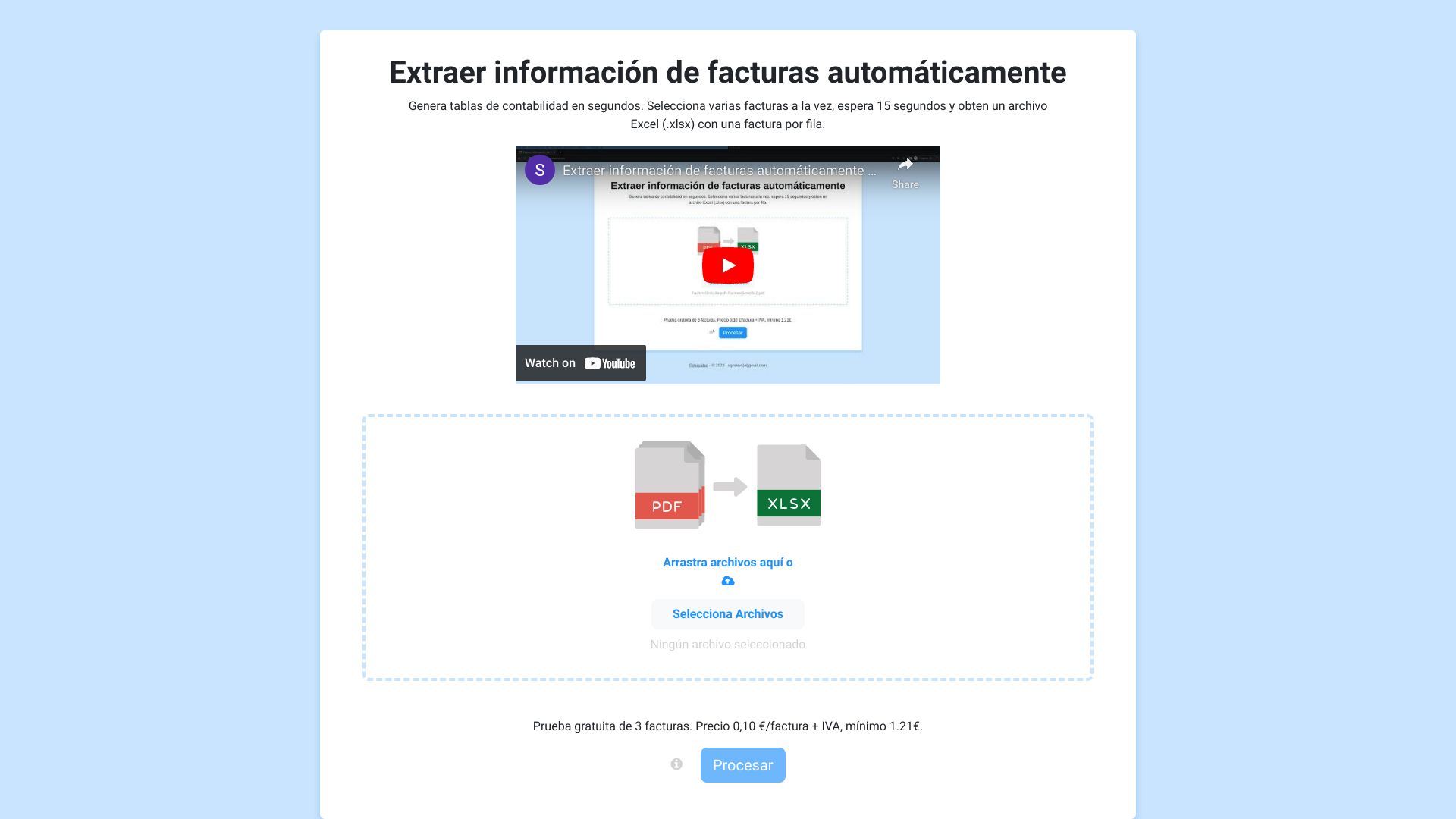

- AI invoice and receipt scanning
- Free trial available
- Starts at Check vendor pricing
- Usage signal: 0
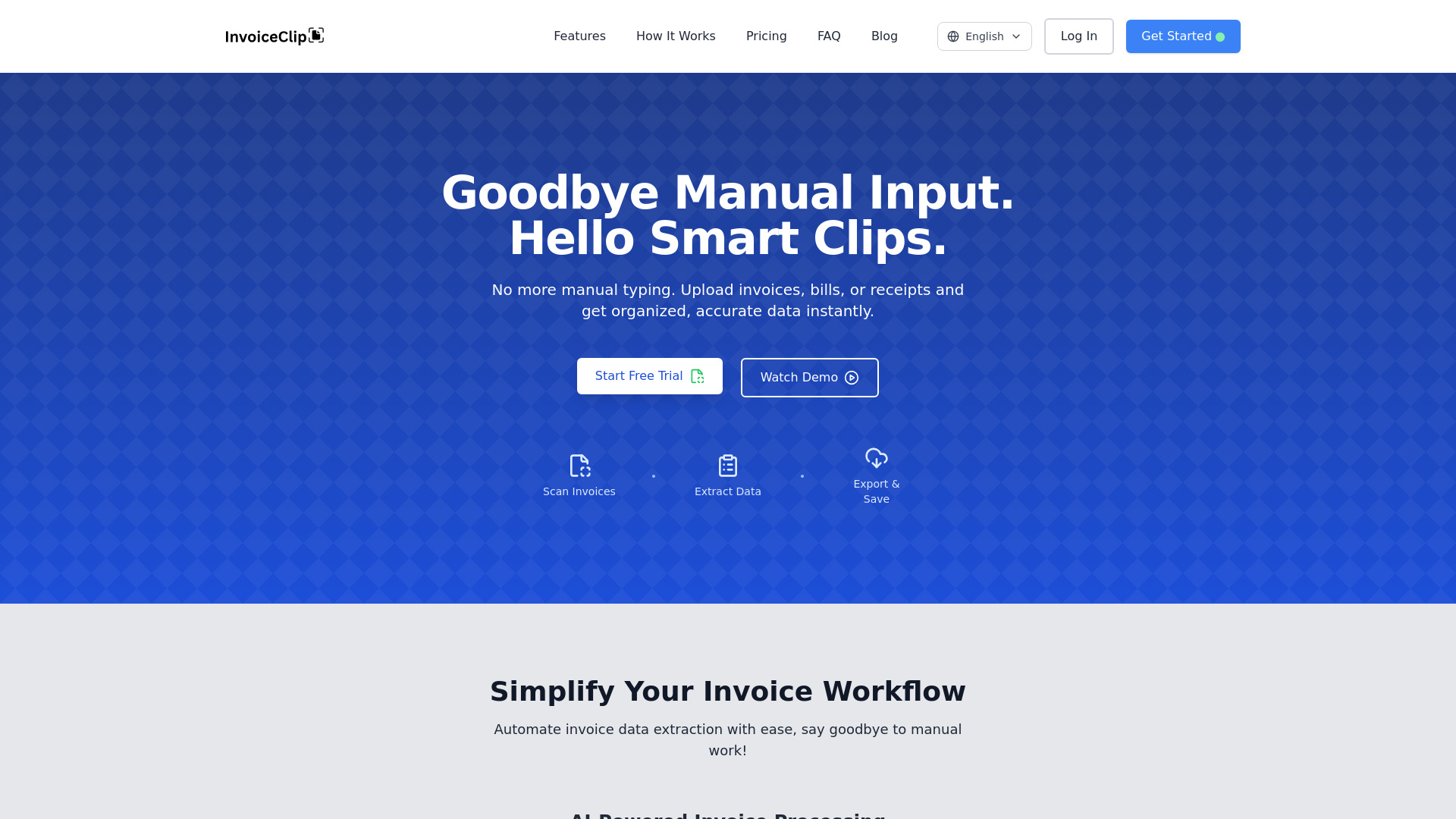

- PDF invoice-to-CSV summaries
- Starts at Check vendor pricing
- Usage signal: 0
- Small and mid-sized business ERP
- Starts at $39.99 per user
- Usage signal: 0

- Fintech tax-record verification
- Starts at Check vendor pricing
- Usage signal: 0
- Small-business invoicing
- Free plan available
- Starts at Check vendor pricing
- Usage signal: 0

- Accounting team reconciliation
- Free plan available
- Starts at Check vendor pricing
- Usage signal: 0

- Freelancers tracking income and expenses
- Free plan available
- Starts at Check vendor pricing
- Usage signal: 0


- AI-powered spreadsheet data analysis
- Free trial available
- Starts at Check vendor pricing
- Usage signal: 0
- Personal finance management
- Starts at Check vendor pricing
- Usage signal: 0


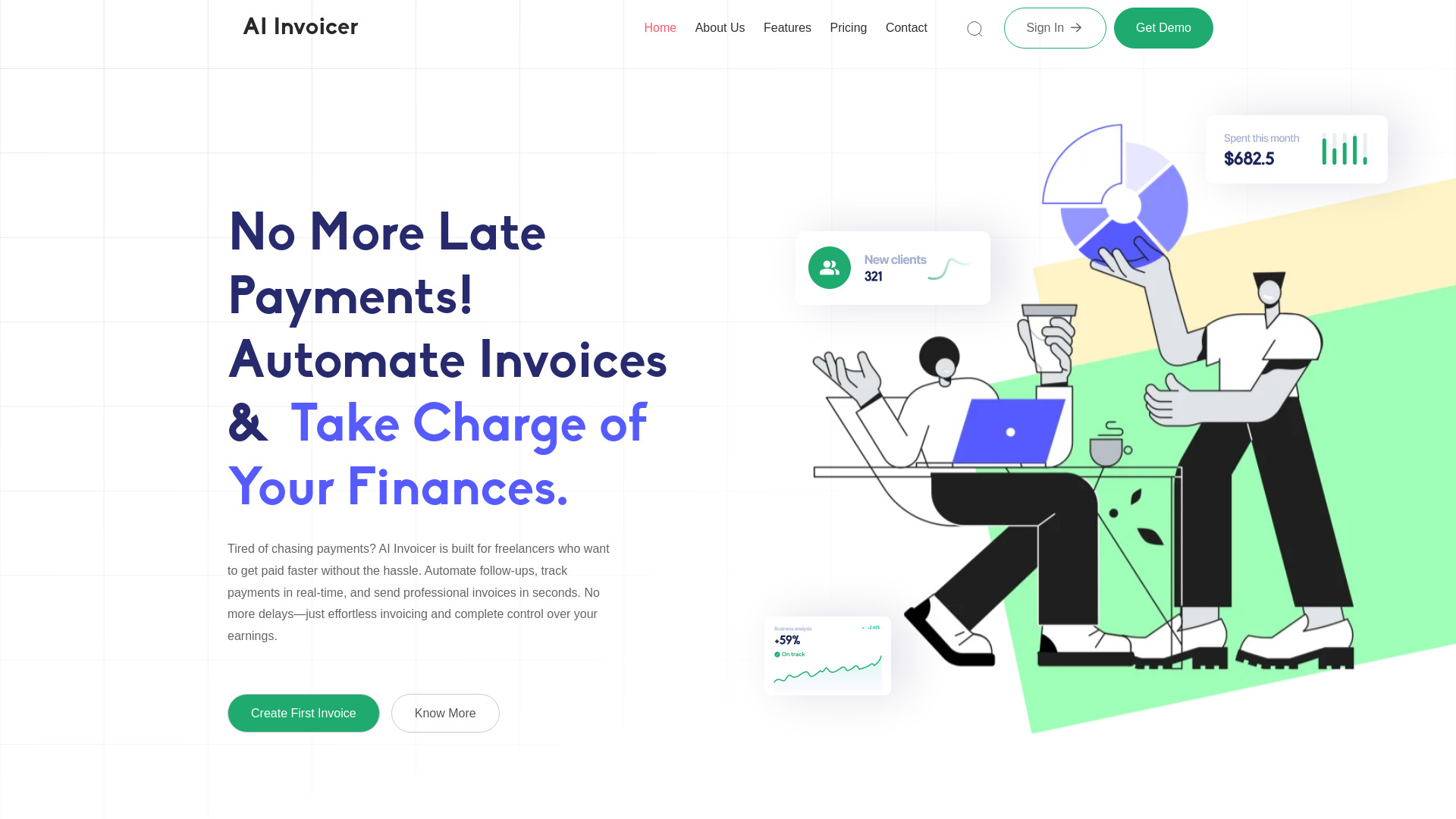
- Freelancers managing invoices and payment follow-ups
- Up to 10 invoices
- Starts at ₹699/month
- Usage signal: 0

- PDF bank statement conversion
- 3 free pages/day
- Starts at $10/month
- Usage signal: 0

- Small construction businesses
- 1 active project
- Starts at Free
- Usage signal: 0

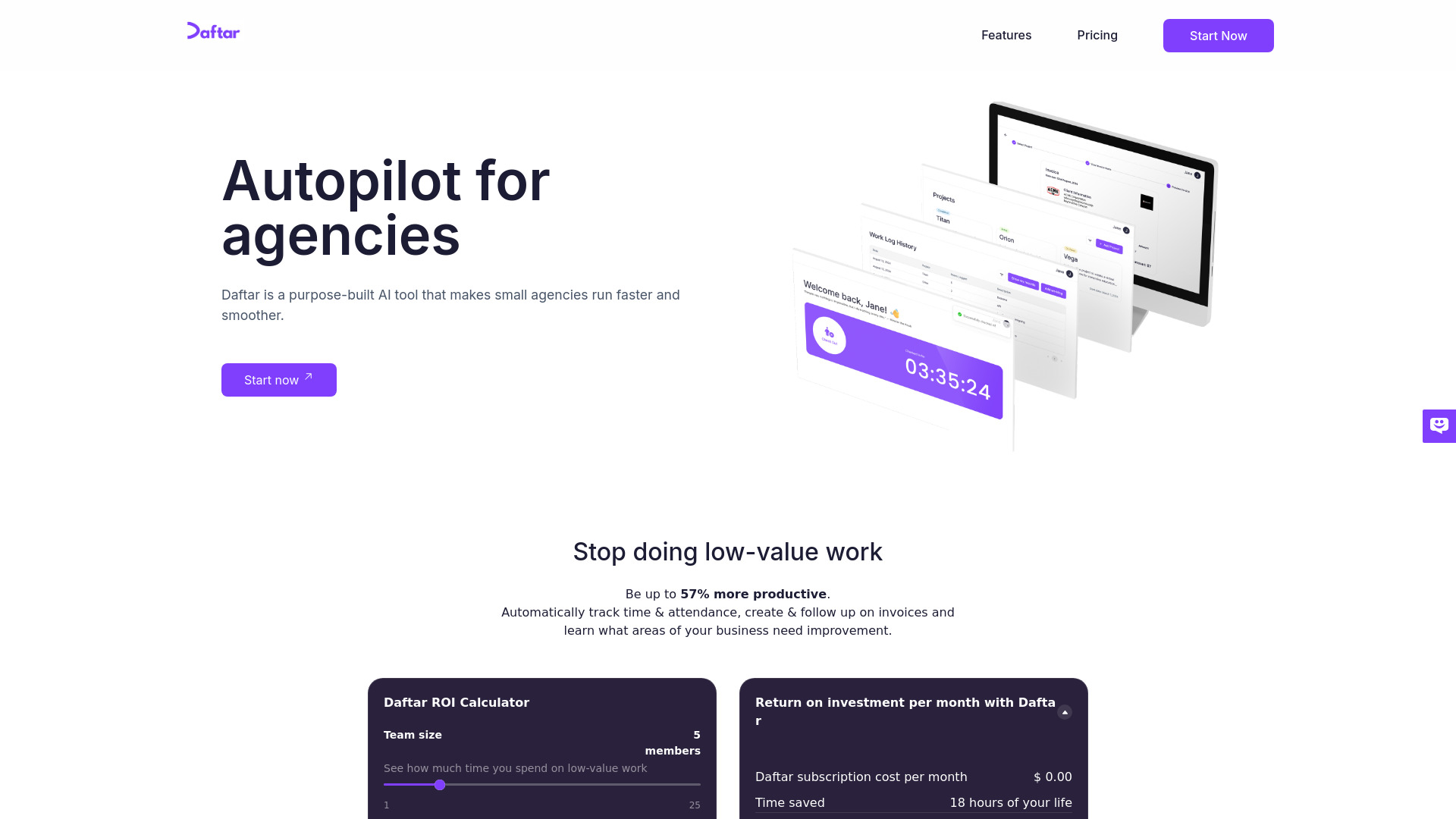
- Small agencies needing time and billing automation
- Free plan available
- Starts at Starting at $15/month
- Usage signal: 0

- Self-hosted personal finance tracking
- Free plan available
- Starts at Check vendor pricing
- Usage signal: 0


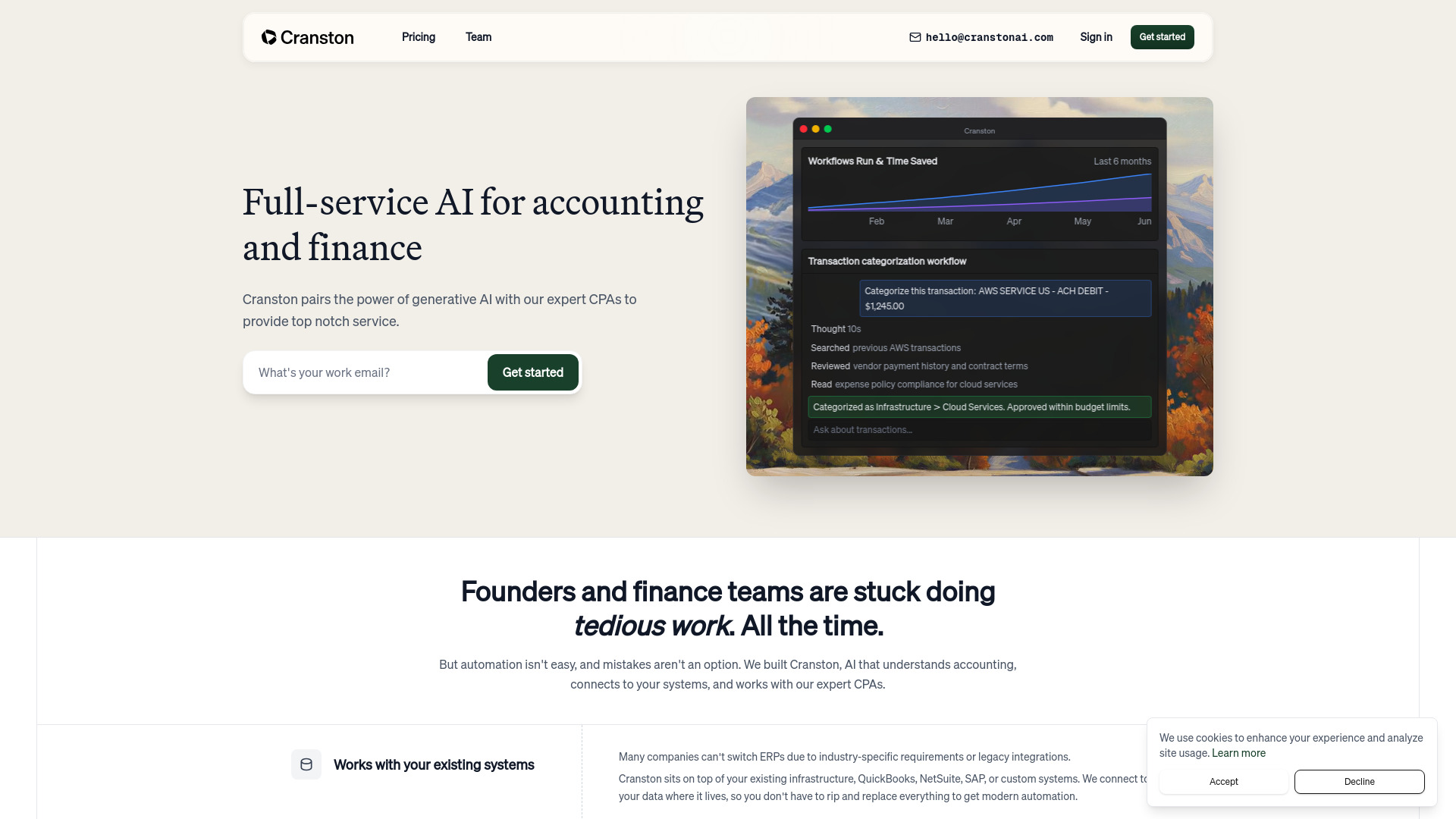
- Founders and finance teams
- 30-day free trial
- Starts at Check vendor pricing
- Usage signal: 0

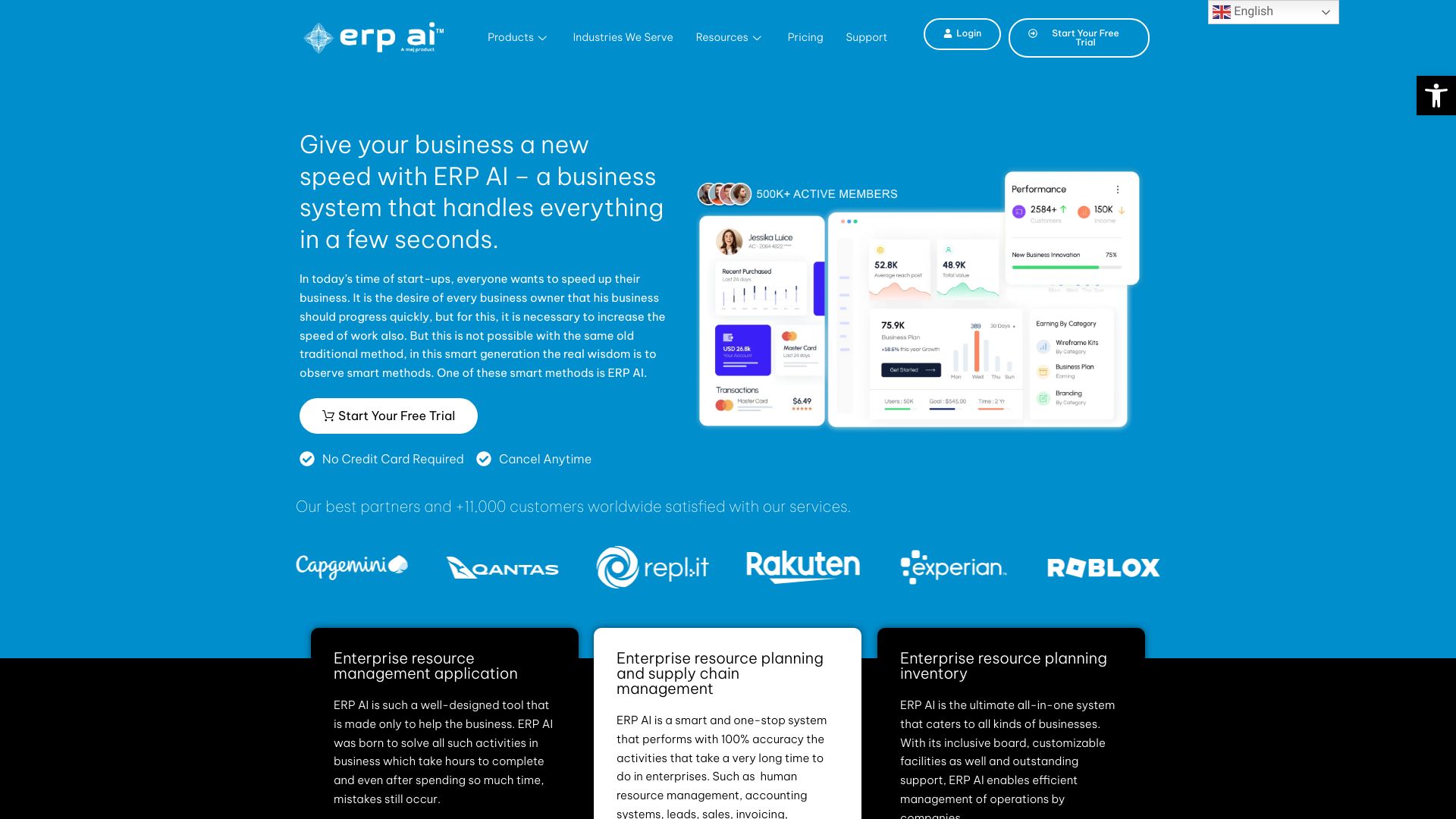
- All-in-one business operations
- Free trial available
- Starts at Check vendor pricing
- Usage signal: 0

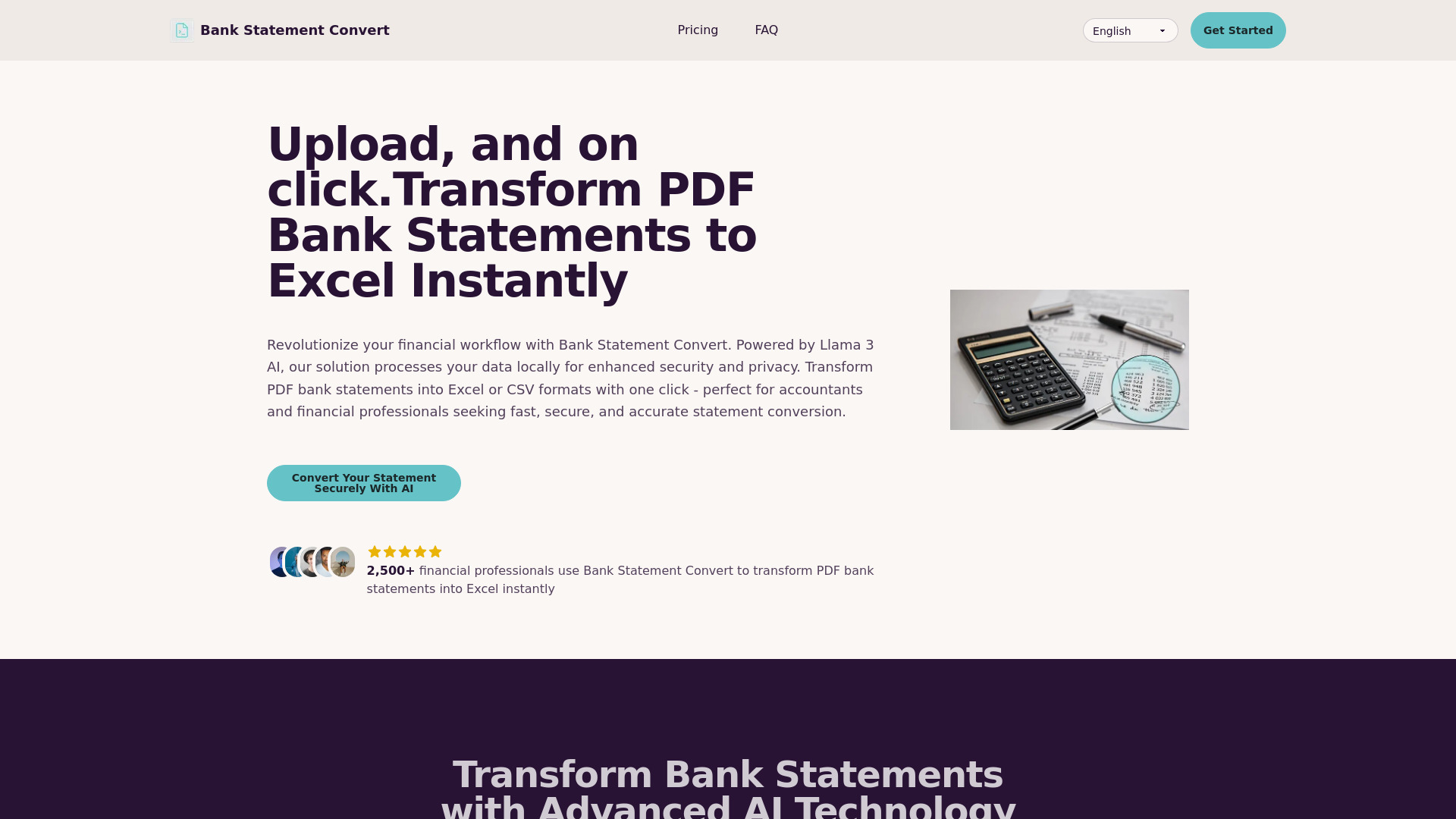
- PDF bank statement conversion
- Free trial available
- Starts at $25.99/month
- Usage signal: 0

- Startup financial planning
- Starts at Check vendor pricing
- Usage signal: 0


- Invoice capture for growing teams
- 10 invoices/month
- Starts at $19/month
- Usage signal: 0

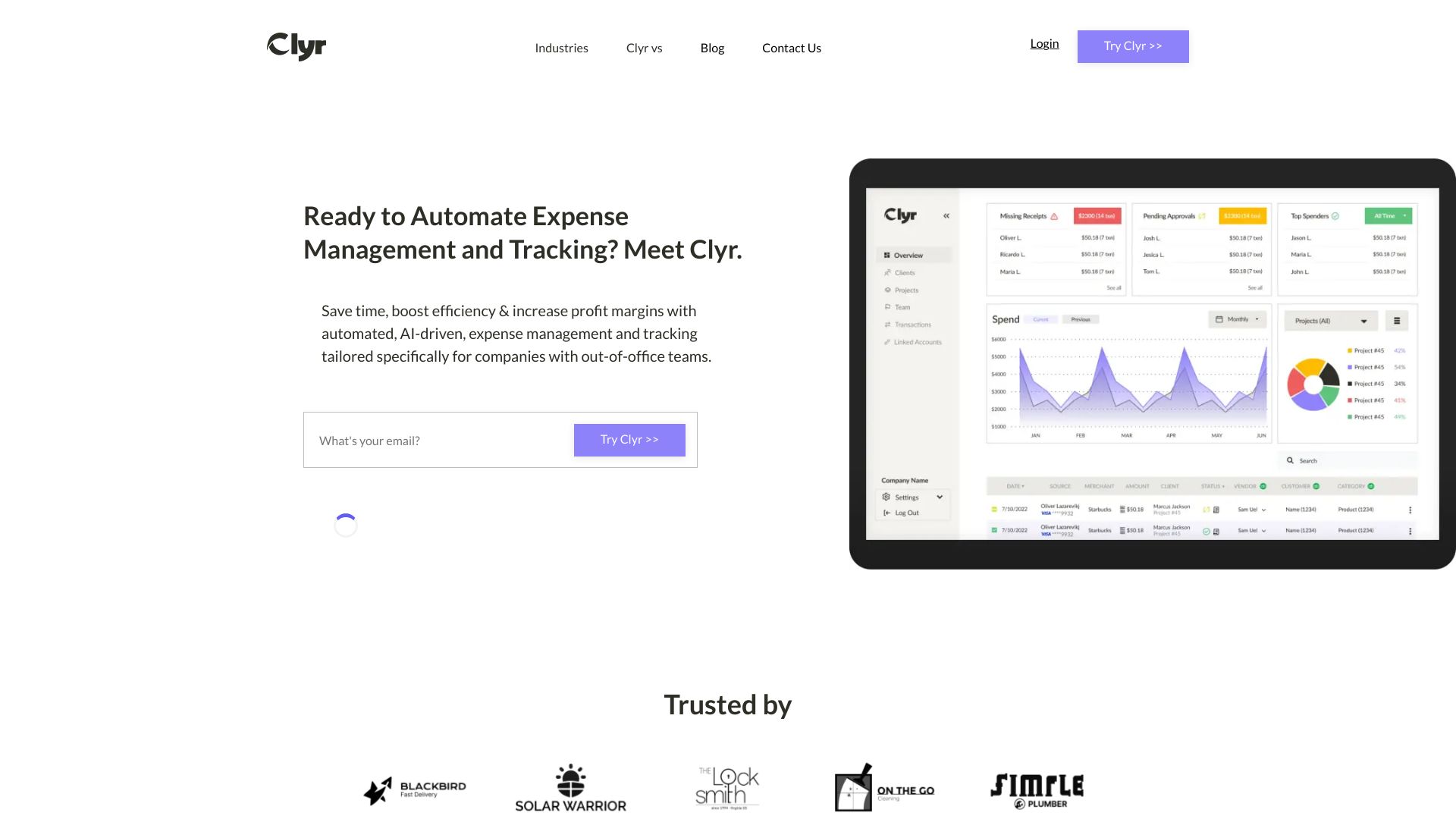
- Field-team expense management
- Starts at Check vendor pricing
- Usage signal: 0
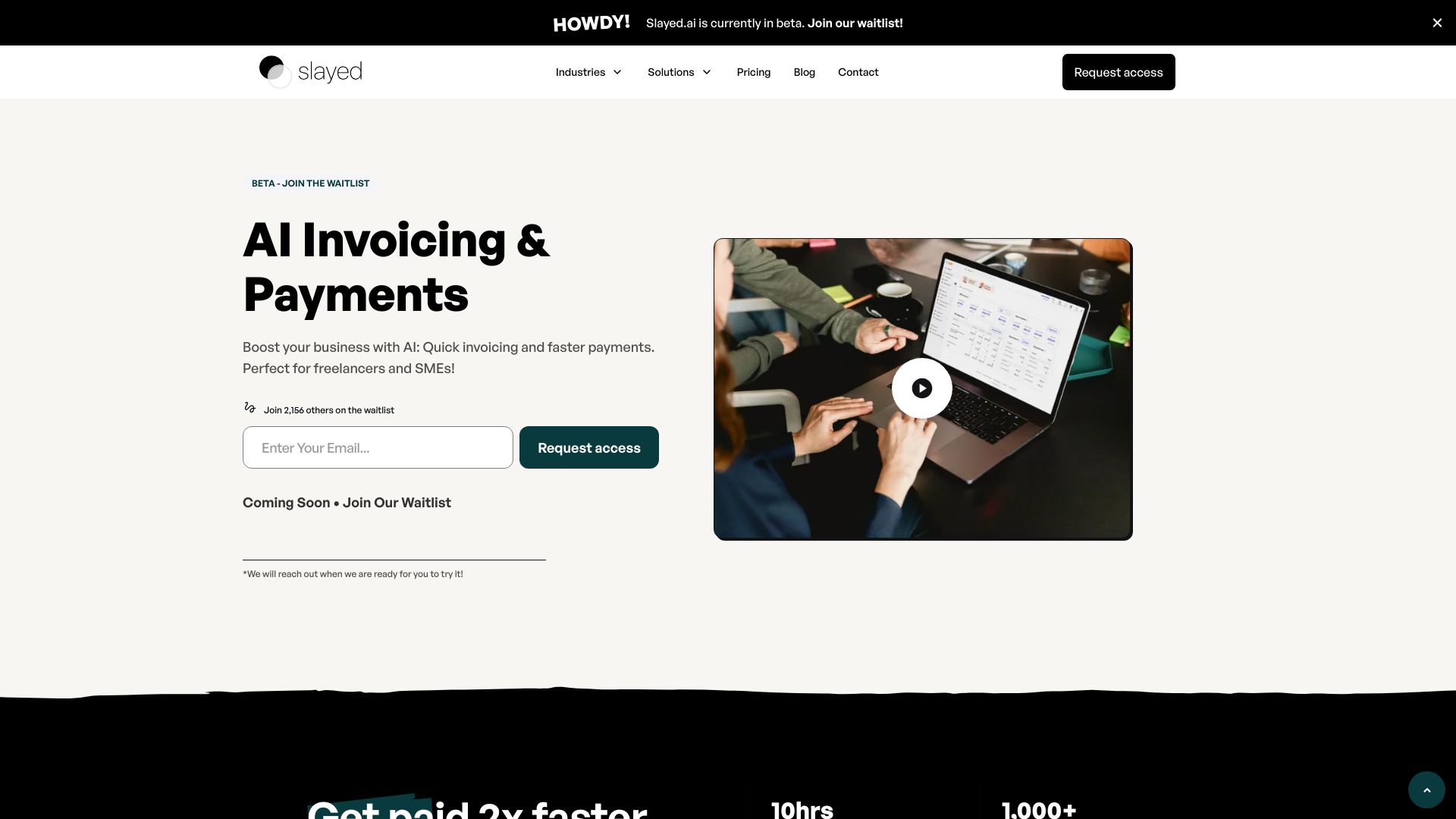
- Freelancers and small businesses
- 14-day free trial
- Starts at Check vendor pricing
- Usage signal: 0
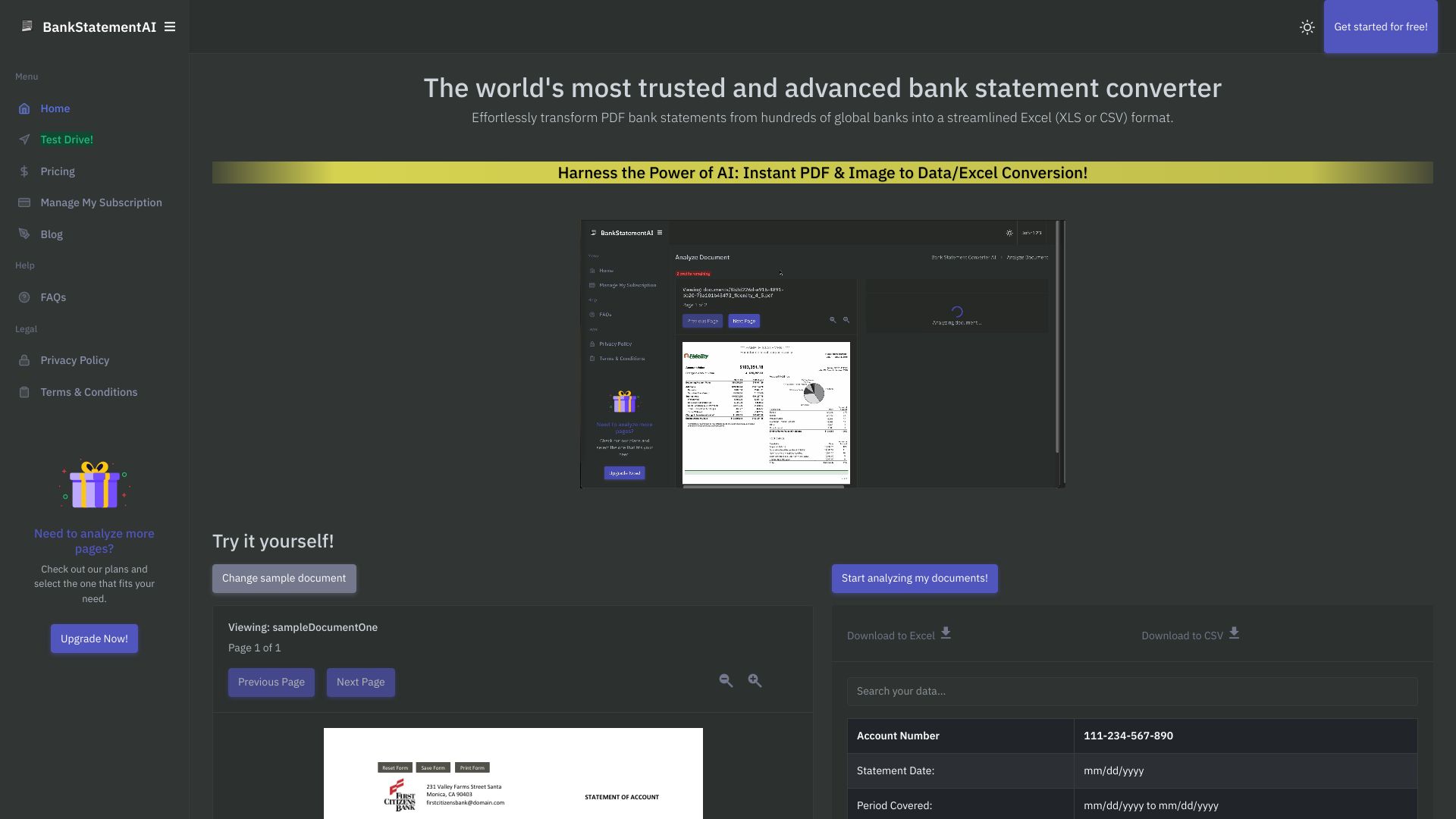
- Converting bank statements to Excel or CSV
- Free trial available
- Starts at $15/month
- Usage signal: 0

- Document and video assessment
- Starts at Check vendor pricing
- Usage signal: 0

- Finance teams automating bookkeeping and reporting
- Free trial available
- Starts at Check vendor pricing
- Usage signal: 0
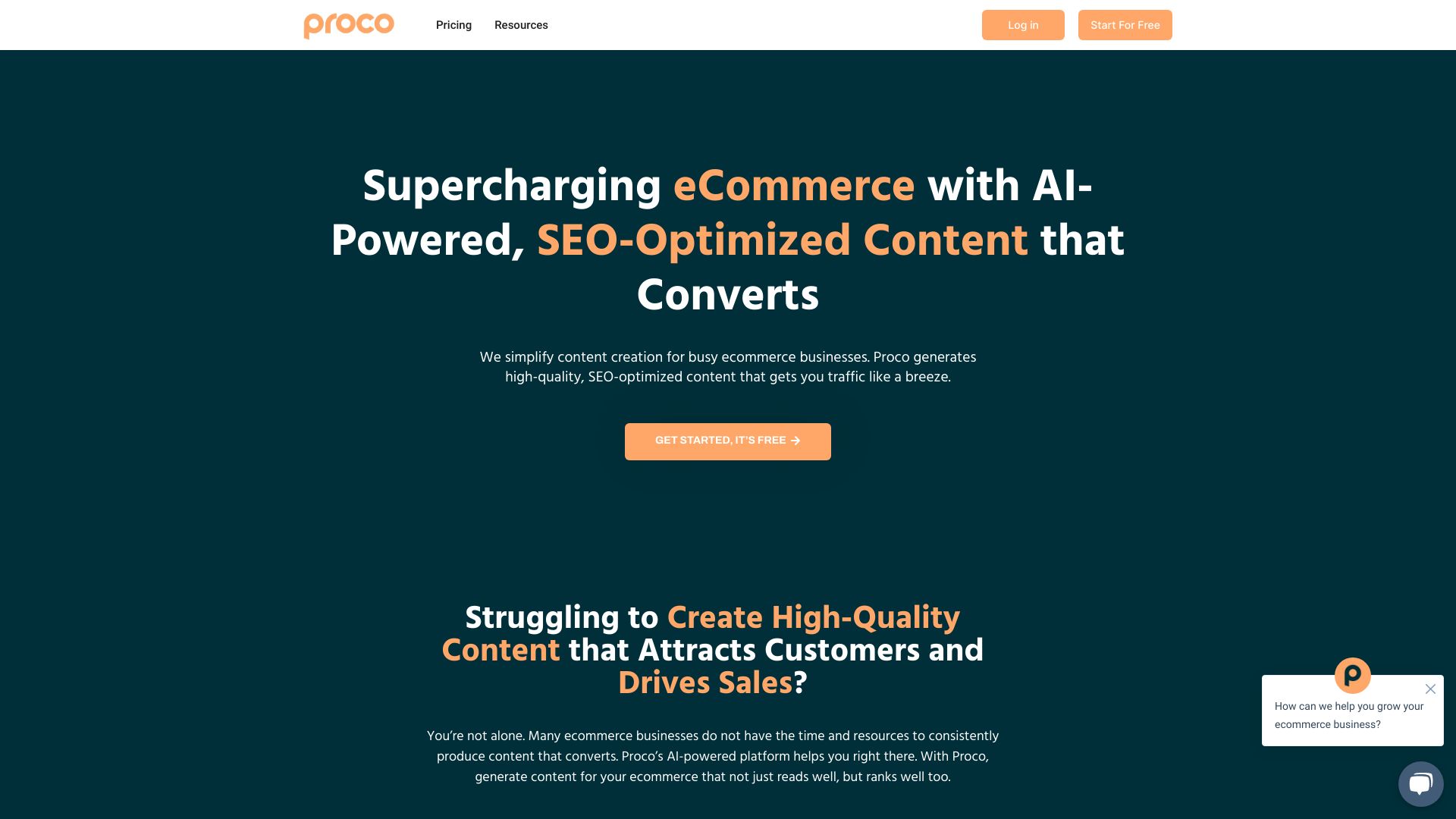

- Expense tracking and budgeting
- Free plan available
- Starts at $1.99/month
- Usage signal: 0
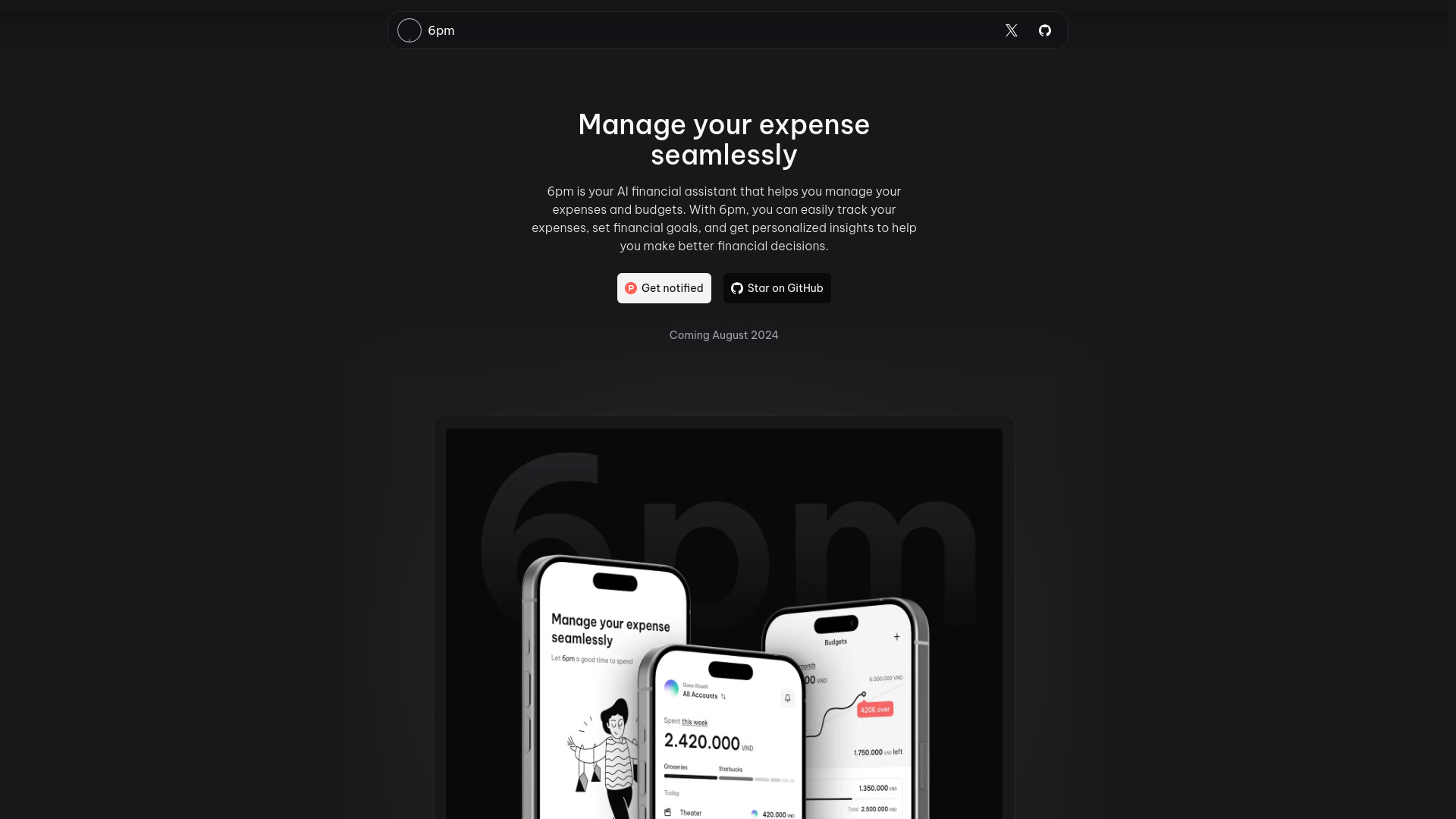

- Software project cost estimates
- Free plan available
- Starts at Check vendor pricing
- Usage signal: 0
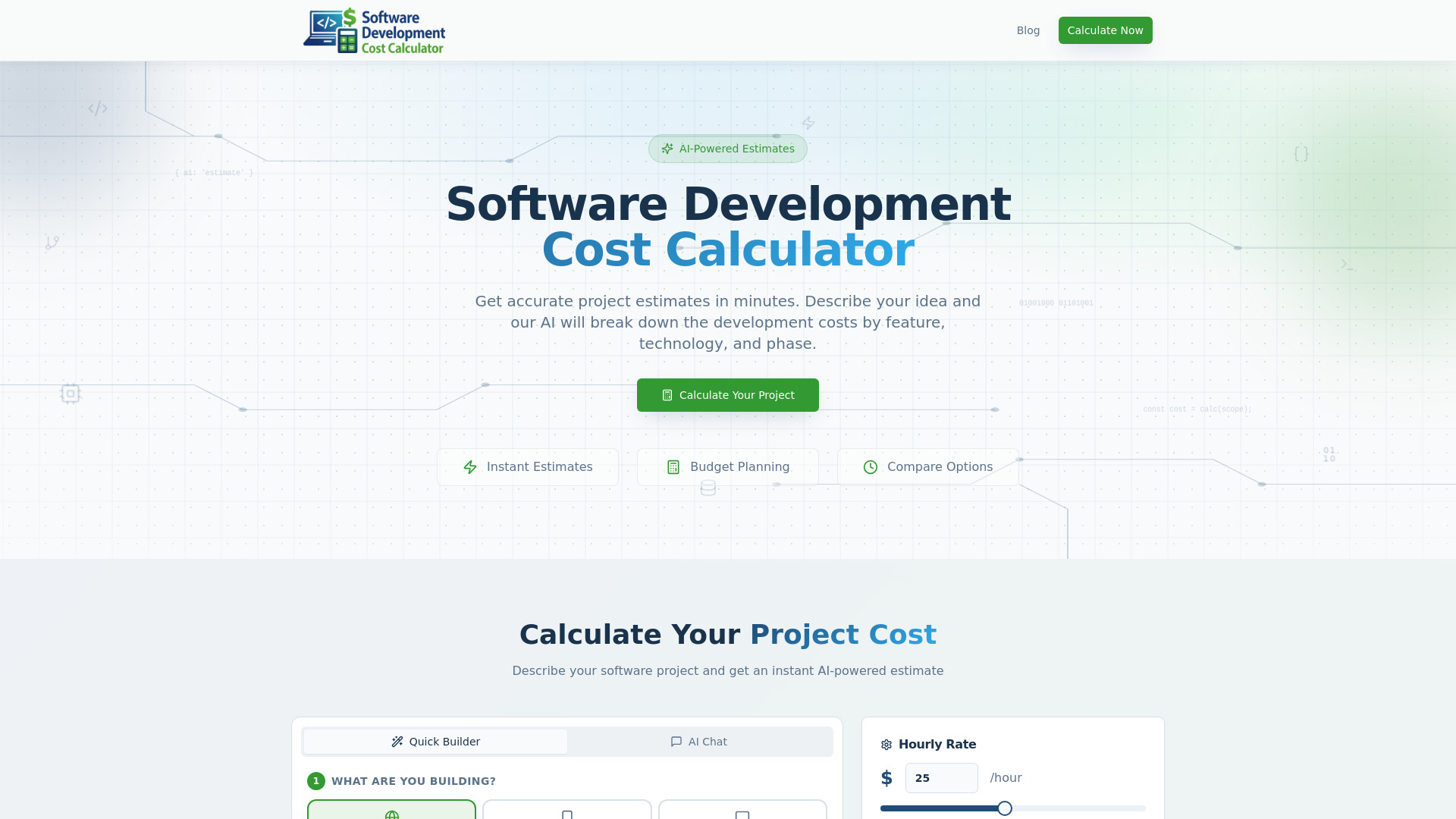
- Personal spending tracking
- Free plan available
- Starts at Check vendor pricing
- Usage signal: 0
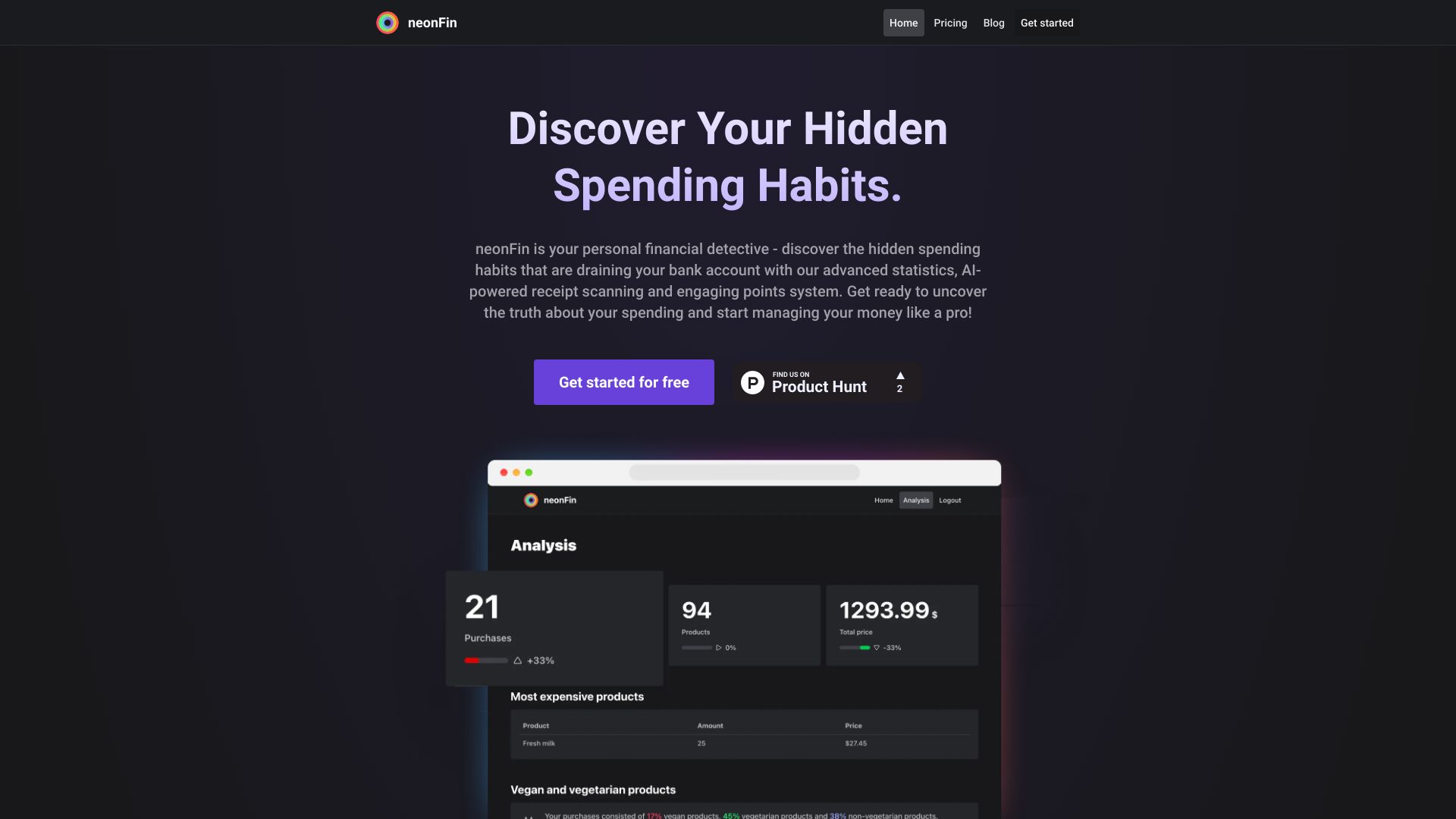

- SaaS budgeting and financial analytics
- Starts at Check vendor pricing
- Usage signal: 0


- SEO agencies needing white-label audits
- 1 free audit/month
- Starts at CHF 29/month
- Usage signal: 0
What to test before choosing
A polished demo is not enough for a complex accounting purchase. Use a small, representative test set and ask each vendor to show the exact workflow rather than a generic tour.
1. Test the input, not just the dashboard
Upload representative invoices, receipts, and bank statements. For document tools, compare extraction quality across clean and difficult files. For bookkeeping tools, inspect how transactions are categorized and how easily you can correct errors. A dashboard can look excellent while the underlying data still needs heavy cleanup.
2. Test the handoff to a human
Automation is useful only when exceptions are visible. Check whether reviewers can find uncertain categorizations, edit them, and preserve a clear record of changes. This matters especially for Kick, Digits, Tabby, and DocuClipper, where automation or extraction is central to the product value.
3. Test your actual systems and models
Finance teams should bring the ERP, EPM, Excel models, or accounting integrations they actually use. insightsoftware emphasizes 140+ ERP and EPM connections; Datarails works with existing Excel models; Client Hub relies on QuickBooks and Xero integration. Those claims become meaningful only after your own connection test.
4. Test regional and structural fit
Accountable's limitations around Soll-Versteuerung and its focus on Freiberufler and Einzelunternehmer show why tax and legal structure must be checked early. Confirm e-invoice requirements, reporting formats, currencies, entity support, and accountant access for your operating region.
5. Test total cost, not the headline price
Record subscription fees, user counts, document volume, onboarding, implementation, and any usage-based charges. Tabby's $0 starting price and Accountable's free invoicing are attractive starting points, while Client Hub lists $69 per user per month and Digits lists AI Accounting from $100. These are useful anchors, not a complete cost model.
What to do next
Start with two or three products from the same shortlist path, then add one adjacent tool only if it addresses a specific bottleneck. For example, a finance team could compare insightsoftware and Datarails, while a bookkeeping firm could compare Client Hub and Intapp. A small business might test Kick, Tabby, and Digits, but it should not assume that more automation automatically means less review.
Create a one-page scorecard with the workflows that matter most: transaction categorization, invoicing, document extraction, reconciliation, reporting, forecasting, client communication, and export or audit history. Give each workflow a pass/fail result and note who owns the task. Then ask for a live pricing quote using your real user count, entities, document volume, and integrations.
The goal is not to find a universally perfect product. It is to identify the tool that fits your current operating model without creating avoidable migration work six months from now. That is a more reliable way to use a list of top rated accounting software than choosing the highest score in isolation.
Common mistakes when choosing from a complex top list
Comparing unlike products as though they were interchangeable. A document extraction tool, FP&A platform, and client portal can all support accounting work, but they solve different problems.
Treating automation as accuracy. Kick, Digits, and Tabby can reduce repetitive work, yet their categorizations may still need review. Build an exception process before switching.
Ignoring the operator. Beancount.io may suit a developer precisely because it uses plain text and Git, while that same design may frustrate a nontechnical owner.
Skipping integration tests. A claimed connection count does not prove that your ERP, EPM, Excel model, QuickBooks account, or Xero workflow will connect cleanly.
Assuming free means complete. Free access can be a useful starting point, but check quotas, features, support, export options, and the point at which paid usage begins.
Requesting a quote too late. Pricing is hidden or variable for several products. Ask early, especially when implementation, user counts, or document volume could change the total.
Confusing firm operations with accounting. Client Hub and Intapp can be excellent for the work around accounting without replacing every ledger or tax workflow.
FAQ
Accountable is the most direct fit in this guide for freelancers because it combines invoicing and e-invoices, expense tracking with text recognition, and tax and bookkeeping management. It also offers free invoicing. Check its limitations carefully if your tax method or business structure differs from its stated focus on Freiberufler and Einzelunternehmer.